Made From the People You Love
Grandparents, kids, pets: upload their photo and they stay the stars of the video, instead of a stock family you have never met.

Give a favorite photo some Christmas magic. Add your picture to Seedance, say what happens next, and watch the people you love move through snow, candlelight and tree lights in a personal video you can send today.
Make a Christmas Video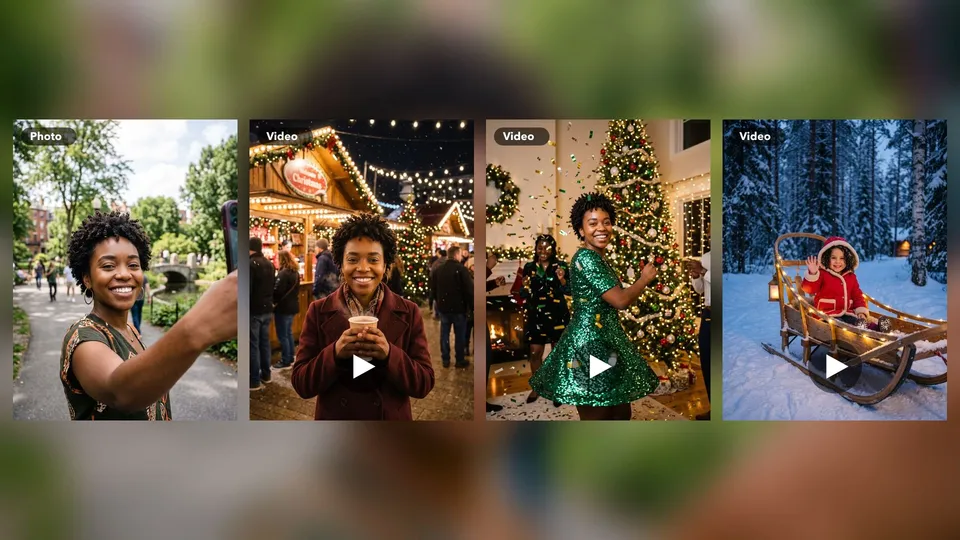
Grandparents, kids, pets: upload their photo and they stay the stars of the video, instead of a stock family you have never met.
Every clip comes from your own picture and your own words, so no two Christmas greetings look alike.
No filming, no timeline and no editing app. Write a sentence or two, generate, and share the video from your phone or computer.
That photo of your parents on the sofa can become the opening of a Christmas video. Upload it to this Christmas video maker online, write what should happen, and Seedance animates the moment. There is no slideshow and no template to fill in: the picture becomes real motion.
Make a Christmas Video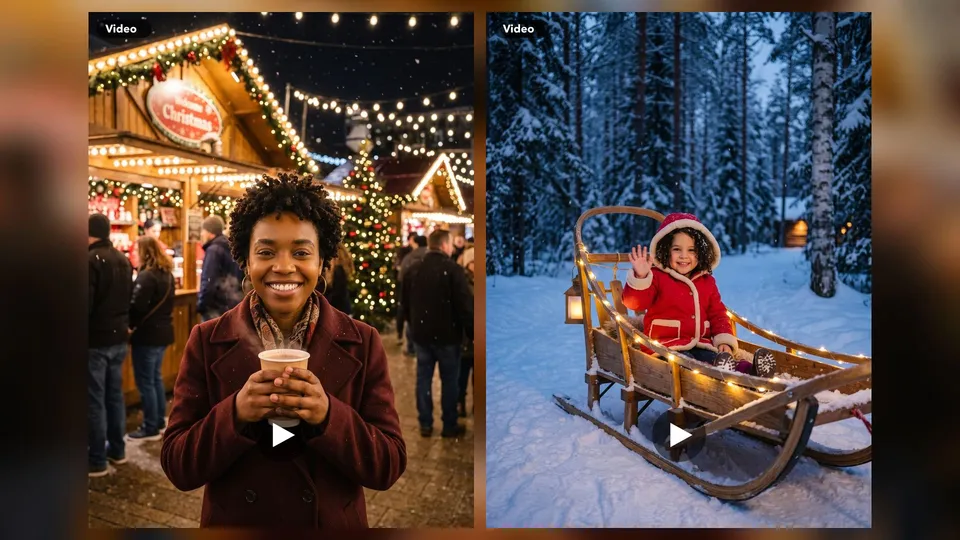
Set the mood the way you would describe it to a friend. A cup of hot chocolate at a Christmas market, a slow sleigh ride through the trees, candles flickering at dinner. The more clearly you describe the light and movement, the closer the clip gets to the scene you imagined.
Make a Christmas Video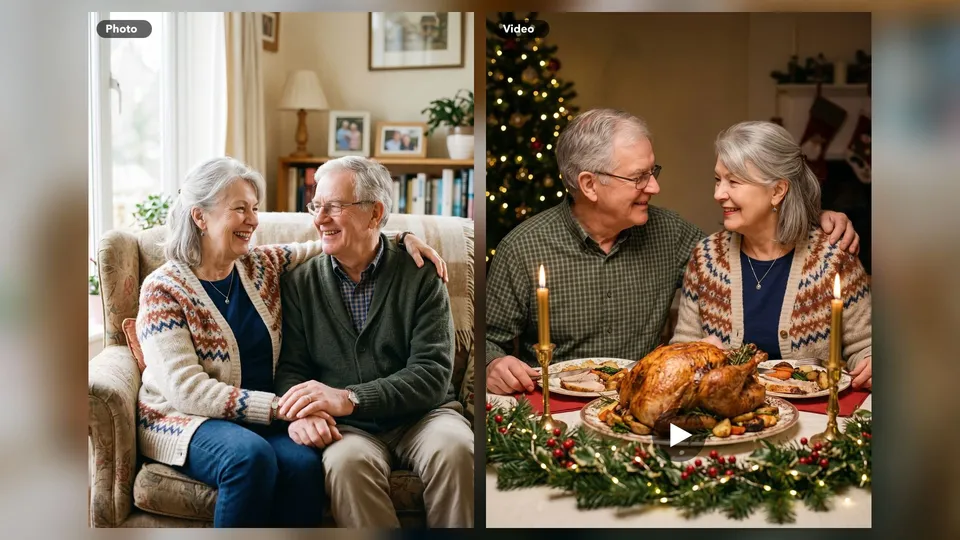
When you cannot be there this year, send more than a message. Turn a photo of the two of you into a personalized Christmas video, or ask for a short Merry Christmas greeting inside the scene. Short wording works best, so read the text once more before you press send.
Make a Christmas Video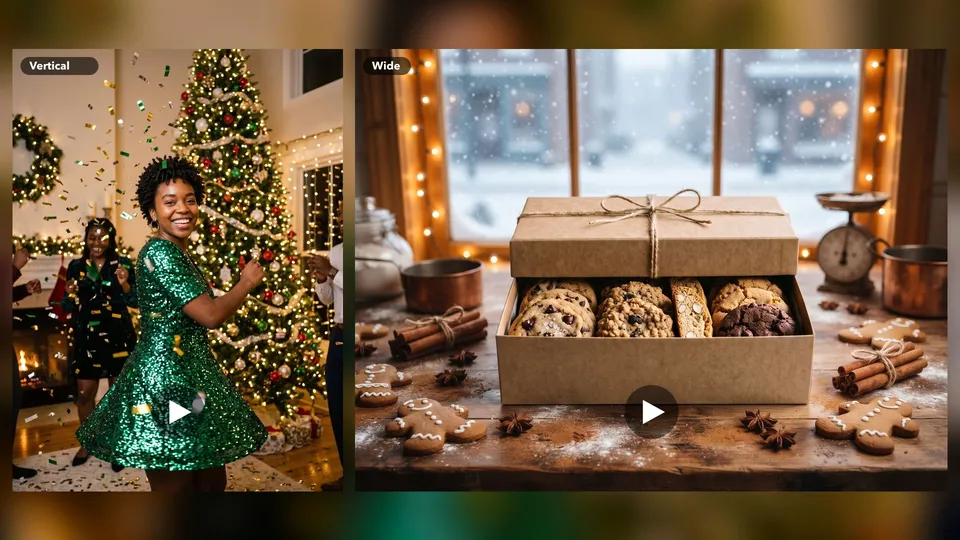
Choose the shape that fits where the video will play. Vertical suits Stories, Reels and family chats, and wide suits the living room TV at Christmas dinner. The models in the panel show their available lengths, ratios and credit costs, and some can add sound as well.
Make a Christmas Video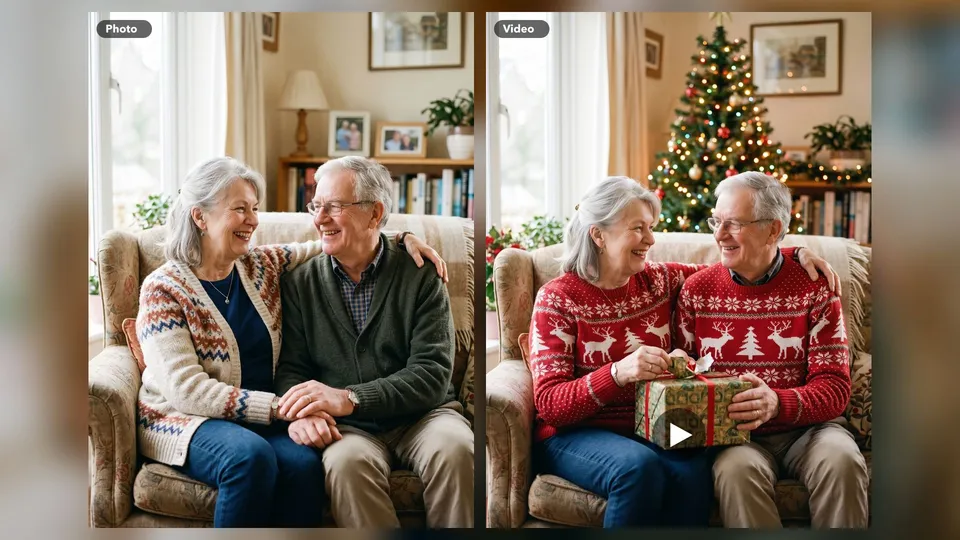
Few gifts land like seeing the family together on screen. Pick a photo of your parents or grandparents, then ask for a candlelit Christmas dinner or a moment opening presents on the sofa in matching sweaters. Send the finished family Christmas video to the group chat, or play it on the TV when everyone sits down. It takes minutes, it costs far less than a video production, and it gives the family something to watch again next year.
Children believe what they can see. Use a photo of your child to make a magical Santa video for kids: waving from a sleigh, whispering a wish beside the tree, or discovering reindeer tracks in the snow. Keep it short and let it play on Christmas Eve at bedtime. Want Santa to say your child's name? Create the scene, then add a voice with the Seedance lip sync tool. Watch every clip first, so you know it is just right for little eyes.
Your cat already acts like the star of the house, so give them the part. Upload a photo of your cat or dog and ask for a tiny red bow, a paw batting a gold ornament, or a nap under the glowing tree. Pet videos are among the easiest Christmas posts to share, and they work as a funny card for friends too. Fur and markings follow your photo, though it is worth comparing the two before you post it.
A cookie box on a counter can become a Christmas ad by lunchtime. Upload a photo of what you sell, then describe gingerbread, cinnamon, snow outside the window and warm shop lights. Post the clip for holiday orders, gift guides and last-minute Christmas offers, or play it on a screen by the till. It suits bakeries, florists, gift shops and local cafes without an agency budget. Compare logos and packaging with your photo before you publish.
Pick a sharp, bright picture of the people, pet or product you want to feature, and add it to the panel above.
Write what happens, where and how it feels. For example: grandparents opening a gift on the sofa, tree lights twinkling, soft and warm.
Choose a model, ratio and length, review the credits and generate. Keep the version you love, then send it to family and friends.
Add a photo to the panel, write what should happen in the scene, choose a model and generate. Seedance turns your picture into a short video that you can download and share.
Making a video uses Seedance credits. The panel shows the cost before you generate, and it changes with the model, length and settings.
Yes. Describe a Santa scene and use a photo as your reference. To add a spoken message with your child's name, take the finished clip to the lip sync tool.
Your photo guides the video, and sharp, well-lit faces give the closest likeness. It depends on the model too, so check the clip and generate again if someone looks different.
Yes. Put a short greeting in your prompt and check the spelling in the finished clip. For a longer message, add the text afterwards in a video editor.
Some models generate sound and others do not. Pick one with audio, or add your favorite Christmas song afterwards in an editing app.
A bright, sharp photo with clear faces and little clutter. If you want a person or product shown from different sides, add more than one reference photo where the model allows it.