
Synthesia Avatar B-Roll Prompts: Templates for Better Action Shots
AI Overview
What should a Synthesia Avatar B-roll prompt include?
Name one visible action, the object involved, the space, the camera framing, and the pace. Keep the instruction short because the selected avatar and space already provide most appearance details.
Which Synthesia avatars support B-roll clips?
Synthesia currently documents Avatar B-roll for Customizable Avatars and Personal avatars created from a photo. Availability also depends on Create with AI being enabled in the workspace.
Can an Avatar B-roll clip use the same presenter and space?
Yes. Select the compatible avatar and space before prompting, then keep the same style across related assets. Treat identity, outfit, key props, and room layout as continuity anchors.
How do I stop Avatar B-roll from looking random?
Ask for one action and one camera idea per clip, avoid overloaded scenes, and define what must remain unchanged. Review the whole motion and cut points, not only the poster frame.
What Avatar B-Roll Can and Cannot Do
People searching for Synthesia Avatar B-roll prompts usually have an A-roll problem: the presenter explains well, but the video feels visually static. Avatar B-roll lets a compatible presenter step into a short action shot—walking through a space, handling an object, demonstrating a task, or interacting with a colleague—so the edit can show the idea instead of only describing it.
Synthesia documents two routes. Presets offer avatar-plus-space or space-only actions. For custom prompting, open Media, choose Create with AI and Video, select a supported Veo 3 route, choose the avatar and space, set an optional style, and describe the action. If Create with AI is missing, the workspace admin may have disabled it.
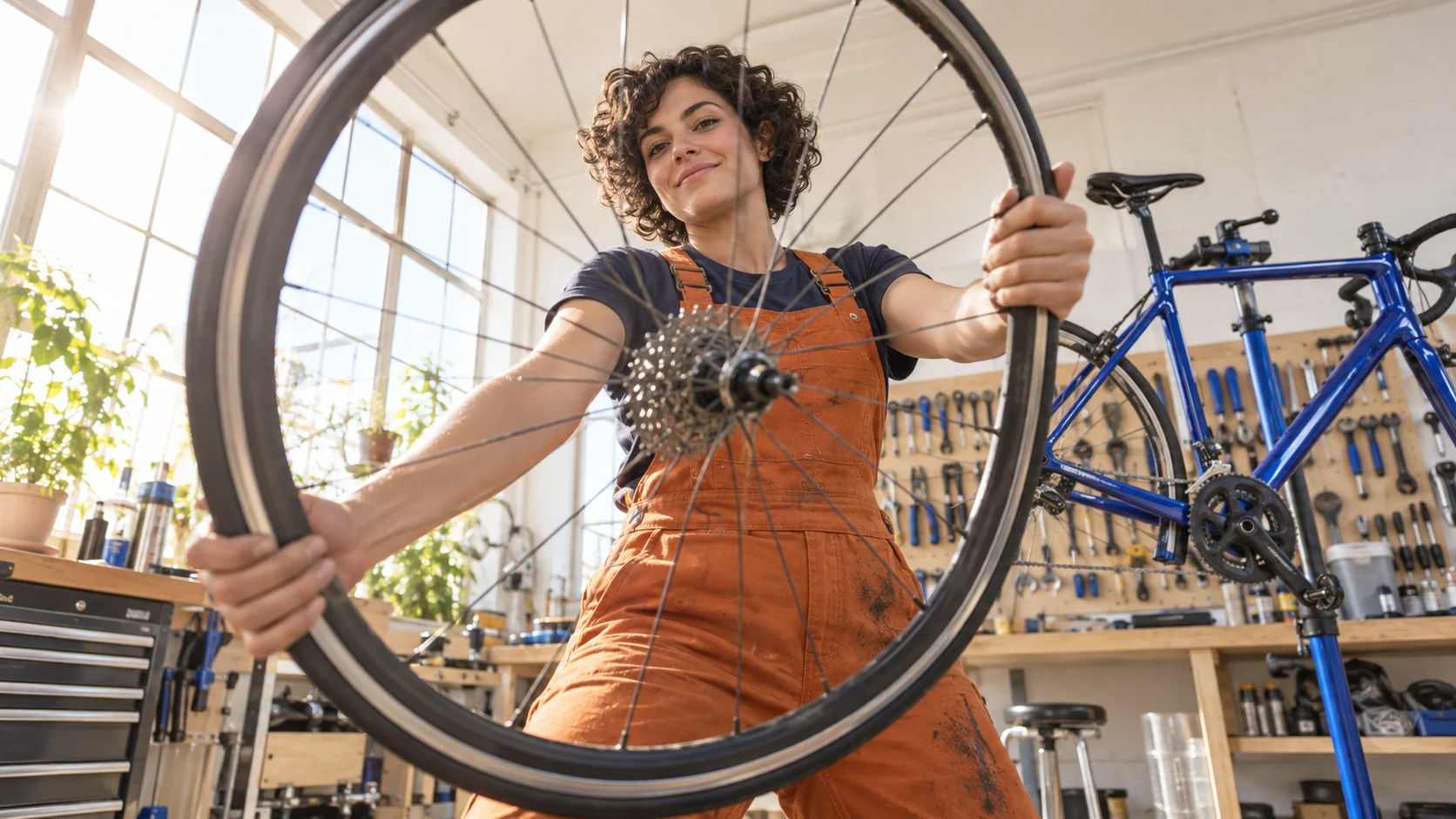
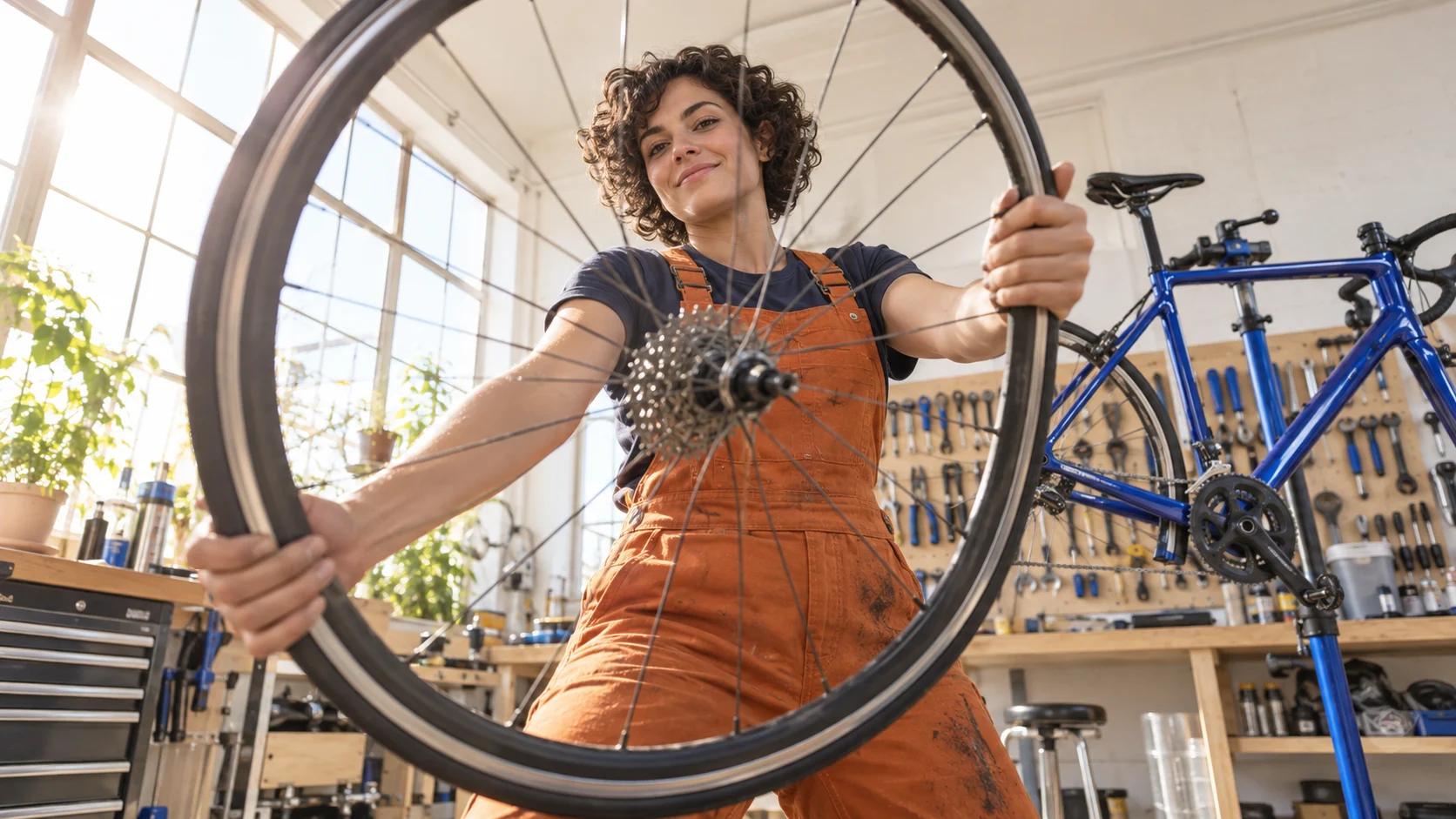
A finished editorial B-roll concept: one presenter, one action, one workshop, and a wheel that reads immediately. It is not a claimed Synthesia benchmark.
Before generating, mark the exact sentence the B-roll will cover. If the voice says, “Inspect the rear wheel before every ride,” the useful visual is the presenter turning or examining the wheel—not an unrelated walk through the workshop. That single decision improves relevance more than adding adjectives such as “epic” or “beautiful.”
Build a Prompt with Six Controls
A reliable Synthesia B-roll prompt template is compact:
[Avatar] + [single visible action] + [object] + [space] + [camera] + [pace and ending]
In Synthesia, the avatar and space may already be selected as inputs, so the written prompt can focus on action and cinematography. Use appearance language only when it protects something important, such as a uniform, branded color, safety equipment, or a prop that must match the A-roll.
Here is a production-ready example:
The avatar walks from the workbench to the cobalt road bike, lifts the rear wheel with both hands, and checks the tire. Medium side-tracking shot at a calm instructional pace. Keep the orange workwear, bright workshop, bike color, and tool wall unchanged. End with the wheel held still for a clean cut.
Each control has a job:
- Action: Use a filmable verb—walks, lifts, points, scans, measures, or demonstrates.
- Object: Name one prop and the intended hand contact.
- Space: Confirm the location and its defining anchors.
- Camera: Choose one framing or move: wide static, medium tracking, close insert, or slow push-in.
- Pace: Say calm, deliberate, brisk, or energetic.
- Ending: Request a held pose or completed action for a clean cut.
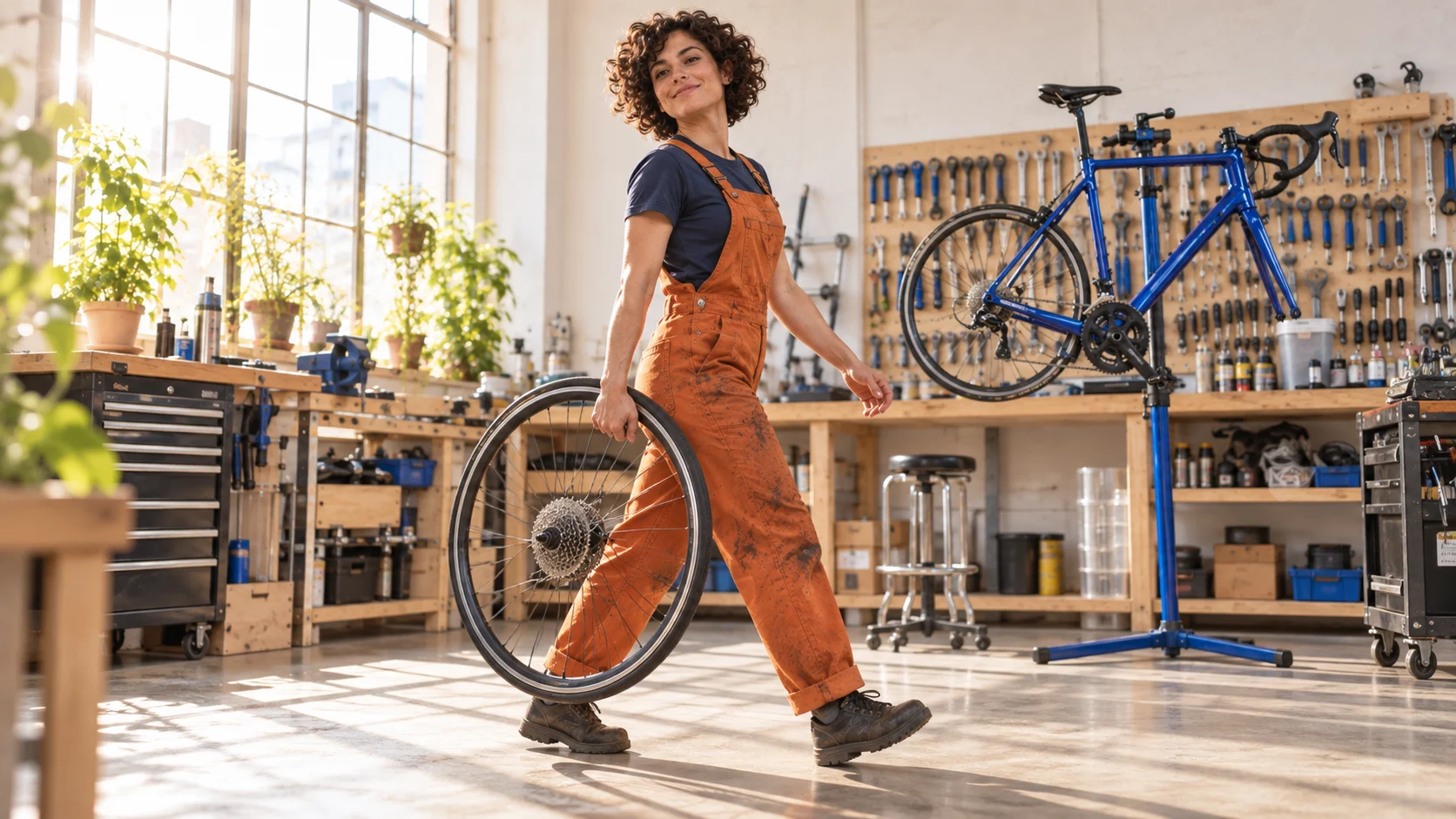
This wider action changes composition while protecting face, wardrobe, wheel, bicycle, workshop materials, and morning light.
Avoid screenplay paragraphs. Multiple actions invite skipped steps, discontinuities, and confused object contact. Instead of “walks in, greets a customer, repairs the bike, presents it, and rides away,” generate separate clips with a shared continuity card.
Copy-Ready Prompts for Common Scenes
The following Synthesia Avatar B-roll examples are deliberately short. Replace the bracketed nouns, keep one action, and add only the continuity details that matter.
| Goal | Copy-ready prompt |
|---|---|
| Training demonstration | The avatar places the [safety item] on the table, points to its two inspection areas, and pauses. Medium static shot, calm instructional pace, clean final hold. |
| Workshop action | The avatar walks to the [machine], checks the control panel without pressing anything, and turns toward camera. Wide side-tracking shot, deliberate movement. |
| Product reveal | The avatar removes the cover from the [product], rotates it once toward the light, and holds it still. Slow push-in, premium but natural motion. |
| Logistics | The avatar scans one parcel label and moves the box to the marked cart. Medium shot, clear hand-to-scanner contact, stable background. |
| Software cutaway | The avatar sits at the workstation and begins typing while the camera moves slowly over the shoulder. Keep the screen abstract and unreadable. |
| Welcome sequence | The avatar opens the studio door, steps aside, and gestures into the room. Wide static shot, friendly pace, hold the invitation pose. |
| Walking transition | The avatar walks from [point A] to [point B], glances briefly toward camera, and stops on the floor marker. Gentle tracking shot. |
| Closing beat | The avatar places the finished [object] on the bench and steps back with a small satisfied smile. Slow pull-back, two-second final hold. |
A strong Synthesia avatar walking prompt names a destination and an ending. “Avatar walking and waving” can work as a quick test, but “walks from the doorway to the blue workbench, gives one brief wave, and stops beside the bicycle” is easier to stage and edit. Do not ask the avatar to walk, speak, handle several objects, and change expression simultaneously.
For ideas that do not depend on a presenter, build a neutral motion baseline in the text-to-video workspace. When a designed first frame must define clothing, product geometry, or composition, use the image-to-video workflow and describe motion rather than re-describing the image.
Match B-Roll to the A-Roll Scene
Continuity is the difference between “a generated clip” and a shot that belongs in the edit. Write a five-item card before prompting: avatar identity, outfit, space, hero object, and visual style. Reuse those anchors across the A-roll and every cutaway. If one can change, label it optional rather than leaving the system to guess.
Build a three-shot teaching sequence instead of disconnected footage:
- Orient: a wide shot shows the avatar approaching the bike and workbench.
- Prove: a medium or close shot shows the precise hand action on the chain or wheel.
- Resolve: a wider shot shows the finished bike, a held pose, or the avatar leaving the space.
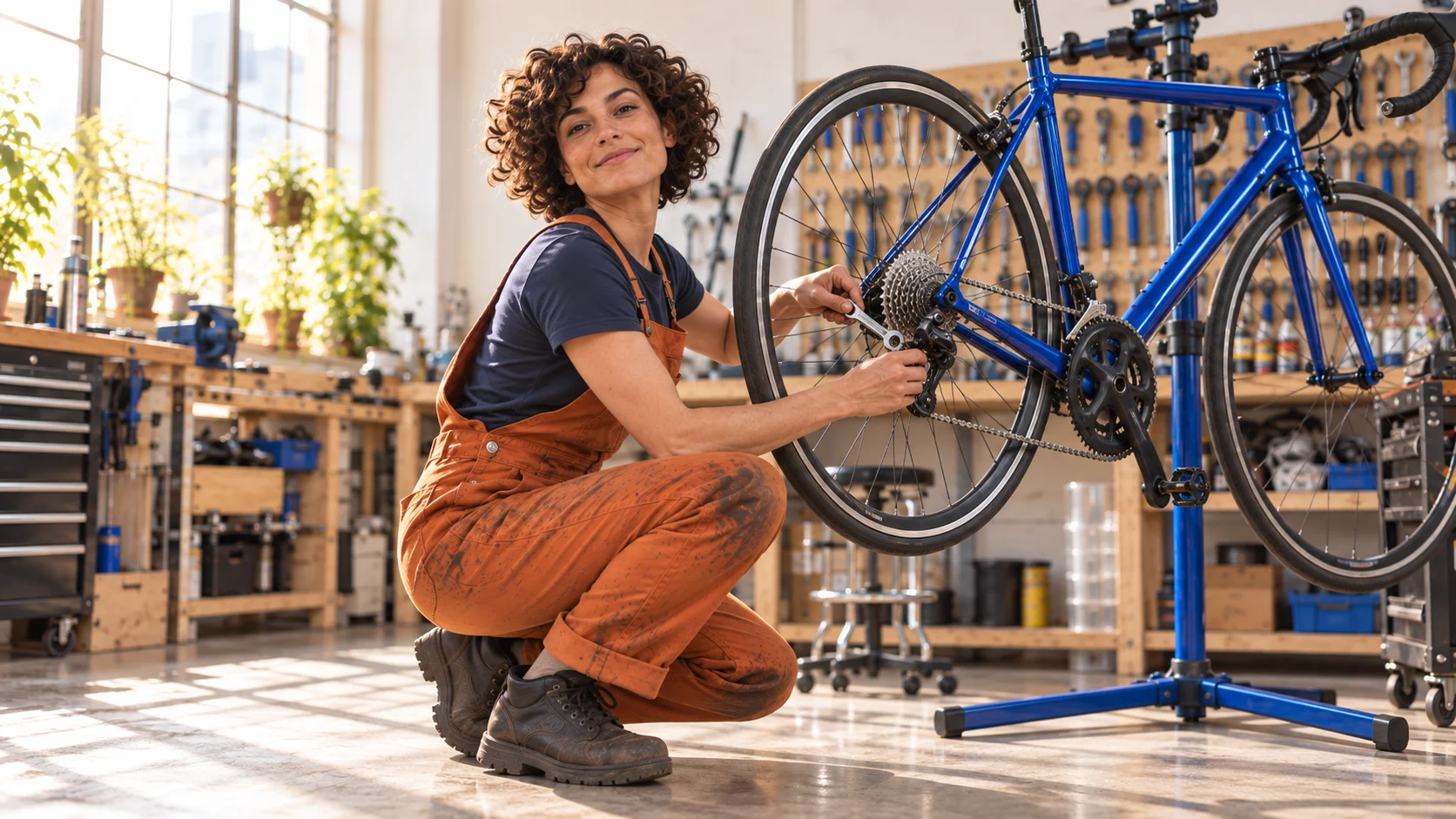
The proof shot makes the tool, hand contact, drivetrain, and expression readable without changing the protected workshop setup.
Match direction as well as appearance. If the avatar exits A-roll moving right, let the next clip continue right unless the edit intentionally resets orientation. Keep lens language compatible: a highly distorted action-camera insert can feel detached from a calm waist-up presenter. The environment consistency guide provides a useful checklist for repeated room geometry, furniture, light direction, and prop placement.
Use one style across the avatar and generated assets. A photoreal presenter cut against a painterly workshop may be intentional, but it should not happen accidentally. Brand color is a supporting anchor, not a reason to place logos on every surface.
This existing Seedance editorial output is not a Synthesia benchmark. Watch the complete motion to inspect body continuity, background stability, entry, and exit—not just the poster.
Fix Common Prompt Failures
If the avatar barely moves, replace mood adjectives with a visible action and destination. “Energetic and engaging” is not choreography; “walks three steps to the table, lifts the case, and turns it toward camera” is.
If hands or props break, reduce the task to one object and one contact. Prefer a medium shot when the face and hands both matter, then create a separate close insert if the mechanism needs detail. Avoid transparent objects, tangled cables, tiny labels, or several similar tools in the first attempt.
If the background changes, reselect the intended space and repeat only its defining anchors: room type, dominant materials, hero furniture, and light. Do not describe an entirely new set inside the action prompt. If the avatar or space icons do not appear, confirm the supported model route and compatible avatar type before editing the prose.
If the clip cannot cut cleanly, specify the opening state and final hold. Ask the action to begin immediately, finish once, and remain still for the final one or two seconds. Avoid camera moves that accelerate at the end. The editor needs handles, not endless motion.
If several revisions fail differently, stop adding instructions. Return to a preset or the minimum viable prompt, approve the basic movement, then add one variable. Keep an acceptance checklist: identity, outfit, space, prop geometry, contact, direction, camera, pace, clean ending, and usable duration. Score approve, usable after edit, or reject with one reason.
The voice consistency guide is useful when B-roll sits under continuing narration: lock the voice, language, cadence, room tone, and edit boundary separately from the visual prompt.
Plan the Full Video with Seedance Agent
One B-roll clip is simple; a 12-scene training or product video creates coordination work. Each script sentence needs an A-roll or B-roll decision, protected references, an aspect ratio, a review rule, and a fallback when the first generation fails. Repeating that work manually is where production slows down.
Seedance Agent can turn the script into a shot plan, mark where a presenter should remain on camera, assign B-roll goals, keep references visible, and collect approvals before selective reruns. Give it the avatar continuity card, script timing, delivery format, brand constraints, prompt formula, and the acceptance checklist above. Ask it to propose the plan and cost boundary before generating.
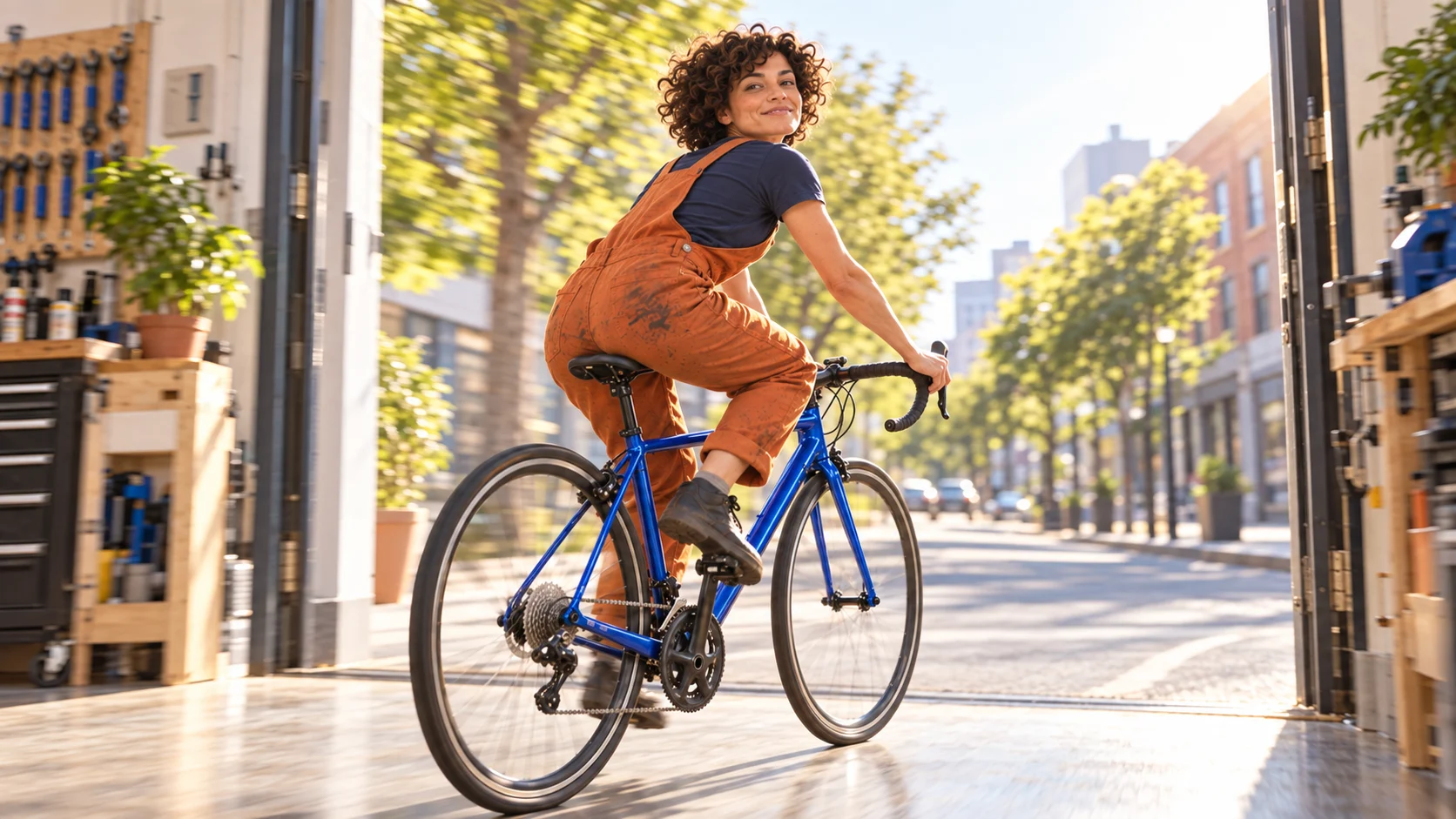
A resolved final beat gives the sequence a clear editorial landing while retaining the presenter, outfit, bicycle, workshop, and light.
The agent does not make every prompt perfect or replace consent and brand review. Its value is keeping the production decision chain intact: explain, show, approve, and rerun only the failed shot. That makes the output easier to update when a script, language, product detail, or delivery ratio changes.
Conclusion
Effective Synthesia Avatar B-roll prompts describe one visible action, one object relationship, one space, one camera idea, one pace, and a clean ending. Start with a compatible avatar and selected space, use presets for reliable standard actions, and write short prompts when the story needs a specific demonstration. Protect identity, outfit, room, props, direction, and style across a three-shot orient–prove–resolve sequence; then judge the full motion and cut points instead of the thumbnail. For a multi-scene video that needs script mapping, references, approvals, and selective retries, build the complete shot plan with Seedance Agent.
Ready to try it yourself?
Put the steps from this guide into practice with Seedance and turn prompts or images into polished videos in minutes.
Free credits on signup. Plans from $28/month.
Related Articles
More posts in the same locale you may want to read next.

Seedance App Preview Video Generator 2026: Create App Store and Product Launch Clips
Use Seedance to turn app screenshots, feature copy, and launch goals into App Store previews, Google Play promo videos, and product launch clips.
Read article
How to Make a Talking AI Avatar You Can Reuse
Make a talking AI avatar with Seedance: design one consistent character, give it a voice, and make it speak in a talking photo or a full Seedance 2.5 scene, episode after episode.
Read article
Best AI Video-to-Video Models in 2026
The best AI video-to-video models in 2026 for editing footage you already shot: Higgsfield Genjutsu, Seedance 2.x, Runway Aleph, Luma Modify and Kling Omni compared.
Read article