
Seedance vs Pollo AI: Which AI Video Generator Wins in 2026?
Last Updated: June 23, 2026
Quick Answer: Seedance and Pollo AI are both multi-model AI video platforms, but they aim at different users. Seedance is a fast, video-first generator with generous daily free credits, a clean image-to-video and text-to-video workflow, and its own Seedance 2.0 audio-video model. Pollo AI is a broader creative suite with a large model catalog, avatars, lip-sync, and effects. If you mostly want to turn a prompt or photo into a clean clip quickly and for free, choose Seedance.
If you are comparing Seedance vs Pollo AI, you are probably trying to pick one AI video generator instead of paying for two. Both let you create video from a text prompt or an image, and both give you access to several underlying models. But they are built for different workflows. This guide breaks down what each tool actually does, how their models, pricing, and image-to-video features differ, and exactly when Seedance is the better pick — without inventing numbers or trashing the competition.
Seedance vs Pollo AI at a Glance
Here is the short version before we get into detail.
| Dimension | Seedance | Pollo AI |
|---|---|---|
| Core idea | Fast, focused AI video generator | All-in-one creative suite |
| Models | 10+ models incl. Seedance 2.0, Veo 3, Sora 2, Kling | 50+ models incl. Pollo 2.5, Veo 3, Kling, Runway, Hailuo, Pixverse |
| Free tier | Daily free credits that refresh | Free plan with limited credits, watermarked output |
| Image-to-video | Yes — upload and animate | Yes — upload and animate |
| Text-to-video | Yes | Yes |
| Native audio/lip-sync | Seedance 2.0 joint audio-video, lip-sync | AI lip-sync in 15+ languages |
| Extras | Multi-model compare, clean workflow | Avatars, effects library, music video, batch, API |
| Best for | Quick daily video, creators, marketers | High-volume studios needing many models/effects |
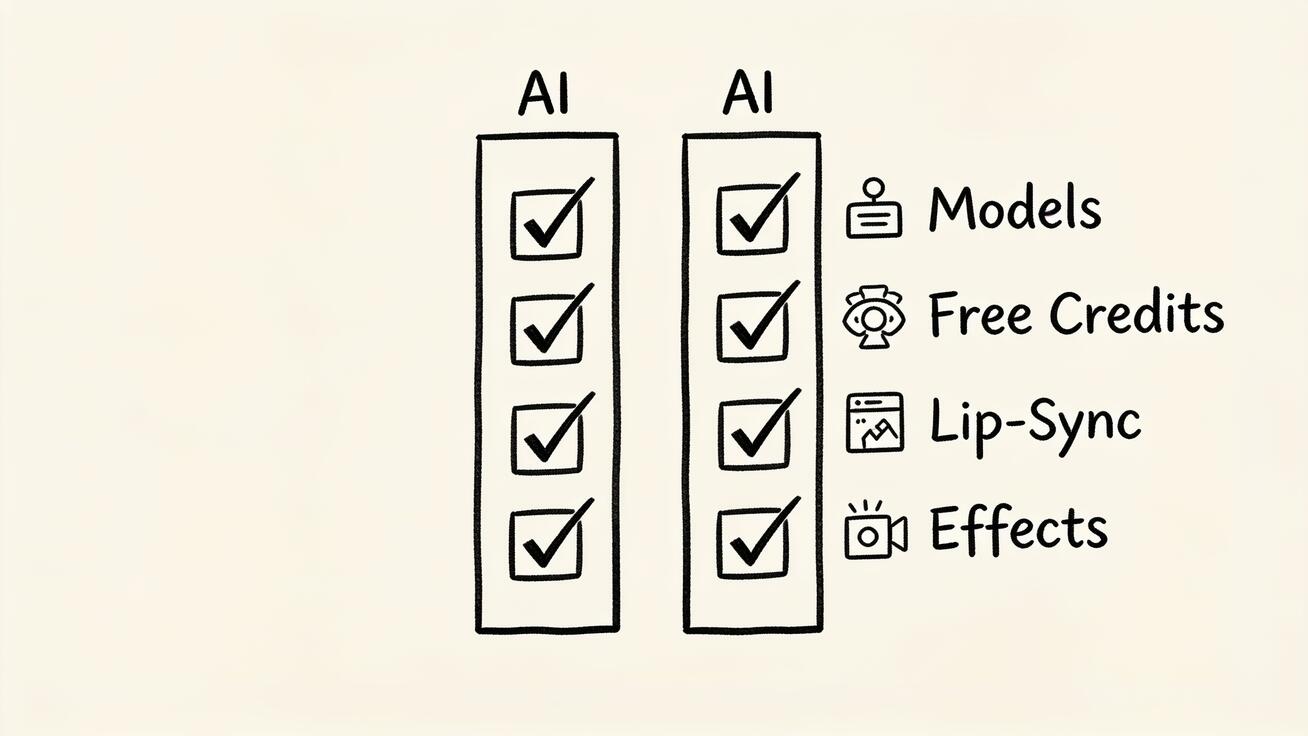 Seedance vs Pollo AI: focus versus breadth across models, free credits, and creative features.
Both are legitimate tools. The difference is breadth versus speed. Pollo AI casts a wide net across models and creative features; Seedance keeps the path from idea to finished clip short.
What Is Seedance?
Seedance is a free AI video generator focused on getting you from prompt or photo to a finished clip with as little friction as possible. You open Seedance, type a prompt or upload an image, pick a model, and generate. There is no sprawling dashboard to learn first.
Under the hood, Seedance gives you access to 10+ models, including its own Seedance 2.0 alongside well-known names like Veo 3, Sora 2, and Kling. Seedance 2.0 is notable because it is built as a unified audio-video model with phoneme-level lip-sync across multiple languages, so spoken or sound-driven clips come out more coherent than stitching audio on afterward. Output runs up to 1080p, and the free tier hands you daily credits that refresh automatically, so casual and regular creators can keep producing without immediately hitting a paywall.
The product personality is "video first." You are not buying a 20-tool marketing suite — you are buying a fast, reliable way to make AI video, compare a couple of models on the same prompt, and export for social, product, or ad use.
What Is Pollo AI?
Pollo AI positions itself as an all-in-one AI creative suite for marketers and creators. Instead of focusing narrowly on video generation, it bundles a wide catalog of capabilities into one workspace: video, images, avatars, lip-sync, effects, and templates.
Its biggest selling point is model breadth. Pollo AI advertises access to 50+ state-of-the-art video models — Veo 3, Kling, Runway, Hailuo, Pixverse, Vidu, Wan, and others — plus its own flagship Pollo 2.5. On top of generation, it adds 40+ creative effects and templates, consistent-character generation, AI lip-sync in 15+ languages, batch processing for high volume, video avatars created from a single photo, text-prompt video editing, and a music video generator. It also exposes a developer API platform and advertises output up to 8K.
In short, Pollo AI is a deep toolbox. If your work depends on having dozens of models and creative effects on tap in a single subscription, that breadth is the draw.
Seedance vs Pollo AI: Models and Features Compared
The headline difference is philosophy. Pollo AI competes on how many models and features it can offer; Seedance competes on how fast and clean the core video workflow is.
Model catalog. Pollo AI's 50+ model count is genuinely larger than Seedance's 10+. If you want to try an obscure model or hop between many of them, Pollo has more options. But more models is not automatically better — most creators settle on two or three they trust. Seedance curates the models that matter most for quality video (Seedance 2.0, Veo 3, Sora 2, Kling) and makes switching between them on the same prompt effortless, which is the part most people actually use.
Native audio and lip-sync. Both handle lip-sync. Pollo AI offers lip-sync in 15+ languages as a feature layered onto its models. Seedance 2.0 is built as a joint audio-video model, meaning the motion and the sound are generated together rather than aligned after the fact — useful when you need talking characters or sound-driven motion to feel natural.
Creative extras. This is Pollo's clear territory. Avatars from a single photo, a large effects/template library, batch processing, and a music video generator are things Seedance does not try to match feature-for-feature. Seedance deliberately stays lean.
Workflow. Seedance's focus shows up as speed and simplicity: fewer menus, faster path to a result, easy multi-model comparison. Pollo's breadth shows up as a richer but heavier interface. Neither is wrong — it depends on whether you value depth of toolbox or speed of output.
You can test Seedance's image-to-video and text-to-video workflows directly to feel the difference.
Pricing and Access Compared
Pricing is where the two diverge in a way that matters for everyday use.
Pollo AI uses a credit-based subscription. The Free plan is $0 with a small credit allotment and watermarked output. Paid tiers scale up: a Lite plan around $10/month billed annually (more credits, no watermark), a Pro plan around $29/month monthly or roughly $14.50/month billed annually with a larger credit pool and priority features, plus Master and Business tiers for higher credit volumes and more concurrent tasks. Credits are consumed based on the model you pick, the video duration, the number of outputs, and the resolution — so heavy, high-res, multi-output runs burn credits faster.
Seedance leans on a generous free tier with daily credits that refresh automatically, no credit card required to start, and 1080p output. Paid upgrades unlock more credits, higher limits, and watermark-free downloads. The practical effect: for someone generating a handful of clips most days, Seedance's refreshing daily credits often cover the workload without a subscription at all.
The honest summary: if you are a high-volume studio that will use many models and effects, Pollo's tiered credits may be worth it. If you generate steadily but in normal volumes, Seedance's daily free credits are usually the cheaper and simpler path. Always check each tool's live pricing page before committing, since plans and credit costs change.
Image-to-Video: How They Differ
Image-to-video is the most popular workflow for both tools, so it deserves its own comparison.
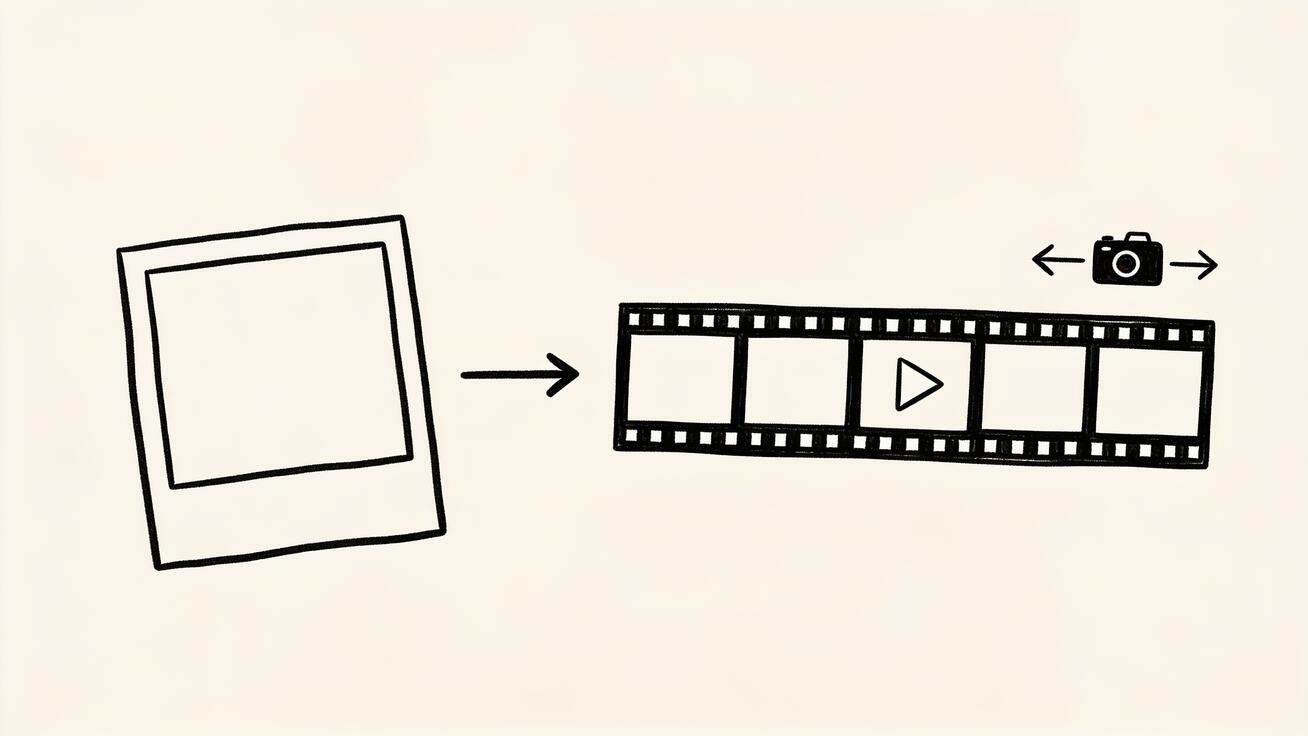 Image-to-video in Seedance: upload a photo, add a motion prompt, choose a model, and generate.
Both let you upload a still image and animate it. With Pollo AI, you upload your image, pick from its large model list, and apply effects or templates if you want a stylized result — strong if you want lots of stylistic variety in one place. With Seedance, you upload your image, choose a model like Seedance 2.0 or Veo 3, write a short motion prompt, and generate — then quickly regenerate on a different model to compare. The Seedance flow rewards iteration: same image, two or three models, pick the best motion.
For product shots, portraits, and social clips where you want clean, controllable motion and a fast compare-and-pick loop, Seedance's focused image-to-video is hard to beat. For maximum stylistic options and effect templates on a single image, Pollo's library is the wider playground.
Quality and Output: What to Expect
Output quality on both platforms depends heavily on the underlying model you pick, not just the wrapper around it. Because Seedance and Pollo AI both expose shared models like Veo 3 and Kling, a clip from the same model will look broadly similar on either platform. The real quality lever is your prompt, your input image, and which model you choose for the shot.
Where they differ is the ceiling and the workflow around quality. Pollo AI advertises output up to 8K, which can matter for large-format or print-adjacent deliverables, though most social and web video never needs more than 1080p. Seedance outputs up to 1080p, which is the right resolution for TikTok, Reels, YouTube, landing-page heroes, and product demos — and it pairs that with a fast compare-and-pick loop so you can chase quality by iterating across models rather than by cranking a single resolution number.
For talking or sound-driven clips, Seedance 2.0's joint audio-video generation tends to produce more coherent lip movement than aligning audio after generation, because the motion and sound are produced together. If your work is mostly silent b-roll, product motion, or social hooks, that advantage matters less and either tool's image-to-video will serve you well.
How to Create a Video in Seedance (Step by Step)
Here is the exact workflow, so you can reproduce a result rather than read theory.
- Open Seedance and choose your input: text-to-video for an idea from scratch, or image-to-video to animate a photo.
- Upload your image (for image-to-video) — a clean, well-lit product shot or portrait works best.
- Write a motion prompt. Describe the camera move and the action, not just the scene. Example: "slow push-in on the product, soft studio lighting, gentle rotation."
- Choose a model. Start with Seedance 2.0 for balanced quality and native audio; try Veo 3 or Kling for a different look.
- Generate 2–3 versions of the same prompt or across two models so you have options to compare.
- Inspect the result. Check subject consistency, natural motion, no warping on hands or text, and that the camera move matches your prompt.
- Export in 1080p for TikTok, Reels, a landing page hero, a product demo, or an app preview.
This compare-and-pick loop — generate across models, inspect, keep the best — is the core habit that makes Seedance fast in daily use. New to animating stills? The turn photos into videos guide walks through it in more depth.
Prompt Examples You Can Copy
Good prompts decide quality more than the tool does. These are copy-ready for Seedance image-to-video and text-to-video.
Product demo (image-to-video):
Slow 180-degree orbit around the product on a clean white surface,
soft diffused studio lighting, shallow depth of field, subtle
reflection, smooth cinematic motion, 1080p.
Talking character (Seedance 2.0, audio-driven):
Front-facing portrait, natural blinking and head movement, speaking
calmly to camera, soft key light, neutral background, lip-sync to
the provided audio, realistic facial motion.
TikTok / Reels hook (text-to-video):
Fast whip-pan into a steaming cup of coffee on a cafe table, morning
light, handheld energy, quick zoom, vibrant colors, vertical 9:16,
punchy and dynamic.
Real estate walkthrough (image-to-video):
Smooth forward dolly through a bright modern living room, gentle
parallax, warm natural light from large windows, steady gimbal feel,
no distortion on furniture edges.
Keep prompts specific about camera movement, lighting, and pace, then regenerate on a second model to compare. That habit lifts results on both Seedance and Pollo AI.
Best Use Cases: When to Choose Seedance vs Pollo AI
 Choosing between Seedance and Pollo AI comes down to your real day-to-day workflow.
Pick based on what your work actually looks like.
Choose Seedance when you:
- Want to make clean clips quickly without learning a big suite.
- Generate steadily and want generous daily free credits instead of a subscription.
- Need fast image-to-video for product shots, social posts, or app previews.
- Want native audio-video and lip-sync from Seedance 2.0 for talking clips.
- Like comparing two or three trusted models on the same prompt and picking the best.
Pollo AI may fit better when you:
- Need the widest possible model catalog in one subscription.
- Rely on avatars, a large effects/template library, or a music video generator.
- Run high-volume batch jobs or need an API for a development pipeline.
- Specifically want 8K output for certain deliverables.
Many creators and marketers find that the focused Seedance workflow covers the bulk of real day-to-day video work — product demos, ads, social clips, app previews — at lower cost and with less overhead, while reserving a broad suite only for specialized, effect-heavy production. If you are choosing tools, also weigh Seedance against other names in our Seedance vs Sora comparison and the roundup of best Runway alternatives.
Limitations and a Quick QA Checklist
Be realistic: no AI video tool is perfect, and that applies to Seedance and Pollo AI alike. Both can produce warped hands, drifting text, or unnatural motion on tricky prompts. Complex multi-subject scenes, precise on-screen text, and fast physical action are still the hardest cases for any current model. The fix is the same on both platforms — simplify the prompt, fix your input image, regenerate, and compare across models rather than expecting a perfect first try.
Before you publish any clip from either tool, run a fast QA pass:
- Subject consistency — does the face, product, or character stay the same across the clip?
- Motion realism — no melting edges, warping limbs, or floating objects.
- Text and logos — any on-screen text should be legible and not garbled.
- Camera match — the camera move should match what your prompt asked for.
- Brand safety — the output is appropriate for where you will post it.
Running this checklist takes under a minute and saves you from shipping an off clip. Seedance's fast regeneration makes the fix loop quick when something fails QA.
FAQ
Is Seedance or Pollo AI free? Both have free options. Seedance offers daily free credits that refresh automatically with 1080p output and no credit card needed to start. Pollo AI's free plan gives a small one-time credit allotment with watermarked output, and you upgrade for more credits and watermark-free results.
Do Seedance and Pollo AI use the same models? There is overlap — both provide access to leading models like Veo 3 and Kling. Pollo AI advertises a larger catalog (50+ models) plus its own Pollo 2.5, while Seedance curates 10+ models and adds its own Seedance 2.0 joint audio-video model.
Which is better for image-to-video? Both support it. Seedance is better if you want a fast upload-prompt-compare-export loop with clean, controllable motion. Pollo AI is better if you want the widest range of styles and effect templates applied to a single image.
Which is cheaper? For normal volumes, Seedance's refreshing daily free credits often cover the work without a subscription. For high-volume, multi-model, high-resolution production, compare Pollo AI's tiered credit plans against your expected usage. Check both live pricing pages before deciding.
Can I switch between models in Seedance? Yes. That is a core Seedance habit — generate the same prompt or image across two or three models, inspect each result, and keep the best one.
Conclusion
In the Seedance vs Pollo AI decision, the choice comes down to focus versus breadth. Pollo AI is a wide creative suite with a huge model catalog, avatars, effects, and a developer API — strong for studios that need everything in one place. Seedance is a fast, video-first generator with generous daily free credits, a clean image-to-video and text-to-video workflow, and the Seedance 2.0 audio-video model that handles talking clips well.
For most creators and marketers who want to turn a prompt or a photo into a polished clip quickly — and keep iterating without burning a subscription — Seedance is the more practical pick. Open Seedance, upload an image or type a prompt, choose a model, and generate your first video free to see the difference for yourself.
Ready to create your own AI video?
Turn ideas, text prompts, and images into polished videos with Seedance. If this article helped, the fastest next step is to try the product.
Free credits on signup. Plans from $28/month.
Related Articles
More posts in the same locale you may want to read next.

Seedance App Preview Video Generator 2026: Create App Store and Product Launch Clips
Use Seedance to turn app screenshots, feature copy, and launch goals into App Store previews, Google Play promo videos, and product launch clips.
Read article
How to Keep Product Shape Consistent in AI Video Ads
Lock product geometry, packaging, labels, references, camera angles, and approval checks so AI video ads preserve the real SKU across every shot.
Read article
How to Make AI Video Follow a Multi-Step Action
Plan atomic actions, state transitions, timing, continuity, and shot handoffs so an AI video completes a sequence in the intended order.
Read article