
Seedance Input Image May Contain Real Person: What to Do Next

AI Overview
What does this Seedance error mean?
The warning concerns an input image and possible real-person likeness. Check the upload and supported asset route before retrying.
Will changing the prompt fix the image warning?
A rewritten prompt does not establish an image's authorization. First check whether that model route accepts your reference type.
Can an AI-generated portrait receive this warning?
A synthetic portrait can still trigger a likeness check. Keep its source history and ask support which reference route is supported.
What should I do if the image is my own photo?
Owning a photo does not guarantee the upload route accepts it. Follow the provider's authorization process or use a different concept.
Identify the Image Warning Before Changing Your Prompt
If you searched for “seedance input image may contain real person,” your immediate problem is probably a blocked reference, not weak video quality. Read the full message before editing your script. An image-related warning points to a different investigation than an invalid file, unavailable model, or failed output.
Do not treat the message as proof that a person has been identified. It describes a system decision about the submitted material. Equally, an original illustration or a photo you own is not automatically accepted by every service carrying the Seedance name.
This guide focuses on that input-specific problem. The broader Seedance prompt-blocked guide addresses text and scenario issues; repeating its general rewrite checklist will not resolve an unsupported portrait-upload route.
| What the failure mentions | First thing to investigate | What not to assume |
|---|---|---|
| Input image or real-person likeness | Reference source and accepted asset route | A shorter prompt authorizes the image |
| Input text or sensitive scenario | The requested action and context | Every attached image caused the failure |
| Invalid dimensions or unsupported format | That endpoint's file requirements | A format conversion resolves likeness restrictions |
| Timeout or temporary service issue | Job status and provider availability | The same troubleshooting applies to moderation |
Save the exact wording and generation ID, if one exists. Your host may reject an upload before creating a generation job, or display an upstream failure later. Do not infer the complete processing history from a short banner.
Choose the Next Step Based on the Image's Source
Real photos and consent-cleared portraits
Separate two questions: do you have permission for the intended use, and does this particular product support the necessary authorization route? A model release or a statement in the prompt cannot activate a missing platform feature. Ask the host how authorized portraits must be supplied before sending more personal material.
Official Volcengine documentation describes a trusted portrait-library route with performer authorization and asset-based use. That is evidence of a supported route in that service, not evidence that every reseller or browser tool exposes it. Availability, account requirements, and accepted inputs must be checked where you actually generate.
Keep the authorization question narrow: which account may use which material, for what project, and through what supported flow? Do not send identity documents or additional face recordings to an unofficial “unlock” contact.
Synthetic characters and uncertain provenance
An AI-generated face may look photographic. Keep its original generation record and source file so support can understand its provenance. Saying “fictional” is useful context only when accurate; it is not an override instruction.
If you cannot establish where a portrait came from, pause its use. For a new creative direction, build an original illustrated character or choose a product-led scene. A genuinely different concept is different from disguising the same person's likeness to get past a restriction. Neither stylization nor synthetic origin guarantees acceptance.
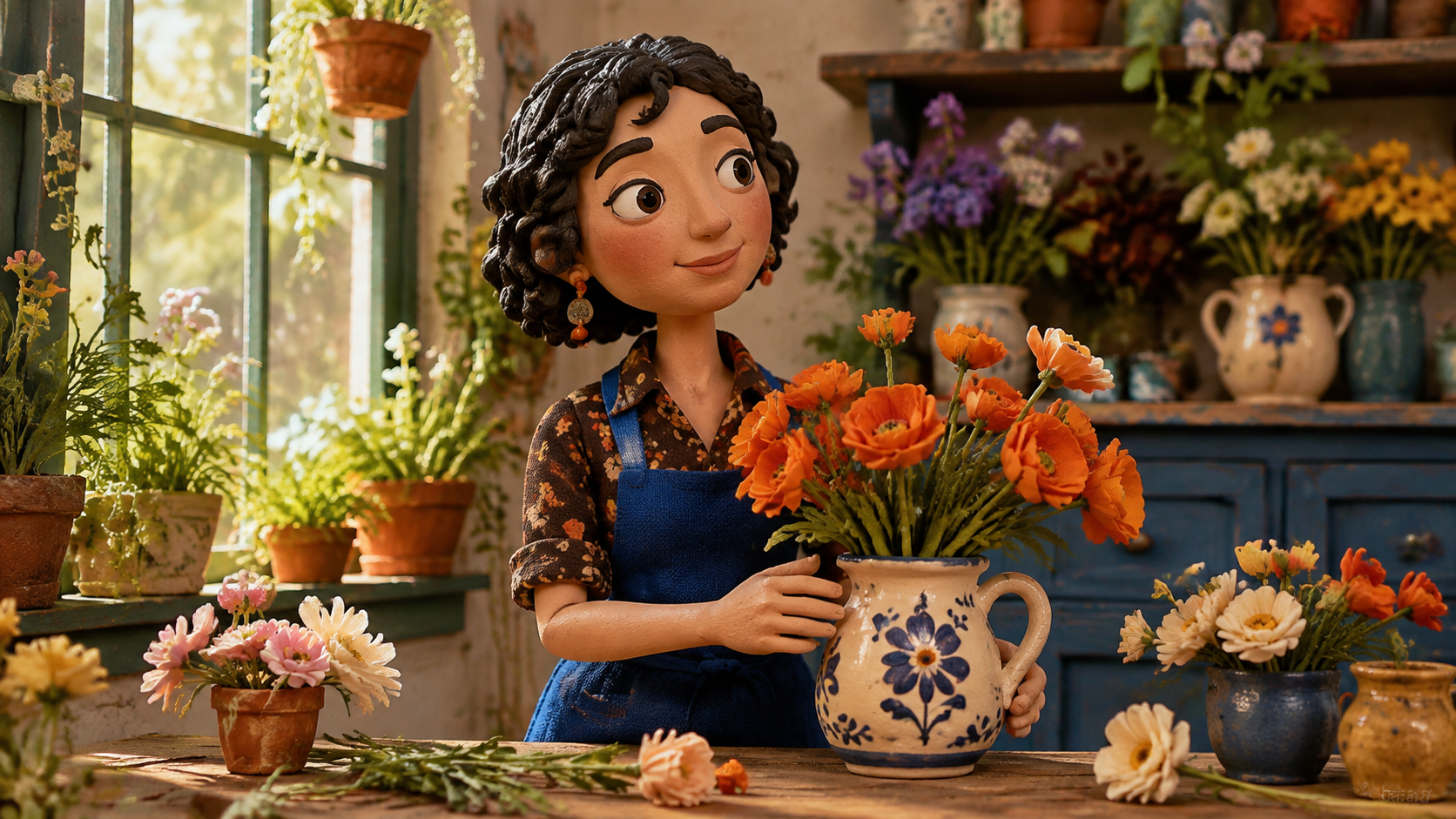
Newly generated editorial example of an independently designed character. This image has not been tested as an accepted Seedance reference.
Check the Model Route and Reference Requirements
Record the exact service, model, and input method
Write down the website, selected model version, generation mode, and whether you supplied an uploaded file or a supported asset reference. Avoid applying instructions for one provider's API to another provider's browser interface.
Some documented asset workflows use asset identifiers rather than ordinary image URLs. Do not invent an identifier or paste API syntax into a prompt field. If your interface has no documented equivalent, ask whether the feature is available to your account.
Seedance.tv is an independent platform, not ByteDance's official website. Its controls and support process should therefore be checked separately from upstream documentation. The general real-face safety guide is useful for creative boundaries, but does not promise authorization or acceptance on a specific endpoint.
Separate a file problem from a likeness problem
Confirm that the intended image actually finished uploading and that you selected the right reference slot. Check dimensions and format against the displayed requirements only when those are relevant to the error. Repeatedly converting the same portrait between PNG and JPEG does not answer an authorization question.
For API users, keep the request ID and the non-secret request structure. If a documented asset should be usable, ask support to check its account association and status. Never include an API key or a private signed download URL in a public troubleshooting post.
Keep the Creative Goal Without Depending on a Portrait
Replace the shot concept, not the person's identity
Ask what the blocked shot was meant to communicate. A bottle advertisement may need freshness, portability, and a memorable reveal—not a spokesperson. A hospitality clip may need atmosphere rather than a recognizable guest. This gives the campaign a legitimate alternative while the reference issue is investigated.
A useful replacement brief is: “Cobalt bottle on pale stone, bright side light, slow camera push-in, condensation visible, preserve the cap and silhouette, no people or added text.” This is a new product-focused request, not a technique for altering a rejected portrait.

New finished advertising still: the product and visual benefit carry the message without a human endorsement. Generation approval is not implied.
Plan a small replacement sequence
Try three distinct jobs: an establishing scene, a product detail, and a closing hero shot. Keep a short list of visual anchors—color, material, lighting, and screen direction—so the sequence feels intentional. Do not label an unrelated reference as the original person's approved substitute.
The product-ad video workflow is appropriate when the item itself can carry the story. For a place-led concept, use an empty interior with meaningful details instead of turning an identifiable person into an anonymous silhouette.

Newly generated environment-led alternative. The location, light, and materials communicate the campaign mood without a portrait.
Use Seedance Agent to Organize a Permitted Replacement
Once the revised brief is clear, Seedance Agent can help organize references and shot planning. State which assets may be used, which visual elements must remain recognizable, and what the final clip needs to communicate. Review the plan and estimated generation cost before committing to production.
For a bottle campaign, keep the bottle's geometry fixed while varying the scene and camera treatment. Review one short output before ordering a batch. A small, readable test makes it easier to distinguish reference mismatch, unwanted objects, and camera problems from the original input rejection.
An existing Seedance Agent output using a different product. It illustrates a finished product-led video, not the result of the bottle prompt or proof that a blocked portrait was accepted.
Agent planning does not grant likeness permission, unlock restricted inputs, or guarantee moderation approval. Its useful role here is production organization after you have selected an appropriate concept. If you only need to animate one suitable still, start with image to video instead of adding unnecessary planning steps.
Know When to Stop Retrying and Contact Support
Stop unchanged retries when the same image warning returns. A controlled retry makes sense after a documented issue is resolved, not as repeated experimentation with disguised inputs. Keep successful project assets separate so one unresolved reference does not halt unrelated work.
Prepare a compact support note containing:
- The exact error message and approximate time, including timezone.
- The website, model version, and selected generation mode.
- The job or request ID, when provided.
- Whether the image is self-shot, licensed, or originally AI-generated.
- The intended use and the supported input route you attempted.
- A description of any relevant file change already made.
Ask: “Does this route support this category of reference, and what documented authorization or asset process is required?” That question is more actionable than “Which words make it pass?” Share account details through the service's private support channel, and redact credentials from screenshots.
On Seedance.tv, the troubleshooting documentation says failed-generation credits are usually refunded automatically. Check your credit history; if the balance still looks wrong, give support the generation ID. Do not promise yourself a refund timeline or assume another host follows the same policy.
Conclusion
Treat the Seedance input-image warning as a reference and access-route problem to investigate, not a challenge to outsmart. Preserve the error, establish where the image came from, and follow the supported authorization path. If a portrait is unnecessary, rebuild the shot around an original character, product, or place, then test a small output before scaling. Keep the production moving without pretending that a new prompt guarantees acceptance. Plan your next permitted video with Seedance Agent.
Ready to try it yourself?
Put the steps from this guide into practice with Seedance and turn prompts or images into polished videos in minutes.
Free credits on signup. Plans from $28/month.
Related Articles
More posts in the same locale you may want to read next.

Seedance App Preview Video Generator 2026: Create App Store and Product Launch Clips
Use Seedance to turn app screenshots, feature copy, and launch goals into App Store previews, Google Play promo videos, and product launch clips.
Read article
Best AI Video-to-Video Models in 2026
The best AI video-to-video models in 2026 for editing footage you already shot: Higgsfield Genjutsu, Seedance 2.x, Runway Aleph, Luma Modify and Kling Omni compared.
Read article
Kling 4.0 vs Seedance 2.5: Full Comparison
Kling 4.0 vs Seedance 2.5 compared by spec: 30-second clips, keyframes vs 50 references, audio, 4K and 10-bit color, editing, and which model fits which job.
Read article