
Seedance 2.5 on iOS: App Availability, Mobile Access & What You Can Do on iPhone
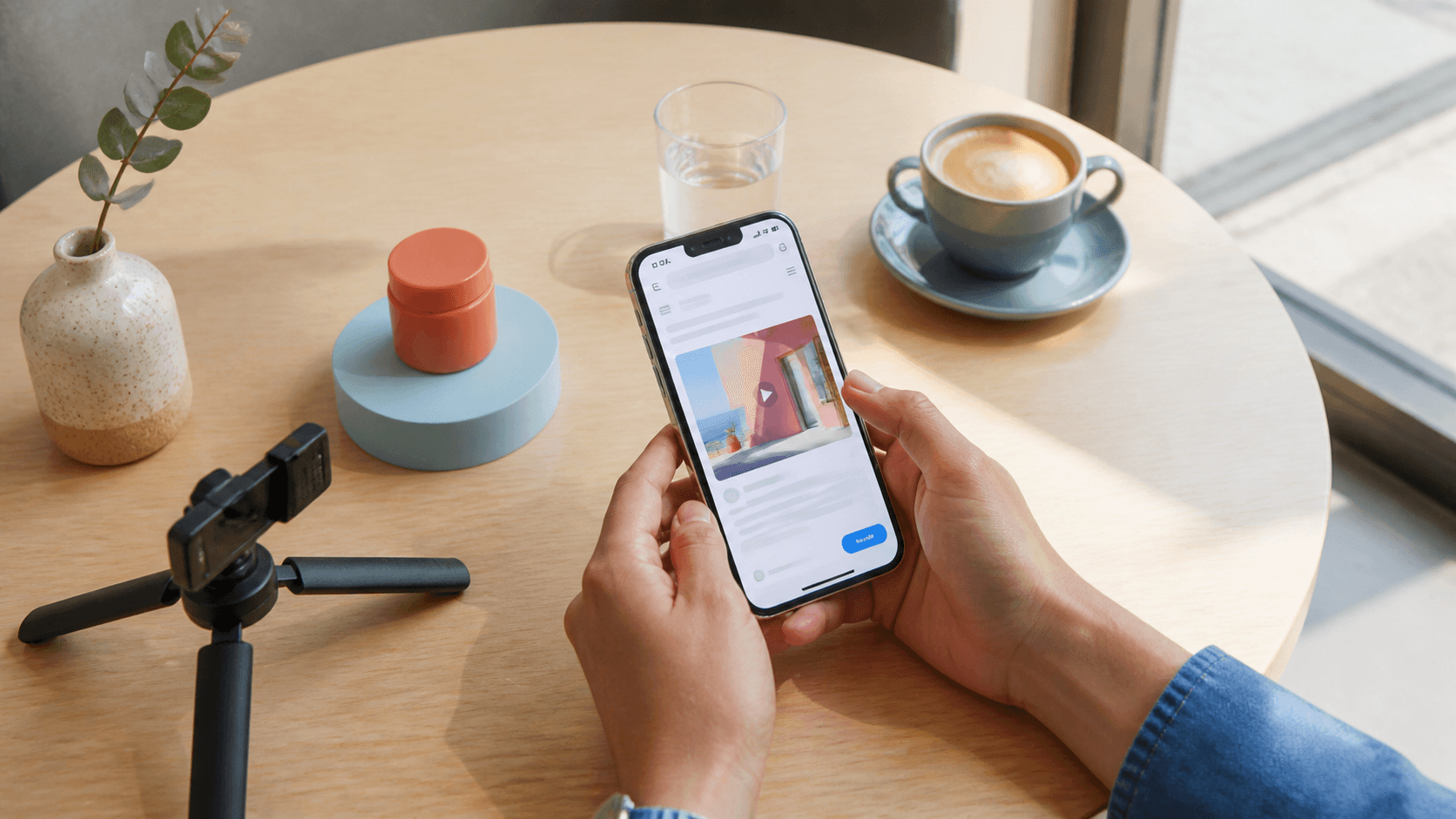
AI Overview
Is Seedance 2.5 available on iOS?
Yes—use Seedance 2.5 through Safari or Chrome on iPhone and iPad. Seedance.tv does not currently list a dedicated App Store app, so the browser is the direct access route.
Can I use Seedance 2.5 on iPhone for free?
Yes. New accounts can start with limited welcome credits, and the same balance follows the account across mobile and desktop. Check the live pricing page before generating because offers can change.
Is the mobile browser experience as good as desktop?
The model and output quality are the same, but desktop is easier for long prompts, multi-reference review, and precise comparisons. Mobile is strongest for camera-roll uploads, quick tests, approvals, and downloads.
Will Seedance release an iOS app?
No dedicated Seedance.tv iOS app has been announced. Browser access delivers new model options immediately, without an App Store update, so there is no reason to wait before starting.
Does Seedance 2.5 Have an iOS App? (The Short Answer)
Browser access is the current Seedance.tv route
Seedance 2.5 works on iPhone and iPad, but you do not need to search the App Store. Open the Seedance.tv creation workspace in a current version of Safari or Chrome, sign in, and select Seedance 2.5 from the model picker. Generation happens in the cloud; the phone sends the prompt and source files, then receives the preview and final download.
That distinction matters because several third-party iOS apps advertise access to the Seedance model. They may be legitimate tools, but their credits, privacy settings, output controls, subscriptions, and support are not the same as your Seedance.tv account. If you want the workflow described in this guide, begin in the browser and confirm the domain before uploading personal photos or client assets.
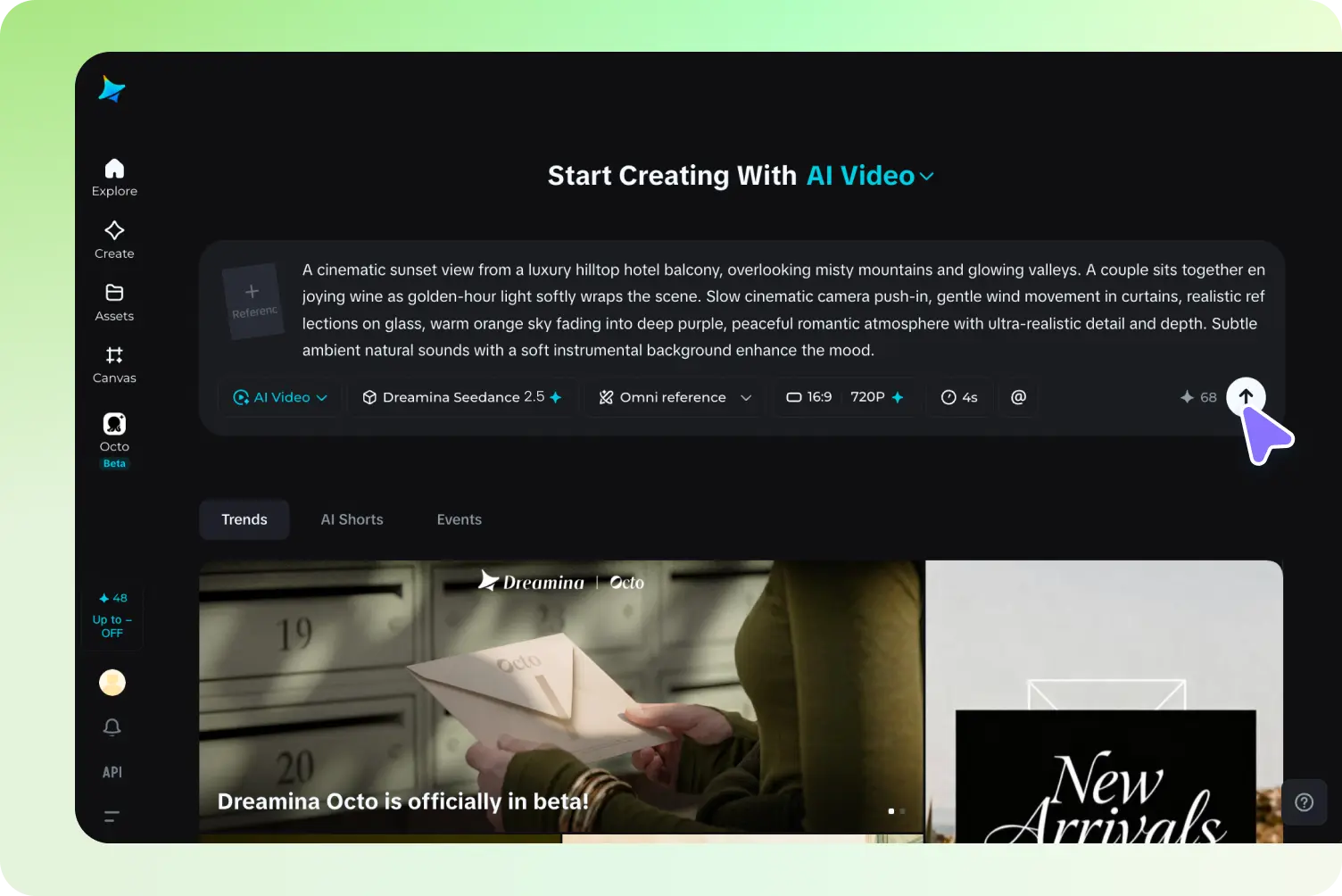
The browser workspace keeps the model and generation settings together, and the same route can be opened from an iPhone without installing a dedicated app.
Add Seedance to the Home Screen
For an app-like shortcut, open Seedance.tv in Safari, tap Share, choose Add to Home Screen, edit the shortcut name if needed, and tap Add. The icon opens the website in its own window. It does not install the model locally, create a separate subscription, or enable offline generation; it simply removes the step of typing the address every time.
If you are comparing entry routes, the Seedance 2.5 access guide explains account setup and browser requirements in more detail.
How to Use Seedance 2.5 on iPhone Right Now
Step-by-step mobile generation
- Open Safari or Chrome and visit Seedance.tv.
- Sign in with the account you also use on desktop.
- Open the AI video workspace and choose Seedance 2.5.
- Select text-to-video for a new scene or image-to-video for a camera-roll photo.
- Enter a short prompt with subject, action, setting, camera, and final frame.
- Choose the aspect ratio and available duration or resolution settings.
- Review the credit cost, generate, keep the tab active, and preview the result.
A browser-first workflow lets the same phone handle the initial prompt, quick review, and final social playback.
A prompt that fits a phone workflow
Keep the first test readable on a small screen: 9:16 social video, a ceramic cup on a sunlit café table; a hand enters, rotates the cup once, then leaves frame; slow push-in, natural room tone; preserve the logo-free cup shape and end on a stable product frame. One subject and one camera move make errors easier to spot before spending credits on a longer variation.
For a photo you just captured, crop it first, remove sensitive background details, and upload the cleanest version to the image-to-video workspace. Avoid switching apps during a large upload, and use Wi-Fi when the source is high resolution.
Use a short finished scene like this to check motion, framing, compression, and playback on the actual phone screen.
Seedance 2.5 Mobile vs Desktop: Feature Comparison
What stays the same
Your account, credit balance, model, prompt, source assets, generation history, and final output quality do not improve merely because you switch to a larger computer. A phone can create the same clip when the same model and settings are available. The practical differences are screen size, input comfort, upload handling, and how closely you can inspect the result.
| Task | iPhone or iPad | Desktop |
|---|---|---|
| Text-to-video | Fully usable; best with concise prompts | Easier for long, versioned prompts |
| Image upload | Fast from Photos, Files, or camera | Better for organized asset folders |
| Reference review | Possible, but thumbnails are smaller | Better for comparing several references |
| Resolution and format | Same options shown for the account and model | Same options, easier to scan |
| Preview and approval | Excellent for social-safe review | Better for frame-level inspection |
| Export | Save through the browser to Files or Photos | Easier for naming, folders, and editing handoff |
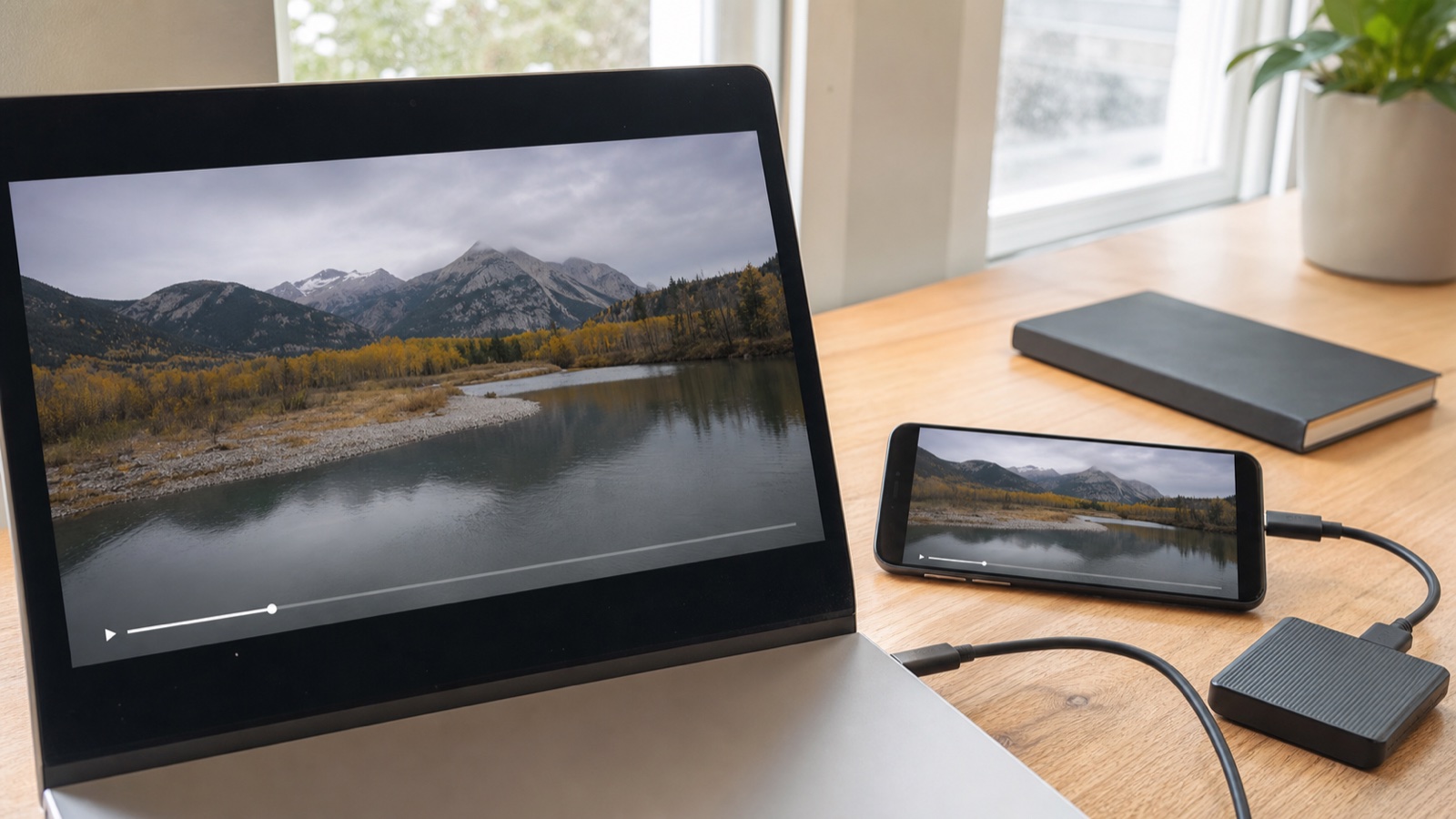
Cross-device review is useful because a clip that looks polished on desktop may still need larger captions or a simpler first frame on a phone.
When to move the project to desktop
Use desktop when a prompt needs many timed beats, when character consistency depends on several references, or when delivery requires detailed file naming and frame-by-frame inspection. The Seedance 2.5 4K tutorial is the better companion for final-resolution work. Use mobile for capture, first-pass prompting, fast approvals, and social preview; use both devices under the same account instead of treating them as separate workflows.
Is Seedance 2.5 Free on iOS? Credits, Limits & Plans
Free access follows your account, not your device
Seedance.tv can be tested with limited welcome credits when the current signup offer is available, and no separate iOS purchase is required. Signing in on an iPhone does not create a second free allowance; mobile and desktop sessions use the same account balance. Before tapping Generate, check the displayed cost because model, duration, resolution, and audio settings can change credit use.
Paid plans are also account-based. Subscribing on the web unlocks the applicable balance and plan features wherever you sign in. Do not buy a similarly named third-party App Store subscription expecting it to appear in Seedance.tv.
Make mobile credits last longer
Draft at the shortest useful duration and standard resolution. Test one subject, one action, and one camera move; save the successful prompt in Notes; then increase quality only after the composition works. If an upload stalls, confirm whether the job started before pressing Generate again. Repeated taps and uncontrolled prompt changes make credit usage difficult to diagnose.
Best Use Cases for Seedance 2.5 on iPhone
Turn a fresh photo into motion
Mobile is ideal when the source begins in the camera roll. Photograph a product, location, sketch, meal, or outfit in clean light; crop distracting edges; upload it; then ask for one motion such as a slow orbit, fabric movement, steam, or a controlled push-in. For client or branded material, review the mobile commercial checklist in Is Seedance 2.5 Safe for Commercial Use? before publishing.
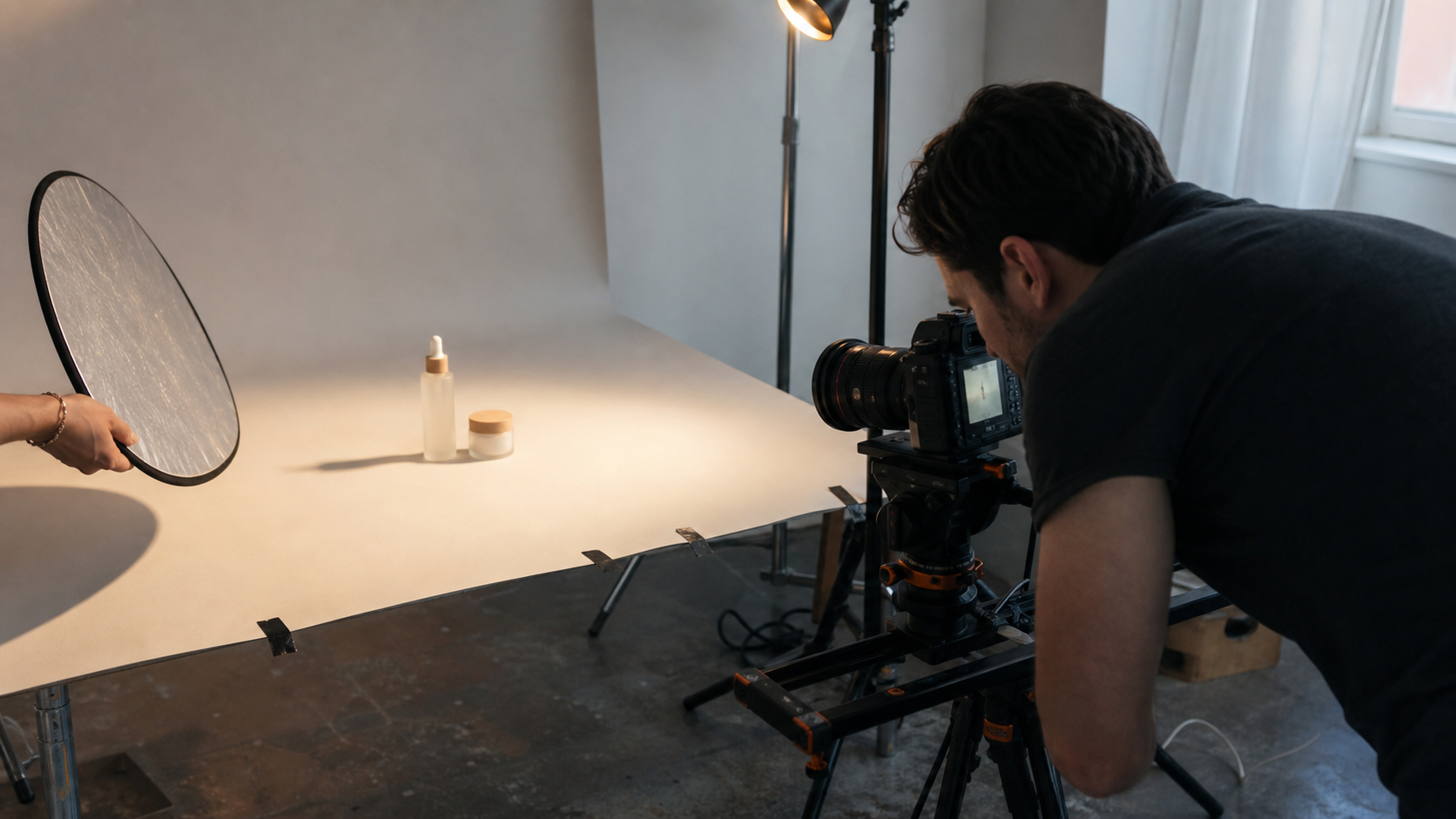
A controlled product shoot creates a clean source frame that can be uploaded from the camera roll and animated on iPhone.
Generate social content while away from a desk
Use iPhone for vertical hooks, B-roll ideas, location-based mood tests, and approval versions. A practical workflow is: capture the reference, generate three short openings, download the strongest clip, add captions in your editor, and review it at normal phone brightness before posting. Leave room for platform UI at the top and bottom, and put the key movement inside the first two seconds.
Review faces, hair edges, skin texture, and subtle motion on the actual phone where the audience will watch the clip.
Seedance 2.5 iOS vs Competitors: Runway, Kling & Pika on Mobile
Native apps versus browser-first access
Runway, Kling, and Pika currently offer dedicated iPhone apps in supported App Store regions. Seedance.tv takes a browser-first route. The disadvantage is that browser uploads can pause when iOS suspends a tab, and the interface has less native notification or share-sheet integration. The advantage is immediate access to the latest website model picker, shared web billing, and no wait for an app version to be approved and installed.
| Mobile priority | Seedance.tv | Runway | Kling | Pika |
|---|---|---|---|---|
| Primary iPhone route | Mobile browser | Native app and web | Native app and web | Native app and web |
| Best fit | Same web workspace across devices | Broad creation and editing workflow | Motion-focused generation | Fast, effect-led experiments |
| Main trade-off | No dedicated Seedance.tv app | App-specific interface and credit choices | Dense creation interface | More effect-first than production-first |
Choose by the job, not the icon
If your priority is a native iPhone interface, the competitors may feel more familiar. If your priority is keeping the same Seedance.tv account, credit balance, model selection, and project history across devices, browser access is simpler. Run the same short prompt and source image on each route, then compare instruction following, subject consistency, wait time, download quality, and cost per usable clip. Do not judge from different presets or one lucky frame.
How to Download Seedance 2.5 Videos on iPhone
Save the finished file
Open the completed generation, play it once, and tap Download. Depending on the browser and iOS version, the file may open in a preview or appear in Safari’s download list. Tap the download arrow in the address bar, open Downloads, select the video, tap Share, and choose Save Video to place it in Photos. If Save Video is unavailable, choose Save to Files, then open the file and share it to Photos from there.
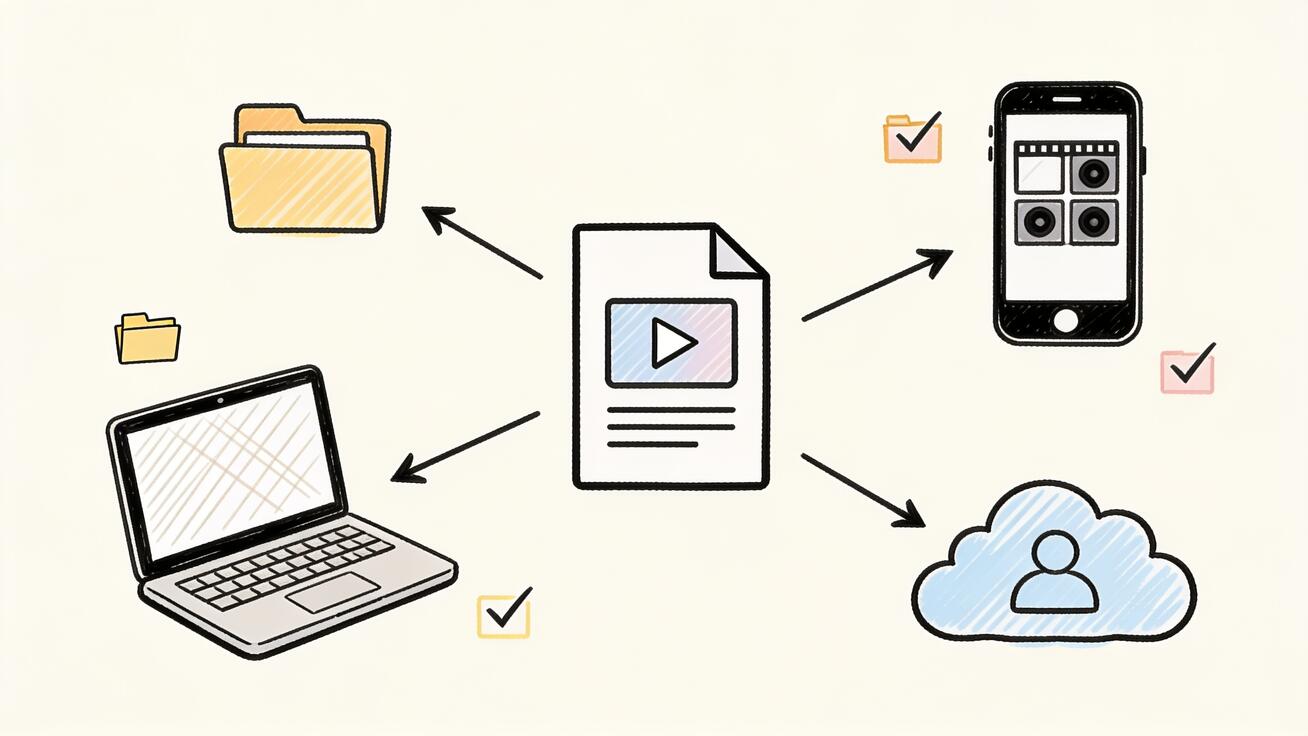
Save one verified master to Files or cloud storage, then place the publishing copy in Photos for mobile editing and posting.
Check before deleting the browser copy
Open Photos, play the clip with sound, confirm orientation, duration, resolution, and the final frame, and verify that no browser overlay was screen-recorded into the file. Rename or organize the master in Files if it belongs to a client project. Keep the prompt, generation settings, source image, and approved export together; the browser history alone is not a production archive.
If storage is low, download to iCloud Drive first and move only the publishing copy to Photos. Never clear Safari downloads or browser data until the approved video has been opened from its final location.
Conclusion
Seedance 2.5 is available on iPhone and iPad through the mobile browser, even though Seedance.tv does not currently offer a dedicated iOS app. Safari is enough to sign in, use free welcome credits, upload from the camera roll, generate with the same model as desktop, review outputs, and save finished clips to Photos. Add the site to the Home Screen for faster access, use mobile for capture and quick approvals, and move complex prompting or final-resolution review to desktop when the project demands it. Try Seedance 2.5 on iPhone →
Ready to try it yourself?
Put the steps from this guide into practice with Seedance and turn prompts or images into polished videos in minutes.
Free credits on signup. Plans from $28/month.
Related Articles
More posts in the same locale you may want to read next.

Seedance App Preview Video Generator 2026: Create App Store and Product Launch Clips
Use Seedance to turn app screenshots, feature copy, and launch goals into App Store previews, Google Play promo videos, and product launch clips.
Read article
Gemini AI Video Prompt Examples: Copy-Ready Veo Scenes and a Better Prompt Formula
Copy Gemini AI video prompt examples for cinematic motion, product ads, dialogue, and vertical clips, then adapt them with a practical Veo prompt formula.
Read article
How to Keep Product Shape Consistent in AI Video Ads
Lock product geometry, packaging, labels, references, camera angles, and approval checks so AI video ads preserve the real SKU across every shot.
Read article