
Seedance 2.0 on Picsart: Access, Prompts and a Better First Workflow
AI Overview
Is Seedance 2.0 available on Picsart?
Yes. Picsart lists Seedance 2.0 in its AI Video Generator and AI Playground. Availability, controls and credit pricing can vary by account and product surface.
How do I start a Seedance 2.0 video on Picsart?
Open the AI video workspace, choose Seedance 2.0, enter a prompt or add a reference image, select the aspect ratio and review the credit estimate before generating.
Can I use an image instead of only a text prompt?
Yes. A reference image can anchor the subject, wardrobe, product or composition. The prompt should describe motion, camera behavior, environment and sound instead of redescribing every pixel.
What should I check before spending more credits?
Test one short, simple shot first. Check identity, hands, object geometry, camera direction, audio timing and the first and last frames before requesting variants or longer sequences.
What Seedance 2.0 on Picsart Is Best For
People searching for Seedance 2.0 on Picsart usually want a direct answer to three practical questions: where the model lives, what inputs the interface accepts and whether the result is worth the credits. The useful distinction is that Seedance is the generation model, while Picsart is one access layer.
The route is attractive when you already use a browser-based creative workspace and want to test text-to-video or image-to-video without maintaining a local stack. Picsart’s current product material describes Seedance 2.0 as available through its AI Video Generator and AI Playground. It also separates generation from Seedance 2.0 Edit, which transforms existing footage while preserving its motion and structure. Choose the generation model when you need a new shot; choose an edit workflow when the source clip is already valuable.
Seedance 2.0 is strongest when the brief contains a visible action and a camera decision. Social transformations, product reveals, atmospheric one-shots and short narrative beats all fit. A vague request such as “make this cinematic” gives the model too much to invent. A usable request names who or what moves, where the action happens, how the camera observes it and what the audience should hear.
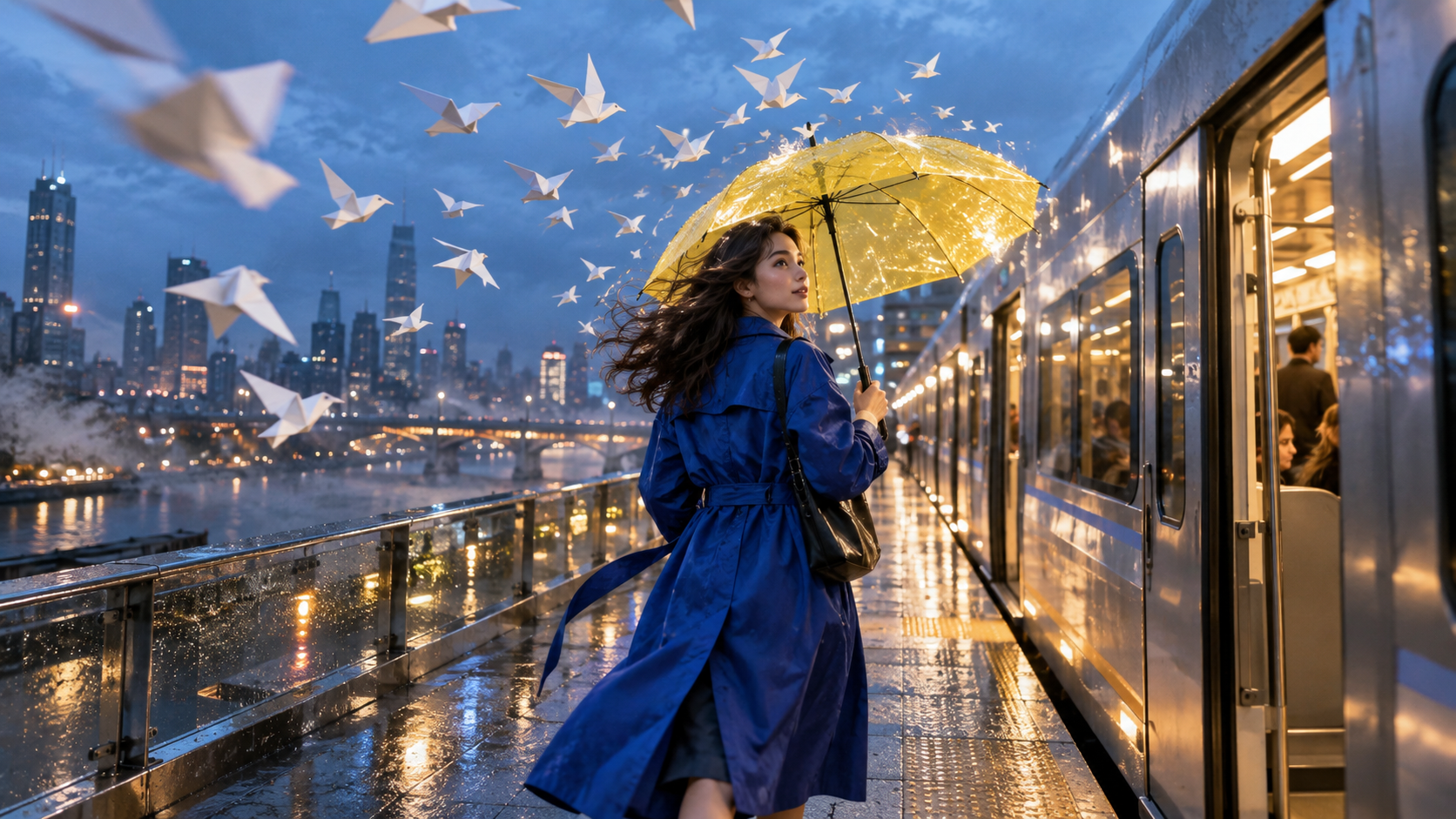
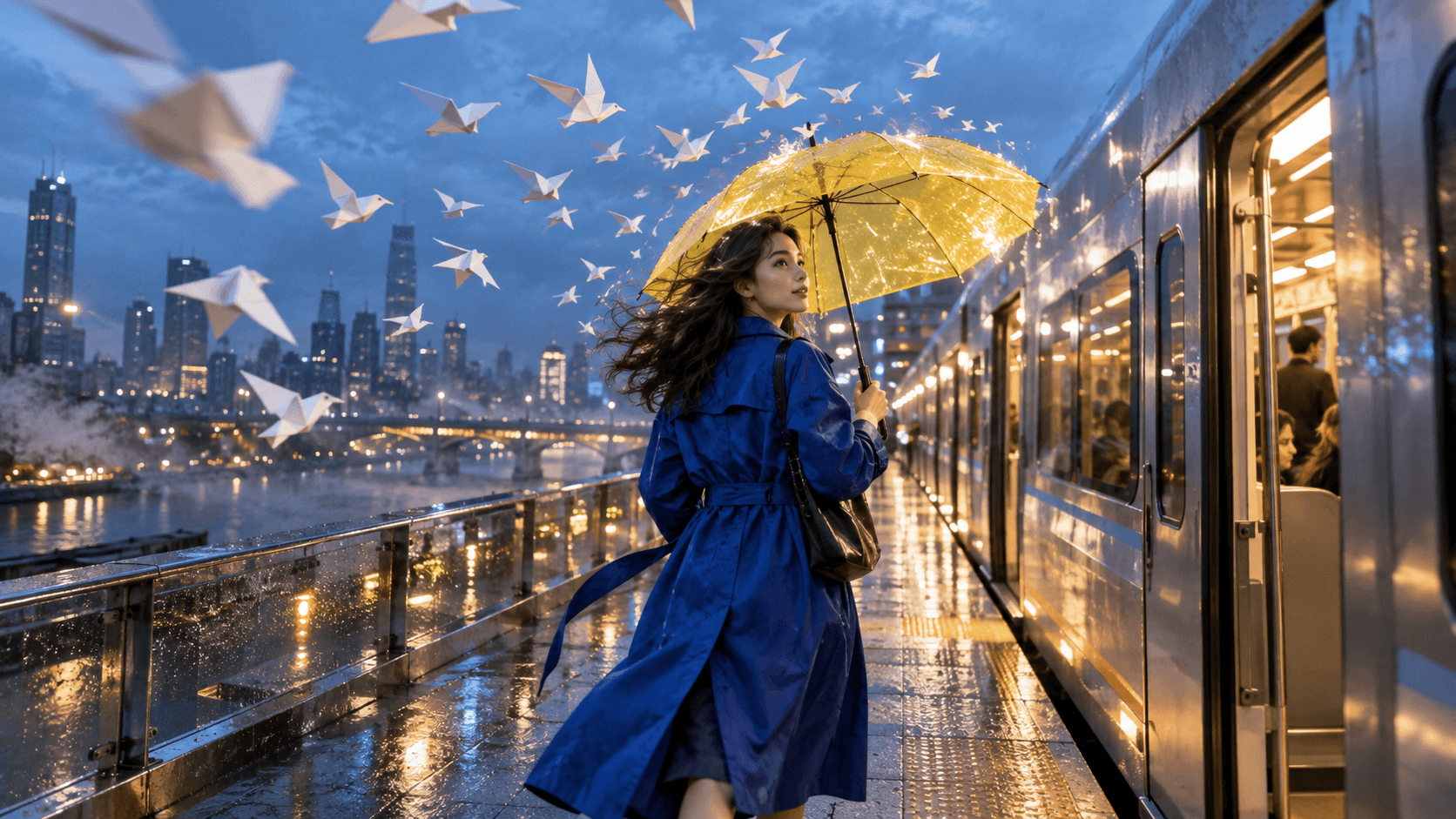
A finished-output concept for this guide: cobalt coat, yellow umbrella, silver train, rain and paper birds create clear continuity anchors before any motion is generated.
How to Access Seedance 2.0 in Picsart
1. Start from the video workspace
Sign in, open the AI Video Generator or AI Playground and look for the current model selector. Choose Seedance 2.0 rather than assuming the default model. Confirm the model name again before pressing Generate. If it is absent, check whether your region, plan or current surface supports it instead of repeatedly refreshing a completed prompt.
For a direct Seedance route outside that interface, the Seedance 2.0 model page is a useful baseline. The goal is not to open several generators at once; it is to know which access layer, model and billing system produced each test.
2. Pick text-to-video or image-to-video
Use text-to-video when the scene exists only as an idea. The text-to-video workspace is also useful for testing whether the written brief is self-sufficient. Use image-to-video when identity, product shape, costume, color or composition already matters. In that case, prepare a clean source image with enough room for the subject to move and avoid important details touching the frame edge.
Name each input’s job before uploading it. A portrait is an identity reference; a product photo is a geometry reference; a wide environment frame establishes geography. Mixing several attractive but contradictory images gives the model competing instructions. One strong anchor and one clear motion request often outperform a pile of loosely related references.
3. Set output decisions before generation
Choose the aspect ratio for the destination, not for the source image alone: 9:16 for vertical feeds, 16:9 for widescreen delivery and 1:1 when a square placement is mandatory. Then choose duration, resolution and audio options exposed by the current account. Picsart’s model documentation uses per-second credit rates that vary by resolution, workflow and audio, so treat the estimate shown in your interface as the final preflight number.
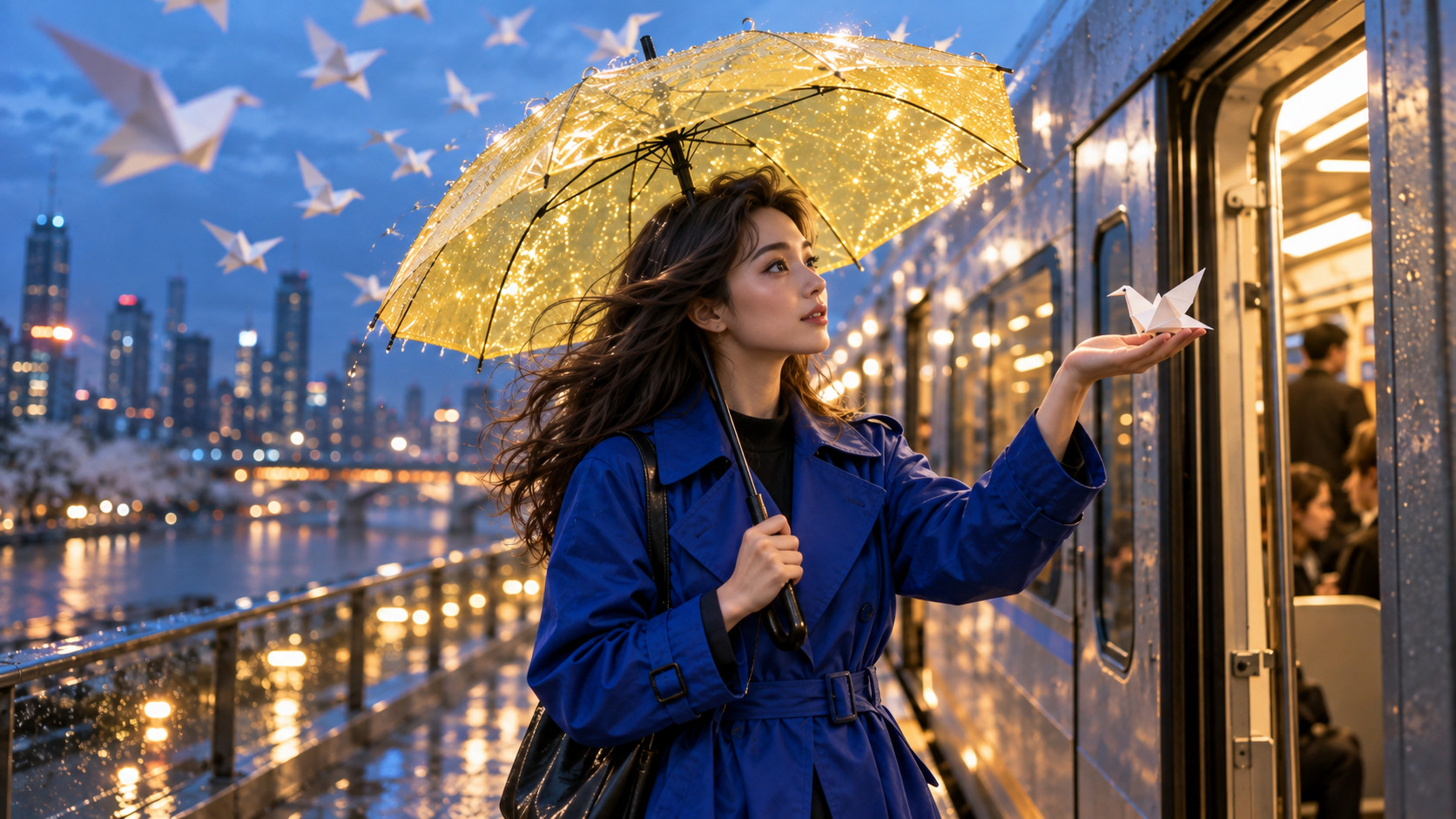
The medium shot changes action and scale while preserving the character, coat, umbrella, train and blue-hour lighting.
A Prompt Formula That Produces Reviewable Video
Write direction, not decoration
A reliable prompt follows this order: subject + action + environment + camera + lighting + sound + ending state. Put the non-negotiable subject and action first. Use one main camera move. Add sound only when it contributes to the beat. Finish with the state the final frame must reach, especially if the clip needs to cut cleanly into another shot.
For the train sequence, a production-ready prompt could read:
An original woman in a cobalt trench coat walks along a rain-wet elevated platform toward a silver train, holding a transparent yellow umbrella. White paper birds sweep overhead. The camera tracks at waist height, then eases into a medium profile as one bird lands on her open palm. Cool blue-hour city light, warm umbrella reflections, soft rain, train brake hiss and paper-wing flutter. End with her beside the open door, bird steady in hand.
This prompt gives the model a sequence it can stage. It avoids a list of style adjectives and makes the final state testable. For more examples of separating subject, action and camera, use the Seedance 2.0 on Runway guide as a companion checklist rather than copying a platform-specific control map.
Protect continuity with an anchor block
For variations, keep one sentence unchanged: “same original woman, cobalt trench coat, transparent yellow umbrella, silver train, rain and white paper birds.” Call this the anchor block. Rewrite only the action, shot scale or camera movement. If every variation also changes hair, wardrobe, weather and location, you cannot tell whether a failure came from the model or from the brief.
An existing Seedance output from our media library, not a Picsart benchmark. Watch feet, clothing edges and background pedestrians at normal speed.
Use References, Aspect Ratio and Audio Deliberately
Make the reference easy to animate
The best source image is not always the prettiest still. It shows the subject clearly, leaves motion space and avoids occluded hands or cropped limbs when those body parts must move. For a product reveal, keep the label and silhouette readable. For a character shot, prefer an expression and pose close to the intended action rather than asking the model to rotate a face dramatically in the first second.
If the source is already strong, the image-to-video workspace lets you test a minimal motion instruction first. Start with a gentle push-in, a small gesture or controlled environmental motion. Add a complex orbit or transformation only after the identity and object geometry survive the basic pass.
Design audio as part of the shot
Native or generated audio should describe visible events: footsteps on wet concrete, door chime, train brake, cloth movement and distant traffic. A long list of unrelated sound effects can create a busy mix without improving the story. If dialogue matters, keep the line short enough for the shot and check the mouth throughout, not just at the clearest close-up. The voice-consistency guide provides a reusable identity sheet for multi-shot speech.
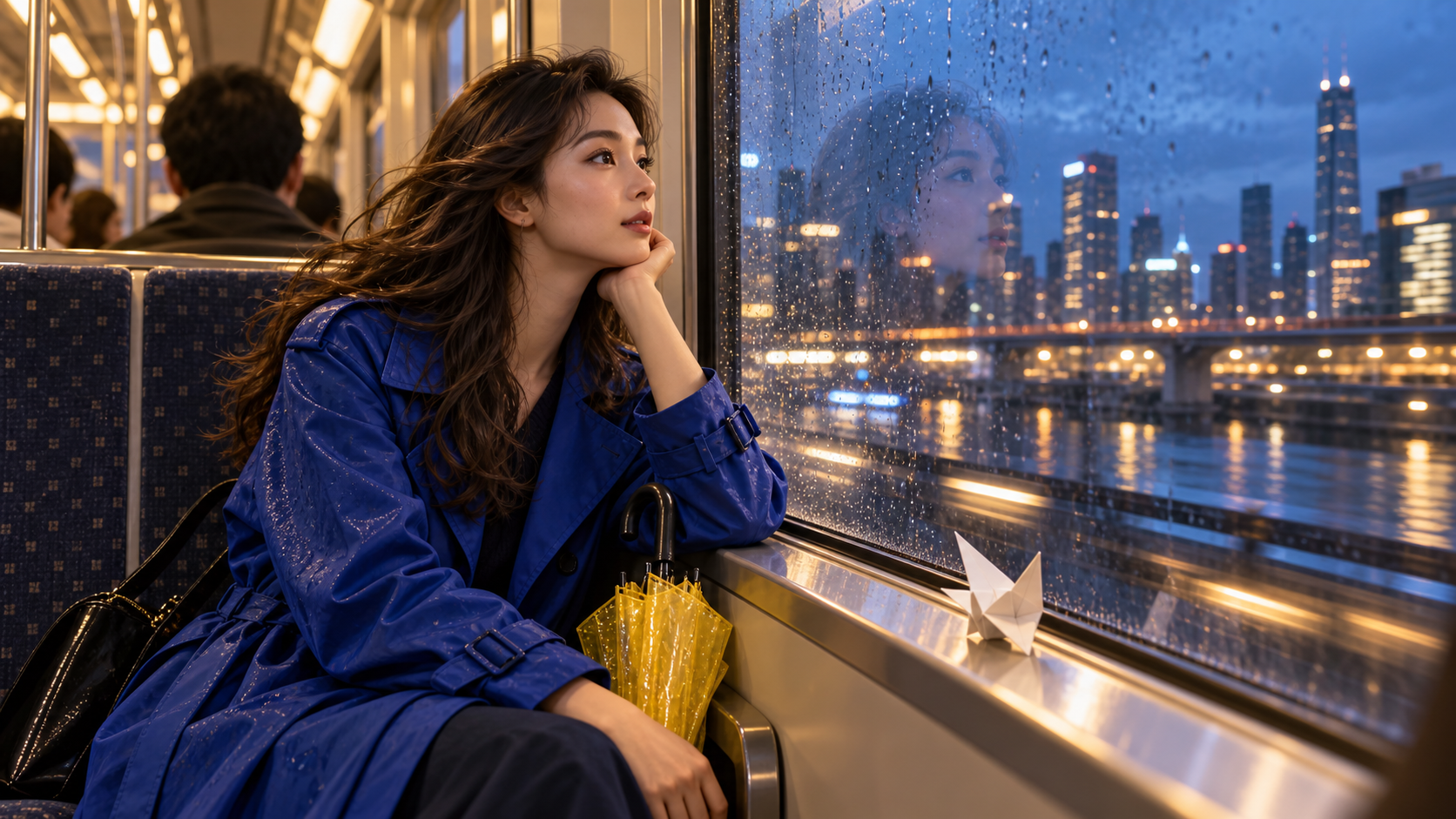
The interior composition preserves the same wardrobe and props while changing location, reflection and emotional tone.
Review, Revise and Export Without Wasting Credits
Judge the full clip once before pausing
First watch at normal speed with sound. A clip can contain beautiful individual frames yet fail because the action stalls, the camera reverses, the prop changes hands or the audio lands late. On the second watch, inspect the opening, middle and ending separately. Record one reason to accept or reject the take: identity drift, geometry failure, motion failure, camera failure, audio failure or continuity failure.
Do not request a random variant when the failure is specific. If the face changes at distance, simplify the camera move and increase subject prominence. If the umbrella mutates, state that its transparent yellow canopy and black curved handle remain unchanged. If the ending is unusable, specify the last pose and hold it for the final beat. Controlled revisions teach you which instruction produced the fix.
Export for the real destination
Confirm dimensions, frame rate, audio presence and file format after download. Do not assume the preview player represents the exported master. Save the prompt, model name, input filenames, settings, generation date and accepted output together. That small manifest makes a successful shot reproducible when the interface or model catalog changes.
src=https://r2.seedance.tv/model-landing/seedance-2-5/feature-audio.mp4
poster=https://r2.seedance.tv/model-landing/seedance-2-5/feature-audio-poster.jpg
label=Finished Seedance output sample for reviewing picture and audio together
An existing Seedance finished output, not a Picsart performance test. Review timing, ambience and visible action as one deliverable.
When Seedance Agent Is the Better Production Layer
Picsart is a convenient place to generate or edit a clip, but a campaign often starts earlier than the model selector. Someone still has to turn the brief into shots, organize references, choose aspect ratios, approve the script, compare takes and rerun only the weak moment. That coordination work grows faster than the rendering work once a project needs several deliverables.
Seedance Agent starts from the production brief. You can provide the audience, offer, creative direction, reference assets, required formats and acceptance rules, then review a proposed script and shot plan before paid generation. The agent keeps the decisions and outputs together, which makes stakeholder approval and selective reruns easier than rebuilding context for every attempt.
The choice is practical. Use Picsart when you want to explore Seedance 2.0 inside its creative workspace or apply a targeted edit to an existing clip. Use Seedance Agent when the job is a coordinated sequence with multiple shots, reviewers or variants. Both routes benefit from the same discipline: explicit anchors, one camera intention per shot and a written acceptance checklist.

The closing wide proves whether the sequence can preserve character, color, prop and environment at a much smaller subject scale.
Conclusion
Seedance 2.0 on Picsart is straightforward once you separate access from direction: choose the model explicitly, pick text or image input for the right reason, decide format and audio before spending credits, write a prompt with a visible action and ending state, then review the exported clip against continuity rather than a single attractive frame. Keep successful prompts and settings with their outputs, and change one variable at a time when a take fails. When the project grows from one clip into a planned campaign, start the sequence with Seedance Agent so references, shot approvals and selective reruns stay in one production flow.
Ready to try it yourself?
Put the steps from this guide into practice with Seedance and turn prompts or images into polished videos in minutes.
Free credits on signup. Plans from $28/month.
Related Articles
More posts in the same locale you may want to read next.

Seedance App Preview Video Generator 2026: Create App Store and Product Launch Clips
Use Seedance to turn app screenshots, feature copy, and launch goals into App Store previews, Google Play promo videos, and product launch clips.
Read article
How to Make a Talking AI Avatar You Can Reuse
Make a talking AI avatar with Seedance: design one consistent character, give it a voice, and make it speak in a talking photo or a full Seedance 2.5 scene, episode after episode.
Read article
Best AI Video-to-Video Models in 2026
The best AI video-to-video models in 2026 for editing footage you already shot: Higgsfield Genjutsu, Seedance 2.x, Runway Aleph, Luma Modify and Kling Omni compared.
Read article