
AI Overview
What is the best free alternative to PixVerse?
Seedance is the strongest free starting point for realistic text-to-video and image-to-video work. Kling and Pika are useful backups when character motion or fast stylized effects matter more.
Is there a PixVerse alternative with no watermark?
Yes. Seedance offers clean exports on eligible free routes, while watermark rules for Kling and other tools can depend on the current plan or access path. Always confirm the export screen before production.
What's the difference between PixVerse and Seedance?
PixVerse prioritizes templates, effects, and stylized character animation. Seedance is better suited to photorealistic motion, prompt accuracy, product fidelity, and repeatable commercial workflows.
Which PixVerse alternative is best for beginners?
Seedance and Pika are the easiest places to begin. Seedance supports a straightforward prompt-to-output workflow, while Pika makes playful effect tests quick even when the brief is not technical.
Why Look for a PixVerse Alternative?
PixVerse is appealing when a creator wants a fast visual effect, anime-style motion, or a template that can turn one image into a social clip. The platform is less convincing when the same idea must survive client review, repeated rerolls, and several campaign formats. Free access may include a visible mark or restricted clean export, generation allowances can run out during iteration, and the practical clip length on a reviewed route may stop at about eight seconds.
Realism is another reason to compare. A dramatic transformation can hide small errors, but a product close-up, speaking person, or restrained camera orbit exposes changes in fingers, faces, labels, and geometry. Teams also need to consider return on spend: the cheapest generation is not the one with the lowest sticker price, but the one that reaches an approved result with the fewest rerolls and the least repair work.
The goal is therefore not to find one universal replacement. It is to match the biggest risk in the shot—identity, motion, style, audio, duration, or cost—to a tool that handles that risk reliably.
Quick Comparison Table
| Tool | Free Plan | Max Duration | Watermark-Free | Best For |
|---|---|---|---|---|
| Seedance ⭐ | Yes | 10s | Yes | Realistic video, beginners |
| Runway Gen-4 | Limited | 10s | Paid only | Cinematic quality |
| Kling AI | Yes | 10s | Yes | Motion and effects |
| Pika 2.2 | Yes | 5s | Paid only | Creative stylized clips |
| Hailuo AI | Yes | 6s | Yes | Lip sync and characters |
| Luma Dream Machine | Limited | 5s | Paid only | Smooth spatial motion |
| Sora | No | 20s | Yes | Long-form premium shots |
This is a reviewed-access snapshot, not a permanent entitlement sheet. Free credits, resolution, duration, queue priority, and watermark rules can change by model, region, account, and export route; check the live interface before committing a campaign.
Seedance — Best Overall PixVerse Alternative
Seedance is the best overall alternative because it starts with the deliverable rather than a novelty effect. A creator can move from Text to Video to Image to Video, or use Reference to Video when the subject must stay recognizable. That range is useful for ecommerce, UGC, product demonstrations, cinematic social posts, and campaign variants that need a consistent visual language.
The main advantage over PixVerse is control. Write one subject, one action, one camera move, one environment, and one exclusion list; then inspect the complete clip for identity drift, geometry, contact, and the final frame. This makes the workflow easier to repeat than starting from a template whose look may dominate the brand. The free route also lets beginners test a real brief before choosing a paid plan, with clean export available on eligible generations.

A useful benchmark is deliberately restrained: one unbranded product, one natural motion cue, and enough light to inspect every edge.
Seedance is not automatically best for every stylized effect. It wins when the output must look publishable, remain editable, and support more than one creative direction. Try Seedance with the exact product, character, or scene that matters to the project; a real benchmark is more informative than any gallery reel.
Strong Alternatives (Runway, Kling, Pika)
Runway — best for a managed film workflow. Runway fits teams that want generation, asset organization, editing, and finishing inside one production environment. Gen-4 can deliver polished cinematic movement, and the broader toolset is useful when a generated shot must be extended, transformed, reviewed, and composited before delivery. The free allocation is better treated as a trial than a durable production plan, and clean output generally belongs to paid access. Its deeper interface also asks more of a first-time creator.
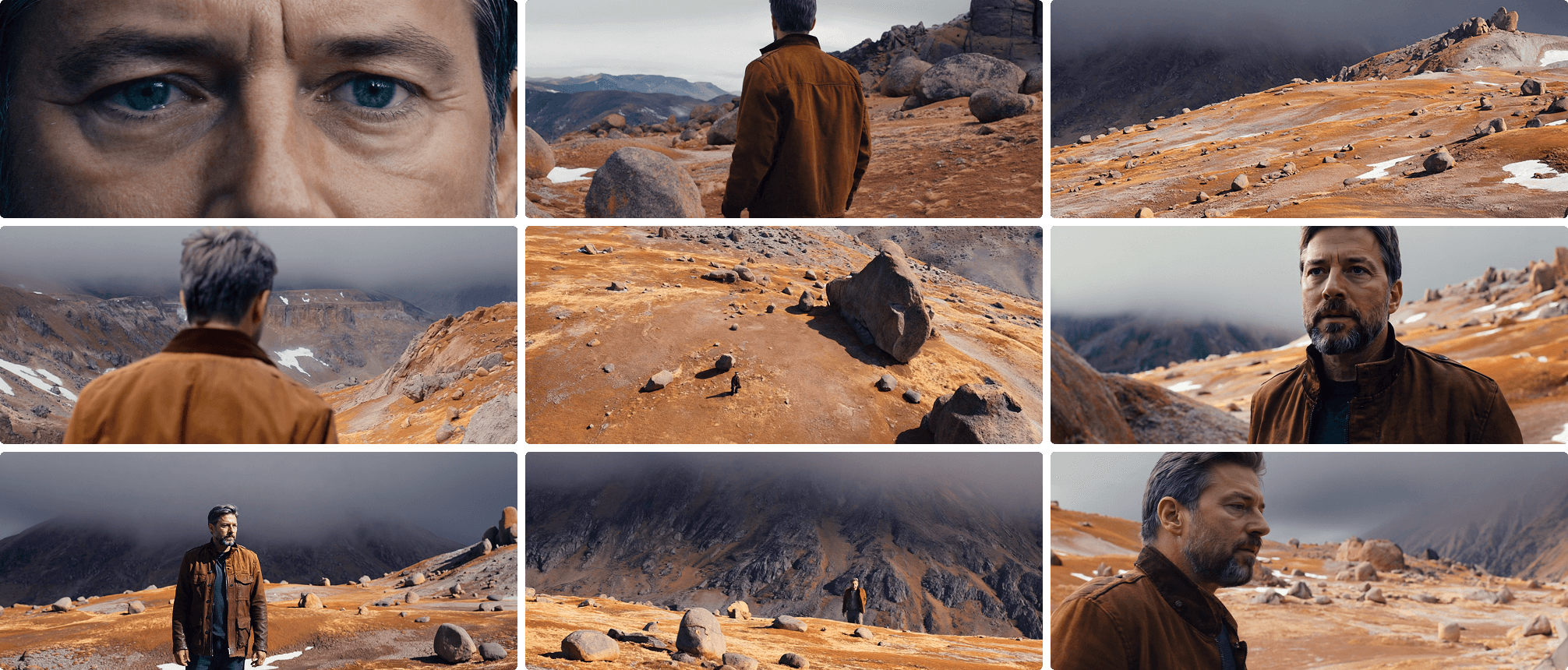
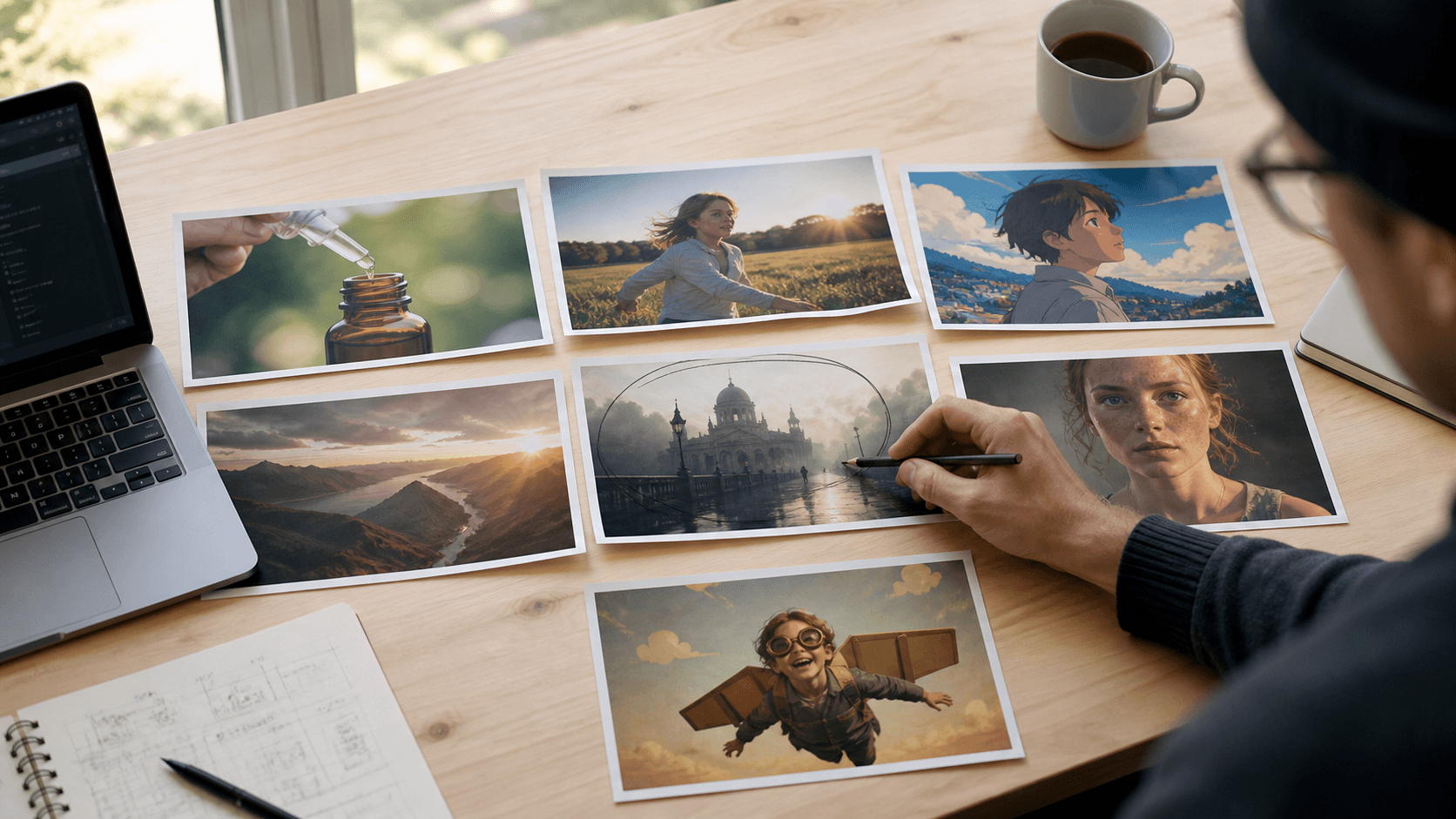
Runway makes the most sense when generation is one stage inside a controlled finishing pipeline.
Kling AI — best for people and physical motion. Kling is a strong PixVerse alternative when a shot depends on body mechanics, clothing continuity, a dance phrase, or a person handling a product. Reference controls help preserve a subject while the camera or body moves. Keep the test honest: use one performer, one prop interaction, and one camera move, then review hands and contact throughout the clip rather than judging the prettiest frame. Free access is useful, although queues and export rules may vary.
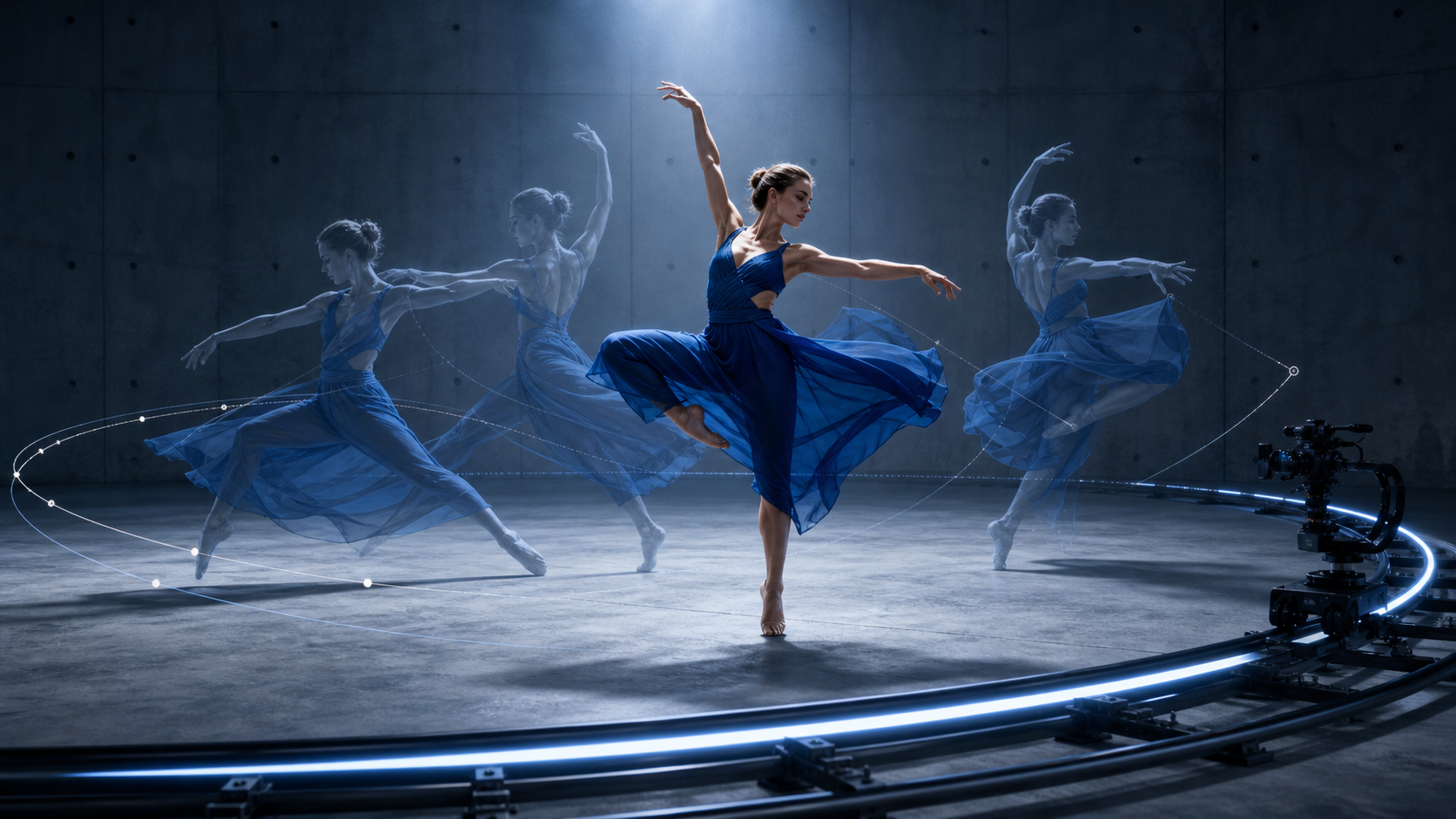
Character benchmarks should reveal motion continuity, not hide it behind cuts or effects.
Pika — best for playful effects and rapid concepts. Pika is the closest alternative to PixVerse in creative temperament. It is fast for transformations, object interactions, exaggerated motion, and short social hooks. A beginner can upload a frame and reach a visible idea without designing a full production prompt. The limitation appears when the effect must become a consistent campaign: short clips, plan-dependent clean export, and repeated rerolls can make assembly expensive. Compare it with our Pika alternatives guide when stylization is the brief but Pika itself is not the right route.
Pika is excellent when the named effect is the concept; Seedance is stronger when the shot must remain reusable beyond the effect.
Budget & Niche Picks (Hailuo, Luma, Sora)
Hailuo AI — best for low-cost character tests. Hailuo is useful when a team wants several expressive directions before spending on a premium render. Short character clips, facial reactions, and lip-sync experiments are natural tests. The important discipline is to compare the same prompt and source image, then log resolution, duration, queue time, and clean-export status for the exact route used.
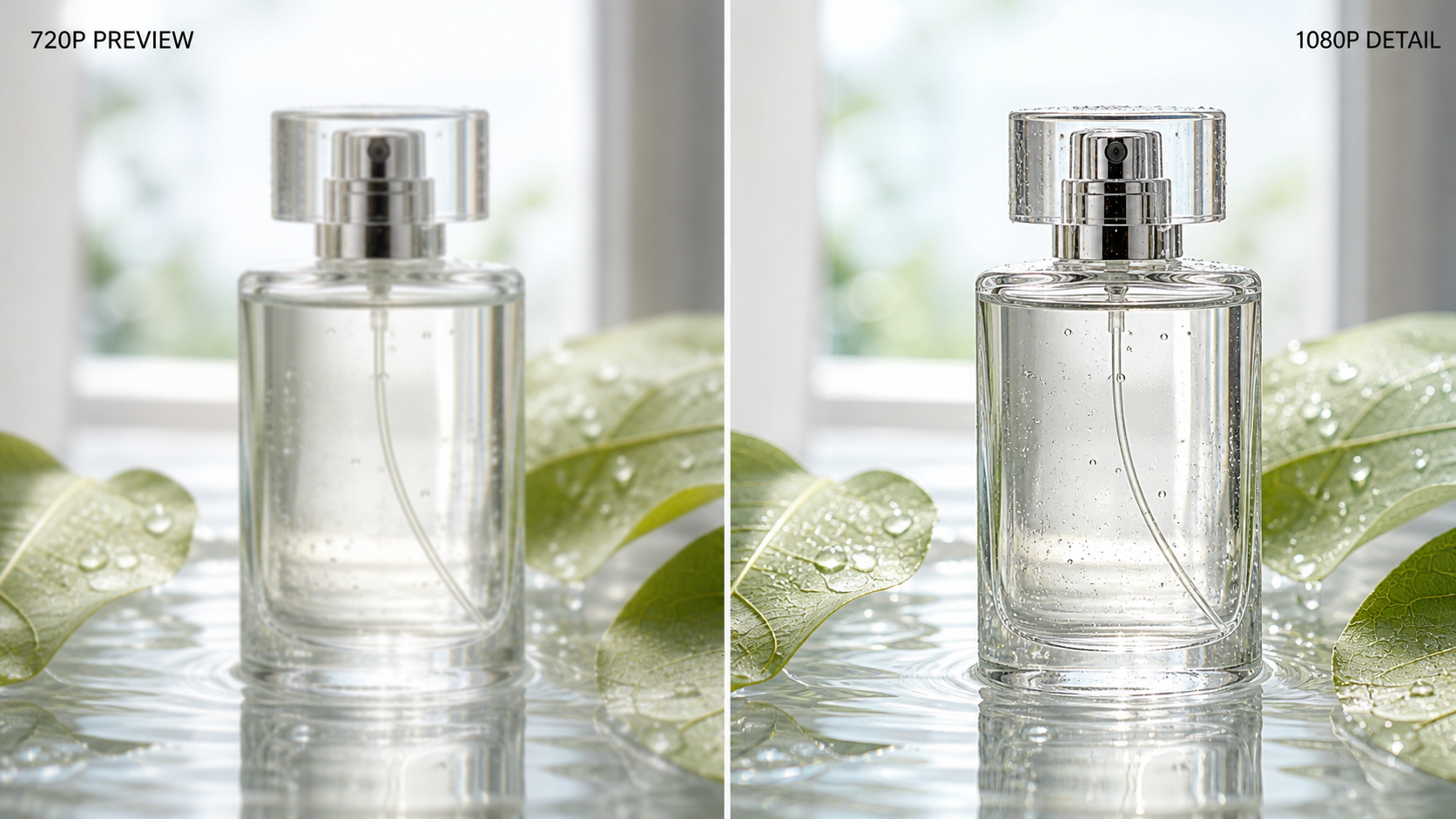
A budget model should be judged on usable detail and reroll rate, not only the advertised resolution.
Luma Dream Machine — best for spatial movement. Luma is a practical niche choice for architecture, atmosphere, product visualization, and camera moves that need a convincing sense of three-dimensional space. It can produce graceful motion from a strong source frame, but a small free allowance makes careless experimentation costly. Lock composition before generation and avoid asking the subject, background, and camera to transform at the same time.
Sora — best for longer premium concepts. Sora belongs in the shortlist when a scene needs more time to unfold and the creator can justify premium access. Longer clips can preserve a complete beat that would otherwise require several stitched generations. Duration does not remove the need for structure: divide the prompt into sequential actions, keep character details compact, and ask the camera to perform one clear job. For a broader price-sensitive comparison, see our free AI video generators review.
Use one continuous material-reveal brief to compare how premium and budget routes preserve motion over time.
How to Choose the Right PixVerse Alternative
Start with the shot, not the brand name. Define the subject, required action, camera move, delivery ratio, target duration, and one detail that must not change.
Match the tool to the biggest risk:
- Product fidelity and realistic prompt following: Seedance
- Integrated film production and finishing: Runway
- Human movement and physical interaction: Kling
- Playful transformations and social effects: Pika
- Budget character exploration: Hailuo
- Spatial camera movement: Luma
- Longer premium scenes: Sora
Run a fair four-step benchmark:
- Lock the inputs. Use the same source image, aspect ratio, duration, and core prompt in every tool.
- Generate twice. One lucky output does not prove that a model is repeatable.
- Score the full clip. Check identity, motion, prompt compliance, artifacts, render time, export status, and editing effort.
- Test the delivery format. A strong 16:9 result may crop badly at 9:16, while an effect-led tool may not leave clean opening and closing holds.
Calculate cost per approved clip, not cost per generation. A low-priced model that needs six rerolls can be more expensive than a premium route that succeeds on attempt two. Verify commercial terms and watermark behavior at the moment of export.
Finally, download each test and review it at full size with sound on. If possible, ask a teammate to compare the results without knowing which model made them. That small blind check separates genuine output quality from brand familiarity.
Conclusion
PixVerse remains useful for templates, stylized characters, and quick social effects, but Seedance is the strongest overall alternative for creators who need realism, control, and a beginner-friendly path from prompt to clean deliverable. Keep Runway, Kling, Pika, Hailuo, Luma, and Sora as specialists, then choose by the hardest requirement in the shot and the total cost of reaching an approved result.
Ready to create your own AI video?
Turn ideas, text prompts, and images into polished videos with Seedance. If this article helped, the fastest next step is to try the product.
Free credits on signup. Plans from $28/month.
Related Articles
More posts in the same locale you may want to read next.

Seedance App Preview Video Generator 2026: Create App Store and Product Launch Clips
Use Seedance to turn app screenshots, feature copy, and launch goals into App Store previews, Google Play promo videos, and product launch clips.
Read article
Kling 4.0 vs Seedance 2.5: Full Comparison
Kling 4.0 vs Seedance 2.5 compared by spec: 30-second clips, keyframes vs 50 references, audio, 4K and 10-bit color, editing, and which model fits which job.
Read article
Kling 4.0 Keyframes & Omni Reference Guide
Learn how Kling 4.0 uses up to 10 keyframes and 15 Omni Reference assets in one 30-second video, with 3 worked plans, common mistakes, and Seedance 2.5 tips.
Read article