
Pictory Blog to Video Tutorial: Turn an Article Into a Watchable Story
AI Overview
How do you turn a blog post into a video with Pictory?
Choose URL to Video for a public article, let Pictory extract a draft, then edit the script, scenes, visuals, voiceover and captions before export. Treat the first storyboard as a starting point, not the finished video.
Should you use URL to Video or Text to Video in Pictory?
Use URL to Video when the published page is accessible without a login. Use Text to Video for drafts, gated pages or a rewritten script that should not follow the article's original structure.
How long should a Pictory blog video be?
Choose runtime from the viewer's job rather than the article length. A focused 60–90 second summary usually needs one hook, three useful beats, evidence and one clear next action.
Can Seedance Agent replace the Pictory editor?
It serves a different production need: planning original shots, maintaining continuity and rerunning weak moments. Use Pictory for fast article assembly, then use Seedance Agent when the story needs custom moving evidence.
Choose the Right Pictory Starting Route
People searching for a Pictory blog to video tutorial rarely want every paragraph narrated. They want to turn work that already exists into a clear video for YouTube, LinkedIn, a landing page or social distribution—without rebuilding the story from zero. The decisive step comes before generation: choose the input route that gives you the cleanest editorial draft.
Pictory's current help material distinguishes a URL-based article workflow from a text-based one. URL to Video suits a publicly reachable post: paste the address, let the system extract a draft, then review the script and storyboard. For a gated, cluttered or substantially reframed article, use Text to Video with a deliberately shortened script. Both routes reach the editor, where visuals, captions, voice and branding still need human decisions.
This tutorial uses a fictional independent bookshop article as its working example. The article explains how the shop curates small-press art books and hosts evening readings. The images below are original illustrative assets, not Pictory screenshots or claimed Pictory outputs. For a node-based alternative, the Picsart article-to-video workflow shows how the same editorial decisions can be split across a visual canvas.
Compress the Article Before You Import It
Build a five-beat brief
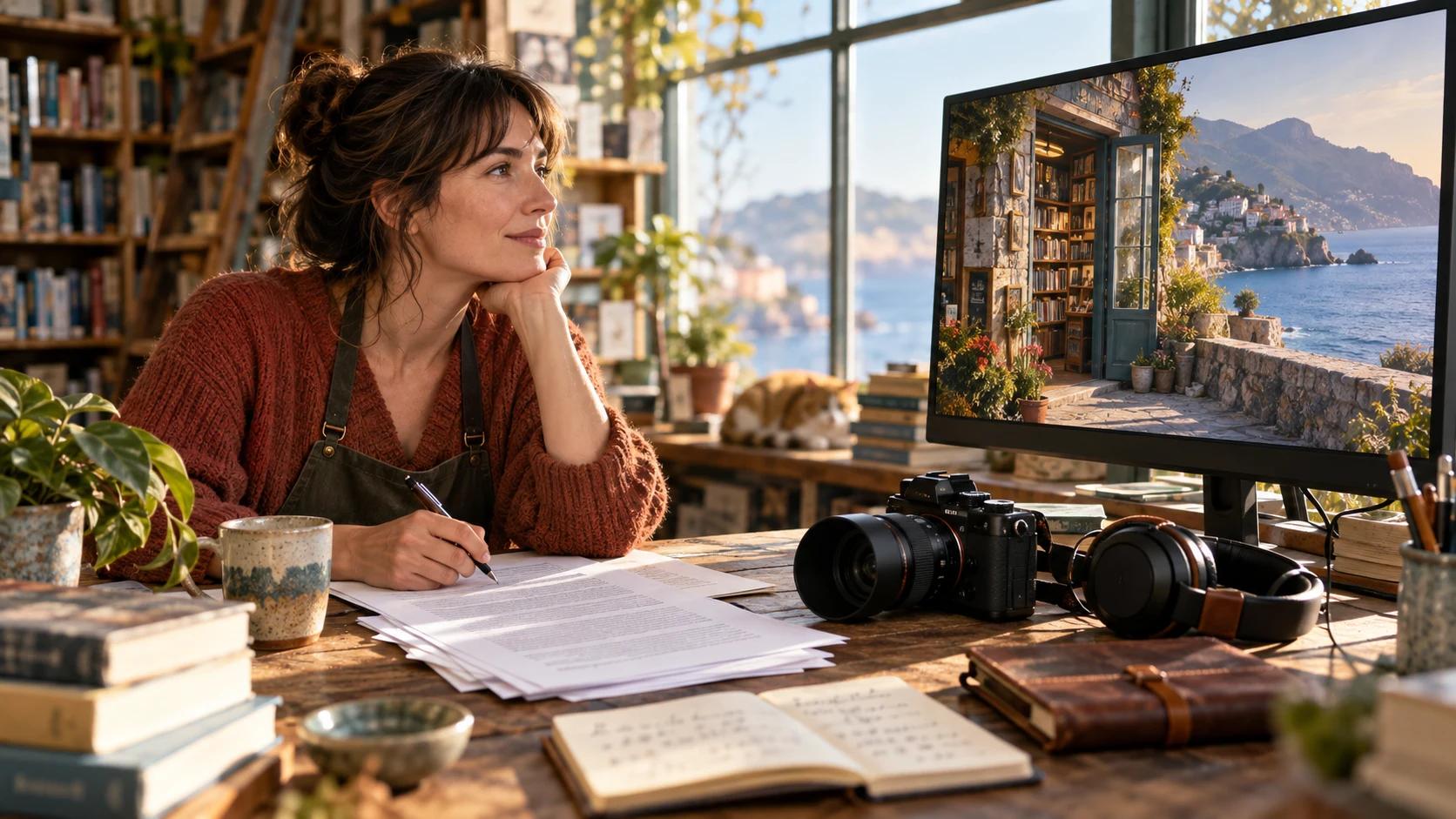
A blog post is designed for scanning, links and detail; a video is experienced in time. Copying the whole article into narration creates a slow voice, captions that fill the frame and stock footage that changes without purpose. First write the video's promise in one sentence: “See how a neighborhood bookshop chooses, displays and shares a small-press collection.” Then select five beats that prove that promise.
Use this compact brief before opening Pictory:
| Beat | Source material | Visual job | Acceptance check |
|---|---|---|---|
| Hook | Strongest reader problem | Owner opens the shop at sunrise | Viewer understands place and subject in three seconds |
| Context | One paragraph of background | Wide aisle and curated display | No generic office or unrelated library footage |
| Method | Three useful steps | Hands sort, label and arrange books | Each action matches the spoken verb |
| Proof | Quote, example or permitted data | Customer examines the finished display | Claim is supported by the article, not invented by imagery |
| Action | Final recommendation | Evening storefront and event card | Ending tells the viewer what to do next |
Draft narration from those rows, not from the page word count. Read it aloud, remove repeated adjectives and citation detours, and preserve names, measurements and qualifications exactly. Do not turn a carefully qualified article claim into a bigger voiceover promise.

Original planning photograph for this guide. The purpose is editorial compression: one article point becomes one visible beat, not a paragraph pasted onto the screen.
Generate the Storyboard, Then Edit It Hard
Check every scene against its sentence
Paste the public URL or prepared script and generate the initial video. Pictory can extract text, build scenes, match stock visuals, add captions and offer voice options, but automation cannot know which detail is the article's real evidence. Review the story text before polishing design. One scene should usually express one idea. Split a card that carries two claims; merge consecutive cards that repeat the same point.
Now play the storyboard silently. The sequence should still communicate opening, selection, display, community and invitation. Replace any visual that merely shares a keyword. “Independent publishing” should not become a random printing press if the narration is about curating books. “Evening reading” should show an audience and speaker, not a person silently reading alone. Search stock with concrete nouns, setting and action; upload owned material when the article documents a real place or product.
If the article begins as a loose idea rather than an approved page, a text-to-video brief helps define subject, action and camera before motion generation. When the bookshop layout, product geometry or a specific person must remain recognizable, use an image-to-video starting frame as the visual anchor.
Replace Generic B-Roll With Purposeful Visuals
Use a shot ladder, not a clip pile
A watchable article video changes scale with intention. Start with a wide location shot, move to a medium human action, show a close detail, return to a social or outcome shot, then finish with a clean action frame. That ladder gives the viewer orientation and prevents every scene from becoming the same slow stock push-in.
For the bookshop story, the visual sequence might be: exterior opening, owner walking the aisle, hands comparing two covers, customer discovering the display, evening gathering. Hold wardrobe, shelf geography, color and time of day stable when these shots are meant to depict one visit. Avoid using unrelated actors or locations as if they document the same real business. If licensed stock is illustrative, write captions and narration that do not imply otherwise.

Original illustrative campaign still. It gives the “selection” beat a readable person, action and location instead of relying on a vague book-related image.
Pictory is efficient when stock and owned media can tell the story. A coordinated generation layer helps when the missing shot is specific: the same fictional owner crosses the same store, places the same edition and appears at the event. Seedance Agent can hold references, shot intent and review criteria together, then rerun one failure without rebuilding the full edit. The timeline editing prompt guide offers language for reorder, replacement and duration changes.
Add Voiceover, Captions and Brand Restraint
Lock the script before recording
Choose the voice only after scene order and wording are stable. Pictory supports AI voiceover, uploaded or recorded narration, and an auto-sync route for applying a voice track to the video. A recorded voice should not be treated like editable text: revise the script first, then record the approved version. Listen for names, acronyms, pauses and sentence endings. Lower background music until every word remains clear on a phone speaker.
Captions should help silent viewers, not reproduce a dense article layout. Keep them to one short thought at a time, avoid covering faces or products, and break lines at natural phrases. Review spelling independently from the voice. The automatic subtitle workflow includes a useful pass for timing, line length and proper nouns.
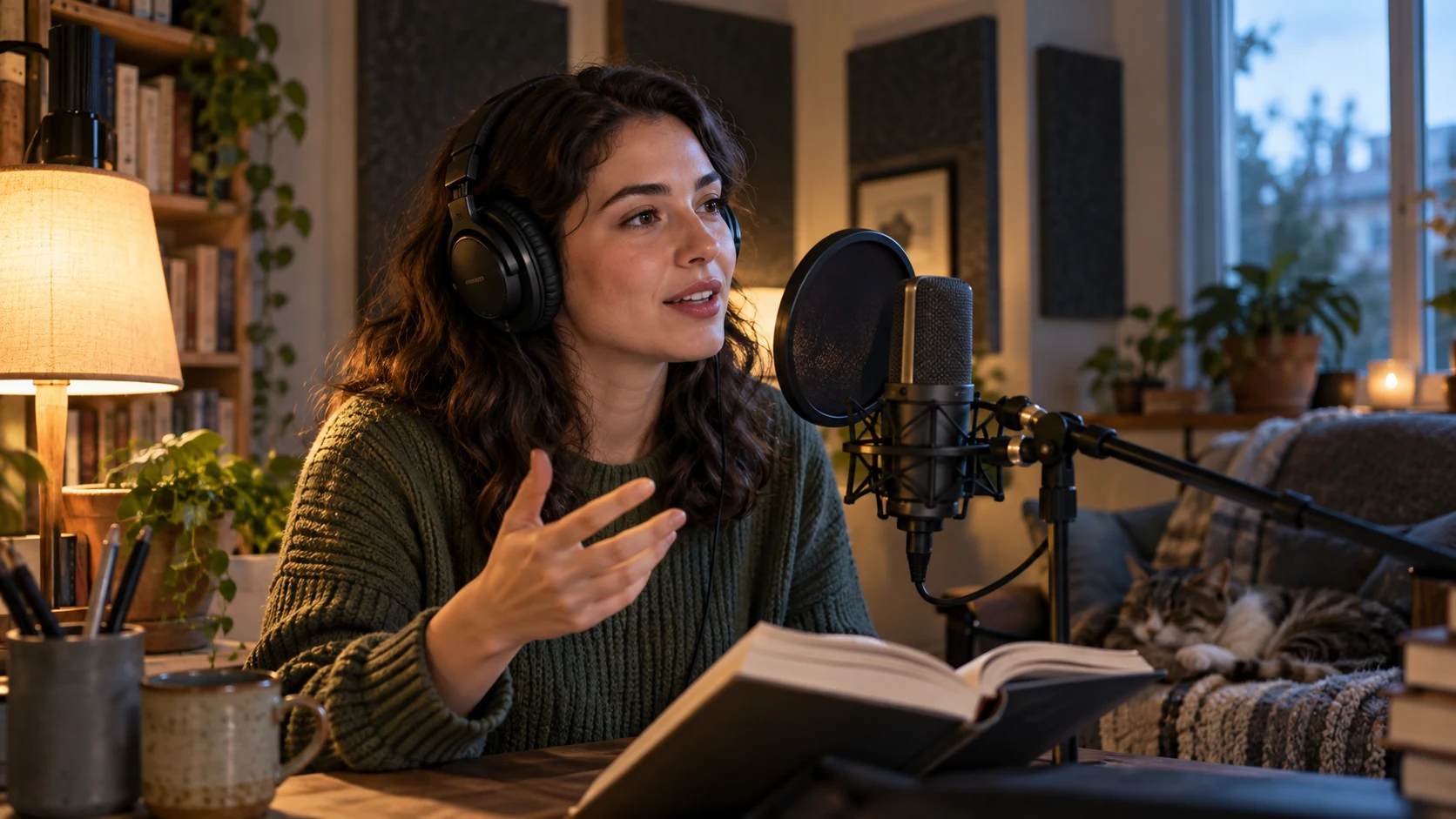
Original production still. Record only after the scene script is approved so later wording changes do not force avoidable audio repair.
This is a real moving Seedance example used only to demonstrate full-clip caption and timing review. It is not a Pictory render or evidence of Pictory output quality.
Apply brand colors, fonts and a logo with restraint. One caption style and one transition family are usually enough. Motion should clarify hierarchy rather than make every sentence compete for attention. Preview from beginning to end after any global style change; a readable opening caption can still fail over a brighter later scene.
Export for One Primary Destination
Approve the master before making variants
Pick one primary destination and aspect ratio before export. A 16:9 article or YouTube master gives text and environments room; a 9:16 social version needs tighter framing and shorter captions. Do not assume one automatic crop protects faces, products and lower-third text across every scene. Review each derived format separately.
Export the master, download it and inspect the file outside the editor. Check resolution, runtime, audio start, music level, caption spelling, black frames, repeated clips and the final call to action. Watch once muted, once without looking at captions and once on a small screen. Those three passes expose visual dependence, weak narration and unsafe text sizing.
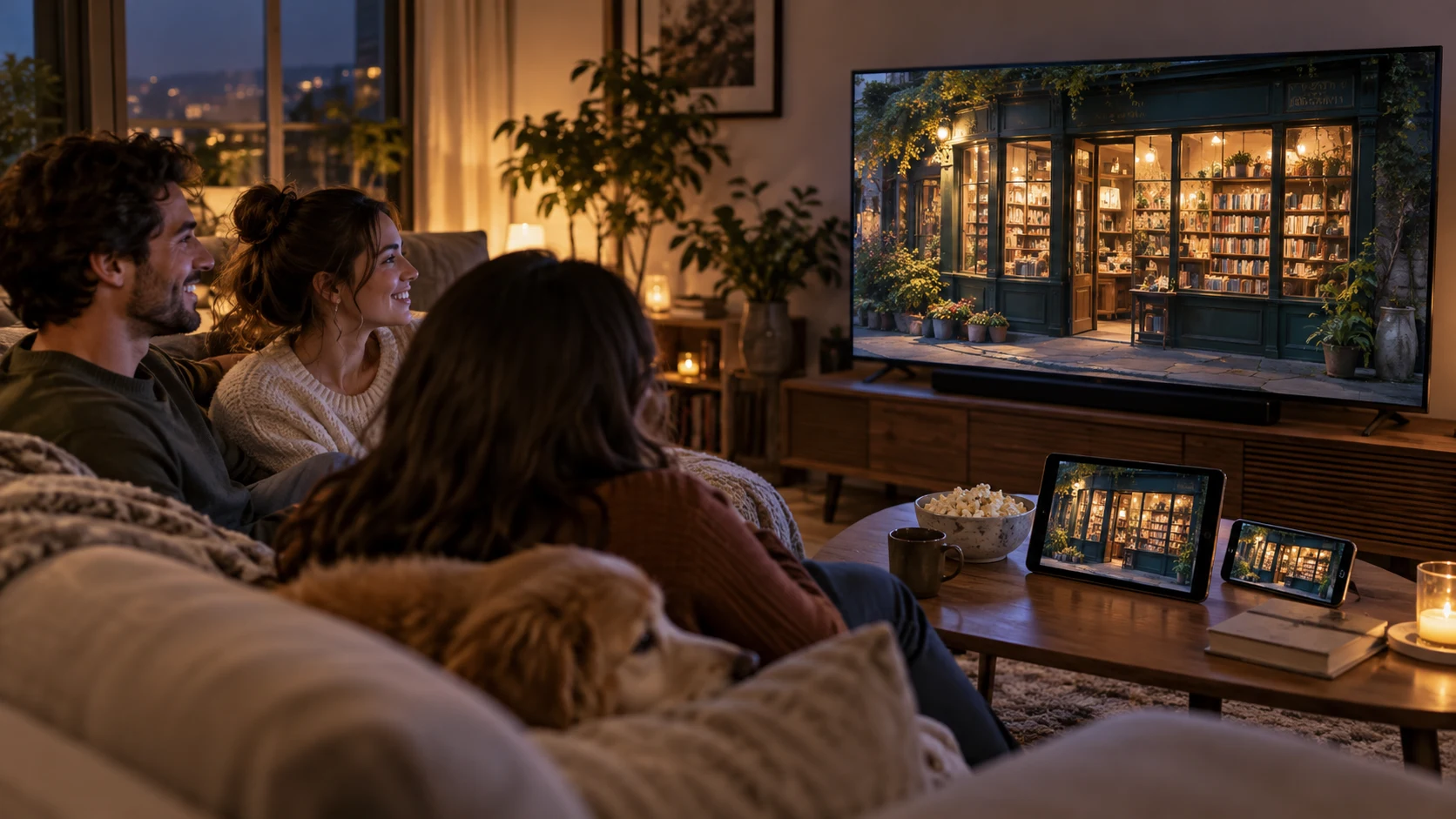
Original delivery photograph. Every screen uses the same campaign world, but each format still needs its own crop and legibility check.
Store the article URL, approved script, source rights, voice file and master export together. When the article changes, update only the affected beat and reapprove the entire timeline. This keeps a content-repurposing system maintainable instead of producing disposable videos that cannot be traced back to their source.
Troubleshoot weak Pictory blog videos
If the generated script misses the point, shorten the source before changing visuals. Put the thesis and three proof points in a clean text draft, then use Text to Video. If scene matching feels generic, replace keyword-only searches with setting plus subject plus action, or upload owned media. If narration sounds rushed, reduce copy; speeding the voice rarely fixes structure. If captions dominate the frame, shorten sentences and choose a larger safe area rather than shrinking the type.
When a URL will not import, confirm that the article is public, accessible without a login and mostly contains readable page text. Gated content, dynamic pages and cluttered layouts are better handled by pasting an approved script. If the export looks right in the editor but wrong elsewhere, verify the downloaded master before making social variants and recheck the aspect ratio, crop and audio track.
Use one acceptance rule for every fix: change the smallest stage that caused the failure. Re-import for source problems, rewrite for story problems, replace media for visual problems, rerecord for audio problems and re-export for delivery problems.
Conclusion
The most reliable Pictory blog-to-video workflow is editorial before it is automatic: choose the right input route, compress the article into five visible beats, treat the first storyboard as a draft, replace generic footage, lock narration before recording, and approve one master before making variants. When the story needs original motion, consistent people or selective reruns beyond stock assembly, start the production in Seedance Agent and carry the same beat sheet and acceptance checks into the generated shots.
Ready to try it yourself?
Put the steps from this guide into practice with Seedance and turn prompts or images into polished videos in minutes.
Free credits on signup. Plans from $28/month.
Related Articles
More posts in the same locale you may want to read next.

Seedance App Preview Video Generator 2026: Create App Store and Product Launch Clips
Use Seedance to turn app screenshots, feature copy, and launch goals into App Store previews, Google Play promo videos, and product launch clips.
Read article
15 Faceless YouTube Channel Ideas You Can Make with AI (2026)
15 faceless YouTube channel ideas for 2026, with the format, a sample AI video prompt and difficulty for each, plus how to make them with Seedance AI.
Read article
How to Use Seedance in Claude: MCP Setup and Automated Video Workflows
Use Seedance 2.5 inside Claude: connect the Seedance MCP server, generate videos by chat, batch variations and schedule daily video jobs with Claude scheduled tasks.
Read article