
NotebookLM Cinematic Video Overview Prompts: A Source-to-Screen Guide
AI Overview
What should a NotebookLM Cinematic Video Overview prompt include?
Name the audience, central question, source boundaries, narrative structure, visual language, and ending. Give editorial direction without scripting every camera move, because the system still makes many scene-level decisions.
What sources produce the strongest cinematic overview?
Use a focused packet with a clear argument, concrete people or places, visual evidence, and reliable dates. Remove duplicates, outdated claims, and material that should not appear in narration before generation.
How do I make the result feel cinematic instead of like slides?
Prompt for a story arc, recurring visual motif, varied shot scale, physical action, and purposeful transitions. Ask the film to explain one idea through scenes, not to display every source heading.
Why is NotebookLM Cinematic Video not showing?
Google launched the format in English for eligible adult Google AI Ultra users on web and mobile in March 2026. Check account eligibility, language, region, selected format, and rollout status before rewriting the prompt.
Start With Sources a Film Can Actually Use
A cinematic prompt cannot rescue an unfocused notebook. Before opening Video Overview, define one viewer job: understand a disputed discovery, brief an executive on a proposal, teach a process, or retell a documented event. Select only the sources needed to complete that job. A dense folder of overlapping reports encourages repetition; one thin press release may not contain enough scenes, evidence, or tension for a useful film.
Use this source audit before generating:
| Source question | Keep when | Fix before generation |
|---|---|---|
| What is the central claim? | the source states it plainly and supports it | extract the relevant section or write a neutral source summary |
| What can become a scene? | people, places, objects, mechanisms, timelines, or consequences are concrete | add an authorized image, transcript, caption, or factual description |
| Which facts must be exact? | names, dates, quantities, and quotations agree across sources | resolve conflicts and remove superseded material |
| What should be excluded? | private, licensed, irrelevant, or speculative material is absent | create a clean source copy for the notebook |
| Who is the audience? | vocabulary and assumed knowledge are defined | add a short audience brief as a source or prompt constraint |
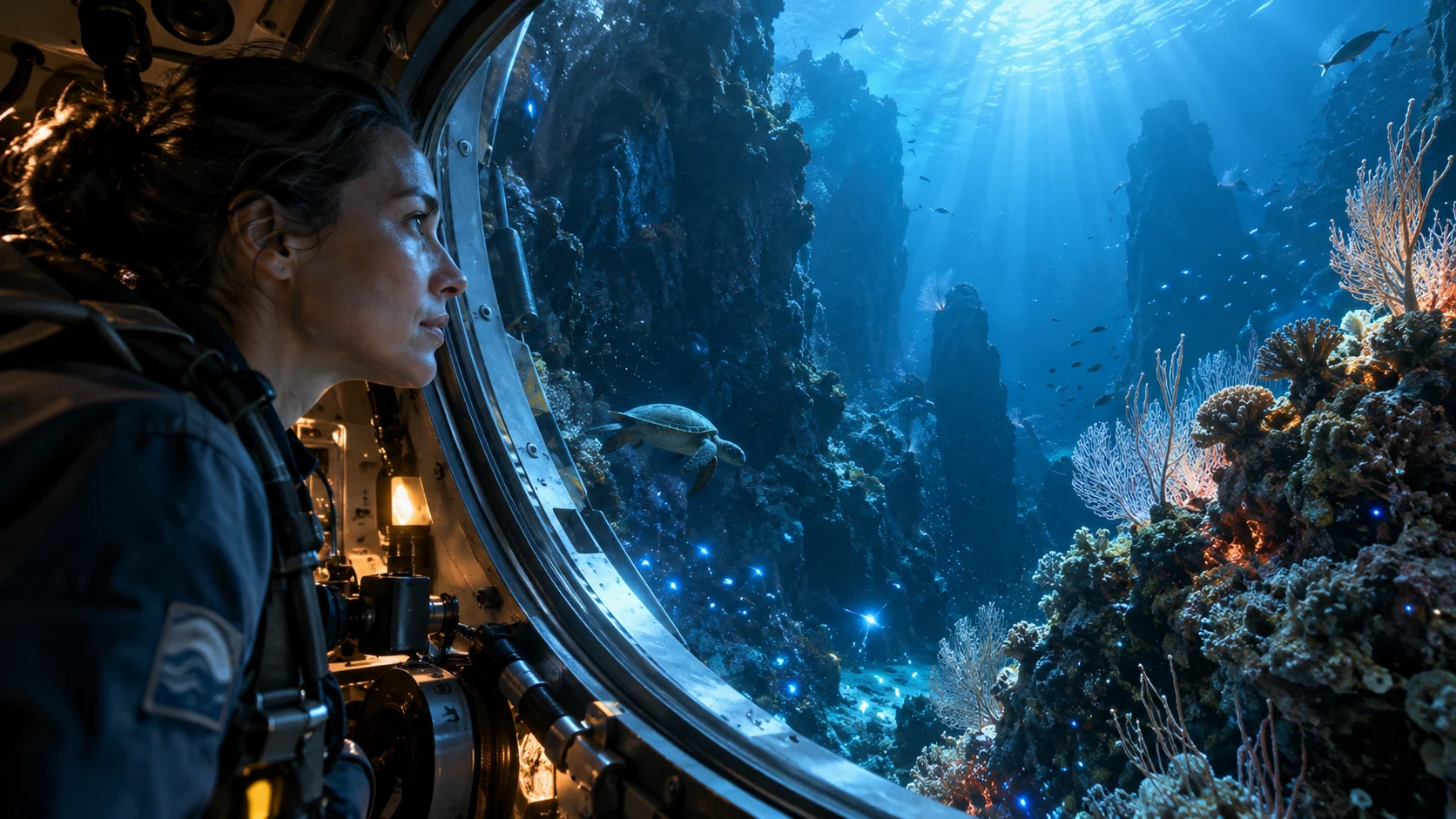
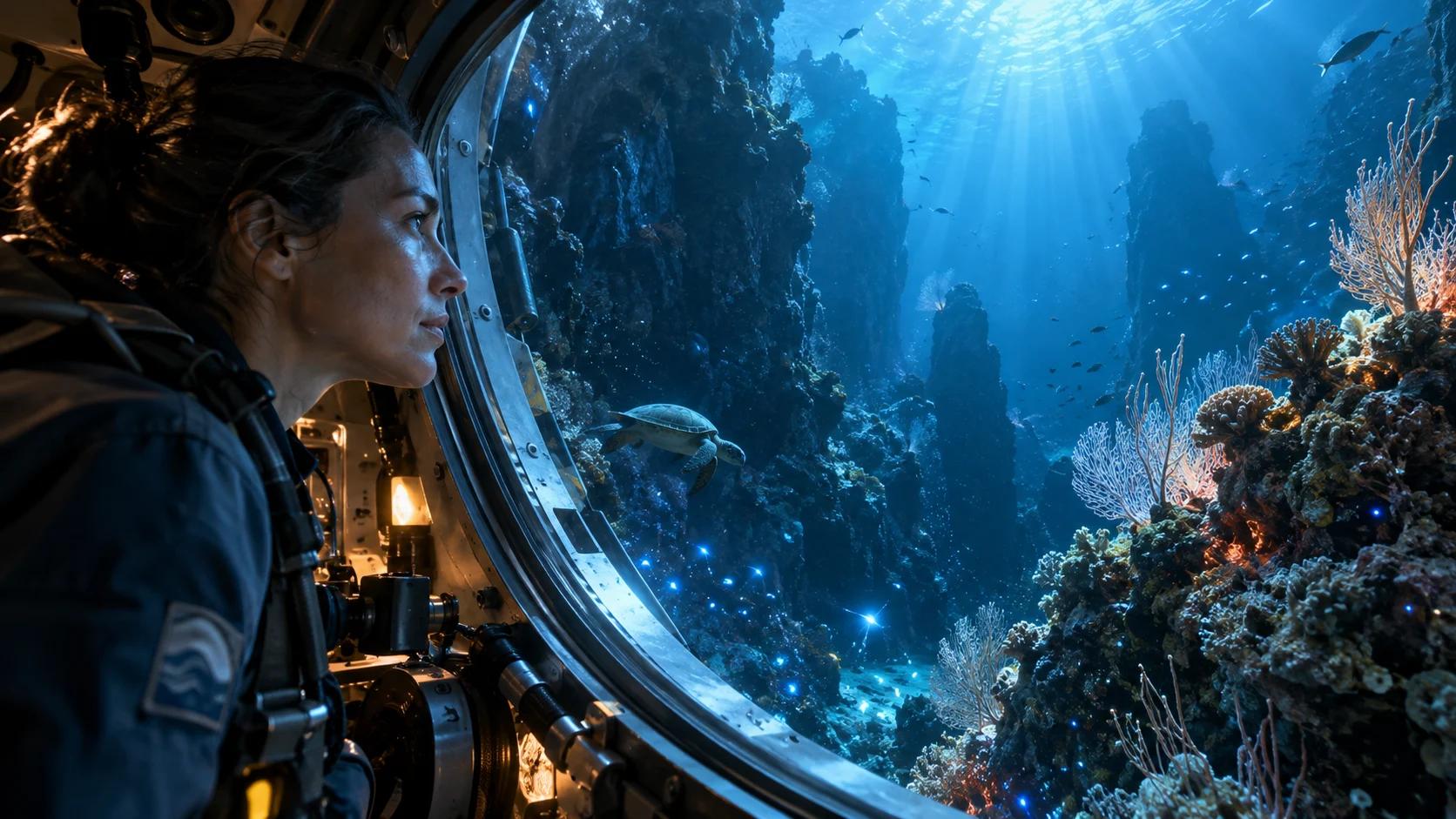
A newly created editorial output shows the kind of concrete subject, environment, and discovery beat a source packet should support; it is not a NotebookLM output.
Prompt the Story, Not Every Shot
The best NotebookLM cinematic video prompt reads like a compact director's brief. It states what the viewer should understand, which evidence deserves screen time, how the explanation should progress, and what tone fits the material. It does not dictate twenty camera angles or request unsupported spectacle.
Use this six-part structure:
- Audience: who will watch and what they already know.
- Outcome: the single question the film must answer.
- Evidence: sources, sections, examples, and distinctions to prioritize.
- Arc: opening tension, three explanation beats, and resolution.
- Visual language: documentary, historical reconstruction, scientific macro, product film, or another justified style.
- Guardrails: exclusions, uncertainty labels, terminology, and final recap.
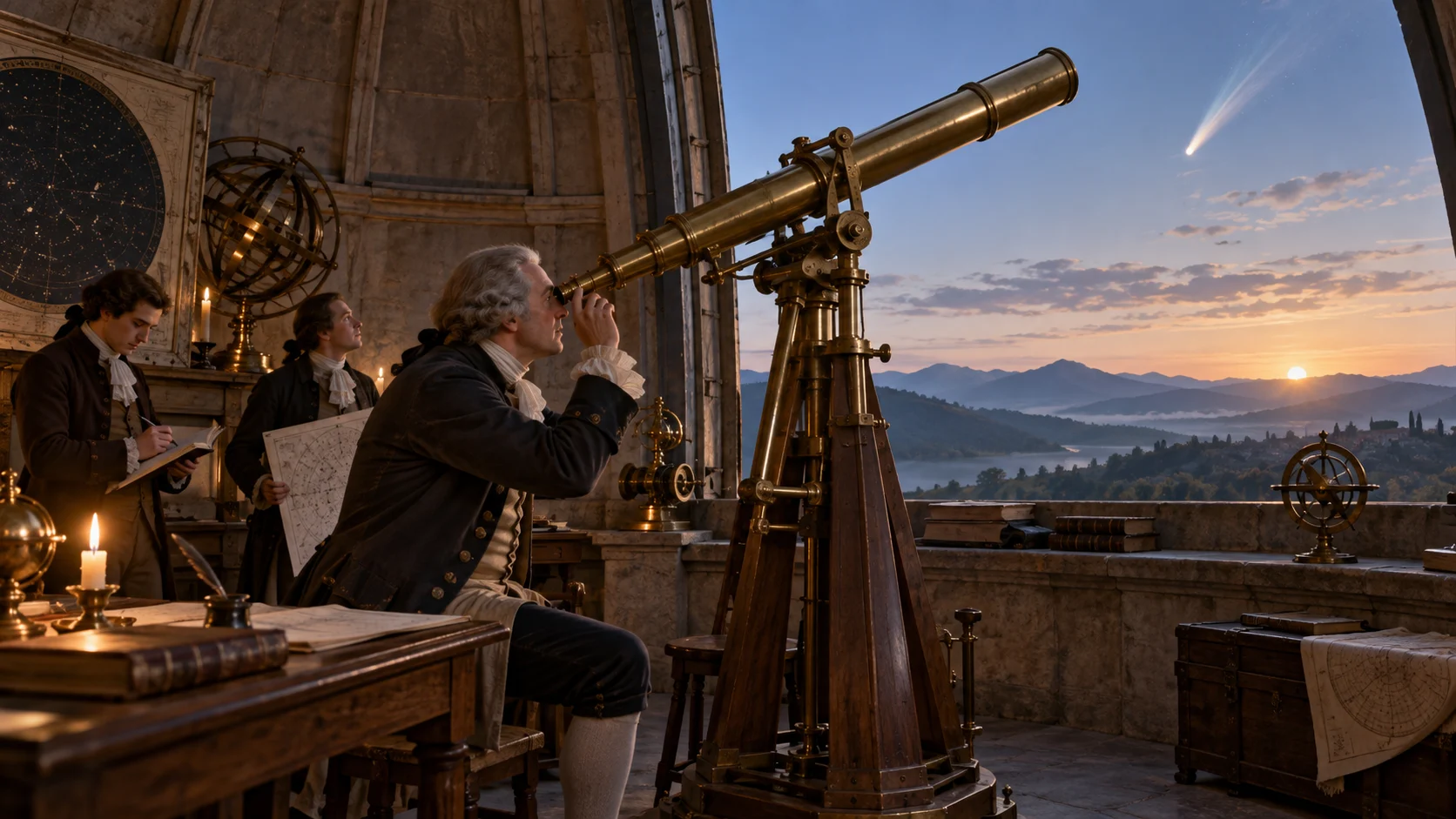
This new historical editorial frame demonstrates a specific place, action, object, and time-of-day motif that a source-grounded prompt can request without prescribing every cut.
Avoid conflicting instructions such as “slow contemplative documentary,” “constant fast cuts,” and “show every detail.” Rank priorities; for a short film, narrow the scope instead of compressing the source into a frantic montage.
Copy-Ready NotebookLM Cinematic Video Overview Prompts
Replace every bracketed field and delete instructions that your sources cannot support. These templates are steering prompts, not claims that NotebookLM will reproduce an exact shot list.
Research documentary prompt
Create an English Cinematic Video Overview for [audience] that answers [central question]. Use only the selected sources. Open with the documented real-world stakes, then explain [idea 1], [idea 2], and [idea 3] in that order. Use a grounded documentary style with physical locations, people at work, and close visual details drawn from the sources. Return to [motif] between chapters. Distinguish established findings from uncertainty, do not invent quotations or statistics, and end with a concise evidence-based recap.
Historical reconstruction prompt
Create a cinematic historical overview for [audience] about [event or period]. Follow the verified chronology in the sources and organize the film around [three turning points]. Use restrained period reconstruction, maps only when they clarify movement, and recurring close-ups of [documented object]. Clearly signal where sources disagree. Avoid modern objects, invented dialogue, sensational claims, and composite characters. End by explaining the documented consequence that still matters today.
Executive briefing prompt
Turn the selected proposal and research into a cinematic executive briefing for [decision makers]. State the decision in the opening, visualize the customer or operational problem, compare the available options using only supplied evidence, and show the recommended path with its risks. Keep the tone concise and credible, use clean real-world scenes rather than decorative abstraction, define specialist terms once, and finish with three actions the audience can take next.
Science explainer prompt
Create a cinematic science overview for [knowledge level] explaining [mechanism]. Begin at the observable phenomenon, move from the largest scale to the smallest, and use one consistent visual metaphor only where it does not distort the science. Define [terms], prioritize [sources or sections], and label hypotheses or preliminary findings as uncertain. Avoid unsupported medical or causal claims. End by returning to the opening phenomenon and summarizing what the evidence can and cannot establish.

A new editorial science frame shows one mechanism and one focal relationship; it is illustrative media, not a medical claim or NotebookLM benchmark.
Fix Flat, Repetitive, or Unsupported Results
When an overview feels generic, diagnose the source-to-screen failure before adding adjectives. “Make it more cinematic” rarely identifies the missing editorial decision.
| Symptom | Likely cause | Smallest useful revision |
|---|---|---|
| narrated slides or static composition | sources contain abstractions but few visible actions | add concrete cases, locations, objects, or an authorized visual source |
| same idea repeated | source set overlaps or prompt lacks an arc | remove duplicates and assign one purpose to each chapter |
| invented-looking specificity | prompt requests details absent from sources | remove the request or add a reliable supporting source |
| beautiful but unclear opening | visual mood appears before the question | state the viewer problem and opening evidence explicitly |
| inconsistent style | several visual languages compete | choose one primary style and one recurring motif |
| important caveat disappears | caveat is buried in a long document | prioritize the section and require uncertainty to be stated |
| format is unavailable | account, language, age, or rollout mismatch | verify eligibility and current product availability |
If one source poisons the result, deselect it and rerun the same prompt. If the facts are sound but the story wanders, rewrite only the outcome and arc. Keep a revision log with the source set, prompt version, observed failure, and chosen output.
Google's launch announcement on March 4, 2026 described English availability for Google AI Ultra subscribers aged 18 or older on web and mobile. Availability may evolve after launch, so treat the controls shown in your account as the operational truth. A missing Cinematic option is not necessarily a prompt failure.
Review the Finished Video Before Sharing
Watch the complete film once for comprehension, then a second time with a review grid. A convincing first scene can hide repetition, factual drift, weak transitions, pronunciation problems, or a conclusion that never answers the opening question.
Score six dimensions from 1 to 5:
| Review dimension | Approval question |
|---|---|
| Source fidelity | Can every important claim be traced to a selected source? |
| Narrative progression | Does each chapter add a new piece of the answer? |
| Visual explanation | Do scenes clarify the idea rather than merely decorate narration? |
| Continuity | Do motif, place, identity, palette, and direction remain readable? |
| Audio clarity | Are names, technical terms, pacing, and emphasis understandable? |
| Delivery fit | Is the length, tone, language, and ending suitable for the audience? |
This existing Seedance editorial output is not a NotebookLM result; inspect the moving path, environmental continuity, pacing, and visual handoff as review criteria.
Pause on any text, chart, number, or quotation and check it against the source. A reconstructed scene should not look like archival footage without explanation, and an illustrative science image should not be mistaken for measured evidence.
For longer sequences assembled from multiple generated clips, the video extension prompt guide offers a practical continuity checklist, while the voice consistency workflow helps review narration across separate outputs.
Move From Overview to a Production Workflow
NotebookLM is useful when the deliverable should remain a source-led overview and the system can decide much of the visual structure. A different workflow is better when you need exact shots, a locked product, reusable characters, precise duration, platform variants, client approvals, or selective reruns.

This newly created climate-documentary output illustrates an approval-ready scene with a clear environment and human action, not an interface or generation-process screenshot.
Use Seedance Agent when the project needs a brief, reference set, shot plan, model routing, review notes, and targeted reruns to stay connected. A team can keep the NotebookLM overview as a research or narrative reference, then rebuild the approved beats as controllable scenes. Generate precise source frames in image-to-video, plan a controlled sequence with the multi-keyframe workflow, and keep the final brand or character decisions attached to the production record.
Conclusion
Strong NotebookLM cinematic video overview prompts begin with a clean source packet and one viewer job. Define the audience, central question, evidence order, visual language, guardrails, and ending; let the system choose scene details; then review source fidelity, narrative progression, visual explanation, continuity, audio, and delivery fit. When an overview needs exact shots, reusable assets, approvals, or partial reruns, turn the approved story into a production plan with Seedance.
Ready to try it yourself?
Put the steps from this guide into practice with Seedance and turn prompts or images into polished videos in minutes.
Free credits on signup. Plans from $28/month.
Related Articles
More posts in the same locale you may want to read next.

Seedance App Preview Video Generator 2026: Create App Store and Product Launch Clips
Use Seedance to turn app screenshots, feature copy, and launch goals into App Store previews, Google Play promo videos, and product launch clips.
Read article
How to Make a Talking AI Avatar You Can Reuse
Make a talking AI avatar with Seedance: design one consistent character, give it a voice, and make it speak in a talking photo or a full Seedance 2.5 scene, episode after episode.
Read article
Best AI Video-to-Video Models in 2026
The best AI video-to-video models in 2026 for editing footage you already shot: Higgsfield Genjutsu, Seedance 2.x, Runway Aleph, Luma Modify and Kling Omni compared.
Read article