
MiniMax H3 Zombie Video Prompt: 4 Copy-Ready Horror Templates
AI Overview
How do I write a MiniMax H3 zombie video prompt?
Describe the opening, chronological action, one camera move, intended ending and separate audio. Explicitly preserve identity and scene anchors.
Can MiniMax H3 create a zombie transformation from one image?
Yes. Anchor the portrait with image-to-video, then describe a gradual, restrained transformation while protecting face shape, hair, wardrobe and pose.
Should I use text-to-video or first-and-last-frame mode?
Use text-to-video for a new scene. Choose first-and-last-frame control when the opening person and final transformed pose matter, then describe the path.
Why do zombie video prompts fail?
Common causes are too many changes, vague timing, conflicting camera directions and weak identity anchors. Fix the first visible error, then rerun only that shot.
What a MiniMax H3 Zombie Video Prompt Must Control
A useful MiniMax H3 zombie video prompt is a shot plan, not a pile of horror adjectives. The viewer needs to understand who is in the frame, what changes, how quickly it happens, where the camera goes and what the scene sounds like. “A scary zombie in a subway” leaves all five decisions unresolved. A structured prompt gives each decision a visible test.
MiniMax's published H3 guidance separates the audiovisual description, the overall soundscape and non-diegetic music. That separation is especially valuable for horror. The action can stay restrained while sound supplies tension: distant metal rattles, wet footsteps, a train brake and one controlled musical pulse. If every visual and audio cue peaks at once, the result often feels noisy rather than frightening.
Choose the generation mode before writing. Start in the text-to-video workspace when you want H3 to invent the whole setting. Use the image-to-video workspace when a portrait, costume or location must anchor the opening. First-and-last-frame control is stronger when you already know the final transformed pose and need a continuous path between the two images.
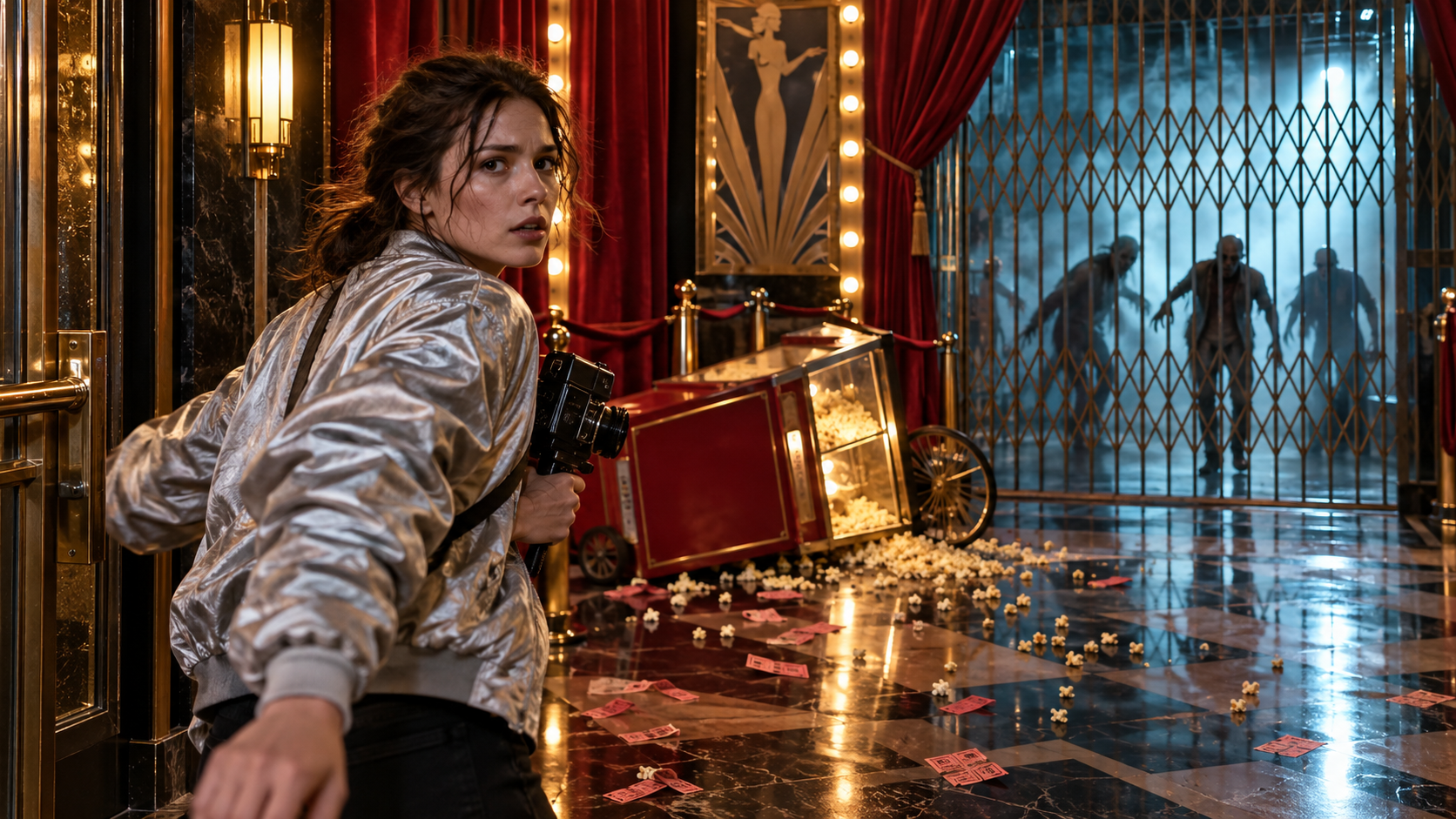
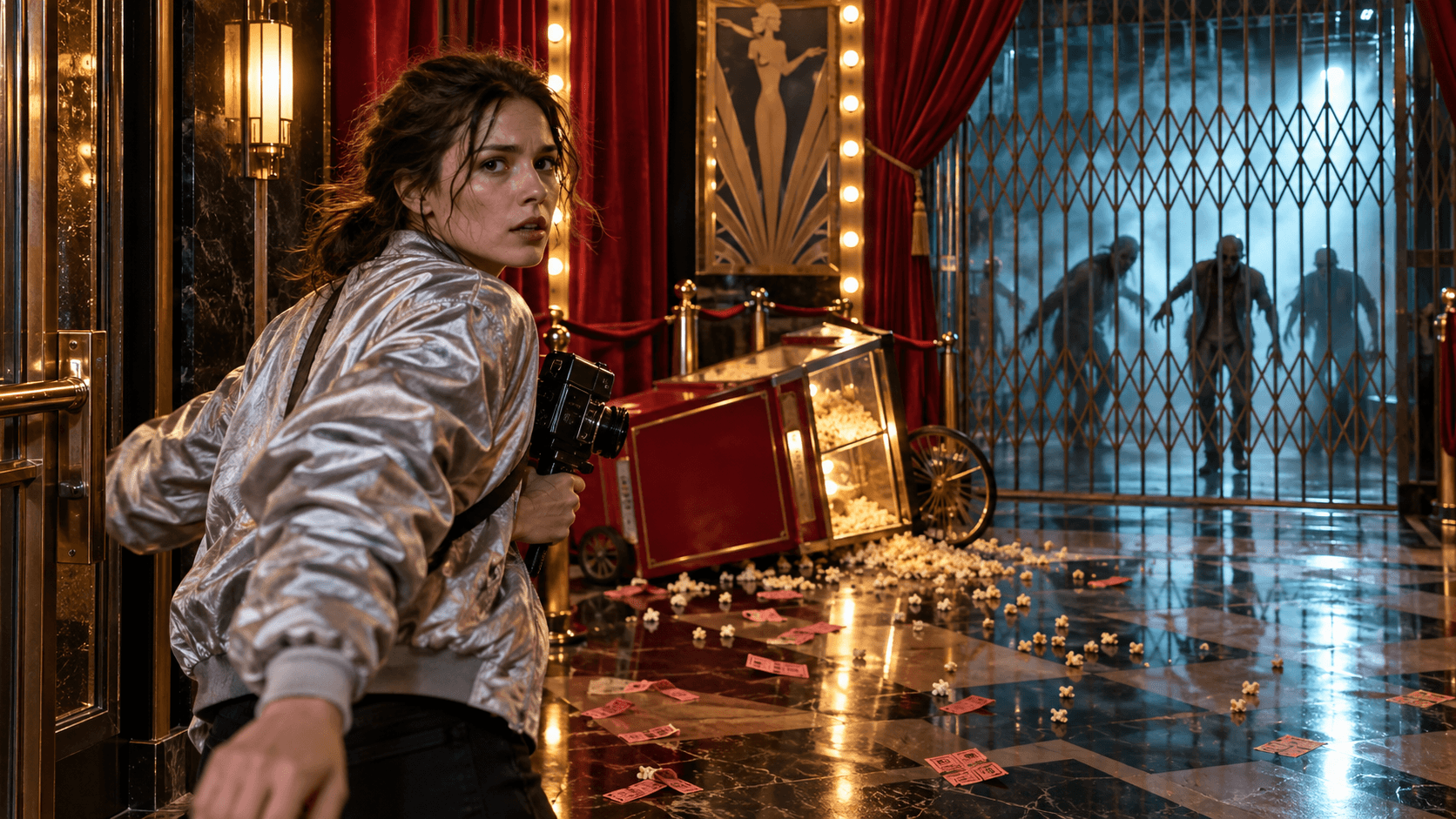
An original finished concept frame created for this guide. Red, cyan and gold practical lighting, a clear human subject and a gated threat give the motion prompt stronger visual anchors.
Prompt Formula for a Believable Zombie Transformation
Use this order: mode + opening anchor + subject action + progressive transformation + camera + ending + soundscape + music + constraints. It is long enough to direct a shot, but every phrase has a job. A good first draft also makes rejection simple: another reviewer can identify the missed action, anchor, camera move or sound cue without debating the intended effect.
1. Lock the person before changing the person
Identify the fictional subject by visible traits: face shape, hair, coat, posture and screen position. Then state what cannot change. “Preserve the same oval face, short black hair, yellow raincoat and body proportions” is more testable than “keep the character consistent.” For portraits, avoid a tiny face at the opening; the model needs enough pixels to read the identity anchor.
2. Describe a progression, not an instant result
Write two or three observable beats: breathing slows, skin tone gradually cools, the eyes become cloudy, then the posture stiffens. Name the final state and the exact last action. Do not ask for melting anatomy, exposed wounds or violent impact; subtle makeup, posture and sound can produce a stronger PG-13 transformation and a more stable face.
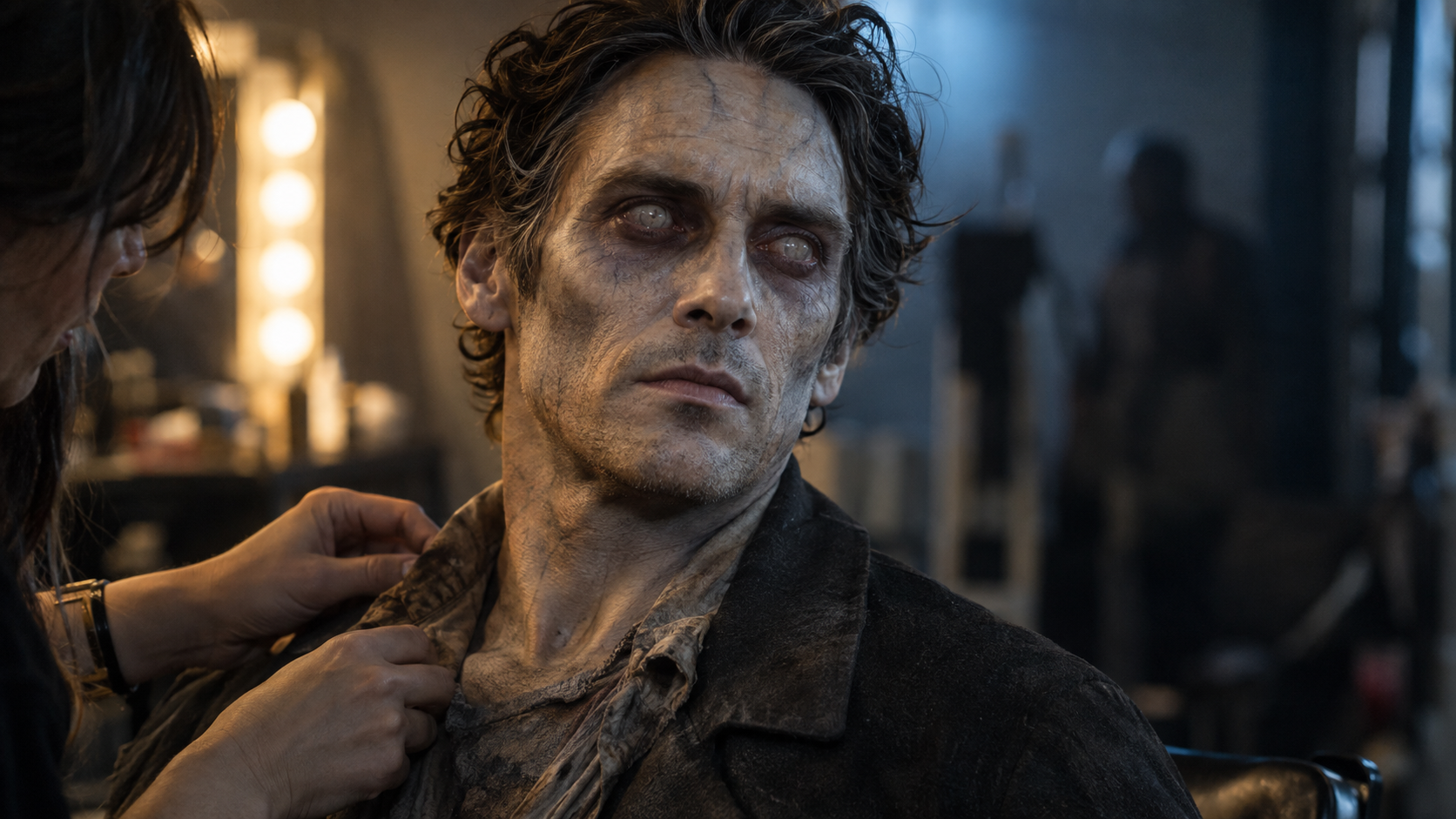
This original output shows the target balance: recognizable facial geometry, restrained makeup and film-set realism without graphic detail.
3. Give the camera one primary job
A slow push-in is ideal for a transformation because the face grows larger while the framing remains understandable. A lateral tracking shot works for a chase. An arc, crash zoom, handheld shake and three cuts in one short prompt compete with the subject action. If you need multiple shots, give each cut a reason and a clear time.
4. Direct sound separately
Put physical and environmental sound in the soundscape: rain, ventilation, footsteps, fabric, a bicycle chain or glass creaks. Put only audience-facing score in the music field. For a transformation, a quiet breath and a low room hum often create more tension than constant screaming. Use “no dialogue” or “no music” when silence is an intentional boundary.
Copy-and-Paste MiniMax H3 Zombie Video Prompts
The following templates use the three-field structure associated with H3 base tasks. Replace the bracketed details, keep the subject fictional or properly licensed, and run a short draft before paying for a higher-resolution version.
Zombie transformation close-up
integrated_multimodal_description: [Shot 1] Live-action cinematic close-up of a fictional adult actor with an oval face, short dark hair and a charcoal coat in a quiet backstage corridor. Preserve the same identity, facial proportions, hair, coat and background. The camera pushes in slowly as the actor's breathing becomes shallow, the skin tone gradually turns cool gray, faint dark veins appear, the eyes become cloudy and the posture stiffens. The change remains subtle, non-gory and continuous. End on a steady chest-up portrait with the same face clearly recognizable. No blood, wounds, extra people, text, logo or cut.

overall_soundscape: A low ventilation hum continues beneath soft fabric movement and increasingly slow breathing. One fluorescent fixture buzzes briefly near the end.

non_diegetic_music: A sparse low-cello pulse at a slow tempo, fading to silence on the final frame.
Rainy subway reveal
integrated_multimodal_description: [Shot 1] Live-action thriller, medium-wide view of a fictional woman in a mustard-yellow raincoat standing on a rain-soaked underground platform beside a stopped train. Preserve her face, coat, backpack, train position, steel columns and cyan-orange lighting. She hears a noise and turns toward camera. The camera tracks backward with small amplitude as four non-gory zombie silhouettes emerge slowly through steam at the far end. Keep the threat distant and the woman sharply readable. End as the train doors close between her and the silhouettes. No collision, blood, weapon, text, logo or sudden cut.

overall_soundscape: Rain drips through the station, wet footsteps approach at a distance, the train doors chime once and metal wheels groan softly.

non_diegetic_music: Muted analog synth notes at a slow tempo with one restrained bass rise before the doors close.
Cinematic bicycle chase
integrated_multimodal_description: [Shot 1] Photorealistic dawn chase on a wet old-city street. Two fictional adult survivors pedal bicycles from right to left while a distant non-gory zombie crowd rounds the corner behind them. The camera performs a smooth parallel tracking shot at waist height. Preserve rider faces, clothing, bicycle geometry, wheel contact and street architecture. Add natural background motion blur while faces remain readable. End with both riders entering a narrow sunlit alley and the crowd remaining far behind. No crash, injury, weapon, text, logo or camera reversal.

overall_soundscape: Bicycle chains click, tires hiss across wet stone, breath and footsteps remain synchronized, and a distant bell rings once.

non_diegetic_music: Fast muted percussion with low strings, stopping cleanly as the riders reach the alley.
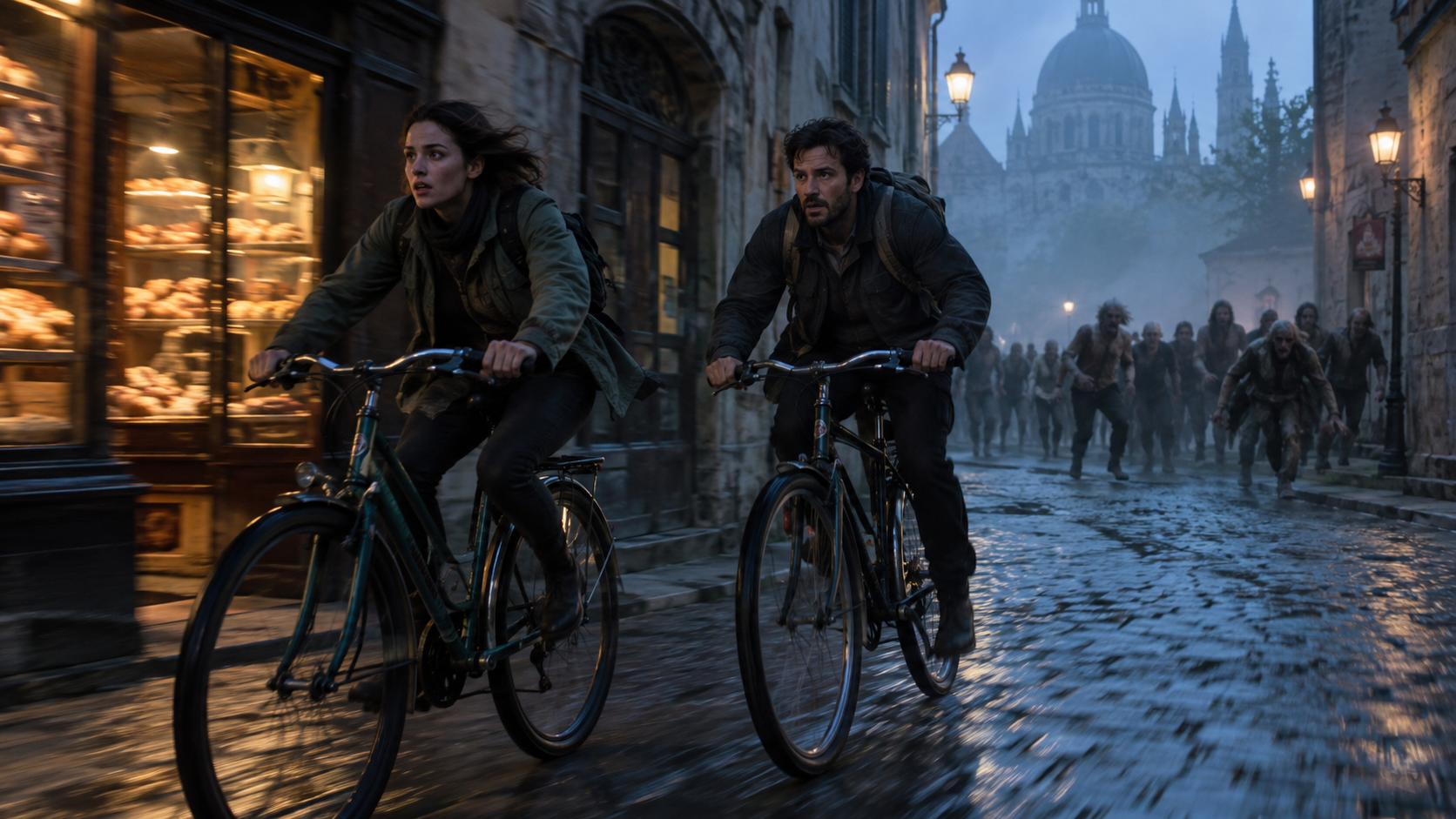
A chase prompt must protect wheel contact, rider identity, travel direction and the distance between survivors and crowd.
First-and-last-frame greenhouse suspense
How the reference pictures align with the target video — Picture 1 aligns with the 0.00-second mark; Picture 2 aligns with the 8.00-second mark.

integrated_multimodal_description: [Shot 1] Continue directly from Picture 1 inside the same abandoned glasshouse. Preserve the glass roof, long wooden table, teal cabinet, white lamps, plants, light direction and the fictional woman in the yellow raincoat. She walks cautiously along the table as the camera dollies backward at the same speed. Two vague non-gory silhouettes appear behind the frosted doors while sunlight shifts across the floor. Her gaze moves toward the doors and she stops beside the cabinet, progressively matching Picture 2 at 8.00 seconds. Use one continuous shot. No new furniture, changing architecture, blood, attack, text or logo.

overall_soundscape: Glass panels creak in the wind, leaves rustle, boots cross dusty tile and one distant knock comes from the doors.

non_diegetic_music: Three quiet piano notes over a sustained low string, ending before the final knock.
Keep Faces, Motion and Environments Consistent
Protect identity through distance changes
The face usually fails when a close portrait becomes a wide action shot without intermediate evidence. Keep hair, coat color and silhouette visible even when facial detail shrinks, then return to a medium view before a close reaction. The MiniMax H3 distant-face guide explains how to stage that handoff without pretending a tiny background face can carry portrait-level detail.
Treat the environment as a cast member
List five or six spatial anchors that must survive: the platform columns, stopped train, yellow safety line, clock, steam source and exit stairs. State which side of the frame they occupy. For an interior, repeat table length, windows, doors, lamps and dominant colors. The environment consistency workflow gives a practical method for carrying those anchors across new compositions.
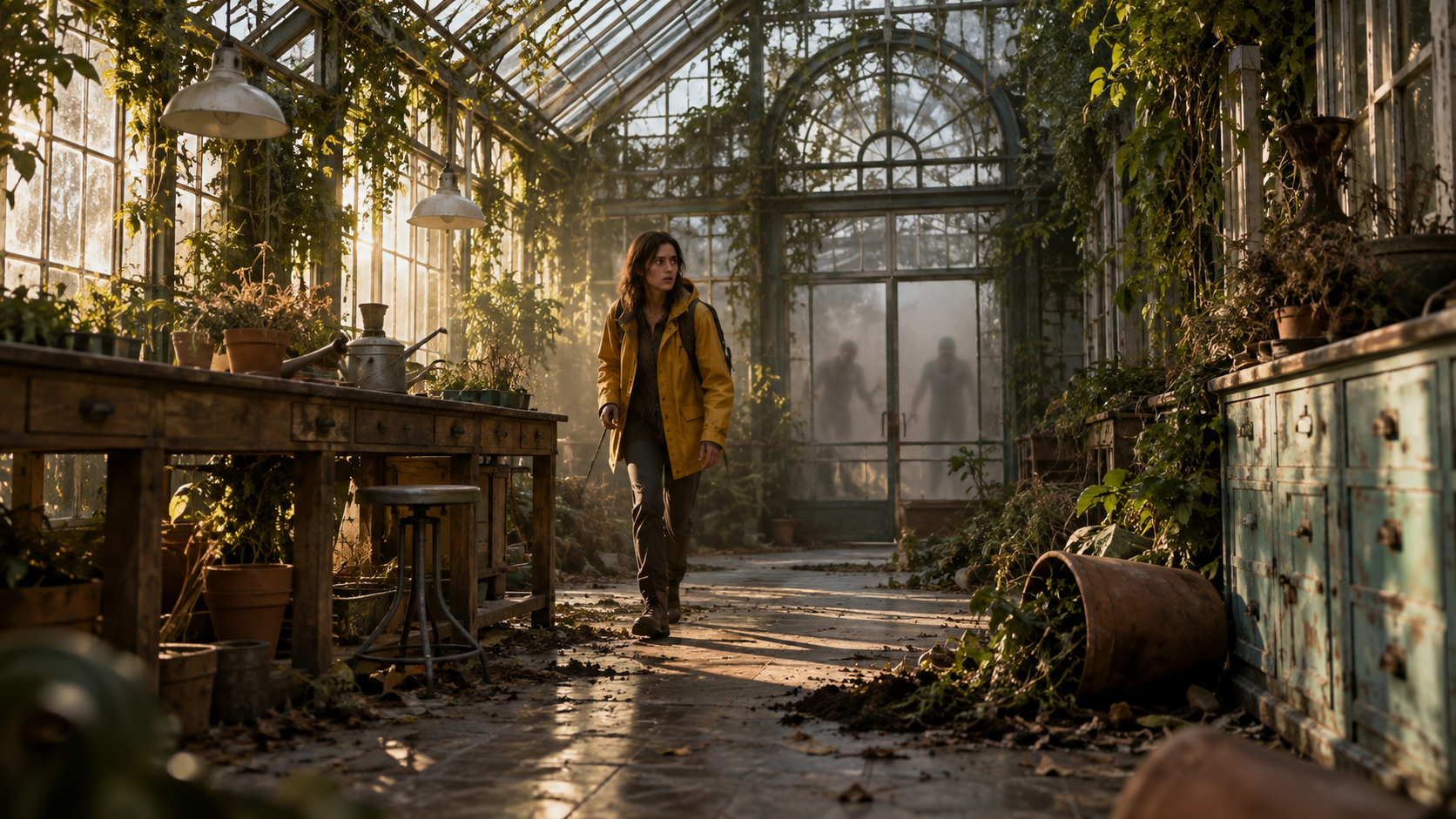
The subject can change position while the glass roof, table, cabinet, lamps and doors remain a coherent place.
Judge motion at normal speed
Freeze-frames hide sliding feet, pulsing faces and camera reversals. Watch the full clip at normal speed, then inspect the difficult moment: the head turn, bicycle pedal cycle, doorway reveal or final-frame landing. Save one reject reason. A resumable shot plan is more efficient than regenerating an accepted opening; see the H3 resumable multishot workflow for that production pattern.
This MiniMax H3 sample gives the first review point a complete moving reference: identity, body motion and camera continuity can be judged together.
Fix Common Zombie Prompt Failures
The transformation becomes an abrupt face swap
Replace “turns into a zombie” with two or three gradual visible changes and a final state. Keep the same expression trajectory and camera axis. If identity still collapses, reduce makeup intensity, shorten the action and use the strongest portrait as the first-frame reference.
The crowd duplicates or teleports
Keep the crowd distant, small and behaviorally simple. Specify one entrance direction and one pace. “Four silhouettes walk from the far tunnel” is easier to control than “hundreds swarm from every direction.” Let sound imply scale instead of filling the frame with unstable bodies.
The clip looks like a slideshow
Ask for one continuous physical action and one continuous camera movement. Remove montage language, stacked lens changes and unrelated scene beats. The subject should travel through space, fabric and hair should respond, and the final frame should result from the previous motion rather than appear as a new still.
This second MiniMax H3 sample is visually distinct from the earlier clip. Use it to judge whether one action reaches the specified ending without a cut or identity reset.
Build and Review the Sequence with Seedance Agent
Four copyable prompts are enough for experiments; a short film needs repeatable decisions. Seedance Agent can turn a concept, references and delivery format into a shot list before paid generation begins. Give it the audience, aspect ratio, duration, character anchors, location anchors, scare level and forbidden details. Ask for a draft prompt and acceptance checklist per shot, then approve the plan before generation.
After a result arrives, record the first failed requirement rather than saying “make it better.” Identity, motion, environment, camera, sound and final-frame landing are separate review categories. Keep accepted shots locked, revise only the failed section and preserve the same reference roles. This gives a creator a controlled path from a single Hailuo H3 zombie video prompt to a sequence with consistent characters and locations.
For a transformation followed by a chase, the agent can route the close-up to image-to-video, the location bridge to first-and-last-frame control and the wide crowd shot to text-to-video. The model remains important, but the conversion value comes from planning, approval and selective reruns around it.
Conclusion
A reliable MiniMax H3 zombie video prompt defines a readable opening, gradual action, one primary camera move, a specific ending and separate sound directions while protecting the face, wardrobe and environment. Start with one restrained non-gory shot, review the complete motion, and change only the first failed instruction. When you want those prompts organized into approved references, connected shots and targeted reruns, start your horror sequence with Seedance Agent.
Ready to try it yourself?
Put the steps from this guide into practice with Seedance and turn prompts or images into polished videos in minutes.
Free credits on signup. Plans from $28/month.
Related Articles
More posts in the same locale you may want to read next.

Seedance App Preview Video Generator 2026: Create App Store and Product Launch Clips
Use Seedance to turn app screenshots, feature copy, and launch goals into App Store previews, Google Play promo videos, and product launch clips.
Read article
How to Make a Talking AI Avatar You Can Reuse
Make a talking AI avatar with Seedance: design one consistent character, give it a voice, and make it speak in a talking photo or a full Seedance 2.5 scene, episode after episode.
Read article
Best AI Video-to-Video Models in 2026
The best AI video-to-video models in 2026 for editing footage you already shot: Higgsfield Genjutsu, Seedance 2.x, Runway Aleph, Luma Modify and Kling Omni compared.
Read article