
Best Kling AI Alternatives (2026): Free Apps With Motion Control
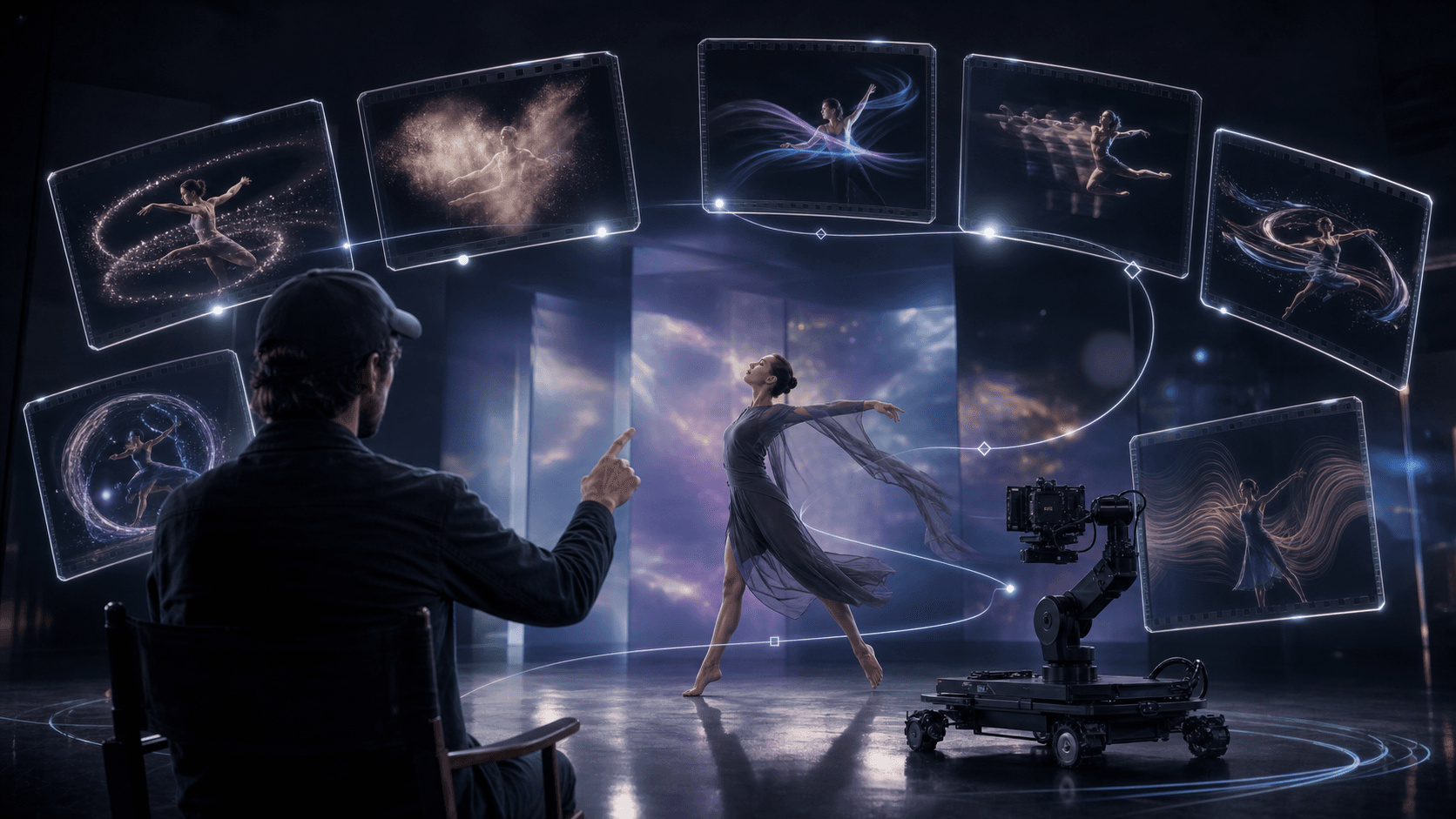
AI Overview
What is the best free alternative to Kling AI?
Seedance is the best all-around Kling AI alternative for creators who want image-to-video, directed motion, multiple model choices, and free starter credits in one browser workflow.
Is there a free Kling AI alternative for image to video?
Yes. Seedance, Hailuo, Pika, PixVerse, and Luma provide a free starting path, although credits, queues, resolution, watermarks, and regional availability can change.
Which Kling AI alternatives support motion control?
Seedance offers prompt-led subject and camera motion, while Runway and PixVerse add useful camera or performance controls. The right choice depends on whether you need precise movement, fast effects, or a cinematic final.
Why are people looking for Kling AI alternatives?
Creators usually want more free attempts, faster drafts, easier image-to-video, or a workflow that better matches one task. Kling remains strong for character motion, but it is not the only practical choice.
Why Look for a Kling AI Alternative in 2026?
Kling is a capable video model, especially for dance, action, fashion, and multi-shot character work. Its limits appear when a project needs many low-cost tests, a simpler interface, faster queues, or a different control style. Free access can also vary by region and demand.
Most creators do not need a universal “better Kling.” They need the shortest path from one approved image or prompt to a usable clip. Compare source-image fidelity, motion accuracy, camera behavior, generation time, retry cost, watermark policy, and export quality on the same brief.
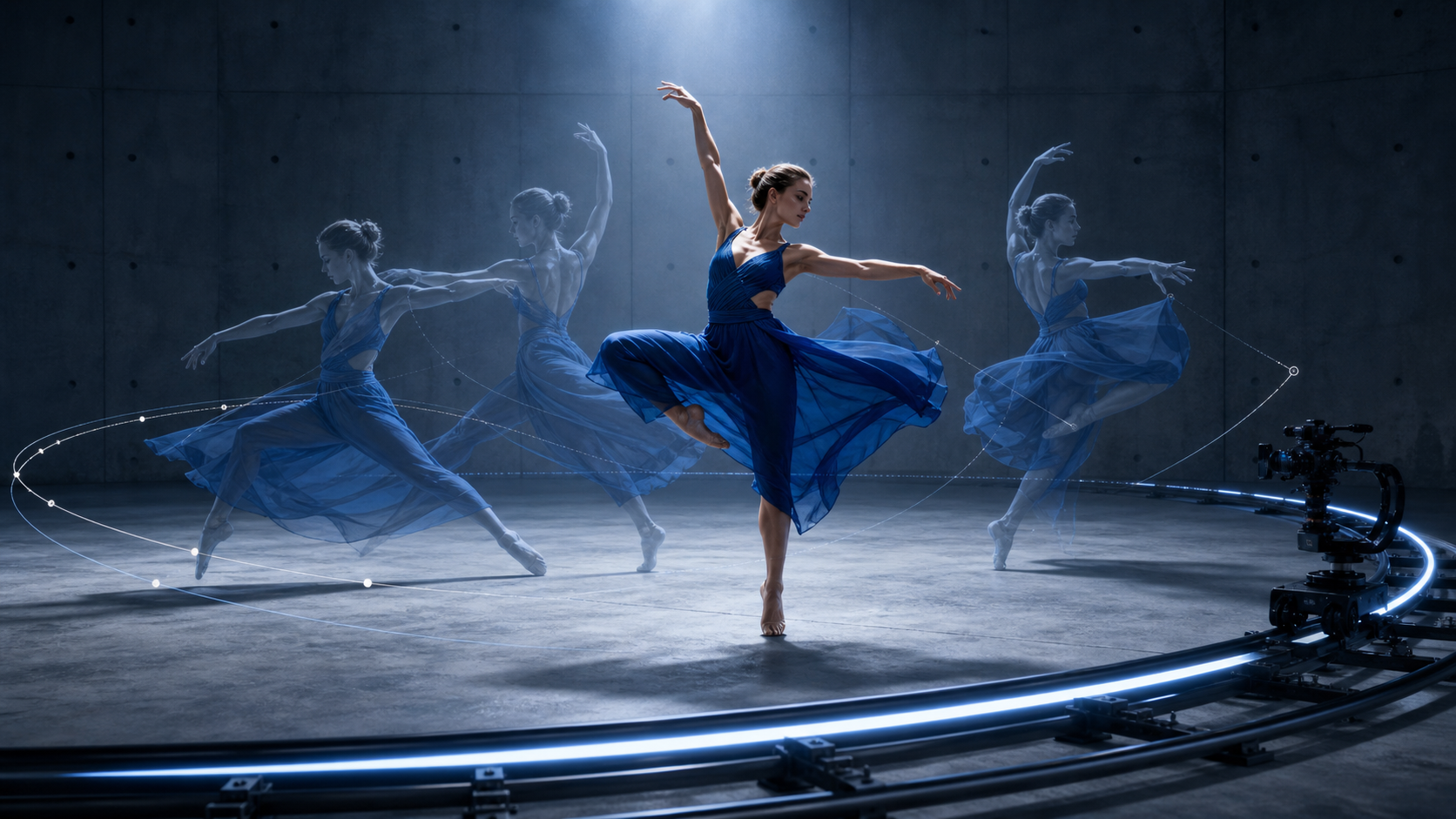
Original editorial motion study showing the two variables that matter most in a Kling alternative: subject performance and camera path. For a broader market view, see the best AI video generation models of 2026.
The 7 Best Kling AI Alternatives (Free and Paid)
| Rank | Tool | Best for | Free starting path | Motion control | Main tradeoff |
|---|---|---|---|---|---|
| 1 | Seedance | Best overall workflow | Starter credits | Strong prompt-led subject and camera motion | Closed, credit-based service |
| 2 | Runway | Professional production | Limited trial credits | Strong camera and performance tools | Paid use becomes expensive |
| 3 | Hailuo AI | Realistic, expressive motion | Limited free access | Prompt-led movement | Fewer deep workflow controls |
| 4 | Pika | Quick effects and social clips | Monthly free credits | Preset effects plus prompts | Short clips and weaker continuity |
| 5 | Luma Dream Machine | Cinematic concepts | Limited free generations | Camera language in prompts | Queues and limits vary |
| 6 | PixVerse | Free image animation | Free credits | Camera and effect controls | Results can look preset-driven |
| 7 | Wan 2.2 | Open-source deployment | Open code and weights | Pipeline-level parameters | Requires GPU setup and maintenance |
1. Seedance — Best Overall Kling AI Alternative
Seedance ranks first because it joins the full creator task: select a model, upload an image, describe subject and camera motion, review the credit estimate, generate, and download. It is especially practical for product shots, character animation, campaign visuals, and social clips where several iterations are normal.
The main tradeoff is that Seedance is a managed, credit-based platform rather than a local model stack. It is the best fit when speed, model choice, and a clean browser workflow matter more than owning the infrastructure.
This real five-second generation starts from one clockwork-hummingbird image. Inspect whether the silver body, colored wings, brass perch, action, and slow push-in remain stable.
2. Runway — Best for Professionals
Runway suits teams that want generation beside editing, compositing, collaboration, and production controls. It is a strong choice for client work and finishing, but paid credits can disappear quickly when a brief needs many retries.
3. Hailuo AI — Best for Realistic Motion
Hailuo is effective for expressive body movement, micro-expressions, and fast image animation. It is easy to test for short social concepts, though it offers fewer end-to-end controls than a broader creator workspace.
4. Pika — Best for Quick Clips
Pika is the easiest option for punchy effects such as zoom, melt, deflate, and squish. Use it for memes, hooks, and one-off transformations; use the site's Video Effects workflow when the effect itself is the brief. Pika is less reliable for precise camera direction or consistent multi-shot characters.
5. Luma Dream Machine — Best for Cinematic Quality
Luma is a good concept tool for atmospheric scenes and cinematic camera language. It works best when the visual idea matters more than exact product or character preservation.
6. PixVerse — Best Free Image to Video
PixVerse combines free credits, fast image animation, effects, and camera options. It is useful for frequent social experiments, but preset-heavy results may need more prompt refinement to feel distinctive.
7. Wan 2.2 — Best Open-Source Option
Wan 2.2 is the strongest choice here for teams that need open code, inspectable inference, private deployment, reproducible settings, or custom nodes. The model has no platform subscription, but GPUs, storage, setup, security, and maintenance still cost time and money.
Best Free Kling AI Alternatives for Image to Video
“Free” rarely means unlimited. It may mean signup credits, a slow queue, lower resolution, a watermark, public generations, or self-hosting without a model fee. Use free access to run one controlled test, not seven unrelated prompts.
| Tool | Image to video | Free-access pattern | Best first test |
|---|---|---|---|
| Seedance | Yes | Starter credits | Product or character motion |
| Hailuo | Yes | Limited free access | Expressive portrait movement |
| Pika | Yes | Monthly free credits | One visual effect |
| Luma | Yes | Limited free generations | Cinematic camera idea |
| PixVerse | Yes | Free credits | Fast social animation |
| Wan 2.2 | Yes | Self-hosted | Private or custom pipeline |
Pick Seedance for the broadest workflow, Hailuo for expressive motion, Pika for effects, Luma for atmosphere, PixVerse for volume, or Wan when infrastructure ownership is the requirement.
Kling AI vs Seedance: Feature-by-Feature Comparison
| Capability | Kling AI | Seedance |
|---|---|---|
| Image-to-video quality | Strong character motion | Strong source fidelity with several model routes |
| Motion control | Dedicated motion and element workflows | Prompt-led subject and camera direction |
| Free access | Limited and region-dependent | Starter credits in a browser workflow |
| Speed | Quality jobs can queue longer | Multiple routes for drafts and finals |
| Ease of use | Powerful but feature-dense | Prompt, settings, estimate, and output in one view |
| Best fit | Dance, action, repeated performance | General creator workflow and controlled iteration |
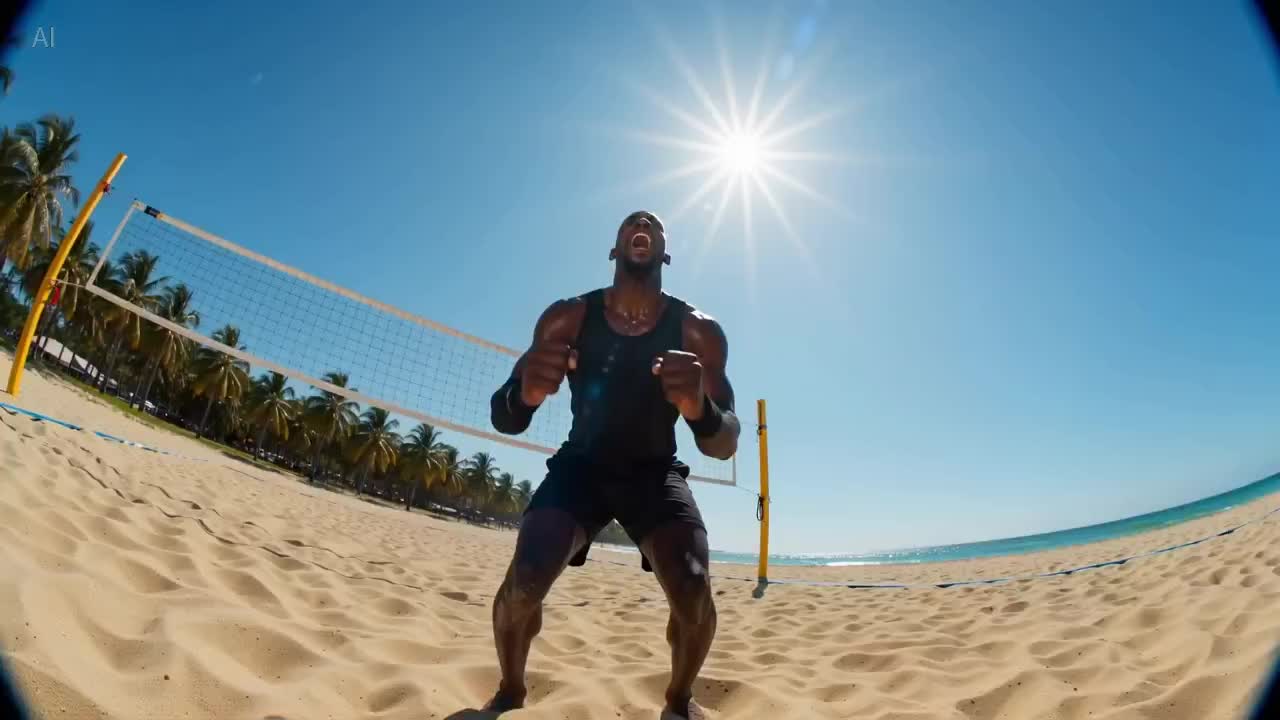
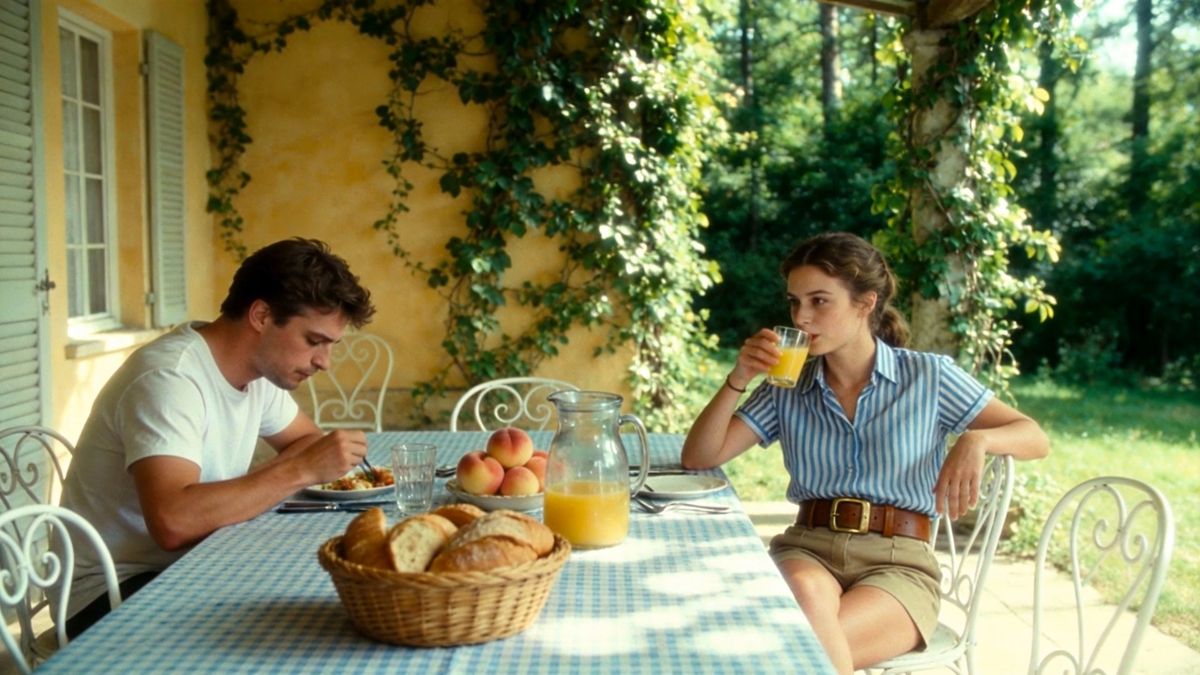
These representative frames use different briefs and are not a same-prompt benchmark. Use the direct Seedance 2.0 vs Kling 3.0 comparison for a detailed evaluation method.
How to Use Seedance as a Kling AI Alternative
Step 1 — Upload Your Image and Write a Prompt
Open Image to Video, upload a clear image you have permission to use, and describe one subject action plus one camera move. State what must remain unchanged.
Step 2 — Apply Motion Control Settings
Choose a model, duration, ratio, resolution, and audio setting that match the delivery channel. Keep the first run simple: one subject, one continuous action, and no scene cut.
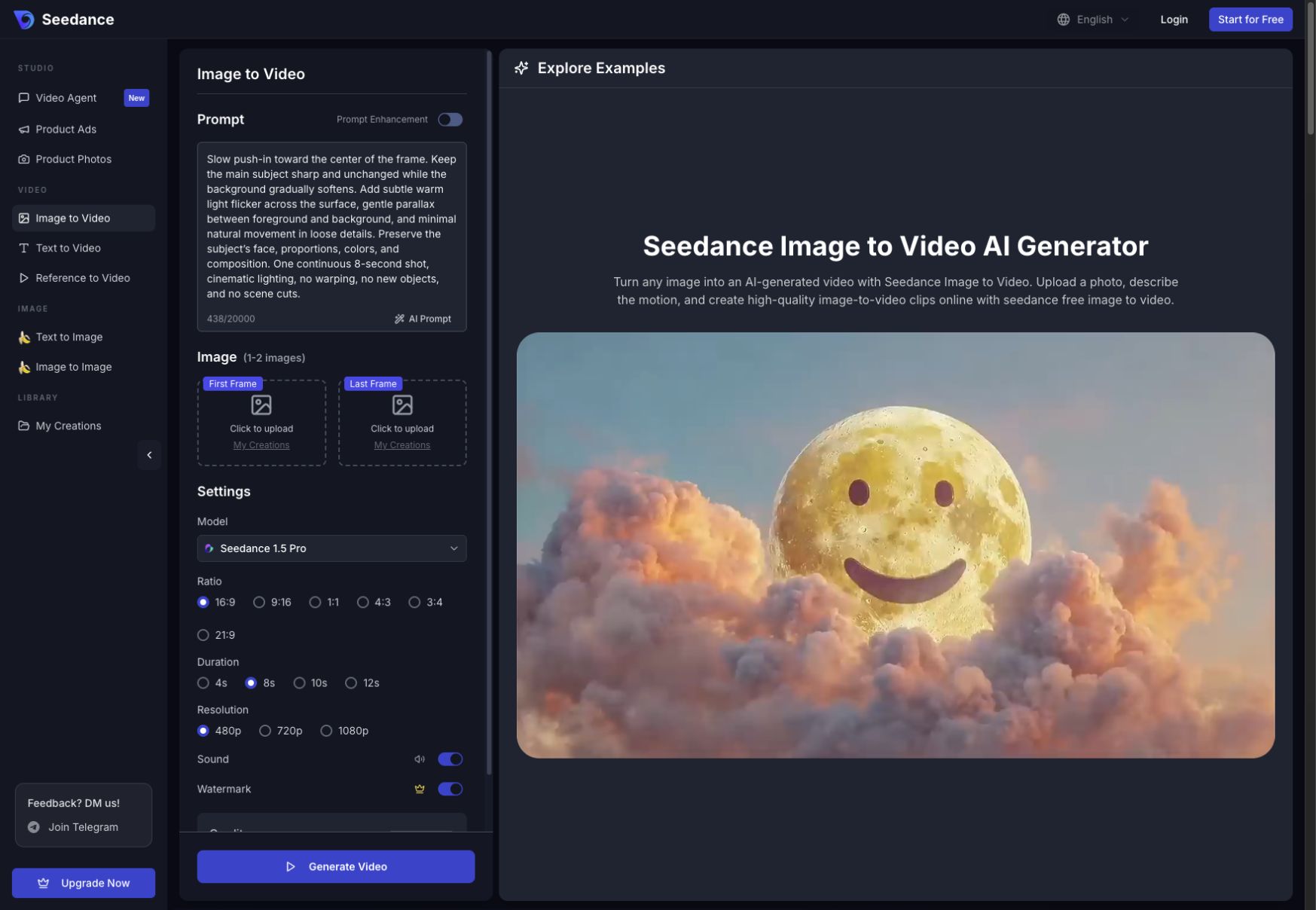
The workspace keeps the source image, motion prompt, model, ratio, duration, and output settings visible in one place.
Step 3 — Generate and Download Your Video
Review the credit estimate, generate once, and watch the complete clip at normal speed and frame by frame. Check identity, hands, edges, text, background stability, and camera direction. Change only one variable before the next attempt.
Kling AI Alternatives With Motion Control
Motion control means separating what moves from how the camera moves. “A woman walks” only describes subject motion; “a woman walks toward camera while the camera tracks backward at the same speed” describes a controllable shot.
Use this reusable structure:
Subject anchor + action + camera path + timing + locked details + exclusions
Example prompt: A silver clockwork hummingbird unfolds its teal-and-violet wings, lifts five centimeters above the same brass ring, hovers for two seconds, then settles. Slow camera push-in. Preserve the body, coral throat, wing colors, perch, and golden-hour greenhouse. One continuous five-second shot. No extra birds, cuts, text, logos, or geometry changes.
For better results, keep motion physically plausible, use one camera instruction, define a clear start and end state, and lock the details that matter. If the first result drifts, simplify the action before adding more controls.
Conclusion
Kling AI is not the only choice for controlled image-to-video. Seedance is the best all-around alternative, Runway fits professional production, Hailuo delivers expressive motion, Pika and PixVerse make quick social experiments easy, Luma handles cinematic concepts, and Wan 2.2 serves open-source teams.
Start with one approved image, one five-second brief, and one attempt per tool. Compare motion accuracy, source fidelity, queue time, retry cost, and the first directly usable clip—not the best frame in a showcase.
Ready to create your own AI video?
Turn ideas, text prompts, and images into polished videos with Seedance. If this article helped, the fastest next step is to try the product.
Free credits on signup. Plans from $28/month.
Related Articles
More posts in the same locale you may want to read next.

Seedance App Preview Video Generator 2026: Create App Store and Product Launch Clips
Use Seedance to turn app screenshots, feature copy, and launch goals into App Store previews, Google Play promo videos, and product launch clips.
Read article
How to Make a Talking AI Avatar You Can Reuse
Make a talking AI avatar with Seedance: design one consistent character, give it a voice, and make it speak in a talking photo or a full Seedance 2.5 scene, episode after episode.
Read article
Best AI Video-to-Video Models in 2026
The best AI video-to-video models in 2026 for editing footage you already shot: Higgsfield Genjutsu, Seedance 2.x, Runway Aleph, Luma Modify and Kling Omni compared.
Read article