
Grok AI vs Hailuo AI: Which Video Generator Fits Your Workflow?
AI Overview
Is Grok AI or Hailuo AI better for video generation?
Neither wins every job. Grok Imagine emphasizes fast, audio-ready text and image-to-video creation, while Hailuo offers a focused image-to-video workflow with credit-based choices for short controlled clips.
Which tool is better for fast social video?
Grok Imagine is the more direct candidate when speed, short platform-ready clips and generated sound belong in one pass. Always test the exact aspect ratio and delivery format before scaling.
Which tool is better for image-to-video control?
Hailuo is worth testing when a strong first frame defines the person, product or composition. Its current 2.3 workflow supports text-to-video and image-to-video, but not first-and-last-frame control.
Can I compare Grok AI and Hailuo AI fairly?
Yes. Give both the same source image, motion brief, duration and acceptance checklist, then review the complete clips for identity, physics, camera behavior, audio and usable cost.
Grok Imagine and Hailuo AI at a Glance
People searching Grok AI vs Hailuo AI usually do not want two feature lists. They want to know which generator will finish a particular shot with fewer reruns. The useful comparison therefore starts with the job: a talking social clip, a high-motion action beat, a controlled product reveal, or a reference-led character scene.
Grok's video product is Grok Imagine. Its current API model accepts text or an image, can generate preset-voice audio, and offers output up to 1080p. xAI also describes a faster consumer mode for short clips. That makes Grok relevant to creators who need a quick idea-to-video route and want motion, ambience or speech considered together.
Hailuo AI is MiniMax's dedicated video workspace. Its 2.3 family supports text-to-video and image-to-video; the faster 2.3 variant is positioned for cheaper iteration and currently begins from a single image. Hailuo's credit menu also makes resolution and duration explicit, which helps a creator estimate how many controlled tests fit inside a budget.
The headline difference is not “general chatbot versus video model.” Both can create video. The practical distinction is how their current controls, audio path, turnaround and credit logic fit the shot you actually need.

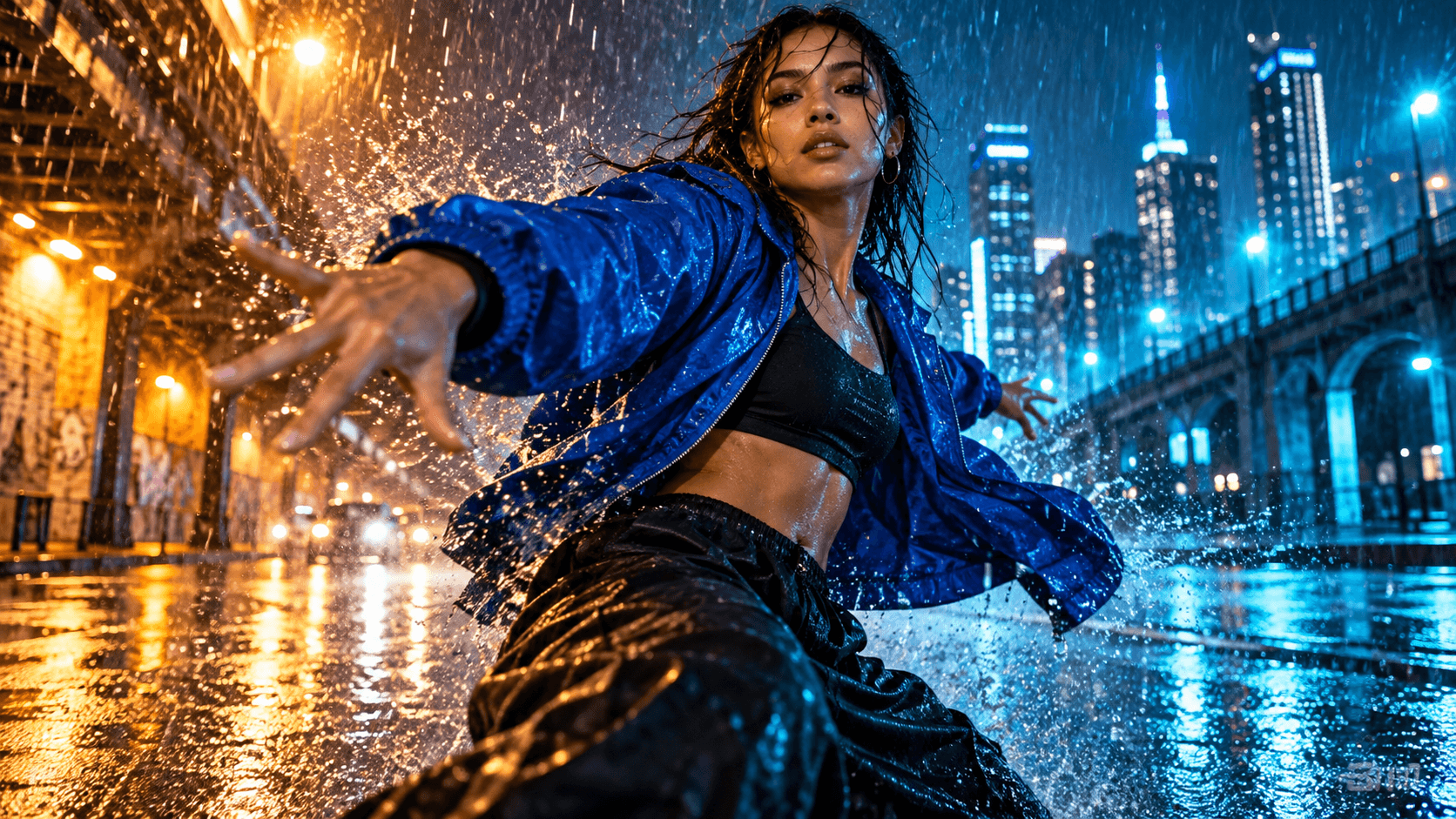
A useful reference test keeps the face, yellow coat, tram geometry and street lighting readable while the subject moves.
Grok AI vs Hailuo AI Output Comparison
A fair result cannot be inferred from a promotional reel. Use the same input and judge the properties that survive the whole clip. A beautiful first frame is not enough if hands drift, a jacket changes color, the camera jumps or the final two seconds collapse.
Motion, physics and camera behavior
For action, ask each model to perform one clear movement rather than stacking five events. A strong prompt might specify: “low tracking shot; athlete clears one wet barrier; jacket follows the body; water sprays backward; no camera orbit.” Review takeoff, contact, landing, fabric response and background stability at normal speed and frame by frame.
xAI says its current Grok Imagine generation improves motion, physics and speed. Treat that as a capability to test, not a guaranteed score for every prompt. Hailuo's first-frame route can be useful when the opening pose and composition matter, but it still needs the same full-clip inspection. Complex collisions, small limbs and fast camera moves expose weaknesses in any generator.
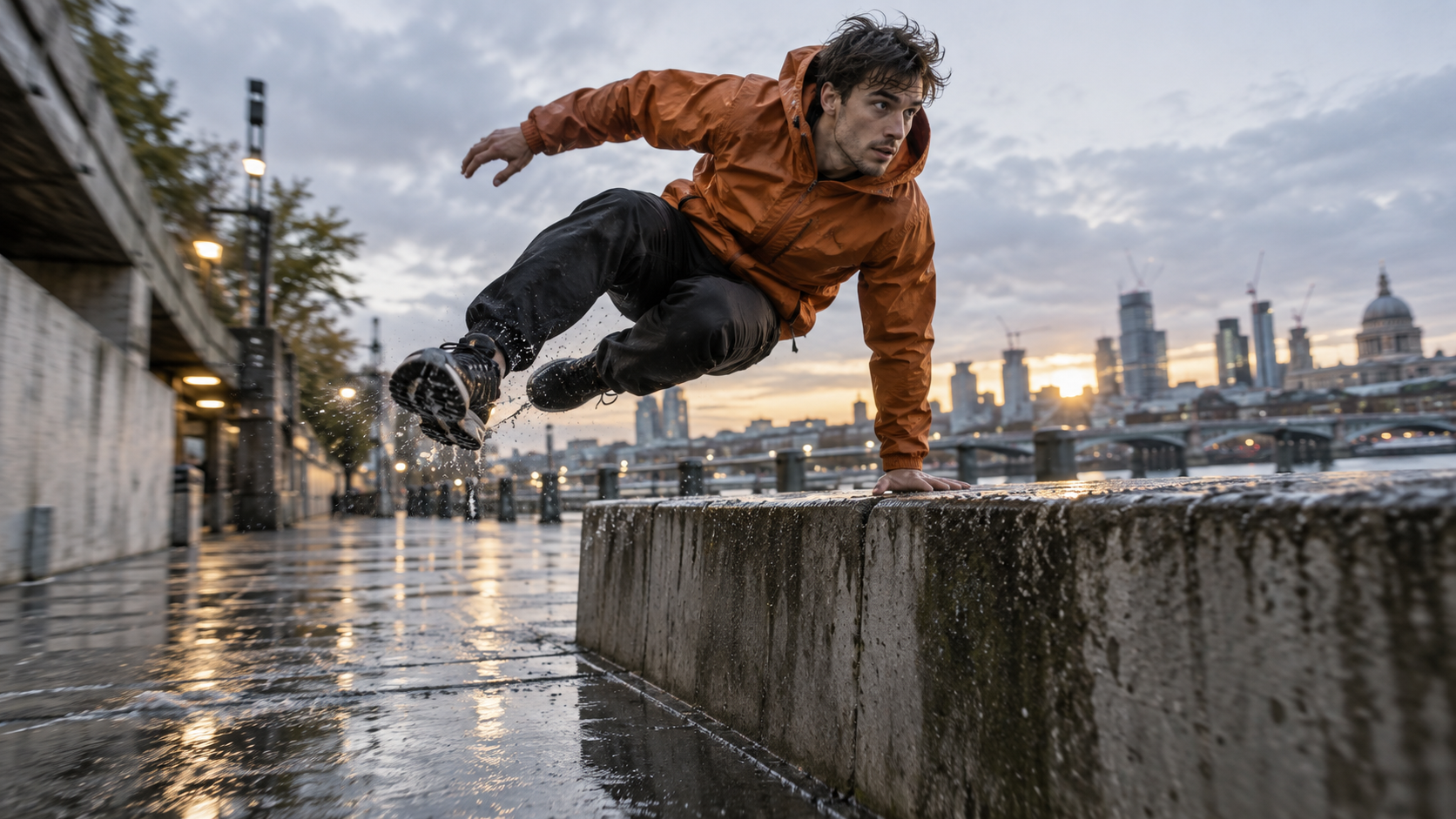
The evaluation target is believable weight and continuity, not maximum visual chaos.
Reference fidelity and product geometry
For image-to-video, separate identity from motion. First confirm that the reference gives enough information: unobstructed face, coherent hands, recognizable wardrobe, clean product edges and a background that can plausibly continue beyond the frame. Then tell the model what may move and what must remain fixed.
Hailuo's single-first-frame workflow suits a test where the initial composition is already approved. Grok Imagine also accepts an image reference, so the same frame can be used for an apples-to-apples run. Compare face proportions, garment color, label area, object silhouette and reflections. If a model produces stronger movement but changes the product, it has failed a product-ad job.
Native audio and delivery readiness
Audio can change the winner. Grok Imagine supports generated audio and preset voices in its current API workflow, so it is worth testing for clips where action, ambience or a short spoken line must align. Hailuo should be evaluated according to the audio options visible in the exact mode you use; do not assume every model or plan has the same sound path.
Even with native audio, check lip timing, room tone, impact sounds and the last half-second. For silent outputs, budget a separate sound pass. The native-audio AI video guide explains when one-pass sound saves time and when post-production remains safer.
Which Model Fits Your Video Job?
Choose from the failure you can least afford. A social publisher may accept small background changes but cannot accept a slow queue. A brand team may tolerate a longer render but cannot accept a warped bottle. A narrative creator may prioritize one actor and environment across several shots.
Choose Grok Imagine when speed and sound lead
Start with Grok when you need to explore several short concepts quickly, want sound considered in the same generation, or need API access for a repeatable content pipeline. It is also a logical first test for text-led scenes where no approved opening image exists.
Do not interpret “fast” as “finished.” Generate a representative shot, measure time from submission to downloadable result, and count rejected takes. A 25-second render that needs six reruns can cost more production time than a slower first useful result.
An existing output from our media library, not a Grok benchmark. Review continuous motion and framing rather than isolated stills.
Choose Hailuo when a strong first frame leads
Start with Hailuo when a still image already locks the subject, product or composition and you want to test controlled motion from that source. Its documented 2.3 options make short duration and resolution decisions visible, which is useful for planned iteration.
Because the current 2.3 workflow does not provide a first-and-last-frame path, do not build the brief around a guaranteed final composition. Ask for one camera move and one action, then judge whether the generated ending is usable. For a direct reference-first route, open the image-to-video workspace.
Pricing, Access and the Real Cost of Reruns
The cheapest listed generation is not always the cheapest usable clip. Grok's API currently prices video by output second and resolution, with separate input charges. Hailuo's documented 2.3 menu uses credits: 768p at six seconds costs fewer credits than longer or 1080p generations. Consumer subscriptions, free allowances and queue rules can change, so verify the live checkout before committing a campaign.
Calculate usable cost, not sticker cost:
- Pick one representative shot and a fixed delivery specification.
- Record every submitted generation, including failed and abandoned takes.
- Divide total spend by accepted clips, then add editing and waiting time.
- Repeat with a second shot type before deciding which model to scale.
Also test account access before building a deadline around either platform. Free tiers are useful for interface discovery but may include watermarks, slower queues or lower limits. For broader speed comparisons, measure the complete workflow on your own connection and plan instead of treating an advertised render time as guaranteed throughput.
A Fair Side-by-Side Test Workflow
Use one compact benchmark pack instead of unrelated showcase prompts. Prepare a motion shot, a reference-led person shot and a product shot. Keep the source, prompt, duration, aspect ratio and resolution as close as each interface allows.
Use an acceptance sheet, not a vibe score
Score identity, anatomy, product geometry, motion continuity, camera obedience, audio alignment, render time and accepted cost from one to five. Write the reject reason before generating again. “Right face, wrong coat” and “good motion, broken label” produce actionable prompt changes; “looks bad” does not.
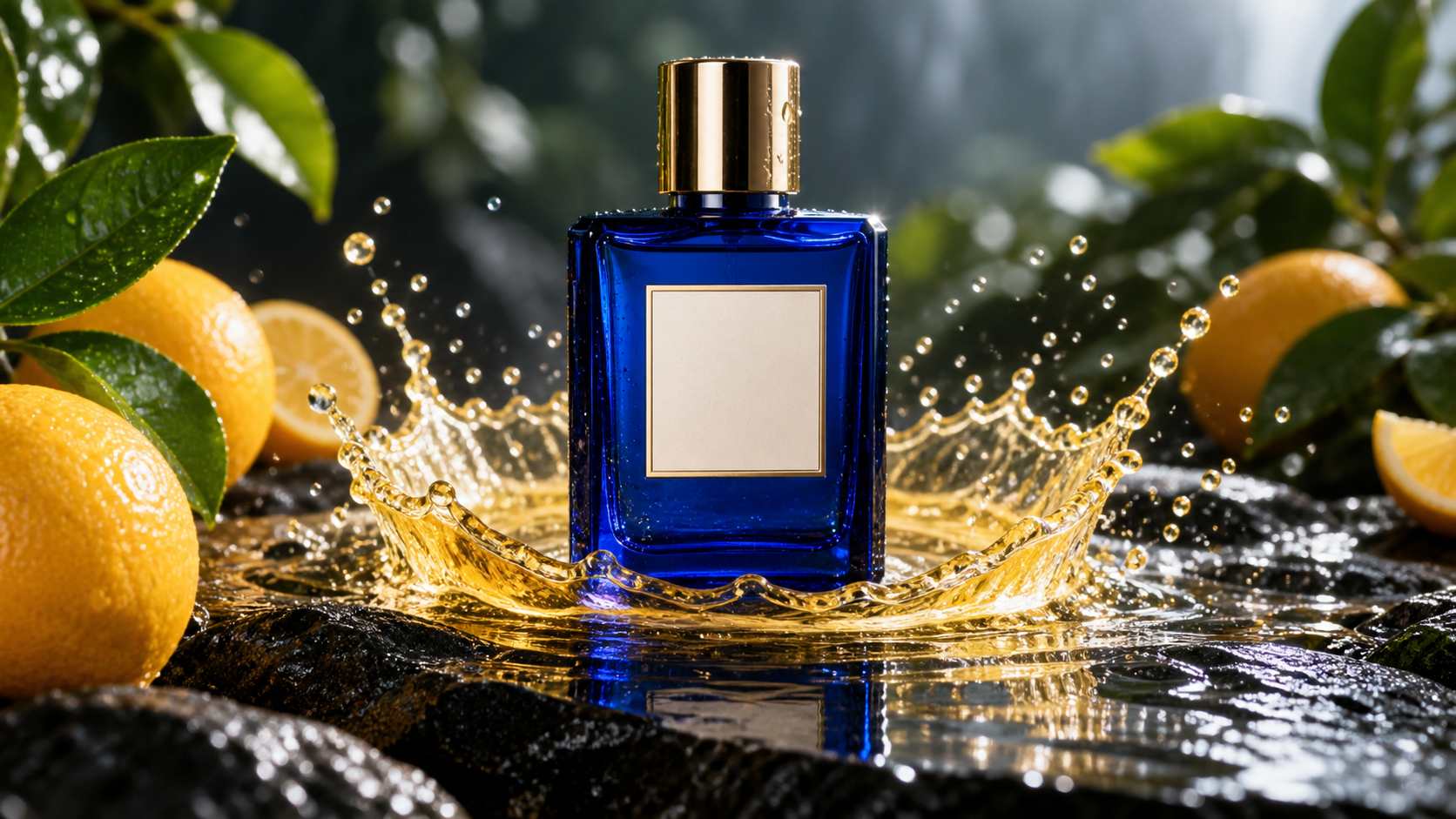
A product test should preserve geometry and reflections through motion, even when the splash is dramatic.
Use seed-controlled or saved prompt settings where available, but do not expect identical randomness between models. Run at least three takes per scene type. The multi-model AI video workflow gives a reusable routing method when different models win different shots.
Use Both Models in a Seedance Agent Workflow
The comparison does not have to end with one permanent winner. Seedance Agent can turn the creative goal, references, aspect ratio and acceptance rules into a reviewable shot plan, then keep the model choice attached to each shot. That lets a team route an audio-led social beat toward Grok, a reference-led movement test toward Hailuo, and preserve a common review standard.
The important conversion is from casual prompting to controlled production. Ask the agent to propose the script and shot list before paid generation, review the plan, approve the representative tests, and rerun only the failed shot. Save the winning prompt with its source assets and reject reason so the next batch does not start from memory.
An existing Seedance Agent output, not a Grok or Hailuo benchmark. It shows the finished-output review stage of the workflow.
For deeper Hailuo automation, read the MiniMax Hailuo AI video agent guide. If the brief begins as text, the text-to-video workspace gives you a direct first test before expanding into a multi-shot project.
Conclusion
Grok AI versus Hailuo AI is a workflow decision, not a universal leaderboard: test Grok Imagine first when fast exploration and generated sound lead the brief, and test Hailuo first when an approved opening image must anchor a controlled short clip. Use identical source material, score full outputs, include reruns in cost, and route each shot to the model that meets its acceptance criteria. When you want to plan those tests, compare real results and keep every rerun tied to the brief, start with Seedance Agent.
Ready to try it yourself?
Put the steps from this guide into practice with Seedance and turn prompts or images into polished videos in minutes.
Free credits on signup. Plans from $28/month.
Related Articles
More posts in the same locale you may want to read next.

Seedance App Preview Video Generator 2026: Create App Store and Product Launch Clips
Use Seedance to turn app screenshots, feature copy, and launch goals into App Store previews, Google Play promo videos, and product launch clips.
Read article
Best AI Video-to-Video Models in 2026
The best AI video-to-video models in 2026 for editing footage you already shot: Higgsfield Genjutsu, Seedance 2.x, Runway Aleph, Luma Modify and Kling Omni compared.
Read article
Kling 4.0 vs Seedance 2.5: Full Comparison
Kling 4.0 vs Seedance 2.5 compared by spec: 30-second clips, keyframes vs 50 references, audio, 4K and 10-bit color, editing, and which model fits which job.
Read article