
Bing Video Creator Free Limits: Fast Credits, Queues and Output Rules

AI Overview
Is Bing Video Creator really free?
Yes. Standard creation is free, while Fast creation usually consumes Microsoft Rewards points after any complimentary Fast credits are used. Free does not mean instant: Standard jobs can wait much longer in the generation queue.
How many free Bing videos can I make?
Microsoft currently advertises 10 complimentary Fast creations and free Standard creation, but allows only three generations in progress at once. Availability, settings, and credit offers can vary by account, market, device, and browser.
How long are Bing Video Creator clips?
The current Microsoft product page describes eight-second videos with automatically generated audio. Some Microsoft surfaces still show different format details, so confirm duration, orientation, and resolution in the selector visible before you submit.
Why is Bing Video Creator not working?
The most common explanations are three active jobs already in the queue, use of an Entra rather than personal account, market or device availability, exhausted Fast credits, a blocked prompt, or a temporary service delay.
Bing Video Creator Free Limits at a Glance
The useful question is not simply whether Bing Video Creator is free. It is which resource becomes scarce during a real project: fast turns, open queue slots, output control, or time before an asset disappears. Microsoft’s current documentation separates free Standard creation from Fast creation, which normally uses Rewards points. It also limits each account to three in-progress jobs.
| Limit or setting | Current practical meaning | What to do |
|---|---|---|
| Standard creation | free, but lower queue priority | use for planned batches and non-urgent exploration |
| Fast creation | 10 complimentary creations may be offered; later jobs can use Rewards points | reserve for deadlines or final prompt tests |
| Concurrent queue | maximum three jobs in progress | submit three distinct hypotheses, then wait for one slot |
| Clip length | product page currently describes 8 seconds | write one action with a readable ending |
| Audio | generated with the video | specify ambience, music mood, and voice tone |
| Account | personal Microsoft account required | do not use an organizational Entra sign-in |
| Storage | creations may be retained for up to 90 days | download approved files and keep your prompt log |
| Resolution | Microsoft FAQ states 720x1280, while some current surfaces expose more format choices | trust the signed-in selector and inspect the exported file |
The table is a snapshot of documented behavior, not a promise that every account receives identical options. Microsoft says feature availability can vary by market, device, and browser version. Before spending a Fast creation, read the button, cost, duration, and aspect ratio shown in your own session.

A strong free test begins with one visible event and a clear visual payoff, not a feature checklist disguised as a prompt.
Plan Three Queue Slots Before You Generate
Three concurrent slots are enough for a controlled test if each job answers a different question. They are wasteful when you submit three stylistic paraphrases and discover that all of them share the same broken action. Plan the batch before opening the creator.
Use this three-slot pattern:
- Motion hypothesis: test the subject action with a fixed camera.
- Camera hypothesis: use the same subject and setting but test one deliberate move.
- Delivery hypothesis: combine the safer motion with the required crop and audio direction.
Record each prompt before submission. Give every downloaded file a name such as dragon-wide-standard-v1.mp4, not the browser’s generic filename. Note mode, submission time, completion time, visible settings, and one pass/fail sentence. That small log prevents a free queue from becoming a sequence of unrepeatable guesses.
If speed is the main constraint, compare the queue behavior with the fastest AI video generator guide. A faster first render is not automatically a faster approved asset; the relevant measure is time to the first usable result.
Choose Standard or Fast by the Cost of Waiting
Standard is the rational default for exploration, overnight batches, personal experiments, and prompts that have not passed a still-frame review. Fast is valuable when a result blocks an edit, a client review, or a same-day post. Treat complimentary Fast creations as priority tokens, not as the only free allowance.
Use Standard when you can answer yes to these questions: Can the job finish later? Is the prompt still exploratory? Do you already have other useful work to do? Use Fast when waiting costs more than the Rewards points and the prompt is already production-ready.
Do not spend a Fast creation to fix several variables at once. If the subject, action, camera, lighting, audio, and style all change, the result cannot teach you which decision helped. Change one risky element per generation. This is the same reason a local versus cloud AI video workflow should be compared by queue behavior and revision cost, not only by subscription price.
Inspect the complete motion path, background parallax, limbs, and landing—not only the first attractive frame.
Write an Eight-Second Prompt That Can Finish
Eight seconds can communicate one setup, one action, and one payoff. It cannot reliably carry a trailer, three locations, two speaking characters, a product demonstration, and a logo reveal at the same time. Compress the idea before generation rather than hoping the model will edit it for you.
Copy this prompt structure:
Duration and frame: eight-second [vertical or horizontal] video. Subject: [one clearly described subject]. Starting state: [where the subject begins]. Action: [one observable action with direction and speed]. Camera: [one move or locked frame]. Environment and light: [stable setting plus light]. Audio: [ambience, music mood, or voice tone; do not depend on exact scripted dialogue]. Ending: [readable final state]. Locks: preserve [identity, product geometry, clothing, or environment]. Avoid: [two or three visible failure modes].
Microsoft’s own guidance emphasizes subject, action, setting, mood, light, camera, and audio. The crucial production addition is the ending. A prompt such as “the paper dragon walks toward the warm doorway and stops beneath the lantern” gives the clip somewhere to arrive. “Epic dragon adventure, cinematic, dynamic” does not.

Use a three-frame mental storyboard to test identity, environment, direction of travel, and final-state clarity before consuming a queue slot.
When an image must control the subject, begin with an image-to-video workflow instead of asking text alone to recreate an exact object. That route makes reference fidelity an explicit input rather than an accidental success.
Review Free Outputs Like Paid Deliverables
A free result still costs waiting time and editorial attention. Review it once without pausing for story, then frame by frame for defects. Check the hardest region first: a face at distance, fingers touching an object, printed packaging, wheels contacting the ground, reflections, or a busy background during a camera move.
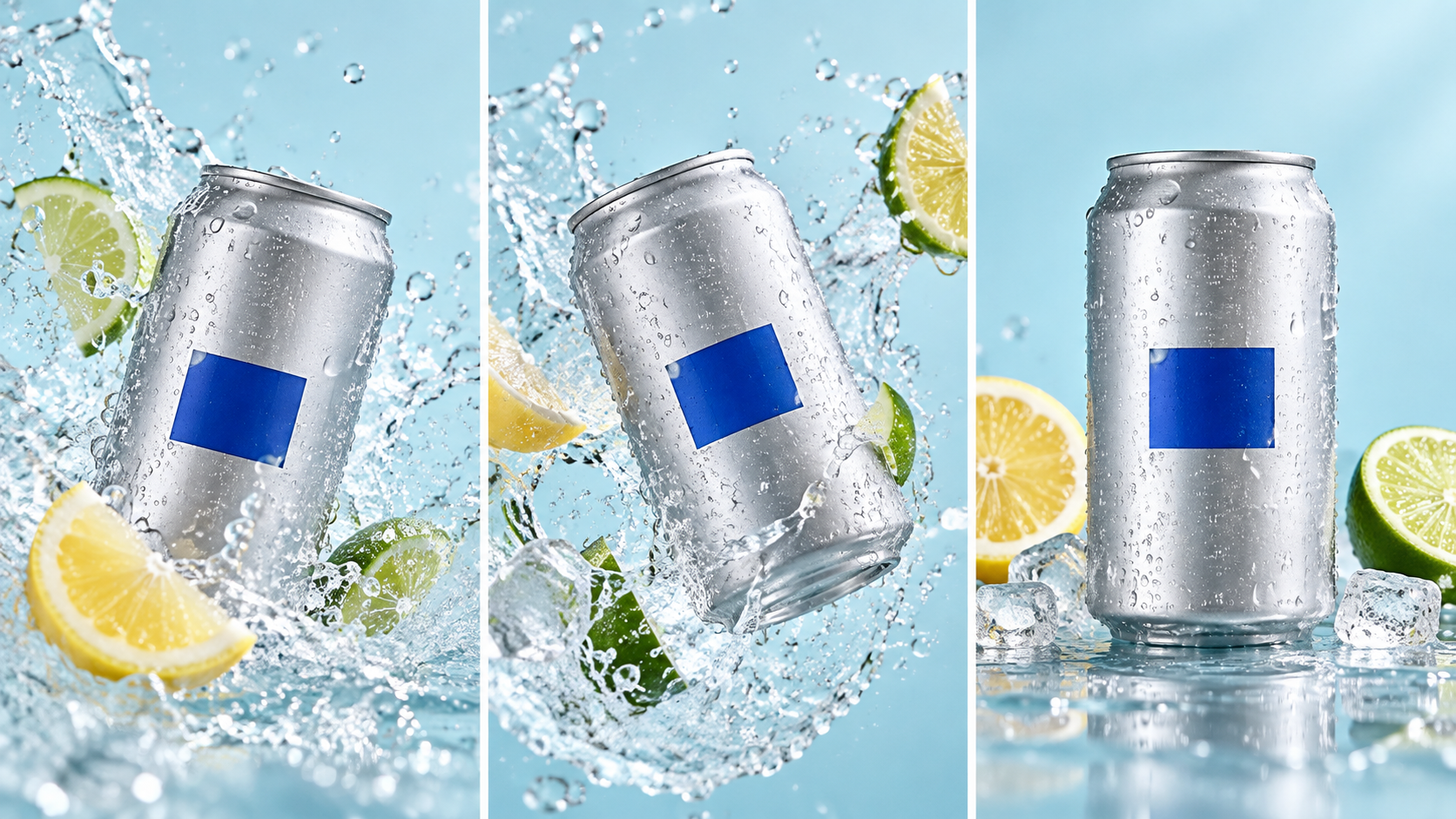
For product motion, compare silhouette, rim, color block, reflections, splash interaction, and the final hero pose.
Use this approval checklist:
- The requested action begins quickly and reaches a clear end.
- The subject remains recognizable through motion and occlusion.
- Rigid objects do not bend, duplicate, or change labels.
- Camera motion supports the action and does not create an accidental crop.
- Audio reinforces the same mood and does not introduce distracting speech.
- The exported duration, dimensions, orientation, and file playback match the visible settings.
Frame rate should be evaluated after export rather than guessed from motion blur. The best frame rate for AI video guide explains how delivery FPS, cadence, and interpolation affect the final edit.
A product clip passes only when packaging, motion, sound, crop, and final readability work together.
Fix “Not Working” Without Wasting the Next Slot
First count active jobs. If three are still processing, wait until one finishes; repeated clicking does not create a fourth slot. Next confirm you are signed into a personal Microsoft account, because Microsoft says organizational Entra accounts are not supported. Then check whether the interface switched from Fast to Standard after credits or Rewards points ran out.
For a blocked prompt, remove named people, unsafe action, ambiguous age, protected logos, and unnecessary violence. Rewrite the request around observable cinematography rather than trying minor spelling tricks. Repeated policy violations can restrict access, so treat moderation as a boundary, not as a prompt puzzle.
If the queue is unusually slow, preserve the prompt and try later rather than rewriting a good specification. If format controls differ from documentation, trust the options shown immediately before submission and inspect the downloaded file. Availability and functionality can change by market and device.

For action footage, inspect anatomy, board contact, wheel blur, shadow direction, and whether the subject stays inside the vertical safe area.
When Seedance Agent Is the Better Next Step
Bing Video Creator is attractive for quick, no-cost text experiments. Its free queue is less suited to a campaign that needs reference management, several connected shots, approvals, partial reruns, and consistent delivery across ratios. That is a coordination problem rather than a single-generation problem.
On Seedance, you can move from text or reference assets into a production workflow without treating each completed clip as an isolated experiment. Seedance Agent is especially useful when a project has a locked character, product, setting, or audio direction: organize the references, approve a shot plan, generate candidates, keep the accepted units, and rerun only the failed shot.
The practical handoff is simple. Use Bing Standard mode to explore broad visual ideas when waiting is acceptable. Download the strongest result and record the prompt. Then use Seedance Agent when the idea needs repeatable references, multi-shot continuity, controlled revisions, or a deliverable that must survive review. Free exploration and managed production are complementary stages, not competing labels.
Conclusion
Bing Video Creator’s free offer is useful when you understand its real boundaries: Standard creation is free, Fast turns are limited or tied to Rewards points, only three jobs can run at once, current clips are designed around a short eight-second idea, and settings can vary by account or market. Plan three distinct tests, reserve Fast mode for validated prompts, specify one action and ending, download approved work, and score the full output before the browser history becomes your production system. When the concept must become a consistent multi-shot asset with organized references, approvals, and selective reruns, continue the project in Seedance Agent.
Ready to try it yourself?
Put the steps from this guide into practice with Seedance and turn prompts or images into polished videos in minutes.
Free credits on signup. Plans from $28/month.
Related Articles
More posts in the same locale you may want to read next.

Seedance App Preview Video Generator 2026: Create App Store and Product Launch Clips
Use Seedance to turn app screenshots, feature copy, and launch goals into App Store previews, Google Play promo videos, and product launch clips.
Read article
How to Make a Talking AI Avatar You Can Reuse
Make a talking AI avatar with Seedance: design one consistent character, give it a voice, and make it speak in a talking photo or a full Seedance 2.5 scene, episode after episode.
Read article
Best AI Video-to-Video Models in 2026
The best AI video-to-video models in 2026 for editing footage you already shot: Higgsfield Genjutsu, Seedance 2.x, Runway Aleph, Luma Modify and Kling Omni compared.
Read article