
AI Video Generator for Architecture & Interior Design (2026 Guide)
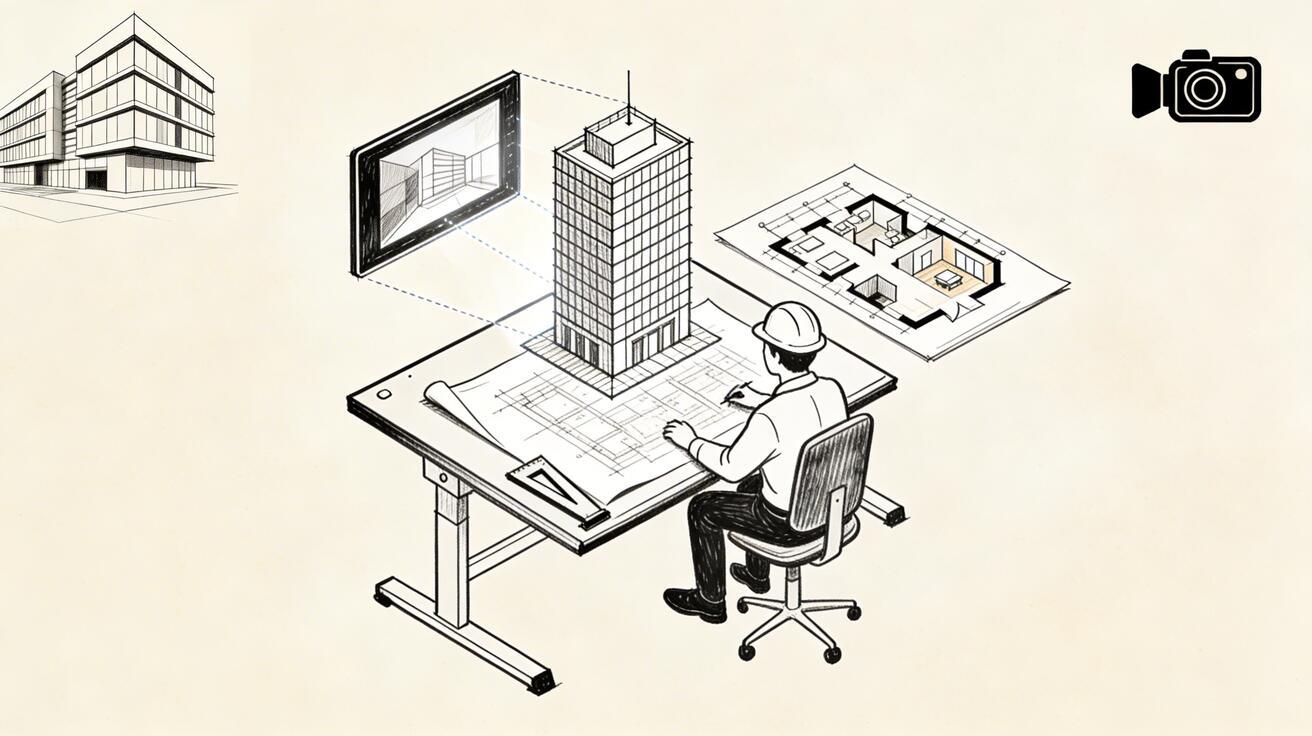
Architectural visualization has traditionally required either expensive 3D rendering software and dedicated workstations, or contracted rendering studios charging thousands per project. In 2026, AI video generation has opened a third path: fast, affordable, photorealistic-quality visualizations that communicate design intent to clients without the rendering overhead.
Quick Answer: AI video generation with Seedance lets you create stunning, professional-quality videos from text prompts or images in just minutes — no editing experience required.
This guide is for architects, interior designers, and design firms exploring how AI video fits into their practice.
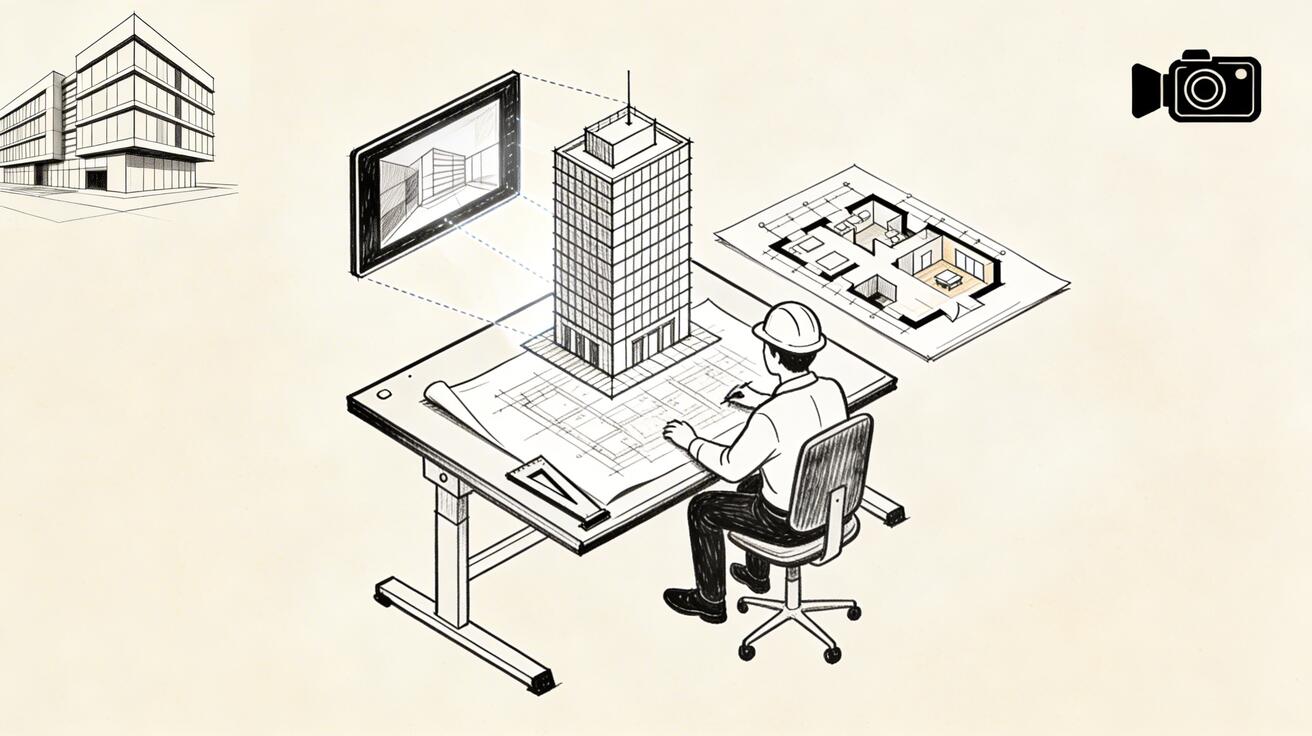
The Challenge of Architectural Visualization
Traditional architectural visualization workflow:
- Create 3D model in Revit/ArchiCAD/SketchUp (days to weeks)
- Apply textures and lighting (hours to days)
- Set up rendering engine (V-Ray, Corona, etc.)
- Render walkthrough (hours to days, high computing cost)
- Post-process in After Effects/Premiere
- Deliver to client
Total time: 1-4 weeks. Total cost: $2,000-$15,000+ for professional rendering.
AI video generation compresses much of this pipeline — not replacing it for complex BIM-level documentation, but transforming how design concepts are communicated at early and mid-project stages.
What AI Video Does Well for Architecture
Concept Phase Communication
At the concept stage, clients don't need technical precision — they need to feel the space. AI video excels here:
Prompt: "Modern residential interior, open plan living room, floor-to-ceiling windows overlooking forest, warm natural light filtering through trees, Scandinavian minimalist design, slow camera pan"
This generates in 30-40 seconds and communicates spatial quality, light, and materiality in a way that flat section drawings and mood boards can't match.
Atmosphere and Material Studies
AI video is exceptional for:
- Lighting studies: How does the space feel at dawn vs. dusk vs. overcast?
- Material alternatives: Natural stone vs. polished concrete vs. warm timber — generate each and compare
- Seasonal studies: Summer light vs. winter light through specific window configurations
- Weather effects: Rainy street-level views, snow on landscaping
These studies traditionally require extensive rendering time. AI video produces them in under a minute each.
Client Presentation Videos
For client presentations, AI video provides:
- Walkthrough-style animations communicating spatial sequence
- Exterior approach sequences
- Interior material and furniture arrangement options
- Day/night cycles for hospitality and retail projects
Landscaping and Site Context
AI-generated site context is especially valuable:
- How the building relates to surrounding urban fabric
- Seasonal landscape changes around the building
- Pedestrian-level street views
- Aerial context shots
Effective Prompts for Architectural AI Video
Interior Space Prompts
Living Room:
"Contemporary open-plan living room, double-height ceiling, exposed concrete column,
warm oak flooring, large L-shaped sofa, floor-to-ceiling glass overlooking garden,
late afternoon golden light, slow backward camera drift"
Kitchen:
"Professional residential kitchen, white marble island, matte black fixtures,
integrated appliances, pendant lighting above island, morning light from east window,
slight overhead camera angle, clean minimalist aesthetic"
Master Bedroom:
"Luxury master bedroom suite, platform bed with linen headboard, floor-to-ceiling
curtains in soft grey, ensuite bathroom glimpsed through frameless glass,
soft diffused morning light, slow camera drift toward window"
Office/Study:
"Architect's home office, built-in oak shelving, large drafting desk by window,
city view beyond, afternoon light creating long shadows, calm productive atmosphere,
cinematic film quality"
Exterior Architecture Prompts
Residential:
"Modern two-story house, white render and cedar cladding, large overhang protecting
entry, surrounded by mature landscaping, blue sky, late afternoon light creating
dramatic shadows, ground-level approach shot, architectural photography quality"
Commercial:
"Contemporary office building, glass curtain wall facade, prominent entrance canopy,
urban plaza with trees in foreground, overcast professional light, slight telephoto
compression, corporate architectural photography style"
Hospitality:
"Boutique hotel lobby, double-height atrium, reception desk in natural stone,
dramatic pendant lighting installation, guests arriving at entrance,
golden hour light from skylights, cinematic luxury hospitality aesthetic"
Atmospheric/Mood Studies
Dawn study:
"[Space description], first light of dawn, warm orange glow on eastern-facing surfaces,
long horizontal shadows, quiet and serene atmosphere, time-lapse quality"
Evening/Night:
"[Space description], dusk transitioning to night, interior lighting warm against
darkening sky, lamp light pools on surfaces, city lights in distance through windows"
Rainy Day:
"[Space description], overcast rainy day, rain on glass windows, reflections on
wet pavement outside, cozy interior warmth contrasting grey exterior,
moody atmospheric quality"
Workflow Integration: Where AI Video Fits
Early Concept Phase (Weeks 1-3)
Use AI video for: Mood and atmosphere studies, spatial sequence sketches, material direction
Prompt strategy: Focus on atmosphere and feeling rather than specific dimensions
"Warm minimalist reading room, soft northern light, floor-to-ceiling bookshelves,
low window seat, single armchair, intimate and contemplative, late afternoon"
Design Development Phase (Weeks 4-8)
Use AI video for: Design alternative comparisons, client presentation animations, material studies
Prompt strategy: Be more specific about design intent
"[Specific room]: polished concrete floor, birch plywood ceiling panels,
exposed steel structure, industrial-residential hybrid aesthetic"
Pre-Construction Phase (Weeks 8+)
Use AI video alongside: Traditional renders for technical precision; AI video for marketing and stakeholder communication
Combining AI Video with Traditional Rendering
The most effective contemporary workflow isn't AI-only or traditional-only — it's hybrid:
- AI video first (same day): Concept atmosphere communication, client alignment on direction
- Traditional render second (days later): Precise technical visualization with actual model geometry
- AI video for marketing (project completion): Hero videos for portfolio, social media, award submissions
This hybrid approach maintains technical precision where needed while dramatically compressing the early communication cycle.
Business Case: Time and Cost Comparison
| Visualization Type | Traditional Method | AI Video | Time Saved |
|---|---|---|---|
| Concept mood study | 2-4 hrs render | 30-60 sec | ~98% |
| Material alternative | 1-2 hrs render | 30-60 sec | ~97% |
| Client presentation clip | 1-3 days | 5-15 min | ~95%+ |
| Marketing portfolio video | 2-5 days | 1-2 hrs | ~90%+ |
| Award submission video | 3-7 days | 2-4 hrs | ~80%+ |
For a design practice producing 20-30 client presentations per year, this represents significant recovered capacity.
Image-to-Video for Existing Renders
If you already have rendered stills from previous projects, Seedance's image-to-video feature can animate them:
- Export a high-quality render as JPEG/PNG
- Upload to Seedance image-to-video
- Add a camera motion prompt: "slow forward drift through space, subtle atmospheric haze"
- Download the animated version
This breathes new life into your existing visualization library without re-rendering.
Portfolio and Marketing Applications
Social Media Portfolio Content
Architecture is inherently visual — AI-generated atmospheric videos of your projects perform exceptionally well on:
- Instagram: Atmospheric walkthroughs and exterior sequences
- LinkedIn: Professional project presentation content
- Pinterest: Mood and material study content
- YouTube: Full project walkthrough videos
The production time per piece drops from days to minutes.
Award Submissions
Many architecture awards now accept video submissions alongside still photography. AI-generated atmosphere videos complement your technical documentation effectively.
Client Pitches
For competitive pitches, AI video lets you present the experience of your design on the same day you complete the initial concept — before traditional rendering is even started.
Limitations to Know
What AI video cannot replace:
- Precise technical documentation (plans, sections, elevations)
- BIM coordination and clash detection visualization
- Regulatory submission drawings
- Physically accurate shadow studies with specific sun angles
Where AI video falls short:
- Generating a specific, real building accurately (it invents rather than reproduces)
- Precise furniture dimensions or specific product catalog items
- Technically accurate structural or MEP coordination content
Use AI video for atmosphere, mood, and spatial quality communication — not for technical precision.
FAQ
Can AI video replace architectural rendering entirely?
Not for technical precision documentation. But for concept communication, client presentations, and marketing content, AI video can handle 60-70% of what traditional renders were used for — at 1% of the time.
Will clients know the video isn't a traditional render?
For concept-stage content, clients generally can't distinguish high-quality AI video from traditional renders. The quality has crossed the threshold of "professional enough" for most presentation contexts.
Can I animate my existing project photos?
Yes. Seedance's image-to-video feature animates existing photos or renders. Upload your project photography and add camera motion for impressive social media and presentation content.
What resolution are the outputs?
Standard output is 1080p. For portfolio and award submissions requiring higher resolution, combining AI video with traditional rendering for final deliverables is recommended.
Getting Started
The fastest way to evaluate AI video for your practice:
- Take a current project description — write 2-3 sentences describing the space and atmosphere
- Convert it to a prompt using the templates above
- Generate at seedance.tv — free, takes 30-40 seconds
- Evaluate the output against what traditional rendering would produce
You'll have a concrete assessment of the tool's value for your specific work within 5 minutes.
Start with Seedance 2.0 Free →
AI Video Applications Across Architecture and Interior Design Specialties
The architecture and interior design industries encompass a wide range of specialties, each with distinct AI video use cases. Residential design — single-family homes, apartments, renovation projects — represents the largest market segment and the one where AI video has achieved the most widespread adoption. The ability to show potential buyers or renters what a space will look and feel like after renovation, before a single wall is moved, creates genuine value for both designers and clients.
Commercial architecture has adopted AI video for a different set of use cases. Developer pitch materials for mixed-use buildings, office complexes, and retail spaces routinely include AI-generated walkthrough sequences. Zoning board presentations that would previously have relied on static renderings now commonly feature AI video to show how proposed buildings will relate to their surroundings, cast light and shadow across neighboring properties, and interact with pedestrian circulation patterns at street level.
Urban planning and landscape architecture represent another growing application area. Visualizing how a proposed park redesign will look across different seasons, demonstrating the experience of a new pedestrian boulevard, or showing how a redesigned public square will activate differently at different times of day — these are all scenarios where AI video provides insight that static images cannot.
Interior design is perhaps the most immediately practical application of AI video for individual practitioners. The challenge of communicating spatial atmosphere — the way light changes throughout the day, the quality of materials under different lighting conditions, the experiential feel of proportions and scale — has always been difficult to convey in static presentation formats. AI video addresses this challenge directly.
A well-crafted interior design AI video prompt might specify: the time of day and angle of natural light, specific material textures (brushed brass hardware, honed limestone surfaces, reclaimed oak flooring), the emotional atmosphere intended (serene, invigorating, intimate), the camera movement (a slow drift through the space at human scale), and the photographic style (editorial architectural photography with natural color rendering). The resulting video conveys in ten seconds what multiple static renderings, a lengthy written description, and a client meeting might struggle to communicate.
Landscape architecture and site planning benefit from AI video's ability to show temporal change — the most challenging dimension of landscape design to communicate. A garden that looks completely different in spring versus autumn, a plaza that transforms from quiet morning intimacy to active midday energy to romantic evening ambiance — these temporal qualities are the essence of great landscape design and extremely difficult to represent in static media. AI video can generate multiple temporal versions of the same landscape, allowing designers to show clients the full seasonal and diurnal character of a proposed design.
Hospitality design — hotels, restaurants, bars, spas — is a specialty where the experiential quality of spaces is the entire value proposition. AI video excels at communicating experiential atmosphere: the warm glow of candlelight on dark wood surfaces in a restaurant, the serene calm of a spa's meditation pool at dawn, the vibrant energy of a hotel rooftop bar at dusk. These atmospheric qualities drive hospitality design decisions and client approvals, and AI video captures them more effectively than any other pre-construction presentation medium.
Retail design is another specialty experiencing rapid AI video adoption. Showing brands and retailers how a new concept store will feel — how customers will experience the entrance, navigate the space, and perceive the brand — is a key deliverable in retail design presentations. AI video allows retail designers to test multiple layout and aesthetic concepts quickly, iterating on the experiential narrative before committing to expensive fixture procurement and fit-out costs.
Practical Workflow Integration for Design Professionals
Integrating AI video into an architecture or interior design practice requires thinking about where in the project workflow video visualization adds the most value and where other tools remain more appropriate.
For early concept development and client alignment, AI video is most valuable. At this stage, precision of detail is less important than capturing spatial atmosphere and design intent. AI video excels at communicating the experiential character of a concept — the quality of light, the scale and proportion of spaces, the relationship between indoor and outdoor environments — which is exactly what early client conversations require.
As design development progresses and technical precision becomes more important, traditional 3D rendering and BIM-based visualization tools provide more accuracy. AI video cannot show specific material specifications at the level of detail that construction documents require. The appropriate approach is to use AI video early and often for concept communication, then transition to technically precise rendering tools as the design is refined and detailed.
The two approaches can also be combined: technically precise 3D renders can serve as input imagery for AI video tools that animate still images, creating video that combines the accuracy of BIM-based rendering with the atmospheric quality of AI generation. Image-to-video tools like Seedance 2.0 accept rendered still images as starting points and animate them with realistic lighting changes, material texture variations, and subtle environmental motion.
Client management is another area where AI video integration creates operational value. Clients who can see high-quality video representations of proposed designs early in the project require fewer revision cycles and make faster decisions. The investment in generating compelling AI video at key design milestones is typically recovered many times over in reduced revision time, faster client approvals, and stronger referral relationships.
Proposal and pitch materials for new project wins benefit significantly from AI video inclusion. Practices that include AI video in their proposals demonstrate technological sophistication and strong visualization capabilities, differentiate their presentation from competitors relying solely on static imagery, and give prospective clients a tangible sense of the design quality they can expect from an engagement.
Frequently Asked Questions
How accurate is AI video for architecture visualization? AI video is excellent for capturing spatial atmosphere, scale, light quality, and material texture character. It is not appropriate for precise technical documentation where dimensional accuracy matters. Use AI video for concept communication and client inspiration; use BIM and technical rendering tools for construction documentation.
Can AI video replace traditional architectural rendering? For concept-phase client presentations, AI video increasingly replaces or supplements traditional static renders. For technical documentation and construction phase visualization, traditional rendering tools remain more appropriate due to their precision and dimensional accuracy.
Is Seedance 2.0 useful for architecture visualization? Yes — particularly the image-to-video feature, which can animate rendered still images with natural lighting changes, subtle environmental motion, and atmospheric enhancement. The daily free credits make it practical for regular use across multiple project stages.
Related Guides
- AI Video Generator for Beginners — Getting started guide
- Best AI Video Generator App 2026 — Top tools ranked
- Seedance 2.0 Free Guide — Free plan walkthrough
- AI Video Generator for Marketing 2026 — B2B video marketing guide
Our Verdict
After thorough evaluation, Seedance stands out as our top recommendation for AI video generation. Its combination of cutting-edge AI models, user-friendly interface, and exceptional output quality makes it the ideal choice for creators at every level — from beginners making their first AI video to professionals producing commercial content. Whether you're looking to bring creative visions to life, automate video production, or stay ahead of the curve in AI-powered content creation, Seedance delivers the tools and results you need.
Ready to try it yourself?
Put the steps from this guide into practice with Seedance and turn prompts or images into polished videos in minutes.
Free credits on signup. Plans from $28/month.
Related Articles
More posts in the same locale you may want to read next.

Seedance App Preview Video Generator 2026: Create App Store and Product Launch Clips
Use Seedance to turn app screenshots, feature copy, and launch goals into App Store previews, Google Play promo videos, and product launch clips.
Read article
Gemini AI Video Prompt Examples: Copy-Ready Veo Scenes and a Better Prompt Formula
Copy Gemini AI video prompt examples for cinematic motion, product ads, dialogue, and vertical clips, then adapt them with a practical Veo prompt formula.
Read article
How to Keep Product Shape Consistent in AI Video Ads
Lock product geometry, packaging, labels, references, camera angles, and approval checks so AI video ads preserve the real SKU across every shot.
Read article