
AI Falling from Sky Prompt: Copy-Ready Templates for Image and Video Generation
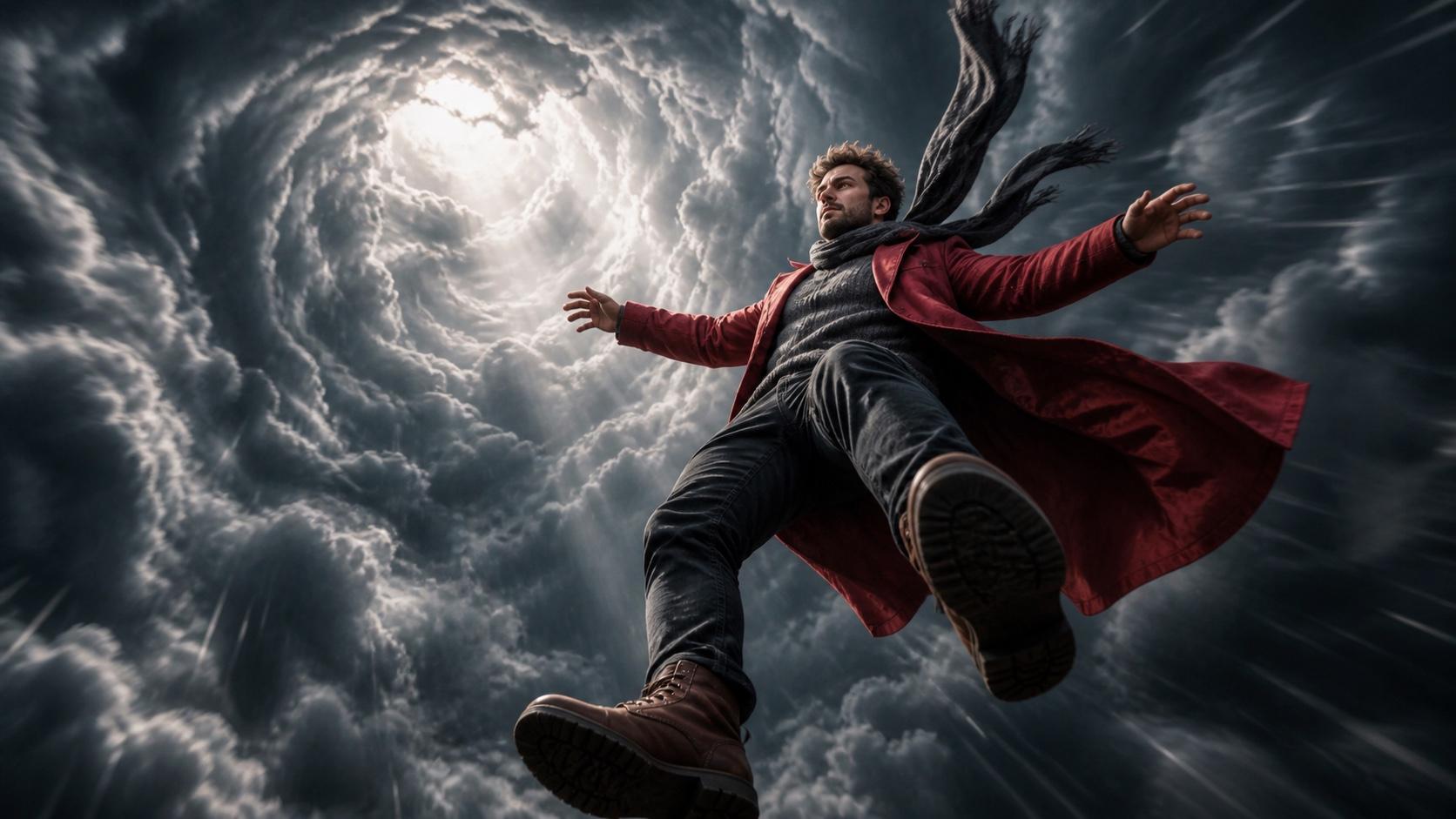
AI Overview
What is the AI falling from sky prompt?
An AI falling-from-sky prompt creates the viral skyfall effect: a person or object in cinematic free fall through clouds. The workflow uses two image prompts and one image-to-video motion prompt.
What should an AI falling from sky image prompt include?
Define the pose, subject size, cloud environment, light direction, and camera angle. Generate a distant wide frame and a close-up frame with identical subject details.
What does the video animation prompt for falling from sky need?
Lock the camera to vertical downward movement, request extreme slow motion, describe clouds passing, and forbid lateral drift. Add stable identity and facial preservation constraints.
Which AI tools work with falling from sky prompts?
Seedance supports reference-image generation and first-and-last-frame animation. Seedream, Nano Banana, Higgsfield, and Kling can also work when the selected workflow preserves vertical motion and identity.
How the Two-Prompt Workflow Works
The effect needs two kinds of prompt:
- Image generation prompts: create a distant wide frame and a close-up fall frame.
- Video animation prompt: tell an image-to-video model how the subject and camera move between those visual anchors.
The practical sequence is:
Image A: distant wide frame
  → Image B: close-up fall frame
  → Video motion prompt
  → First-and-last-frame interpolation
  → Final skyfall clip
Using an ordinary portrait as the only input usually produces floating in place. The original photo has no aerial camera angle, wind-shaped pose, or cloud depth for the model to interpolate. The two generated frames define both the beginning and destination of the movement. See the complete sky falling workflow for the editing and posting steps after prompt creation.
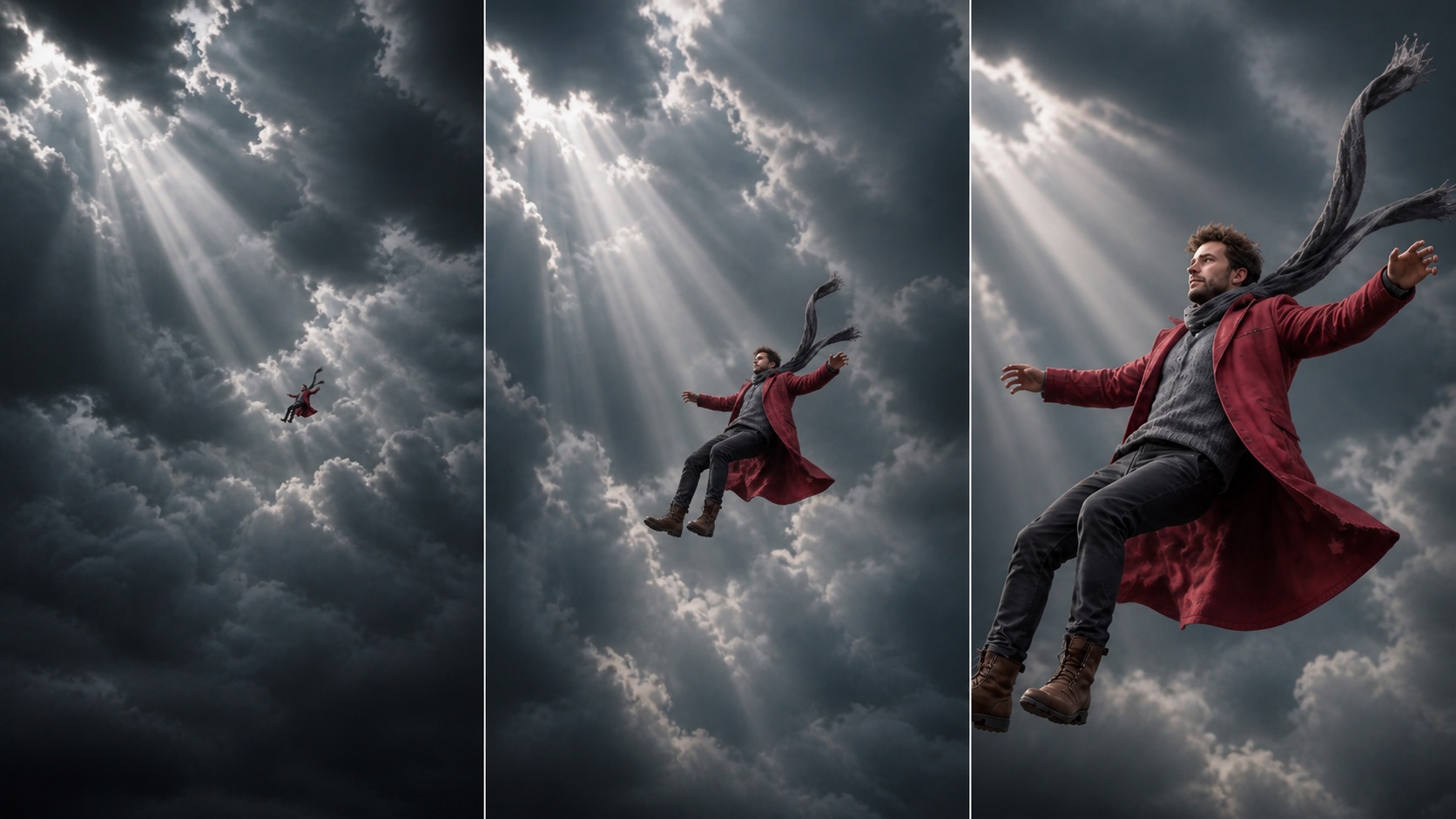
A far, medium, and close frame reveal how scale can change without changing identity, clothing, lighting, or sky direction.
Image Prompt 1 — The Distant Wide Shot
Use the first prompt to establish altitude, negative space, and direction:
[Subject description: e.g., a young woman in a white flowy dress], very high in
the sky, tiny in frame—subject occupies less than 5% of total frame area.
Camera angle: low-angle, looking up from far below. Background: dramatic
volumetric clouds, golden-hour light from upper left, deep blue sky above, no
visible ground or horizon. Full body visible, horizontal falling pose, arms
slightly spread. Cinematic, photorealistic, atmospheric perspective, 9:16 vertical.
Wide-Shot Variations
- Sunset:
rose-tinted sunset clouds, warm amber and coral tones - Night sky:
falling through cosmos, stars and galaxies, nebula clouds, deep black sky - Storm:
dark storm clouds, dramatic silver light rays breaking through, moody - Angel:
large angel wings spread wide behind subject, white feathers flowing upward
Repeat the exact clothing, hair, skin tone, and light direction in Prompt 2. The Seedream product poster prompt guide shows how to keep composition and lighting instructions precise when building controlled reference images.
Image Prompt 2 — The Close-Up Fall Frame
The second frame brings the face and wind response into view:
[Exact same subject description as Prompt 1]. Falling backward through sky,
leaning back at a 30-degree angle, arms slightly spread, legs relaxed,
expression calm or euphoric. Camera at eye level with subject, medium close-up,
subject fills 60–70% of frame. Background: clouds softly blurred in shallow
depth of field, golden-hour backlight, hair and clothing flowing upward with
wind resistance. Photorealistic, cinematic, 9:16 vertical.
Subject-Specific Additions
| Subject | Add this description |
|---|---|
| Man | jacket open, flowing in wind, tie or scarf trailing upward |
| Cat or dog | ears flattened by wind, fur rippling, paws slightly extended |
| Car | car nose-down at a 45-degree angle, wheels visible, motion blur on edges |
| Product or object | object tumbling slowly, light catching surface edges, no motion blur on label |
| Cartoon character | cartoon style, exaggerated expression of surprise, wide eyes |
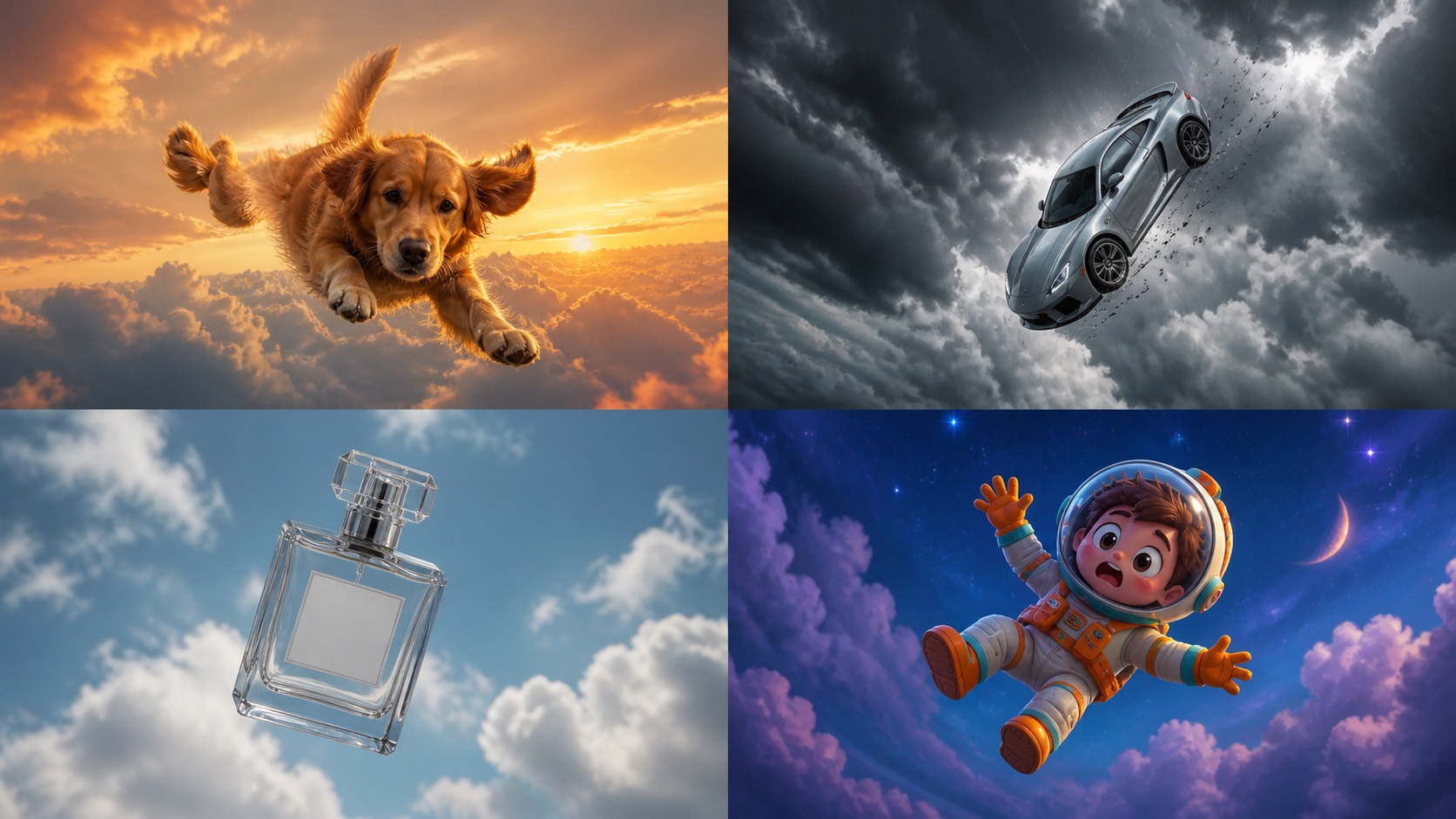
The same motion idea can work across subjects when pose, wind response, and surface-detail constraints change with the object.
Video Animation Prompt — Making the Fall Move
Universal Video Prompt
Person falling downward from the sky, leaning back into the fall. Camera
cinematically follows downward, slowly zooming in from wide shot to medium
close-up. Extreme slow motion—time appears to slow as descent continues.
Volumetric clouds rushing past in the periphery, golden light flickering
through. Strictly vertical downward camera movement—no lateral drift, no
horizontal shift. Preserve facial features and subject identity throughout.
Smooth continuous motion, no camera shake. 9:16 vertical format.
Higgsfield-Ready Version
MCSLA: Seedance 2.0 | Camera: Downward Follow Zoom | Subject: [description]
Look: cinematic golden hour | Action: free-fall backward through clouds,
extreme slow-motion descent, camera closes in from wide to medium.
Negative: lateral drift, camera shake, face distortion, ground visible.
9:16 | 6s
Seedance First-and-Last-Frame Settings
- First frame: Image 1, the distant wide shot.
- Last frame: Image 2, the close-up falling shot.
- Duration: 6–8 seconds.
- Prompt: paste the universal video prompt above.
Open Image to Video to animate the pair. If the first render skips too quickly between frames, the first-and-last-frame guide explains when to add a middle frame or reduce the focal-distance change.
Prompt Fixes — Why Your Fall Looks Wrong
| Symptom | Root cause | Prompt or workflow fix |
|---|---|---|
| Clouds look like a flat backdrop | Physical cloud detail is missing | Add ultra-realistic volumetric clouds, atmospheric depth, natural god rays. |
| Subject jumps instantly from far to near | The two frames are too different | Use three frames—far, medium, close—or reduce the focal-distance change. |
| Camera drifts sideways | The model is choosing a free camera path | Add strictly vertical downward camera movement only, no rotation, no horizontal shift. |
| Face becomes blurry or distorted | The close frame is weak | Regenerate Image 2 at higher clarity and add preserve facial detail, stable face throughout. |
| Fall is too fast | Slow motion is not strong enough | Add extreme slow motion, 10x slower than real time, time appears suspended. |
| Hair and clothing stay rigid | Aerodynamic motion is undefined | Add clothing and hair flowing upward against wind resistance, natural drag effect. |
| Subject looks pasted over the sky | Light directions do not match | Use the same phrase in both frames, such as golden-hour backlight from upper left. |
Change one variable per retry. A longer negative prompt cannot rescue mismatched input frames; fix image consistency first, then vertical motion, and finally style.
Conclusion
Three rules make an AI falling-from-sky prompt reliable:
- Keep the subject description identical in both reference images.
- Lock the video prompt to a strictly vertical downward camera path.
- Use explicit slow motion to turn a simple drop into a cinematic fall.
Save the three templates on this page—wide image, close image, and video motion—as one reusable prompt set. Create the two frames and animate them with Seedance, then compare the result with another playful trend in the AI squish effect guide. Both stages stay in one workflow, so there is no need to move files between separate tools.
Ready to try it yourself?
Put the steps from this guide into practice with Seedance and turn prompts or images into polished videos in minutes.
Free credits on signup. Plans from $28/month.
Related Articles
More posts in the same locale you may want to read next.

Seedance App Preview Video Generator 2026: Create App Store and Product Launch Clips
Use Seedance to turn app screenshots, feature copy, and launch goals into App Store previews, Google Play promo videos, and product launch clips.
Read article
Gemini AI Video Prompt Examples: Copy-Ready Veo Scenes and a Better Prompt Formula
Copy Gemini AI video prompt examples for cinematic motion, product ads, dialogue, and vertical clips, then adapt them with a practical Veo prompt formula.
Read article
How to Keep Product Shape Consistent in AI Video Ads
Lock product geometry, packaging, labels, references, camera angles, and approval checks so AI video ads preserve the real SKU across every shot.
Read article