
01
Step 1: Write a Clear Video Prompt
Describe the subject, action, setting, visual style, and mood. Add camera direction when it matters, such as close-up, wide shot, slow push-in, or handheld.
Bring your ideas to life with Seedance Text to Video AI. Start from a simple prompt, add scene details, motion, camera direction, and style, then generate polished AI video clips online.
Prompt: An anime-style rose blooms before a rope bridge, with petals dancing in the air.
Turn briefs, scripts, product ideas, and campaign concepts into AI videos without production bottlenecks. Seedance Text to Video gives teams flexible prompt control for ads, social posts, storyboards, and presentations.
Start with a short idea, product message, scene description, or script line. Seedance Text to Video gives you a fast way to see whether the concept works as moving content.
Guide the output with practical prompt details such as subject movement, shot type, lighting, pace, environment, and visual mood. Clear direction helps AI video results feel intentional.
Generate alternate versions from the same prompt, test different creative angles, and choose the best clip for social posts, ads, storyboards, or presentations.
Use Seedance Text to Video to lower production costs, test campaign concepts faster, and scale short-form video creation for marketing, product, ecommerce, and content teams.
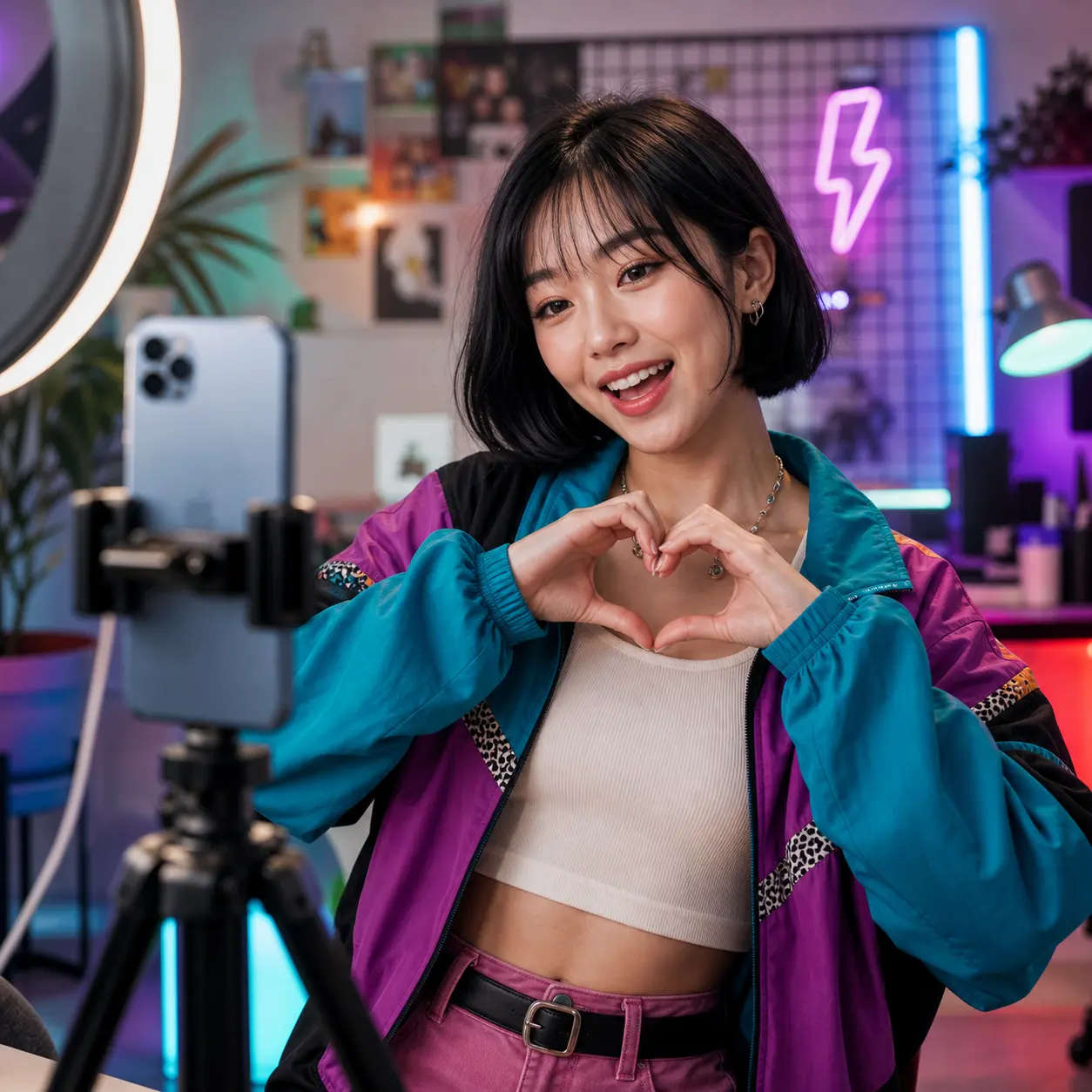
Seedance Text to Video keeps prompt-based video creation direct for teams: describe the scene, choose settings, generate, and refine.
Describe the subject, action, setting, visual style, and mood. Add camera direction when it matters, such as close-up, wide shot, slow push-in, or handheld.
Select the available model, duration, aspect ratio, resolution, and audio options that fit your content goal.
Generate your AI video, compare the output, then revise your prompt or settings to create a stronger version.
Explore practical guides for AI video prompts, creative workflows, and Seedance Text to Video production ideas.
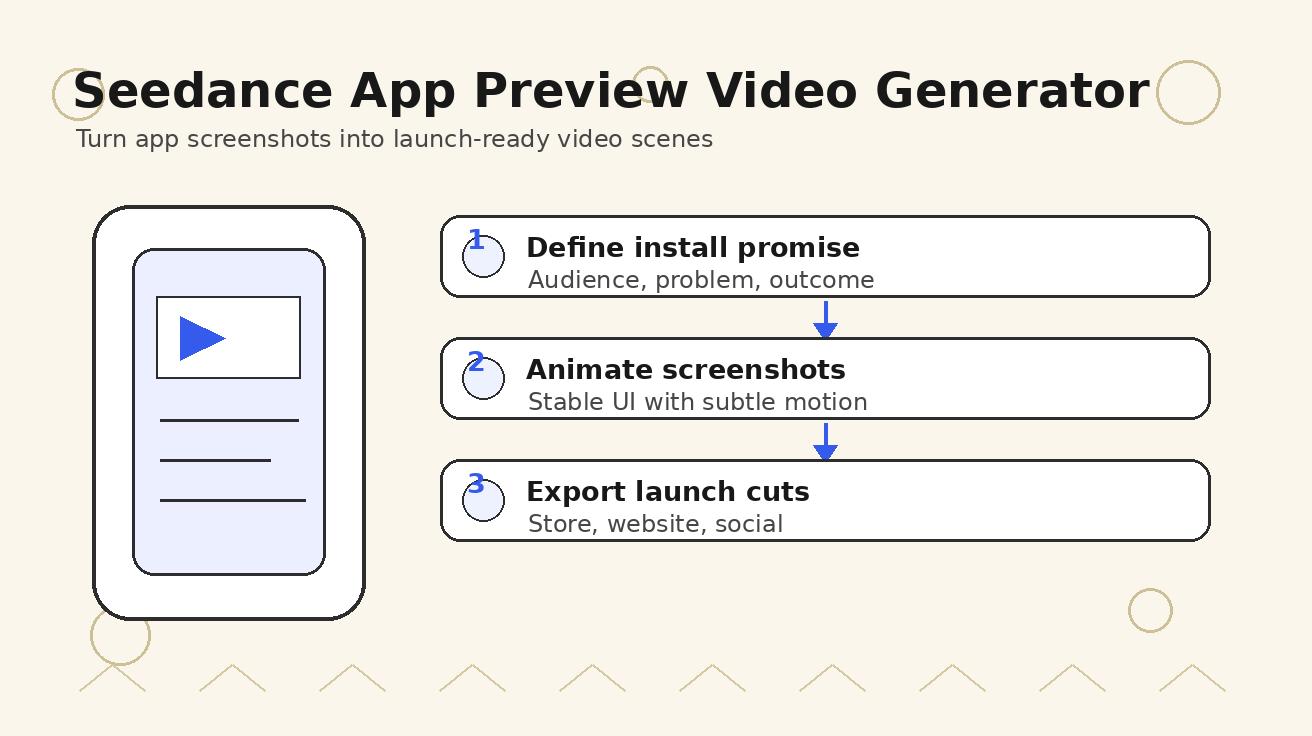
Use Seedance to turn app screenshots, feature copy, and launch goals into App Store previews, Google Play promo videos, and product launch clips.
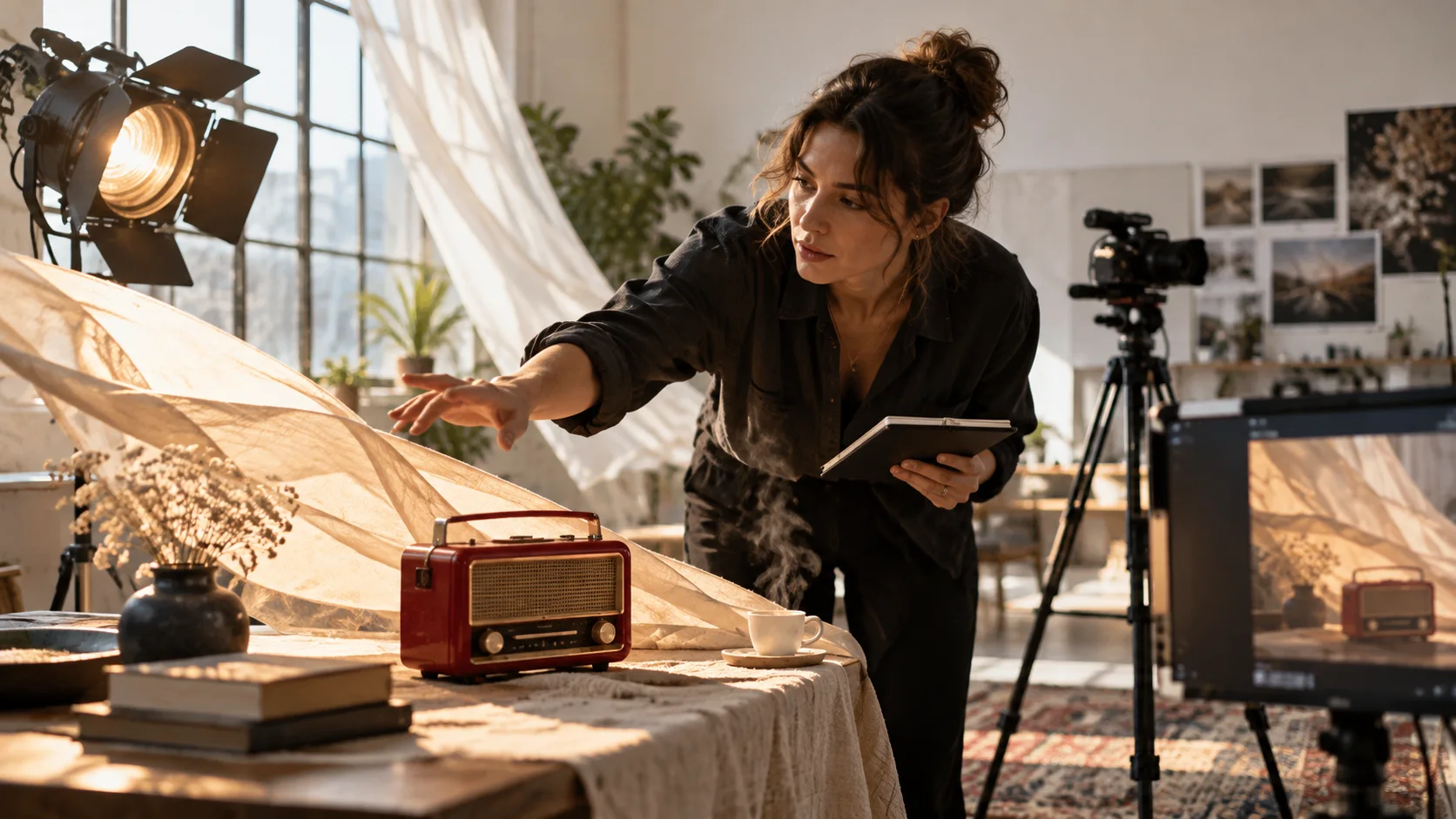
Copy Gemini AI video prompt examples for cinematic motion, product ads, dialogue, and vertical clips, then adapt them with a practical Veo prompt formula.

Lock product geometry, packaging, labels, references, camera angles, and approval checks so AI video ads preserve the real SKU across every shot.
Can't find what you're looking for? Contact our customer support team
Seedance Text to Video is an AI video generator that turns written prompts into video clips. Describe the scene, subject, camera movement, and style you want, then generate a video without filming or manual animation.