
Seedance 2.5 Unlimited: Plans, Credits & How to Generate More Videos
AI Overview
Does Seedance 2.5 have an unlimited plan?
Seedance 2.5 does not offer a traditional unlimited plan; it uses monthly credits. Plus costs $112/month with annual billing and includes 4,800 credits, making it the closest option to unlimited-style production for high-volume creators.
How many videos can I generate with Seedance 2.5?
Output depends on model, duration, resolution, and references. If a typical five-second clip uses about 10–20 credits, Plus can produce roughly 240–480 attempts per month before retries.
What is Seedance 2.5 and what makes it different from 2.0?
Seedance 2.5 improves motion detail, prompt adherence, and reference-image consistency over 2.0. It is better suited to repeatable product, character, and campaign workflows where fewer failed takes matter.
Which Seedance plan is best for unlimited-style production?
Plus is best for teams and heavy creators; Standard fits most individual professionals. Both include a fast generation queue, commercial usage rights, and access to the available high-quality video models.
What "Unlimited" Actually Means for Seedance 2.5
“Unlimited” here means having enough monthly capacity to keep a real production calendar moving—not infinite generations. Seedance plans allocate credits, and each run deducts an amount based on the chosen model, duration, resolution, and inputs. The exact cost appears before generation, so the most reliable capacity plan starts with the settings you actually use.
A practical five-second Seedance 2.5 clip often lands around 10–20 credits. At that range, 4,800 Plus credits equal about 240–480 generation attempts. Finished output will be lower after reruns, rejected takes, alternate aspect ratios, and higher-cost settings. Reserve 20–30% of the balance for revisions instead of planning to spend every credit on first attempts.
The useful metric is not generations per month but approved clips per month. If 60% of your attempts become usable, 300 runs yield about 180 approved clips. Better briefs and stable references can improve that acceptance rate more than buying another block of credits.
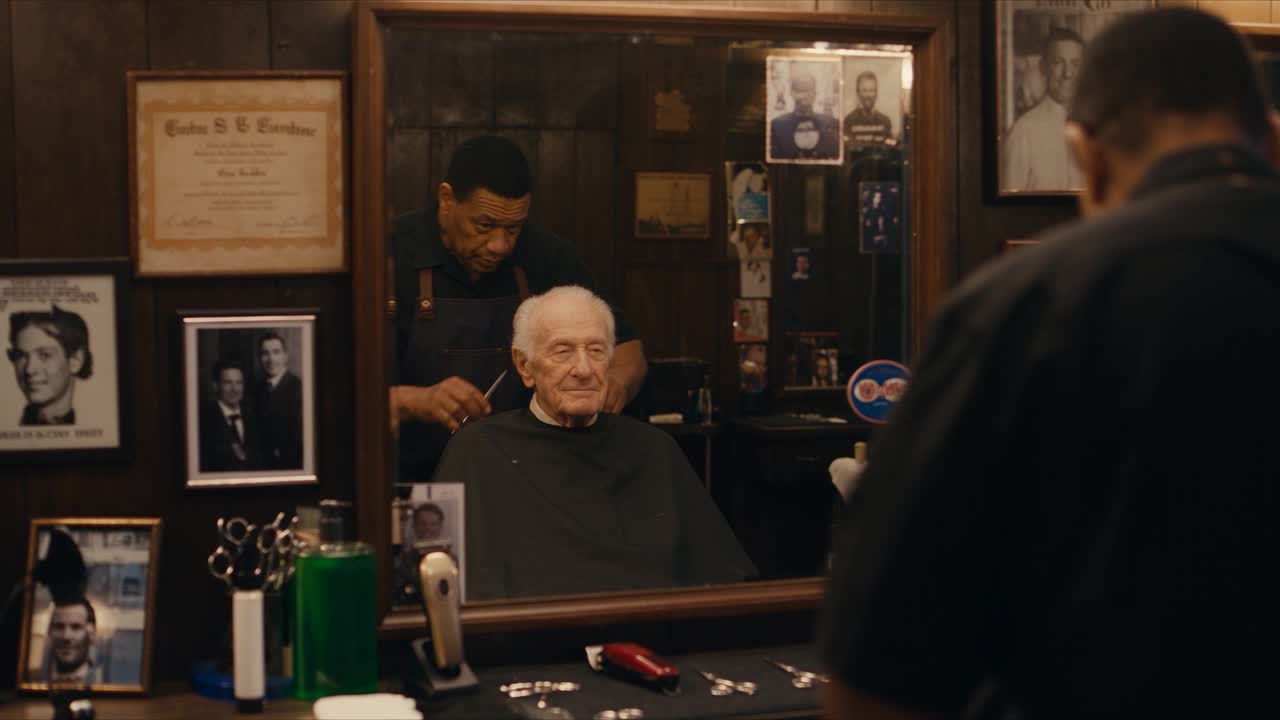
Official Seedance 2.5 showcase still from ByteDance Seed. Story-led scenes are a useful stress test for character continuity, lighting, and environmental detail across longer outputs.
Seedance 2.5 Plans & Pricing — Full Breakdown
Seedance offers three paid plans. The annual rates below are billed for the full year; monthly billing is $39 for Mini, $80 for Standard, and $160 for Plus. Annual billing is advertised at about 30% less.
| Plan | Annual rate per month | Credits/month | Approx. 5s attempts | Approx. 10s attempts | Approx. 15s attempts | Annual saving vs monthly |
|---|---|---|---|---|---|---|
| Mini | $28 | 400 | 20–40 | 10–20 | 6–13 | $132 |
| Standard | $56 | 1,600 | 80–160 | 40–80 | 26–53 | $288 |
| Plus | $112 | 4,800 | 240–480 | 120–240 | 80–160 | $576 |
These ranges assume roughly linear duration cost at 10–20 credits per five seconds. Treat them as planning estimates, not guaranteed quotas: model choice, quality settings, audio, references, and promotions can change the deduction.
Choose Mini for testing a light weekly workflow, Standard for a solo creator publishing five to ten clips per week, and Plus for teams, ad variations, product catalogs, or creators publishing more than twenty clips per week. Check the live checkout before purchasing because allowances and prices can change.
Seedance 2.5 vs 2.0 — Is the Upgrade Worth It?
Seedance 2.5 is the better production choice when motion quality and consistency affect the acceptance rate. It handles subtle subject motion more smoothly, follows camera and timing instructions more reliably, and holds a supplied product or character reference more consistently across frames.
| Production factor | Seedance 2.0 | Seedance 2.5 |
|---|---|---|
| Motion | Strong broad movement; more cleanup on fine gestures | Smoother detail and more stable transitions |
| Prompt response | Good with concise directions | Better adherence to structured actions and constraints |
| Reference consistency | Useful for straightforward shots | Stronger for repeated products, characters, and styles |
| Best use | Exploration and lower-stakes variations | Campaign assets and repeatable production |
The upgrade is worth it when one approved clip replaces several failed attempts. If 2.0 already gives you acceptable results for simple backgrounds or concept tests, keep it in the mix; if identity, product geometry, or precise motion matters, start with Seedance 2.5 on the Seedance homepage. For a deeper version comparison, use the Seedance 2.5 vs 2.0 guide.
A real Seedance 2.5 output is more useful than a feature checklist: inspect the subject, camera path, background continuity, and final frame before approving the workflow.
How to Maximize Output with Seedance 2.5 — Prompt Guide
The cheapest generation is the one you do not need to repeat. Give each prompt one subject, one visible action, one camera rule, and a short preservation block. Use the same identity and style wording across a batch, then change only the scene-specific action.
Five high-success templates:
Product showcase: [Product] centered on [surface]. One slow 30-degree orbit, label readable, fixed lighting, preserve shape, materials, colors, and background.

Character close-up: [Character] holds eye line and makes one subtle expression change. Locked portrait camera, natural skin motion, preserve identity, hair, wardrobe, and lighting.

Nature scene: [Landscape] in soft morning light. Wind moves only [plant/water element] at a constant speed. Wide locked frame, no new objects, no lighting shift.

Abstract motion: [Color/material] forms one smooth repeating wave. Slow forward camera drift, constant density and brightness, no cut, flash, text, or sudden acceleration.

Style reference: Use the reference for palette, texture, and lighting only. Keep the uploaded subject exact. One clear action, one camera path, unchanged geometry and background.
Generate the hardest shot first. If it fails, revise one variable—motion size, camera speed, timing, or constraint—rather than rewriting the whole brief. The Seedance 2.5 prompt guide expands these patterns, while Image to Video is the fastest route when product or character fidelity matters.
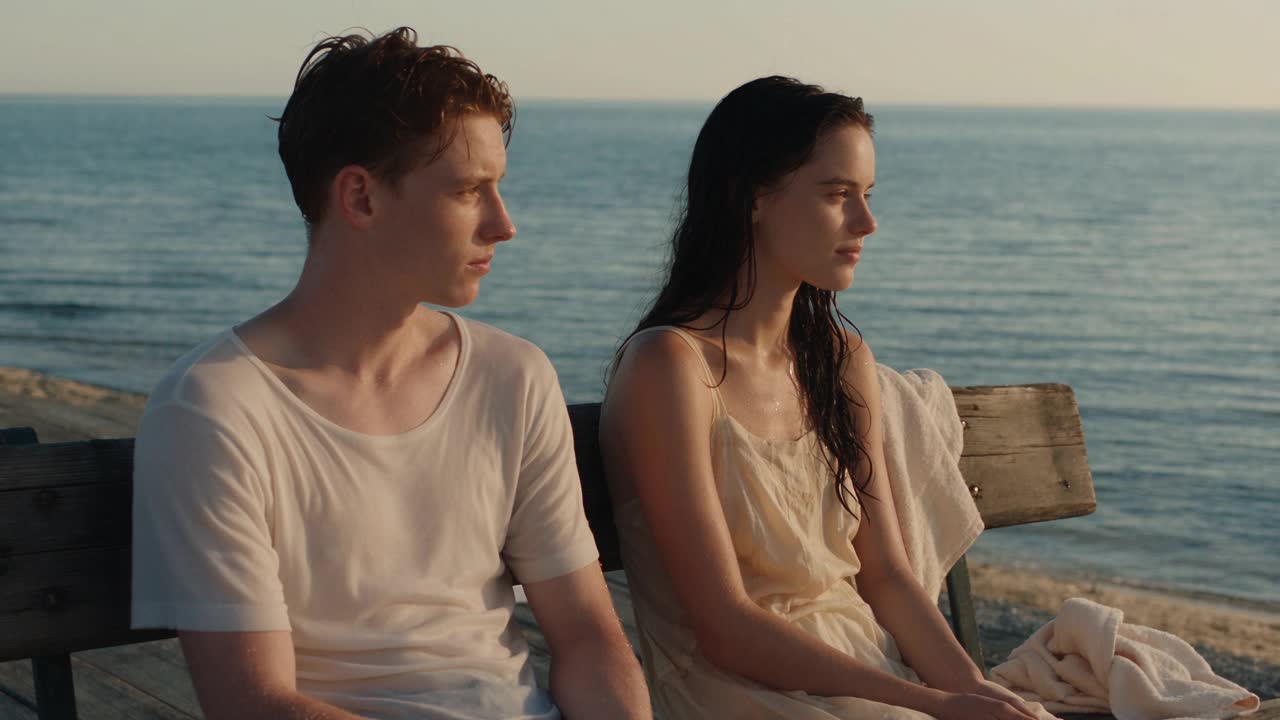
Official Seedance 2.5 showcase still from ByteDance Seed. Natural light, restrained framing, and subtle expressions provide a clearer quality check than a heavily stylized fantasy frame.
How to Use Seedance 2.5 for High-Volume Video Production
- Plan outputs, not ideas. List the exact aspect ratio, length, hook, product beat, and final frame for every required deliverable.
- Build a reference kit. Keep approved product, character, palette, and camera references in one folder. Use Reference to Video when multiple assets have distinct roles.
- Run one difficult pilot. Test the shot most likely to fail before launching a batch.
- Lock the reusable block. Preserve the identity, style, negative constraints, and camera vocabulary across all variants.
- Batch one variable at a time. Change the hook, background, language, or aspect ratio—not all four together.
- Review at three frames. Check the opening, midpoint, and final frame for hands, labels, geometry, background drift, and continuity.
- Track approval rate. Record attempts, accepted clips, and credits per accepted clip; use that number to forecast next month.
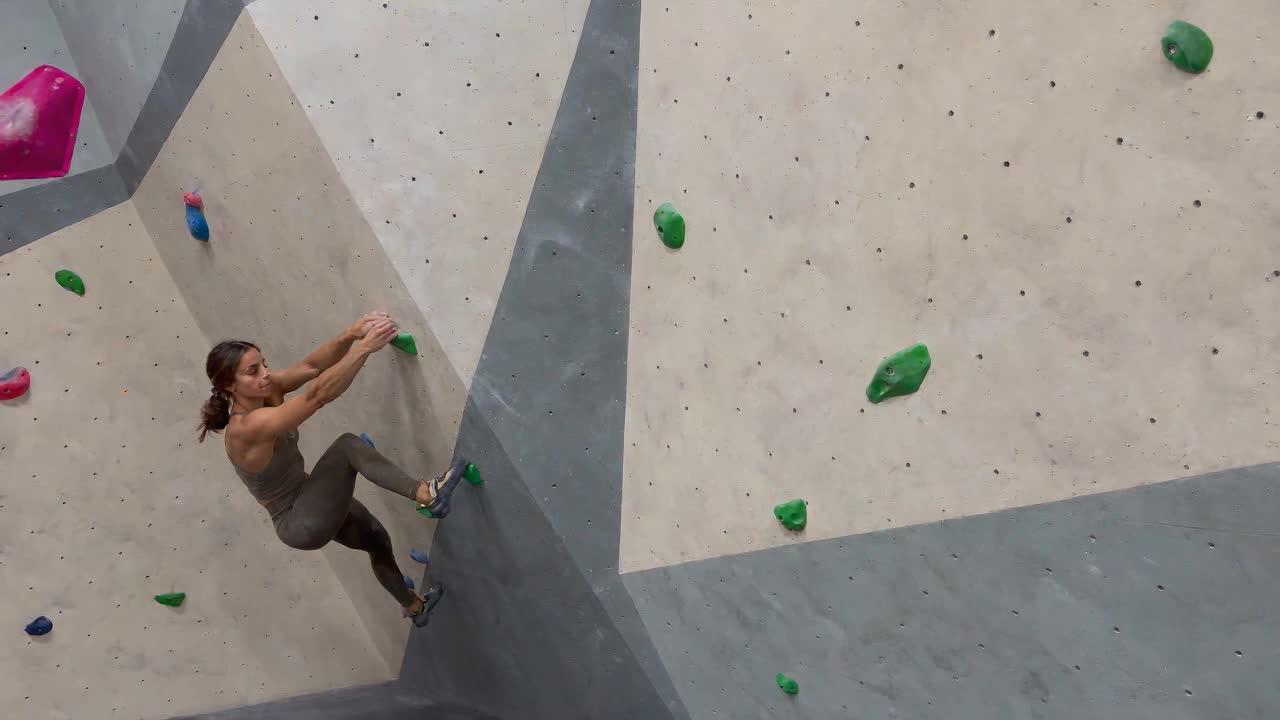
Official Seedance 2.5 showcase footage from ByteDance Seed. The bright indoor sports scene makes motion, body geometry, camera tracking, and environmental consistency easy to inspect.
Use Text to Video for rapid idea-led variations. Move to reference-led generation when the same product, character, or campaign look must survive across many outputs.
Seedance 2.5 vs Other AI Video Generators — Unlimited Comparison
Credits are not interchangeable between platforms, so compare the highest public creator plan by usable output, not raw credit totals. The figures below are an August 15, 2026 snapshot and may change.
| Platform and high-volume plan | Published price | Monthly capacity signal | Production fit |
|---|---|---|---|
| Seedance Plus | $112/month, annual | 4,800 credits; roughly 240–480 five-second attempts at the baseline above | Balanced volume, references, prompt control, and multi-model access |
| Kling Ultra | About $160/month at renewal | 26,000 credits; published estimates reach about 1,300 standard 720p clips | Very high raw volume; cost rises with premium modes and settings |
| Runway Max | $76/month, annual | 9,500 credits; about 158 five-second Gen-4.5 clips or 380 Turbo clips | Broad creative suite, editing, and model variety |
| MiniMax Max | $199.99/month | 20,000 credits plus Relax Mode after credits on supported models | Motion-led generation and extended lower-priority capacity |
Seedance does not win every raw-count comparison. Its advantage is the combination of predictable plan tiers, reference-led workflows, and quality that can reduce discarded takes. Teams should run one identical five-second brief on each shortlisted platform and compare cost per approved clip, not promotional credit volume.
Is Seedance 2.5 Worth It for Unlimited Video Generation?
Choose Plus if a team produces ads, ecommerce variations, or more than twenty clips per week; if consistent references save review time; or if missed publishing slots cost more than unused credits. The larger balance also makes room for deliberate A/B variations instead of one-shot approvals.
Choose Standard if you are a solo creator publishing roughly five to ten clips per week, can reuse a stable prompt system, and do not need several team members generating at once. It is the strongest middle ground between capacity and commitment.
Do not upgrade yet if you generate occasionally, have not measured the credit cost of your normal settings, or still change the concept after every failed output. Start with the available free credits, run ten representative briefs, and calculate your approval rate before choosing a plan.
Conclusion
Seedance 2.5 is not literally unlimited, but its credit plans can support steady production when prompts and references keep retries low. Test your real settings first, track credits per approved clip, choose Standard for consistent solo output, and move to Plus when team volume and campaign variations justify the larger monthly pool.
Start generating for free - no credit card required
Create videos with free signup credits, then scale with affordable plans whenever you need more generations.
Free credits on signup. Plans from $28/month.
Related Articles
More posts in the same locale you may want to read next.

Seedance App Preview Video Generator 2026: Create App Store and Product Launch Clips
Use Seedance to turn app screenshots, feature copy, and launch goals into App Store previews, Google Play promo videos, and product launch clips.
Read article
Gemini AI Video Prompt Examples: Copy-Ready Veo Scenes and a Better Prompt Formula
Copy Gemini AI video prompt examples for cinematic motion, product ads, dialogue, and vertical clips, then adapt them with a practical Veo prompt formula.
Read article
How to Keep Product Shape Consistent in AI Video Ads
Lock product geometry, packaging, labels, references, camera angles, and approval checks so AI video ads preserve the real SKU across every shot.
Read article