
MiniMax H3 Reference Video: Examples, Tips & How Seedance Compares
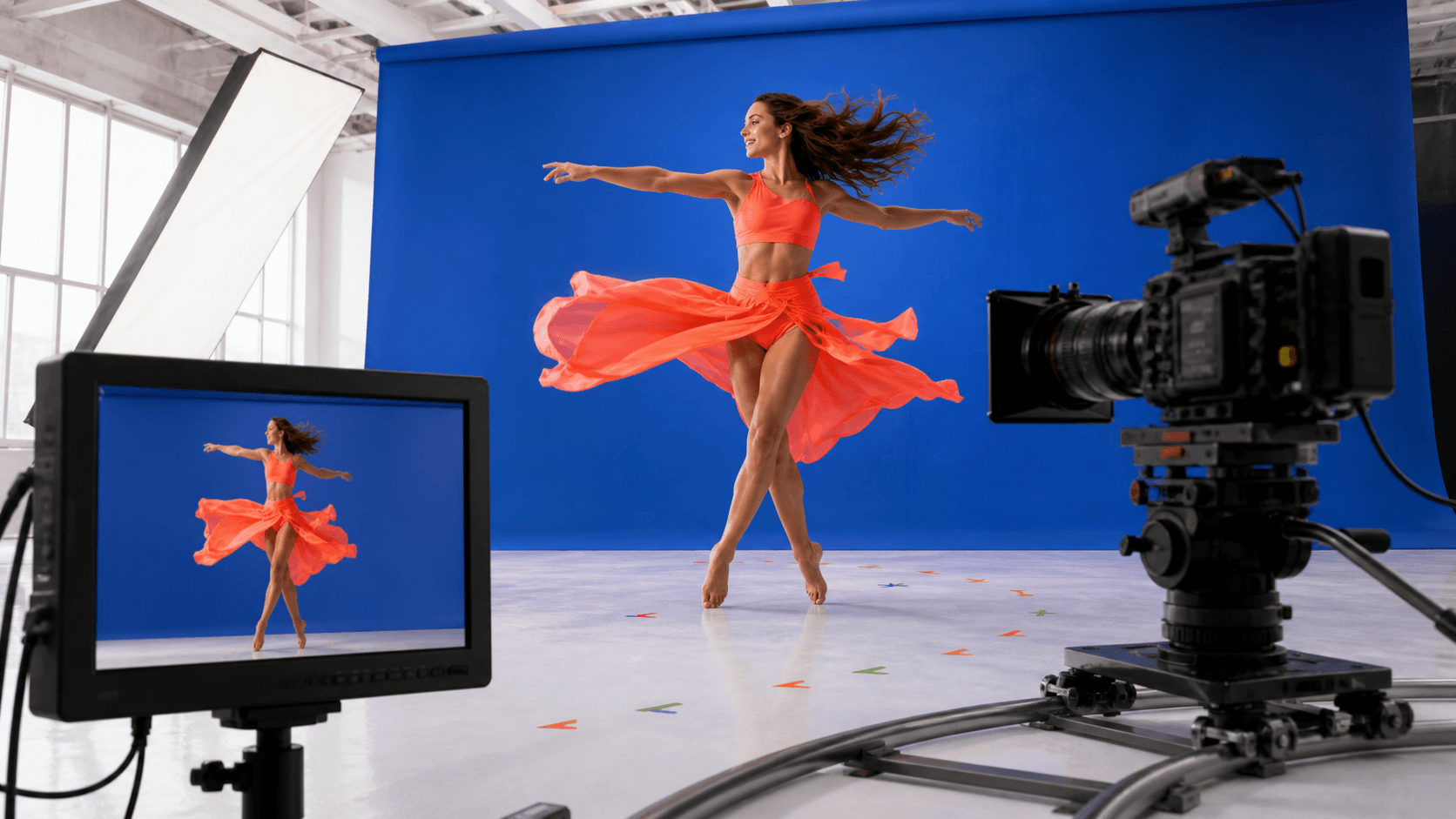
AI Overview
What Is MiniMax H3 Reference Video?
MiniMax H3 reference video uses a short source clip to guide motion style, camera movement, or character action more clearly than text alone.
How Do You Use a Reference Video in MiniMax H3?
Upload a clean, single-shot clip, add a prompt for the new subject and scene, then keep the reference under ten seconds when possible and confirm the current H3 route supports video input.
What Are Some Good MiniMax H3 Reference Video Examples?
Useful examples include product-camera moves, character walk cycles, short dance phrases, and clear pans, orbits, and tracking shots.
Is MiniMax H3 the Best AI Video Tool for Reference Video Generation?
H3 is capable when its reference input is available; Seedance is easier to compare when you want reference-led generation, stronger prompt locks, and multiple workflows in one browser workspace.
What Is MiniMax H3 Reference Video and Why It Matters
A reference video is not a finished scene that the model simply copies. It is a control signal: the source clip can communicate a walk cycle, hand action, orbit, push-in, or pacing pattern, while your prompt describes what the new shot should contain.
That distinction matters because motion is difficult to express with adjectives. “Dynamic camera” could mean a slow arc, a fast handheld chase, or a zoom. A five-second source clip makes the timing visible.
There is one important availability note. MiniMax's current public API documentation describes text, first-frame, last-frame, and reference-image inputs; it does not document one universal H3 motion-video field across every route. If the H3 screen you use does not show a video-reference control, do not force the workflow through an image slot. Use its documented image or text mode, or choose a product route that explicitly accepts video references.
How Reference Video Differs from Text-Only Generation
Text tells the model the intent. A reference clip shows the temporal pattern. Use text-only generation when you are exploring an idea and do not need exact choreography. Use a reference when the camera path, action cadence, pose sequence, or interaction timing is the reason the shot exists.
Reference guidance still leaves room for interpretation. The model may preserve the broad motion while changing speed, framing, hand placement, or background physics. Treat the result as a directed generation, not deterministic motion capture.
What Motion Types H3 Handles Well
Start with motion that has one readable subject and one dominant change:
- a controlled product push-in, arc, or turntable reveal;
- a full-body walk, gesture, or simple dance phrase;
- a camera pan, truck, tilt, or short tracking move;
- a two-beat action such as reach, lift, then hold;
- a clear transition between two poses or compositions.
Avoid references with rapid cuts, several people crossing, heavy occlusion, flashing edits, or simultaneous subject and camera chaos. They make it hard to tell which motion should transfer.
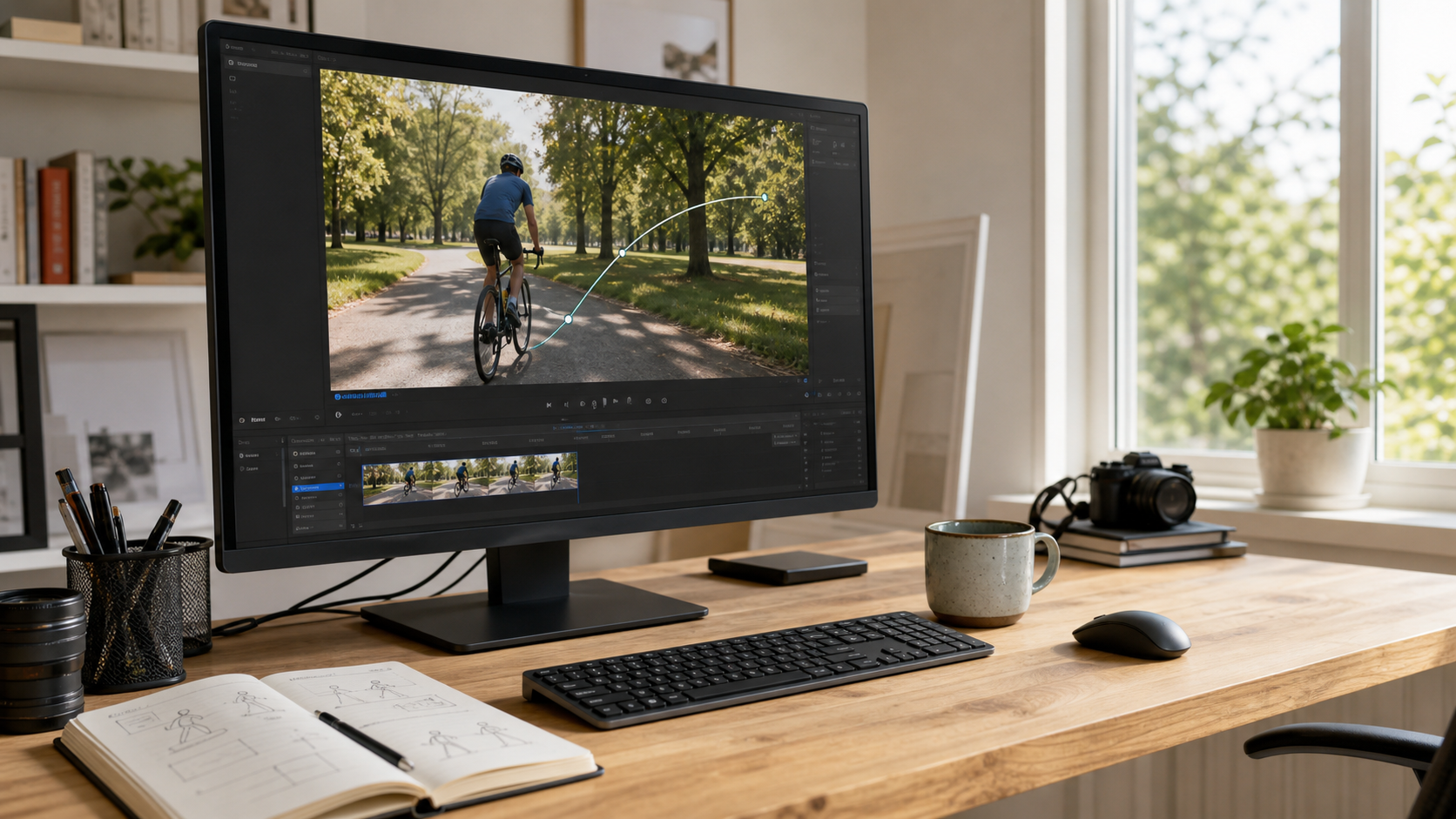
A useful reference isolates one subject, one camera path, and one readable change instead of combining several competing moves.
MiniMax H3 Reference Video Examples (Real Use Cases)
The clips below are real generated Seedance examples used as evaluation controls, not H3 outputs. They show what to inspect when you run the same source, prompt, duration, and aspect ratio in H3: motion direction, subject stability, material behavior, framing, and the number of paid retries required for a usable result.
Product Ad Motion Replication
For a watch, perfume bottle, shoe, or package, use a clean reference with a slow arc or push-in and minimal background distraction. The prompt should freeze product shape, material, color, label area, and object count while allowing only the requested camera and light movement.
New five-second Seedance output generated for this guide. Inspect the sneaker silhouette, lace and sole geometry, material texture, highlight travel, and whether the camera follows one continuous arc.
Character Animation & Walk Cycles
Match the crop before generation: a full-body reference works best with a full-body character source, while a waist-up reference is better for gestures and expression. Keep the performer visible, use moderate movement, and avoid limbs leaving frame. In the prompt, restate identity, outfit, camera distance, and background; let the reference carry the action timing.
New five-second Seedance output generated for this guide. Review face and outfit consistency, grounded heel-to-toe steps, natural arm swing, suitcase-wheel physics, full-body framing, and whether every limb stays visible.
Dance / Social Content Creation
Choose one short dance phrase with a stable camera. Long choreography creates more opportunities for identity drift, foot sliding, or limb errors. First test the core four-to-eight-second phrase. Extend or edit only after that segment is usable.
Camera Movement Matching
For an orbit, pan, or dolly move, choose a reference where the camera path is more obvious than the subject action. Add a fixed target to the prompt: “slow clockwise arc around the bottle, keep the label centered.” This separates camera direction from scene motion.
Real Seedance output used to inspect bottle shape, ribbon motion, reflection stability, light direction, and center framing across the full clip.
How to Use MiniMax H3 Reference Video Step by Step
- Confirm that the H3 route you are using has a video-reference input. Product UI, partner access, and API support may differ.
- Trim the reference to one shot and one dominant motion. Three to eight seconds is a practical test range, not a universal upload limit.
- Remove audio unless the current route explicitly uses it. Audio rarely helps a purely visual motion test.
- Match the reference crop and final aspect ratio. Do not ask a close-up source to drive a full-body performance.
- Write a short prompt that defines the new subject, scene, camera target, and elements that must not change.
- Generate two controlled takes with identical settings. Judge complete clips, not attractive first frames.
- Change one variable at a time: reference, prompt, duration, or framing. Otherwise you will not know what improved the result.
Preparing Your Reference Clip (Length, Format, Quality Tips)
Use a standard MP4 when possible, with steady exposure, no transition effects, and enough resolution to read the main subject. Place the important motion near the center, avoid watermarks or captions, and cut away dead time before and after the action. Check the live upload panel for its current file-size, codec, and duration limits.
Setting Up Your Prompt Alongside the Reference
Use this structure:
Preserve [identity or product anchors]. Create [new scene]. Follow the reference's [action or camera path] at [speed], keeping [target] centered. Maintain [lighting, framing, text, material]. No [drift, deformation, extra objects, cuts].
For more shot language and timing patterns, use the MiniMax H3 prompting guide.
Common Mistakes to Avoid
- Describing a different action from the one in the source clip.
- Combining orbit, zoom, handheld shake, and a subject performance in one short test.
- Using a multi-cut edit as if it were one motion reference.
- Forgetting identity, product, text, or composition locks.
- Comparing outputs made with different lengths, ratios, or attempt budgets.
- Calling a technically completed generation “usable” without reviewing every frame.
MiniMax H3 Reference Video Tips for Better Results
Best Reference Video Lengths and Formats
Shorter is usually easier to diagnose. Begin with one three-to-eight-second H.264 MP4 at the final aspect ratio, then follow the exact limits shown in your interface. A ten-second reference can be appropriate for a slow walk or camera move, but it adds more points where subject or geometry can drift.
Prompt Phrasing That Works with Reference Input
Name observable behavior. Replace “cinematic movement” with “slow push toward the watch face; keep the crown visible and the dial centered.” Replace “energetic dance” with “follow the reference's four-count step; full body remains in frame; static camera.” Strong prompts assign one job to the reference and another to the text.
MiniMax AI Examples Beyond Reference Video
Text-to-Video Examples
Use text-to-video for concepts that do not depend on a source performance: an establishing shot, abstract material transformation, weather event, or stylized transition. Build the first draft in Text to Video, then add a reference only when the motion needs a visible target.
Image-to-Video Examples
Use image-to-video when appearance is more important than choreography. An approved product render, character portrait, or campaign still gives the model a stronger visual anchor. Start in Image to Video and ask for one restrained action before attempting complex camera movement.
MiniMax H3 vs Seedance: Reference Video Comparison
Output Quality Side by Side
| Dimension | MiniMax H3 workflow | Seedance workflow |
|---|---|---|
| Reference-video access | Depends on the current H3 product route; verify the visible input | Dedicated reference-led workflows are available alongside text and image modes |
| Motion test | Strong when one action or camera path dominates | Strong for matched text, image, and reference-led tests |
| Quality check | Review motion transfer, identity, framing, and artifacts | Review the same criteria plus cost to the first usable result |
Raw quality depends on the source, prompt, settings, and selected model route. Run the same reference, duration, aspect ratio, resolution, and two-take budget, then judge complete clips instead of the first frame.
Prompt Control & Consistency
H3 benefits from separating the jobs: the clip supplies action timing, while text locks subject, scene, framing, and exclusions. Seedance uses the same anchor-first discipline while keeping text, image, and reference-led workflows together. In either tool, restate identity, outfit, product geometry, camera target, and elements that must not change.
Pricing & Free Tier
Free access, model availability, and per-generation credit costs can change by route and promotion. Compare the live estimate for the same five- or ten-second test rather than raw monthly credits. Count failed takes and paid retries when calculating the cost of one usable clip.
For a wider model-selection framework, read the best AI video generation models of 2026.
Why Seedance Is Worth Trying for Reference Video Generation
Seedance Reference Video Feature Walkthrough
Seedance keeps the creative task together: upload the reference, describe the intended scene, choose the available route, review the estimate, generate, and inspect the result in one place. The practical advantage is not a claim that every first output wins; it is a workflow that makes inputs, settings, attempts, and finished media easier to compare.
Sample Prompts That Get Great Results
Product camera match: Preserve the bottle shape, amber glass, label position, and cap. Follow the reference's slow clockwise arc, keep the product centered, and move one warm edge light across the glass. No text changes, deformation, extra objects, or cuts.
Character motion match: Preserve the character's face, hairstyle, jacket, and body proportions. Follow the reference's four-count walk and stop, full body in frame, static waist-height camera, neutral studio background. No outfit change, foot sliding, extra limbs, or camera shake.
Conclusion
MiniMax H3 reference video works best when motion is the brief—a camera path, product reveal, walk cycle, gesture, or dance phrase. Use a clean source, matched framing, and explicit preservation anchors; choose H3 when its current route supports the required input, or Seedance for a clearer browser workflow that keeps reference-, text-, and image-led tests within the same creative brief.
Ready to try it yourself?
Put the steps from this guide into practice with Seedance and turn prompts or images into polished videos in minutes.
Free credits on signup. Plans from $28/month.
Related Articles
More posts in the same locale you may want to read next.

Seedance App Preview Video Generator 2026: Create App Store and Product Launch Clips
Use Seedance to turn app screenshots, feature copy, and launch goals into App Store previews, Google Play promo videos, and product launch clips.
Read article
15 Faceless YouTube Channel Ideas You Can Make with AI (2026)
15 faceless YouTube channel ideas for 2026, with the format, a sample AI video prompt and difficulty for each, plus how to make them with Seedance AI.
Read article
How to Use Seedance in Claude: MCP Setup and Automated Video Workflows
Use Seedance 2.5 inside Claude: connect the Seedance MCP server, generate videos by chat, batch variations and schedule daily video jobs with Claude scheduled tasks.
Read article