- Seedance Blog: AI Video Tutorials & Guides
- Is Seedance Free Plan Worth It? Honest Review for 2026
Author: Emma Chen
Quick Answer
Yes, the Seedance free plan is worth trying if you want to test AI video generation before paying. It is strongest for prompt practice, short creative experiments, image-to-video tests, and learning the Seedance workflow. The exact free credit amount, export rules, watermark policy, queue speed, and commercial-use terms can change by account, region, and promotion, so treat your current dashboard and export screen as the final source of truth before starting a client project.
The practical verdict is simple: stay on free while you are learning, testing prompts, or making occasional short clips. Upgrade only when you repeatedly hit limits, need faster queues, require higher-resolution exports, or need predictable commercial delivery.
Start generating for free - no credit card required
Free credits on signup. Plans from $20/month.
What “Free” Means on Seedance
A useful free AI video plan should let you do more than stare at a demo page. It should let you test the model, understand how prompts behave, compare text-to-video with image-to-video, download or preview enough output to judge quality, and decide whether the platform fits your workflow.
Seedance’s free experience is designed around that kind of trial workflow. You can use it to explore core generation features without committing to a long subscription first. What you should not assume is that the free tier is identical to a paid production plan. Free usage normally comes with some combination of generation limits, queue priority differences, export constraints, watermark rules, resolution caps, or licensing restrictions.
Before relying on the free plan for anything public-facing, check three places inside your account:
- The plan or billing page — confirms current credits, quotas, and upgrade paths.
- The export/download screen — confirms watermark, resolution, and file-format rules.
- The terms shown during generation or checkout — confirms personal vs commercial use.
Those checks matter because AI video platforms change quickly. A promotion, model rollout, or regional launch can make today’s free tier different from last month’s review.
What You Can Realistically Do for Free
For most new users, the free plan is best used as a structured testing environment. Instead of trying to produce an entire campaign on day one, use the free allocation to answer practical questions:
- Does Seedance understand your prompt style?
- Are the people, products, camera moves, and lighting believable enough?
- Does image-to-video preserve your source image well?
- Can you get usable clips for TikTok, Reels, Shorts, product demos, or mood boards?
- Are export settings good enough for the channel where you plan to publish?
A smart first session is not “generate everything.” It is a small test plan. Try one text-to-video prompt, one image-to-video prompt, one product-style prompt, and one motion-heavy prompt. Save the settings that work. Then decide whether the free plan gives you enough iteration room.
Good Free-Plan Use Cases
Prompt learning: Test wording, camera language, pacing, subject descriptions, and style references before spending paid credits.
Social content drafts: Build rough concepts for short-form posts, hooks, transitions, and background clips.
Product visual tests: Upload a product image and see whether Seedance can create a useful motion concept for ads or landing pages.
Storyboard exploration: Generate several mood clips before a larger shoot, ad brief, or client discussion.
Model comparison: Run the same prompt through Seedance, Veo, Kling, Runway, or Pika to see which one fits your visual style.
Weak Free-Plan Use Cases
Large client campaigns: You need predictable volume, rights, queue speed, and export consistency.
Tight deadlines: Free queues and usage limits can slow you down when you need many iterations quickly.
High-resolution final delivery: Paid tiers are usually better for final assets, commercial exports, and larger-format use.
Team workflows: Shared billing, asset libraries, and repeatable production pipelines usually require paid features.
The Real Limitation: Iteration, Not Just Credits
Many creators focus only on credit counts, but the bigger question is how many useful iterations you can complete. AI video generation is rarely perfect on the first attempt. You may need to refine the prompt, adjust camera language, simplify the scene, switch from text-to-video to image-to-video, or regenerate a clip because the motion feels wrong.
That is why the free plan is best for learning and validation. It helps you discover which prompts work before you scale. If you already know you need dozens of clips every week, the free plan will probably feel restrictive regardless of the exact credit number.
Use this simple rule:
| Situation | Free Plan Fit | Why |
|---|---|---|
| Testing Seedance for the first time | Excellent | You can learn the interface and output style before paying. |
| Making occasional personal clips | Good | Limits are easier to work around when volume is low. |
| Posting weekly social experiments | Good to moderate | Works if you plan prompts carefully and accept slower iteration. |
| Producing paid ad creatives | Risky | Confirm rights, watermark, resolution, and queue reliability first. |
| Running a daily content operation | Poor | Paid credits and priority queues are usually more efficient. |
Watermark, Resolution, and Usage Rights: Check Before Publishing
Do not assume every free export is watermark-free, commercially licensed, or available at your desired resolution. These settings can differ by account, model version, promotion, or plan. Even if one user reports a generous free export, your account may show different terms.
Before publishing a Seedance free-plan video, verify:
- Whether the downloaded file includes a watermark or brand mark.
- The maximum resolution and aspect ratio available.
- Whether commercial or monetized use is allowed.
- Whether the clip can be used in ads, client work, YouTube monetization, or product pages.
- Whether the plan has any attribution requirement.
If the video is only for brainstorming, this may not matter. If it is for an ad, client deliverable, or monetized channel, it matters a lot.
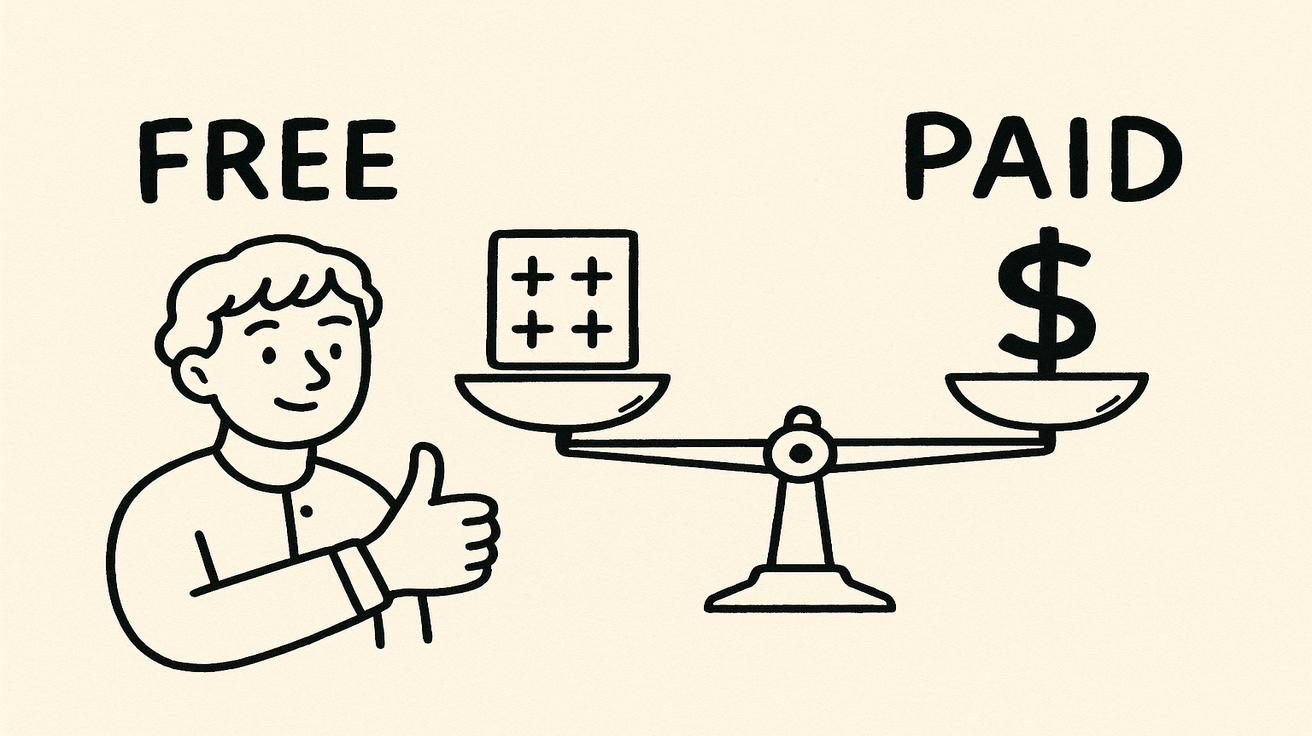
Free vs Paid: When Upgrading Makes Sense
The free plan is valuable because it lowers risk. You can test the model before you spend. But paid plans exist for a reason: production work needs more reliability.
Consider upgrading when:
- You regularly hit daily or monthly generation limits.
- You need faster processing during launch windows.
- You need higher-resolution or cleaner exports.
- You need to remove a watermark or confirm brand-safe delivery.
- You use Seedance for client work, ads, or business marketing.
- You want repeatable workflows instead of one-off experiments.
Stay free when:
- You are still learning prompt structure.
- You only create occasional personal or social clips.
- You are comparing Seedance with other AI video generators.
- You do not yet know which workflow you will use long term.
- You can wait for limits or queues without hurting a deadline.
The upgrade decision should be based on workflow friction, not hype. If the free plan already supports your current pace, there is no reason to pay early. If limits are costing you time every week, a paid plan may be cheaper than working around them.
How to Get the Most from the Free Plan
1. Write production-ready prompts before generating
Do not spend generations discovering what you meant. Write the scene, subject, camera move, lighting, duration, and style first. For example:
A close-up product shot of a matte black wireless earbud case on a clean desk, slow push-in camera, soft morning light, premium tech commercial style, shallow depth of field, smooth motion.
A clear prompt reduces waste.
2. Use image-to-video for products and characters
If visual consistency matters, start with an image. Text-only prompts can drift. Image-to-video gives Seedance a stronger reference for product shape, character identity, colors, and layout.
3. Test one variable at a time
If a clip fails, change only one thing: camera movement, subject wording, style, or shot length. Changing everything at once makes it hard to learn what improved the result.
4. Save winning prompt templates
Build a small library of prompts that work for your niche: product reveal, UGC-style intro, cinematic landscape, app demo, fashion shot, food close-up, or talking-head background. This makes free usage far more efficient.
5. Keep final exports for the right plan
Use free generations for exploration. When you need a polished commercial asset, confirm the current paid plan’s resolution, usage rights, and watermark policy before final export.
Seedance Free Plan vs Other Free AI Video Generators
Seedance competes in a crowded field that includes Veo, Kling, Runway, Pika, Luma, and other AI video tools. The right choice depends on your goal:
| Tool Type | Best For | What to Check |
|---|---|---|
| Seedance | Creator-friendly text-to-video and image-to-video workflows | Current free limits, export settings, commercial terms |
| Veo-style tools | Cinematic realism and Google ecosystem access | Availability, quotas, and model access |
| Kling-style tools | Motion-heavy clips and stylized scenes | Queue speed, watermark policy, regional access |
| Runway-style tools | Editing pipeline and professional controls | Subscription cost and export rights |
| Pika-style tools | Fast social experiments and effects | Output consistency and free-plan limits |
The best comparison test is simple: use the same prompt in two or three tools, then judge output quality, control, speed, and export rules. Do not choose based only on advertised free credits.
Who Should Use Seedance Free?
Beginners
If you are new to AI video, free is the right starting point. You need practice more than volume. Learn prompt structure, camera language, and model behavior before paying.
Social Creators
If you make occasional TikTok, Reels, or Shorts concepts, the free plan can be enough for ideation and draft clips. Upgrade when you need consistent output for a content calendar.
Marketers
Use the free tier to test campaign concepts and product motion ideas. Move to paid only when a concept is approved and needs reliable export quality.
Agencies and Freelancers
Use free for exploration, not delivery. Client work requires predictable rights, quality, and turnaround time, so verify plan terms before publishing anything commercially.
FAQ
Is the Seedance free plan really worth it?
Yes, if your goal is testing, learning, and occasional short clips. It is less suitable for high-volume commercial production.
Does Seedance free include a watermark?
Watermark rules can change by plan and promotion. Always check the export screen in your account before publishing a free-plan video.
Can I use Seedance free videos commercially?
Only if the current plan terms for your account allow it. For client work, ads, or monetized channels, confirm commercial rights before publishing.
When should I upgrade?
Upgrade when usage limits, queue speed, export quality, watermark rules, or commercial rights block your actual workflow.
Is Seedance better than Veo or Kling?
It depends on the project. Seedance is strong for accessible creator workflows and image-to-video tests. Veo may be better for cinematic realism, while Kling can be strong for motion-heavy clips. Test the same prompt before deciding.
Final Verdict
Seedance’s free plan is not a replacement for a full production subscription, but it is a strong starting point. It gives new users a low-risk way to understand the model, test prompts, compare workflows, and decide whether Seedance fits their creative process.
Use the free plan to learn. Upgrade only when your work demands more predictable limits, faster processing, higher-quality exports, or confirmed commercial usage. That is the most honest way to judge whether Seedance free is worth it in 2026.
Ready to test it? Start with the current free workflow on Seedance, then check your account dashboard before planning a larger project.
Start generating for free - no credit card required
Create videos with free signup credits, then scale with affordable plans whenever you need more generations.
Free credits on signup. Plans from $20/month.
Related Articles
More posts in the same locale you may want to read next.

Seedance App Preview Video Generator 2026: Create App Store and Product Launch Clips
Use Seedance to turn app screenshots, feature copy, and launch goals into App Store previews, Google Play promo videos, and product launch clips.
Read article

Seedance Testimonial Video Generator 2026: Turn Reviews into Customer Story Clips
Use Seedance to turn customer reviews, quotes, and product proof into short testimonial video clips for landing pages, ads, and social proof.
Read article
Seedance Product Demo Video Generator 2026: Landing Page to Launch Clip Workflow
A Seedance-specific workflow for turning landing pages, screenshots, and CTAs into accurate product demo launch clips.
Read article