
Hairstyle Prompts for AI: 50+ Examples for ChatGPT, Gemini & Image Generators
AI Overview
What is a hairstyle prompt?
A hairstyle prompt is a precise description of a haircut, texture, color, finish, and styling context that guides an AI assistant or image generator. The best prompts name the result you want and the features that must stay unchanged.
Which AI tools can use hairstyle prompts?
Use ChatGPT or Gemini to brainstorm and rewrite descriptions. Use an image generator such as Text to Image to visualize a new person, or Image to Image to explore a style from a photo you have permission to use.
What should a good AI hairstyle prompt include?
Include length, cut, texture, part, fringe, color, finish, viewpoint, and constraints. For a photo edit, add: “Keep the same face, skin tone, expression, clothing, and background; change only the hair.”
Can AI turn a hairstyle idea into video?
Yes. After approving a still, Image to Video can animate a small head turn, breeze, or salon reveal. Keep the motion subtle to reduce face and hair drift.
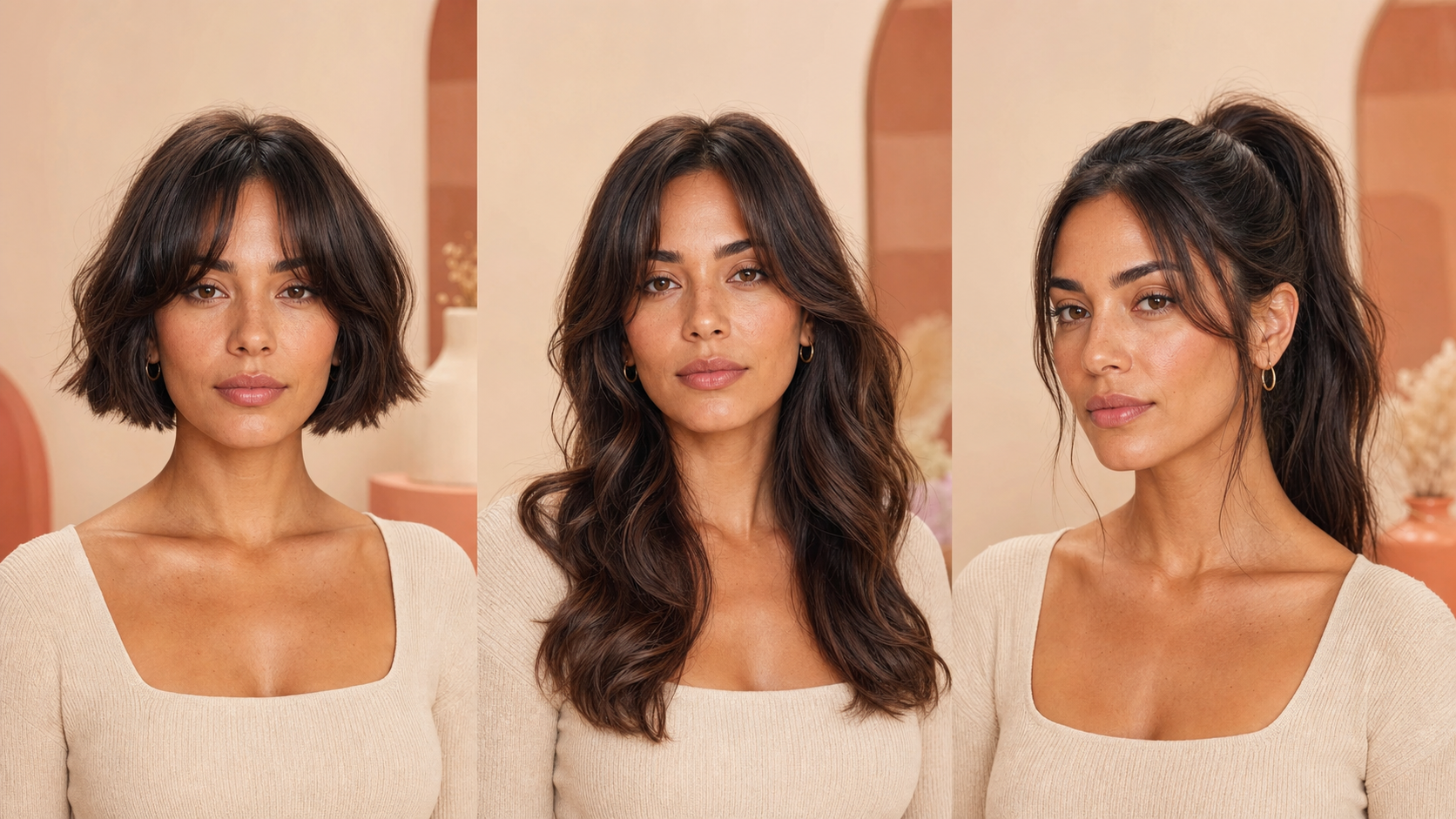
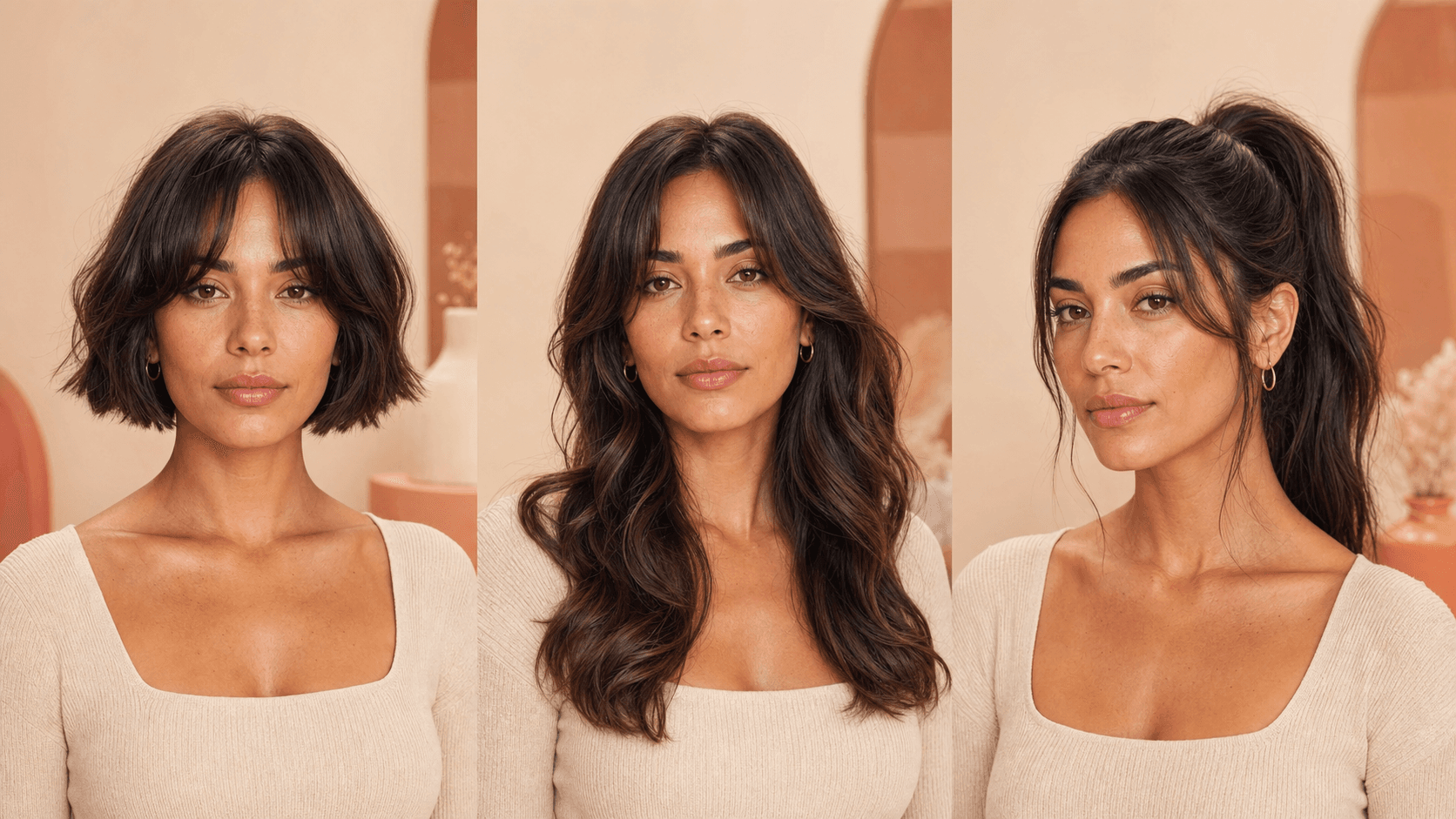
Original editorial visualization of three prompt directions. A useful comparison keeps the person, wardrobe, framing, and light consistent while changing the hairstyle.
What Is a Hairstyle Prompt — and How Does It Work With AI?
AI does not “understand” a haircut as a stylist does; it maps words to visual patterns. Concrete terms—“chin-length blunt bob,” “deep side part,” “soft copper balayage”—work better than “make my hair nice.” Order the prompt from identity and cut to texture, color, styling, camera, and constraints.
How AI Interprets Hairstyle Descriptions
Words such as blunt, feathered, tousled, glossy, airy, wet-look, tightly coiled, and face-framing change shape and finish. Contradictions cause unstable results: “pin-straight voluminous curls” asks for incompatible structures.
Which AI Tools Work Best for Hairstyle Prompts?
- ChatGPT: best for consultation, prompt writing, and comparing options.
- Gemini: useful when discussing an uploaded reference and generating structured alternatives.
- Image generators: best for visual concepts, not a guaranteed preview of a real cut.
- Seedance: best after the still is approved and you want a short hairstyle reveal or motion test.
AI Hairstyle Prompt Examples You Can Copy Right Now
Replace bracketed details, then add your tool’s image-edit instruction when using a reference photo.
Short Hairstyle Prompts
- Chin-length blunt bob, center part, glassy finish.
- Soft pixie cut with feathered side-swept bangs.
- Collarbone lob with airy face-framing layers.
- Sleek high ponytail with a clean wrapped base.
- Low textured bun with two soft front strands.
- Shoulder-length shag with wispy curtain bangs.
- Long straight hair with subtle U-shaped layers.
- French bob with micro bangs and natural texture.
- Braided crown updo with a softly undone finish.
- Voluminous blowout with rounded ends and lift.
- Deep side part with polished Hollywood waves.
- Half-up style with a velvet bow and loose curls.
- Modern mullet with tapered sides and choppy layers.
- Bubble ponytail with smooth roots and clean sections.
Long Hairstyle Prompts
- Give the subject a shoulder-length layered lob with a center part, softly curved ends, realistic flyaways, and healthy natural shine.
- Create a short French bob ending at the jaw, light curtain fringe, slightly tousled texture, and understated salon styling.
- Style long hair into a sleek low ponytail at the nape, hiding the tie with one wrapped strand and keeping the hairline natural.
- Add a soft 1990s supermodel blowout with large rounded layers, lifted roots, bouncy ends, and a polished but touchable finish.
- Create a romantic low chignon with a loose side part, two face-framing strands, small pearl pins, and realistic texture.
- Design a modern pixie with a tapered neckline, longer textured top, side-swept fringe, and softly defined pieces.
- Add long butterfly layers beginning at the cheekbones, a center part, sweeping ends, and balanced volume on both sides.
- Style a braided ponytail with clean cornrow-inspired front sections, a long defined braid, smooth edges, and no extra accessories.
- Create a shoulder-length wolf cut with light crown volume, broken layers, wispy fringe, and a natural lived-in finish.
- Add a wet-look slicked-back style with comb definition, controlled shine, tucked sides, and realistic damp texture.
- Create a formal twisted updo with a low off-center knot, smooth structure, subtle flyaways, and a refined editorial finish.
- Style waist-length hair into a loose side braid with varied strand thickness, soft volume, and a few natural wisps.
- Add a clavicle-length blunt cut with an off-center part, minimal layering, beveled ends, and quiet expensive-looking shine.
- Create a high curly ponytail with defined texture, balanced volume, a secure base, and natural baby hairs.
Curly and Wavy Hairstyle Prompts
- Defined 2B beach waves, center part, matte texture.
- Soft 2C waves with airy layers and diffused volume.
- Springy 3A curls in a rounded shoulder-length shape.
- Defined 3B curls with a side part and tapered outline.
- Dense 3C curls with a rounded halo and natural shrinkage.
- Short 4A coils with a clean tapered neckline.
- Sculpted 4B twist-out with soft, touchable definition.
- Full 4C afro with a balanced silhouette and realistic density.
- Curly shag with short fringe and light crown volume.
- Shoulder-length curls with long face-framing layers.
- Wavy lob with one side tucked behind the ear.
- Curly high puff with smooth sides and soft edges.
- Loose mermaid waves with irregular bends, not uniform curls.
- Finger waves with precise S-curves and a glossy finish.
Color and Highlights Prompts
- Espresso brown with subtle cool-toned dimension.
- Soft copper with brighter face-framing ribbons.
- Honey-blonde balayage with a natural dark root.
- Ash-brown ombré fading softly toward beige ends.
- Rich auburn with warm cinnamon micro-highlights.
- Blue-black with a glossy neutral finish.
- Mushroom brown with fine low-contrast highlights.
- Champagne blonde with a soft shadow root.
- Dark chocolate with caramel money-piece highlights.
- Smoky rose-brown with muted, wearable saturation.
- Silver-gray blend with realistic darker roots.
- Chestnut brown with sunlit bronze balayage.
- Burgundy glaze visible mainly in directional light.
- Natural black with subtle warm-brown tip lights.
ChatGPT Hairstyle Prompt Guide — Especially for Female Styles
How to Ask ChatGPT for Hairstyle Ideas
Ask for options, not one verdict. Give hair texture, current length, maintenance limit, styling habits, workplace needs, and the effect you want. Avoid asking AI to infer health, age, or attractiveness from a photo.
Template: “Act as a hairstyle ideation assistant. Suggest five [female] hairstyles for [texture], [length], and [maintenance level]. My goal is [volume/softness/edge]. Explain the cut, daily styling, and what to ask a licensed stylist. Do not make claims about attractiveness or hair health.”
Female Hairstyle Prompt Templates for ChatGPT
- “Compare a French bob, layered lob, and butterfly cut for thick 2B hair. Rank them by styling time and grow-out.”
- “Turn this idea into three image prompts: elegant low-maintenance styles for fine shoulder-length hair, no bleach, soft fringe optional.”
- “Write a salon consultation checklist for moving from long layers to a collarbone lob without losing all ponytail length.”
How to Refine ChatGPT Output to Match Your Face Shape
Treat face-shape labels as optional styling language, not rules. Ask: “Give me three versions with the visual weight placed at the cheekbone, jaw, and collarbone.” Then compare silhouettes and bring the preferred reference to a real stylist.
Gemini AI Hairstyle Prompt — How to Get the Best Results
How Gemini Handles Hairstyle Requests Differently From ChatGPT
Gemini can discuss a supplied image and produce structured alternatives in the same conversation. Results still depend on the active Gemini model and product surface, so explicitly state whether you want analysis, a rewritten prompt, or an edited image.
Gemini Hairstyle Prompt Templates to Try
- “Using this photo only as a reference, write four hairstyle-edit prompts: bob, pixie, long waves, and braided updo. Preserve identity and change only hair.”
- “Describe the visible hair texture and current cut without guessing ethnicity, health, or personality; then suggest three low-maintenance variations.”
- “Create a comparison table for these three styles with length, fringe, part, texture, color, upkeep, and edit constraints.”
How to Use Seedance to Turn Hairstyle Prompts Into Videos
From Text Prompt to Hairstyle Video in Seconds
Generate or edit an approved still first, then open Image to Video. Describe one small action and lock identity. For a broader reference workflow, see the Seedance video prompt guide and character consistency guide.
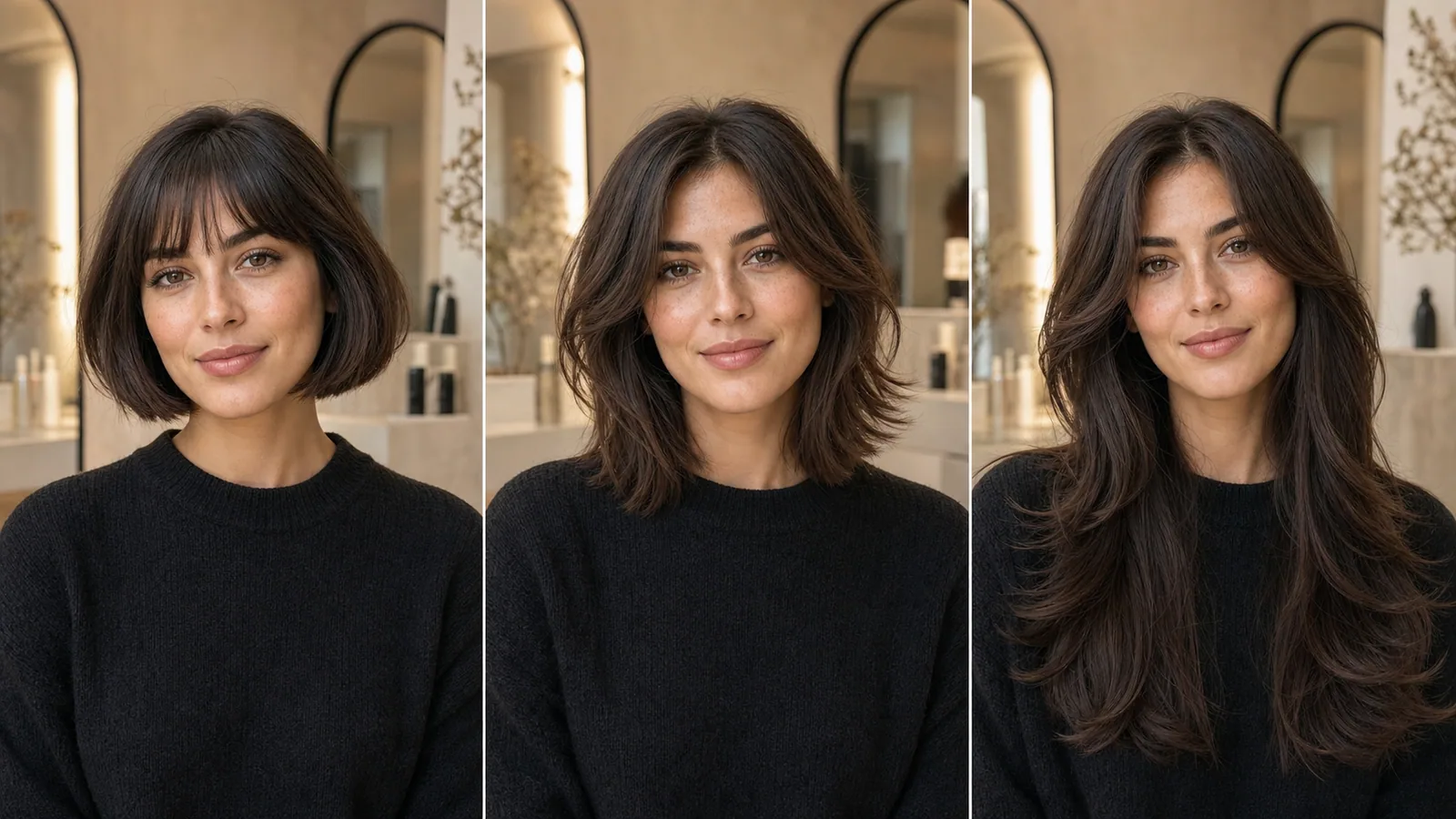
New Seedance image-to-video output generated for this guide. The model turns her head to reveal the French bob silhouette while preserving her face, haircut, clothing, framing, and salon background.
Hairstyle Prompt Examples That Work Best With Seedance
- Salon reveal: “The subject turns her head 15 degrees, then holds. Hair catches a soft side light; preserve face, cut, color, hairline, and background. Locked camera, five seconds.”
- Breeze test: “A very light breeze moves only the loose ends and fringe. Natural strand motion, no restyling, no face change, no camera movement.”
- Texture close-up: “Slow push-in toward the curls while the subject remains still. Preserve curl pattern, density, color, face, and shoulders; no new accessories.”
How to Write a Better Hairstyle Prompt — Tips and Structure
The 4 Elements of a Strong Hairstyle Prompt
- Cut and length: pixie, bob, lob, layers, fringe.
- Texture and finish: straight, wavy, coiled, airy, glossy, undone.
- Color and styling: base shade, highlights, part, updo, accessories.
- Context and constraints: angle, light, realism, identity lock, what must not change.
Reusable edit prompt: “Change only the hair to [length + cut], with [texture], [part/fringe], and [color/finish]. Keep the same face, expression, skin tone, body, pose, clothing, lighting, camera angle, and background. Realistic hairline and individual strands; no wig-like volume, no extra accessories, no text.”
Common Mistakes That Make AI Misinterpret Your Request
Avoid vague adjectives, conflicting textures, five styles in one prompt, and missing identity constraints. Do not treat an AI image as a guaranteed salon outcome: density, curl behavior, previous color, and maintenance need a professional assessment. Use AI to communicate a direction, then let a licensed stylist translate it safely.
Conclusion
Start with a concrete hairstyle prompt, compare one variable at a time, and preserve identity when editing a real photo. ChatGPT and Gemini help shape the brief; image tools visualize it; Seedance adds controlled motion after the still is approved. Save the prompt and reference together so your stylist—or your next generation—can reproduce the direction.
Ready to try it yourself?
Put the steps from this guide into practice with Seedance and turn prompts or images into polished videos in minutes.
Free credits on signup. Plans from $28/month.
Related Articles
More posts in the same locale you may want to read next.

Seedance App Preview Video Generator 2026: Create App Store and Product Launch Clips
Use Seedance to turn app screenshots, feature copy, and launch goals into App Store previews, Google Play promo videos, and product launch clips.
Read article
How to Make a Talking AI Avatar You Can Reuse
Make a talking AI avatar with Seedance: design one consistent character, give it a voice, and make it speak in a talking photo or a full Seedance 2.5 scene, episode after episode.
Read article
Best AI Video-to-Video Models in 2026
The best AI video-to-video models in 2026 for editing footage you already shot: Higgsfield Genjutsu, Seedance 2.x, Runway Aleph, Luma Modify and Kling Omni compared.
Read article