
Free AI Image Generator Without Watermark: 7 Tools That Actually Work

AI Overview
Is there a free AI picture generator without a watermark?
Yes. Seedance, Adobe Firefly, Leonardo AI, Bing Image Creator, Ideogram, Playground, and Canva offer free image generation with clean downloads. Check current credit, resolution, privacy, and licensing terms before publishing.
What is the best free AI image generator without a watermark?
Seedance is the best overall choice for creators who want free starting credits, multiple image models, clean downloads, and a direct path from still image to video. Firefly is strong for commercial workflows, while Ideogram is especially useful when readable text matters.
Why do some free AI generators add watermarks?
Free tools may add watermarks to identify the service, restrict premium assets, or reserve clean exports for paid plans. Always download one test image and inspect every corner at full resolution—a clean editor preview does not guarantee a watermark-free final file.
Can I use free AI-generated images commercially?
Sometimes. A watermark-free image is not automatically cleared for commercial use. Before using AI output in ads, merchandise, or client work, check the current plan’s ownership, privacy, attribution, and licensing rules, plus the rights to any uploaded references.
Why “No Watermark” Matters
A watermark can cover packaging, typography, faces, or the exact area needed for a crop. Removing it later also costs time and can damage pixels. More importantly, a visible mark often signals an export or licensing restriction that should be resolved before publication.
Before downloading, verify four things:
- Visible marks: inspect all corners and the center at 100% zoom.
- Embedded provenance: content credentials are metadata, not a visible watermark.
- Export quality: confirm resolution, format, and compression.
- Usage rights: read the terms for your current plan and intended use.
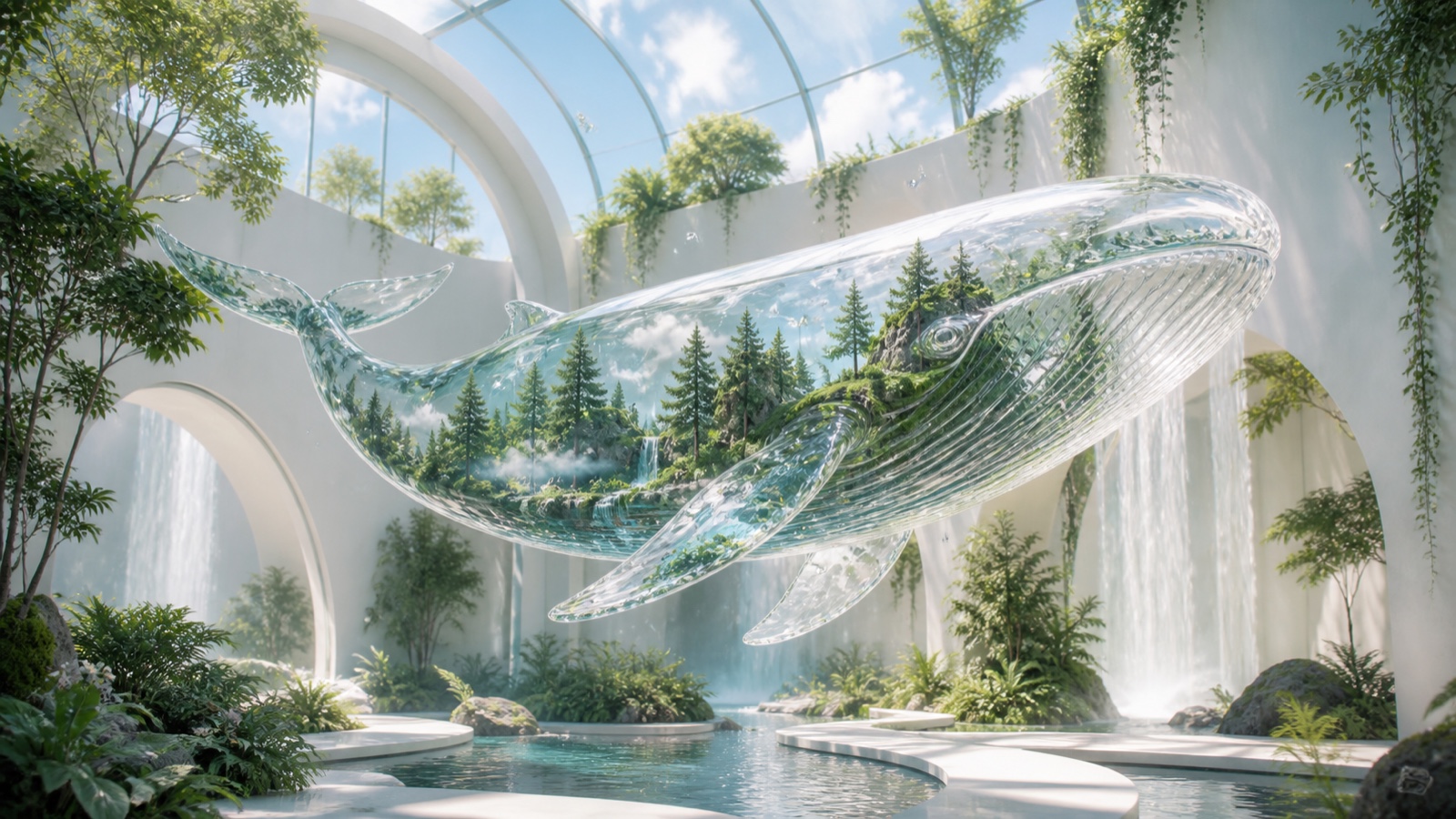
An original editorial AI image created for this guide. At full size, inspect the glass edges, water, foliage, reflections, and every corner for unwanted marks or artifacts.
The 7 Best Free AI Picture Generators Without Watermark
| Tool | Best for | Free path | Clean-download check | Main tradeoff |
|---|---|---|---|---|
| Seedance | Best overall workflow | Starting credits | Download the generated file | Credit-based generation |
| Adobe Firefly | Commercial-oriented creation | Limited free credits | Check export and content credentials | Credit limits |
| Leonardo AI | Style range and model choice | Free daily allocation | Free work may be public | More controls to learn |
| Bing Image Creator | Fast, simple prompting | Free access with a Microsoft account | Inspect the final download | Fewer production controls |
| Ideogram | Text inside images | Limited free generations | Verify download size and visibility | Free queue and privacy limits |
| Playground | Quick experimentation | Limited free creation | Confirm the current export rules | Limits can change |
| Canva | Designing around an AI image | Limited AI uses | Avoid unlicensed Pro assets | Pro assets can add watermarks |
1. Seedance — best overall free image workflow
Seedance creates watermark-free images in three quick steps:
Step 1 — Set up. Open Text to Image, then choose a model and aspect ratio.
Step 2 — Generate. Describe the subject, style, and composition, then click Generate Image.
Step 3 — Download. Review the full-size result, check every corner, and download the clean file.
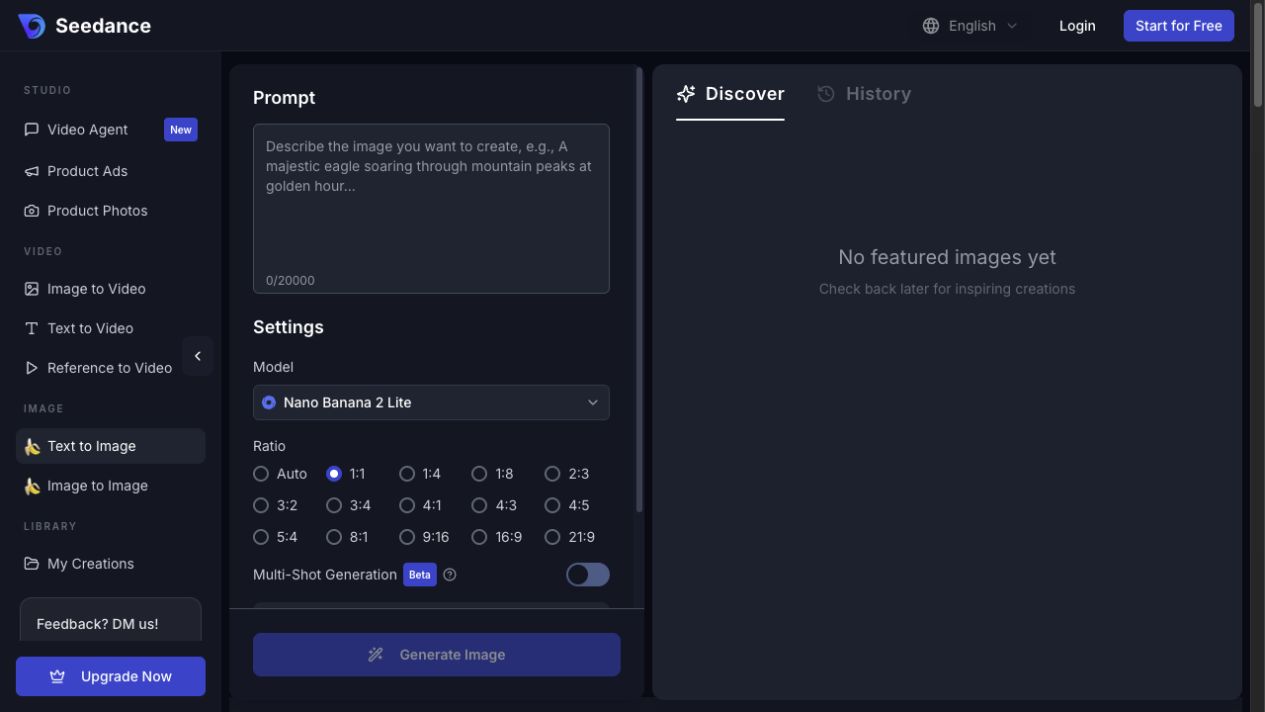
The Seedance workspace keeps the prompt, model, aspect ratio, cost estimate, generation, and result review in one place.
2. Adobe Firefly — best for commercial-oriented images
Firefly is a practical choice for marketing teams already using Adobe tools. Its non-beta generative features are positioned for commercial work, and Content Credentials can disclose AI involvement without placing a visible logo over the picture. The free allowance is limited, so reserve it for final directions rather than broad exploration.
3. Leonardo AI — best free tier for style exploration
Leonardo offers a broad model and preset ecosystem for concept art, product scenes, characters, and illustrations. Free generations are useful for exploration, but privacy and ownership treatment can differ between free public creations and paid private work. Check the exact model, visibility, and rights before uploading confidential references.
4. Bing Image Creator — easiest completely free starting point
Bing Image Creator is simple: sign in, describe the image, and generate. It suits mood boards and quick concept discovery. The tradeoff is lighter production control, so it may take more prompt iterations to preserve a strict product shape, character, or layout.
5. Ideogram — best for text in images
Ideogram is useful for posters, title cards, packaging concepts, and social graphics where legible words matter. Always proofread every letter and regenerate misspellings; AI typography can look convincing while still being wrong.
6. Playground — best for quick visual experiments
Playground is approachable for testing styles and prompt directions. Treat the free mode as a sketchpad: confirm the current queue, download resolution, privacy, and commercial terms before turning an experiment into a client asset.
7. Canva — best for non-designers
Canva is valuable when the AI image is only one part of a finished post, slide, or flyer. Its AI outputs may download cleanly, but free users can still see watermarks when a design includes Pro stock or other premium elements. Review the complete design, not only the generated image layer.
Watermark Traps to Avoid
Do not confuse “free to try” with “free clean export.” Some products offer only a preview, apply branding at download, reduce resolution, make outputs public, or reserve commercial rights for paid plans. Midjourney, for example, does not maintain a general free tier, so any site advertising a “free Midjourney download” deserves extra scrutiny.
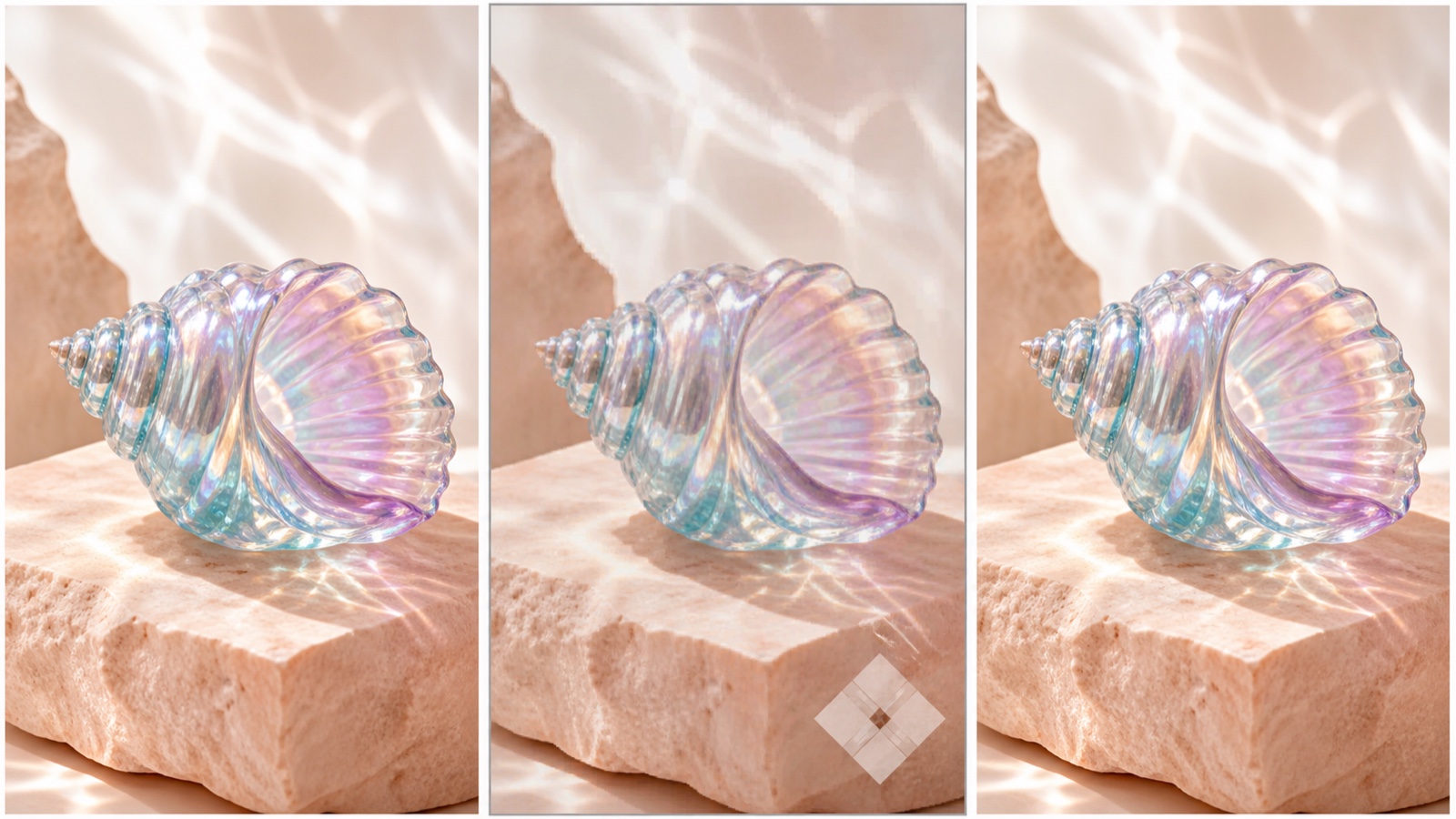
A clean preview is not proof of a clean export. Inspect the downloaded file for visible marks, compression, resolution limits, and licensing restrictions.
Canva is a different case: the AI image itself may be clean, while an unrelated Pro element in the same design triggers a watermark. When you need other low-cost options, compare the workflows in our free Midjourney alternatives guide.
How to Get Better Results Without Wasting Free Credits
Start with one subject, one composition, and one clear use case. Specify the aspect ratio before generation, because cropping a square result into a vertical ad can remove important details. Add exclusions only for failures you actually see.

A controlled three-step test: keep the subject and composition fixed, change one variable per attempt, and stop when the output meets the brief.
If you already have a product photo or character reference, use Image to Image instead of rebuilding the subject from text. For ready-to-copy creative structures, explore viral image prompt ideas or the AI hairstyle prompt library.
Upgrade only when the free workflow has already passed your quality test and the paid plan solves a measured constraint: more attempts, private generations, faster queues, higher resolution, or clearer commercial rights.
Conclusion
For a fast answer, start with Seedance: use the free credits on one realistic brief, inspect the full-resolution download, and confirm the rights needed for your project. Keep Firefly, Leonardo, Bing Image Creator, Ideogram, Playground, and Canva as task-specific options. A watermark-free file is valuable, but a repeatable workflow, accurate output, and appropriate license are what make it publishable.
Ready to try it yourself?
Put the steps from this guide into practice with Seedance and turn prompts or images into polished videos in minutes.
Free credits on signup. Plans from $28/month.
Related Articles
More posts in the same locale you may want to read next.

Seedance App Preview Video Generator 2026: Create App Store and Product Launch Clips
Use Seedance to turn app screenshots, feature copy, and launch goals into App Store previews, Google Play promo videos, and product launch clips.
Read article
15 Faceless YouTube Channel Ideas You Can Make with AI (2026)
15 faceless YouTube channel ideas for 2026, with the format, a sample AI video prompt and difficulty for each, plus how to make them with Seedance AI.
Read article
How to Use Seedance in Claude: MCP Setup and Automated Video Workflows
Use Seedance 2.5 inside Claude: connect the Seedance MCP server, generate videos by chat, batch variations and schedule daily video jobs with Claude scheduled tasks.
Read article