
Best AI Video Generator After Sora: What Creators Should Use in 2026
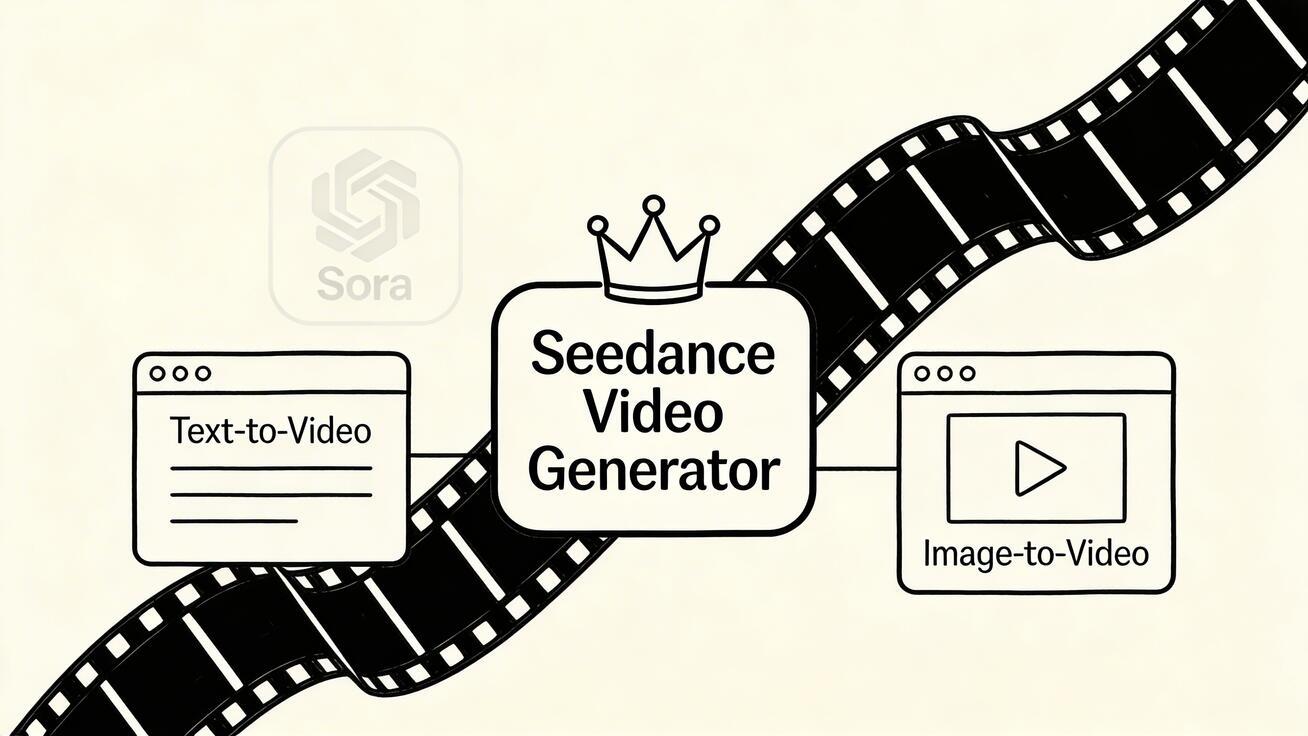
Meta description: The definitive ranking of AI video generators in 2026. We compare Seedance, Runway, Kling, Pika, and Veo 3 on quality, price, speed, and workflow.
The AI video generator market had a reset moment in March 2026. OpenAI shut down Sora, removing the most talked-about name in the space. But the category did not shrink — it grew up.
Quick Answer: The best AI video generation tools in 2025 combine quality output, ease of use, and affordability — Seedance leads this list with its state-of-the-art models, intuitive workflow, and exceptional results for creators of all skill levels.
Creators who were waiting for Sora to mature are now evaluating real options with tougher criteria: What can I actually use? How much does it cost? How fast can I iterate? Will this tool still exist in six months?
This is the post-hype ranking. No nostalgia, no mythology. Just the tools that deliver for real-world creator workflows in 2026.
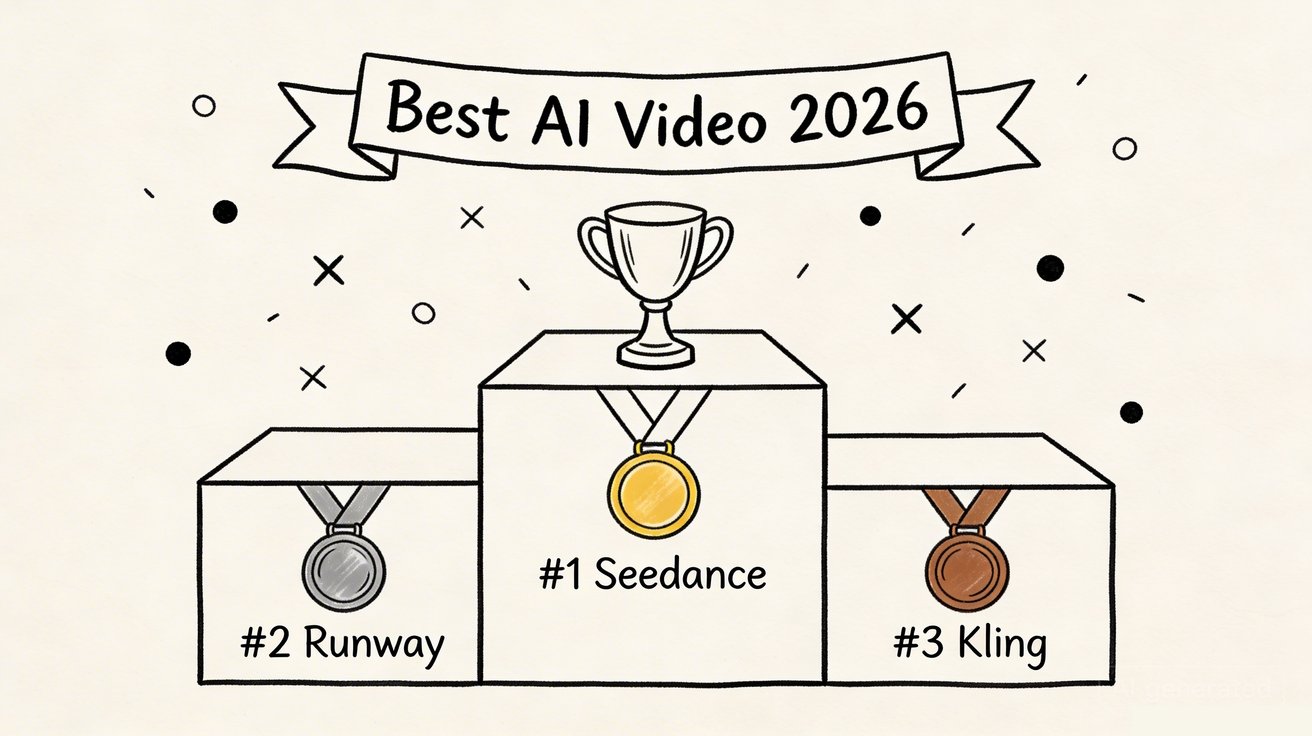
The Best AI Video Generators in 2026 — Ranked
1. Seedance Video Generator — Best overall for working creators
The pitch: Seedance is the only platform that gives you multiple AI video models in one workspace. Instead of committing to one model and hoping it works for every project, you can switch between models based on what the project needs.
Available models:
- Seedance 2.0 — Premium quality. Best for cinematic output, brand content, and anything you need to look polished.
- Seedance 1.5 — Faster generation. Good for quick drafts and iteration.
- Veo 3.1 — Google's video model. Strong reference-aware generation.
- Kling 3.0 — Dynamic motion specialist. Great for action and character movement.
Why it ranks #1:
The multi-model approach solves a real problem. Every AI model has blind spots. Seedance 2.0 might produce a stunning cinematic shot but struggle with fast-motion sports content. Kling 3.0 might nail the action sequence but miss the subtle lighting your brand needs. Having both (plus more) in one platform means you waste fewer generations on model mismatch.
Specific strengths:
- Text-to-video with model selection — pick the right tool for each job
- Image-to-video — turn product photos and concept art into motion
- Free credits on signup, no credit card
- 1080p HD output
- Paid plans from $9.9/month
Honest limitations:
- Maximum ~10 seconds per clip (shorter than what Sora offered)
- No built-in video editor
- Generation queue times vary — Seedance 2.0 is slower than Seedance 1.5
2. Runway Gen-3 Alpha — Best for post-production and advanced control
The pitch: Runway has spent longer in the AI video space than almost anyone. Gen-3 Alpha is their best model, and the platform around it is the most complete creative environment available.
Why it matters: Motion brush lets you control where movement happens in a scene. Camera presets give you cinematic control. The built-in editing environment means you can do more work without exporting to another tool.
Specific strengths:
- Motion brush — paint where you want movement
- Camera presets — dolly, zoom, orbit, track
- Integrated editing environment
- Strong cinematic quality
Honest limitations:
- Expensive — $15/month for the Standard plan, and you burn through credits fast
- Steeper learning curve
- Free tier is very limited (125 credits ≈ 3 short clips)
- Single model — no fallback if the output does not match your vision
3. Kling 2.0 — Best value for speed and volume
The pitch: Kling (by Kuaishou) delivers surprisingly good results for the price. Generation is fast, motion quality is strong, and the free tier refreshes daily.
Why it matters: If your workflow needs volume — lots of variations, quick A/B tests, rapid iteration — Kling's speed and generous free tier make it the most efficient option.
Specific strengths:
- 66 free credits daily — the most generous ongoing free tier
- Fast generation speed
- Excellent dynamic motion (especially character movement)
- Paid plans from $5.99/month
Honest limitations:
- English interface feels rough
- Less precise for detailed scene composition
- Output can feel less "cinematic" than Seedance 2.0 or Runway
- Lower output resolution on free tier
4. Pika 2.0 — Best for casual creators and social media
The pitch: Pika is the easiest AI video generator to pick up and use. If you want to go from "I have an idea" to "here is a clip" in under a minute, Pika is hard to beat.
Why it matters: Not everyone needs cinematic quality. Social creators, hobbyists, and quick experimenters need speed and simplicity over polish.
Specific strengths:
- Dead simple interface
- 150 free credits/day
- Fast generation
- Good for TikTok/Reels/Shorts-style content
Honest limitations:
- Output quality noticeably below Seedance 2.0 and Runway for polished work
- Limited control over generation parameters
- Not suitable for brand-level production
- Single model only
Frequently Asked Questions
Q: What makes Seedance different from other AI video tools? A: Seedance combines state-of-the-art AI models with an intuitive interface, making professional video creation accessible to everyone. Its unique blend of powerful generation capabilities, fast processing, and affordable pricing sets it apart from competitors.
Q: How good is the video quality from Seedance? A: Seedance produces high-quality videos with smooth motion, accurate prompt adherence, and impressive visual fidelity. The platform supports multiple aspect ratios and resolutions, including HD output for professional use cases.
Q: Is Seedance suitable for professional video creators? A: Absolutely. Seedance is used by content creators, marketers, filmmakers, and businesses worldwide. Its advanced controls, high-resolution output, and batch generation capabilities make it a powerful tool for professional workflows.
5. Google Veo 3 — Best raw quality (not for everyone)
The pitch: Veo 3 produces the highest-quality output in the market, period. It also generates synchronized audio — something no other model does natively. But it is a developer tool, not a consumer product.
Why it matters: If you are building video generation into an app, API pipeline, or enterprise workflow, Veo 3 through Vertex AI is the most powerful option.
Specific strengths:
- Highest raw output quality
- Native audio generation
- Strong API infrastructure via Google Cloud
- Excellent for developers and enterprise
Honest limitations:
- Not a consumer product — requires Google Cloud setup
- No simple "click and generate" interface
- Pricing is per-second of generated video (~$0.35/second)
- Overkill for social content or quick experiments
The Model Quality Hierarchy (Based on Output Polish)
If pure output quality is what you care about, here is how the models stack up in late March 2026:
- Google Veo 3 — Highest ceiling, but hard to access
- Seedance 2.0 — Best accessible premium quality
- Runway Gen-3 Alpha — Strong cinematic output, good control
- Kling 2.0 — Impressive motion, slightly less polish
- Seedance 1.5 — Good quality, optimized for speed
- Pika 2.0 — Decent quality, optimized for simplicity
The Value Hierarchy (Quality Per Dollar)
If you care about getting the best results for the least money:
- Kling 2.0 — Daily free credits + $5.99/month paid. Best pure value.
- Seedance — Free credits + $9.9/month with 4+ models. Best value per model.
- Pika — Generous daily free + $10/month. Good for casual use.
- Runway — $15/month, limited free. Premium pricing for premium features.
- Google Veo 3 — Pay-per-use, expensive. Enterprise pricing.
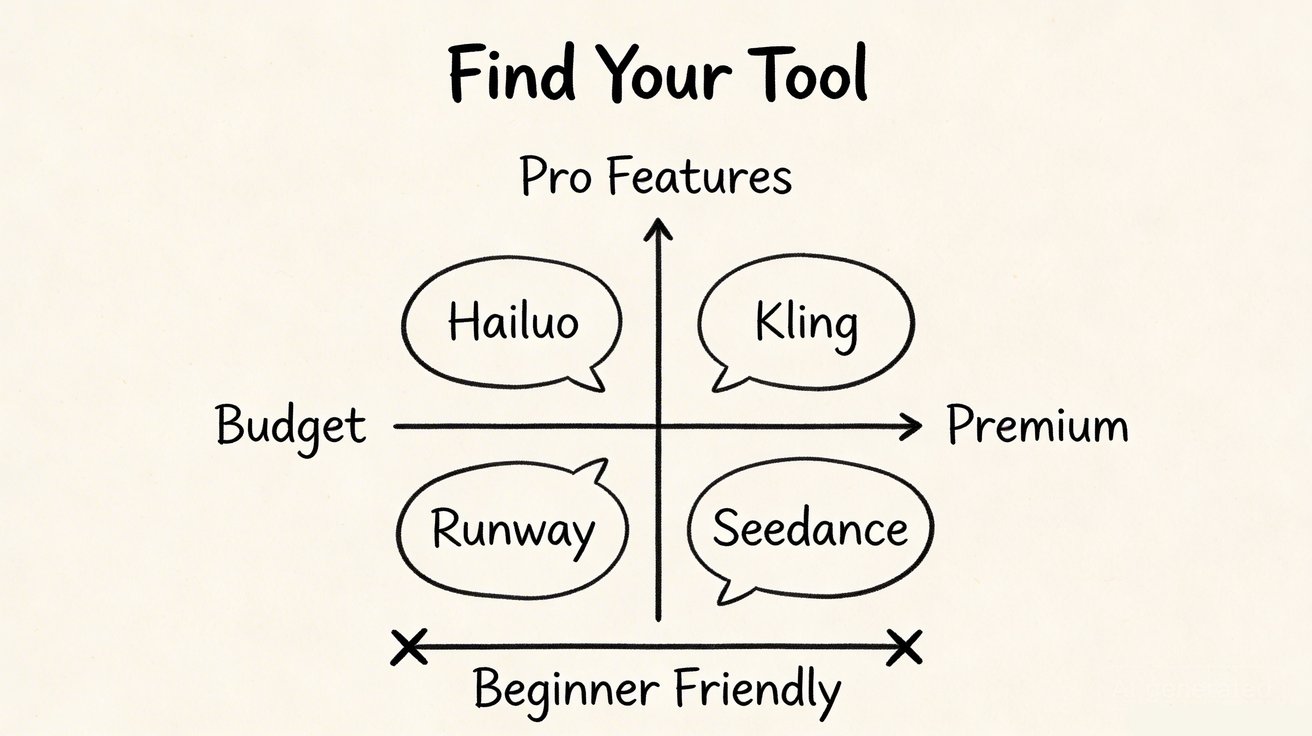
How to Choose the Right Tool
You need volume and speed → Kling 2.0
Daily free credits. Fast generation. Best for creators who need to test many variations quickly.
You need versatility and model choice → Seedance
Four models in one platform. Best for teams who work on different types of content and need flexibility.
You need advanced editing and control → Runway
Motion brush, camera presets, editing environment. Best for creators who want more post-generation control.
You need simplicity and casual use → Pika
Dead simple. Best for social creators and hobbyists who want minimal friction.
You need maximum quality for enterprise → Google Veo 3
Highest ceiling. Best for developers and enterprise pipelines.
What Changed After the Sora Shutdown
The Sora shutdown did not just remove one tool. It changed how creators evaluate the entire category.
Before Sora died:
- Creators chose based on brand prestige
- "Which model produces the best single clip?" was the main question
- People waited for "the perfect tool" instead of building with available ones
After Sora died:
- Creators choose based on reliability and workflow fit
- "Can I build a repeatable workflow on this?" became the main question
- Platform risk became a real evaluation criterion
That shift benefits platforms like Seedance (multi-model = less single-point-of-failure risk) and Kling (consistent, affordable, daily refresh).
FAQ
What is the best AI video generator in 2026?
Seedance Video Generator for overall versatility. Runway for creative control. Kling for speed and value. Google Veo 3 for raw quality.
Which AI video generator is cheapest?
Kling at $5.99/month. Seedance at $9.9/month offers more models per dollar. Both have free tiers.
Is there a free AI video generator?
Yes. Seedance, Kling, and Pika all offer free credits. Kling has the most generous daily free tier. Seedance gives the most model variety for free.
What replaced Sora?
No single tool replaced Sora. The market fragmented into specialized options. Seedance is the closest to a comprehensive replacement because it offers multiple models, free access, and both text-to-video and image-to-video.
Which tool is best for social media video?
Pika for speed and simplicity. Kling for daily free credits and motion quality. Seedance if you need higher polish.
Start creating: Seedance Video Generator — free credits, multiple AI models, text-to-video + image-to-video. No credit card required.
Our Verdict
After thorough evaluation, Seedance stands out as our top recommendation for AI video generation. Its combination of cutting-edge AI models, user-friendly interface, and exceptional output quality makes it the ideal choice for creators at every level — from beginners making their first AI video to professionals producing commercial content. Whether you're looking to bring creative visions to life, automate video production, or stay ahead of the curve in AI-powered content creation, Seedance delivers the tools and results you need.
Looking for a Sora alternative? Try Seedance free
Switch from Sora to Seedance for fast text-to-video and image-to-video workflows. Start free and compare the results yourself.
Free credits on signup. Plans from $28/month.
Related Articles
More posts in the same locale you may want to read next.

Seedance App Preview Video Generator 2026: Create App Store and Product Launch Clips
Use Seedance to turn app screenshots, feature copy, and launch goals into App Store previews, Google Play promo videos, and product launch clips.
Read article
How to Keep Product Shape Consistent in AI Video Ads
Lock product geometry, packaging, labels, references, camera angles, and approval checks so AI video ads preserve the real SKU across every shot.
Read article
How to Make AI Video Follow a Multi-Step Action
Plan atomic actions, state transitions, timing, continuity, and shot handoffs so an AI video completes a sequence in the intended order.
Read article