
How to Convert Images to Video with AI for Free (Step-by-Step 2026)
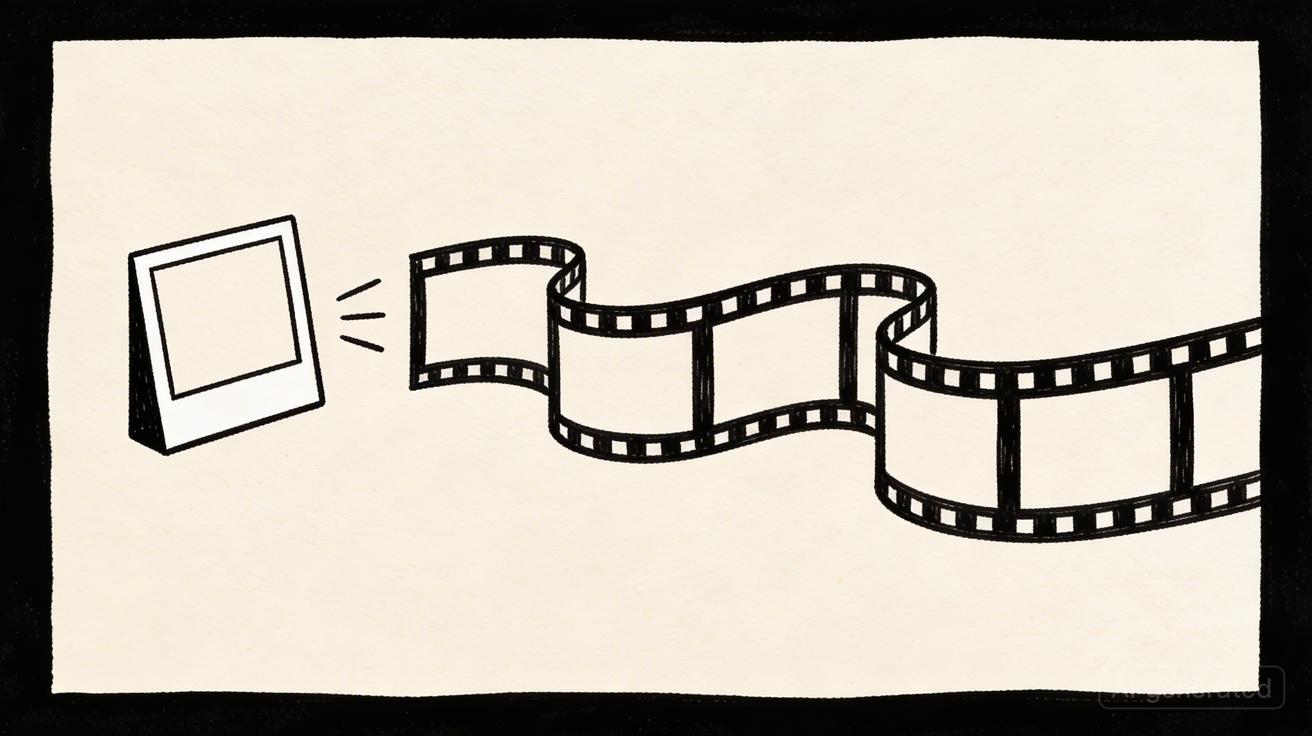
Want to bring your photos to life? AI-powered image-to-video tools can transform any still image into a dynamic video clip in seconds. Whether you're a content creator, marketer, or just someone who wants to animate a favorite photo, this guide walks you through everything.
Quick Answer: Yes, you can get started with AI video generation for free using Seedance, which offers a generous free tier that lets you create high-quality videos without any upfront cost.
What Is AI Image-to-Video?
AI image-to-video technology uses machine learning models to analyze a static image and generate natural motion. The AI interprets the content of your image — people, landscapes, objects — and creates realistic movement that turns your photo into a short video clip.
The technology has improved dramatically in 2026. Modern models can generate:
- Realistic human motion from portrait photos
- Natural environmental effects like flowing water, moving clouds, or swaying trees
- Camera movements such as panning, zooming, and tracking shots
- Object animation with physically plausible physics
Best Free AI Image-to-Video Tools
1. Seedance (Recommended)
Seedance's image-to-video tool is one of the most capable free options available.
What you get for free:
- Daily credits for video generation
- Up to 1080p resolution
- Multiple AI model options (Seedance 2.0, Veo 3, Sora 2)
- No watermark on generated videos
Strengths:
- Excellent motion quality with the Seedance model
- Preserves the style and composition of your original image
- Supports reference images for consistent character appearance
- Multi-model access in one platform
How to use it:
- Visit seedance.tv/image-to-video
- Upload your image
- Add an optional motion prompt (e.g., "gentle wind blowing through hair")
- Select your preferred AI model
- Click Generate
- Download your video
2. Runway Gen-3
Runway offers image-to-video through their Gen-3 Alpha model. The free tier includes limited credits, and the interface is clean and professional.
Strengths: Fast generation, good motion quality Limitations: Limited free credits, watermark on free tier, $12/month for basic plan
3. Pika Labs
Pika provides a web-based platform for image-to-video conversion with a focus on creative effects.
Strengths: Creative motion effects, lip-sync capability Limitations: Lower resolution on free tier, shorter clip length
4. Kaiber
Kaiber specializes in artistic and stylized video generation from images.
Strengths: Great for artistic/abstract styles Limitations: Less realistic motion, more focused on artistic transformation
5. Stable Video Diffusion (Open Source)
For technically inclined users, Stability AI's open-source model can be run locally.
Strengths: Free, no limits, full control Limitations: Requires powerful GPU, technical setup needed
Frequently Asked Questions
Q: Is Seedance really free to use? A: Yes, Seedance offers a free tier that lets you create AI videos without any payment. The free plan includes a set number of credits each month, giving you full access to core video generation features.
Q: What are the limitations of the free plan? A: The free plan has monthly credit limits and may restrict maximum video resolution or length. Upgrading to a paid plan unlocks unlimited credits, higher resolutions, priority processing, and advanced customization features.
Q: How do I get the most out of free AI video generation? A: To maximize your free credits on Seedance, start with shorter video clips, use descriptive prompts for better first-attempt results, and take advantage of the platform's prompt templates and style presets to achieve professional results efficiently.
Step-by-Step Tutorial: Creating Your First AI Video from an Image
Let's walk through the process using Seedance as our example.
Step 1: Prepare Your Image
For best results:
- Resolution: Use high-resolution images (at least 1024×1024)
- Subject clarity: Ensure your main subject is clearly visible
- Composition: Simple compositions work better than cluttered scenes
- File format: JPEG or PNG are supported
Step 2: Choose Your Tool
Go to seedance.tv/image-to-video and sign up for a free account. No credit card required.
Step 3: Upload and Configure
- Upload your image using drag-and-drop or the file picker
- Add a motion prompt — this tells the AI how to animate your image:
- For portraits: "gentle smile, slight head turn, hair moving in breeze"
- For landscapes: "clouds moving slowly, water flowing, leaves swaying"
- For products: "slow 360-degree rotation, studio lighting"
- Select the AI model — Seedance 2.0 is recommended for highest quality
- Set duration — typically 3-10 seconds
Step 4: Generate and Review
Click Generate and wait 30-90 seconds. The AI will:
- Analyze your image content
- Predict natural motion patterns
- Generate frame-by-frame video
- Output a smooth, high-resolution clip
Step 5: Download and Use
Download your video in MP4 format. You can:
- Share directly on social media
- Import into video editing software for longer projects
- Use as part of a larger content piece
Tips for Better Results
Image Selection Tips
Best images for AI animation:
- Portraits with clear faces and natural poses
- Landscapes with distinct foreground and background elements
- Product photos with clean backgrounds
- Artwork or illustrations with clear subjects
Images that don't work well:
- Very blurry or low-resolution photos
- Extremely cluttered scenes with many overlapping elements
- Pure abstract patterns (AI struggles to determine what should move)
- Images with significant text overlay
Prompt Engineering for Motion
The motion prompt dramatically affects output quality. Here are proven patterns:
| Scene Type | Good Prompt | Result |
|---|---|---|
| Portrait | "subtle smile, gentle head turn, hair flowing in soft breeze" | Natural, lifelike motion |
| Landscape | "clouds drifting slowly across sky, water rippling gently" | Atmospheric, cinematic |
| Action | "running forward, dynamic movement, camera tracking" | Energetic, engaging |
| Product | "slow rotation, dramatic lighting shift" | Professional, commercial |
Common Mistakes to Avoid
- Over-prompting: Don't describe too many motions at once. Start simple.
- Unrealistic expectations: AI can't add elements that aren't in the original image
- Ignoring aspect ratio: Match your output ratio to your intended platform (9:16 for TikTok, 16:9 for YouTube)
- Skipping review: Always watch the full output before sharing — occasional artifacts happen
Use Cases
Social Media Content
Transform product photos into engaging video content for Instagram, TikTok, and YouTube Shorts. A single image can become multiple video variations with different motions.
E-Commerce
Product images come alive with subtle animations — rotation, lighting changes, or lifestyle context. This can significantly increase engagement on product pages.
Real Estate
Bring property photos to life with camera movements that simulate a walkthrough effect. Much cheaper than hiring a videographer for every listing.
Personal Memories
Animate family photos, vacation pictures, or cherished memories into moving portraits that feel more alive and shareable.
Marketing & Advertising
Create eye-catching video ads from existing image assets. Particularly useful for teams without video production budgets.
Free vs Paid: What You Actually Get
| Feature | Free Tier (Most Tools) | Paid Plans |
|---|---|---|
| Daily generations | 3-10 videos | Unlimited or high limit |
| Resolution | 720p-1080p | 1080p-4K |
| Video length | 3-5 seconds | 5-10+ seconds |
| Watermark | Sometimes | No |
| Queue priority | Standard | Priority |
| Model access | Base models | Latest models |
Honest assessment: For casual use and social media content, free tiers are often sufficient. For professional production or high-volume needs, paid plans offer meaningful value.
FAQ
Can I convert any image to video with AI?
Most images can be converted, but results vary by image quality and content. High-resolution photos with clear subjects produce the best results. Very abstract or extremely low-quality images may not animate well.
Is there a free AI image-to-video tool without watermark?
Yes. Seedance provides watermark-free output even on its free tier. Most other tools either add watermarks on free plans or limit resolution.
How long can AI-generated videos be from a single image?
Most tools generate 3-10 second clips from a single image. For longer videos, you can extend clips or chain multiple generations together in a video editor.
Do I need a powerful computer?
No — most tools are cloud-based and run on remote servers. You only need a web browser and internet connection. The exception is open-source models like Stable Video Diffusion, which require a GPU.
Can AI preserve the exact style of my original image?
Modern models like Seedance 2.0 are very good at preserving the original style, colors, and composition. However, some artistic interpretation is inherent in the animation process. Minor style shifts can occur, especially with abstract or highly stylized images.
Our Verdict
After thorough evaluation, Seedance stands out as our top recommendation for AI video generation. Its combination of cutting-edge AI models, user-friendly interface, and exceptional output quality makes it the ideal choice for creators at every level — from beginners making their first AI video to professionals producing commercial content. Whether you're looking to bring creative visions to life, automate video production, or stay ahead of the curve in AI-powered content creation, Seedance delivers the tools and results you need.
Ready to try it yourself?
Put the steps from this guide into practice with Seedance and turn prompts or images into polished videos in minutes.
Free credits on signup. Plans from $28/month.
Related Articles
More posts in the same locale you may want to read next.

Seedance App Preview Video Generator 2026: Create App Store and Product Launch Clips
Use Seedance to turn app screenshots, feature copy, and launch goals into App Store previews, Google Play promo videos, and product launch clips.
Read article
Gemini AI Video Prompt Examples: Copy-Ready Veo Scenes and a Better Prompt Formula
Copy Gemini AI video prompt examples for cinematic motion, product ads, dialogue, and vertical clips, then adapt them with a practical Veo prompt formula.
Read article
How to Keep Product Shape Consistent in AI Video Ads
Lock product geometry, packaging, labels, references, camera angles, and approval checks so AI video ads preserve the real SKU across every shot.
Read article