
AI Dance Video Prompt Examples: Choreography, Camera, and Rhythm
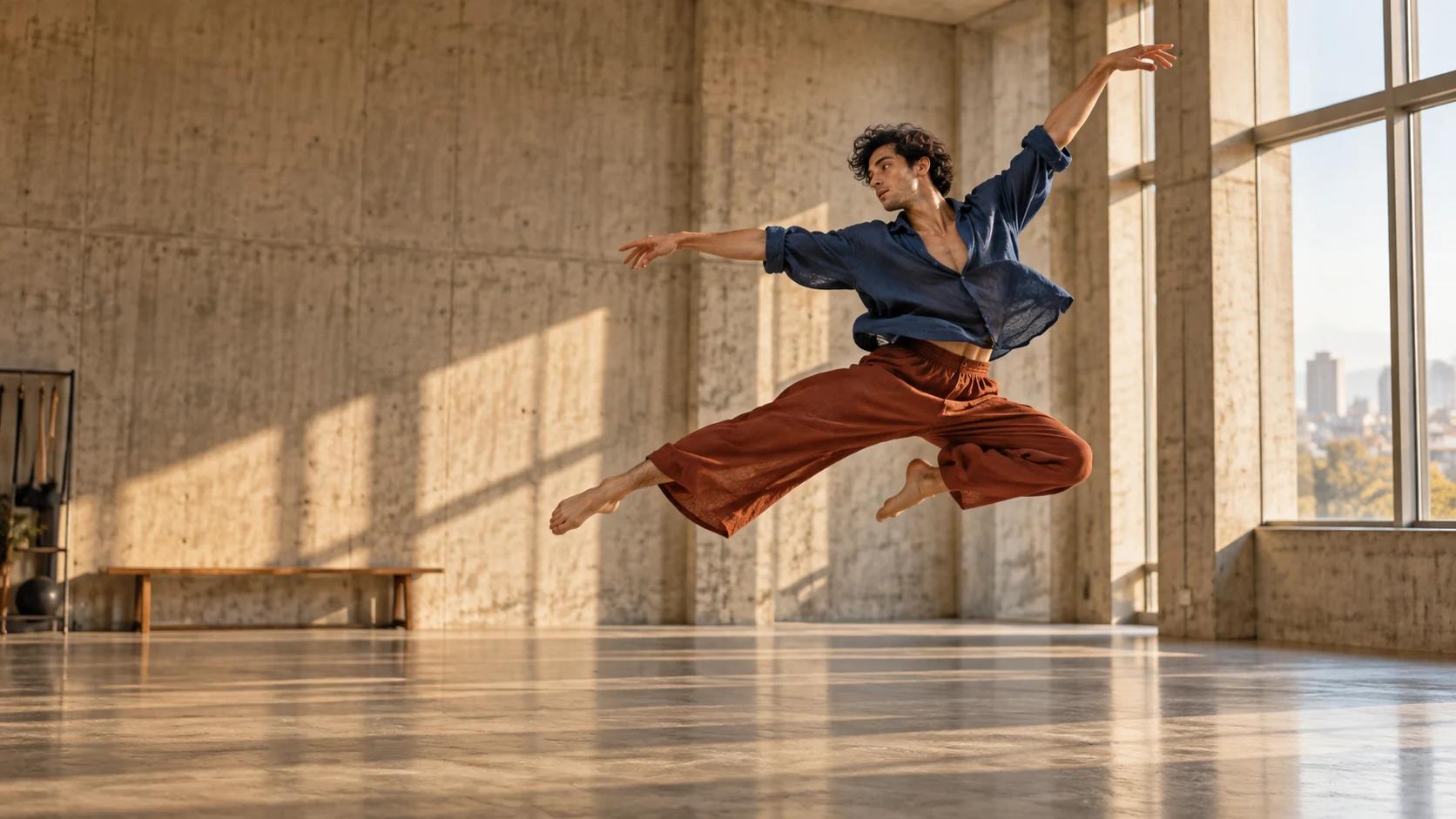
AI Overview
What should an AI dance video prompt include?
Name the adult performer, ordered movement beats, tempo, full-body framing, camera behavior, setting, and an ending pose. Keep choreography and camera instructions separate so both remain readable.
How do you stop an AI dance video from changing the dancer?
Start from one approved reference image, repeat the same wardrobe and physical description, and keep each clip short. Join approved clips at neutral poses instead of demanding a whole routine in one generation.
What camera angle works best for AI dance videos?
Begin with a locked wide or medium-wide shot that keeps hands and feet visible. Add a gentle lateral track only after the movement works; fast orbiting cameras often hide anatomy and timing errors.
Can Seedance Agent build a complete dance video?
Yes. Use it to plan reference frames, separate the routine into shots, generate motion, review continuity, and rerun weak beats. Treat every result as a draft that still needs full-clip approval.
Build a Dance Prompt From Seven Specific Parts
People searching for AI dance video prompt examples usually do not need more adjectives. They need language that tells a video model who moves, what happens first, how the movement lands, and where the camera is while it happens. A useful prompt has seven parts: performer, wardrobe, setting, starting pose, ordered choreography, rhythm, and camera. Add an ending pose as an eighth part when clips will be joined.
Use this working formula: adult subject + stable visual identity + start pose + three ordered actions + tempo + camera/framing + environment + final pose + constraints. “A dancer performs beautifully” leaves almost every decision open. “An adult dancer begins in a low lunge, rises for two controlled turns, travels left with three sharp steps, and finishes facing camera” gives the model a sequence it can attempt.
The examples below are editorial templates, not guarantees of identical output on every model. Change one variable at a time and record the reference, duration, aspect ratio, and accepted take. For broader syntax, read the Seedance video prompt guide; this page stays focused on dance-specific motion.
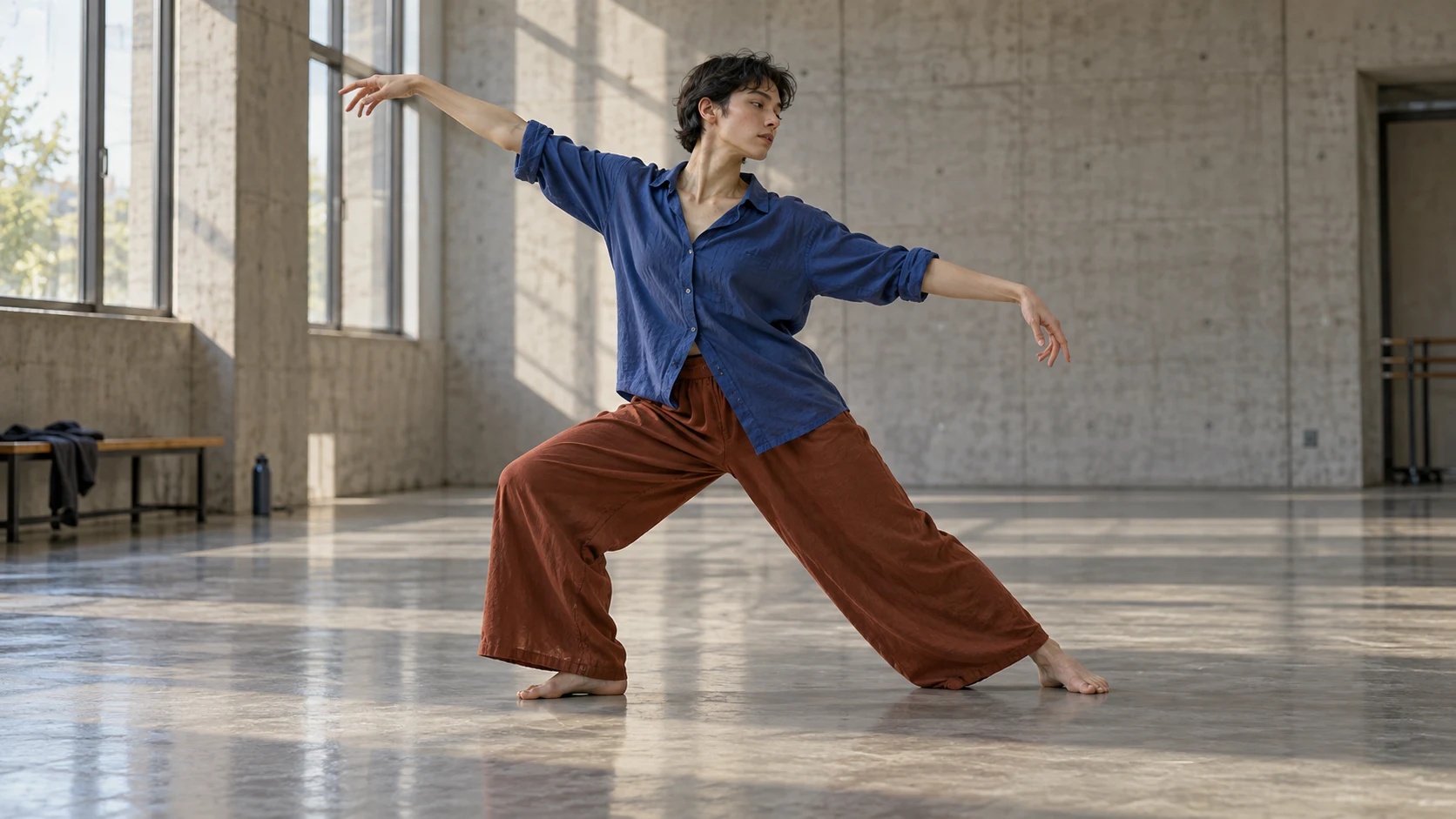
Original editorial still. A readable opening pose, visible floor contact, and complete limbs give the motion model a cleaner first frame.
Five Copy-Ready AI Dance Video Prompt Examples
Contemporary studio solo
An adult contemporary dancer in a cobalt loose shirt and rust wide trousers stands in a warm concrete rehearsal hall. Locked medium-wide full-body frame, both hands and feet visible. The dancer begins in a low side lunge, unfolds the spine slowly, crosses the floor with two traveling turns, releases one controlled leap, then lands softly and holds a balanced final pose. Eight-count phrasing, fluid weight transfer, realistic fabric motion, natural daylight. Keep identity, wardrobe, body proportions, room layout, and floor contact consistent; no cuts, no extra limbs, no camera orbit.
This template gives the routine a beginning, peak, landing, and hold. If the leap fails, approve the turns first, then generate the leap as its own shot.
Hip-hop performance with grounded footwork
An adult street dancer in a charcoal jacket, cream T-shirt, loose black trousers, and white trainers performs in a clean warehouse. Static eye-level wide shot. Start with feet shoulder-width apart; hit two chest isolations on the beat, step right-left-right with grounded weight, execute one half-turn, then finish with a sharp arm lock. Medium tempo, crisp accents, short pauses between phrases, shoes maintain believable contact with the floor. Keep the face, clothing, fingers, and shoe count stable; no sliding feet, duplicate dancers, zooms, or random gestures.
Words such as “grounded,” “short pauses,” and “floor contact” define observable behavior. A genre label does not specify choreography. Use an original sequence rather than asking for a living dancer's recognizable routine.
Two-person synchronized duet
Two adult dancers, one in navy and one in ochre, stand three meters apart in a bright rehearsal room. Symmetrical locked wide frame with both full bodies visible. They raise opposite arms together, step inward for four counts, pass shoulder to shoulder without touching, mirror one slow turn, then return to their original marks and hold. Calm tempo, clean spacing, realistic eye lines. Preserve each dancer's face, wardrobe, left-right position, scale, and limb count; no role swapping, collisions, third person, cuts, or camera movement.
Duets multiply continuity risk. Color-coded wardrobe and explicit left-right blocking make roles easier to track. If identity changes, shorten the duet to one interaction beat.
Vertical social dance loop
An adult creator dances on a quiet rooftop at golden hour, centered for a 9:16 crop with safe space above the head and below the shoes. Begin facing camera, perform four simple side steps with alternating hand accents, pivot once, repeat the first two steps, and finish in the exact opening pose for a seamless loop. Upbeat medium tempo, direct eye line, one continuous take. Camera remains fixed at waist height; preserve face, outfit, skyline, lighting, hands, and feet; no captions, logos, crowd, reframing, or speed ramps.
The repeated opening pose makes the clip loopable for TikTok or Instagram. Keep the first test simple; add energy with music and edit timing after body mechanics pass.
Stylized character dance
A friendly fabric puppet with a round teal body and two short legs performs on a miniature theater stage. Full-body front view. The puppet bounces twice, swings both arms left then right, turns one full circle, taps each foot, and bows. Playful four-count rhythm, soft practical lighting, visible cloth texture, stable stage geometry. Preserve the character silhouette, two arms, two legs, button eyes, and costume through the entire shot; no morphing, extra props, text, or camera cuts.
A nonhuman character can simplify identity permissions, but still needs fixed construction rules. Reject takes where its silhouette changes during the turn.
Describe Choreography as Ordered Motion
Convert choreography into short clauses. Start with a stable pose, add no more than three difficult actions per clip, and finish with a held shape. Directional verbs—step left, rotate clockwise, travel backward—are more useful than mood words. Counts guide pace; align final edits to audio afterward.
Use a beat map before generating:
| Time | Body action | Camera job | Pass condition |
|---|---|---|---|
| 0–2 s | Hold opening pose, inhale | Locked wide | Full body and floor contact remain visible |
| 2–5 s | Two steps, one controlled turn | Stay fixed | Direction and limb count remain stable |
| 5–7 s | Peak move or leap | Optional gentle track | Face and wardrobe remain recognizable |
| 7–9 s | Land and settle | Stop moving | Final pose holds long enough to cut |
This map prevents simultaneous commands and shows an editor where to cut when the middle works but the landing fails. Build complex routines from short units joined at compatible body positions.
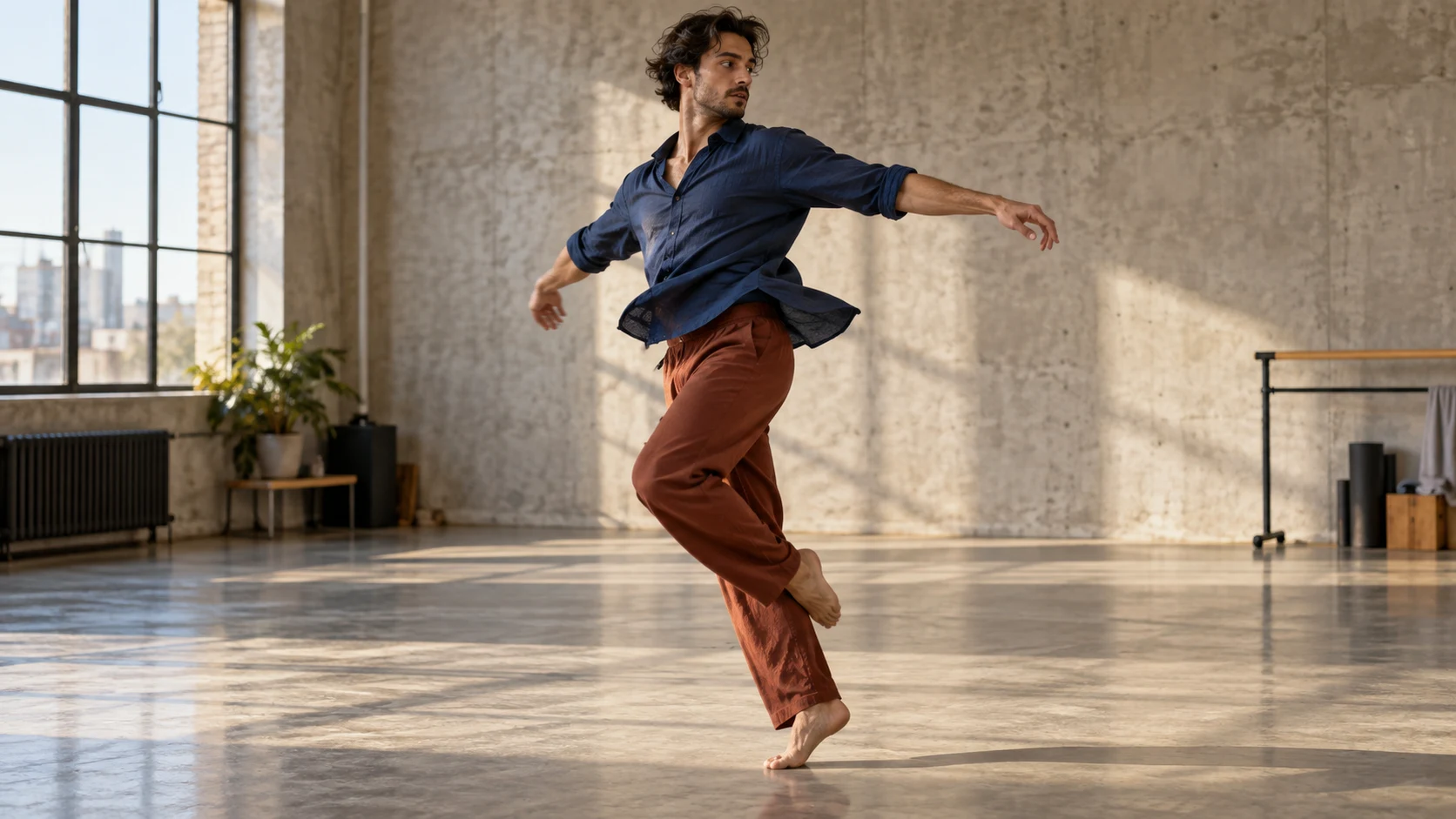
Original editorial still. One clear action in a consistent room is easier to validate than a crowded montage of movement ideas.
Control Camera, Framing, and Rhythm Separately
The choreography is already motion-heavy, so the camera should begin simple. A locked wide shot reveals foot sliding, disappearing hands, warped joints, and missed landings. Once a take passes, try a slow lateral track or restrained push-in. The camera movement prompt guide explains how to name camera direction without confusing it with subject motion.
For horizontal delivery, leave travel room on both sides. For vertical video, keep the performer centered. The image-to-video workflow helps when wardrobe, pose, and framing are approved in a still. Generate at the intended aspect ratio; automatic crops can remove the feet needed to judge motion.
Describe speed and accents: slow sustained phrases, medium four-count steps, sharp hits with brief holds. Build original motion, then edit approved clips against audio you can use.
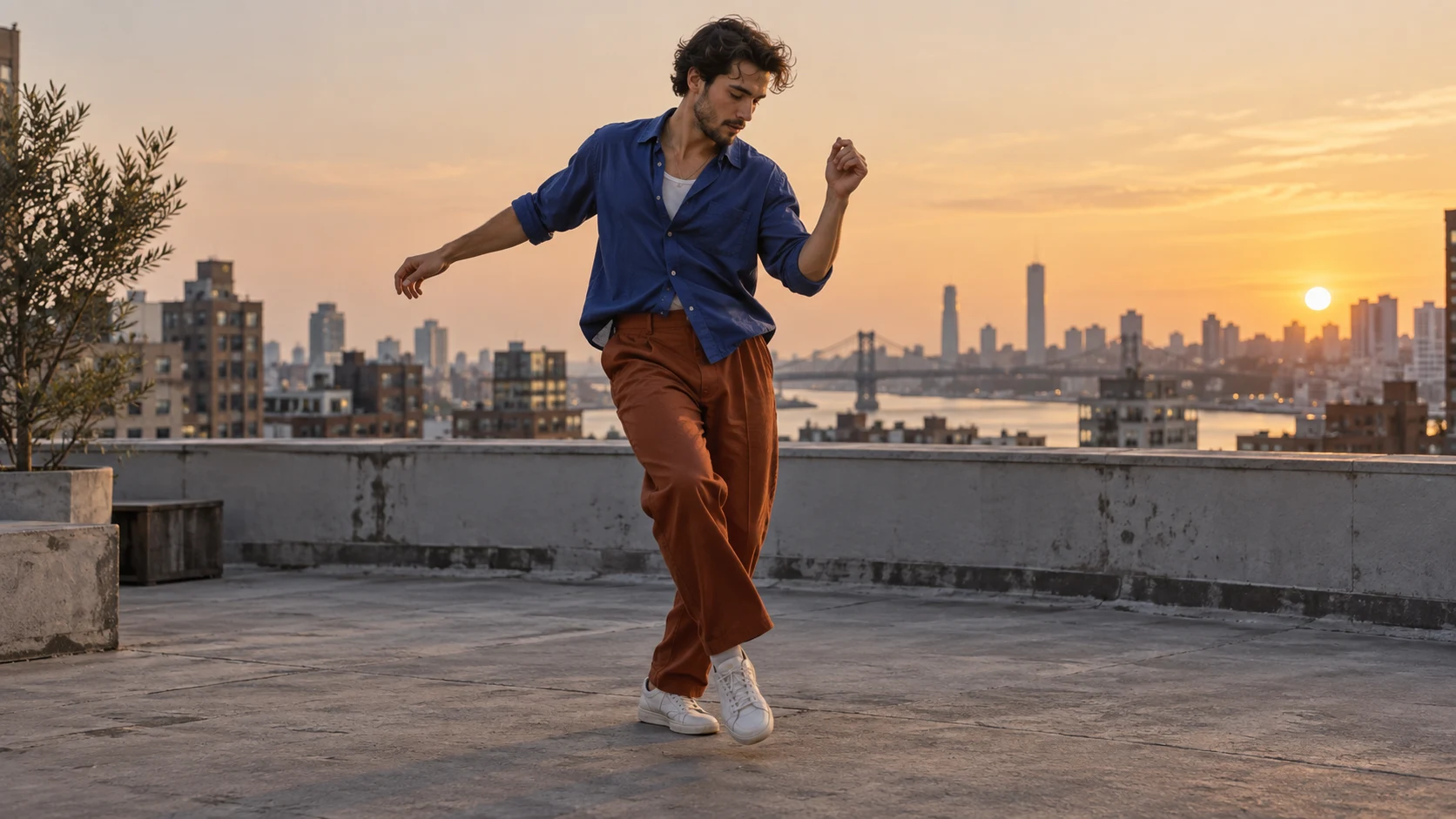
Original social-format planning still. The subject stays central while the landscape frame retains enough space for a later vertical crop.
Use References Without Copying a Performance
A reference image can preserve face, clothing, body silhouette, lighting, and the opening pose. A reference video can communicate motion cadence, but it should be yours, licensed, or created for the project. Use it as movement guidance rather than a request to duplicate a recognizable person's performance. The reference-to-video workflow covers how to prepare clean reference material and separate identity from motion instructions.
Seedance Agent is helpful when a routine needs several shots. Keep the character reference, room reference, beat map, prompts, and acceptance notes together; generate each unit; then rerun only the failed unit. The Seedance reference video workflow adds practical checks for framing, background changes, and motion transfer.
This is a real moving Seedance example used to demonstrate rhythm and full-clip inspection. It is not a benchmark for another model and does not claim to reproduce the prompt templates above.
Fix Common Dance Generation Failures
When feet slide, shorten the travel path, lock the camera, and state where each step lands. When arms or fingers deform, use a wider frame, simplify hand choreography, and avoid crossing hands close to the face. When the performer changes, return to one reference, repeat wardrobe and physical description, and split the routine at a held pose. When timing feels random, replace “energetic dancing” with ordered actions and explicit pauses.
Review every take from start to finish at normal speed and again frame by frame around turns, crossings, landings, and occlusions. Check identity, limb count, hand shape, foot contact, garment continuity, room geometry, camera path, and final hold. A striking thumbnail is not enough; one broken transition can make the clip unusable.
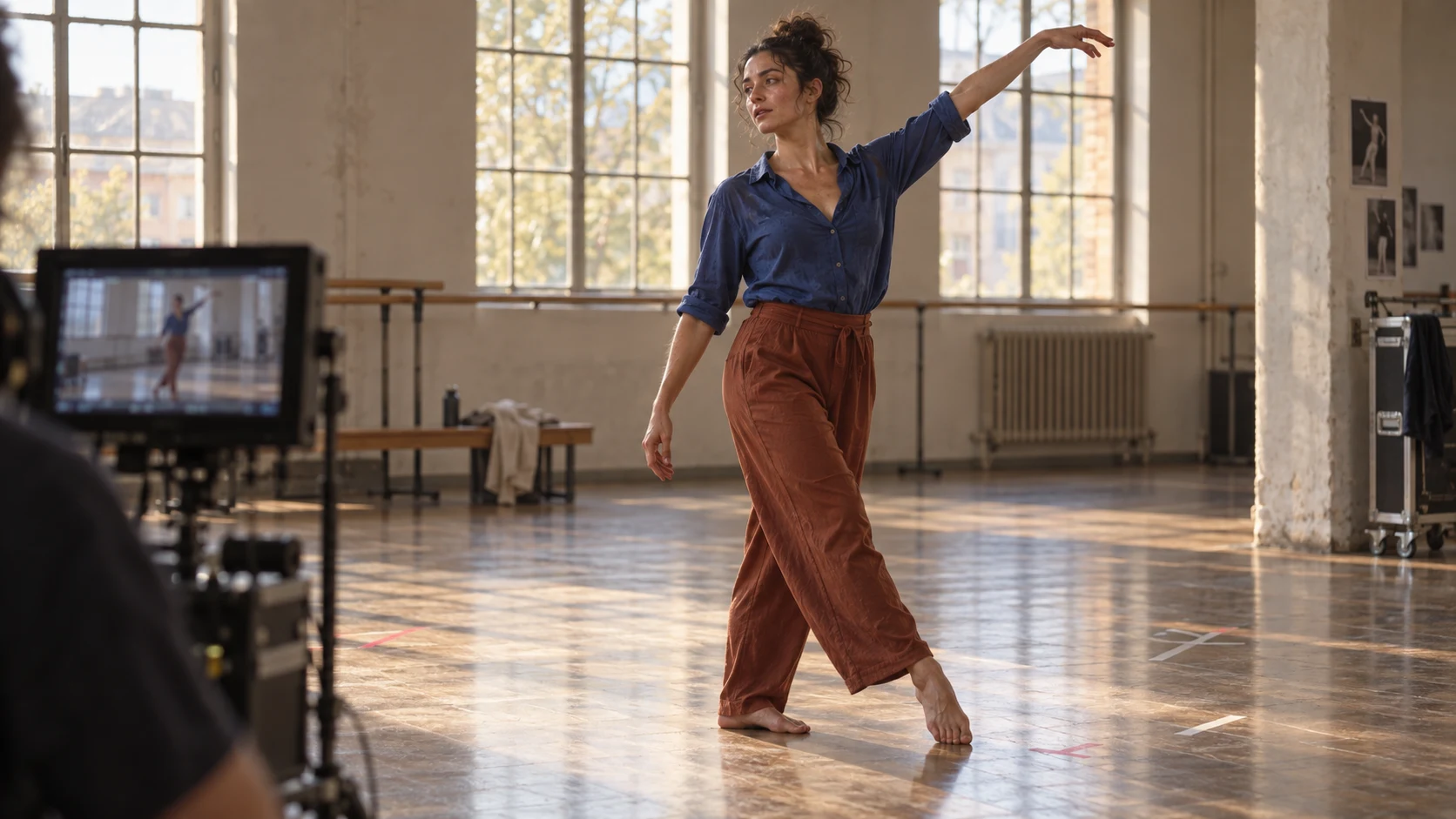
Original review still. Approve the complete motion path, not only the opening image or the strongest frame.
Keep a small failure log: prompt version, reference, duration, what passed, what failed, and the smallest next change. Do not rewrite subject, choreography, camera, and style together. Controlled iteration reveals which instruction improved the result and reduces expensive reruns.
Conclusion
Strong AI dance video prompts turn choreography into an observable production plan: one stable adult subject, a clear opening pose, ordered movement beats, realistic timing, complete full-body framing, restrained camera work, and a final hold that can be edited. Start with the simplest wide take, approve mechanics before style, use licensed references, and extend the routine through short compatible clips rather than one overloaded request; when you are ready to organize references, generate shots, compare takes, and repair only the weak movement, start your dance workflow in Seedance Agent.
Ready to try it yourself?
Put the steps from this guide into practice with Seedance and turn prompts or images into polished videos in minutes.
Free credits on signup. Plans from $28/month.
Related Articles
More posts in the same locale you may want to read next.

Seedance App Preview Video Generator 2026: Create App Store and Product Launch Clips
Use Seedance to turn app screenshots, feature copy, and launch goals into App Store previews, Google Play promo videos, and product launch clips.
Read article
15 Faceless YouTube Channel Ideas You Can Make with AI (2026)
15 faceless YouTube channel ideas for 2026, with the format, a sample AI video prompt and difficulty for each, plus how to make them with Seedance AI.
Read article
How to Use Seedance in Claude: MCP Setup and Automated Video Workflows
Use Seedance 2.5 inside Claude: connect the Seedance MCP server, generate videos by chat, batch variations and schedule daily video jobs with Claude scheduled tasks.
Read article