
AI Overview
What is an AI clothes changer?
An AI clothes changer replaces the visible outfit in a photo while preserving the person, pose, framing, and background. A strong result should look like the clothing belongs in the original scene, with believable fabric folds, body alignment, shadows, and scale.
Can AI change clothes in any photo?
Clear portraits and full-body photos work best. Seedance can also restyle avatars, illustrated characters, and e-commerce models. Busy poses, crossed arms, heavy occlusion, or low-resolution photos may need another generation.
What should I include in an outfit prompt?
Name the garment, color, fabric, fit, occasion, and any details that must stay unchanged. For example: “Tailored navy wool suit, white shirt, relaxed fit; preserve the same face, hair, body, pose, lighting, and background.”
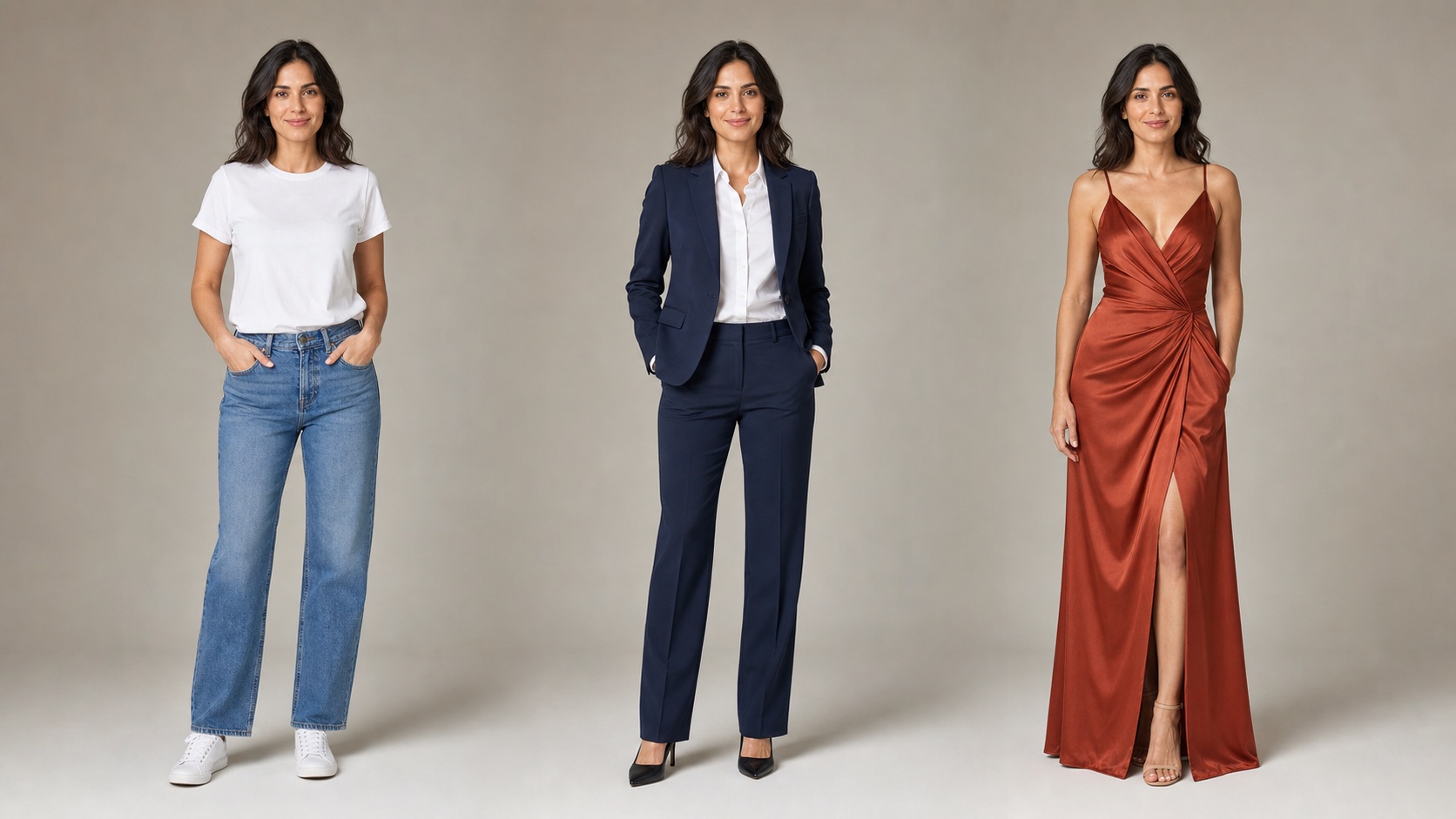
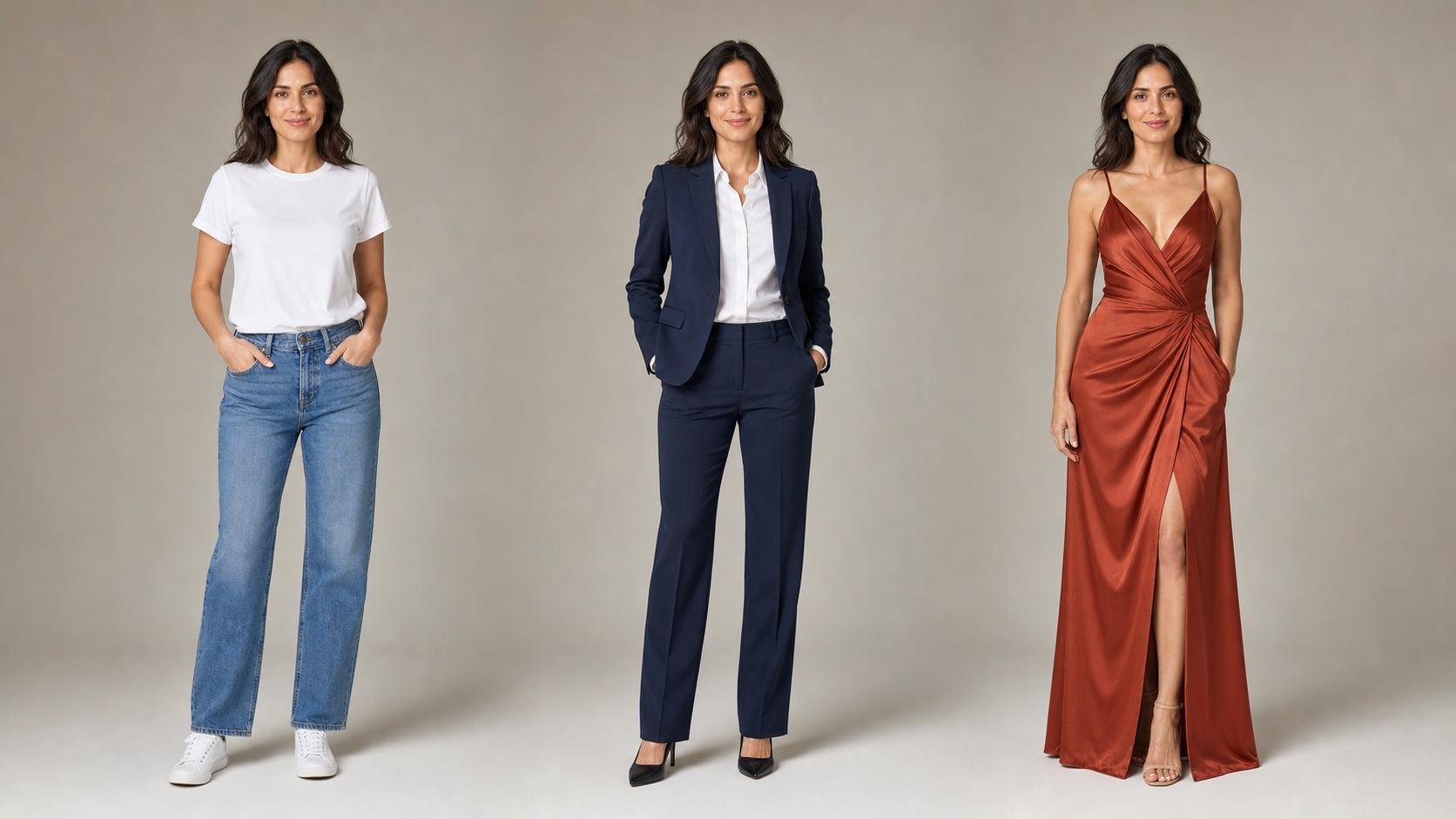
Original editorial example: one person, one studio setup, and three outfit directions. Keeping identity, pose, and light consistent makes the clothing change easy to judge.
Change Any Outfit With AI in Seconds
Seedance turns one photo into a styled look. Upload a portrait or full-body image, choose a preset direction or describe the clothes you want, then generate a new version with the original person and scene preserved.
The workflow fits three common inputs:
| Input | Best for | What to check |
|---|---|---|
| Portrait | Shirts, jackets, uniforms, and upper-body looks | Neckline, shoulders, sleeves, hair overlap |
| Full body | Dresses, suits, streetwear, and complete outfits | Hem, waist, legs, shoes, body alignment |
| Character | Cosplay, fantasy wardrobe, and illustrated styling | Art style, silhouette, accessories, anatomy |
Realistic Fabric and Fit
A good outfit swap follows the body instead of pasting a flat garment over it. Look for natural drape at the shoulders and waist, consistent material texture, correct sleeve and hem length, and shadows that match the source photo.
Works With People, Models, Avatars, and Characters
Use your own photo, a licensed model image, or artwork you are allowed to edit. Real people need identity preservation; product models need accurate garment details; characters need a prompt that locks the original art style.
Any Style, Any Wardrobe
Try casual basics, formal tailoring, streetwear, evening looks, fantasy costumes, or a branded uniform. Change one main variable at a time when you want comparable results.
Six Ways to Use an AI Outfit Changer
1. Fashion Try-On
Preview a silhouette or color direction before you buy. The result is a visual concept, not a guarantee of real sizing, fit, or fabric behavior.
2. Content Creator Outfit Swaps
Create alternate looks for outfit-of-the-day posts, thumbnails, or transformation stories without photographing every wardrobe change. Once the still is approved, animate it with Image to Video.
3. E-commerce Styling
Show a garment direction on a model image before arranging a full shoot. For catalog work, compare the generated image against the real item and correct color, cut, print, closures, and logo placement before publishing. The Product Photos workspace is useful for building the surrounding scene.
4. Cosplay and Character Design
Test armor, uniforms, period clothing, or fantasy costumes on an existing character. Describe the materials and silhouette, then lock the face, pose, proportions, and illustration style.
5. Virtual Wardrobe Planning
Compare a few intentional looks for an event, trip, or campaign. Keep the camera and pose fixed so your decision is about the outfit rather than a flattering change in angle.
6. Brand Campaigns
Dress spokespeople or team portraits in a consistent uniform. Generate the clothing first, then add exact logos and typography in a normal design tool; image models can distort small brand marks.
How to Change Clothes With AI in 3 Steps
1. Upload Your Photo
Open Image to Image and upload a clear portrait or full-body image. Use a front-facing or gentle three-quarter pose, even lighting, and enough resolution to see garment edges. Make sure you have permission to edit the image.
2. Describe or Choose the Outfit
Write the request in this order: garment, color, fabric, fit, occasion, then preservation rules.
Prompt formula: “Replace the current outfit with [garment], [color], [fabric], [fit], for [occasion]. Keep the same face, hair, body, pose, hands, lighting, camera angle, and background. Change only the clothing. No text, logo, or extra accessories.”
3. Generate, Review, and Download
Inspect the neckline, shoulders, hands, waist, hem, patterns, and contact shadows. Regenerate visible misalignment instead of hiding it with a crop. When the result is clean, download it or continue to Image to Video for a short reveal.
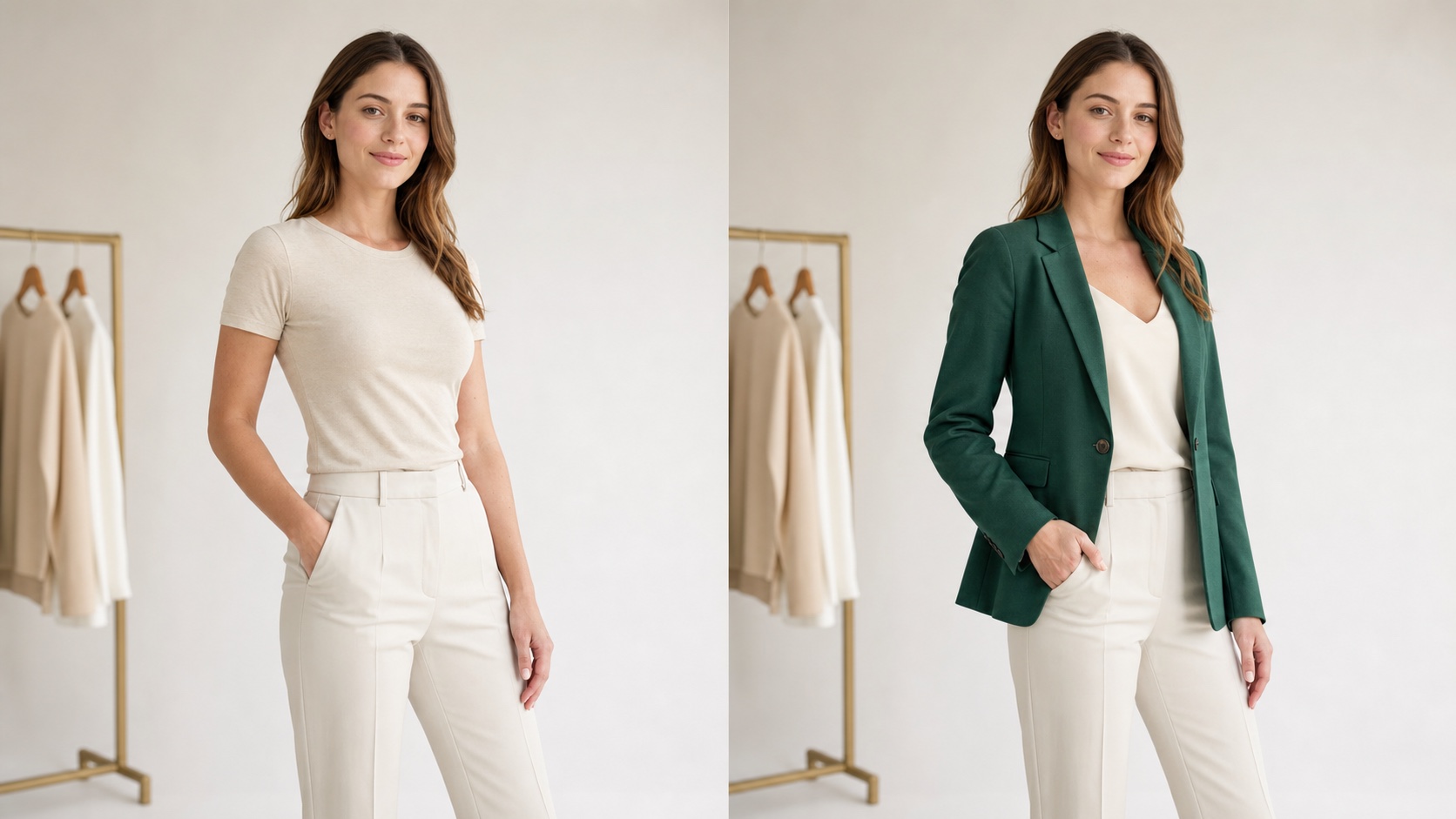
Original editorial before-and-after example. The strongest signal is not the new blazer—it is the stability of the face, pose, trousers, background, and studio light.
AI Clothes Changer Prompt Examples
Casual Street Style
Replace the outfit with a relaxed white oversized T-shirt, light-wash straight jeans, and clean white sneakers. Natural cotton and denim texture, everyday fit. Preserve the same person, body, pose, hands, lighting, and background.
Formal Business
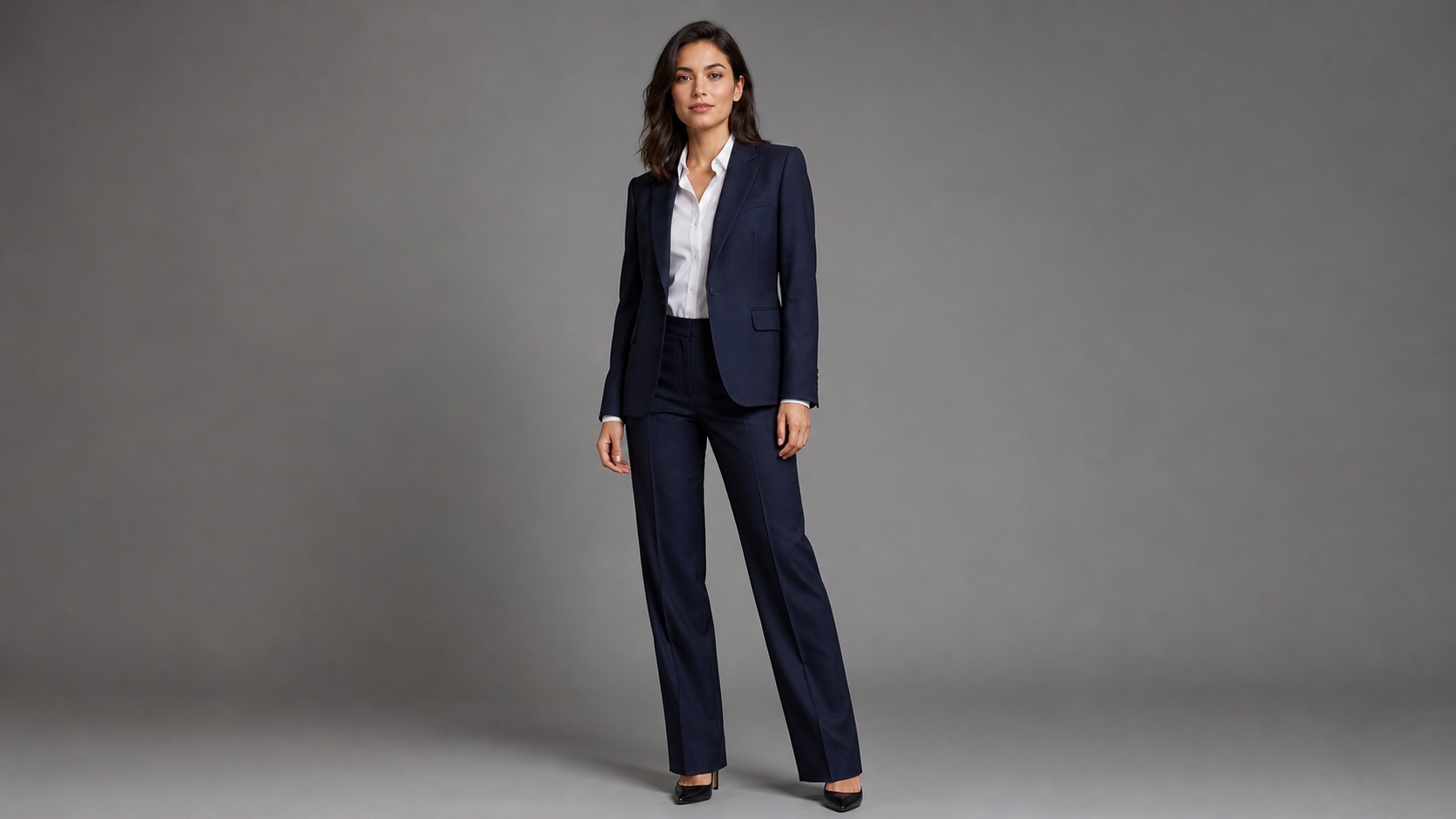
Tailored navy wool suit with a white shirt, no tie, clean lapels, relaxed professional fit. Change only the clothing; preserve identity, hair, expression, proportions, pose, camera, and studio light.
E-commerce Model Shot
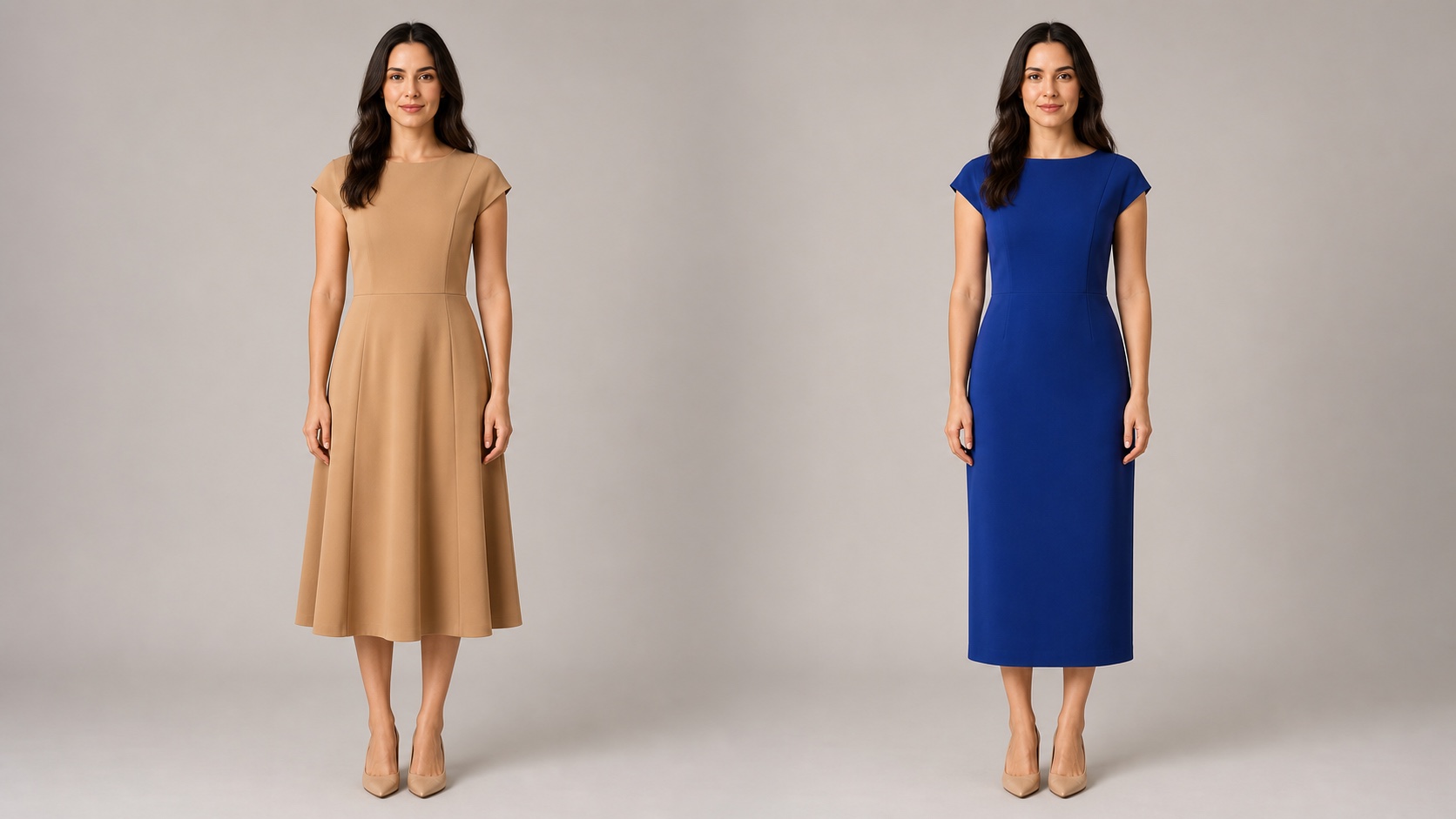
Dress the model in a calf-length floral summer dress with a defined waist, natural fabric folds, and accurate seams. Keep the same model, full-body framing, neutral posture, white background, and soft catalog lighting.
Fantasy or Cosplay
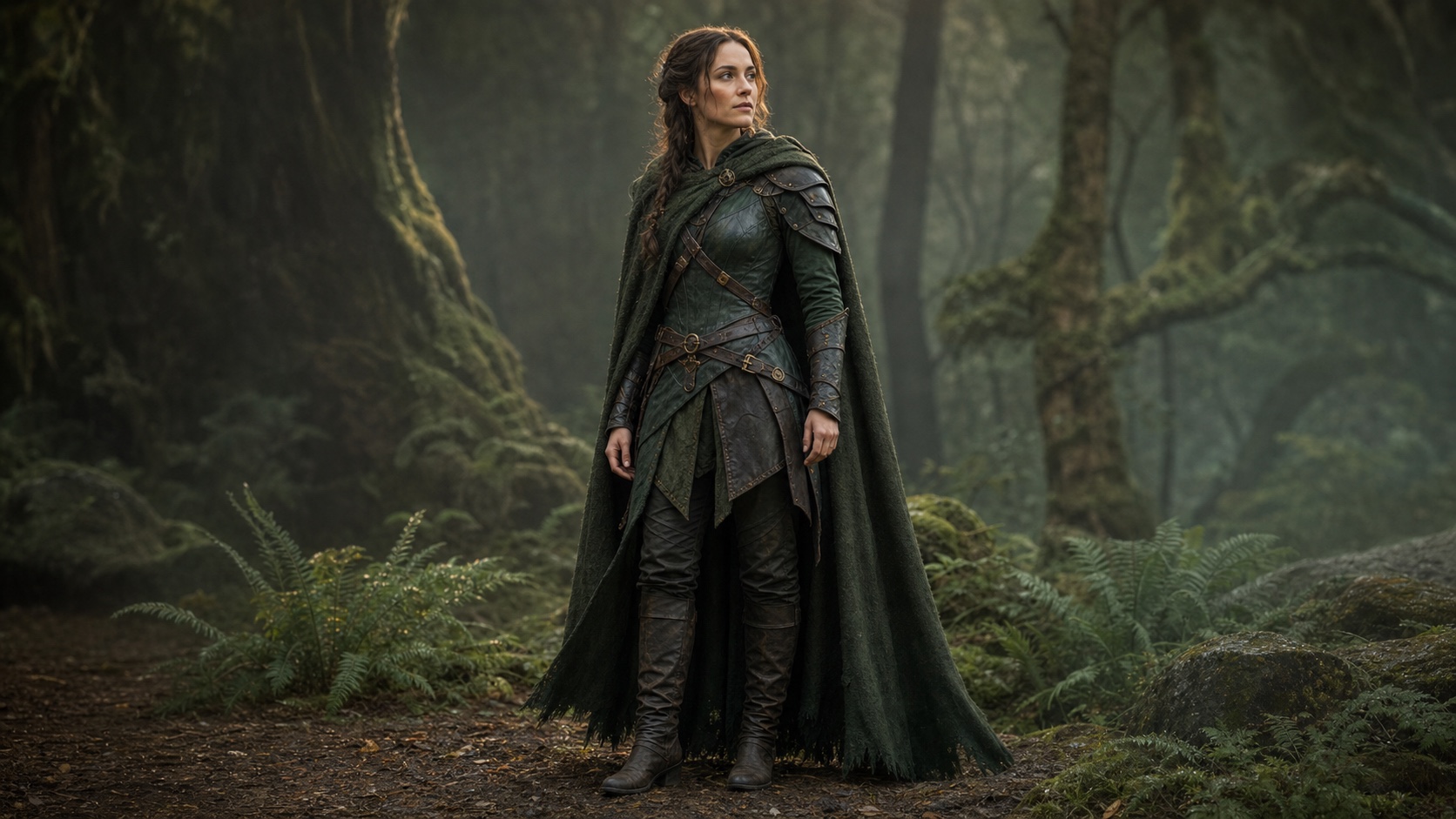
Replace the outfit with detailed forest-guardian armor: layered green leather, brushed bronze fasteners, and a textured cloak. Preserve the character’s face, body, pose, art style, and background. No weapon, text, or logo.
Brand Uniform
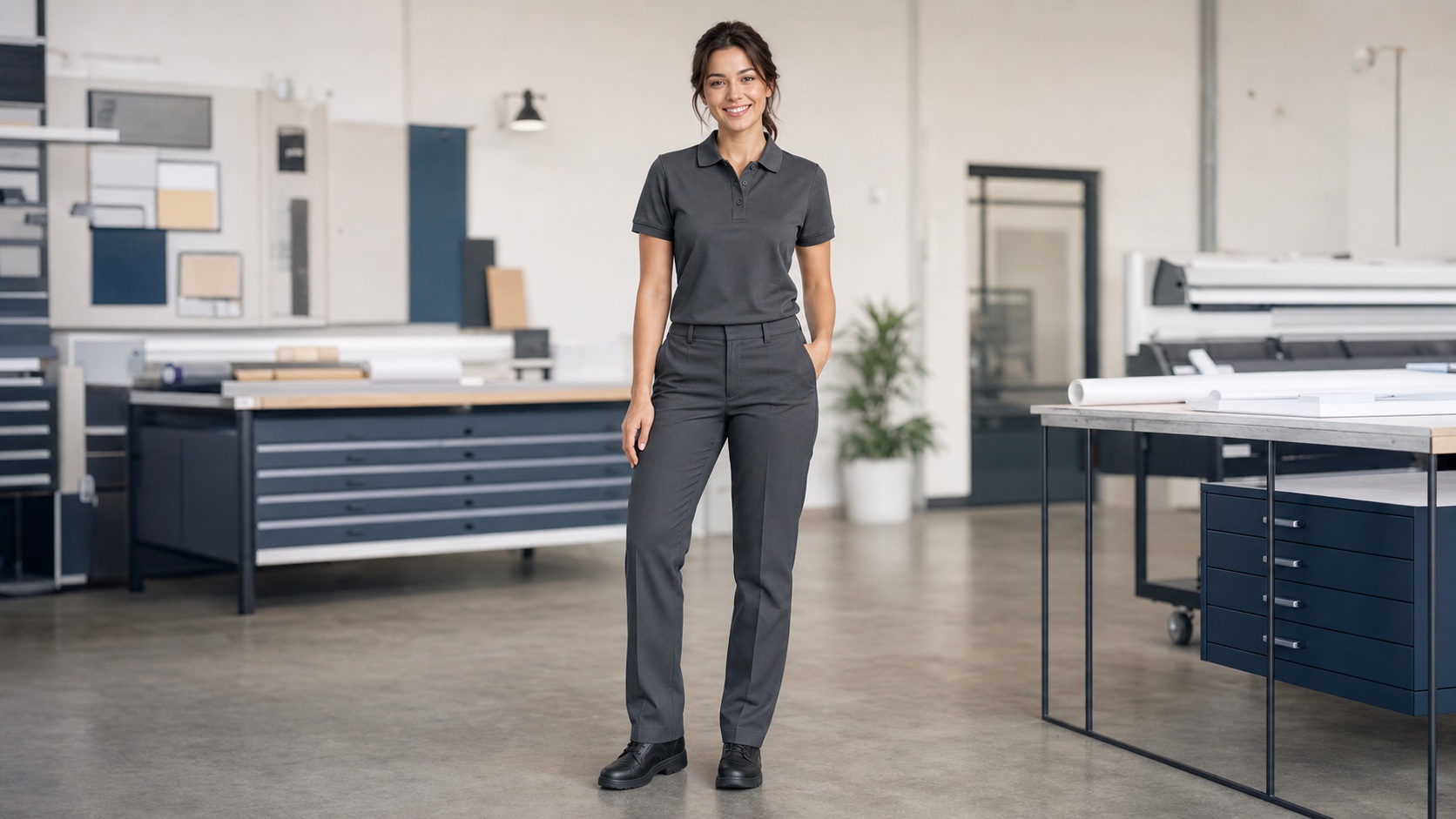
Change the outfit to a charcoal polo shirt and matching work trousers, clean professional fit, with a blank left-chest area reserved for a real logo added later. Preserve the person, pose, lighting, and background.
How to Get More Realistic Results
For more realistic results, start with a sharp image, change one garment at a time, and describe specific materials and fit—“beige linen blazer with visible weave and relaxed shoulders” works better than “quiet luxury look.” Review the full-size output for errors around hands, hair, patterns, open layers, reflective fabric, and long hems. For a consistent series, approve one still first, then reuse the same source, pose, background, aspect ratio, lighting, and preservation rules; see the character consistency guide for multi-shot workflows.
Privacy, Consent, and Honest Use
Only upload images you own or have permission to edit. Do not use outfit changes to impersonate someone, create misleading endorsements, or publish intimate or humiliating edits. For commerce, label generated styling when it could affect a buyer’s understanding of the real garment, and keep the original product photo available for comparison.
Conclusion
An AI clothes changer is most useful when it preserves everything except the wardrobe. Start with a clear photo, describe the garment and material precisely, lock identity and scene details, then review fit and fabric at full size. Use Image to Image for the outfit swap, Product Photos for e-commerce staging, and Image to Video for a controlled reveal.
Ready to try it yourself?
Put the steps from this guide into practice with Seedance and turn prompts or images into polished videos in minutes.
Free credits on signup. Plans from $28/month.
Related Articles
More posts in the same locale you may want to read next.

Seedance App Preview Video Generator 2026: Create App Store and Product Launch Clips
Use Seedance to turn app screenshots, feature copy, and launch goals into App Store previews, Google Play promo videos, and product launch clips.
Read article
How to Make a Talking AI Avatar You Can Reuse
Make a talking AI avatar with Seedance: design one consistent character, give it a voice, and make it speak in a talking photo or a full Seedance 2.5 scene, episode after episode.
Read article
Best AI Video-to-Video Models in 2026
The best AI video-to-video models in 2026 for editing footage you already shot: Higgsfield Genjutsu, Seedance 2.x, Runway Aleph, Luma Modify and Kling Omni compared.
Read article