
Seedance for Etsy Listing Videos 2026: Turn Product Photos into Shop Clips
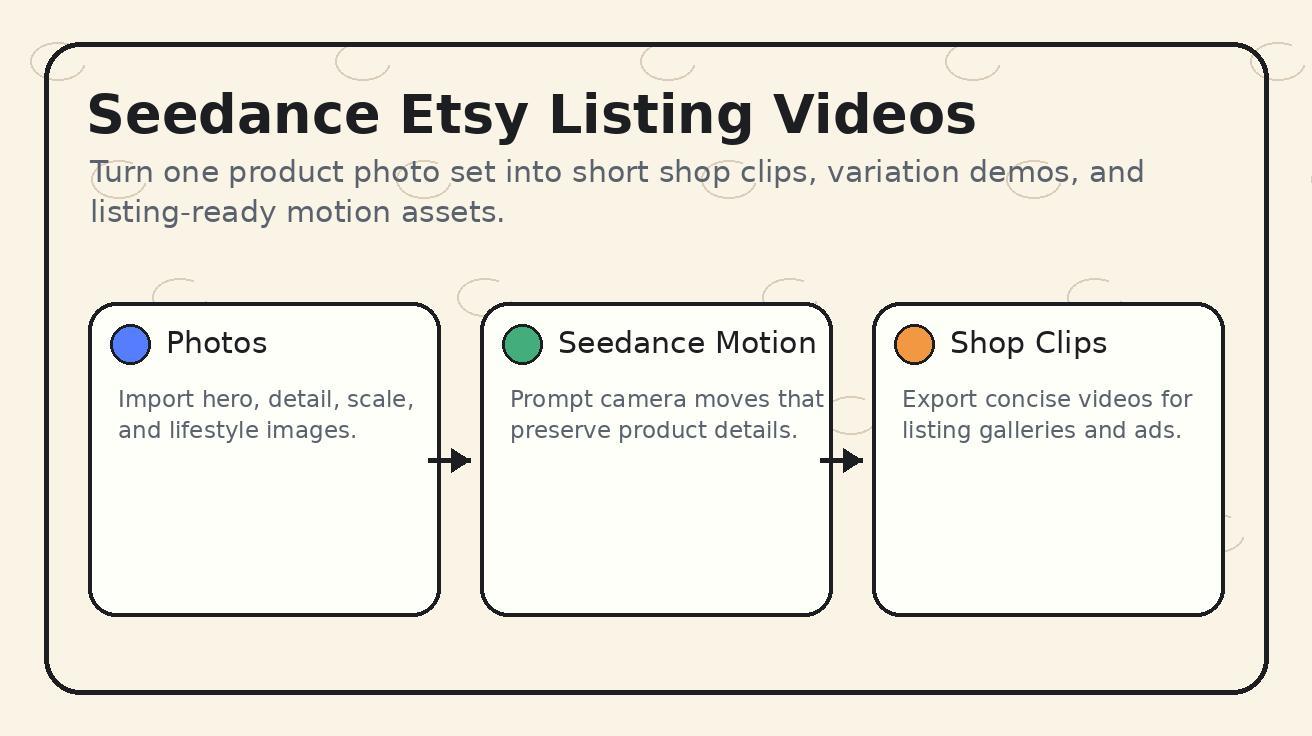
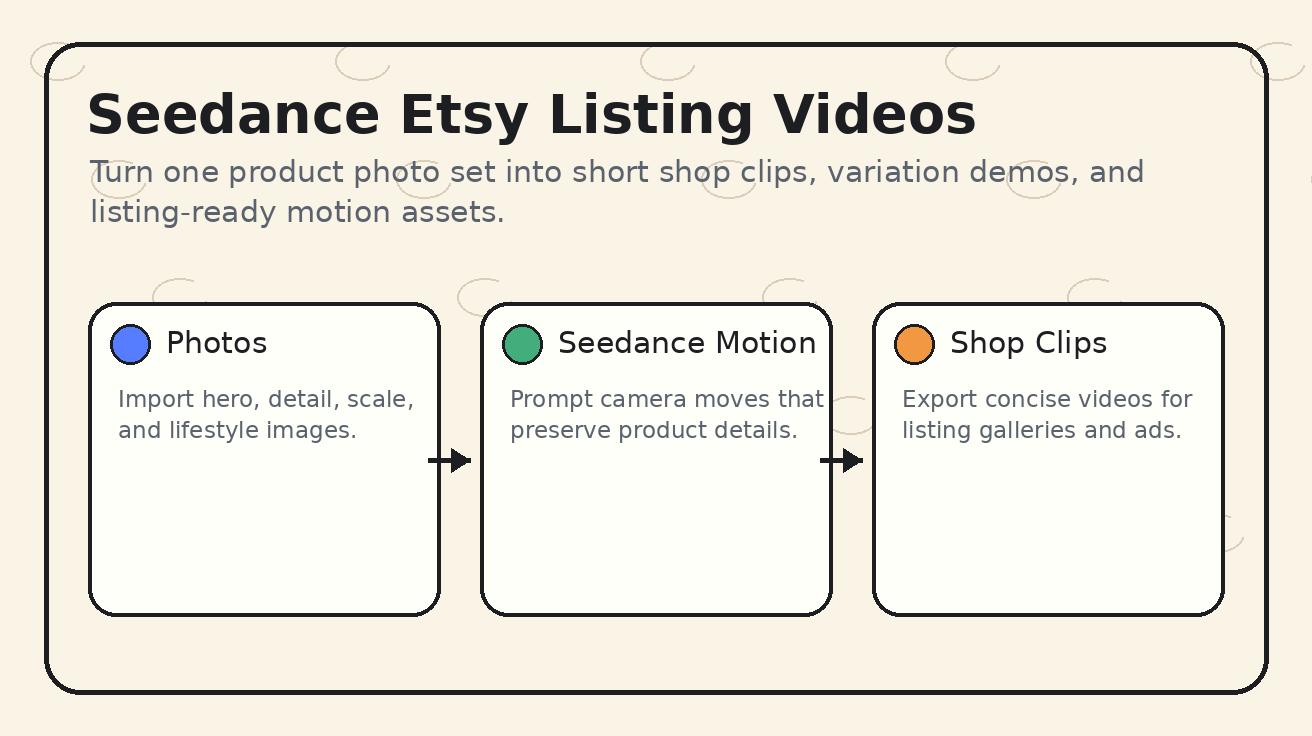
Etsy shoppers do not only want a pretty product photo. They want to understand texture, scale, movement, packaging, and the feeling of owning the item before they trust a small shop enough to buy. That is why Seedance Etsy listing videos are a useful long-tail workflow in 2026: Seedance can turn still product photos into short, focused clips that answer buyer questions inside the listing itself.
This guide is specifically about using Seedance for Etsy product listings. If you remove Seedance from the workflow, the article stops working, because the core method depends on Seedance image-to-video prompts, detail-preserving motion, camera direction, scene controls, and repeatable editing choices. The goal is not to make a generic AI video. The goal is to help an Etsy seller create honest, useful shop clips from existing photos without booking a full product video shoot for every SKU.
Use this Seedance workflow when you sell handmade jewelry, ceramic mugs, wall art, printable planners, vintage objects, craft supplies, apparel, candles, stationery, digital templates, or any product where a static image leaves unanswered questions. The same product photo can become a slow turntable, a close-up material reveal, a packaging moment, or a lifestyle scene when the prompt tells Seedance exactly what buyer uncertainty to solve.
For sellers who already have product photography, Seedance fits naturally after the photo shoot and before listing optimization. You can keep the still images that Etsy search already understands, then add short videos that improve buyer confidence, social repurposing, and ad creative variety. Seedance is especially helpful for small shops because it lets one clean photo set support multiple video angles: a listing gallery clip, a shop announcement clip, a Pinterest pin, a short Instagram Reel, and a retargeting ad.
Why Seedance works for Etsy listing videos
Seedance is useful for Etsy because most Etsy products are photographed well but not filmed consistently. A shop owner may have a light box, a phone, and a few brand props, but filming every item with stable camera motion is slow. Seedance changes the production rhythm: you begin with the best existing product photo, decide what the shopper needs to see, and use Seedance to generate a controlled video shot around that product.
The important word is controlled. Etsy buyers can be sensitive to misleading visuals. A Seedance listing video should not invent features, fake claims, or imply a product behaves differently from reality. The best Seedance Etsy listing videos are modest, clear, and specific. They show a necklace catching light, a mug rotating on a table, a printable planner appearing on a tablet mockup, or a candle label staying readable while the camera moves slightly. Seedance can add motion, but the seller must keep the truth of the product intact.
This is where Seedance prompt discipline matters. Instead of writing, "make a beautiful product video," write a prompt that protects the product: "use the uploaded photo as the exact product reference, preserve the shape, color, logo, text, label, material texture, and proportions, create a five-second slow push-in shot on a neutral craft table, no extra text, no new accessories, realistic lighting." That type of Seedance prompt is closer to product documentation than entertainment. It gives the model a narrow job and makes the output easier to approve.
Seedance also supports a stronger Etsy content system because one SKU can receive multiple clip types. A hero clip shows the full product. A detail clip shows texture or finish. A scale clip shows how the item looks near common objects. A packaging clip shows the unboxing moment. A variant clip compares colors or sizes. Each clip has a different buyer function, but all can start from the same product photo library.
When to use Seedance instead of filming
Seedance should not replace real footage when real footage is easy and important. If your product has complex mechanical movement, safety behavior, or claims that must be demonstrated exactly, film the real product. But for many Etsy listings, the buyer needs a short visual confirmation rather than a full documentary. Seedance is ideal when the product is static, visual, handmade, and already photographed with care.
Use Seedance when you need to launch many listings quickly, refresh old SKUs, test seasonal creative, show colorways, or create a video for a product that is hard to film repeatedly. For example, a seller with fifty printable wall art designs can use Seedance to animate framed mockups on a wall. A candle seller can create a slow shelf shot showing label clarity and brand atmosphere. A jewelry seller can show a subtle light reflection over a ring without setting up a macro filming rig.
Avoid Seedance when the product must be shown performing a regulated function, when movement could misrepresent quality, or when the source photo is too weak. Seedance is not magic quality repair. A blurry, dark, distorted product photo gives the model less reliable reference information. The better path is to reshoot the source image or use Seedance only for secondary lifestyle content.
Seedance Etsy listing video workflow
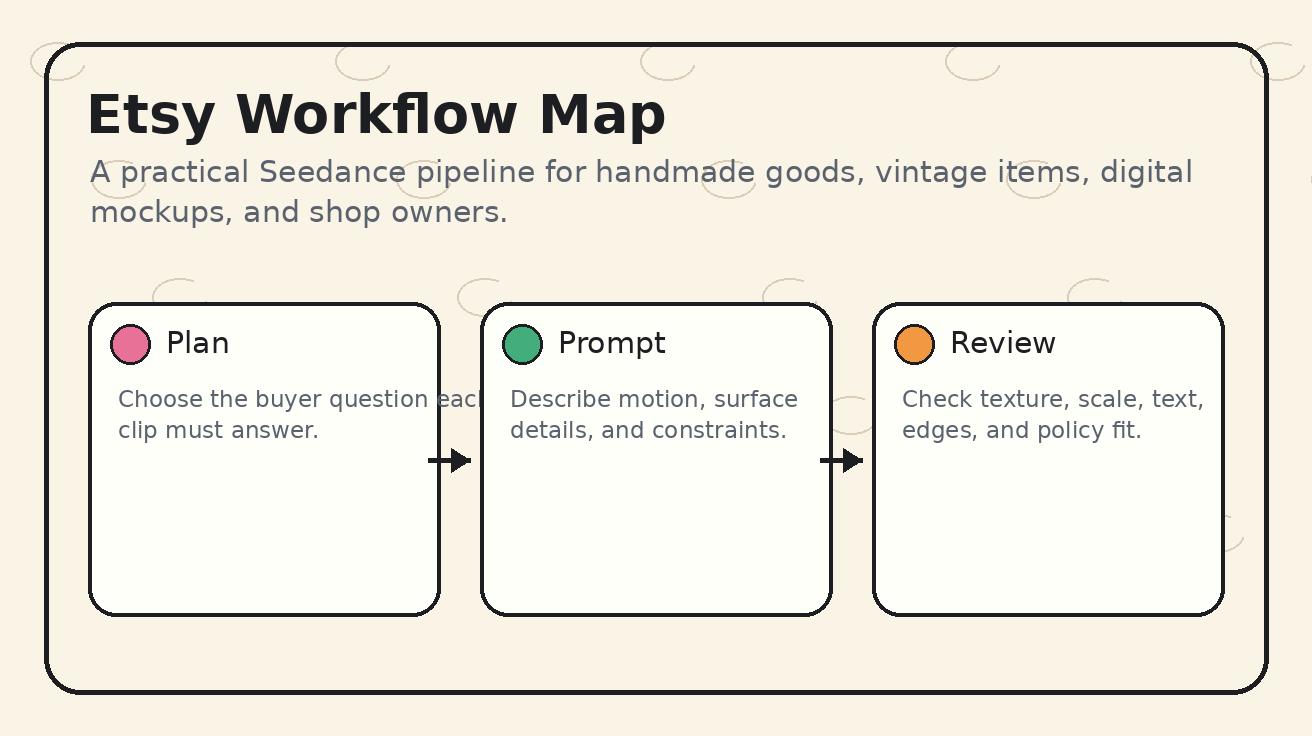
The simplest workflow has six stages: choose the listing goal, select the source image, write a Seedance prompt, generate variations, review for product accuracy, then publish the best clip to Etsy and supporting channels.
1. Choose the buyer question
Every Seedance Etsy listing video should answer one question. Do not try to show everything in one clip. A product video that tries to be a hero shot, a detail shot, a scale shot, and a lifestyle ad at the same time often becomes vague.
For a handmade necklace, the question may be: "How does the pendant catch light?" For a ceramic mug: "How large does it feel in a hand?" For a digital planner: "What does the layout look like in use?" For a vintage jacket: "How does the fabric hang?" Once the question is clear, the Seedance prompt can stay focused.
2. Use the cleanest product image
Seedance performs best when the source image has a clear subject, correct color, minimal clutter, and enough resolution. If the photo has distracting shadows, warped perspective, or background objects that could be mistaken for product details, fix the image before generating video. For Etsy, the source photo is also a trust signal, so choose the same accurate product view that you would feel comfortable publishing as a still image.
For image-led workflows, start from the Seedance image-to-video page. Upload a hero photo for a full product reveal, a close-up photo for a texture clip, or a lifestyle image for a scene extension. Seedance can animate the camera and environment, but the uploaded product should remain the anchor.
3. Write a constraint-first Seedance prompt
A Seedance listing prompt should begin by preserving the product, then describe motion. Many sellers do the opposite: they ask for dramatic motion first and only later mention accuracy. That increases the chance of changed colors, altered patterns, or invented decorations.
A stronger prompt structure is:
- Reference lock: preserve exact product shape, material, color, logo, label, pattern, and proportions.
- Buyer purpose: show texture, scale, packaging, variation, or use context.
- Camera motion: slow push-in, gentle rotation, top-down glide, or close-up pan.
- Environment: neutral craft table, soft daylight, clean studio, home office desk, gift packaging surface.
- Negative constraints: no extra text, no changed design, no new product features, no unrealistic hands, no distorted label.
4. Generate three variations, not twenty
Seedance can make it tempting to generate endlessly, but Etsy sellers need a production habit that scales. Create three versions per clip type: one conservative, one slightly more dynamic, and one lifestyle-oriented. Pick the most accurate version, not the most cinematic version. The winning Etsy video is usually the one that makes the buyer more confident.
5. Review like a buyer and a shop owner
Before uploading any Seedance video to Etsy, check product truth. Is the color faithful? Did Seedance add a seam, button, engraving, shadow, or prop that is not in the real product? Is the size believable? Is the text readable? Does the clip imply included accessories that are not included? If anything could confuse a buyer, regenerate with stricter constraints or skip that clip.
6. Repurpose without changing the claim
Once a Seedance listing clip is approved, repurpose it carefully. A five-second Etsy gallery video can become a Pinterest pin, a shop update, a paid ad variation, or a short social post. Keep the same product facts in captions and descriptions. Seedance gives you more creative assets, but the shop promise must stay consistent.
Seedance prompt recipes for Etsy sellers
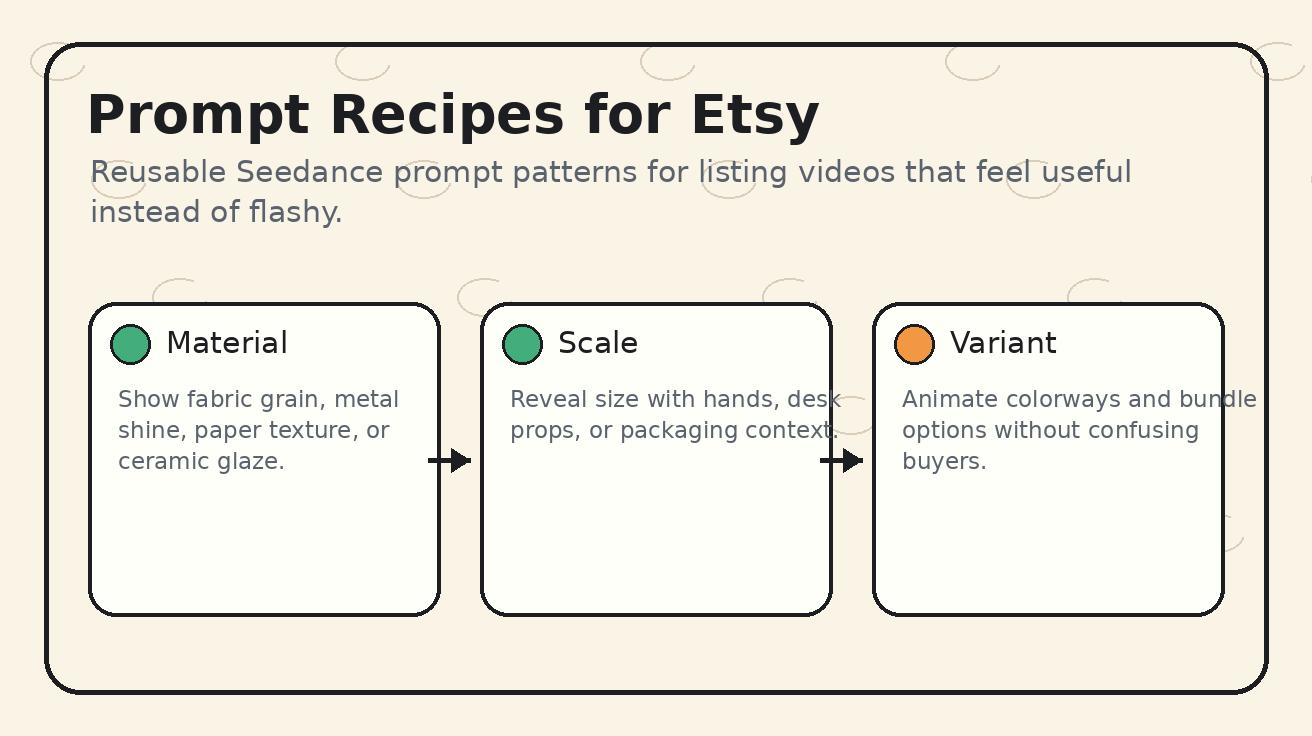
Below are practical Seedance prompt recipes you can adapt. They are written for accuracy-first listing videos, not generic AI commercials.
Handmade jewelry light reveal
Use this Seedance prompt when you want a ring, bracelet, pendant, or earrings to feel more dimensional:
Use the uploaded product photo as the exact reference. Preserve the jewelry shape, gemstone color, metal tone, engraving, chain length, and proportions. Create a five-second slow macro push-in with soft window light moving across the surface. Keep the background neutral and handmade. No new stones, no changed metal color, no extra text, no unrealistic sparkle, no added accessories.
This prompt works because it gives Seedance a narrow visual job: reveal material and shine. It does not ask the model to invent a fashion scene or a wearer. For Etsy, that restraint often creates a more trustworthy listing video.
Ceramic mug rotation
Use the uploaded mug image as the exact product reference. Preserve the printed design, glaze color, handle shape, rim, scale, and label details. Generate a slow tabletop rotation on a clean kitchen counter with warm daylight. Keep the mug centered, avoid changing the artwork, avoid adding steam unless the product listing says the mug is shown with a hot drink, no extra text.
The key detail is the artwork lock. Many Etsy mugs depend on a printed phrase or illustration. Seedance should be asked to preserve it explicitly.
Printable wall art room preview
Use the uploaded wall art mockup as the exact design reference. Preserve the artwork, colors, frame ratio, and composition. Create a slow camera glide across a calm living room wall, showing how the framed print feels in a real home. Do not change the art, do not add text, do not create new frames, do not distort the ratio.
This is a good Seedance Etsy listing video for digital downloads because it turns a mockup into an experience without pretending the file is a physical shipped product.
Candle label and packaging clip
Use the uploaded candle photo as the exact reference. Preserve the jar shape, wax color, lid, label typography, logo, scent name, and packaging. Create a five-second close-up pan across the jar on a craft paper surface with soft shadows. Show premium handmade packaging without adding unlisted accessories. No flame unless the product safety instructions allow it, no changed label text.
This prompt is also a reminder that Seedance video should respect product safety and listing truth.
Apparel fabric movement
Use the uploaded apparel photo as the exact reference. Preserve the fabric color, print, stitching, neckline, sleeve length, and proportions. Create a gentle motion shot showing the fabric drape on a hanger in soft daylight. No model face, no changed pattern, no altered fit, no added branding, no extra text.
For apparel, Seedance can help reveal drape, but fit claims still need care. If the garment fit is a purchase-critical factor, add real model photos or measurements in the listing.
Etsy clip types Seedance can produce
Seedance becomes more valuable when you build a repeatable menu of clip types. Start with these five.
Hero listing clip
The hero clip is the first product video a shopper sees. It should be short, clean, and emotionally clear. Use Seedance to create a slow push-in or rotation that keeps the product centered. Do not overload the hero clip with text or dramatic transitions. Etsy already has the title, price, and thumbnails; the video should add confidence.
Detail and texture clip
This is where Seedance is especially useful for handmade products. The clip can show paper grain, ceramic glaze, fabric weave, metal shine, wood texture, embroidery, or label quality. Detail clips work best from close-up source images. Prompt Seedance to preserve texture and avoid smoothing handmade imperfections that are actually part of the product value.
Scale and use-context clip
Scale uncertainty blocks Etsy purchases. A buyer may like an item but wonder whether it is large enough, too small, or practical. Seedance can create a controlled context shot, such as a mug near a notebook, a print above a desk, or a pendant resting beside a gift box. Be careful: if props are not included, the listing description should say so.
Packaging and giftability clip
Many Etsy purchases are gifts. Seedance can turn a packaging photo into a small reveal: tissue paper, sticker, thank-you card, box, or ribbon. Again, keep it honest. If packaging varies, mention it in the listing instead of implying every order includes the exact same extras.
Variant comparison clip
If you sell colors, sizes, finishes, or bundles, Seedance can support variation clarity. Use separate source images for each variant, or create one clip per variant. Do not ask Seedance to invent all colorways from one photo unless you have reviewed the output carefully. Variation accuracy matters because buyers select options directly in Etsy.
How Seedance listing videos fit Etsy SEO
Etsy SEO is still driven by query relevance, titles, tags, attributes, pricing, reviews, shipping, conversion behavior, and listing quality. A Seedance video is not a shortcut around basic listing optimization. It is a conversion-support asset. The SEO benefit is indirect: a clearer listing can improve engagement, reduce buyer hesitation, and give your shop more reusable media for traffic channels outside Etsy.
Use the target keyword naturally in your shop planning, not as keyword stuffing. A seller does not need to write "Seedance Etsy listing videos" inside every listing. That phrase is for your production workflow and SEO article discovery. Inside Etsy, describe the product in buyer language. Use Seedance behind the scenes to produce the clips that make the product easier to understand.
Seedance can also help support external search traffic. If you run a blog, Pinterest account, or social profile for your shop, you can reuse product clips in pages that target gift guides, handmade category terms, seasonal searches, or product education. The listing video becomes part of a broader content ecosystem.
Quality checklist before uploading a Seedance video to Etsy
Use this checklist every time:
- The product color matches the real item.
- Product shape, label, artwork, typography, and pattern are unchanged.
- No included accessory is implied unless it is actually included.
- The clip answers one buyer question.
- The first second is clear without sound.
- The background supports the product without distracting from it.
- The video does not make unsupported safety, durability, or performance claims.
- The clip is short enough to watch inside a listing gallery.
- The still thumbnail is attractive and accurate.
- The final listing text explains any important limitations.
This checklist keeps Seedance in the right role. It is a production accelerator, not a reason to lower truth standards.
A practical Seedance production calendar for Etsy shops
If you have a small shop, do not try to create videos for every listing in one weekend. Use a weekly system.
Week one: choose your top ten listings by sales, favorites, or ad spend. Create one Seedance hero clip for each. Week two: add detail clips for the products with the most texture or premium materials. Week three: create packaging clips for giftable items. Week four: create seasonal versions for holidays, weddings, back-to-school, or home refresh themes.
For new listings, build Seedance into the launch checklist. After editing still photos, create one listing video before publishing. This is easier than revisiting hundreds of old SKUs later. If you use Seedance consistently, every product launch gets the same media standard.
You can also create a Seedance prompt library by category. Keep one prompt for jewelry, one for prints, one for apparel, one for candles, one for digital downloads, and one for packaging. Over time, your shop will learn which Seedance phrasing protects product accuracy best.
Common mistakes with Seedance Etsy listing videos
The first mistake is making the video too cinematic. A dramatic AI scene may look impressive, but Etsy shoppers usually want clarity. Seedance should make the product easier to evaluate.
The second mistake is ignoring source image quality. If the photo is not sharp, the video will not reliably preserve details. Improve the photo before expecting Seedance to generate a trustworthy listing clip.
The third mistake is using one generic prompt for every product. A ceramic mug, printable wall art file, vintage coat, and silver ring need different constraints. Seedance responds better when the prompt names the material and the risk: preserve label text, preserve fabric print, preserve artwork ratio, preserve gemstone shape.
The fourth mistake is publishing without a truth review. AI video can introduce tiny changes that are easy to miss. Zoom in before uploading. If the product has text, logos, labels, or precise patterns, inspect frame by frame.
The fifth mistake is forgetting internal shop consistency. If your Etsy shop has a calm handmade aesthetic, do not create Seedance clips that look like loud tech ads. Keep lighting, props, background, and motion aligned with the brand.
Seedance vs a traditional product video shoot for Etsy
A traditional shoot gives you the highest factual control, especially for products that move, fit a body, or require precise demonstration. Seedance gives you speed, variation, and lower production friction from existing images. The best Etsy shops can use both.
Film real footage for hero products, complex demonstrations, customer education, and brand storytelling. Use Seedance for secondary listing clips, variant tests, seasonal refreshes, packaging moments, and quick content repurposing. This hybrid approach lets you keep trust while increasing output.
Seedance is also useful before a shoot. Generate concept clips to decide which angles are worth filming. If a Seedance prompt reveals that buyers respond to a close-up texture shot, you can later film that angle for best-selling items. AI video becomes a planning tool as well as a publishing tool.
How to connect Seedance clips with other Seedance tools
Start with Seedance image-to-video when you already have product photography. Use Seedance text-to-video when you need a lifestyle concept, shop banner, or seasonal campaign visual that does not depend on an exact SKU. For sellers comparing model capabilities, the Seedance 2.0 guide is useful for understanding how prompt control, motion, and quality fit different creative tasks.
If you also sell on marketplaces beyond Etsy, compare this workflow with our Amazon-focused guide: Seedance for Amazon listing videos. The Etsy version should feel more handmade, personal, and detail-led; the Amazon version usually needs broader marketplace clarity and conversion testing.
FAQ: Seedance Etsy listing videos
Can I use Seedance videos directly in Etsy listings?
Yes, if the final clip accurately represents the product and follows Etsy's current listing media requirements. Always review output carefully before uploading. Seedance can create useful motion from product photos, but the seller is responsible for accuracy, claims, and compliance.
What products work best with Seedance for Etsy?
Seedance works especially well for visual products with good source photos: jewelry, ceramics, prints, candles, stationery, apparel details, home decor, vintage objects, craft supplies, and digital mockups. Products with complex real-world function may still need real filmed footage.
How long should a Seedance Etsy listing video be?
Keep it short and focused. A five-to-ten-second clip is usually enough to show texture, scale, packaging, or a hero product reveal. The clip should communicate clearly even without sound.
Will Seedance change my product design?
It can if the prompt is too loose or the source image is weak. Use constraint-first prompts that tell Seedance to preserve shape, color, logo, label, pattern, proportions, and material. Review the output closely before publishing.
Should every Etsy listing have a Seedance video?
Start with listings that already get traffic, favorites, or ad spend. Seedance videos are most valuable where buyer hesitation is blocking conversion. After you find a repeatable prompt system, expand to more SKUs.
Can Seedance help with Etsy ads and social content too?
Yes. Once a listing clip is accurate, you can adapt it for Pinterest, Instagram, shop updates, and ad creative. Keep captions and product claims consistent with the actual listing.
Final take
Seedance gives Etsy sellers a practical way to turn existing product photos into listing videos that answer buyer questions. The strongest workflow is not flashy; it is accurate, repeatable, and specific. Use Seedance to preserve the product, add controlled motion, reveal detail, and create more shop media without rebuilding your entire production process.
If you sell on Etsy in 2026, start with your best listings, create one Seedance clip per buyer question, and build a prompt library that protects product truth. That is how Seedance Etsy listing videos become a real shop asset instead of just another AI experiment.
<script type="application/ld+json"> { "@context": "https://schema.org", "@type": "FAQPage", "mainEntity": [ {"@type":"Question","name":"Can I use Seedance videos directly in Etsy listings?","acceptedAnswer":{"@type":"Answer","text":"Yes, if the final clip accurately represents the product and follows Etsy's current listing media requirements. Review every Seedance output for product accuracy before uploading."}}, {"@type":"Question","name":"What products work best with Seedance for Etsy?","acceptedAnswer":{"@type":"Answer","text":"Seedance works well for visual products with good photos, including jewelry, ceramics, prints, candles, stationery, apparel details, home decor, vintage objects, craft supplies, and digital mockups."}}, {"@type":"Question","name":"How long should a Seedance Etsy listing video be?","acceptedAnswer":{"@type":"Answer","text":"A focused five-to-ten-second clip is usually enough to show texture, scale, packaging, or a hero product reveal clearly without sound."}}, {"@type":"Question","name":"Will Seedance change my product design?","acceptedAnswer":{"@type":"Answer","text":"Seedance can change details if the prompt is too loose. Use constraint-first prompts that preserve shape, color, label, pattern, proportions, and material, then review the output carefully."}} ] } </script>
Ready to create your own AI video?
Turn ideas, text prompts, and images into polished videos with Seedance. If this article helped, the fastest next step is to try the product.
Free credits on signup. Plans from $28/month.
Related Articles
More posts in the same locale you may want to read next.

Seedance App Preview Video Generator 2026: Create App Store and Product Launch Clips
Use Seedance to turn app screenshots, feature copy, and launch goals into App Store previews, Google Play promo videos, and product launch clips.
Read article
PixVerse Lip Sync API Tutorial: Upload, Generate, Poll, and Review
A practical PixVerse lip sync API workflow covering source video IDs, audio upload or TTS, request payloads, asynchronous polling, and quality review.
Read article
OpenArt Consistent Character Video Tutorial: Keep One Person Across Scenes
Build one OpenArt character, prepare reference angles, animate short shots, and review or repair face and wardrobe drift across a video sequence.
Read article