
Seedance for Amazon Listing Videos 2026: Turn Product Photos into Marketplace-Ready AI Clips
Amazon shoppers make fast decisions. They scan the hero image, check the price, skim the first benefit, and look for proof that the product will work in their real life. A good product video can slow that scroll long enough to show scale, motion, texture, assembly, use cases, and the moment of value. The hard part is not deciding whether video matters. The hard part is producing enough useful, accurate, policy-safe clips for every product, bundle, variation, storefront module, and paid creative test without turning each SKU into a full production shoot.
Seedance is useful for that exact gap. Instead of treating an Amazon listing video as a miniature brand film, treat it as a controlled product-motion asset: one clear product reference, one buyer use case, one simple camera path, no unsupported claims, and clean space for approved overlays. With the right prompt structure, Seedance can turn product photos into listing-ready visual drafts, Sponsored Brands concepts, storefront motion tiles, and retargeting hooks that your team can review before publishing.
This guide explains how to build an Amazon video workflow with Seedance in 2026. It covers which Amazon placements to plan for, how to write prompts that protect product accuracy, what to avoid for marketplace compliance, how to use Seedance for different SKU types, and how to review every clip before it reaches a listing or ad campaign.
Why Amazon listing videos need a different Seedance workflow
A TikTok ad, a landing page hero, and an Amazon listing video may all be short product clips, but they do not have the same job. A TikTok ad can lead with a bold hook and personality. A landing page hero can be cinematic and brand-heavy. An Amazon listing video has to help a shopper understand the product quickly, accurately, and without creating doubt. That means the best Seedance workflow for Amazon is more disciplined than a generic AI video workflow.
The product must remain recognizable. Colors, packaging, dimensions, logo placement, accessory count, and material texture should not drift. The scene should help the shopper understand use, not distract from the item. A camera move should clarify the product, not create a dramatic effect that hides details. Text overlays should usually be added after generation in an editor, because marketplace copy often needs legal, brand, or operations approval. If a clip implies a benefit, that benefit should already be supported by the product page and approved claims.
Seedance works best when the prompt gives it a narrow job. Instead of asking for a broad commercial, ask for a six to eight second clip where the exact referenced product sits on a clean kitchen counter, rotates slightly, shows the lid opening, and ends with empty space on the right for an overlay. That prompt gives the model a concrete visual task. It also gives your reviewer a clear checklist: product fidelity, use case, motion, lighting, claim safety, and editability.
For Amazon, the goal is not to generate one perfect video from one prompt. The goal is to create a repeatable system that lets you produce a small set of controlled clips per SKU, review them quickly, and only send the strongest versions into your Amazon creative pipeline.
Where Seedance clips fit in an Amazon marketplace funnel
Before writing prompts, decide where each clip will live. Placement changes the creative brief. A listing gallery video should answer shopper questions. A storefront module can explain product lines. A Sponsored Brands video can introduce the product in a fast commercial hook. A retargeting clip can remind viewers of a specific use case. A post-purchase education clip can reduce confusion and support issues.
For a product detail page, keep the video practical. Show what comes in the box, how the product looks in use, the key setup step, or the before-and-after context if the claim is already approved. For a variation-heavy product, create separate clips that show color or size differences without making the shopper guess which variant they are seeing. For bundles, show the components together and avoid implying that accessories are included if they are not part of the exact offer.
For Amazon storefronts, Seedance can help make category tiles feel alive. A storefront clip can show a family of products in a consistent environment, a seasonal use case, or a quick transition from problem to organized setup. The important rule is consistency. If each tile uses a completely different visual style, the storefront feels fragmented. A Seedance prompt library can standardize lighting, camera height, background style, and motion language across multiple SKUs.
For paid creative, especially Sponsored Brands video concepts, the first seconds matter more. You still need product accuracy, but the prompt can focus on a visible action: a bottle pouring, a storage box sliding under a bed, a pet product being placed beside a sofa, a desk accessory organizing cables, or a skincare package being opened on a clean counter. Seedance should show the product doing one understandable thing, not ten things at once.
The same source photos can support all of these placements, but the prompt should change by placement. A listing prompt should be descriptive. A storefront prompt should be branded and consistent. A paid creative prompt should be direct, motion-led, and easy to edit into a hook.
The Seedance Amazon prompt framework
Use a repeatable prompt framework so your team does not reinvent the brief for every SKU. The simplest structure is: product reference, placement, buyer context, scene, action, camera, style, edit space, and negative constraints.
Start with product reference. Tell Seedance that the uploaded product image is the exact reference and that the product shape, label, color, material, and accessory count must remain unchanged. This instruction will not magically guarantee perfect fidelity, but it makes the task clear and gives your reviewer a standard to enforce.
Next define the placement. A prompt for an Amazon listing gallery should say that the clip is for a product detail page and must be clear, neutral, and shopper-focused. A prompt for a Sponsored Brands concept can say that the first second should show motion and the product should be centered for a vertical crop. A storefront prompt can mention a consistent brand environment and a clean tile-like composition.
Then add buyer context. Do not say “make it amazing.” Say “show a small apartment kitchen,” “show a home-office desk with cables,” “show a travel toiletry pouch beside a suitcase,” or “show a pet grooming tool on a bathroom counter.” The context tells Seedance why the product exists and helps the generated clip feel useful.
Describe one action. One action is usually enough: rotate, open, pour, snap into place, slide into a drawer, reveal contents, lift from package, attach to a device, or move from messy before scene to organized after scene. If you ask for multiple actions in one short clip, product fidelity often drops.
Specify camera and edit space. Use prompts like “slow three-quarter push-in,” “locked camera with gentle product turntable,” “top-down view with hands entering frame,” or “side angle with shallow depth of field.” Add “leave clean negative space on the right side for approved text overlay” when needed.
Finally, use negative constraints. For Amazon-related content, these are not optional. Exclude fake ratings, fake badges, fake discounts, competitor logos, celebrity likenesses, unsupported medical or performance claims, before-and-after exaggeration, impossible product transformations, extra accessories, altered packaging text, and watermarks.
Prompt templates for common Amazon product categories
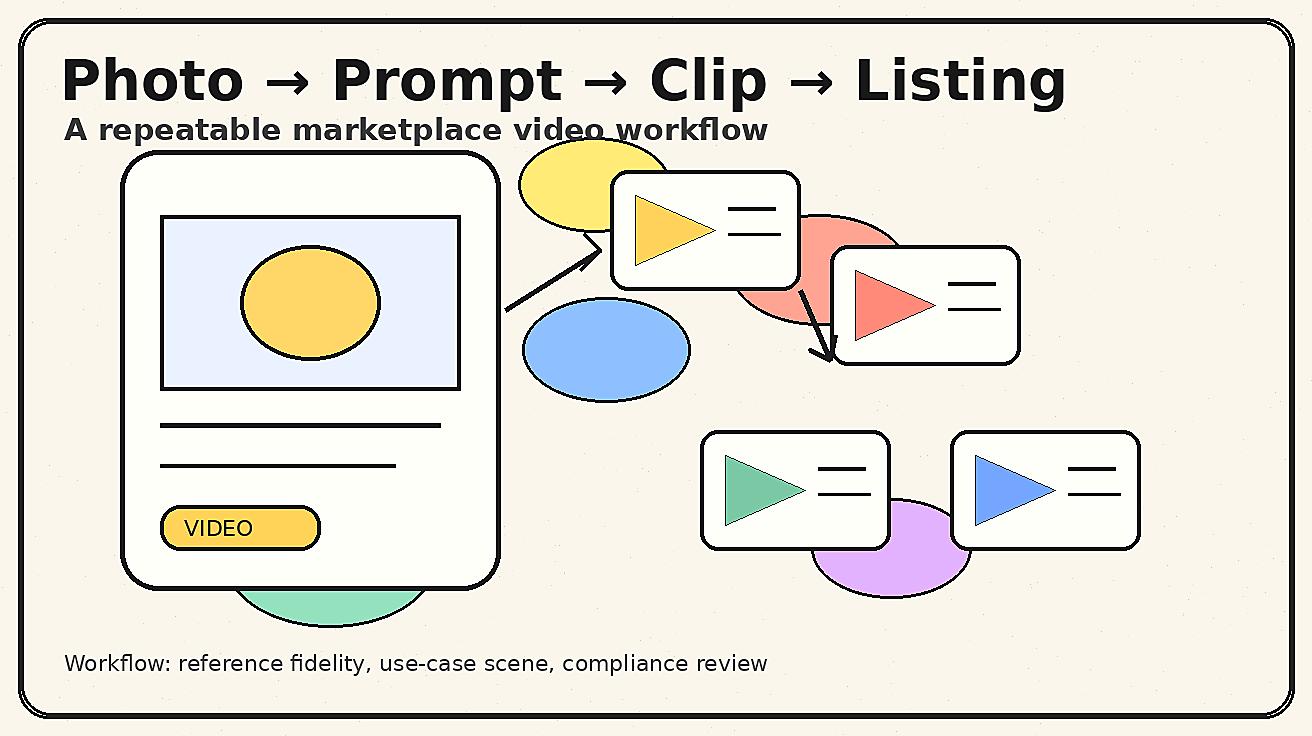
The following templates are designed as starting points. Replace the bracketed details with your actual product information and keep the final review strict.
Home and kitchen product prompt
Use the uploaded product photo as the exact product reference. Create a six second Amazon listing gallery video for a home and kitchen product. Scene: a clean kitchen counter in natural morning light. The product remains the same shape, color, label position, material, and size as the reference image. Action: the product is placed on the counter, rotates slightly, and shows one practical use case with no extra accessories unless visible in the reference. Camera: slow three-quarter push-in, stable and clear. Style: realistic, bright, marketplace-friendly, no dramatic shadows. Leave clean space on the right for approved overlay text. Do not add fake ratings, fake badges, price tags, discount labels, competitor logos, unsupported claims, people’s faces, or changed packaging.
Beauty or personal care prompt
Use the uploaded product photo as the exact product reference. Create a short Amazon product detail video that shows the package and product texture in a clean bathroom vanity setting. The label, cap, bottle shape, color, and size stay faithful to the reference. Action: the product is gently placed beside a towel and shown with a small amount of texture on a neutral surface only if the reference supports it. Camera: locked close-up with a soft push-in. Style: clean, premium, simple. Avoid medical claims, skin transformation, before-and-after exaggeration, fake dermatology endorsements, fake reviews, extra product variants, or unreadable altered label text.
Electronics accessory prompt
Use the uploaded product image as the exact reference for an Amazon listing video. Scene: a tidy home-office desk with a laptop and neutral accessories. Action: the product connects, folds, slides, snaps into place, or organizes cables depending on the product’s real function. Keep the product dimensions, ports, button placement, color, and material accurate. Camera: top-down or three-quarter desk view with one smooth motion. Style: clear product demonstration, not cinematic sci-fi. Leave space for an editor to add approved feature callouts. Do not add fake compatibility claims, brand logos that are not present, extra ports, extra accessories, fake certification icons, or unrealistic light effects.
Pet product prompt
Use the uploaded product image as the exact product reference. Create a calm Amazon product video concept for a pet owner. Scene: a clean living room floor with the product placed near a sofa. Action: show the product being opened, positioned, or prepared for use; keep the pet interaction minimal and safe. Camera: gentle low-angle push-in. Style: warm, practical, shopper-friendly. Do not show unsafe behavior, exaggerated results, fake veterinarian endorsements, fake ratings, medical claims, or accessories that are not included.
Travel or organization product prompt
Use the uploaded product image as the exact reference. Create a short Amazon listing video for a travel or organization product. Scene: suitcase, shelf, closet, desk, or entryway depending on the product. Action: show items being arranged neatly, the product sliding into place, or the organizer opening to reveal compartments. Keep the product color, stitching, zipper placement, handle, and included components accurate. Camera: stable top-down with a slow reveal. Style: clean, useful, minimal. Do not add extra compartments, fake capacity, unrealistic transformations, price tags, discount badges, or unapproved claims.
How to protect product accuracy
Product accuracy is the biggest operational risk in AI-generated marketplace video. A beautiful clip is not useful if it changes the product. The first rule is to choose strong source images. Use a sharp hero image, a detail image, and, when possible, an angle that shows scale or accessory count. If the product has a label, include a clean label reference. If it has buttons, seams, ports, stitching, or transparent material, include those details in the prompt and in the review checklist.
The second rule is to keep the scene simple. Product drift increases when the model has to solve too many objects, too much motion, or too many style instructions. A clean counter, desk, shelf, or tabletop gives Seedance fewer distractions. If the product is small, use close-up camera language. If the product is reflective, specify soft lighting and avoid fast camera moves.
The third rule is to review frame by frame. Do not judge only the first thumbnail. Watch for label warping, color shifts, size changes, duplicated accessories, missing parts, unsafe handling, or implied functions that the product does not have. If the product needs compliance review, export still frames and keep them with the creative brief. That makes approvals easier and prevents a vague “looks fine” review from becoming the only record.
The fourth rule is to separate video generation from text approval. Let Seedance create the motion. Add text overlays later in a controlled editor where the claim, typography, and language can be checked. This avoids generated misspellings and makes it easier to update copy for Amazon listing rules or brand guidelines.
Marketplace claim safety: what not to prompt
Amazon-oriented creative should avoid anything that could mislead a shopper. Do not prompt fake star ratings, fake “Amazon’s Choice” badges, fake bestseller ribbons, fake sale labels, fake customer quotes, or fake certification icons. Do not ask Seedance to show a product solving a problem in a way that is not documented on the listing. Do not create medical, financial, safety, child-related, or performance claims unless they are already approved and properly supported.
Avoid exaggerated before-and-after scenes. For some categories, a before-and-after concept can be useful, but it is easy for AI video to overstate results. If the product organizes a drawer, show the drawer becoming neater, not magically transforming an entire room. If the product cleans a surface, do not show impossible restoration. If the product is a beauty item, avoid skin transformation claims unless you have explicit approved substantiation and a compliant production process.
Also avoid competitor or platform confusion. Do not include logos from other marketplaces, competitor brand marks, or UI elements that suggest an endorsement. If the video will be used on Amazon, keep the visual asset focused on the product and the shopper context. If text is needed, add it after generation.
A safe negative prompt is: no fake ratings, no review stars, no Amazon badges, no discount stickers, no price tags, no competitor logos, no celebrity likeness, no medical claims, no exaggerated before-and-after, no extra accessories, no changed packaging, no unreadable text, no watermark, no distorted hands, no unsafe use.
Building a SKU-level Seedance workflow
A single product can support multiple video angles. Start with a three-clip set for each priority SKU. Clip one is the listing clarity clip: product on clean background with one use case. Clip two is the buyer problem clip: the product solving a practical situation. Clip three is the paid hook clip: faster motion, strong first second, and open space for overlay copy.
For example, a storage organizer could have a listing clarity clip showing compartments opening, a buyer problem clip showing a messy shelf becoming organized, and a paid hook clip showing the organizer sliding into a cabinet with the product centered. A kitchen tool could have a clarity clip showing the product shape, a problem clip showing one preparation step, and a hook clip showing a close-up action that reads quickly in a feed.
Keep a prompt library by product category. Save the strongest prompt, negative prompt, source image set, approved overlay copy, and final URL. Over time, this becomes a production asset. Your second kitchen product does not need a new workflow. It needs the proven kitchen prompt adjusted for product details. Your tenth desk accessory does not need a new creative system. It needs a new reference image and a specific action.
Use a simple scoring sheet for outputs. Score product fidelity, buyer clarity, camera quality, editability, claim safety, and brand fit from one to five. Only clips that pass product fidelity and claim safety should move forward. A clip with excellent motion but inaccurate product detail should be rejected, not edited around.
Editing Seedance output for Amazon use
After generation, treat the Seedance clip as raw footage. Trim the first or last second if the motion settles slowly. Add approved text overlays in your editor, not inside the generation prompt. Use brand fonts and colors if they are allowed for the placement. Keep text short: one benefit, one use case, or one instruction. Do not overload a marketplace video with a full ad script.
For listing gallery videos, captions can help clarity, but the product should be understandable even without sound. For storefront tiles, consistency matters more than aggressive copy. For paid placements, the hook can be stronger, but the visual should still be product-led. A good editing rule is: if the viewer pauses the video at any moment, the product should still be recognizable and the claim should still be defensible.
Export multiple crops when needed. A horizontal version can work for a listing or storefront module. A vertical crop can support paid social or external retargeting. A square version can help with certain creative tests. When prompting Seedance, consider the crop from the start. Put the product in a safe central area, avoid important details near the edges, and leave copy space where the editor will need it.
Finally, compress carefully. Marketplace pages need fast loading and clean playback. Avoid heavy files that slow the page. Keep a master file for future edits and create placement-specific exports for publishing.
Seedance prompt checklist before you publish
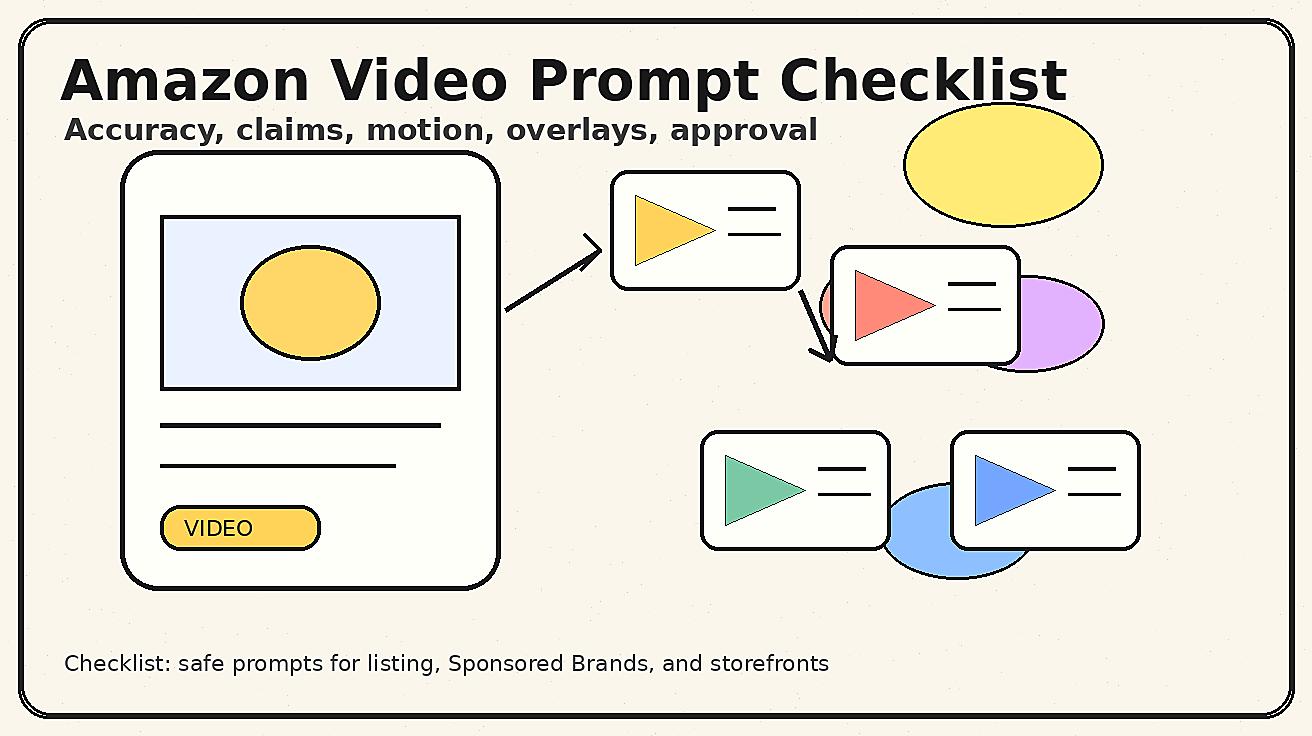
Use this checklist before sending a clip to the listing team, ad team, or marketplace reviewer.
First, does the product match the reference? Check shape, color, size, label, material, parts, accessories, and packaging. Second, is the use case real? The clip should show something the product can actually do. Third, are there any implied claims? If yes, confirm that the claim already exists in approved listing copy or remove it. Fourth, is the motion clear? The shopper should understand the product within the first few seconds. Fifth, is the clip editable? There should be room for overlays and no generated text that creates approval problems.
Sixth, is the scene relevant to the buyer? A kitchen product belongs in a kitchen context; a desk product belongs in an office context; a travel product belongs near luggage or packing. Seventh, are there extra items that could confuse the offer? Remove or regenerate if the clip appears to include accessories that are not sold with the SKU. Eighth, does the clip avoid marketplace-sensitive elements such as fake ratings, badges, price claims, discounts, endorsements, and competitor logos? Ninth, does the crop work for the placement? Tenth, has someone outside the generation process reviewed the final clip?
This sounds strict because it should be strict. Amazon video is not a place for accidental creativity that changes the product. Seedance is powerful when it is guided by a tight brief and a practical approval process.
Recommended internal links and next steps
If your product already has strong still images, start with Seedance image-to-video workflows. The fastest path is to use existing product photos as references, generate short motion concepts, and test which angle improves shopper understanding. If you are building a broader creative system, connect this Amazon workflow to your landing page and ad workflow so the same product motion can support multiple placements.
For product teams that want direct motion from text, start with the Seedance text-to-video workflow at /text-to-video. For teams with strong product photos, use /image-to-video as the core production path. To understand the model capabilities behind these workflows, review /seedance-2-0 and build a prompt library around the product categories that matter most to your catalog.
A practical first week plan is simple. Choose three priority SKUs. For each SKU, prepare one hero image, one detail image, and one use-case image. Generate three Seedance clips per SKU: listing clarity, buyer problem, and paid hook. Review them with the checklist above. Publish only the safest and clearest version. Save the best prompt as a template. Repeat for the next SKU.
FAQ
Can Seedance create Amazon listing videos from product photos?
Yes. Seedance can help turn product photos into short product-motion clips when the prompt uses the uploaded image as the exact reference and defines a narrow scene, action, camera move, and review standard.
What is the safest Seedance prompt style for Amazon product video?
The safest style is practical and constrained: exact product reference, one buyer use case, simple camera movement, no generated text, and explicit negative constraints for fake ratings, badges, discounts, unsupported claims, extra accessories, and altered packaging.
Should I add Amazon badges or star ratings in a Seedance clip?
No. Avoid fake ratings, badges, bestseller ribbons, discount stickers, review quotes, and certification icons. Keep marketplace-sensitive copy and claims out of the generation and add only approved overlays later.
How many Seedance clips should I make for each SKU?
Start with three clips per priority SKU: one listing clarity clip, one buyer problem or use-case clip, and one paid hook clip. This gives your team enough variation without creating an unreviewable pile of assets.
How do I check product accuracy in AI-generated listing videos?
Review the clip frame by frame against the product photos and listing. Check color, shape, scale, label placement, accessory count, material, packaging, and any implied use or claim before the clip enters production.
Does Seedance replace professional product shoots for Amazon?
No. Professional shoots still matter for exact flagship assets, regulated categories, and high-risk claims. Seedance is best for controlled motion drafts, scalable SKU creative, prompt testing, storefront tiles, and fast iteration.
<script type="application/ld+json"> { "@context": "https://schema.org", "@type": "FAQPage", "mainEntity": [ {"@type": "Question", "name": "Can Seedance create Amazon listing videos from product photos?", "acceptedAnswer": {"@type": "Answer", "text": "Yes. Seedance can help turn product photos into short product-motion clips when the prompt uses the uploaded image as the exact reference and defines a narrow scene, action, camera move, and review standard."}}, {"@type": "Question", "name": "What is the safest Seedance prompt style for Amazon product video?", "acceptedAnswer": {"@type": "Answer", "text": "The safest style is practical and constrained: exact product reference, one buyer use case, simple camera movement, no generated text, and explicit negative constraints for fake ratings, badges, discounts, unsupported claims, extra accessories, and altered packaging."}}, {"@type": "Question", "name": "Should I add Amazon badges or star ratings in a Seedance clip?", "acceptedAnswer": {"@type": "Answer", "text": "No. Avoid fake ratings, badges, bestseller ribbons, discount stickers, review quotes, and certification icons. Keep marketplace-sensitive copy and claims out of the generation and add only approved overlays later."}}, {"@type": "Question", "name": "How many Seedance clips should I make for each SKU?", "acceptedAnswer": {"@type": "Answer", "text": "Start with three clips per priority SKU: one listing clarity clip, one buyer problem or use-case clip, and one paid hook clip. This gives your team enough variation without creating an unreviewable pile of assets."}}, {"@type": "Question", "name": "How do I check product accuracy in AI-generated listing videos?", "acceptedAnswer": {"@type": "Answer", "text": "Review the clip frame by frame against the product photos and listing. Check color, shape, scale, label placement, accessory count, material, packaging, and any implied use or claim before the clip enters production."}}, {"@type": "Question", "name": "Does Seedance replace professional product shoots for Amazon?", "acceptedAnswer": {"@type": "Answer", "text": "No. Professional shoots still matter for exact flagship assets, regulated categories, and high-risk claims. Seedance is best for controlled motion drafts, scalable SKU creative, prompt testing, storefront tiles, and fast iteration."}} ] } </script>
Ready to create your own AI video?
Turn ideas, text prompts, and images into polished videos with Seedance. If this article helped, the fastest next step is to try the product.
Free credits on signup. Plans from $28/month.
Related Articles
More posts in the same locale you may want to read next.

Seedance App Preview Video Generator 2026: Create App Store and Product Launch Clips
Use Seedance to turn app screenshots, feature copy, and launch goals into App Store previews, Google Play promo videos, and product launch clips.
Read article
PixVerse Lip Sync API Tutorial: Upload, Generate, Poll, and Review
A practical PixVerse lip sync API workflow covering source video IDs, audio upload or TTS, request payloads, asynchronous polling, and quality review.
Read article
OpenArt Consistent Character Video Tutorial: Keep One Person Across Scenes
Build one OpenArt character, prepare reference angles, animate short shots, and review or repair face and wardrobe drift across a video sequence.
Read article