
How to Create AI Avatar Videos with Seedance in 2026 (Step-by-Step Guide)
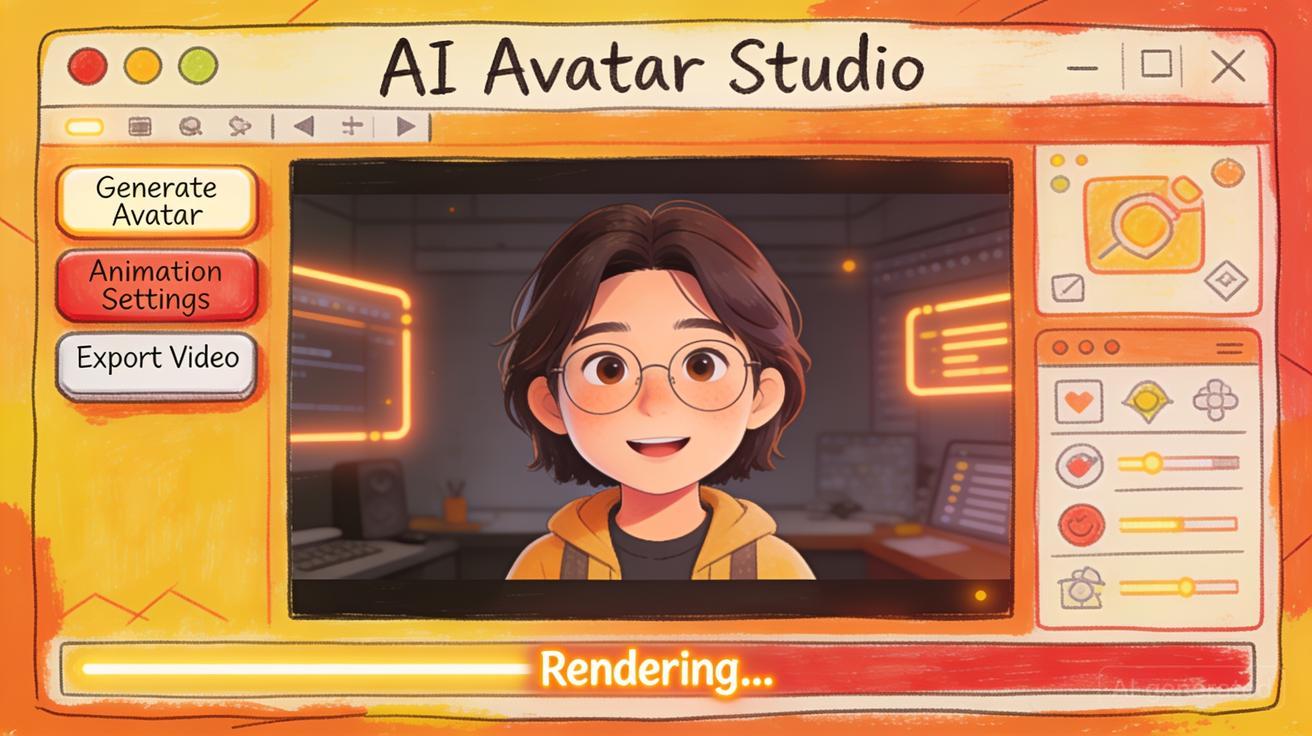
Creating an AI avatar video with Seedance used to feel like a job for a full production team — a camera, a presenter, lighting, and hours of editing. In 2026, you can do it with a single reference photo and one well-written prompt. Seedance turns a still image of a person or character into a moving, expressive avatar clip in seconds, and this guide walks you through the entire workflow from image upload to final download. Whether you are a content creator, an educator, or a marketer, the Seedance AI avatar video generator gives you a fast, watermark-free way to bring faces and characters to life without a studio.
By the end of this step-by-step guide you will know how to pick the right Seedance model, structure prompts that produce natural motion, and squeeze the best results out of every generation.
What Are AI Avatar Videos?
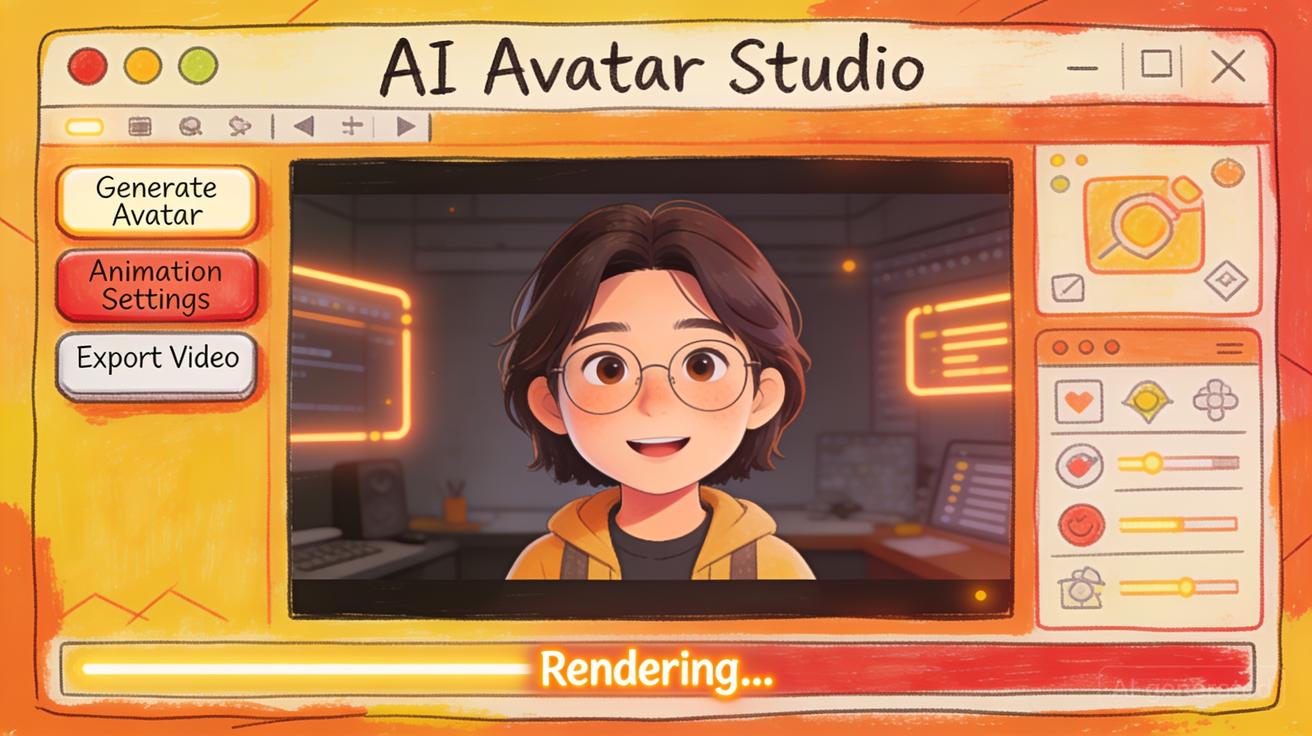
An AI avatar video is a short clip in which a digital version of a person or character moves, gestures, and behaves as if it were filmed live — but the whole thing is generated from a still image and a text description. Instead of recording footage, you feed a model a reference face and tell it what you want to happen: a subtle nod, a turn toward the camera, a walk through a neon-lit street, or a talking-head presentation.
Modern avatar generation is built on image-to-video technology. The model studies the identity, lighting, and features of your source image, then animates them frame by frame while keeping the person recognizable. The result is a believable moving portrait that can be used for social posts, ads, tutorials, or storytelling. Seedance handles this class of task natively, which is why it has become a go-to tool for creators who need avatar content quickly and at scale.
Why Use Seedance for Avatar Videos?
There are dozens of AI video tools in 2026, but Seedance is purpose-built for exactly the kind of identity-preserving, image-driven motion that avatar videos require. Here is what makes it stand out.
Seedance 2.5 model capabilities
The flagship Seedance 2.5 model is tuned for high-fidelity image-to-video generation. When you upload a face or character, Seedance 2.5 preserves facial structure, skin tone, and clothing details across every frame, so your avatar stays consistent instead of morphing into a stranger halfway through the clip. It handles natural micro-movements — blinks, head tilts, breathing, subtle expression shifts — that make an avatar read as alive rather than robotic. Motion coherence is the single hardest problem in avatar video, and Seedance 2.5 is where the platform invests most of its quality.
Image-to-video with face and character input
Seedance is designed around reference input. You do not have to describe a face in words and hope the model invents someone close enough — you upload the exact person or character you want, and Seedance animates that specific identity. This is the core reason Seedance works so well for avatars: the identity comes from your image, and the motion comes from your prompt. It works equally well with real photographs, illustrated characters, 3D renders, and stylized portraits.
No-watermark free tier
Unlike many avatar tools that stamp a logo across every clip until you pay, Seedance offers a free tier with no watermark on your output. That means you can test avatar concepts, generate social clips, and even ship early content without a subscription. For creators validating an idea or students learning the workflow, this removes the biggest friction point in getting started.
Take Seedance out of any of these points and the workflow falls apart — the model quality, the reference-driven identity control, and the free watermark-free output are all specific to this platform.
Step-by-Step Workflow: Creating an Avatar Video with Seedance
Here is the complete process, start to finish. The whole thing takes a couple of minutes once your source image is ready.
Step 1: Upload a reference image
Open the Seedance image-to-video generator and upload your reference. This can be a photo of a person, a headshot, an illustrated character, or any portrait you have the rights to use. For the strongest results, choose an image where the face is well-lit, clearly visible, and facing roughly toward the camera. Seedance reads this image to lock in the identity it will animate, so the sharper and cleaner your source, the more faithful the avatar.
Step 2: Write a prompt describing the motion and scene
With the image loaded, write a prompt that tells Seedance what should happen. This is where you describe the motion (a slow nod, a smile, a turn), the camera behavior (static, slow push-in, orbit), and the scene or mood. The reference image controls who appears; the prompt controls what they do. A good avatar prompt is specific about movement and restrained about everything else, so Seedance spends its effort on believable animation rather than reinventing the scene.
Step 3: Choose the right Seedance model
Seedance gives you a model choice for every generation:
- Seedance 2.5 — the quality option. Use it when the avatar is the hero of your content: a talking-head intro, a hero ad shot, or anything a viewer will watch closely. It produces the most stable identity and the smoothest motion.
- Seedance Mini — the speed option. Use it for rapid drafts, batch social clips, or when you are iterating on prompts and want to see results fast. Mini trades a little fidelity for much faster turnaround, which is ideal when you plan to generate many variations.
A practical rhythm: draft with Mini to nail the prompt, then render the final with Seedance 2.5.
Step 4: Adjust settings (duration and aspect ratio)
Before you generate, set your output parameters. Choose a duration appropriate to the platform — short clips of a few seconds work best for social loops and reaction shots, while slightly longer clips suit intros and explainers. Pick an aspect ratio that matches where the video will live: 9:16 vertical for TikTok, Reels, and Shorts; 1:1 square for feed posts; 16:9 landscape for YouTube and websites. Setting these correctly up front saves you from awkward cropping later.
Step 5: Generate and download
Hit generate. Seedance processes your image and prompt and returns a finished avatar clip — typically in seconds with Mini and a bit longer with 2.5. Preview the result, and if the motion or framing is not quite right, tweak the prompt and regenerate. When you are happy, download the video. On the free tier it comes out clean, with no watermark, ready to post or drop into an edit.
Best Prompt Formulas for Seedance Avatar Videos
Prompt quality is the difference between a stiff, uncanny clip and a natural one. The reliable formula for Seedance avatar prompts is:
[subject identity cue] + [specific motion] + [expression/emotion] + [camera behavior] + [scene/lighting]
Keep motion described in plain, physical terms and avoid over-stuffing the prompt. Here are eight ready-to-use prompt examples you can adapt in Seedance.
A young woman looks directly at the camera and gives a warm, confident smile,
subtle head nod, soft studio lighting, static shot, shallow depth of field.
A bearded man in a denim jacket turns his head slowly from the side to face
the camera, calm expression, slow cinematic push-in, golden hour backlight.
An animated cartoon fox character waves hello and tilts its head playfully,
bright cheerful lighting, gentle bounce motion, flat illustration style, static camera.
A professional woman presenter speaks to the camera with natural hand gestures,
engaged expression, blinking naturally, clean white studio background, eye-level static shot.
An older man with glasses laughs gently and looks away then back at the camera,
warm relaxed mood, soft window light, subtle handheld camera sway.
A stylish young man nods to the beat and gives a slight smirk, confident energy,
neon city lights reflecting on his face, slow orbit around the subject, night scene.
A female fantasy warrior character slowly raises her chin and narrows her eyes,
determined expression, dramatic rim lighting, wind moving her hair, slow push-in.
A friendly teacher waves and points toward the viewer as if explaining something,
encouraging smile, bright classroom lighting, static medium shot, natural blinking.
Notice that each prompt names one or two clear motions, one clear emotion, and one clear camera move. That restraint is what keeps Seedance avatars stable and lifelike.
Tips for Better Seedance Avatar Results
Small adjustments produce big quality gains. These are the habits that separate polished Seedance avatar clips from disappointing ones.
Start with great lighting in your source image. Seedance can only animate what it can see. A flat, well-lit face with soft, even lighting gives the model the cleanest identity to work from. Avoid harsh shadows across the eyes or mouth, heavy backlight that silhouettes the face, or low-resolution crops. If your avatar looks unstable, the source image is usually the culprit.
Structure your prompt around motion, not description. Because your reference image already defines appearance, do not waste prompt tokens re-describing hair color or clothing. Spend them on how the person moves and feels. "Slow nod, warm smile, static camera" will beat a paragraph of visual adjectives every time.
Iterate deliberately. Change one variable per generation. If the motion is too strong, dial the described movement down ("subtle" instead of "energetic"). If the camera feels busy, switch to a static shot. Iterating one factor at a time tells you exactly what caused a change, which is far faster than rewriting the whole prompt each round. Draft these iterations on Seedance Mini for speed, then lock the final on 2.5.
Match duration to motion. Simple movements like a nod or smile read best in short clips. Reserve longer durations for prompts with a clear arc — a turn, a walk, a gesture sequence — so the avatar has something to do across the frames.
Use Cases for Seedance Avatar Videos
The reason avatar video has exploded is that it collapses production cost to almost nothing. Here is where Seedance avatars deliver the most value.
Content creators use Seedance to produce talking-head intros, reaction clips, and character-driven storytelling without ever turning on a camera. A single portrait becomes an entire cast of animated presenters, which is a gift for faceless channels and animation-first creators.
Educators turn static course thumbnails and character mascots into welcoming animated guides. An instructor's headshot can front a lesson intro, or an illustrated character can walk students through a concept — all generated in Seedance in minutes rather than filmed.
Marketing teams generate spokesperson clips, product-launch teasers, and personalized ad variants at scale. Because Seedance is reference-driven, a brand can animate a consistent brand character across an entire campaign, keeping identity locked while varying the message.
Social media managers lean on Seedance for the sheer volume modern feeds demand. Vertical avatar clips for Reels, Shorts, and TikTok can be batch-produced from a handful of source images, keeping a posting calendar full without a filming schedule.
Seedance vs Dedicated Avatar Tools: When Seedance Wins
Dedicated avatar platforms — the lip-sync-first, script-to-presenter tools — have their place, especially when your only goal is a talking corporate presenter reading a script with perfectly synced lips. But Seedance wins in the situations most creators actually face.
Seedance wins on creative flexibility. Dedicated avatar tools lock you into a library of stock presenters or a rigid talking-head format. Seedance animates any image you upload — real people, illustrated characters, fantasy creatures, stylized art — with cinematic camera moves and scene control that script-reading tools simply do not offer.
Seedance wins on cost and access. Many dedicated avatar platforms gate everything behind a subscription and stamp watermarks on free output. Seedance's free, watermark-free tier lets you produce usable avatar content without paying, which matters enormously for independent creators and small teams.
Seedance wins on visual quality and motion range. Because Seedance 2.5 is a general high-fidelity video model applied to avatars, it produces richer motion, better lighting integration, and more filmic results than templated avatar generators, which tend to look flat and repetitive.
The honest rule: if you need a corporate presenter to read a long script with exact lip-sync, a dedicated tool may serve you better. For everything else — creative, character, cinematic, social, and short-form avatar content — Seedance is the stronger choice.
Free vs Pro: How Many Avatar Videos Can You Generate?
Seedance's free tier is built for real use, not just a token trial. On the free plan you can generate avatar videos with no watermark, test both Seedance 2.5 and Mini, and produce clips for social and personal projects within a daily generation allowance. For many creators, the free tier alone covers a steady posting rhythm.
Upgrading to Pro raises your ceiling in the ways that matter when avatar video becomes central to your work: a higher volume of generations, priority processing so your renders finish faster during busy periods, longer maximum durations, and full access to the highest-quality Seedance 2.5 settings for hero content. The practical path is to start free, prove the workflow fits your content, and move to Pro only when generation volume or turnaround speed becomes a bottleneck.
Frequently Asked Questions
Can Seedance make an avatar talk with lip-sync? Seedance specializes in expressive, identity-preserving motion — nods, expressions, gestures, and cinematic movement — driven by your prompt. For creative and character-driven avatar content it produces natural, lifelike animation. If your single goal is precise script-to-lip-sync for a corporate presenter, pair Seedance-generated visuals with dedicated lip-sync, but for most avatar use cases Seedance's motion is what viewers respond to.
What kind of image should I upload for the best Seedance avatar? Use a clear, well-lit portrait where the face is visible and roughly facing the camera. Soft, even lighting and higher resolution give Seedance the cleanest identity to animate. Illustrated characters and 3D renders work just as well as real photos, as long as the face is legible.
Which Seedance model should I use for avatar videos? Use Seedance 2.5 for final, high-quality avatar clips where identity and smooth motion matter most. Use Seedance Mini for fast drafts and prompt iteration, or when batch-producing many social clips. A common workflow is drafting on Mini and rendering the final on 2.5.
Does the free tier really have no watermark? Yes. Seedance's free tier outputs avatar videos without a watermark, so you can post or publish free-tier clips directly. Upgrading to Pro adds volume, speed, longer durations, and top-tier quality settings rather than removing a watermark.
How long can a Seedance avatar video be? You choose the duration before generating. Short clips of a few seconds are ideal for social loops, reactions, and simple motions, while longer durations suit intros and gesture sequences. Pro plans unlock longer maximum durations for extended content.
Can I animate a cartoon or non-human character? Absolutely. Seedance is reference-driven, so it animates illustrated characters, mascots, fantasy creatures, and stylized art the same way it animates real portraits. Describe the motion in your prompt and Seedance brings the character to life while preserving its style.
Why does my avatar look distorted or unstable? The most common cause is the source image — harsh shadows, backlighting, low resolution, or a face turned away from the camera all make identity harder to preserve. Swap in a cleaner, well-lit, front-facing image, and keep your prompted motion subtle. Reducing the intensity of the described movement usually fixes remaining instability.
Conclusion
AI avatar video is no longer a studio-scale production — with Seedance it is a two-minute workflow. Upload a reference image, write a prompt focused on motion and mood, pick Seedance 2.5 for quality or Mini for speed, set your duration and aspect ratio, and generate. The free, watermark-free tier means you can start producing avatar content today, and the prompt formulas and tips in this guide will get you from stiff first drafts to natural, expressive clips faster.
The single most important habit is starting with a clean, well-lit source image and prompting for specific motion rather than describing appearance Seedance already sees. Do that, iterate one variable at a time, and you will have a repeatable pipeline for turning any face or character into a moving avatar. Open Seedance, upload your first image, and generate your first AI avatar video — the studio is already in your browser.
Ready to try it yourself?
Put the steps from this guide into practice with Seedance and turn prompts or images into polished videos in minutes.
Free credits on signup. Plans from $28/month.
Related Articles
More posts in the same locale you may want to read next.

Seedance App Preview Video Generator 2026: Create App Store and Product Launch Clips
Use Seedance to turn app screenshots, feature copy, and launch goals into App Store previews, Google Play promo videos, and product launch clips.
Read article
Gemini AI Video Prompt Examples: Copy-Ready Veo Scenes and a Better Prompt Formula
Copy Gemini AI video prompt examples for cinematic motion, product ads, dialogue, and vertical clips, then adapt them with a practical Veo prompt formula.
Read article
How to Keep Product Shape Consistent in AI Video Ads
Lock product geometry, packaging, labels, references, camera angles, and approval checks so AI video ads preserve the real SKU across every shot.
Read article