

If you are searching for a free AI video generator no sign up, you probably do not want a long product pitch. You want to know which tools are worth trying, whether you can start without an account, what the free limits look like, and whether the final video is usable without a watermark or subscription. The honest answer is that most serious AI video tools are not truly unlimited without login, but several let you inspect the workflow, test prompts, or use limited free credits before paying.
This guide is a product listing, not a Seedance ad. Seedance appears because it is a strong option for multi-model testing, but the right choice depends on your job: cinematic motion, social effects, product demos, avatar videos, open-source control, or fast marketing assets. If you already have a source image, start with an Image to Video workflow; if you only have an idea, compare tools with a Text to Video prompt.
Quick Comparison: Free AI Video Generators No Sign Up
| Rank | Tool | Best for | No-sign-up reality | Free-plan check |
|---|---|---|---|---|
| 1 | Kling AI | Cinematic motion and physics | Public pages visible; generation usually account-based | Check daily/trial credits, queue, watermark |
| 2 | Seedance | Multi-model image-to-video and text-to-video | Public workflow visible; generation/export may need account or credits | Check model cost, export, watermark, history |
| 3 | Pika | Social effects and playful edits | Public site visible; creation usually requires login | Check monthly credits and watermark rules |
| 4 | Luma | Creative iteration and marketing visuals | Public pages visible; app usually needs sign-in | Check credits, workspace, export quality |
| 5 | Runway | Professional AI video workflows | Public research/product pages visible; app is account-based | Check plan limits and commercial rights |
| 6 | Hailuo AI | Short text-to-video and image-to-video tests | Public page visible; app rules vary | Check credits, resolution, export limits |
| 7 | Vidu | Narrative and reference-based clips | Access varies by platform/region | Check trial limits and download rules |
| 8 | Wan open-source | No-subscription technical control | Local use avoids account but needs setup | Hardware/time replace subscription cost |
| 9 | Canva-style tools | Simple marketing videos | Usually account needed to save/export | Check template and asset restrictions |
| 10 | HeyGen-style avatar tools | Talking avatars and explainers | Account usually required | Check minute limits, branding, avatars |
1. Kling AI — Best for Cinematic Motion
Kling AI is a strong first pick when the video needs realistic motion, camera movement, and physics. It is especially relevant for action shots, product movement, fashion, vehicles, fabric, water, or cinematic scenes.
Best for: cinematic clips, complex motion, realistic camera direction.
Watch out for: account requirements, queue limits, free credit changes, and export quality.
Use it when: motion realism matters more than instant no-login access.
2. Seedance — Best for Multi-Model Testing
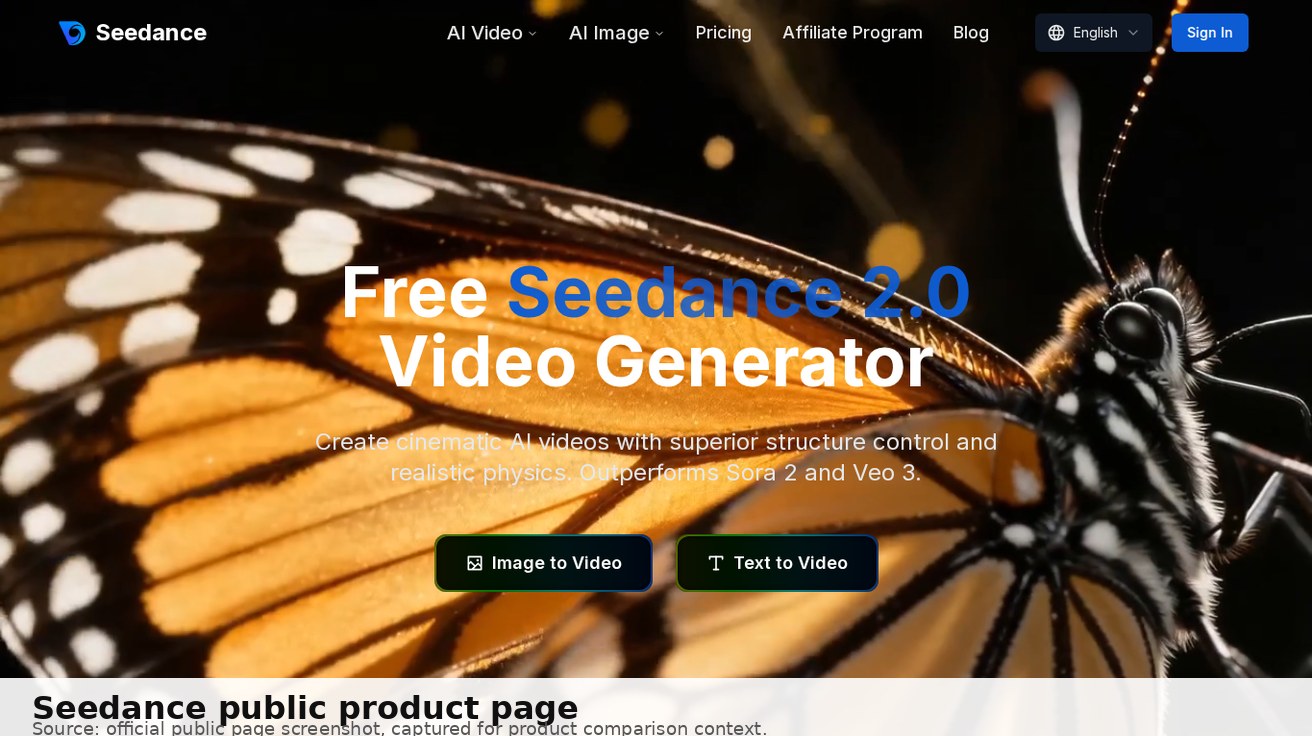
Seedance fits this query when users want to compare practical video workflows in one place. The product supports AI video workflows around Seedance 2.0 and multi-model generation, so it is useful when you have a product photo, app screenshot, brand visual, or clear prompt and want to test which model gives the best result. If subject consistency matters, the Reference to Video workflow is a better starting point than a one-off prompt.
Seedance should not be described as unlimited no-sign-up video generation. A more credible position is: Seedance is a strong option for structured testing. You can inspect the public workflow, prepare a prompt, compare model choices, check credits, and decide whether the output is worth using in ads, social posts, ecommerce, or product demos.
Best for: product demos, app previews, TikTok/Reels concepts, prompt testing, model comparison.
Watch out for: login, credits, export, watermark, and history rules shown in the current interface; check the current pricing page before using outputs for paid campaigns.
Use it when: you want one workflow for testing multiple AI video models instead of jumping between tools.
3. Pika — Best for Social Effects
Pika is better for playful creator videos than strict product accuracy. If you want short effects, stylized transformations, or social clips, it is worth testing.
Best for: social videos, visual effects, creator experiments.
Watch out for: account flow, free credit limits, watermark, and export resolution.
Use it when: the goal is attention and style, not precise logo or product preservation.
4. Luma — Best for Creative Iteration
Luma is useful for broader creative work: campaign concepts, product visuals, social ads, storyboards, and team iteration. It is less of a pure no-sign-up demo and more of a creative workflow platform.
Best for: marketing visuals, storyboards, product creative, team workflows.
Watch out for: sign-in, workspace limits, credits, and production export rules.
Use it when: you need multiple creative directions rather than one quick clip.
5. Runway — Best for Professional Workflows
Runway belongs in any serious AI video generator list because it has a mature creative ecosystem and strong model positioning. But it is not the lowest-friction option if your only requirement is instant no-account generation.
Best for: pro video workflows, film-style concepts, advanced AI video experiments.
Watch out for: account-based app access, plan limits, commercial terms.
Use it when: quality and creative control matter more than avoiding sign-up.
6. Hailuo AI — Best for Fast Motion Tests
Hailuo AI positions itself around AI video from text and image, which makes it a useful comparison point for short clips and prompt adherence.
Best for: quick text-to-video and image-to-video tests.
Watch out for: current credit rules, resolution, queue, and export limits.
Use it when: you want another motion-quality benchmark beside Kling, Runway, and Seedance.
7. Vidu — Best for Narrative Clips
Vidu is worth considering when your prompt needs story structure, reference control, or character consistency. It is less about one random clip and more about whether a short scene holds together.
Best for: narrative scenes, references, character consistency, storyboards.
Watch out for: regional access, trial limits, and download rules.
Use it when: continuity matters more than speed.
8. Wan Open-Source Options — Best for No Subscription
Wan-style open-source workflows are attractive if you want to avoid subscriptions, but they are not always beginner-friendly. Local generation may require GPU hardware, setup time, model files, and troubleshooting.
Best for: developers, technical creators, local experiments.
Watch out for: hardware cost, setup complexity, and variable quality.
Use it when: control matters more than convenience.
9. Canva-Style Tools — Best for Simple Marketing Assets
Template-based design tools are useful when you need a finished social post, presentation video, or simple promo. They are not always the best test of raw AI video model quality, but they can be faster for non-technical users.
Best for: simple ads, social posts, presentation videos.
Watch out for: account requirements, premium templates, asset licensing, export rules.
Use it when: design speed matters more than model benchmarking.
10. HeyGen-Style Avatar Tools — Best for Business Explainers
Avatar tools are not the same as cinematic AI video generators, but they solve a common user need: talking-head explainers, training, sales, onboarding, and localization.
Best for: avatar videos, explainers, business communication.
Watch out for: minute limits, avatar restrictions, watermark, and commercial terms.
Use it when: you need a speaker, not a generated scene.
How to Choose the Right Tool
Use one test prompt across multiple tools instead of changing the prompt every time:
Create a 6-second vertical product demo video from this image. Keep the product shape accurate, preserve the logo, add a slow camera push-in, clean studio lighting, realistic shadows, smooth motion, no extra text, export-ready for TikTok and Reels.
Then score each tool on sign-up friction, free credit clarity, generation speed, subject consistency, motion quality, watermark, export quality, and commercial-use confidence.
If you have a product photo or app screenshot, start with Seedance and one motion-focused competitor. If you need cinematic realism, test Kling or Runway. If you want social effects, test Pika. If you want no subscription and have technical skills, test Wan-style open-source workflows.
Best Choice by Use Case
For product videos, choose a tool that preserves shape, logo, and material details. Seedance is a practical first test because image-to-video starts from your actual asset. Compare it with Kling or Runway only if camera motion or cinematic realism is more important than product accuracy.
For TikTok, Reels, and Shorts, choose speed and format fit. Pika, Luma, and Seedance can all work, but the winner is the one that gives you a clean 9:16 result with enough safe space for captions. Do not judge only the first frame; watch the full clip for motion glitches.
For professional brand work, avoid relying on a vague free claim. Check commercial-use rights, watermark, download quality, and whether the output can be recreated later. Runway and Luma may fit serious workflows, while Seedance is useful when the team wants to compare multiple model outputs before committing.
For zero-subscription experiments, open-source Wan-style workflows are the most flexible, but they require technical patience. They are best for builders, not casual marketers.
FAQ
What is the best free AI video generator no sign up?
There is no single best tool for every case. Kling is strong for cinematic motion, Seedance is strong for multi-model image-to-video and text-to-video testing, Pika is good for social effects, Luma is useful for creative iteration, and Wan-style options are better for technical users who want no subscription.
Can I generate AI videos without signing up?
Sometimes you can inspect a tool, use a demo, or prepare a prompt without signing up. But generation, saving, download, high-resolution export, watermark removal, or history usually requires login or credits.
Is Seedance free to use without sign-up?
You can view Seedance public pages and evaluate the workflow before committing to a subscription. Actual generation, credits, export, history, and watermark behavior depend on the current interface and account state, so check those details before using the output publicly.
Which tool should I test first for product videos?
Start with Seedance if you have a product image, app screenshot, or brand asset and want to test image-to-video output. Compare it with Kling or Runway if motion realism is the main concern.
Conclusion
The best free AI video generator no sign up is the one that matches your real video job with the least friction. Use Kling for cinematic motion, Seedance for structured multi-model image-to-video and text-to-video testing, Pika for social effects, Luma for creative iteration, Runway for professional workflows, and Wan-style tools for no-subscription technical control. Before choosing, always verify login, credits, watermark, export quality, and commercial-use rules.
Ready to create your own AI video?
Turn ideas, text prompts, and images into polished videos with Seedance. If this article helped, the fastest next step is to try the product.
Free credits on signup. Plans from $20/month.
Related Articles
More posts in the same locale you may want to read next.

Seedance App Preview Video Generator 2026: Create App Store and Product Launch Clips
Use Seedance to turn app screenshots, feature copy, and launch goals into App Store previews, Google Play promo videos, and product launch clips.
Read article
MiniMax H3 Continuous Talking Avatar Workflow: Keep One Face and Voice Across Clips
Build a longer MiniMax H3 talking avatar from stable 4–15 second clips with one face, voice, speaker ID, boundary frame, and clean audio handoff.
Read article
MiniMax H3 Camera Focal Length Control: Wide, Normal, and Telephoto Looks
Control the apparent lens look in MiniMax H3 with shot size, camera distance, zoom language, reference frames, and a repeatable 24mm-to-85mm prompt test.
Read article