
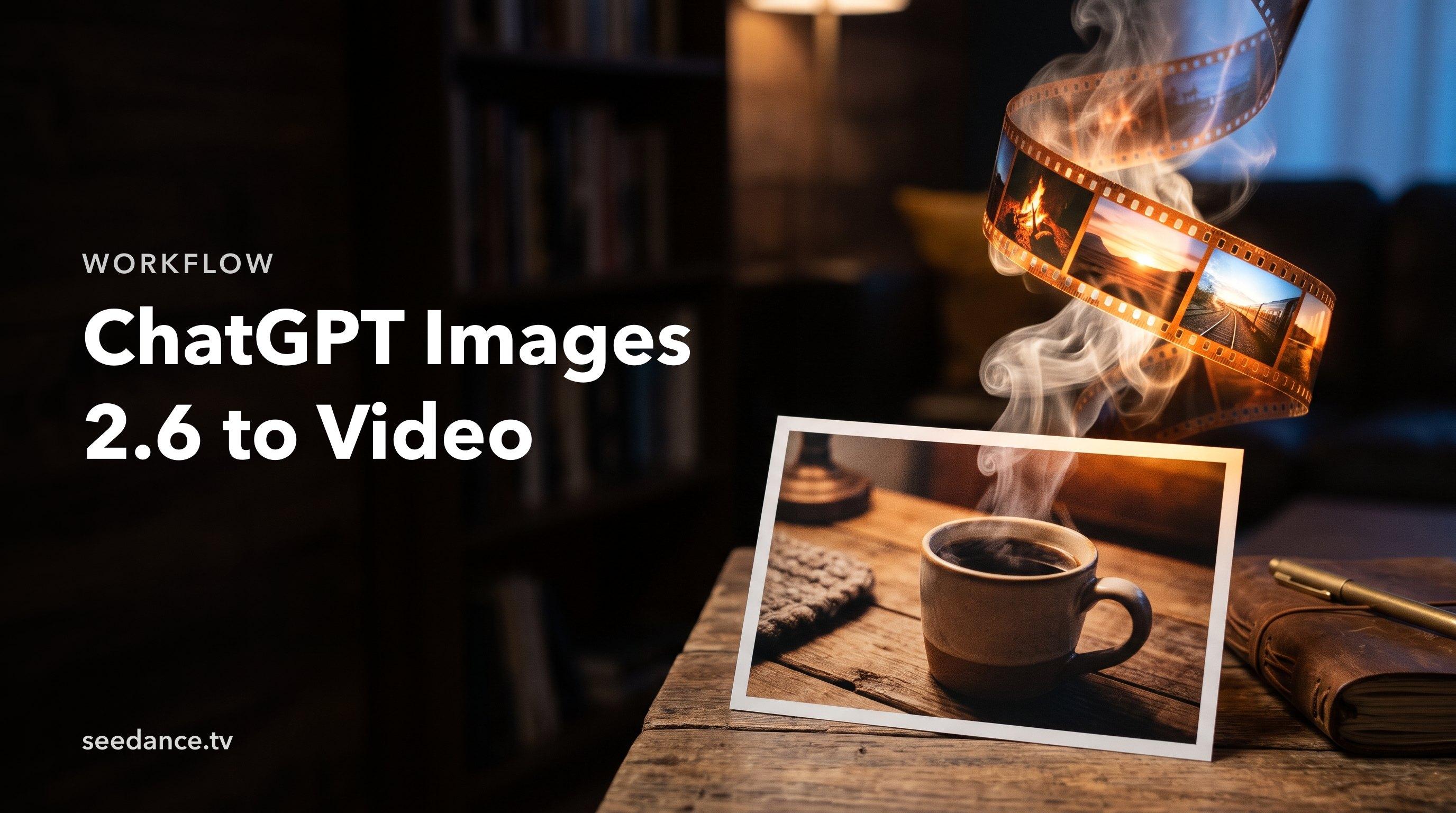
Quick Answer: Make your picture in ChatGPT Images 2.6, download it, upload it to Image to Video on Seedance and describe one clear motion. Use a GIF for a short silent loop, and use a video model for longer shots, camera moves or sound.
ChatGPT Images 2.6 can now make GIFs, so do you still need a video tool? For a reaction or a small loop, maybe not. For an ad, a story or anything with sound, yes. Here is how to take a GPT 2.6 image all the way to a finished clip.
GIF or Video: Which Do You Need?
| ChatGPT Images 2.6 GIF | Seedance 2.5 video | |
|---|---|---|
| Length | A short loop | Up to 30 seconds |
| Sound | None | Synchronized audio |
| Camera moves | Limited | Yes |
| Best for | Reactions, mascots, badges | Ads, stories, social video |
Step 1: Make a Still Built for Motion
Leave room for movement. Ask for space around the subject, one clear pose and simple depth. Avoid busy text, because it can shift once the image moves.
A ceramic mug on a wooden table by a window, steam rising, morning light, plenty of empty space on the left, no text
No ChatGPT plan? Make your still on Seedance with GPT Image 2.5.
Step 2: Download the Full-Size Image
Save the image at full size. Check faces, hands and logos now, because problems are easier to fix before you animate.
Step 3: Upload to Image to Video
Open Image to Video on Seedance and upload your still. To keep a character or product across several shots, use Reference to Video.
Step 4: Describe One Motion
Say what moves, how the camera moves and what stays still.
Steam slowly rises from the mug. The camera pushes in gently. The table and window stay still. Soft cafe ambience.
Step 5: Generate and Refine
Check the credit estimate, then generate with Seedance 2.5. Change one detail at a time if the result is close.
Tips for Better Results
- Keep one action per shot. Join several shots for a longer story.
- Match the aspect ratio to where you will post.
- Keep text out of the image and add it in your editor.
- Save your prompt so you can repeat a look.
Want a different image model? See our ChatGPT Images 2.6 alternatives, or read the ChatGPT Images 2.6 overview.
FAQ
Can ChatGPT Images 2.6 make videos?
It makes GIFs, not full videos. For longer clips with sound, use a video model.
How do I turn a ChatGPT GIF into a video?
Use a still frame or the original image as your start, then animate it in Image to Video.
Can I upload a GPT 2.6 image to Seedance?
Yes. Download the image, then upload it to Image to Video.
Do I need a ChatGPT subscription for Seedance?
No. Seedance has its own account and credits.
Ready to create your own AI video?
Turn ideas, text prompts, and images into polished videos with Seedance. If this article helped, the fastest next step is to try the product.
Free credits on signup. Plans from $28/month.
Related Articles
More posts in the same locale you may want to read next.
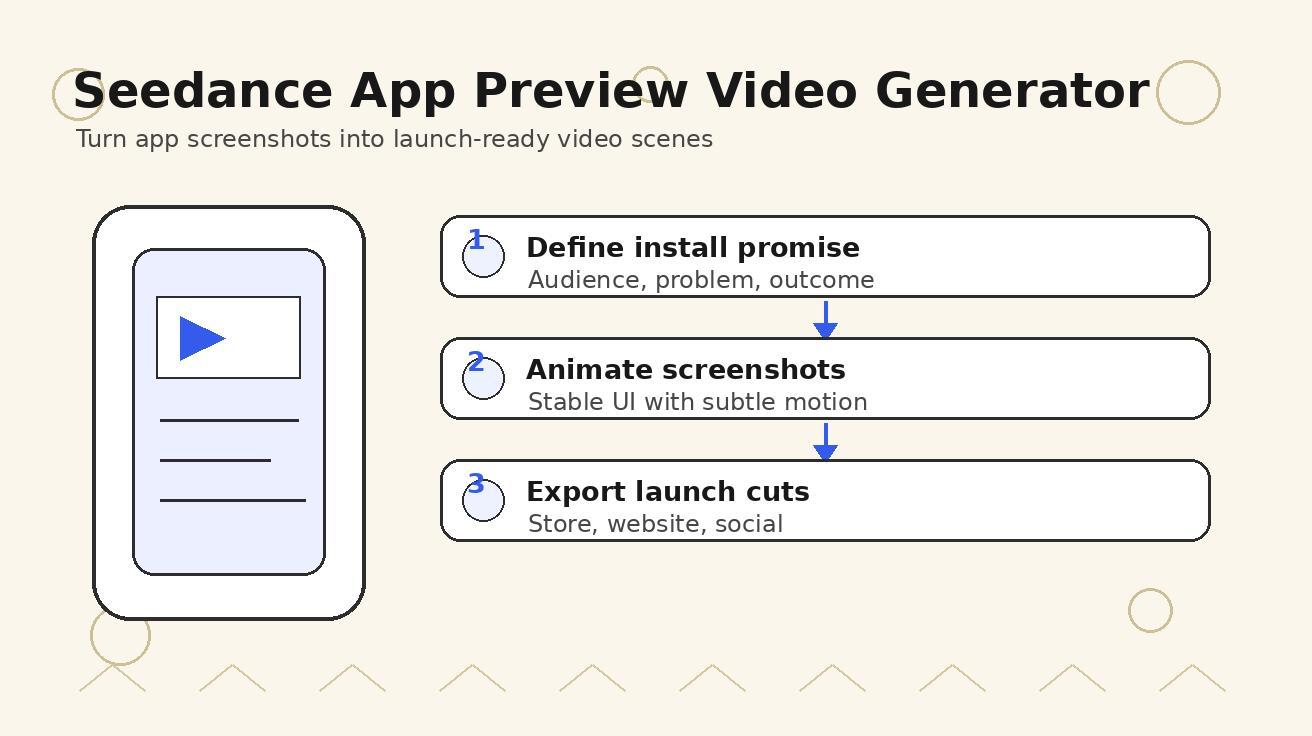
Seedance App Preview Video Generator 2026: Create App Store and Product Launch Clips
Use Seedance to turn app screenshots, feature copy, and launch goals into App Store previews, Google Play promo videos, and product launch clips.
Read article
7 ChatGPT Images 2.6 Alternatives Worth Trying
Looking for a ChatGPT Images 2.6 or GPT 2.6 alternative? Compare 7 image models by what they do best, and see how to turn your stills into video.
Read article
15 Faceless YouTube Channel Ideas You Can Make with AI (2026)
15 faceless YouTube channel ideas for 2026, with the format, a sample AI video prompt and difficulty for each, plus how to make them with Seedance AI.
Read article