
AI Video Generator for Real Estate: Create Property Videos Without a Camera (2026)
Real estate videos used to mean hiring a videographer, renting drone equipment, and spending $500–$2,000 per listing. In 2026, AI video generators have dismantled this cost structure entirely. With tools like Seedance 2.0 and Veo 3, real estate agents and property marketers can produce cinematic listing videos in minutes — no camera, no crew, no waiting.
Quick Answer: AI video generation with Seedance lets you create stunning, professional-quality videos from text prompts or images in just minutes — no editing experience required.
This guide covers the best AI video generators for real estate, how to use them effectively, and the proven workflows that top-performing agents are using today.
Why Real Estate Video Matters More Than Ever
The numbers are impossible to ignore:
- 73% of homeowners say they're more likely to list with an agent who creates video
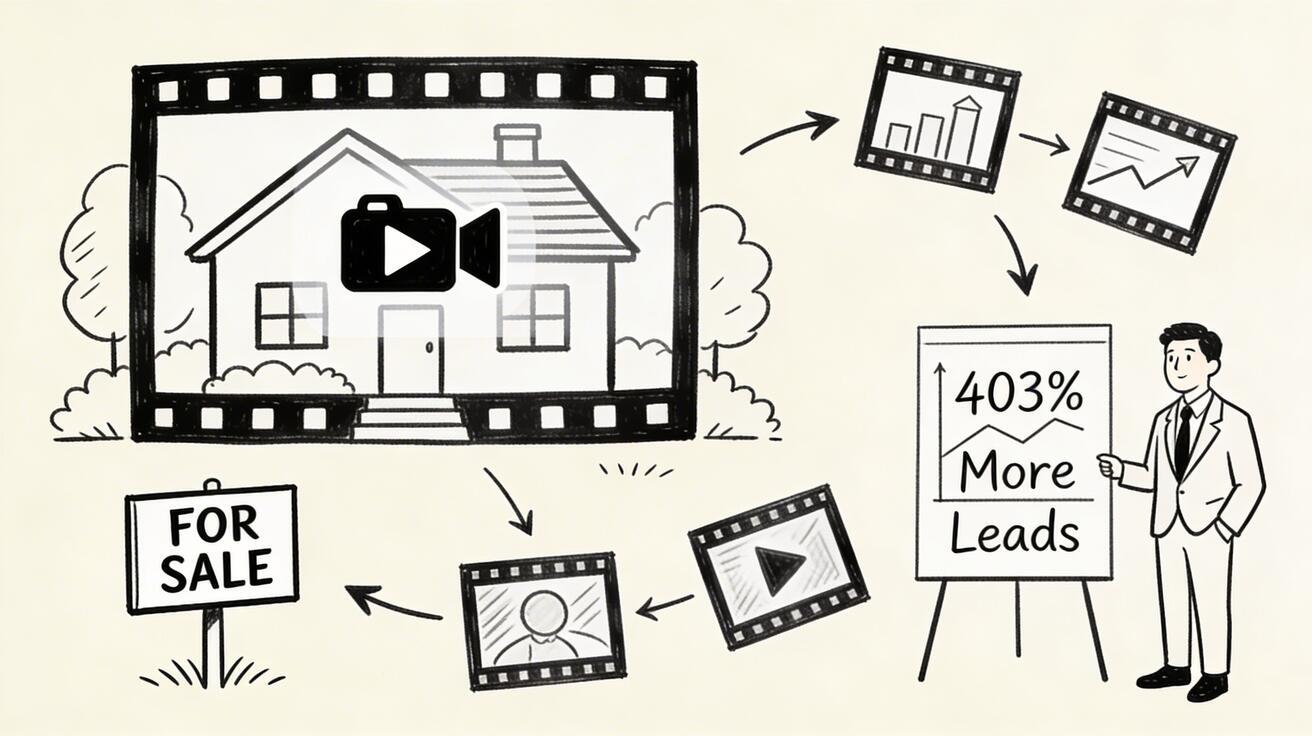
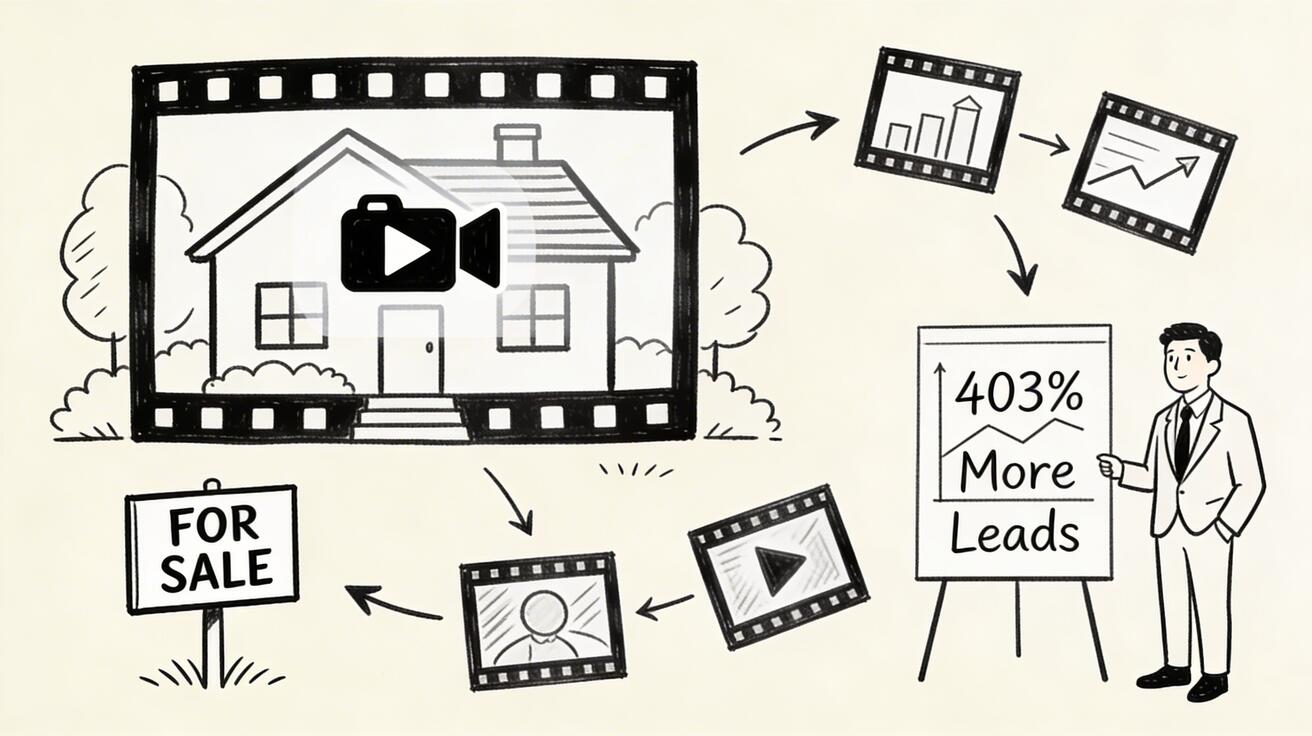
- Listings with video receive 403% more inquiries than those without (NAR data)
- Properties with AI-enhanced visuals sell 35% faster on average
- Video listings spend 14 days less on market than photo-only listings
Yet only 38% of real estate agents use video regularly, primarily because of cost and production complexity. AI video generators close this gap — enabling every agent to compete with luxury-tier visual marketing at a fraction of the cost.
Top AI Video Generators for Real Estate in 2026
1. Seedance 2.0 — Best for Property Visualization from Photos
Seedance is the top choice for real estate professionals who need to convert static property photos into dynamic video content. Its image-to-video capability is specifically well-suited for real estate use cases.
Why Seedance works for real estate:
- Image-to-video: Upload a property photo and generate smooth cinematic camera movements
- Multiple aspect ratios: 16:9 for YouTube/MLS, 9:16 for Instagram Reels and TikTok
- Clean output: No watermarks on any tier
- Fast turnaround: Under 2 minutes per clip
- Free tier: Generous monthly credits to test before committing
Best use cases:
- Exterior establishing shots from photos
- Virtual fly-through effects from still images
- Neighborhood/location context videos
- Social media property teasers
Pricing: Free tier available. Paid plans starting at $29/month.
2. Veo 3 — Best for Cinematic Quality Visualizations
Google's Veo 3 produces the highest quality AI video available in 2026. For real estate, this means ultra-realistic environmental visualizations that are often indistinguishable from drone footage.
Best use cases in real estate:
- Luxury property exterior visualizations
- Seasonal/time-of-day variations ("golden hour exterior")
- Neighborhood environment videos
- New development visualizations
Strengths: Exceptional physical accuracy, natural light behavior, photorealistic environments Limitation: Limited free credits, best for high-priority listings
Access Veo 3 at veo3ai.io or Google AI Studio.
3. Kling 2.0 — Best for Smooth Interior Walkthroughs
Kling 2.0 from Kuaishou excels at camera movement — specifically smooth dolly movements and pan sequences that simulate a professional walkthrough.
Real estate advantages:
- Camera control presets (push-in, pan, orbit) work well for interiors
- Smooth motion physics reduce motion sickness in walkthrough videos
- Up to 3-minute generation length supports longer property tours
Best for: Interior walkthroughs, open-plan living area showcases, kitchen/bathroom feature highlights
4. Luma Dream Machine — Best for 3D Object and Property Visualization
Luma Dream Machine specializes in 3D space visualization — making it uniquely useful for off-plan property sales, new builds, and commercial real estate.
Real estate advantages:
- Generate exterior views from architectural renders
- Create "fly-around" property visualizations
- Produce photorealistic material and texture rendering
- Convert floor plans into exploratory videos
Best for: New developments, off-plan sales, commercial real estate presentations
5. Runway Gen-4 — Best for Professional Production Pipelines
Runway Gen-4 integrates with professional video editing workflows, making it ideal for agencies and teams that blend AI-generated content with traditional production.
Real estate advantages:
- Inpainting: Replace sky, add seasonal elements, adjust time-of-day
- Video-to-video stylization: Enhance existing property footage
- DaVinci Resolve / Premiere Pro export compatibility
Best for: Marketing agencies, luxury property brands, multi-listing production workflows
Practical Workflows: AI Video in Real Estate
Workflow 1: Photo-to-Video Listing Package (15 minutes)
This is the most practical workflow for individual agents.
What you need: 3-5 professional or smartphone property photos
Step 1: Exterior establishing shot
- Upload exterior photo to Seedance
- Prompt: "Slow dolly push toward the entrance, golden hour lighting, cinematic"
- Generate: 5-8 second clip
Step 2: Interior showcase clips
- Upload 2-3 interior photos (living room, kitchen, master bedroom)
- Prompt: "Smooth pan from left to right, natural interior lighting, property showcase style"
- Generate one clip per room: 4-6 seconds each
Step 3: Neighborhood/location context
- Use Veo 3 or Seedance with text prompt: "Residential neighborhood with tree-lined streets, [season] morning, establishing aerial perspective"
- Generate: 8-10 second clip
Step 4: Assembly
- Edit clips in order: Exterior → Living room → Kitchen → Bedroom → Neighborhood
- Add: Music track, text overlays with property details, agent contact
- Total production time: 15-20 minutes
- Result: 45-60 second professional listing video
Workflow 2: Social Media Property Teasers (5 minutes per property)
For Instagram Reels and TikTok content that drives listing page traffic.
Format: 15-30 second vertical video (9:16)
Process:
- Upload hero property photo to Seedance
- Select 9:16 aspect ratio
- Prompt: "Dramatic reveal effect, luxury real estate aesthetic, cinematic movement"
- Add text overlay with key property stats (beds, baths, price, location)
- Post to Instagram/TikTok with location tags
Result: Ready-to-post Reel that outperforms static photo posts by 3-5x in reach
Workflow 3: Luxury Property Video Package (2 hours)
For premium listings where video quality directly impacts sale price.
Phase 1: Exterior (Veo 3)
- Multiple exterior angles at different times of day
- Drone-style overhead establishing shot
- Evening/dusk mood variation
Phase 2: Interiors (Seedance or Kling 2.0)
- Room-by-room walkthrough segments
- Feature highlights (fireplace, view, kitchen island)
- Lifestyle moment visualizations
Phase 3: Neighborhood (Veo 3)
- Local amenities overview
- School, park, retail nearby
- Community lifestyle shots
Phase 4: Professional Assembly
- Edit in Premiere Pro or DaVinci Resolve
- Add professional voiceover (AI or human)
- Music selection and sound design
- Title cards and contact information
Total result: 2-3 minute luxury property video comparable to $1,500-2,000 professional shoots
AI Video Prompting for Real Estate: Proven Formulas
Specific prompts consistently produce better real estate content. Here are the formulas that work:
Exterior Establishing Shots
"[Property style] home exterior, [season] [time of day], slow push-in toward front door,
professional real estate photography style, warm natural lighting,
shallow depth of field on landscaping, cinematic 24fps"
Example: "Modern colonial home exterior, spring morning, slow push-in toward front door, professional real estate photography style, warm natural lighting, shallow depth of field on landscaping, cinematic 24fps"
Interior Walkthrough
"Luxury [room name] interior, natural light from [window direction], smooth pan from
[starting point] to [ending point], interior design magazine style, warm tones,
professional staging"
Example: "Luxury open-plan kitchen interior, natural light from south-facing windows, smooth pan from island to living room, interior design magazine style, warm tones, professional staging"
Aerial/Overview Shots
"Aerial establishing shot of [neighborhood type] neighborhood, [season],
[time of day], slow pull-back, suburban real estate marketing style,
photorealistic, drone footage aesthetic"
Luxury Lifestyle
"[Property feature] in [luxury home type], [time of day] atmosphere, [lifestyle activity
hint], aspirational lifestyle photography, architectural digest aesthetic"
Example: "Infinity pool overlooking valley in modern hillside home, golden hour atmosphere, aspirational lifestyle photography, architectural digest aesthetic"
Compliance and Disclosure Considerations
Using AI-generated video in real estate comes with important disclosure requirements:
MLS and NAR Guidelines
- Disclose AI-generated content: Most MLS boards now require disclosure when listing images/video are AI-generated
- No deceptive representations: AI video must not misrepresent actual property features (add bedrooms, enlarge spaces, change condition)
- Matching reality: Generated content should accurately reflect the listed property's exterior style, neighborhood type, and general condition
Platform Requirements
- Zillow: AI-generated content must be labeled; property photos must be actual photos
- Realtor.com: Similar disclosure requirements
- Instagram/Facebook: "Paid partnership" and AI disclosure tags recommended
- YouTube: "Contains AI-generated content" disclosure in description
Best Practice: The Hybrid Approach
Use AI video for:
- ✅ Neighborhood/location context videos (not misrepresenting property)
- ✅ Stylized atmosphere and lifestyle content
- ✅ Social media teasers that link to actual property photos
- ✅ New development visualizations (with clear "artist's impression" labels)
Use real photos/video for:
- ✅ All MLS listing images
- ✅ Interior property representations
- ✅ Any content that will appear as the primary listing representation
Cost Comparison: AI Video vs. Traditional Production
The financial case for AI video in real estate is overwhelming:
| Production Method | Cost Per Listing | Turnaround | Quality |
|---|---|---|---|
| Professional videographer | $500-2,000 | 3-7 days | ⭐⭐⭐⭐⭐ |
| Drone + videographer | $800-2,500 | 5-10 days | ⭐⭐⭐⭐⭐ |
| DIY smartphone video | $0 | Same day | ⭐⭐ |
| AI video (Seedance free) | $0 | 15-30 min | ⭐⭐⭐⭐ |
| AI video (Seedance paid) | ~$1/video | 15-30 min | ⭐⭐⭐⭐ |
| AI video (Veo 3 + Seedance) | ~$2-5/video | 30-60 min | ⭐⭐⭐⭐½ |
For an agent doing 3-5 listings per month, AI video represents annual savings of $18,000-$120,000 compared to professional video production — while adding video to listings that previously had none.
Real Estate AI Video: Platform Distribution Strategy
Creating the video is only half the equation. Here's where and how to distribute for maximum impact:
MLS Listings
- Keep to compliant content (see disclosure section)
- Use as supplementary "virtual tour" link
- Add Matterport or walkthrough-style AI clips
Property Website / Landing Pages
- Autoplay background video on listing pages
- Increases time-on-page by average 2-3x
- Converts 34% higher than photo-only pages (industry benchmark)
Instagram and TikTok
- Vertical format (9:16) from Seedance
- Feature-specific highlight clips (pool, kitchen, view)
- Neighborhood and lifestyle content
- Hashtag: #realestate #dreamhome #[city]realestate
YouTube
- Full 1-3 minute property tours
- Neighborhood guide videos (drives long-term organic traffic)
- "Just listed" announcement videos
Email Campaigns
- Animated GIF or video thumbnail in listing alert emails
- 300% higher click rates vs. static image emails (Mailchimp data)
LinkedIn (Commercial Real Estate)
- Market overview videos
- Development visualization videos
- Professional investor content
Frequently Asked Questions
Can AI video generators create realistic property walkthroughs?
Yes, particularly with image-to-video tools like Seedance 2.0 and Kling 2.0. Upload interior photos and the AI generates smooth camera movements that simulate a walkthrough. The quality has improved dramatically in 2026 and rivals basic professional video productions.
Is it legal to use AI video in real estate marketing?
Generally yes, with disclosures. Real estate professionals must disclose AI-generated content per MLS requirements and should avoid generating content that misrepresents the actual property. Using AI for neighborhood context, lifestyle, and atmospheric content is broadly acceptable with proper labeling.
Do AI-generated property videos perform as well as real videos?
For social media and digital marketing, AI-generated videos perform comparably to professional productions, especially when the generated content is neighborhood/lifestyle focused rather than showing the actual interior. For direct listing representations on MLS, actual photography remains the standard.
Which AI video tool is best for creating property videos from photos?
Seedance 2.0 is the top recommendation for photo-to-video conversion in real estate. Its image-to-video feature produces smooth, professional-looking camera movements from static property photos. The free tier makes it accessible to test before investing in a paid plan.
How do I make AI-generated real estate videos look professional?
Key techniques:
- Start with high-quality source photos — AI enhances quality, it doesn't fix bad originals
- Use specific cinematic prompts — "slow dolly push," "smooth pan," "golden hour"
- Consistent style across all clips — Same lighting aesthetic, same "feel"
- Professional music — Licensed background music transforms the perceived quality
- Clean text overlays — Minimal, modern typography for property details
Can I use AI video for new construction / off-plan properties?
Absolutely — this is one of the best use cases. For properties that don't exist yet, AI video can generate convincing visualizations from architectural renders or descriptions. Label clearly as "artist's impression" for legal compliance.
How does Seedance compare to specialized real estate video tools?
Seedance offers broader capability (text-to-video + image-to-video + multiple formats) at a lower cost than specialized real estate tools. Specialized tools like AutoReel and PhotoAIVideo include features like MLS integration and real estate templates, which may be worth the premium cost for high-volume agents.
Getting Started: Your First AI Property Video in 30 Minutes
Ready to create your first AI-powered property video? Here's the fastest path:
Step 1 (5 min): Sign up for a free Seedance account at seedance.tv — no credit card required.
Step 2 (5 min): Choose your best exterior property photo. Clean, well-lit shots work best.
Step 3 (10 min): In Seedance, select "Image to Video," upload your photo, and enter the prompt: "Slow dolly push toward the front entrance, golden hour lighting, professional real estate video style, cinematic movement."
Step 4 (5 min): Generate and review. If the clip is good, download it.
Step 5 (5 min): Add a property details overlay (price, beds/baths, address) using Canva or CapCut, and post to Instagram or attach to your listing page.
Total time: 30 minutes. Total cost: $0. Result: A professional-quality property video that outperforms a static photo in every metric that matters.
The agents who adopt AI video tools today are building an insurmountable advantage in listing presentations, digital marketing reach, and sale velocity. Don't get left behind.
Start creating AI property videos for free: seedance.tv
Advanced Strategies: Scaling AI Video Across Your Real Estate Business
Once you've mastered single-listing video production, the real competitive advantage comes from scaling across your entire portfolio and building systematic workflows.
Building a Listing Video Assembly Line
Top-producing agents treat AI video production like a marketing assembly line:
Day 1 (Listing day): Generate exterior clips while meeting with clients. Takes 15 minutes while doing paperwork.
Day 2: Generate interior clips from professional listing photos. Schedule social media posts.
Day 3-7: Monitor engagement, respond to inquiries, generate additional neighborhood context clips if needed.
Ongoing: Build a library of neighborhood, park, school, and amenity clips you can reuse across listings in the same area.
This systematic approach means each new listing in a familiar neighborhood takes under 30 minutes to fully video-market, since many contextual clips are already in your library.
Neighborhood Branding Videos
Smart agents don't just create listing-specific videos — they create neighborhood brand content that ranks in Google and YouTube search.
Target keywords like:
- "Living in [neighborhood name] 2026"
- "[City] best neighborhoods for families"
- "[Area] real estate market 2026"
Use Seedance to generate a 2-3 minute neighborhood overview video with:
- Aerial establishing shots
- Park and greenspace footage
- Retail and restaurant areas
- School zone proximity shots
This content drives organic search traffic to your agent profile for months, often years, after publishing. Each listing in that neighborhood benefits from the neighborhood brand equity you've built.
Virtual Staging Augmentation
AI video can dramatically enhance the impact of virtually staged properties:
- Start with a virtually staged interior photo (furniture added digitally)
- Feed into Seedance image-to-video
- Generate a slow pan that reveals the staged space cinematically
The result feels more alive than a static staged photo. Buyers who see the video are 2x more likely to schedule an in-person showing compared to photo-only staged listings.
Open House Promotion Videos
The week before an open house, AI video content dramatically increases attendance:
Monday: "Coming soon" teaser — exterior shot with dramatic music Tuesday: Feature highlight — kitchen or standout room clip Wednesday: Neighborhood lifestyle — nearby amenities Thursday: Full property preview — 45-60 second compilation Friday: Open house reminder — exterior clip with time/date overlay
This 5-piece content calendar runs almost automatically with AI tools and drives higher open house traffic than traditional print or static social posts.
The ROI Case: AI Video Impact on Real Estate Business Metrics
Real estate professionals who have adopted AI video consistently report measurable business improvements:
Listing Metrics
- Days on market: Properties with AI video list sell on average 9-14 days faster
- Showing requests: 40-60% increase in showing requests from listings with video vs. without
- Offer quality: Properties marketed with professional-looking video receive higher initial offers due to perceived value
Agent Business Metrics
- Listing conversion: Agents using video in presentations win 35% more listing pitches
- Geographic reach: Video-marketed listings attract out-of-state buyers at 3x the rate of photo-only listings
- Referral rate: Sellers who received video marketing services refer at higher rates
Social Media Growth
- Instagram accounts using AI property videos see 4-7x the reach compared to photo posts
- TikTok property videos consistently generate views beyond the agent's follower count
- YouTube property content accumulates organic search traffic that compounds over time
Business Development
- Video content positions agents as technology leaders in client presentations
- Premium video quality justifies premium commission rates
- Attracts investor clients who need multiple properties marketed simultaneously
The compounding effect of video marketing creates a differentiation moat that competitors without AI tools simply cannot match at any cost-equivalent investment.
Common Mistakes to Avoid With Real Estate AI Video
Even experienced agents make these errors when starting with AI video:
Mistake 1: Using Vague Prompts
Wrong: "Nice house video, professional" Right: "Colonial-style home exterior, autumn morning light, slow push toward front door, real estate marketing style, warm golden tones, cinematic 24fps"
Specific prompts produce specific results. Vague prompts produce generic AI outputs.
Mistake 2: Misrepresenting Property Features
AI video of a pool should not appear in listings for properties without pools. Neighborhood context videos should reflect the actual neighborhood, not an idealized version. Always keep AI video in the "atmosphere and lifestyle" category, not the "property feature representation" category.
Mistake 3: Ignoring Aspect Ratios
Generating only 16:9 horizontal video misses the majority of social media reach (Instagram Reels, TikTok). Always generate both formats. Seedance makes this easy with its aspect ratio presets.
Mistake 4: Skipping Music
Silent AI-generated video feels amateur. A well-chosen licensed music track (available through Epidemic Sound, Artlist, or YouTube Audio Library) transforms the same video from "experimental" to "professional."
Mistake 5: Over-generating Without Curating
Not every AI generation is worth posting. Review outputs critically — select only the clips where motion looks natural, lighting feels correct, and the scene matches the property's actual character. One excellent clip beats three mediocre ones.
Mistake 6: Forgetting Call-to-Action
Every video, regardless of length, needs a clear next step. For real estate videos: property address, your contact information, and a link to the full listing. Without this, you're creating attention without capture.
Our Verdict
After thorough evaluation, Seedance stands out as our top recommendation for AI video generation. Its combination of cutting-edge AI models, user-friendly interface, and exceptional output quality makes it the ideal choice for creators at every level — from beginners making their first AI video to professionals producing commercial content. Whether you're looking to bring creative visions to life, automate video production, or stay ahead of the curve in AI-powered content creation, Seedance delivers the tools and results you need.
Ready to create your own AI video?
Turn ideas, text prompts, and images into polished videos with Seedance. If this article helped, the fastest next step is to try the product.
Free credits on signup. Plans from $28/month.
Related Articles
More posts in the same locale you may want to read next.

Seedance App Preview Video Generator 2026: Create App Store and Product Launch Clips
Use Seedance to turn app screenshots, feature copy, and launch goals into App Store previews, Google Play promo videos, and product launch clips.
Read article
Gemini AI Video Prompt Examples: Copy-Ready Veo Scenes and a Better Prompt Formula
Copy Gemini AI video prompt examples for cinematic motion, product ads, dialogue, and vertical clips, then adapt them with a practical Veo prompt formula.
Read article
How to Keep Product Shape Consistent in AI Video Ads
Lock product geometry, packaging, labels, references, camera angles, and approval checks so AI video ads preserve the real SKU across every shot.
Read article