
Best AI Video Generator for E-commerce Product Videos (2026)
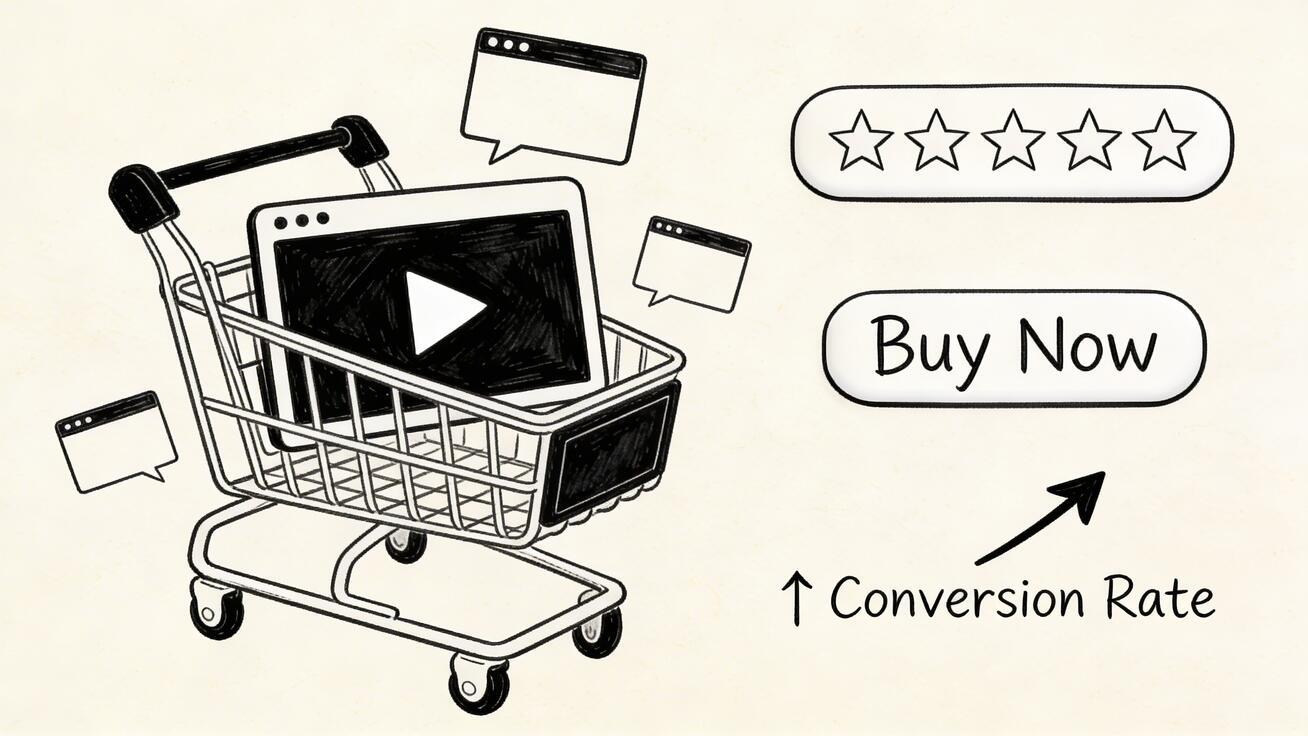
Product videos increase conversion rates by up to 64-85% on e-commerce pages. The problem? Traditional video production costs $2,000-10,000 per video — pricing most sellers out of the market entirely.
Quick Answer: AI video generation with Seedance lets you create stunning, professional-quality videos from text prompts or images in just minutes — no editing experience required.
AI video generators have changed this completely. In 2026, you can produce professional product videos in minutes at a fraction of traditional costs. This guide covers the best tools, proven formats, and practical workflows for e-commerce sellers of every size.
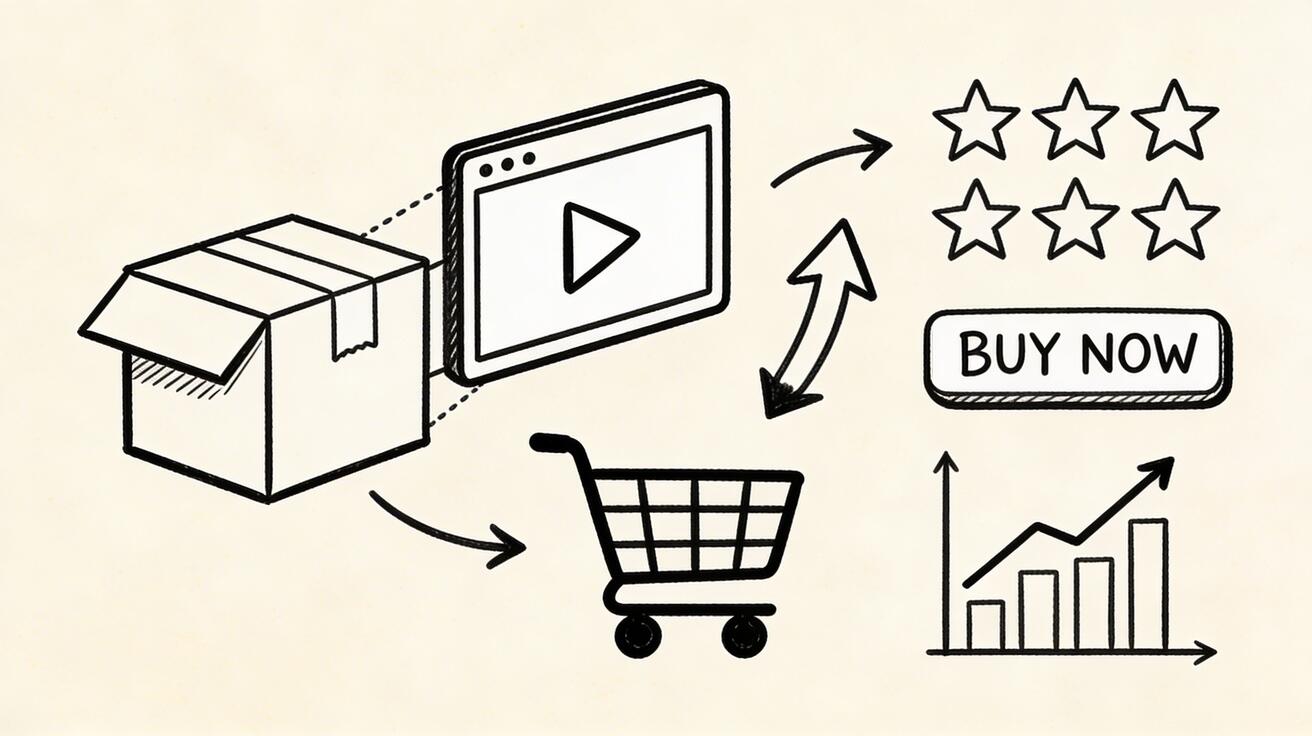
Why Product Videos Are Non-Negotiable in 2026
The data is unambiguous:
- 64-85% higher conversion rate on product pages with video
- 157% more organic traffic from search engines for pages with video
- 1.8x more likely to be purchased after watching a product video
- 88% of shoppers say video helps them decide whether to buy
Yet the majority of products sold online still have no video. This is the opportunity.
Best AI Video Generators for Product Videos
1. Seedance 2.0 — Best for Product Animation
Seedance 2.0 excels at the core e-commerce use case: taking your product photos and turning them into dynamic video showcases.
Key E-commerce Features:
- Image-to-video: Upload any product photo → dynamic product video in 30 seconds
- Consistent brand aesthetic: Maintain visual style across your entire catalog
- 1080p output: Ready for Amazon, Shopify, Instagram, and TikTok
- Multiple variations: Generate 5 versions, pick the best
Product Video Types Seedance Creates Well:
- 360-degree-style product rotations
- Product lifestyle context videos
- Feature highlight animations
- Packaging and unboxing-style content
- Color/variant showcase videos
Create your first product video with Seedance →
2. Runway Gen-4 — Best for High-End Product Content
For luxury brands and products where premium quality is essential, Runway Gen-4 delivers the highest-quality output — but at a higher cost.
3. Pika 2.0 — Best for Product Variant Showcases
Pika's style transfer is excellent for creating consistent visual variations across a large product catalog.
4. Kling 3.0 — Best for Fashion and Apparel
Kling 3.0's exceptional human animation makes it the best choice for fashion products that need to be shown being worn.
The 6 Essential Product Video Types (with AI)
Type 1: Pure Product Showcase
The product is the hero — no humans, no distractions.
Best for: Electronics, furniture, accessories, food products
How to create with Seedance:
- Upload your best product photo
- Prompt: "[Product name] on [surface], [lighting style], slow elegant rotation, product photography style"
- Generate 3 variations, select best
Type 2: Lifestyle Context Video
Show the product in its natural environment — in use, in a home, outdoors.
Best for: Home goods, outdoor equipment, personal care, food
How to create:
- Generate a lifestyle scene that includes your product
- Prompt: "Person using [product] in [realistic setting], natural authentic feel, lifestyle photography style"
Type 3: Feature Highlight
Close-up shots that emphasize specific product features or materials.
Best for: Technology products, materials/fabric, precision products
Prompt example: "Extreme macro close-up of [material/feature], showing quality and detail, dramatic lighting"
Type 4: Before/After Transformation
Shows the problem (before) and the solution (after your product).
Best for: Cleaning products, beauty/skincare, organization tools, fitness equipment
Type 5: Unboxing/Reveal
A premium experience reveal — builds excitement and perceived value.
Best for: Gift products, premium goods, subscription boxes
Type 6: Social Proof Visual
User testimonial-style content — real-looking, authentic feel.
Best for: Any product — adds credibility
Platform-Specific Requirements
Amazon Product Videos
- Length: 30 seconds to 2 minutes (under 60 seconds preferred)
- Resolution: 1920x1080 minimum
- Format: MP4, MOV, or AVI
- No: Pricing information, URLs, or customer reviews in video
- Best style: Clean, professional, product-focused
AI Tip: Generate multiple 10-15 second clips showing different features, then combine in CapCut for a complete 45-60 second Amazon video.
Shopify/Website Product Pages
- Length: 15-45 seconds (attention span on product pages is short)
- Autoplay: Design for muted autoplay (no audio dependency)
- Mobile: Optimize for mobile viewing (70%+ of traffic)
AI Tip: Generate a short, punchy loop that works without sound and immediately communicates the product's value.
Instagram and TikTok Commerce
- Format: Vertical 9:16 (Reels/TikTok)
- Length: 15-30 seconds max for best performance
- Style: More casual, lifestyle-oriented than Amazon
AI Tip: Generate vertical-format lifestyle clips with your product in context.
Google Shopping Video Ads
- Length: 6-30 seconds
- Format: 16:9 horizontal
- Focus: Clear product identity in first 5 seconds
Step-by-Step: E-commerce Product Video Workflow
Phase 1: Preparation (10 minutes)
- Gather your 3-5 best product photos (high resolution, good lighting)
- Identify 2-3 key product benefits to highlight
- Choose your target platform (Amazon, social, website)
Phase 2: Video Generation (15-20 minutes)
- Go to Seedance image-to-video
- Upload your primary product photo
- Add motion prompt: "elegant slow rotation, premium product photography, [your product style]"
- Generate 3-5 variations
- Download the best 2-3 clips
Phase 3: Assembly (10-15 minutes)
- Open CapCut (free)
- Import your AI clips
- Add background music (royalty-free)
- Add product name and key benefit text overlay
- Add CTA: "Shop Now", "Available in 3 Colors", "Free Shipping"
- Export in correct format for your platform
Phase 4: Optimization
- A/B test different video styles on your product page
- Track: conversion rate, add-to-cart rate, time on page
- Double down on what works, iterate on what doesn't
ROI Calculation
Traditional product video: $2,000-5,000/video AI product video: $5-20/video (including platform cost amortized)
For a catalog of 100 products:
- Traditional: $200,000-500,000
- AI: $500-2,000
Additional revenue from 64% higher conversion rate on a $50K/month store:
- $50,000 × 64% = $32,000 additional monthly revenue from video impact
Most sellers recoup the full annual cost of AI video tools with a single product page video improvement.
Common E-commerce Video Mistakes
- Too long: Shoppers on product pages won't watch more than 60 seconds
- Too complex: One product, one message, one CTA
- Poor audio: If using audio, invest in quality voiceover
- Desktop-only optimization: 70%+ of shoppers are on mobile
- No CTA: Every product video needs a clear next action
Frequently Asked Questions
Q: What makes Seedance different from other AI video tools? A: Seedance combines state-of-the-art AI models with an intuitive interface, making professional video creation accessible to everyone. Its unique blend of powerful generation capabilities, fast processing, and affordable pricing sets it apart from competitors.
Q: How good is the video quality from Seedance? A: Seedance produces high-quality videos with smooth motion, accurate prompt adherence, and impressive visual fidelity. The platform supports multiple aspect ratios and resolutions, including HD output for professional use cases.
Q: Is Seedance suitable for professional video creators? A: Absolutely. Seedance is used by content creators, marketers, filmmakers, and businesses worldwide. Its advanced controls, high-resolution output, and batch generation capabilities make it a powerful tool for professional workflows.
Case Studies: AI Video in E-commerce
Fashion Brand: 3x Conversion Rate Increase
A mid-size clothing brand tested AI-generated lifestyle videos on 20 product pages vs. static images. Result: 3x higher conversion rate on pages with AI video.
Electronics Seller: 45% Revenue Increase
An electronics Amazon seller added AI-generated product demonstration videos to their top 50 listings. Three months later: 45% revenue increase.
Home Goods Retailer: 70% Lower Production Costs
A home goods retailer switched from traditional video production to AI-generated content. Production cost dropped 70% while producing 5x more videos.
FAQ
Can AI-generated product videos be used on Amazon?
Yes. Amazon allows AI-generated content in product videos as long as the content accurately represents the product and follows their video guidelines.
What's the minimum image quality needed for AI product video?
We recommend at least 1024x1024 pixels, well-lit, and in focus. Higher quality inputs produce better outputs.
Do I need a professional photographer for product photos first?
Ideally yes — but smartphone photography works for most products if lighting is good. The key is a clean, well-lit product shot.
How many product videos should I create?
Start with your top 10 revenue-generating products. Measure impact, then expand to your full catalog.
Can AI video replace a professional product videographer?
For most e-commerce use cases, yes. Professional videographers are still better for complex storytelling, premium luxury brands, and content requiring specific production elements (outdoor shoots, talent, complex props). For the majority of e-commerce product content, AI produces comparable results at a fraction of the cost.
Start Creating Product Videos Today
The competitive advantage of product video is still large — most sellers haven't adopted AI video yet. Early movers are seeing dramatic conversion improvements.
Start with your 5 best-selling products, create AI videos for each, and measure the impact over 30 days.
Ready to begin:
- Create product videos with Seedance image-to-video (Free)
- Use text-to-video for lifestyle content
- Explore Seedance 2.0 features
How AI Video Transforms the E-commerce Buyer Journey
Understanding where video fits in the buyer journey helps you produce the right content for the right moment.
Discovery (Social Media and Search)
The first touchpoint is often a social media post or search result. At this stage, video must stop the scroll in under 2 seconds. AI-generated lifestyle content and product motion clips are ideal here — they create visual interest without requiring a full production crew.
Best format: Short (5-10 second) attention-grabbing clips for TikTok, Reels, and Pinterest
Consideration (Product Pages and Comparisons)
Once a shopper lands on your product page, they're evaluating. At this stage, video answers specific questions: "What does this look like in use? How big is it? What material is it made of?"
Best format: 20-45 second product demonstration videos that show the product clearly and answer common objections
Decision (Cart and Checkout)
Video near checkout reduces buyer's remorse and abandoned carts. A quick "you're making a great choice" lifestyle confirmation reinforces the purchase decision.
Best format: Short testimonial-style or lifestyle clips showing happy customers
Post-Purchase (Loyalty and Upsell)
Video in confirmation emails and post-purchase sequences drives repeat purchasing and increases average order value.
Best format: "How to use" tutorials and complementary product showcases
Advanced AI Video Techniques for E-commerce
The Variant Showcase Method
For products with multiple colors, sizes, or styles, generate individual AI videos for each variant. This increases the perceived variety and helps shoppers visualize the specific option they're considering.
Example: A clothing store with 12 colorways generates 12 product videos — one for each color — in a single afternoon. Traditional video production for 12 variants would cost $24,000-60,000 and take months.
The Seasonal Refresh Method
AI video makes seasonal content economically viable. Instead of filming a whole new video for every holiday and season, generate a new version of your core product video for Valentine's Day, Summer, Black Friday, and Christmas.
The product stays the same; the context and aesthetic change. This keeps your product pages feeling fresh and relevant throughout the year.
The A/B Lifestyle Method
The same product shows dramatically differently with different lifestyle contexts. A water bottle shown in a gym context attracts fitness buyers; the same bottle shown on a hiking trail attracts outdoor enthusiasts. Generate both, test both, and serve the right variant to the right audience segment.
AI generation makes A/B testing across lifestyle contexts practical for the first time. Previously, testing two lifestyle contexts meant two full video productions. Now it means two AI generations.
The "Problem-Solution" Video Format
One of the highest-converting e-commerce video formats shows:
- The problem (without your product)
- The solution moment (your product appears)
- The result (life improved)
For AI video, generate two separate clips — the "problem" establishing scene and the "solution" result scene — then combine them in CapCut. This narrative structure consistently outperforms product-only videos for conversion.
E-commerce Video SEO
Adding video to product pages also has significant SEO benefits that translate directly into more organic traffic.
Rich snippet eligibility: Product pages with video are eligible for video rich snippets in Google search results — these get higher click-through rates than text-only results.
Time on page: Video increases average time on page significantly (often 3-5x), which Google interprets as a positive quality signal.
Bounce rate reduction: Users who watch a product video bounce at much lower rates than those who only see static images.
Backlinks and social shares: Compelling product video content gets shared and linked to in ways that static images don't.
Implementation: Add VideoObject schema markup to your product pages. Include the video URL, thumbnail, title, description, and upload date in the JSON-LD schema block.
Scaling to Your Full Catalog
Once you've validated the impact of AI video on your first 10-20 products, the question becomes: how do you scale to your full catalog efficiently?
Batch generation strategy: Work systematically through your catalog by category. Spend one focused session generating videos for all products in a single category, then move to the next.
Template-based approach: Identify 3-5 prompts that work consistently for your product type. Apply these templates to new products as they're added, reducing per-product time from 30 minutes to 10 minutes.
Priority queue: Sort your catalog by revenue. Generate videos for your top 20% of products first — these will deliver 80% of the ROI. Then work down the list systematically.
Automation potential: For stores with hundreds or thousands of products, API-based generation (using Seedance's API when available) can automate the process: input a product name and category, receive a generated video.
Measuring E-commerce Video Success
The metrics that matter:
Conversion rate lift: Compare conversion rates on product pages with vs. without video. This is your primary ROI metric.
Add-to-cart rate: Video typically improves add-to-cart rate even when it doesn't always complete the sale — an important top-of-funnel indicator.
Revenue per visitor: More meaningful than conversion rate alone, because video can also increase average order value.
Return rate: Strong evidence suggests product video reduces return rates by setting accurate expectations. Track this — a 2-3% reduction in returns on a high-volume store can equal significant savings.
Video completion rate: What percentage of shoppers who start watching complete the video? Below 40% suggests the video is too long or not engaging enough.
Social share rate: If your product videos are being saved and shared, it indicates they're resonating. Even a 2% share rate on 10,000 product page visitors generates meaningful organic reach.
Getting Started Today
The best time to add product video to your e-commerce store was six months ago. The second best time is today.
Start with:
- Your 5 best-selling products
- One AI video for each using Seedance image-to-video (free)
- Upload to your product pages
- Track conversion rate over 30 days
The data will show you the impact. For most e-commerce stores, it's substantial — and the full catalog rollout becomes an obvious business decision.
Start your first product video free →
AI Video for Different Product Categories: Specific Tips
Electronics and Technology
Showcase the product's form factor with clean, minimal backgrounds. Use close-up shots to highlight premium materials and finishes. Show the device "in use" — screen lit up, buttons being pressed, connections being made.
Prompt example: "Sleek black smartphone on brushed aluminum surface, subtle gradient background, screen displaying app interface, gentle product rotation, premium commercial photography"
Food and Beverage
Focus on textures, colors, and the sensory experience. Show steam, liquid movement, bubbles, and food being poured or plated. Create appetite appeal through motion.
Prompt example: "Rich dark chocolate being poured over dessert, steam rising, dramatic close-up, food photography lighting, slow motion pour, golden warm tones"
Apparel and Fashion
Show movement — fabric flowing, clothing being worn, accessories being handled. Context matters enormously here.
Prompt example: "Flowing summer dress in warm outdoor light, gentle breeze creating natural movement, fashion photography aesthetic, woman walking confidently"
Home and Garden
Place products in their natural habitat. Show them "in a room" or "in a garden" to help shoppers visualize the product in their own space.
Prompt example: "Modern ceramic plant pot on wooden shelf, natural window light, cozy home interior, plants growing around it, soft lifestyle photography"
Beauty and Skincare
Focus on texture, application, and results. Luxury aesthetic matters in this category.
Prompt example: "Serum bottle on marble surface, droplet of product, soft studio lighting, reflection in surface, premium beauty photography"
Scaling AI Product Video Production
Once you've proven that AI video works for your product catalog, the next challenge is scaling production without compromising quality or brand consistency.
Template standardization: Create a core set of 5-10 prompt templates that reliably produce on-brand results for your product category. For fashion: "[Product] on a clean [background color] surface, soft studio lighting, slow 360-degree rotation". For food: "[Product] with [key ingredients] visible, warm kitchen lighting, steam rising, appetizing presentation".
Batch production scheduling: Rather than generating videos reactively, batch your production weekly. Every Monday, process all new product images added in the previous week. This keeps your video library current without the constant context-switching of one-off production.
Quality control at scale: Manual review of every video becomes impractical at scale. Define automated quality signals: minimum resolution, maximum file size, no obviously corrupted frames. Route borderline results to human review while passing clear successes and failures automatically.
Catalog coverage strategy: Prioritize video production for your highest-traffic and highest-margin products first. Even 20% catalog video coverage for your top products typically delivers 60-70% of the potential traffic and conversion impact, following a power-law distribution common in e-commerce analytics.
Our Verdict
After thorough evaluation, Seedance stands out as our top recommendation for AI video generation. Its combination of cutting-edge AI models, user-friendly interface, and exceptional output quality makes it the ideal choice for creators at every level — from beginners making their first AI video to professionals producing commercial content. Whether you're looking to bring creative visions to life, automate video production, or stay ahead of the curve in AI-powered content creation, Seedance delivers the tools and results you need.
Ready to try it yourself?
Put the steps from this guide into practice with Seedance and turn prompts or images into polished videos in minutes.
Free credits on signup. Plans from $28/month.
Related Articles
More posts in the same locale you may want to read next.

Seedance App Preview Video Generator 2026: Create App Store and Product Launch Clips
Use Seedance to turn app screenshots, feature copy, and launch goals into App Store previews, Google Play promo videos, and product launch clips.
Read article
Gemini AI Video Prompt Examples: Copy-Ready Veo Scenes and a Better Prompt Formula
Copy Gemini AI video prompt examples for cinematic motion, product ads, dialogue, and vertical clips, then adapt them with a practical Veo prompt formula.
Read article
How to Keep Product Shape Consistent in AI Video Ads
Lock product geometry, packaging, labels, references, camera angles, and approval checks so AI video ads preserve the real SKU across every shot.
Read article