
AI Video for Event Planners & Wedding Videographers (2026 Guide)
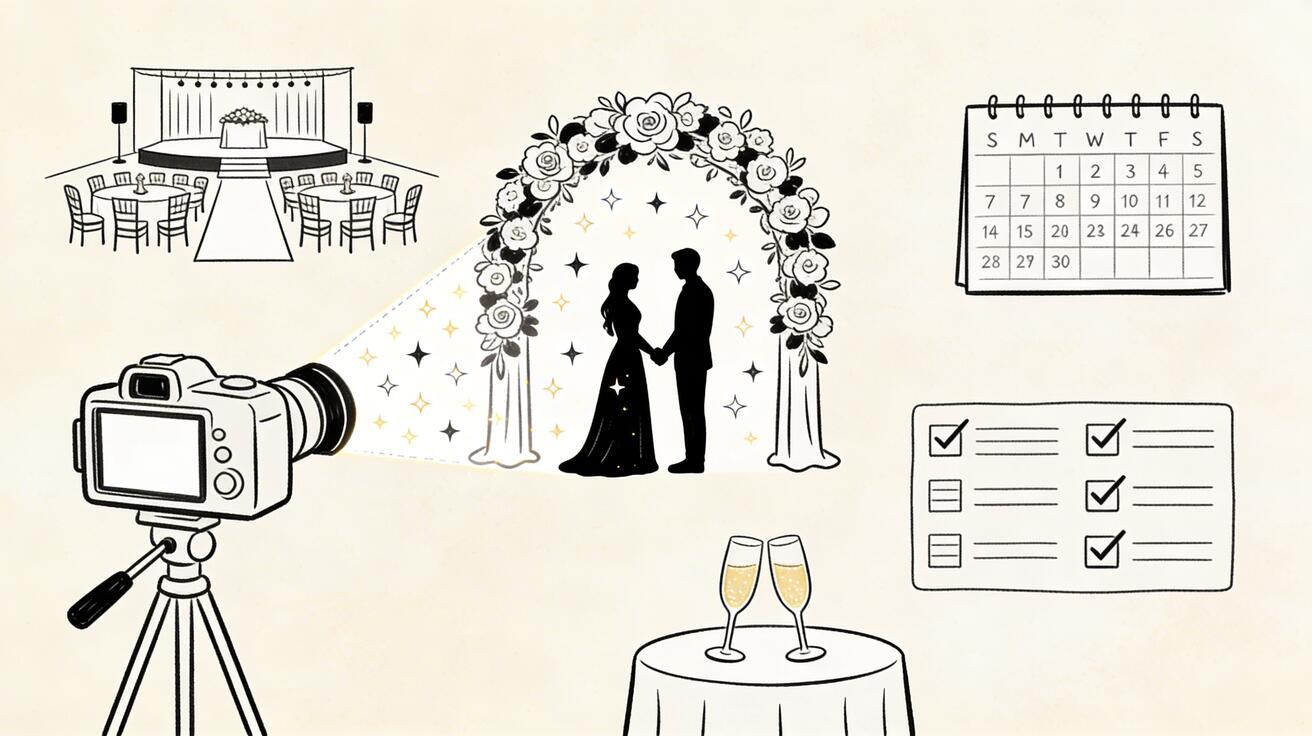
The events industry runs on visual storytelling. Whether you're a wedding videographer delivering a highlight reel, an event planner promoting next season's packages, or a corporate events company pitching to enterprise clients, video is your primary sales and delivery medium.
Quick Answer: AI video generation with Seedance lets you create stunning, professional-quality videos from text prompts or images in just minutes — no editing experience required.
AI video generation in 2026 has transformed two critical parts of this workflow: pre-event promotional content creation and post-event highlight enhancement. This guide covers both.
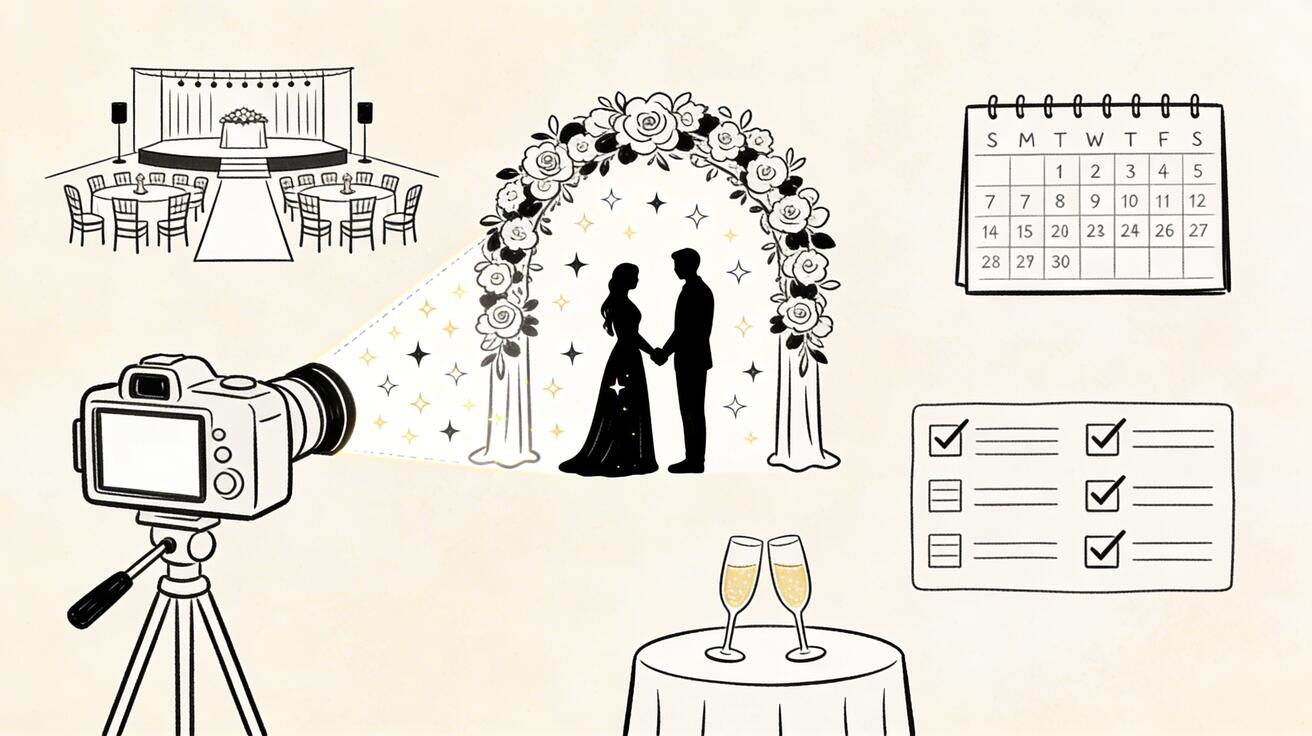
Pre-Event: Promotional Content Creation
The Problem with Pre-Event Video Production
Event planners and venues face a chicken-and-egg problem: you need stunning video content to attract bookings, but your best footage exists only after events happen. Early in a business or for new venues/services, you don't have a library of real event footage to draw from.
AI video solves this by letting you generate the atmosphere and visual language of your events before they exist on camera.
Venue and Package Promotional Videos
For event venues, AI video generates atmospheric footage of:
- Empty venue spaces transformed with lighting and decor concepts
- Outdoor ceremony spaces at golden hour
- Reception hall with dramatic lighting and elegant table settings (concept)
- Garden ceremony spaces in different seasons
Prompts for venue promotion:
"Elegant outdoor garden ceremony, white floral arch, rows of white chairs,
golden late-afternoon light filtering through trees, romantic and timeless,
cinematic wedding photography quality"

"Grand ballroom reception setup, crystal chandeliers, round tables with
floral centerpieces, soft warm candlelight, empty dance floor gleaming,
luxury wedding atmosphere"

"Intimate rustic barn wedding venue, string lights overhead,
wooden beams, warm amber glow, romantic countryside aesthetic"
Wedding Planner Portfolio Videos
Wedding planners can use AI video to:
- Show their aesthetic vision before booking
- Demonstrate their range (rustic, luxury, minimalist, maximalist)
- Create mood boards in video format
Style demonstration prompts:
Luxury/black tie: "Black tie wedding reception, dramatic black and gold decor,
crystal elements, sophisticated guests in formal wear, luxury hotel setting"

Bohemian: "Boho outdoor wedding, macramé backdrop, wildflower bouquets,
barefoot bride, golden California light, free-spirited celebration"

Minimalist: "Ultra-minimalist wedding ceremony, white and green only,
clean lines, Scandinavian aesthetic, simple elegance"
Corporate Event Promotion
For corporate event planners:
"Corporate gala dinner, professional guests networking,
elegant event space, city skyline view through floor-to-ceiling windows,
sophisticated and successful atmosphere"

"Conference keynote stage, empty before event, dramatic lighting,
10,000-seat arena, anticipation and scale, professional event production"

"Team-building outdoor corporate event, employees engaged in activities,
nature setting, energy and collaboration, professional but fun"
Image-to-Video: Transforming Event Photos into Video
This is arguably the highest-value AI video use case for this industry:
You already have your real event photos. Seedance's image-to-video feature turns them into cinematic video clips.
Wedding Photo Animation Workflow
- Select your best ceremony, reception, or portrait photos
- Upload to Seedance image-to-video
- Add subtle camera movement prompts:
- For venue shots: "slow forward drift, atmospheric haze"
- For couple portraits: "gentle parallax, soft bokeh animation"
- For detail shots: "slow reveal, soft cinematic movement"
- Combine animated stills with real video footage in your edit
Result: Your highlight reel becomes significantly more cinematic — still photos gain life, creating a more emotional and polished final product.
Making Photo-Heavy Events Feel Like Video
For events where video wasn't shot (or wasn't captured well), photo animation creates a presentable highlight reel from stills alone:
- 30-50 photos from the event
- Each animated with appropriate subtle movement
- Combined with music
- Feels like a real highlight reel
This rescues "photography-only" events and creates deliverables from coverage that would otherwise not produce video content.
Post-Event: Enhancing Highlight Reels
Atmospheric Transition Clips
In any highlight reel, you need transition content between key moments. AI video generates these transitions so your edit doesn't feel choppy:
Between ceremony and reception:
"Sunset sky transitioning to dusk, golden to purple,
romantic and cinematic, magical atmosphere between day and night"
Between venue spaces:
"Soft bokeh light transition, warm and golden, dreamlike,
bridging two spaces in a wedding film aesthetic"
Opening title sequence:
"Slow motion flower petals falling, soft white background,
romance and elegance, wedding film opening sequence quality"
Seasonal and Weather Variations
If your actual event footage doesn't include ideal weather or lighting, AI video supplements:
- Add a golden-hour establishing shot when the real day was overcast
- Create a dreamy morning mist sequence for a countryside venue
- Generate magical snow-effect visuals for winter events
These contextual inserts are indistinguishable from real footage when used thoughtfully.
Marketing Content at Scale
52-Week Social Media System
Event planners need consistent social presence. AI video enables a 52-week content system:
Weekly content categories:
- Venue spotlight (Monday): AI atmospheric footage of venue spaces
- Style inspiration (Wednesday): AI-generated event aesthetic content
- Behind-the-scenes concept (Friday): Planning and design process visuals
Monthly deep content:
- Full promotional video for current season packages
- Testimonial backing visuals
- New service/venue announcement
Total production time per week: 30-45 minutes. Cost: $0.
Seasonal Campaign Videos
Spring wedding campaign:
"Spring garden ceremony, cherry blossoms in bloom,
pastel florals, soft spring light, romantic and hopeful"

Summer outdoor event:
"Rooftop summer party at sunset, city panorama,
warm evening light, celebration atmosphere, golden hour"

Autumn luxury gala:
"Autumn forest setting transformed for an evening gala,
amber and gold tones, dramatic lighting, magical atmosphere"

Winter wonderland:
"Winter wedding reception, candlelight, frost patterns on windows,
warm interior glow against cold night, intimate and magical"
Frequently Asked Questions
Q: What makes Seedance different from other AI video tools? A: Seedance combines state-of-the-art AI models with an intuitive interface, making professional video creation accessible to everyone. Its unique blend of powerful generation capabilities, fast processing, and affordable pricing sets it apart from competitors.
Q: How good is the video quality from Seedance? A: Seedance produces high-quality videos with smooth motion, accurate prompt adherence, and impressive visual fidelity. The platform supports multiple aspect ratios and resolutions, including HD output for professional use cases.
Q: Is Seedance suitable for professional video creators? A: Absolutely. Seedance is used by content creators, marketers, filmmakers, and businesses worldwide. Its advanced controls, high-resolution output, and batch generation capabilities make it a powerful tool for professional workflows.
Client Preview Videos
The "Same-Day Edit" Revolution
Many wedding videographers now offer same-day edit previews played at the reception. AI video can fill gaps in same-day footage:
If a key moment wasn't captured perfectly in real time, an AI-generated atmospheric clip preserves the narrative flow of the same-day edit without obvious gaps.
Pre-Wedding Vision Video
Offer clients a "vision video" as part of your planning package:
- Take the couple's aesthetic preferences and venue details
- Generate 5-10 AI clips representing their event vision
- Assemble into a 60-90 second "this is what your day will feel like" video
- Present at planning meetings
This premium service offering differentiates your business and helps clients align on the creative direction — all from a 30-minute generation session.
Pricing Consideration: AI Video as a Service Upsell
Smart event businesses are packaging AI video as premium service tiers:
Basic package: Traditional photography/videography only Premium package: Traditional coverage + AI atmospheric video + photo animation highlight reel Luxury package: Full coverage + AI enhancement + cinematic production with AI-generated atmospheric sequences
The AI video component costs you minimal additional time but creates clear perceived value for premium pricing.
Technical Tips for Events Workflow
Color Matching
When mixing AI-generated clips with real footage, match the color grade:
- Note your real footage's color temperature
- Add color temperature to AI prompts: "warm golden-toned, tungsten lighting aesthetic"
- Apply the same grade to AI clips in your editor
Resolution Consistency
Seedance outputs 1080p. If your client deliverable is 4K, use AI clips for:
- Opening/closing sequences (title cards obscure some detail)
- Transition clips (short, motion-blurred)
- Atmospheric B-roll at 1080p interpolated to 4K
Audio Underneath AI Clips
AI clips include ambient audio. In your edit:
- Lower AI audio to 0-15% (barely perceptible)
- Your music track and any real audio sits on top
- The subtle ambient layer actually enhances immersion
FAQ
Will clients notice that some clips are AI-generated?
For atmospheric clips, establishing shots, and transitions: generally no. The quality has crossed the perceptual threshold for most clients. For the critical emotional moments (first kiss, father-daughter dance), only real footage is appropriate — AI supplements, never replaces these moments.
Is it ethical to use AI video in wedding films?
With client awareness: yes. Many videographers disclose that they use AI-generated atmospheric content to enhance deliverables. Clients who understand the result — a more cinematic film at the same price — are typically enthusiastic.
Can AI video help with dry run/rehearsal content?
Yes. Generate atmospheric clips of the venue to help clients visualize the day in planning meetings. Much more effective than describing the space verbally.
What about copyright for AI-generated wedding content?
AI-generated content has no third-party copyright. The content you generate is available for your business use within the platform's commercial licensing terms.
Get Started
Whether you're building a portfolio from scratch, enhancing your editing workflow, or creating marketing content at scale, AI video provides immediate value.
Start generating atmospheric event visuals →
The Complete AI Video Workflow for Event Professionals
Pre-Event Content Strategy
The most valuable application of AI video for event planners isn't the day-of coverage — it's the pre-event campaign content. This is where AI tools deliver the highest ROI:
Save-the-Date Videos: Instead of static graphics, generate short AI videos that capture the event's atmosphere and theme. A 6-second atmospheric video clip sent via email or social media dramatically increases open rates and RSVPs compared to static save-the-dates.
Venue Atmosphere Previews: Can't afford to film at the venue ahead of time? Generate atmospheric AI video of similar settings — a candlelit ballroom, a sun-drenched garden ceremony space, a rooftop cocktail hour — that conveys the feel of your event to guests and clients.
Vendor Portfolio Content: Wedding planners and event coordinators can use AI video to create portfolio content that demonstrates their aesthetic vision to potential clients, even before a single event has taken place.
Day-of Event Coverage Enhancement
AI video tools are most powerful when combined with real footage, not replacing it. Here's how professionals are integrating AI into their day-of workflows:
B-Roll Gap Filling: Even experienced videographers miss moments. Use AI video to fill gaps in coverage — generating atmospheric shots of the venue, detail moments, or transitional sequences that can be edited seamlessly between real footage.
Weather-Proof Outdoor Events: Outdoor ceremonies are vulnerable to poor light or unexpected conditions. AI-generated replacement shots of the location at ideal conditions can salvage an edit when the real footage is compromised.
Product and Decoration Detail Shots: For corporate events, generating close-up detail shots of branded items, centerpieces, or product displays (using real photos as image-to-video source) adds professional depth to event recap videos.
AI Video for Wedding Cinematography: A Practical Guide
The Modern Wedding Videography Workflow with AI
Forward-thinking wedding videographers are integrating AI into every phase of production:
Pre-Wedding Consultation Content: Use AI to generate sample highlight reels demonstrating different styles (cinematic, documentary, romance-focused) to show couples what their video might look like before filming begins.
Shoot Day Supplemental Content: Generate atmospheric footage — sunset over the venue, flower detail shots, candle ambiance — that extends the edit and fills gaps between real moments.
Post-Production Enhancement: Use image-to-video to animate still wedding photos into brief cinematic clips. A photo of the couple's first look can be subtly animated to create a "living portrait" effect that enriches the final film.
Social Media Cuts: Wedding videos take weeks to edit. Generate short AI clips based on client-provided photos immediately after the wedding to keep excitement high on social media while the full edit is in progress.
Sample Workflow: 8-Hour Wedding to Final Video
Week 1 (Day After Wedding):
- Generate 3-5 AI atmospheric clips based on venue photos shared by client
- Post short "sneak peek" on Instagram using AI-enhanced and real footage mix
- Begin logging real footage
Weeks 2-3 (Main Edit):
- Edit primary wedding film using real footage as foundation
- Fill B-roll gaps with AI-generated venue/detail supplemental shots
- Animate 10-15 still photos into living portraits for a montage sequence
Week 4 (Delivery):
- Export full film (typically 8-15 minutes)
- Create 60-second social media cut
- Generate AI-animated versions of key still photos as bonus deliverable
Pricing AI Video Services
Wedding videographers can monetize AI video capabilities:
Standard Package (real footage only): $1,500-3,000
Premium Package (real footage + AI enhancement): $2,500-5,000
AI-Enhanced Deliverables Add-on: $300-600
(Includes: animated still photos, AI atmospheric B-roll, AI social media cuts)
Couples increasingly value the extra content — Instagram posts, animated photos, extended coverage — that AI enables without proportional increases in filming time.
Corporate and Social Event Planning
Gala and Fundraiser Events
Corporate galas and fundraisers benefit enormously from AI video for:
Sponsor Recognition Content: Generate sponsor acknowledgment video slides with branded motion graphics and atmospheric sequences that run during dinner or cocktail hours.
Recap and Impact Videos: For annual galas, AI video enables year-in-review content that combines real photos and footage from throughout the year with AI-generated supplemental sequences.
Live Event Displays: Generate atmospheric looping video displays for screens throughout the venue — branded, themed, and appropriate for the event's tone.
Conference and Trade Show Content
Conference organizers face constant content demands. AI video helps:
Speaker Preview Content: Generate brief atmospheric video introductions for each speaker based on their headshot and topic, displayed as they're introduced.
Session Recap Videos: Combine real session photos with AI-generated supplemental footage to create recap videos for each session posted to social media within hours of the session ending.
Exhibitor Content: Help exhibitors create booth display content using their product images animated via image-to-video.
AI Tools for Different Event Types
| Event Type | Best AI Tool Feature | Recommended Platform |
|---|---|---|
| Weddings | Image-to-video (living portraits) | Seedance AI |
| Corporate galas | Text-to-video atmospherics | Seedance AI / Veo 3 |
| Conferences | Talking head avatar generation | Synthesia |
| Concerts/performances | Motion and music sync | Runway Gen-4 |
| Sports events | Action scene generation | Kling AI |
| Product launches | Photorealistic product B-roll | Seedance AI |
FAQ: AI Video for Events and Weddings
Can AI video replace a wedding videographer?
No — AI video cannot replace a human videographer who captures real, unrepeatable moments on your wedding day. AI video is a supplemental tool that enhances the edit, fills gaps, and creates additional content, not a replacement for authentic footage.
How do clients react to AI-enhanced wedding videos?
Client reactions depend on how AI is used and disclosed. When AI-generated sequences naturally complement real footage (atmospheric B-roll, animated stills), most clients respond positively, especially to the increased volume of content. Transparency about AI use is recommended.
Is AI video affordable for small event planning businesses?
Yes — most professional AI video tools offer free tiers sufficient for testing and limited production. Seedance AI's free daily credits enable small operations to produce AI-enhanced content without ongoing software costs. Monthly paid plans start from $9-20/month.
What equipment do I need to use AI video tools?
AI video generation requires only a computer (or even tablet) with internet access. No specialized hardware, cameras, or software is needed beyond a web browser. This makes AI video accessible to solo operators and small teams with minimal tech infrastructure.
Can I use AI video for live event displays?
Yes — generate looping atmospheric video clips in advance using AI tools, then display them via any standard video display setup (monitor, projector, LED wall). Generate clips at the appropriate aspect ratio for your display hardware.
Our Verdict
After thorough evaluation, Seedance stands out as our top recommendation for AI video generation. Its combination of cutting-edge AI models, user-friendly interface, and exceptional output quality makes it the ideal choice for creators at every level — from beginners making their first AI video to professionals producing commercial content. Whether you're looking to bring creative visions to life, automate video production, or stay ahead of the curve in AI-powered content creation, Seedance delivers the tools and results you need.
Start generating for free - no credit card required
Create videos with free signup credits, then scale with affordable plans whenever you need more generations.
Free credits on signup. Plans from $28/month.
Related Articles
More posts in the same locale you may want to read next.

Seedance App Preview Video Generator 2026: Create App Store and Product Launch Clips
Use Seedance to turn app screenshots, feature copy, and launch goals into App Store previews, Google Play promo videos, and product launch clips.
Read article
Gemini AI Video Prompt Examples: Copy-Ready Veo Scenes and a Better Prompt Formula
Copy Gemini AI video prompt examples for cinematic motion, product ads, dialogue, and vertical clips, then adapt them with a practical Veo prompt formula.
Read article
How to Keep Product Shape Consistent in AI Video Ads
Lock product geometry, packaging, labels, references, camera angles, and approval checks so AI video ads preserve the real SKU across every shot.
Read article