
Seedance 2.0 Fast AI Video Generator
Find your next shot faster. Create 4–15 second videos from a prompt, animate an image, or guide the scene with references. Seedance 2.0 Fast brings the speed-focused Seedance workflow to product ideas, social videos, and story drafts, with 480p or 720p output and optional generated audio.
Text to Video
 Seedance 2.0 Fast
Explore Seedance 2.0 Fast
Turn a Brief into Your Next Video Draft
Try a new opening, a different camera angle, or a stronger final shot. Fast is designed for quicker iteration, so you can explore an idea before building the rest of your video. Official Seedance 2.0 family showcase; this clip is not a verified Fast output.
Give Your Scene a Clear Sense of Motion
Describe what moves, where the camera goes, and how the shot ends. Use short clips to test a reveal, a tracking shot, or a transition, then keep the take that fits your story. Official Seedance 2.0 family showcase; this clip is not a verified Fast output.
Keep References Close to Your Idea
Start from an image or use the reference-to-video tool to guide a scene with images, video, and audio. References help communicate the subject, setting, and movement you want to explore. Official Seedance 2.0 family showcase; this clip is not a verified Fast output.
Build Sound into the Scene
Enable generated audio and describe the sound you want alongside the action. Try dialogue, ambience, or sound effects, then review the result together with the picture. Official Seedance 2.0 family showcase; this clip is not a verified Fast output.
How to Use Seedance 2.0 Fast
Go from an idea to a short video in three steps.
Choose Your Starting Point
Write a prompt above or upload an image. For mixed references, open Reference to Video and select Seedance 2.0 Fast (Media).
Direct the Shot
Describe the action and camera movement. Choose 4–15 seconds, 480p or 720p, an aspect ratio, and whether to generate audio.
Generate and Refine
Check the credit cost, generate your clip, and review it. Change one part of the brief at a time to compare different takes.
Make More of Your First Idea
Use Fast for the short shots and creative experiments that move a project forward.

Product Concepts
Explore a product reveal, a close-up, or a new setting before planning a full campaign.
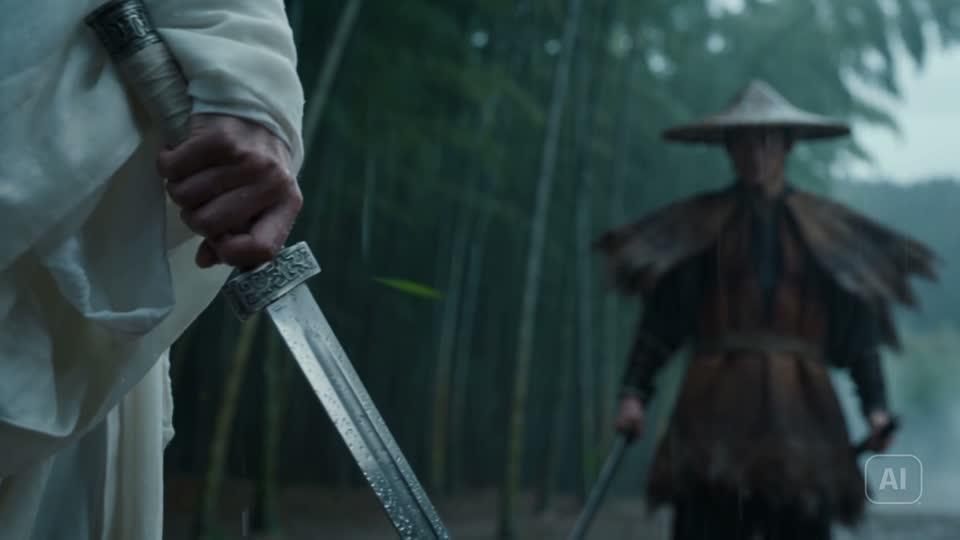
Social Video Variations
Compare opening shots and visual hooks for Reels, Shorts, and TikTok.
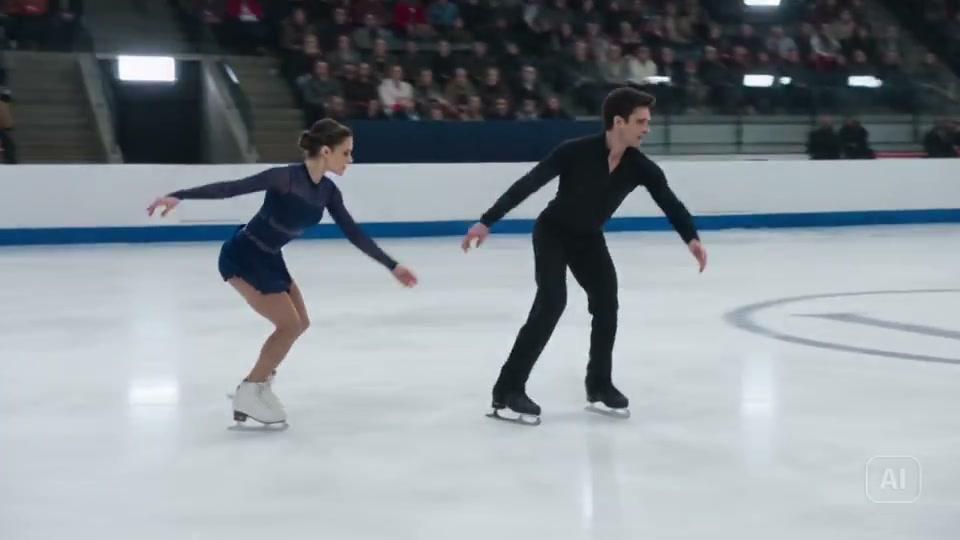
Storyboards in Motion
Test a scene’s pacing and camera direction before assembling a longer cut.
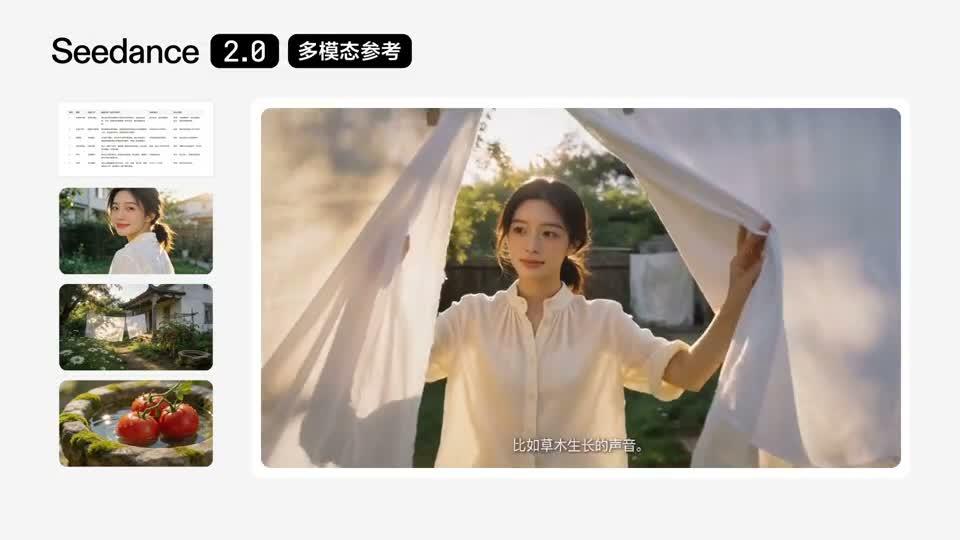
Image Animation
Turn a still image into a moving shot while using the original composition as your starting point.

Camera Direction Tests
Try close-ups, tracking moves, and scene transitions to find the camera language that fits your idea.
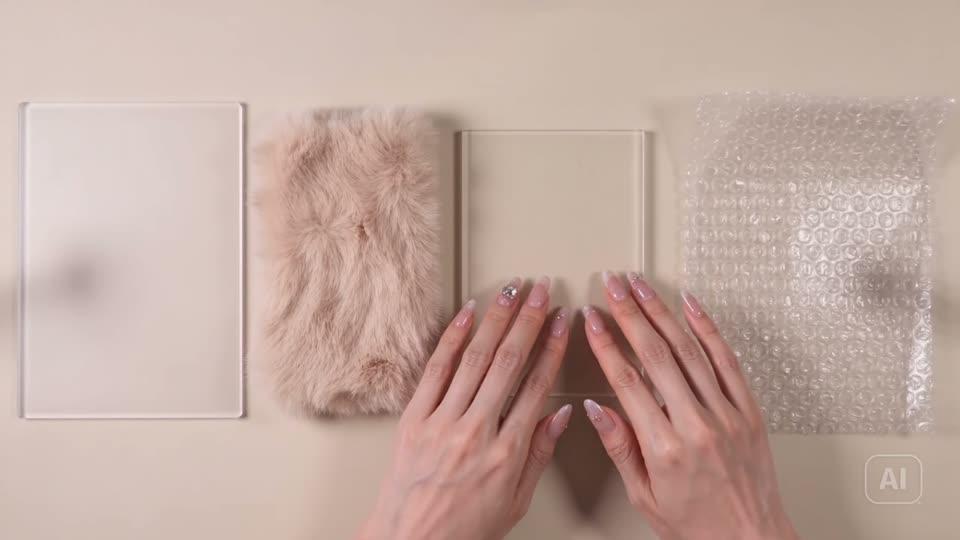
Sound-Led Concepts
Explore dialogue, ambience, and tactile sound effects together with the visuals before producing a final cut.
Seedance 2.0 Fast vs Seedance 2.0 vs Seedance 2.5
| Feature | Seedance 2.0 Fast | Seedance 2.0 | Seedance 2.5 |
|---|---|---|---|
| Best For | Quick creative iteration | General multimodal video creation | Longer scenes and extended briefs |
| Clip Length on Seedance | 4–15 seconds | 4–15 seconds | Up to 30 seconds |
| Fast Output Options | 480p / 720p | Check the selected model | Check the selected model |
| Text to Video | |||
| Image to Video | |||
| Reference to Video | |||
| Generated Audio |
Seedance 2.0 Fast Pricing
Choose your settings in the generator to see the credit cost before you create.
Start with a Short Take
Test the core idea with a short clip, then refine the strongest direction.
Check Each Generation
Duration, reference inputs, and the selected model can affect the total. The generator shows the current price.
Plan Your Variations
Keep a small set of prompts so you can compare different angles, actions, or opening shots.

Seedance 2.0 Fast FAQ
What is Seedance 2.0 Fast?
What is Seedance 2.0 Fast?
It is the accelerated variant of Seedance 2.0, designed for lower-latency video generation. On Seedance, you can use it for text-to-video, image-to-video, and reference-to-video workflows.
How long are the videos, and which resolutions are available?
How long are the videos, and which resolutions are available?
The current Fast options on Seedance are 4–15 seconds at 480p or 720p. Check the generator for the settings available to your selected model.
Does Fast generate audio?
Does Fast generate audio?
Yes. Generated audio is optional. Describe the sound together with the scene and enable audio in the generator.
Can I use first and last frames?
Can I use first and last frames?
Yes. The image-to-video workflow supports a first frame and an optional last frame. Add the ending image in the generator to guide the transition.
Can I combine different reference types?
Can I combine different reference types?
Yes. Select Seedance 2.0 Fast (Media) in Reference to Video. The current configuration accepts up to 9 images, 3 video clips, and 3 audio clips, subject to the upload and duration limits shown there.
How quickly will my video finish?
How quickly will my video finish?
Fast is designed for speed, but completion time varies with demand and your request. Use the estimate in the generator; a fixed turnaround is not guaranteed.
Were the example videos generated with Fast?
Were the example videos generated with Fast?
The videos are official ByteDance Seedance 2.0 family showcases from the launch article. They illustrate the broader model family and are not verified Fast outputs or speed benchmarks.
When should I choose Fast instead of Seedance 2.5?
When should I choose Fast instead of Seedance 2.5?
Choose Fast when you are exploring short shots and comparing ideas. Consider Seedance 2.5 when your brief needs a longer scene. Check the available settings and price before generating.