
Google Gemini Omni Flash AI Video Generator
Gemini Omni Flash 1.1 is Google's newest Omni video model, generating crisp footage at up to 4K from text or images. Set a first and last frame for precise motion, or guide a shot with multimodal references. Try Gemini Omni Flash free on Seedance!
Image to Video
 Gemini Omni Flash 1.1
Drag and drop an image here, or click to select
Gemini Omni Flash 1.1 at a Glance
Gemini Omni Flash 1.1 is Google's fast Omni video model, focused on high-resolution text-to-video and image-to-video generation with precise frame control. Here are the core specs before you start creating on Seedance.
Key Features of Gemini Omni Flash 1.1 AI Video Model
Up to 4K Video Output
Gemini Omni Flash 1.1 generates video at 720p, 1080p, and up to 4K. That headroom keeps fine detail, textures, and motion crisp, so your clips hold up on large screens and in high-resolution ad placements.
Text-to-Video Creation
Turn a written prompt into polished footage. Gemini Omni Flash 1.1 brings Google's latest Omni scene understanding to motion, rendering coherent action, camera movement, and cinematic composition from text alone.
First & Last Frame Control
Upload a starting image and an ending image, and Gemini Omni Flash 1.1 generates the motion between them. First-and-last-frame control gives you precise, repeatable results for transitions, product reveals, and story beats.
Multimodal Reference-to-Video
Guide a generation with image references, and optionally a reference video, to lock in a subject, style, or look. This makes it easier to keep characters and brand aesthetics consistent across multiple clips.
Flexible Durations
Choose 4, 6, 8, or 10-second clips to match the platform you are cutting for — short social hooks or longer product shots — without re-editing your prompt.
Portrait and Landscape Ready
Generate in 16:9 for YouTube and web, or 9:16 for Reels, Shorts, and TikTok. Gemini Omni Flash 1.1 delivers native vertical and horizontal framing so your footage fits each feed without cropping.
Gemini Omni Flash 1.1 vs Veo 3.1
| Capability | Gemini Omni Flash 1.1 | Veo 3.1 |
|---|---|---|
| Best For | Fast high-resolution video from text or images | Cinematic video with native audio |
| Max Resolution | Up to 4K | Shown in the generator |
| Clip Length | 4 / 6 / 8 / 10s | Shown in the generator |
| Native Audio | ||
| First & Last Frame | ||
| Multimodal References | ||
| Aspect Ratios | 16:9 · 9:16 | 16:9 · 9:16 |
| Text to Video | ||
| Image to Video |
How To Generate Videos with Gemini Omni Flash on Seedance
Create high-resolution AI videos with Google's Gemini Omni Flash 1.1 model through our easy-to-use interface
Select the Gemini Omni Flash Model
Navigate to the 'Text to Video' or 'Image to Video' page and choose 'Gemini Omni Flash 1.1' from the model selection menu.
Input Your Prompt or Frames
Enter a detailed text prompt, or upload a first and last frame for precise motion. Set duration (4/6/8/10s), resolution up to 4K, and aspect ratio (16:9 or 9:16).
Generate and Download
Click 'Create' and wait about 3 minutes for your video to generate. Once complete, download your high-resolution AI-generated video.
Best Use Cases for Gemini Omni Flash 1.1
Gemini Omni Flash 1.1 works best when you need fast, high-resolution AI video with precise frame control and consistent subjects across clips.

Social Video Ads
Generate hook-driven ad variations for TikTok, Reels, and YouTube Shorts. Test different openings and CTAs at up to 4K before committing media budget.

Ecommerce Product Videos
Turn a product image into motion with first-and-last-frame control — ideal for clean product reveals, rotations, and feature highlights for listings and stores.
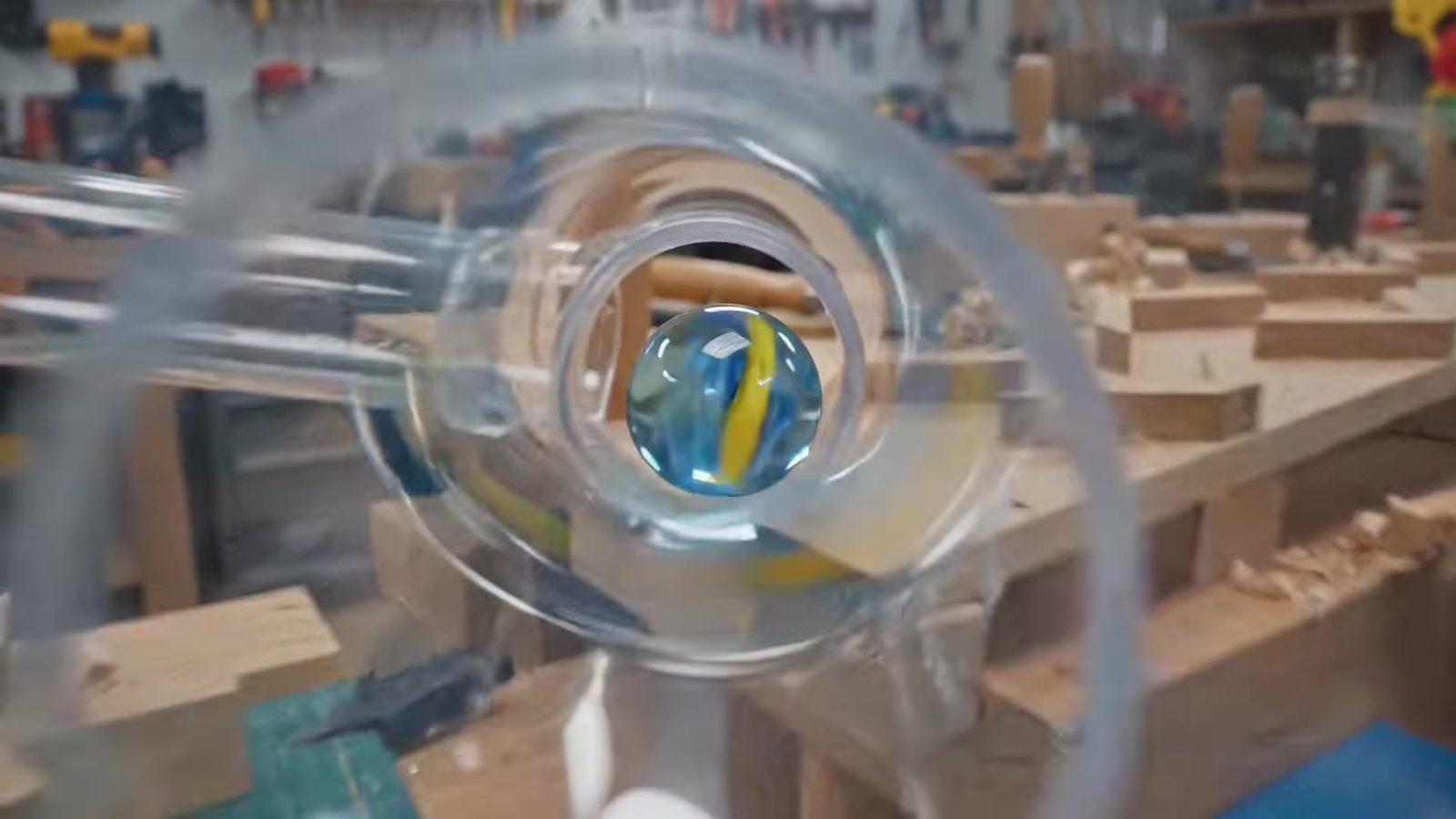
Transitions and Product Reveals
Use first-and-last-frame control to create repeatable transitions, morphs, and reveal beats where the start and end states matter.
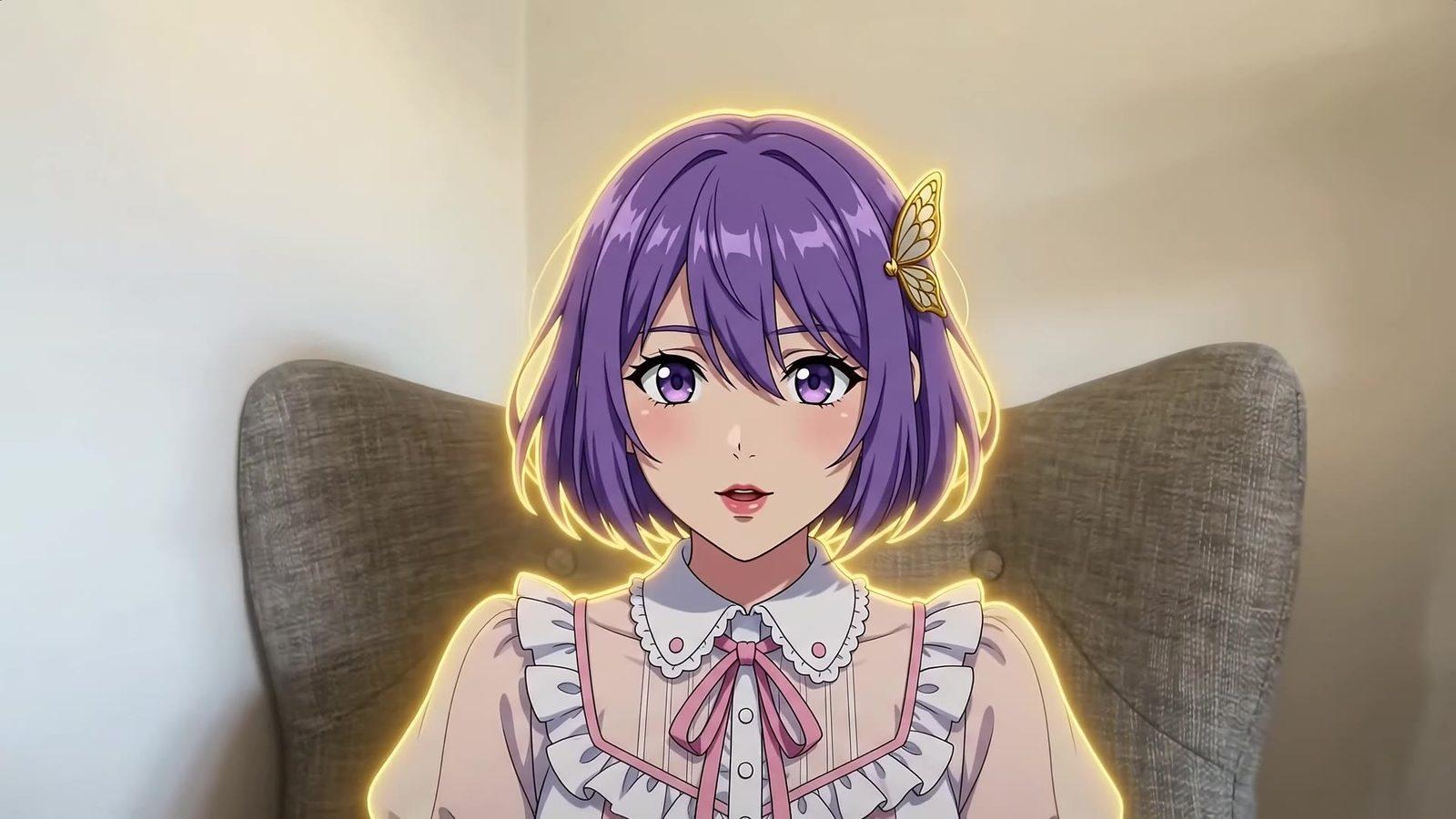
Consistent Character Clips
Lock a subject or style with multimodal references so faces, outfits, and brand aesthetics stay recognizable across a series of clips.
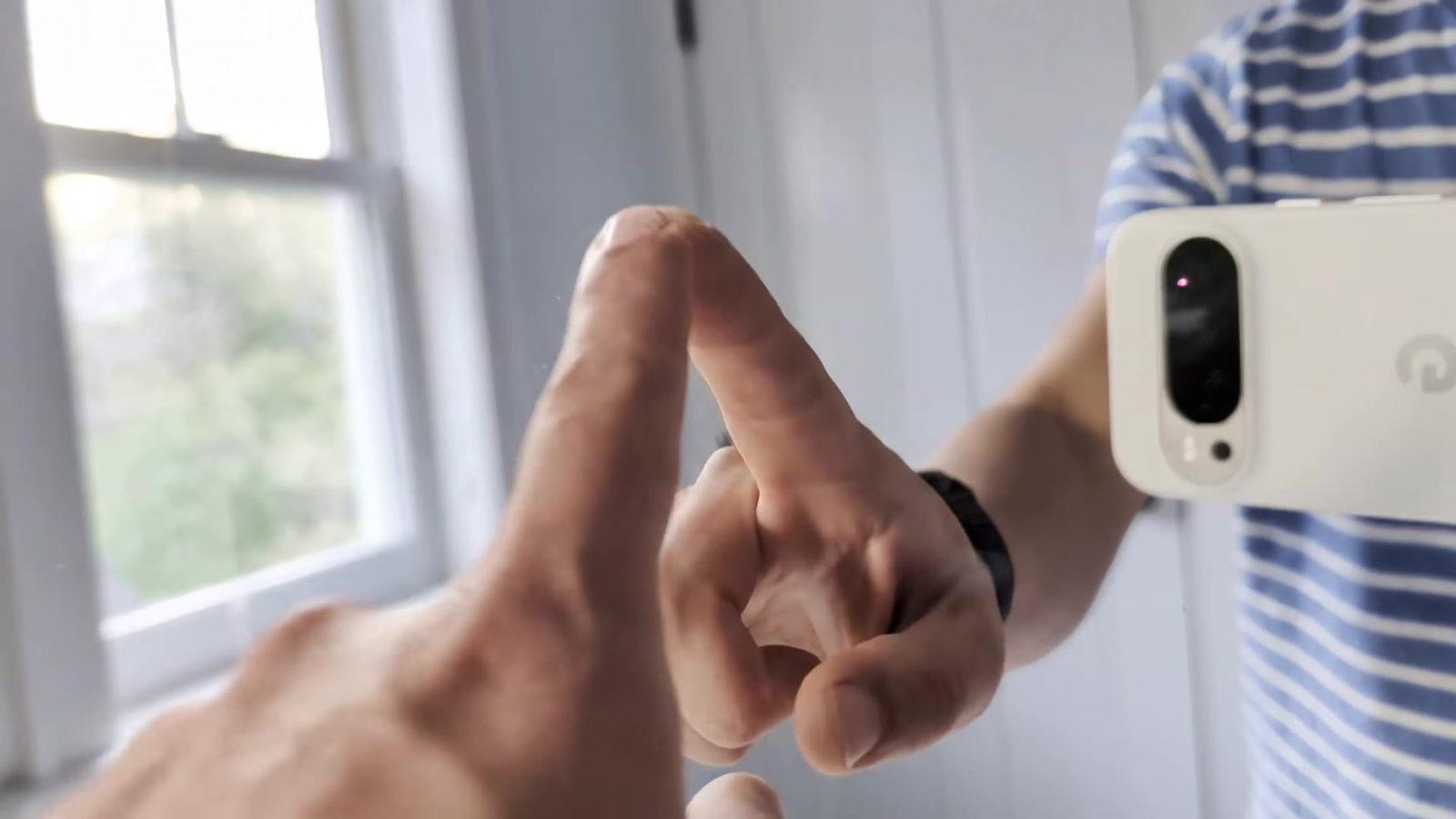
Vertical Content for Feeds
Create native 9:16 footage for Reels, Shorts, and TikTok, or 16:9 for YouTube and web — no cropping or re-editing your prompt.

Cinematic Concept Shots
Draft high-resolution establishing shots, mood pieces, and camera-driven scenes from text alone for pitches, trailers, and story concepts.
Gemini Omni Flash Pricing and Access on Seedance
Try Gemini Omni Flash 1.1 with Seedance credits, test your prompts and frames, and scale once you know which formats work. Credit-based generation is practical when you need several versions before choosing a final clip.
Welcome Credits Trial
New users may receive limited welcome credits to test text-to-video and image-to-video prompts. Availability depends on the current offer, and the number of free generations is limited.
Credit-Based Generation
Each generation uses credits, and the exact cost is shown before you create. Higher resolution and longer clips use more credits, so you can balance quality and volume for your project.
Commercial Workflow Ready
Before publishing, review the generated video for brand accuracy, likeness rights, platform ad policies, and licensing. Use the strongest version for editing, campaign tests, or client approval.
Explore More AI Video Models


Frequently Asked Questions
Learn more about Google Gemini Omni Flash 1.1 AI video generator on Seedance
What is Google Gemini Omni Flash 1.1?
What is Google Gemini Omni Flash 1.1?
Gemini Omni Flash 1.1 is Google's newest Omni AI video model. It generates video at up to 4K from text prompts or images, and supports first-and-last-frame control and multimodal reference-to-video for precise, consistent results.
What resolution and durations does Gemini Omni Flash support?
What resolution and durations does Gemini Omni Flash support?
Gemini Omni Flash 1.1 supports 720p, 1080p, and up to 4K output, with clip lengths of 4, 6, 8, or 10 seconds and 16:9 or 9:16 aspect ratios.
Is Gemini Omni Flash free to try?
Is Gemini Omni Flash free to try?
Yes. Seedance lets you try Gemini Omni Flash 1.1 for free with a trial plan. If you need more generations or higher resolutions, you can upgrade for additional credits and usage limits.
What is first-and-last-frame control?
What is first-and-last-frame control?
You upload a starting image and an ending image, and the model generates the motion in between. It gives you repeatable, precise transitions — useful for product reveals, morphs, and story beats — instead of relying on a single input frame.
Does Gemini Omni Flash generate audio?
Does Gemini Omni Flash generate audio?
No. Gemini Omni Flash 1.1 focuses on high-resolution video generation and does not produce native audio. You can add music, voiceover, or sound effects in post-production.
Can I use my own images as references?
Can I use my own images as references?
Yes. Beyond first-and-last-frame, Gemini Omni Flash 1.1 supports multimodal reference-to-video, letting you guide a generation with image references, and optionally a reference video, to keep a subject or style consistent.
How long does it take to generate a video?
How long does it take to generate a video?
On Seedance, Gemini Omni Flash 1.1 typically takes about 3 minutes per clip, depending on resolution, duration, and current server load.
Gemini Omni Flash vs Veo 3.1: which should I choose?
Gemini Omni Flash vs Veo 3.1: which should I choose?
Choose Gemini Omni Flash 1.1 for fast, high-resolution video from text or images with precise first-and-last-frame control. Choose Veo 3.1 when you need native audio and more cinematic, sound-synced scenes. Both support text-to-video and image-to-video on Seedance.