
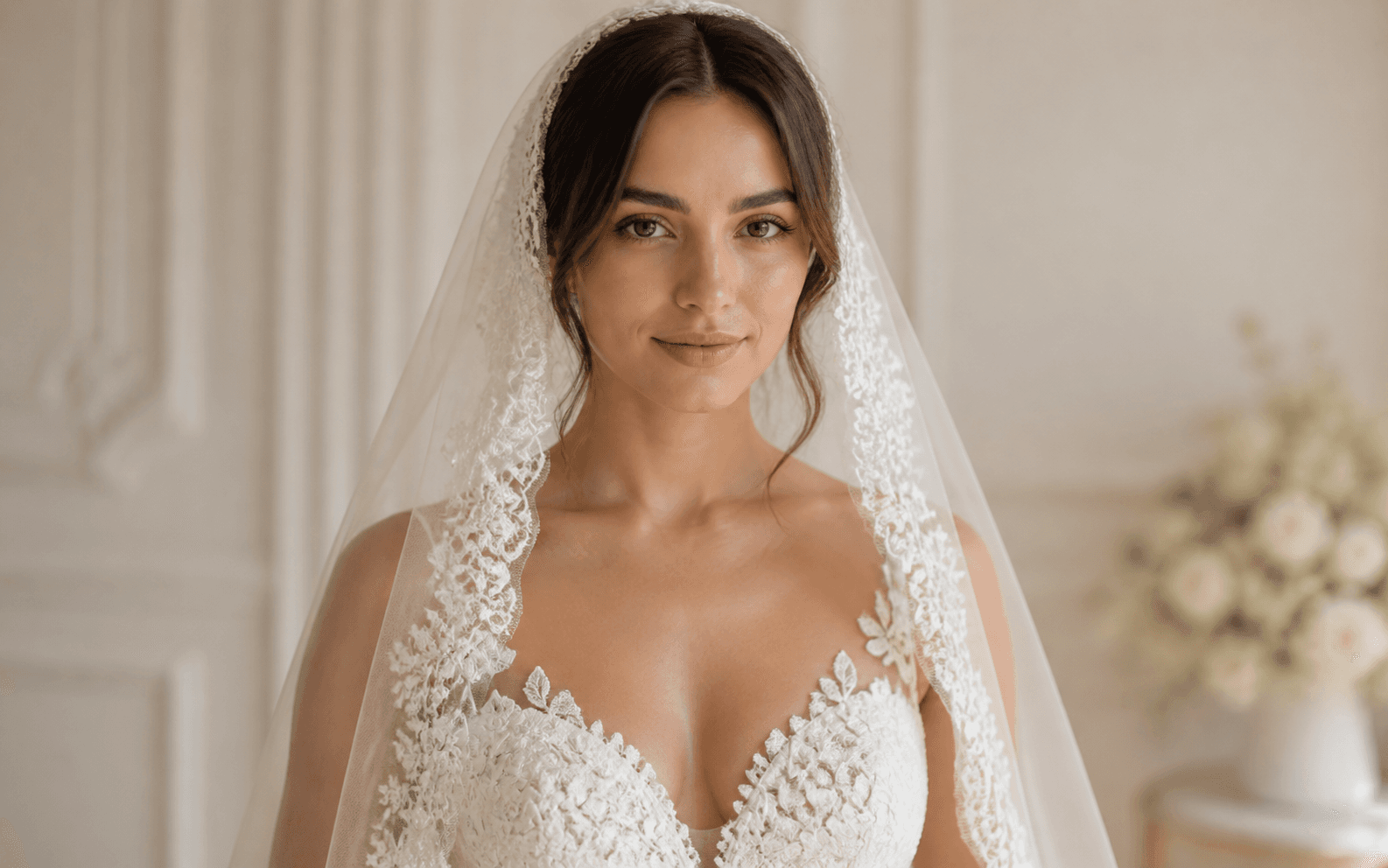
Virtual Veil Try-On
Compare veil styles before you buy
Upload your photo, describe your wedding vision, and generate stunning bridal images in seconds. Try on veils, create portrait shots, and design wedding visuals—no studio, no photographer.
Describe the video you want — e.g. “a 15s vertical ad for my coffee brand”
Compare veil styles before you buy
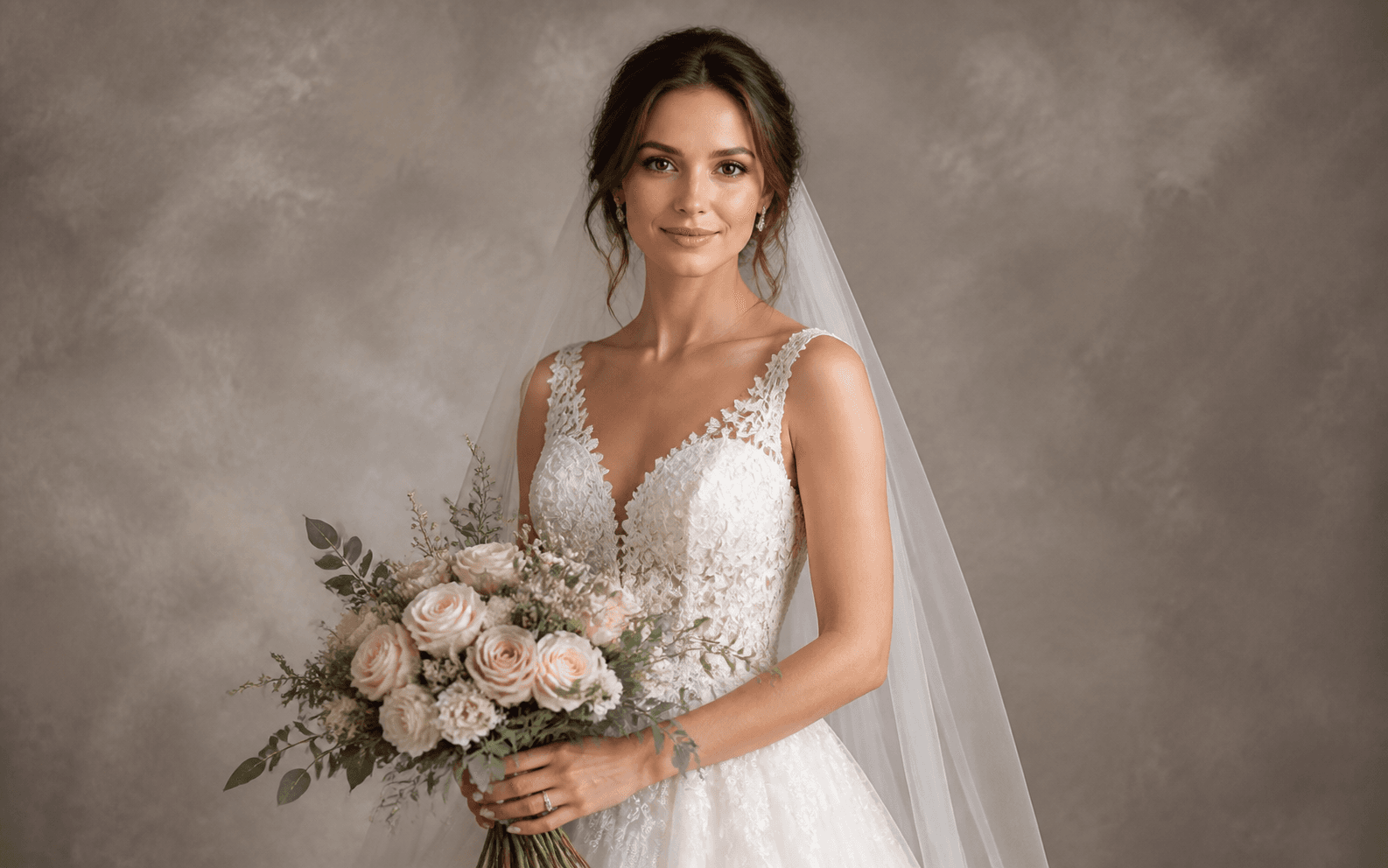
Create a polished studio portrait
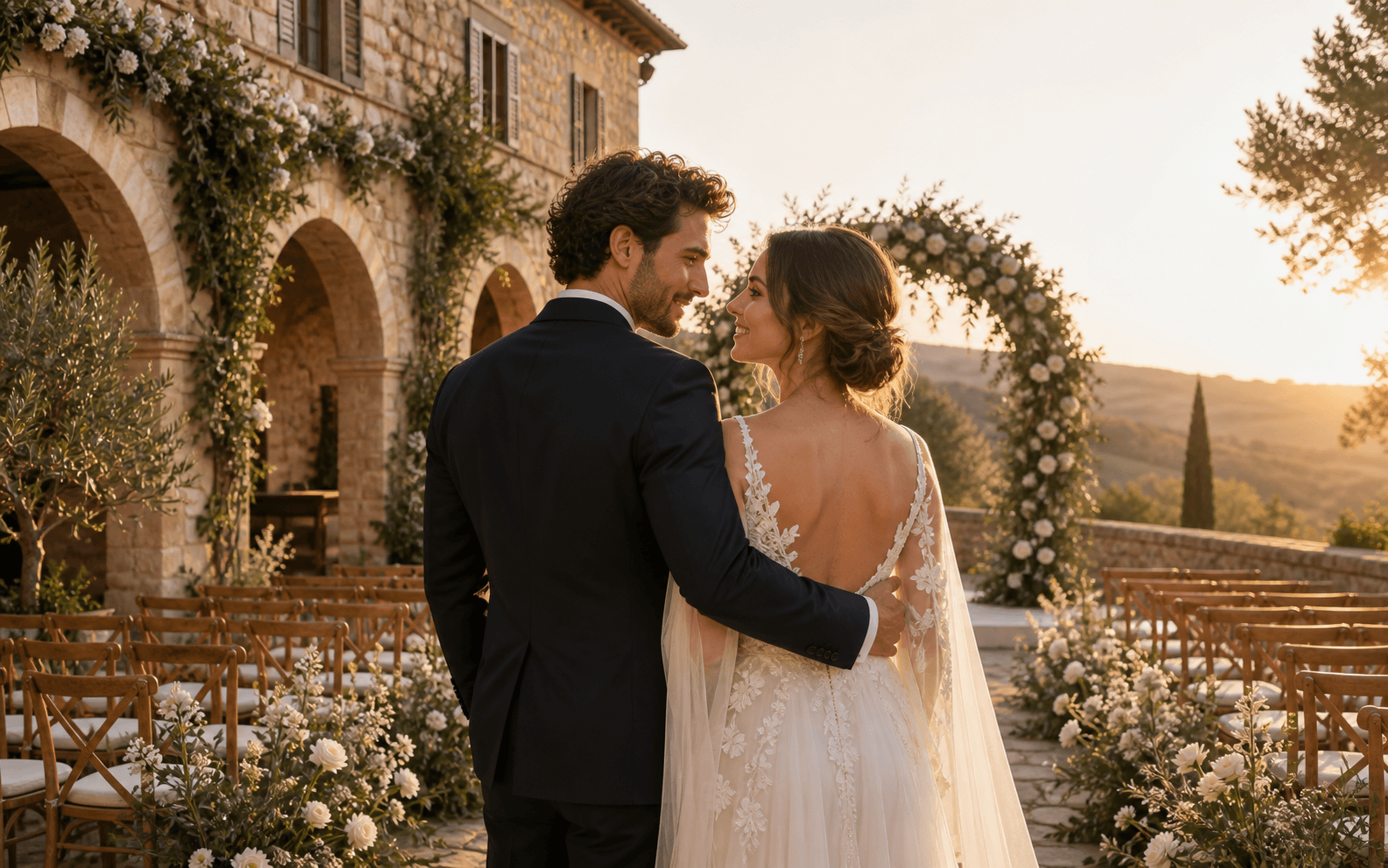
See yourself in a dream venue
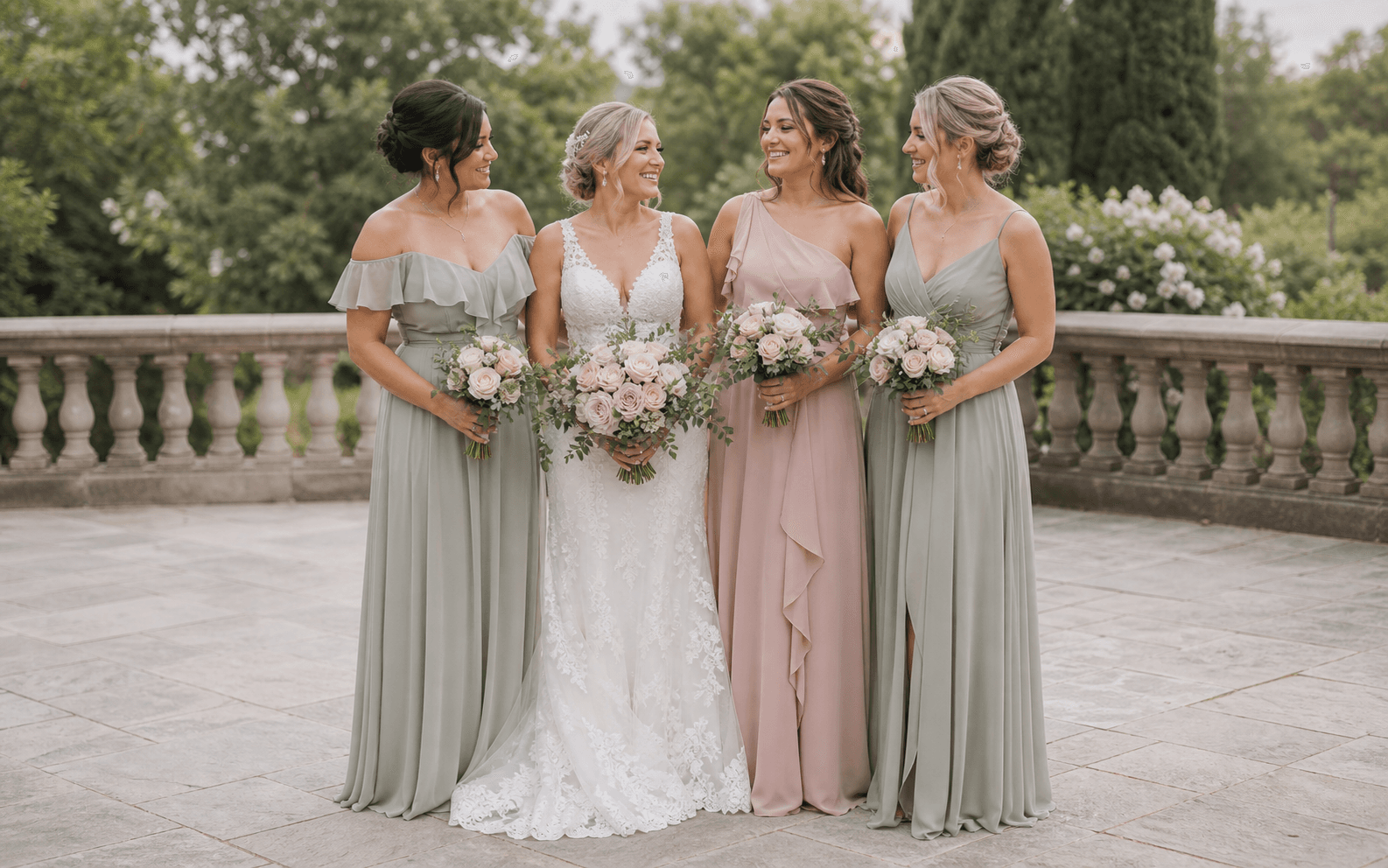
Coordinate the whole wedding party
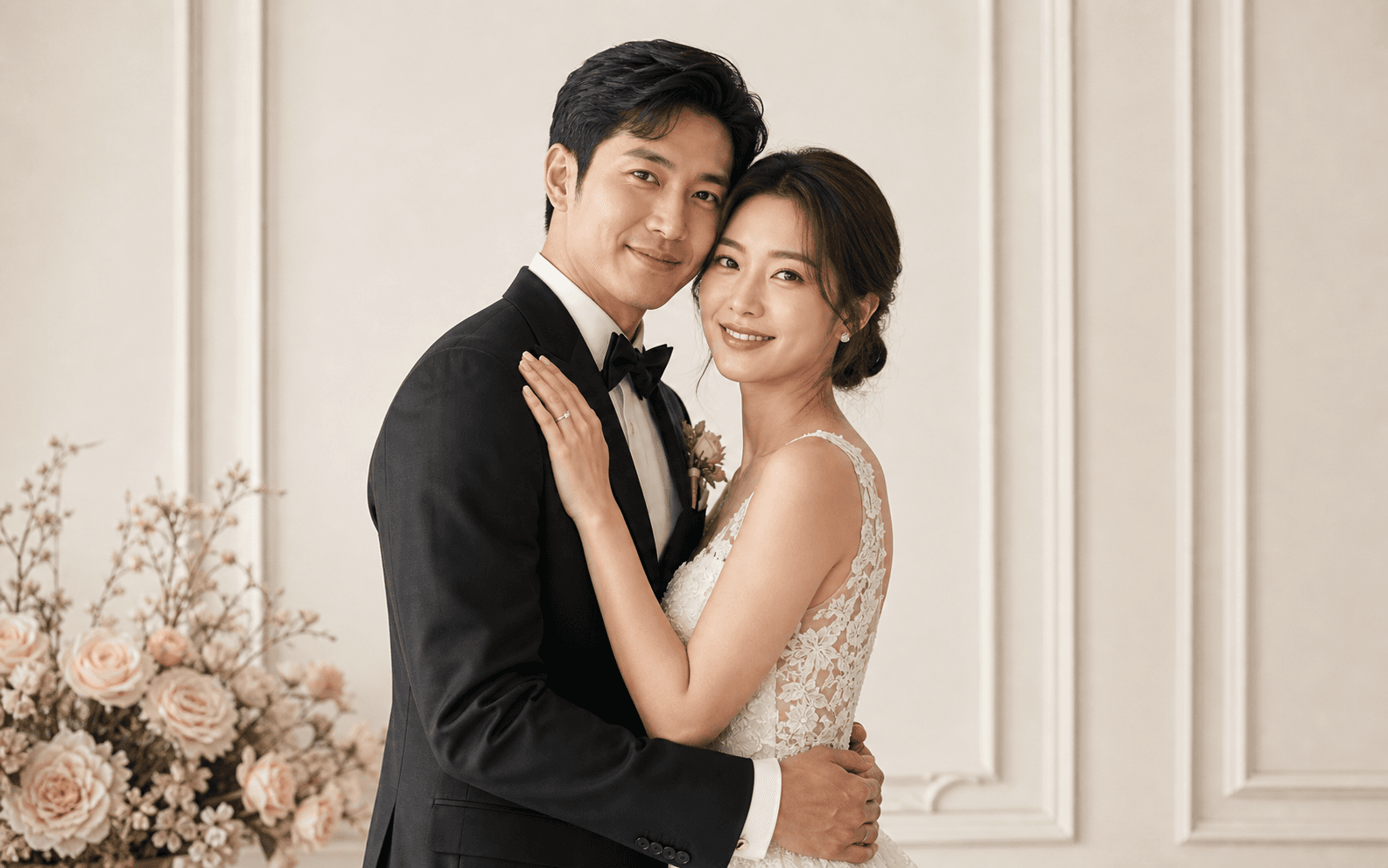
Make a polished save-the-date image
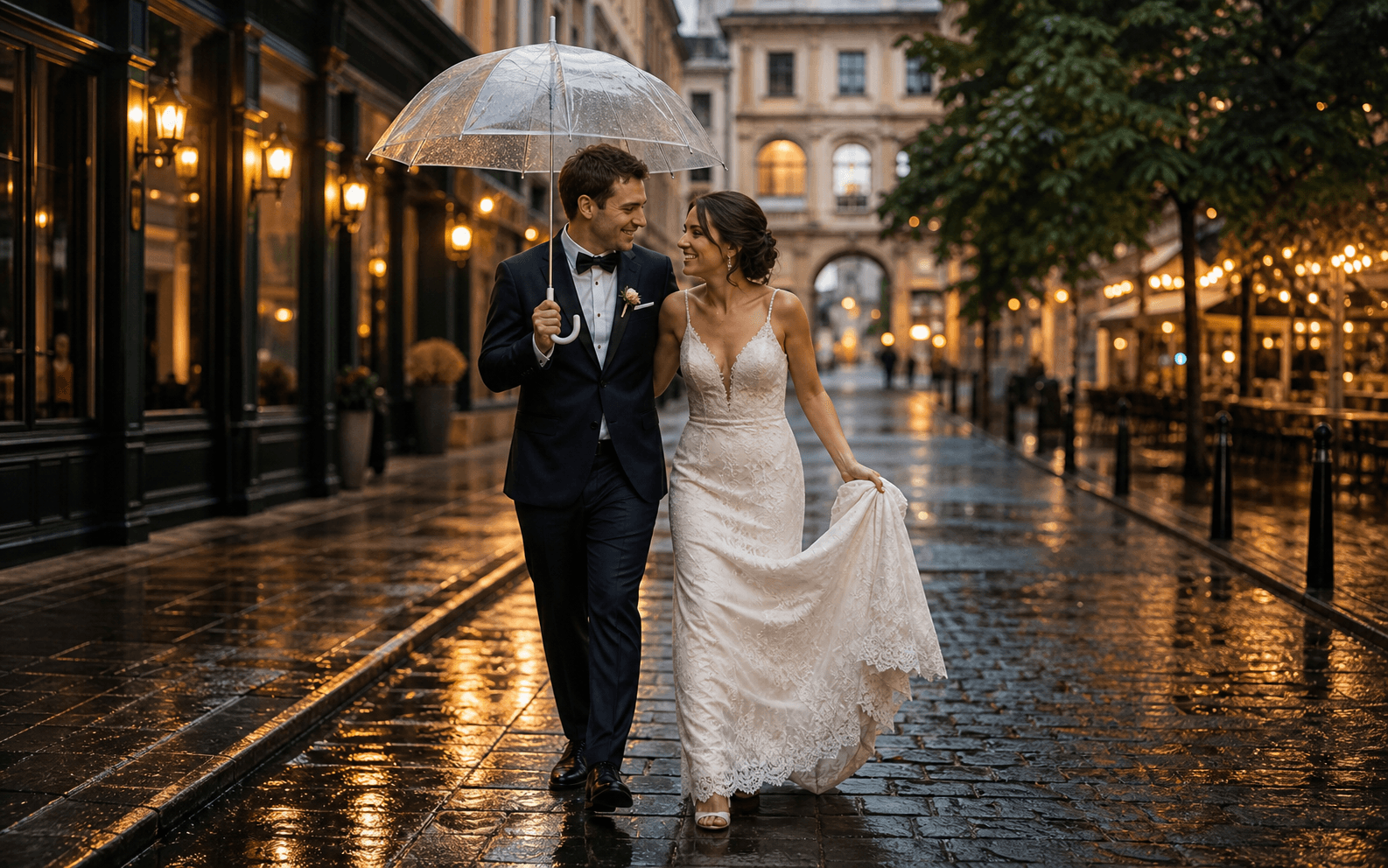
Turn casual moments into keepsakes
Upload a portrait photo, describe the wedding style, veil type, backdrop, outfit, or venue you want to see, and Seedance creates a polished wedding image in seconds. Explore bridal looks and wedding visuals without booking a photographer, renting a studio, or waiting weeks for edits.
Preview veils, dresses, and décor ideas on your own photo
Create polished bridal portraits from photos you already have
Explore multiple wedding looks without booking a studio
Upload a portrait, describe your wedding vision, and turn it into a polished preview for veils, bridal portraits, venues, invitations, and more.
Upload a clear front-facing portrait and describe the veil style—cathedral lace, short blusher, vintage birdcage, pearl edge, or another look. Generate realistic previews and compare styles before visiting a boutique or placing an order.
No professional shoot needed. Upload a clear photo and describe your dress, bouquet, pose, lighting, and backdrop. Create a studio-style bridal portrait for invitations, announcements, mood boards, or social media.
Describe your dream ceremony backdrop—an Italian countryside villa, a beach at sunset, a garden arch, or a candlelit chapel—and visualize yourself in that setting before committing to a venue or décor budget.
Turn an existing portrait into a refined couple photo for a save-the-date, announcement, invitation layout, or wedding album. Guide the framing, backdrop, lighting, and amount of negative space for the design you plan to make.
Explore bridal looks, coordinate the wedding party, preview venues, and create polished images for the moments before and after the ceremony.
See how cathedral, blusher, birdcage, fingertip, or lace veils look with your face, hair, and bridal styling before stepping into a boutique.
Move from an everyday portrait to a polished wedding visual in three simple steps.
Choose a well-lit portrait or couple photo with visible faces, hair, shoulders, and clothing. Use a group photo when coordinating bridesmaid looks.
Add the veil, dress, suit, bouquet, venue, décor, pose, lighting, camera angle, and photography style you want to preview.
Create several directions, compare the details that matter, and review faces, hands, fabric, jewelry, and background before saving your favorite.
Start with the image you want, then add the bridal styling, setting, light, camera direction, and details that must stay recognizable.
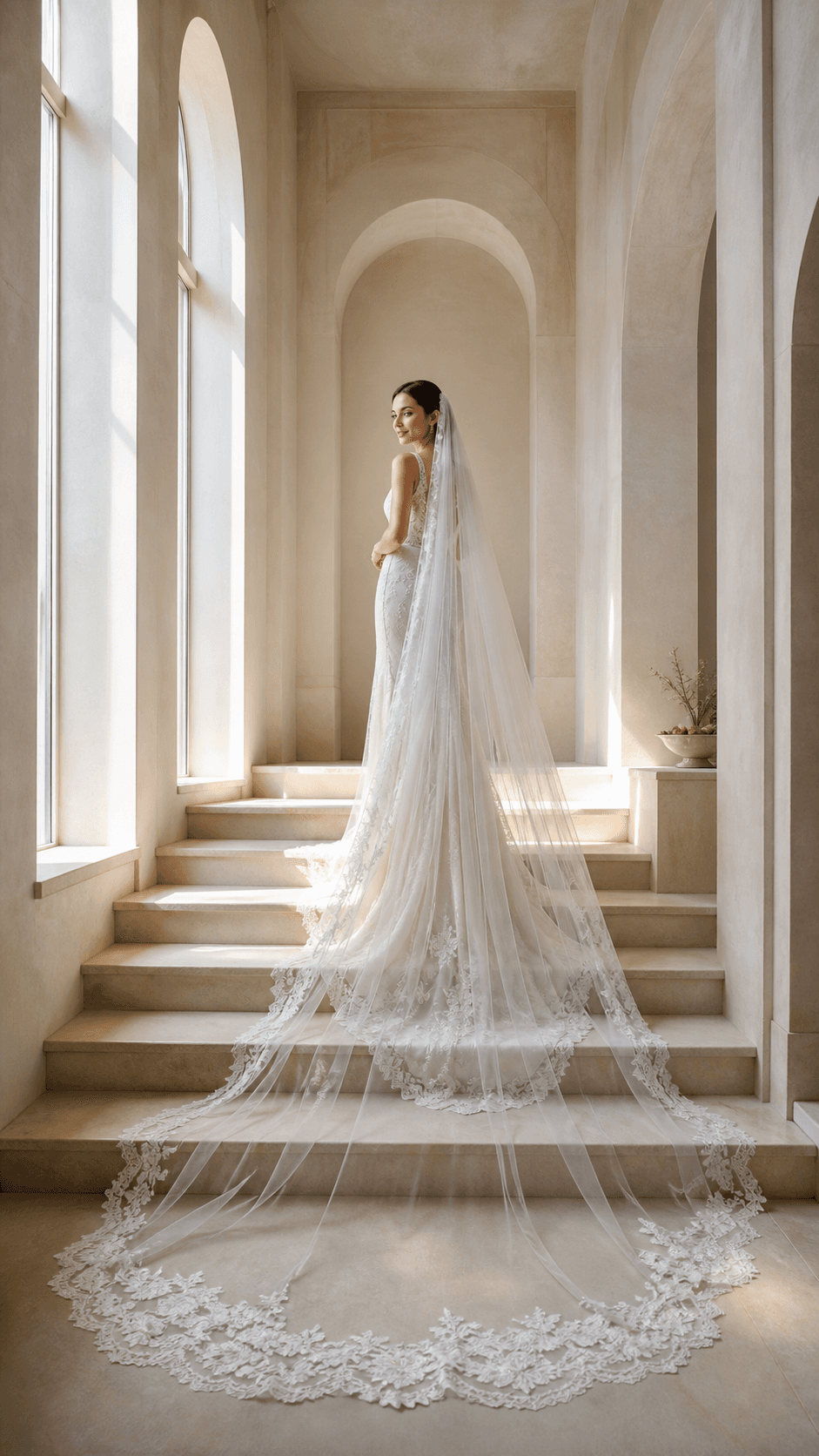 01
01Cathedral Veil Try-On
Add a long cathedral veil with delicate floral lace, soft volume behind the shoulders, and a clean edge around the face while keeping facial features, hairstyle, and skin tone recognizable.
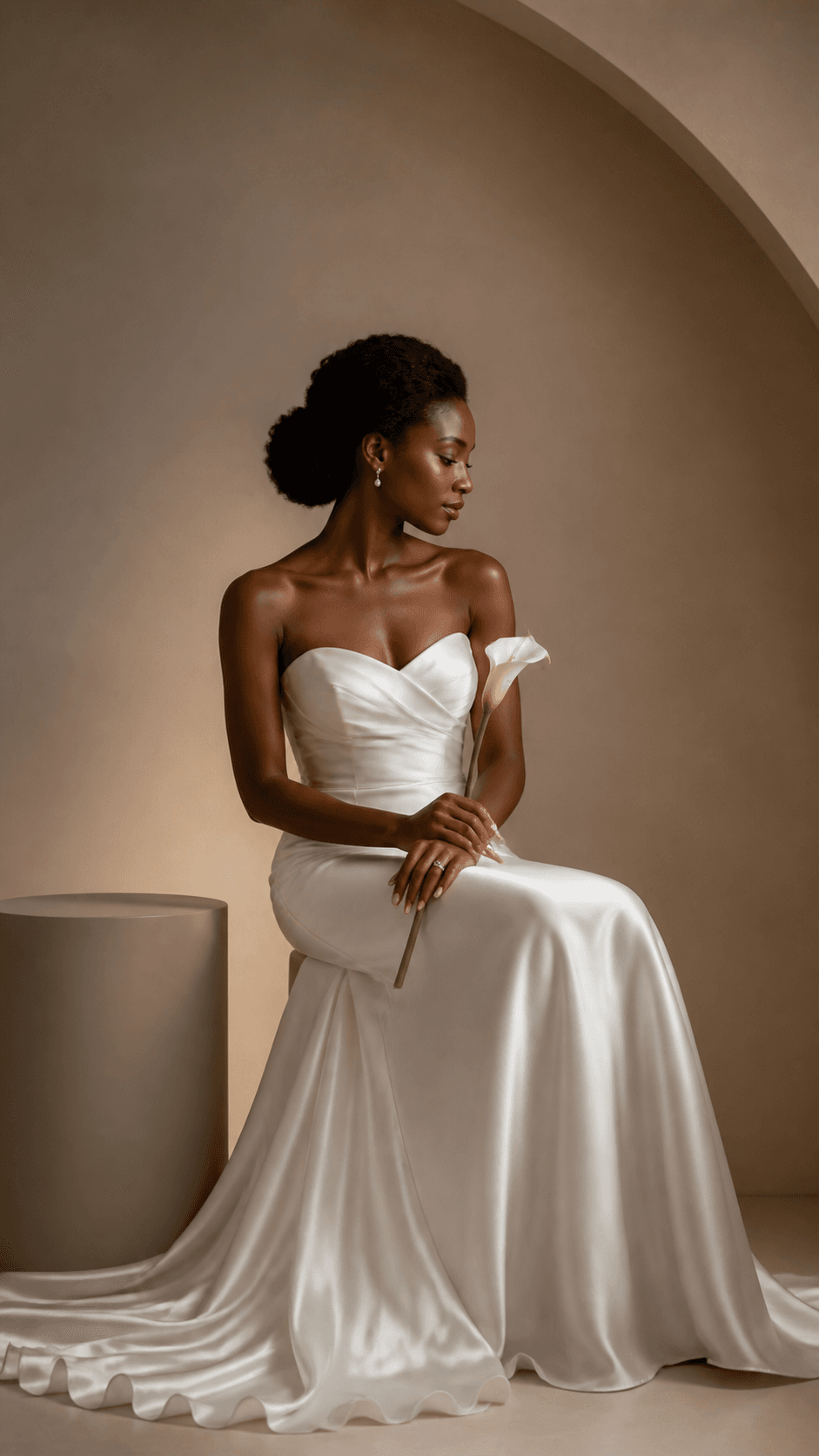 02
02Studio Bridal Portrait
Create a refined studio bridal portrait with an ivory lace dress, blush-and-sage bouquet, soft directional light, a warm gray backdrop, and natural editorial retouching.
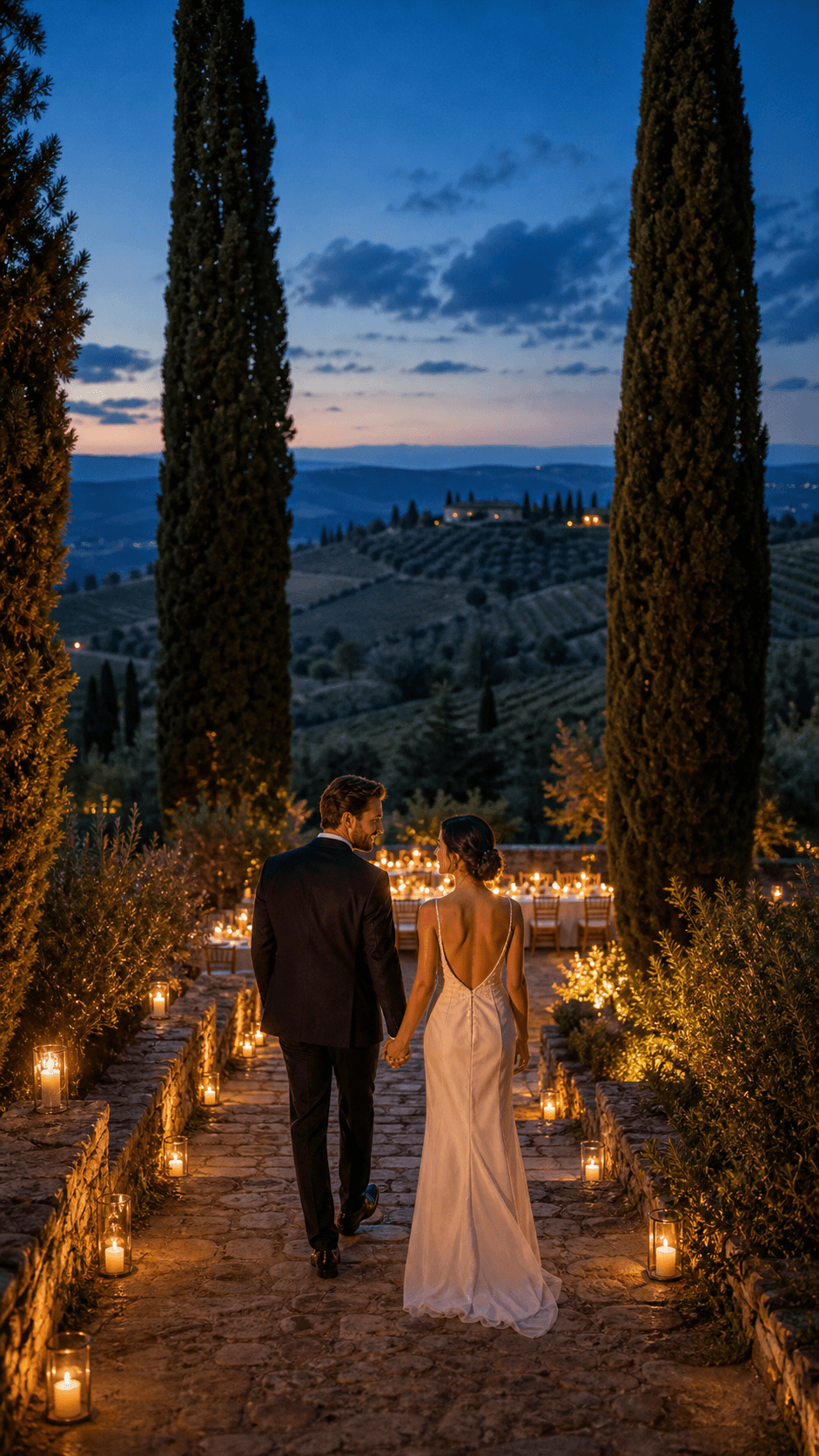 03
03Tuscan Venue Preview
Place the couple in a sunlit Tuscan villa courtyard with an understated floral arch, olive trees, warm stone, and elegant golden-hour destination-wedding photography.
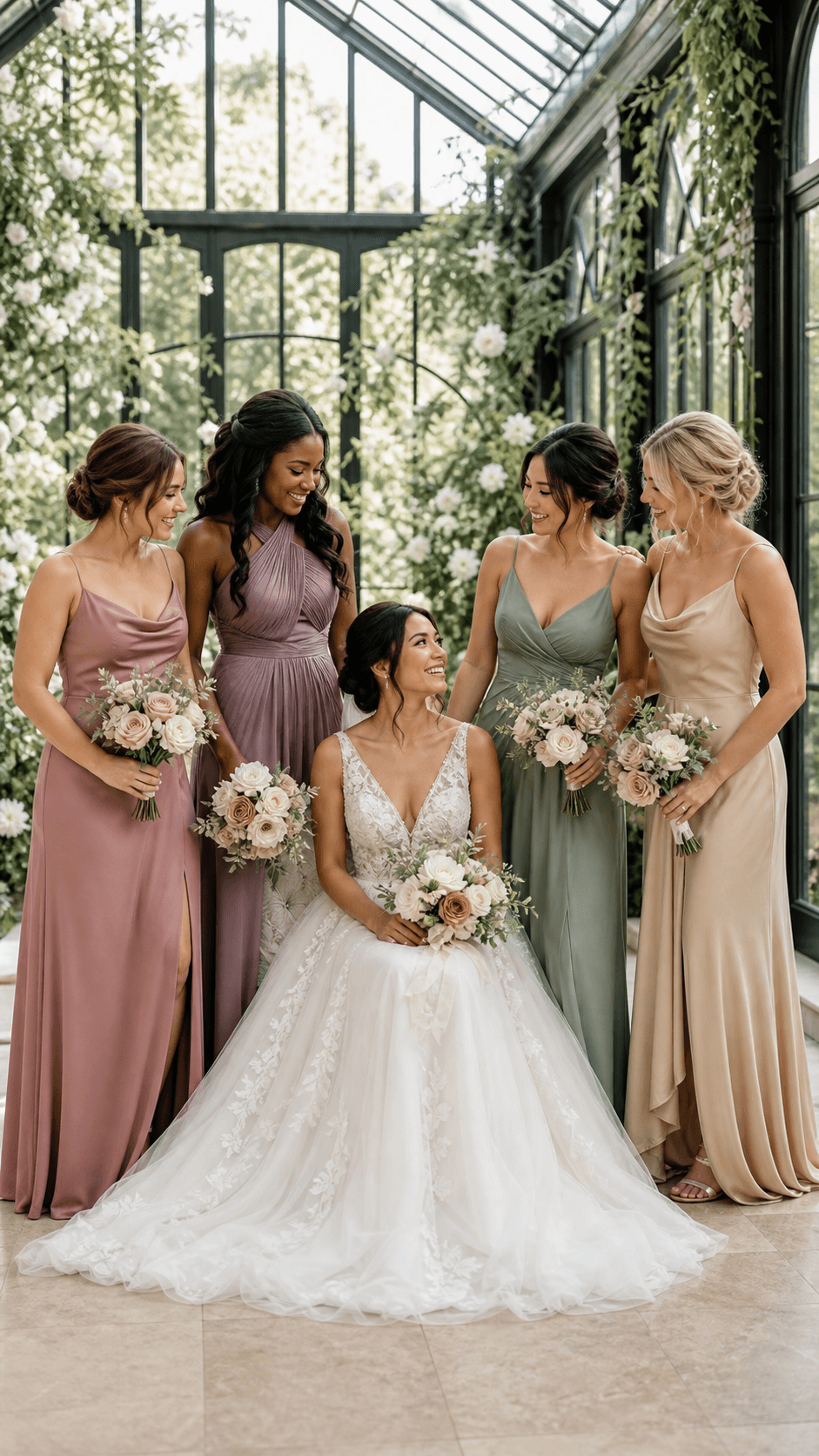 04
04Bridesmaid Palette Preview
Create a coordinated wedding-party portrait with the bride in ivory and bridesmaids in a balanced mix of sage and blush dresses, matching bouquets, and soft garden light.
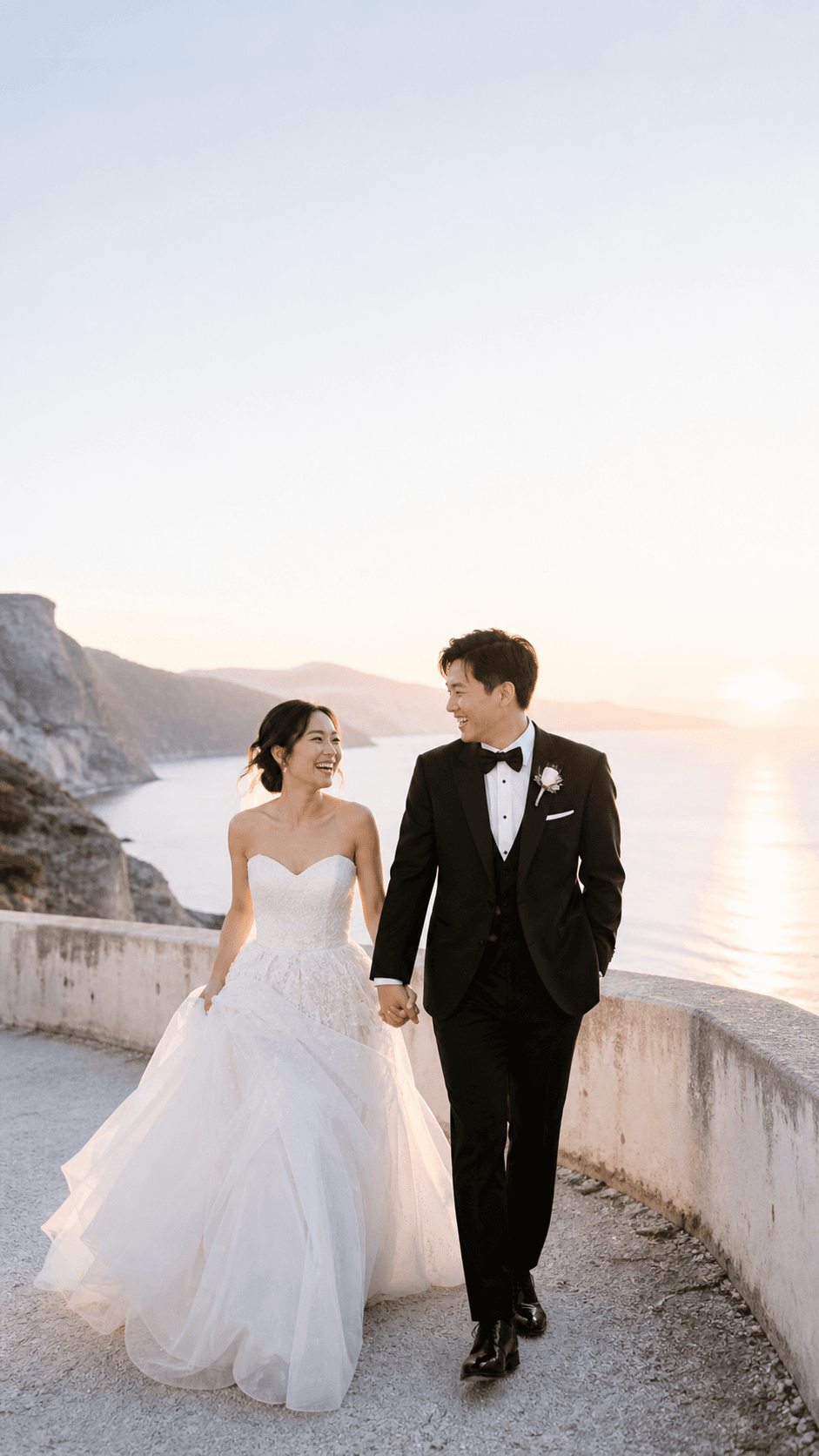 05
05Save-the-Date Portrait
Create a timeless couple portrait in a light cream studio with polished formal styling, a natural embrace, centered framing, and calm negative space for a save-the-date layout.

Transform a portrait while using the original face, pose, and composition as visual guidance.
Create an original bridal, venue, invitation, or wedding-scene concept from a written description.
Turn wedding photos and video clips into a cinematic highlight film for family and social sharing.
Helpful answers for creating veil previews, bridal portraits, venue concepts, invitations, and wedding album images.
An AI wedding photo generator uses a portrait, couple photo, group photo, or written prompt to create a new wedding-themed image. You can direct the veil, dress, suit, bouquet, pose, venue, lighting, background, and photography style.
Yes. Upload a clear front-facing portrait and describe the veil length, material, edge, volume, and placement. Generate several styles and compare them before using the preview as shopping inspiration.
Use a well-lit image with the face, hair, and shoulders clearly visible. For couple or bridesmaid photos, choose a frame where each person is distinct and not heavily covered by another person.
Yes. Describe the venue, season, time of day, ceremony layout, flowers, architecture, and camera angle. Treat the result as a creative visualization rather than an exact promise of how a real venue will look.
Yes. Ask for a clean couple portrait with the crop and negative space your invitation needs. Add names, dates, and final typography later in your design tool so every detail remains accurate and editable.
New accounts may receive starter credits. The number of images those credits cover depends on the current model, image size, quality, and input mode, so check the live credit estimate before generating.
A clear reference photo helps preserve recognizable features, but every AI result can vary. Review the face, hair, body proportions, hands, jewelry, outfit, and background carefully before sharing or printing.
Check identity, hands, fabric, jewelry, flowers, venue details, crop, and any culturally important elements. Also make sure you have permission to upload and use every person’s photo.
Upload a portrait, describe the veil, dress, venue, or wedding style you want, and turn your idea into a polished visual you can compare and share.