
Make Anyone Dance From a Photo
Upload a portrait and generate a realistic dancing clip
Upload a photo, describe the dance style, and watch your subject move. No motion capture. No choreographer. No watermark.
Describe the video you want — e.g. “a 15s vertical ad for my coffee brand”
Upload a portrait and generate a realistic dancing clip
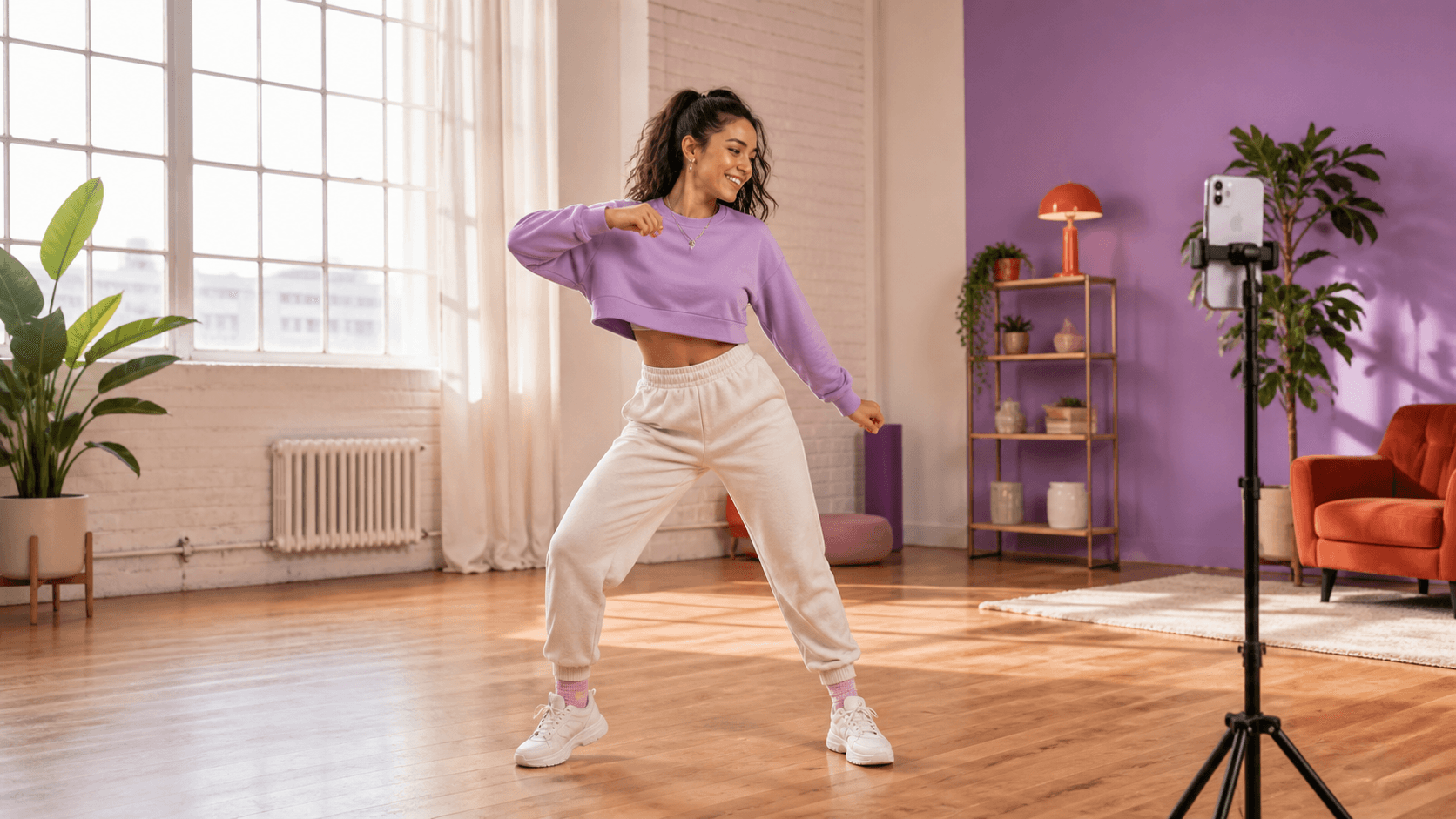
Create on-trend dance content without filming yourself
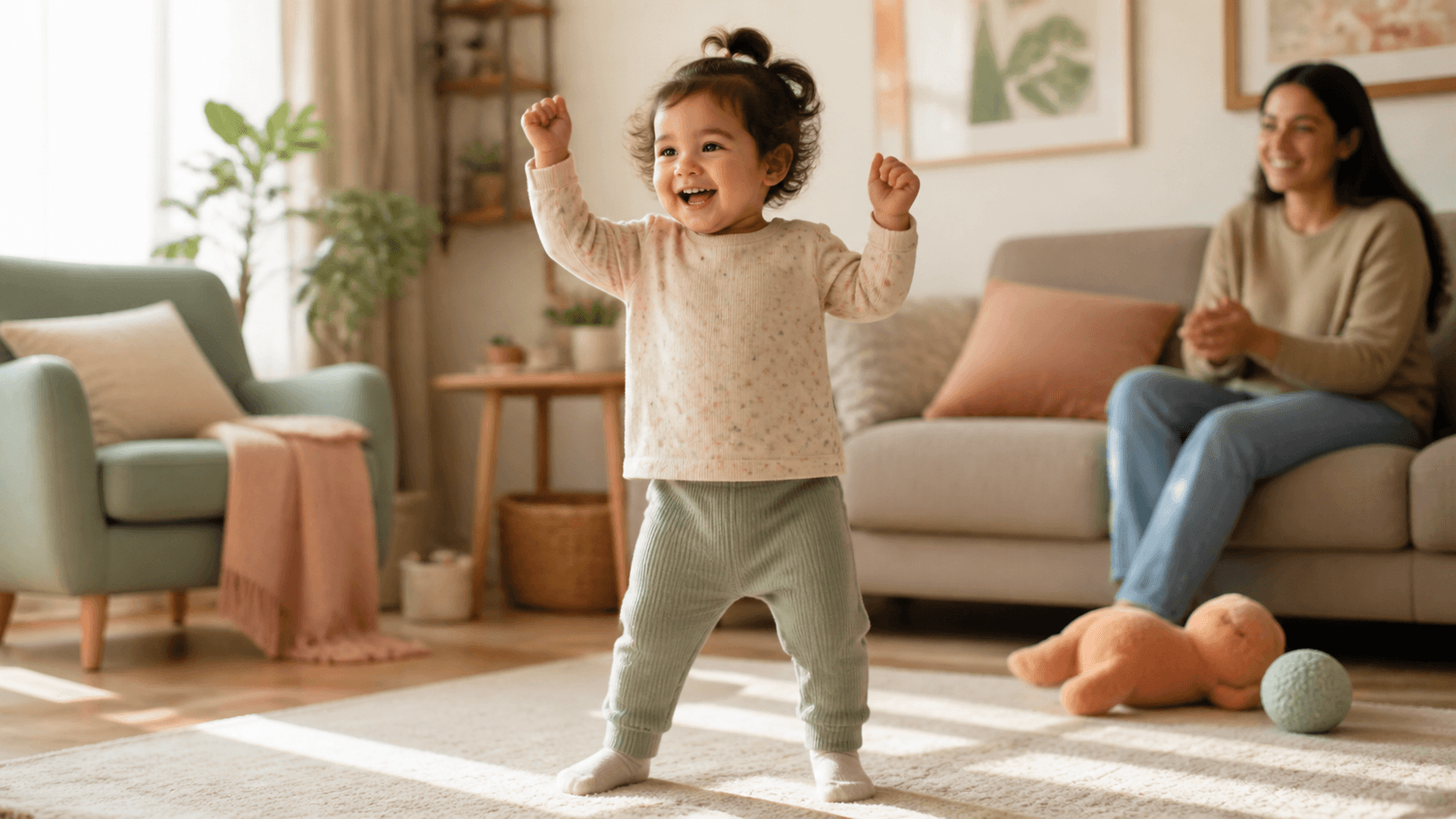
Turn a family photo into a cute dancing video
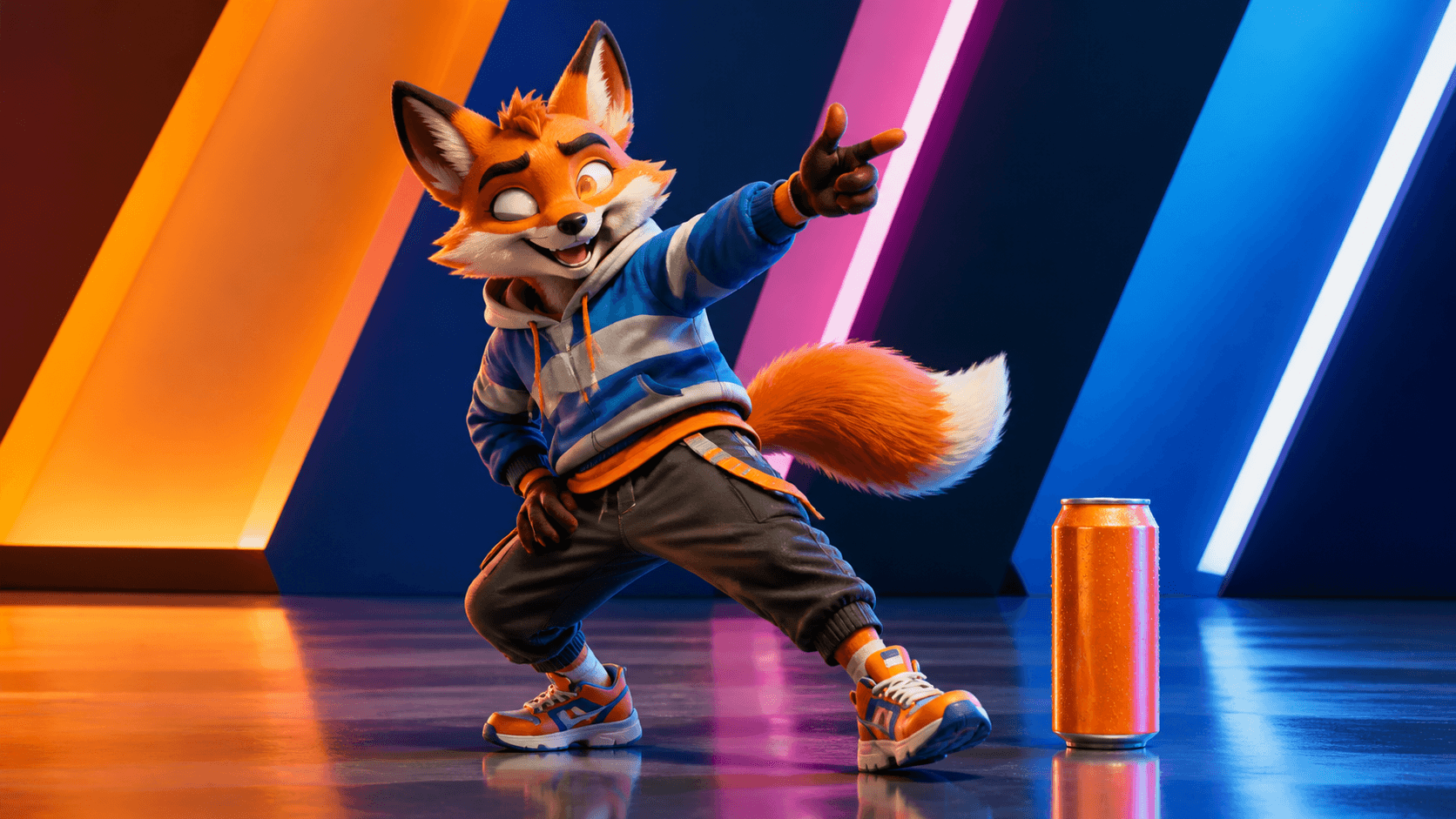
Animate a product mascot or original character to music
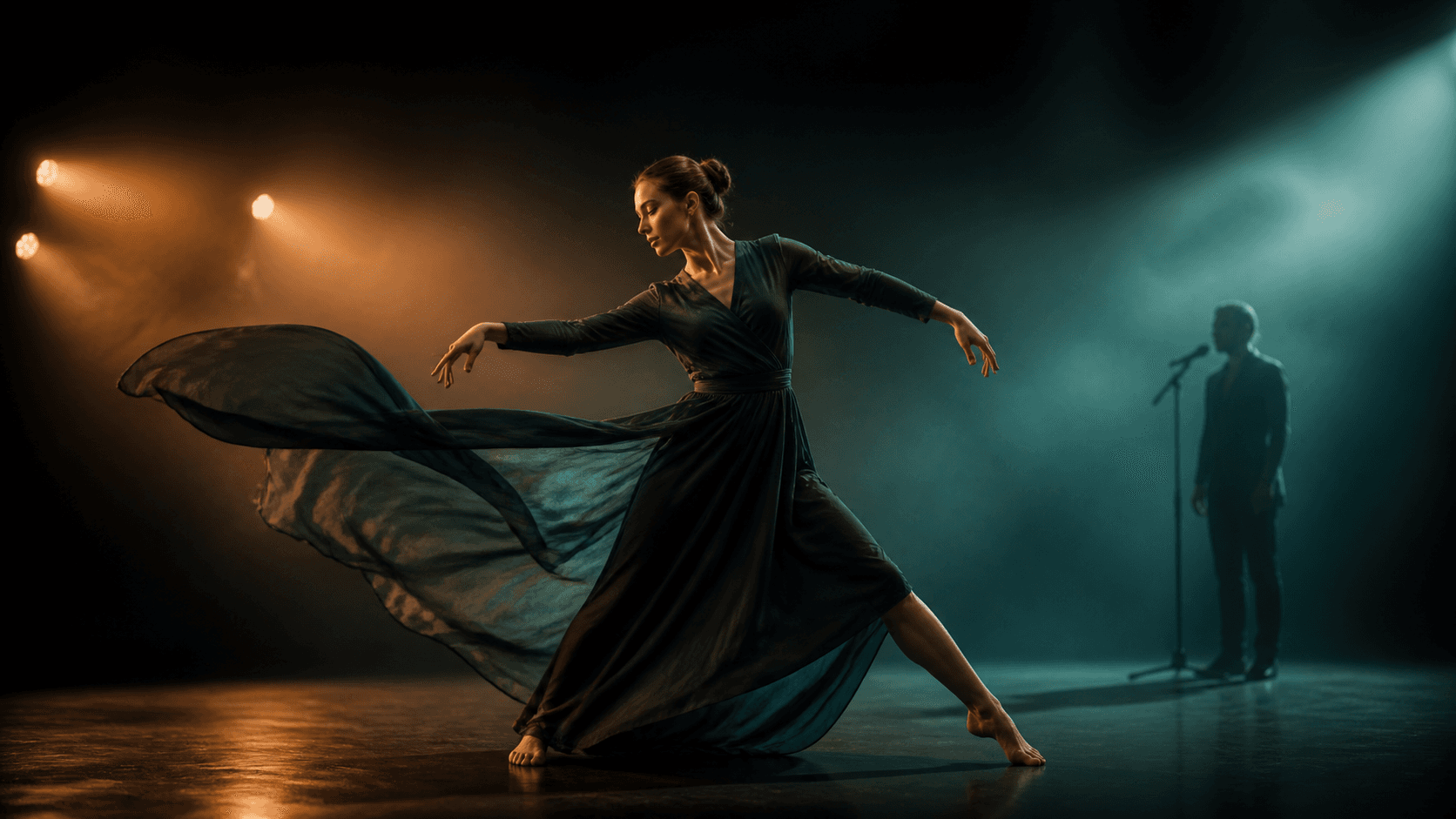
Generate AI dancer footage for an original track
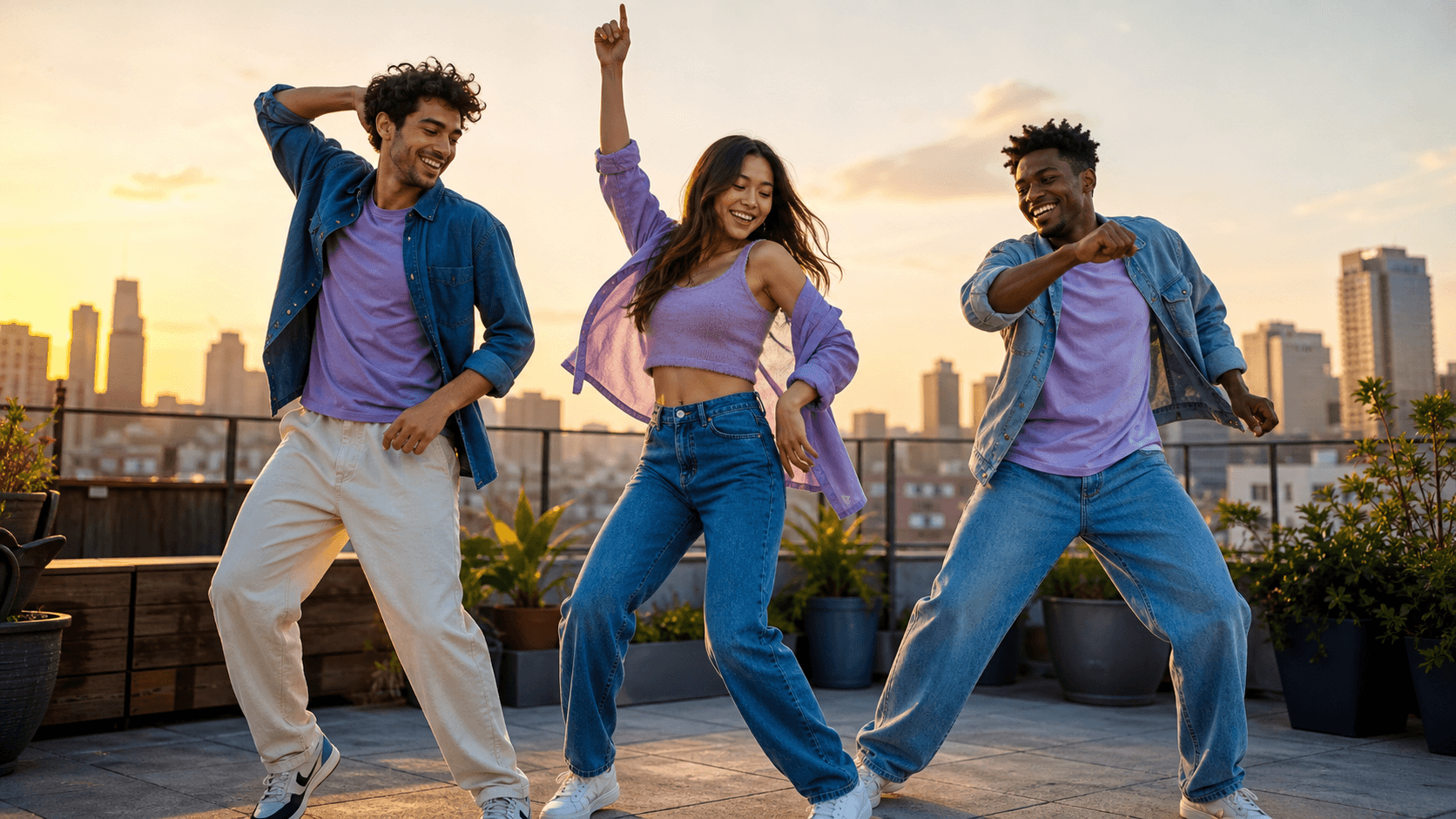
Produce energetic clips for Reels, Shorts, and TikTok
Upload a photo of a person, describe the dance style and music energy, and Seedance generates a fluid dancing clip. No green screen, motion-capture studio, or choreographer needed. Download without a watermark and share directly on TikTok, Instagram, or YouTube.
Generate natural body movement, footwork, and rhythm from a single reference photo
Describe hip-hop, ballet, K-pop, salsa, energy, and camera direction in plain language
Create 9:16 clips for TikTok and Reels or 16:9 videos for YouTube
Start with one clear photo, direct the dance style and energy with a prompt, and create a polished clip for the channel where you want to share it.
Upload a JPG, PNG, or WebP portrait. Seedance reads the pose, body proportions, and lighting, then generates a dancing video with natural-looking movement. Try it with starter credits, check the live estimate before generating, and download without a watermark.
Type the dance genre, energy level, signature movement, and camera angle you want. From hip-hop grooves and smooth salsa footwork to ballet turns and K-pop-inspired synchronization, Seedance follows your prompt to make a person dance with AI for TikTok and beyond.
Skip the filming session. Generate multiple takes with different dance styles from the same photo, keep the version that fits the vibe, and regenerate the ones that do not—without booking talent, a studio, or a reshoot.
Create dance clips from a photo for social trends, family moments, brand characters, music visuals, and shareable entertainment.
Upload a portrait or full-body photo and turn it into a realistic dancing clip. Choose the genre, tempo, gesture, footwork, expression, and camera direction with one prompt.
Move from one clear reference image to a share-ready dance clip in three simple steps.
Choose a well-lit portrait or full-body photo with a clear subject, stable pose, and minimal obstruction. Only upload images you have permission to use.
Add the genre, energy, signature moves, expression, camera angle, duration, and aspect ratio. Keep the first prompt focused on one movement idea.
Compare a few takes, check hands, feet, face, body motion, and background continuity, then download the best version for TikTok, Reels, Shorts, or YouTube.
A good prompt combines dance genre, movement, energy, expression, camera direction, setting, and format.
 01
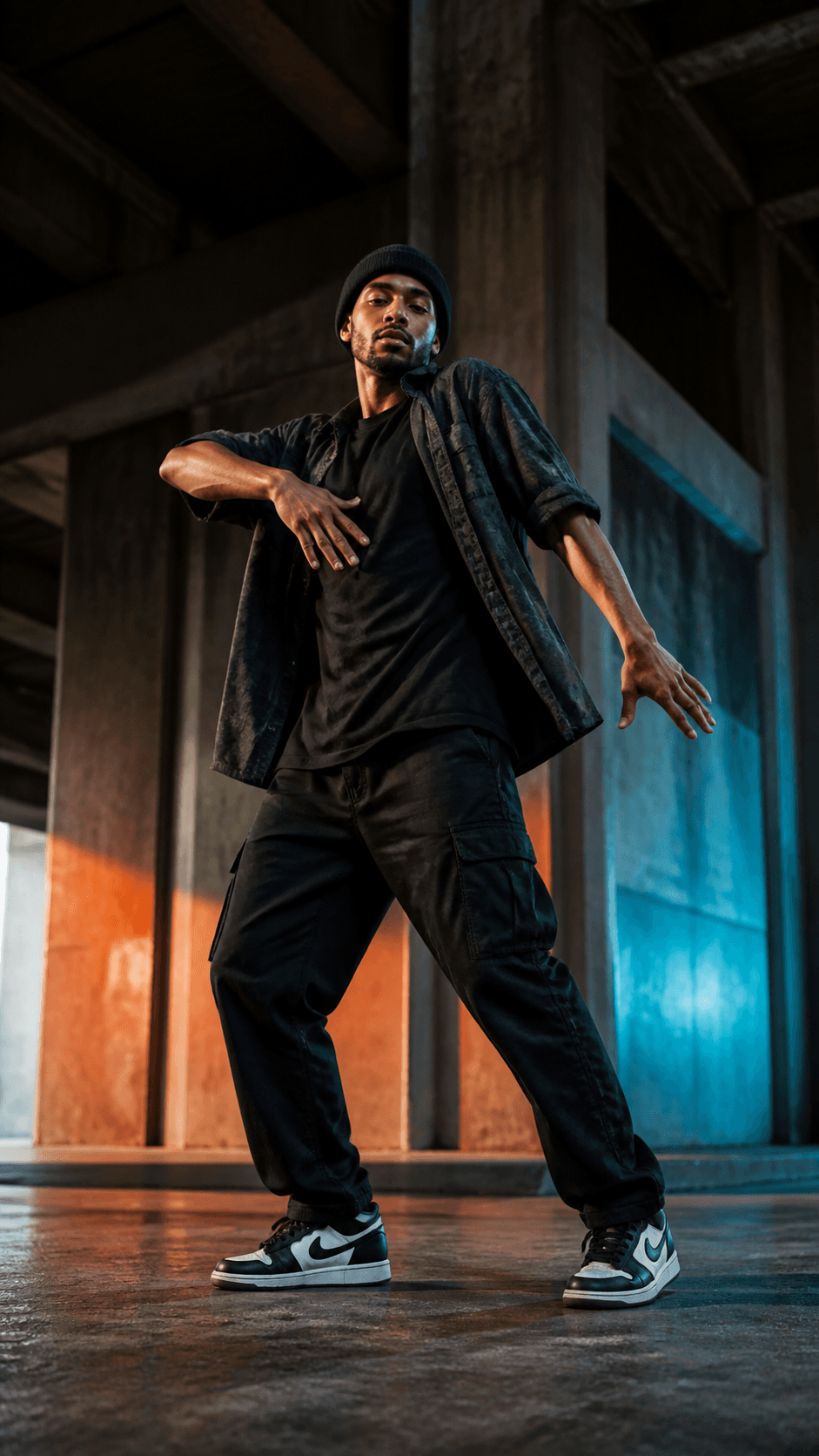
01Hip-Hop Groove
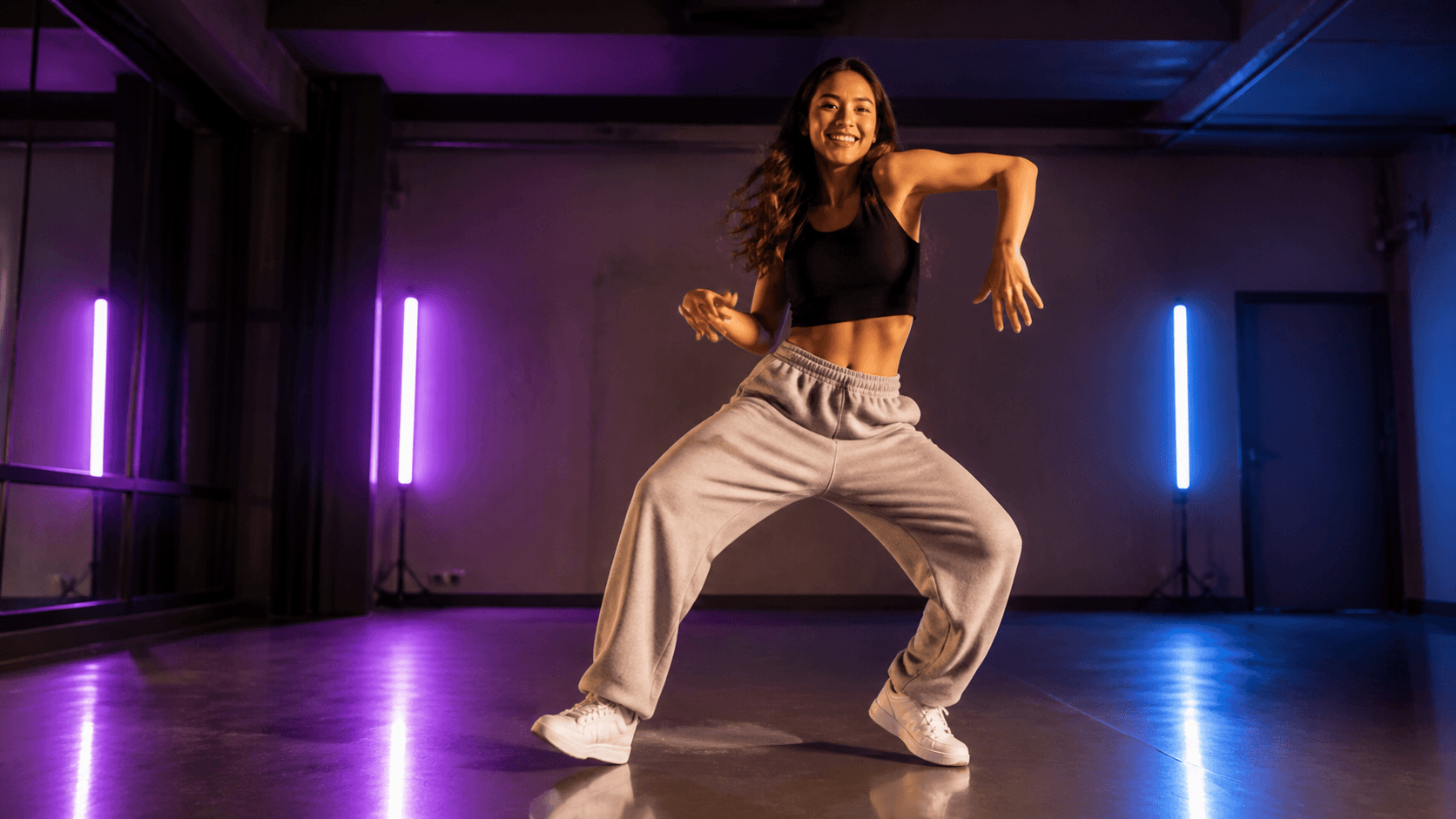
A confident full-body hip-hop groove with clean footwork, relaxed shoulder rolls, upbeat energy, and a slow camera push-in, modern rehearsal studio, 9:16.
 02
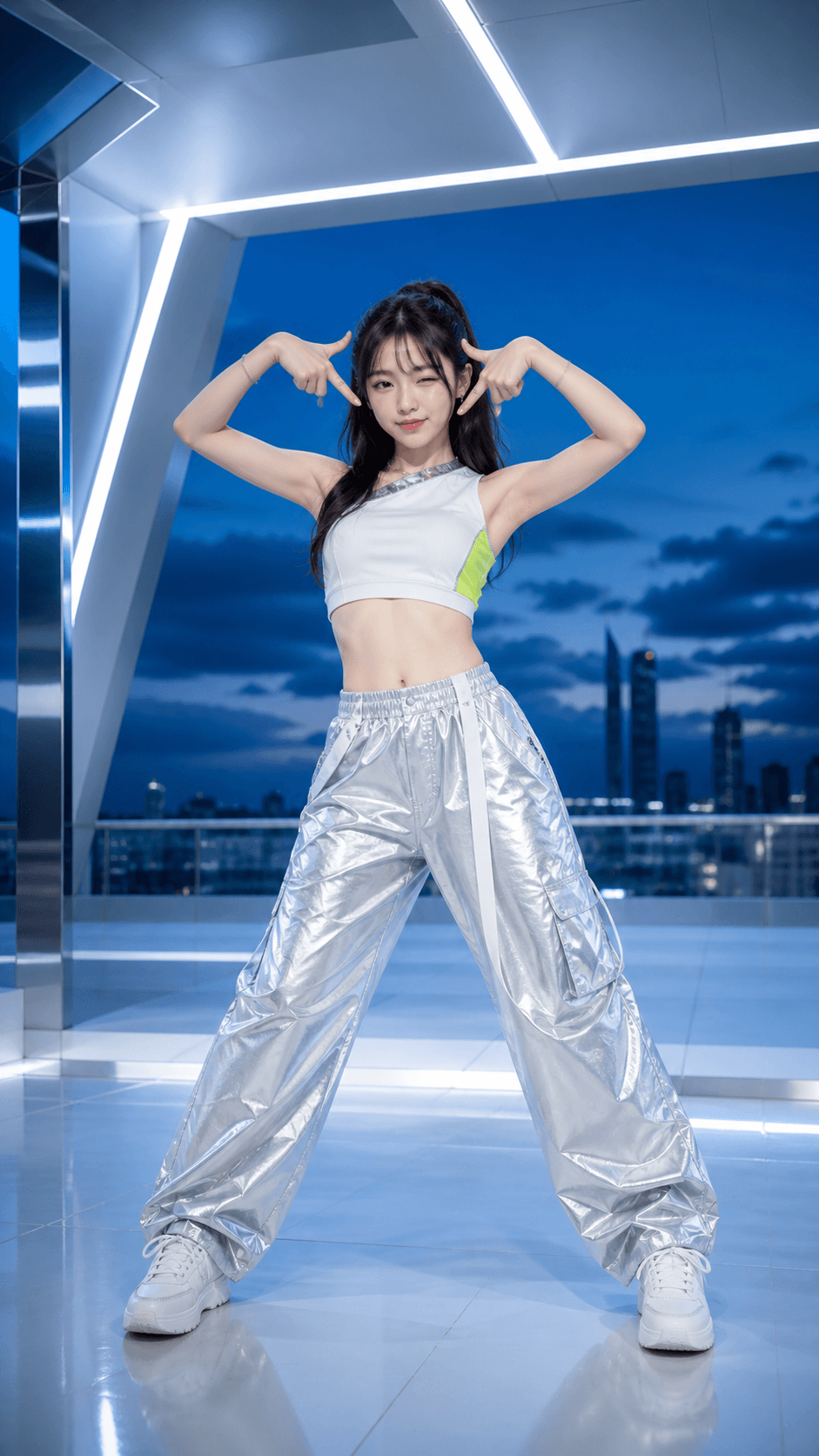
02K-Pop Challenge
A sharp, upbeat K-pop-inspired dance challenge with precise arm movements, playful expression, clean studio lighting, static full-body camera, 9:16.
 03
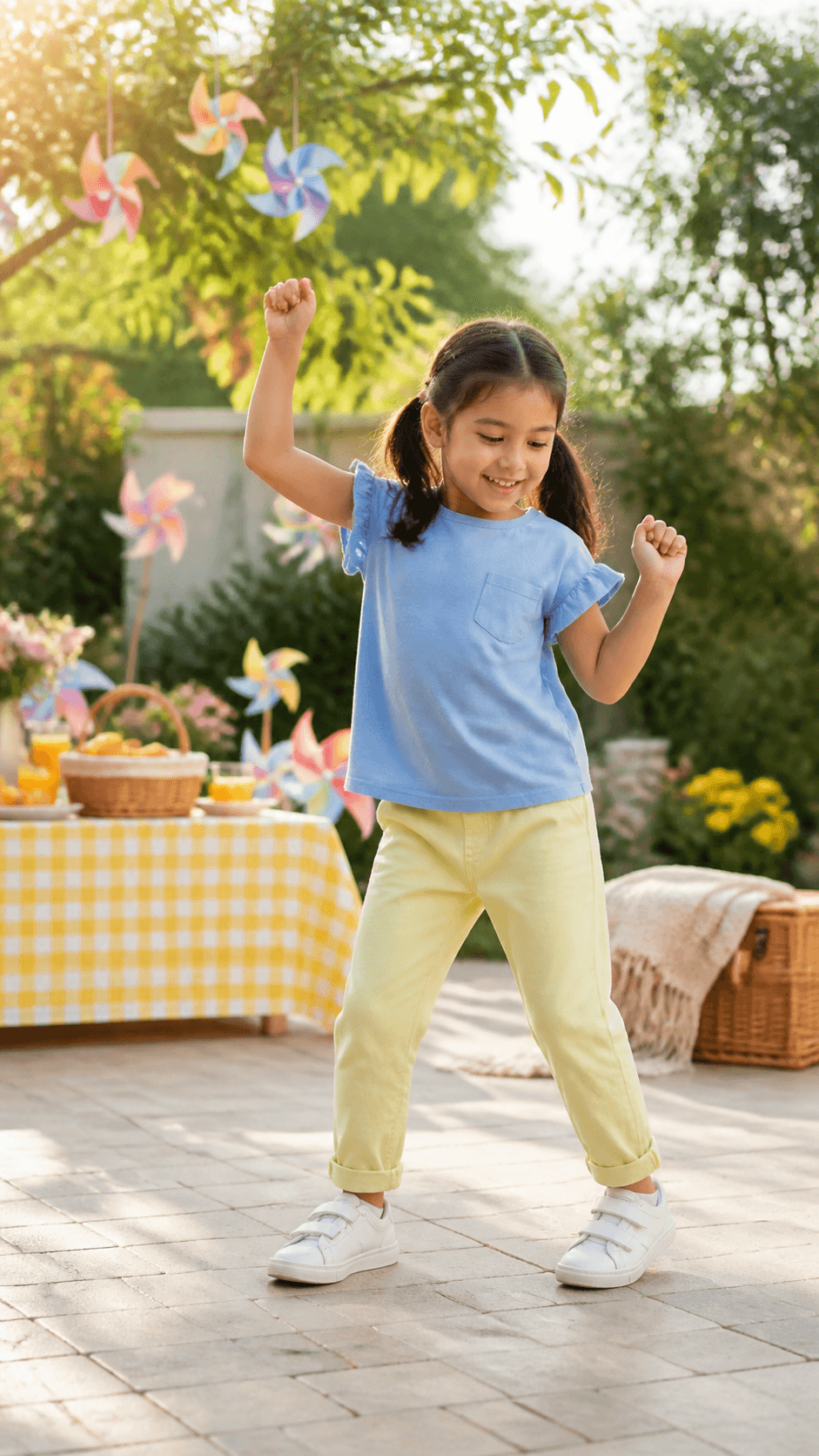
03Playful Family Dance
A cute, age-appropriate dance with small side steps, raised hands, a joyful expression, warm natural light, and a steady full-body camera in a safe family living room, 9:16.
 04
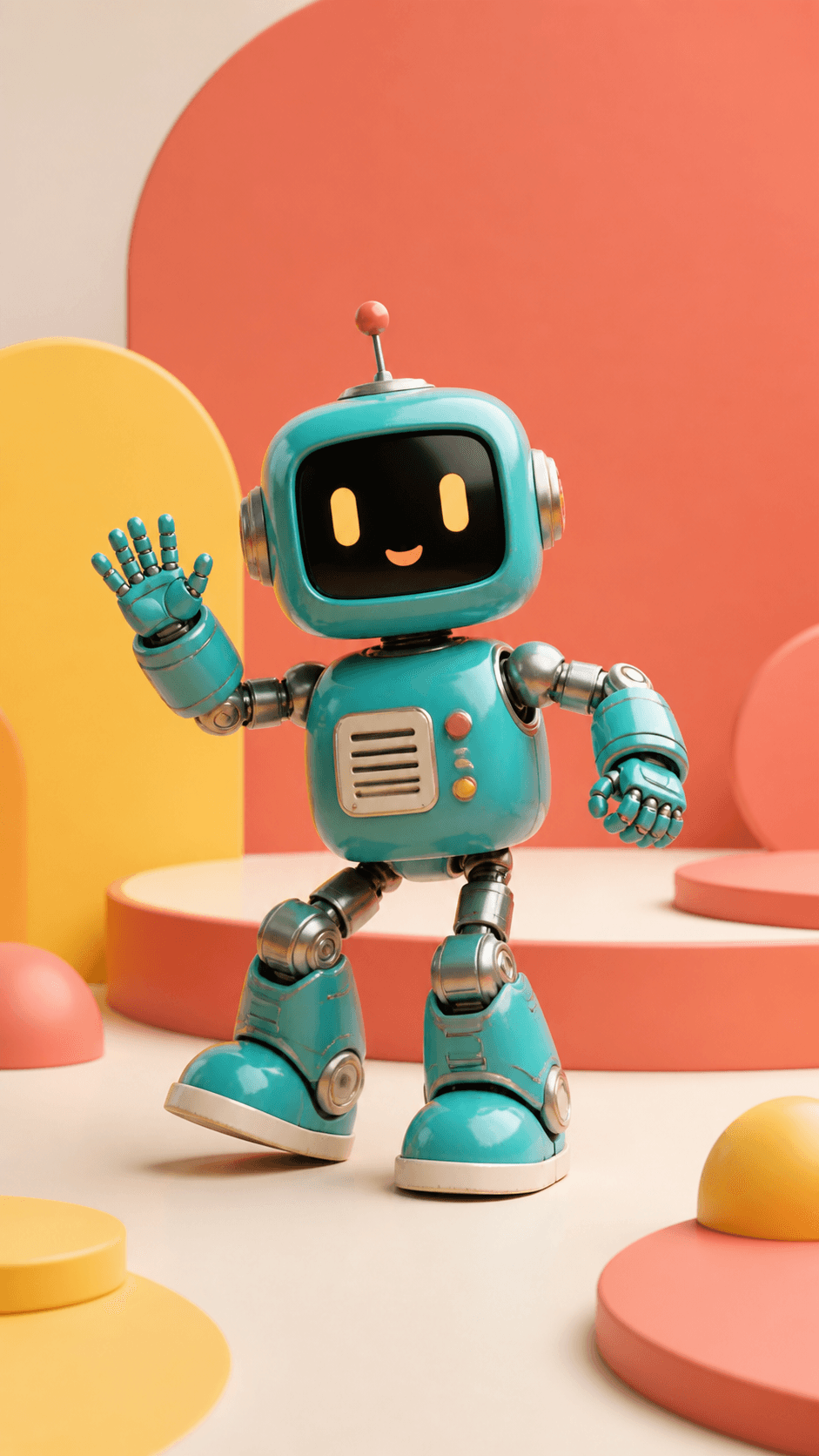
04Brand Mascot Dance
An original brand mascot performs a playful two-step, shoulder bounce, and friendly wave on a colorful commercial set, keeping the character design consistent, 9:16.
 05
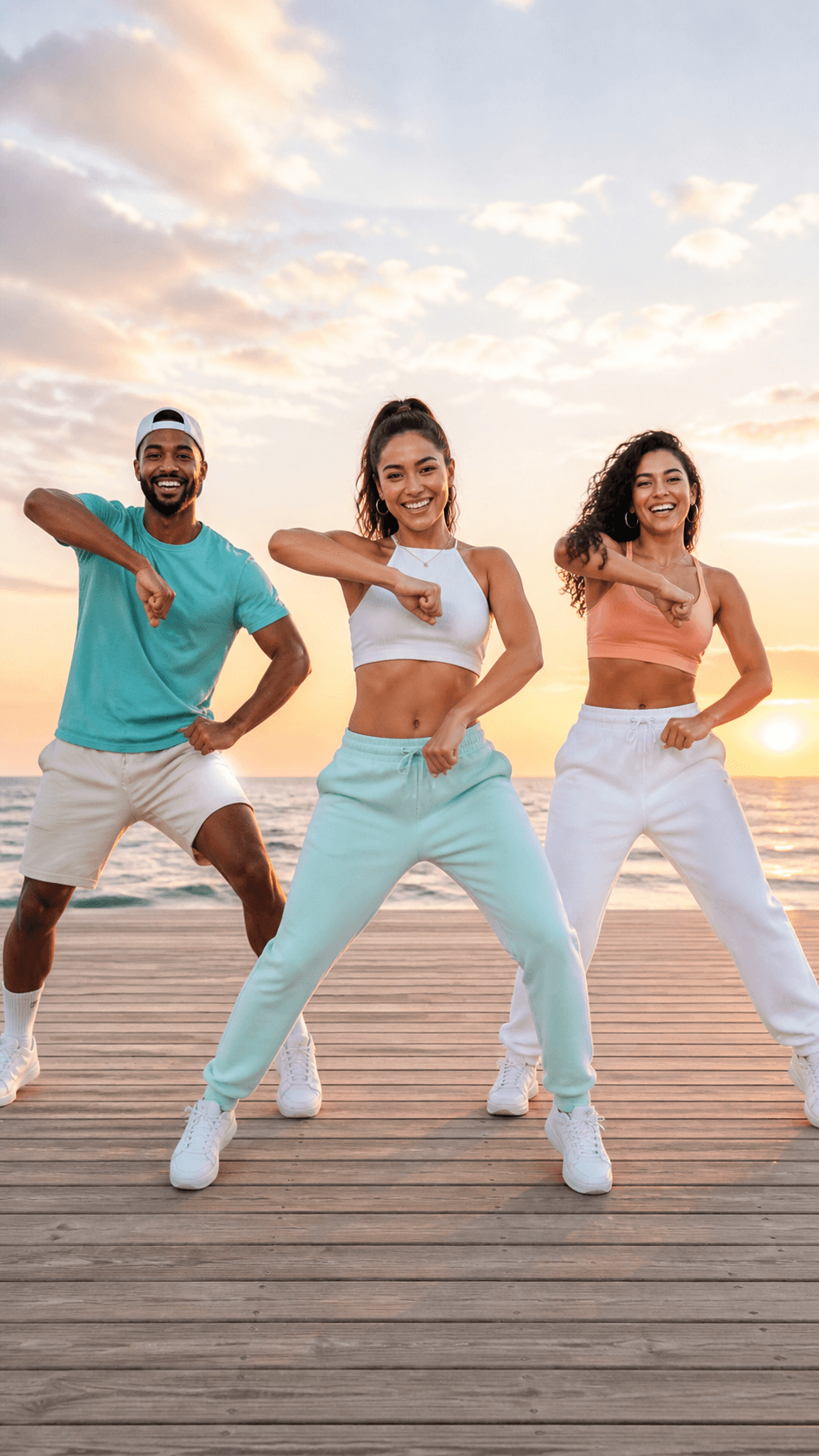
05Viral Group Dance
Three friends perform a synchronized upbeat routine with clean formations, celebratory energy, golden-hour lighting, and a wide camera that keeps every dancer visible, 16:9.

Animate any image beyond dance with walking, gestures, environmental motion, and camera movement.
Generate a full dance scene from a written description without a reference photo.
Guide a consistent character look across a series of dance videos with visual references.
Answers to common questions about making a person dance with AI from a photo.
An AI dance video generator turns a photo or written prompt into a video of a subject dancing. You can guide the genre, movement, energy, expression, camera direction, setting, duration, and aspect ratio.
Yes. Upload a clear portrait or full-body photo and describe the movement you want. A photo with good lighting, a visible subject, and minimal obstruction usually gives the model a clearer starting point.
New accounts may receive starter credits. The number of clips you can create depends on the current model, duration, resolution, audio options, and input mode. Check the live credit estimate before generating.
You can prompt for hip-hop, ballet, contemporary, jazz, salsa, K-pop-inspired routines, freestyle, simple social challenges, and more. Describe the exact energy and movements instead of relying on the genre name alone.
You can create an age-appropriate playful clip from a family photo you have permission to use. Keep prompts safe and natural, review every generated frame, protect the child's privacy, and get parent or guardian consent before sharing.
Yes. Choose a 9:16 vertical format, keep the subject inside the platform safe area, and use an immediate opening movement. Preview the final crop before posting to TikTok, Instagram Reels, or YouTube Shorts.
Start with a clear image, keep the full body visible when footwork matters, describe one short movement sequence, specify tempo and camera behavior, and review several takes for face, hand, foot, joint, and background consistency.
Commercial use depends on your current Seedance plan and terms, the model used, and your rights to the photo, character, music, choreography reference, and other assets. Clear those rights before publishing an ad or monetized video.
Upload a photo, describe the dance style and energy, and create a share-ready clip for TikTok, Reels, Shorts, YouTube, or your next campaign.