Your Photo Stays Yours
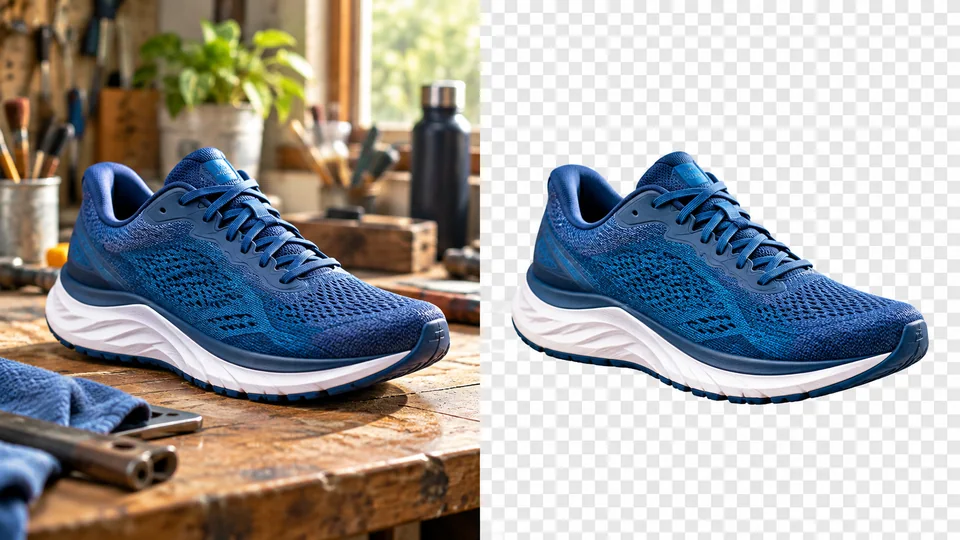
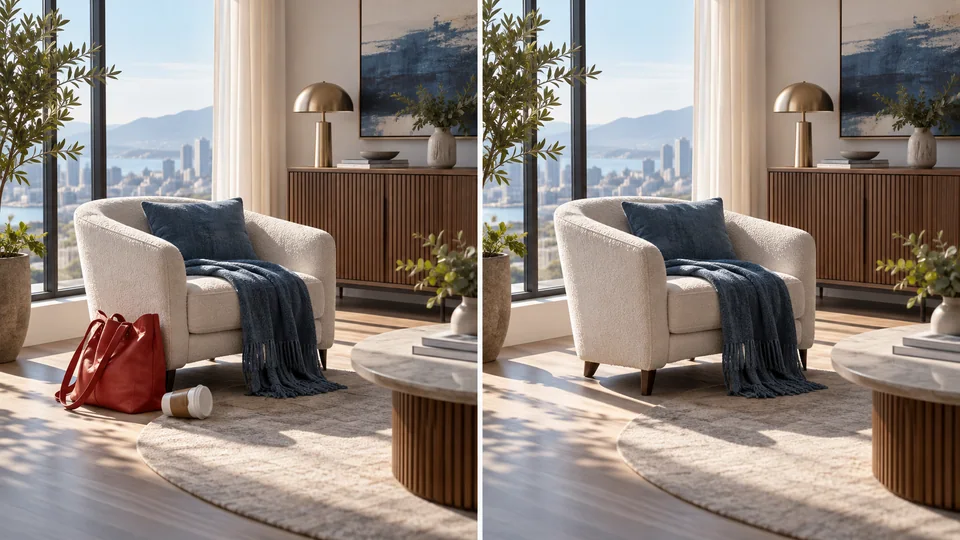
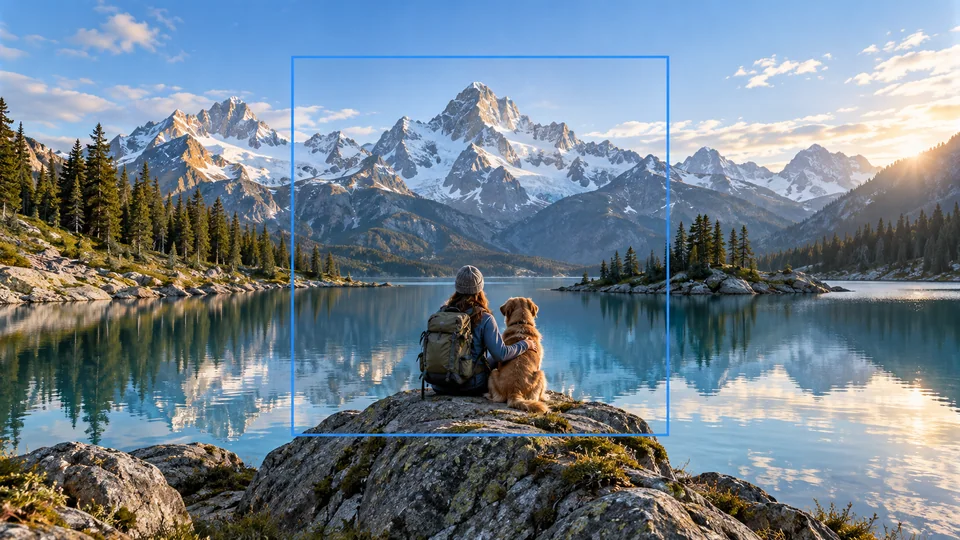
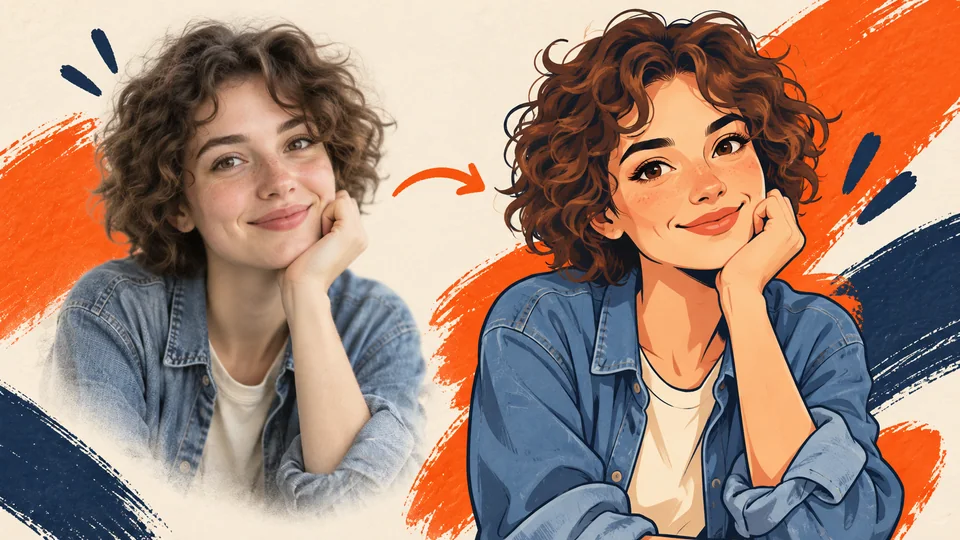
Only the pumpkins are added. Faces, pet markings, clothing, pose and framing are kept as they were in the original.
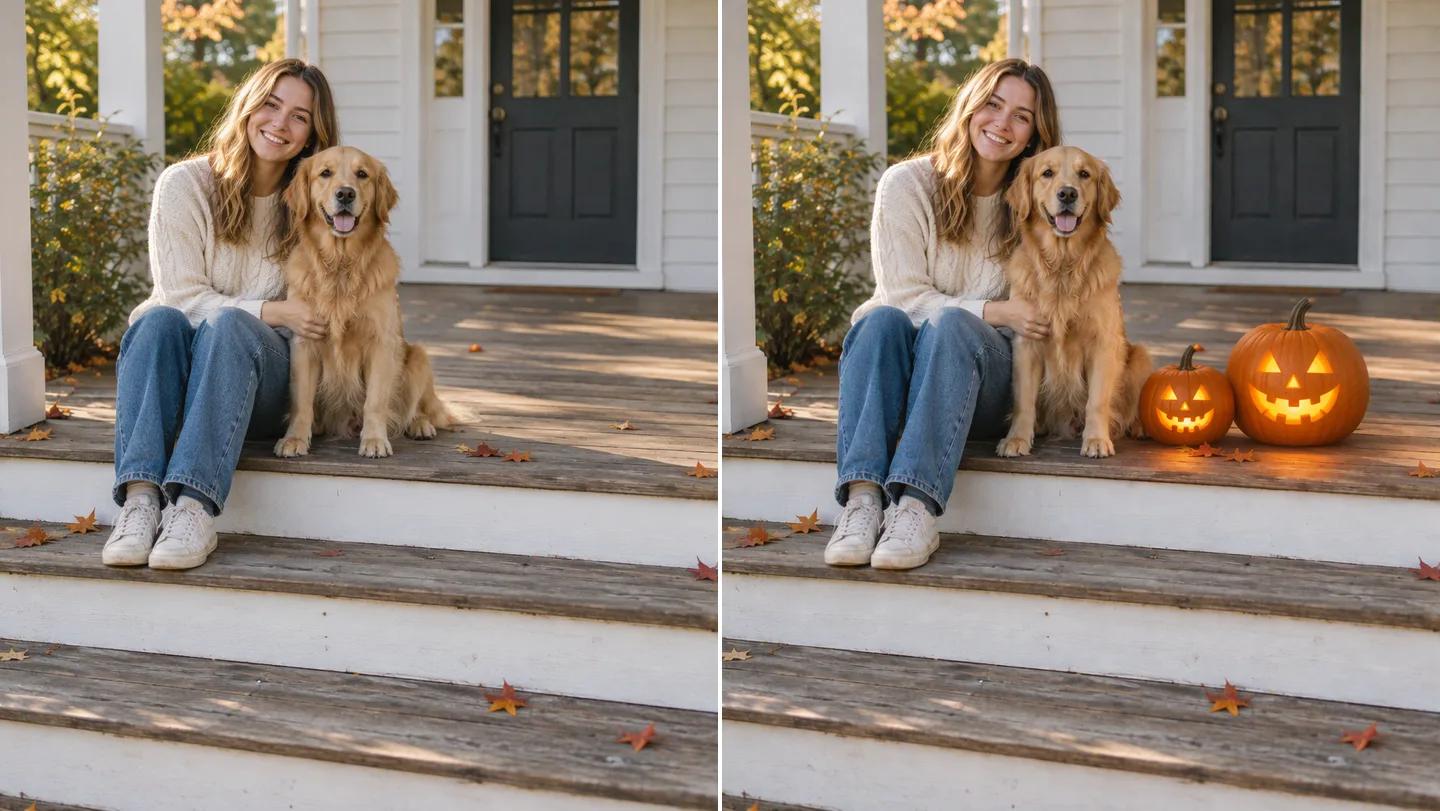
Upload a photo, say how many pumpkins you want and where, and Seedance adds them to the scene with matching light and shadows. Faces, pets and everything else stay exactly as they were.
Add Pumpkins to My Photo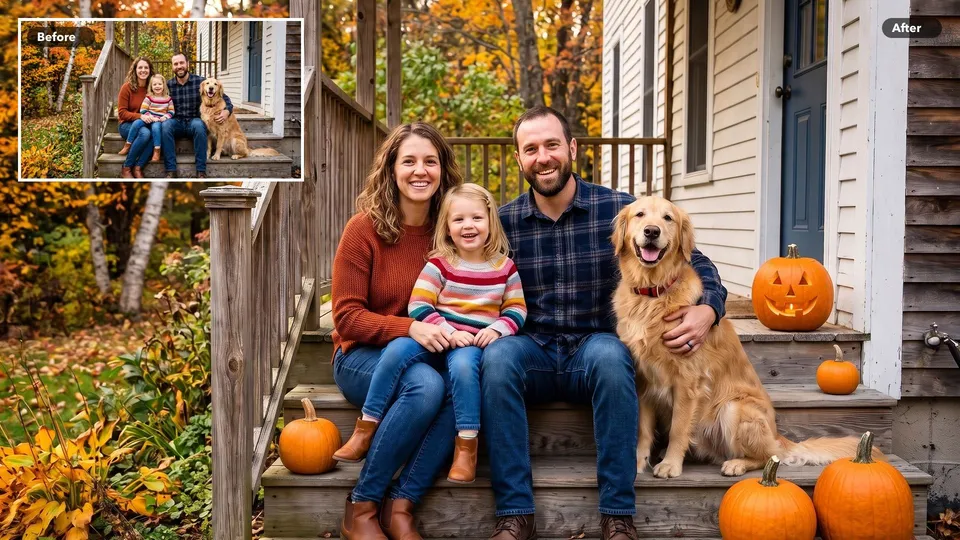
Only the pumpkins are added. Faces, pet markings, clothing, pose and framing are kept as they were in the original.
Two on the porch steps, one in your cat's lap, a row along the fence: describe it in plain words and the pumpkins land there.
Pumpkins follow the scale, perspective and light of your photo, with a contact shadow where they rest and a warm glow from carved jack-o'-lanterns.
Start from a family photo, a front door or a garden shot and ask for real orange, white or green pumpkins. The AI pumpkin photo editor matches their size and color to the scene, so a porch photo becomes a fall porch in one step.
Add Pumpkins to My Photo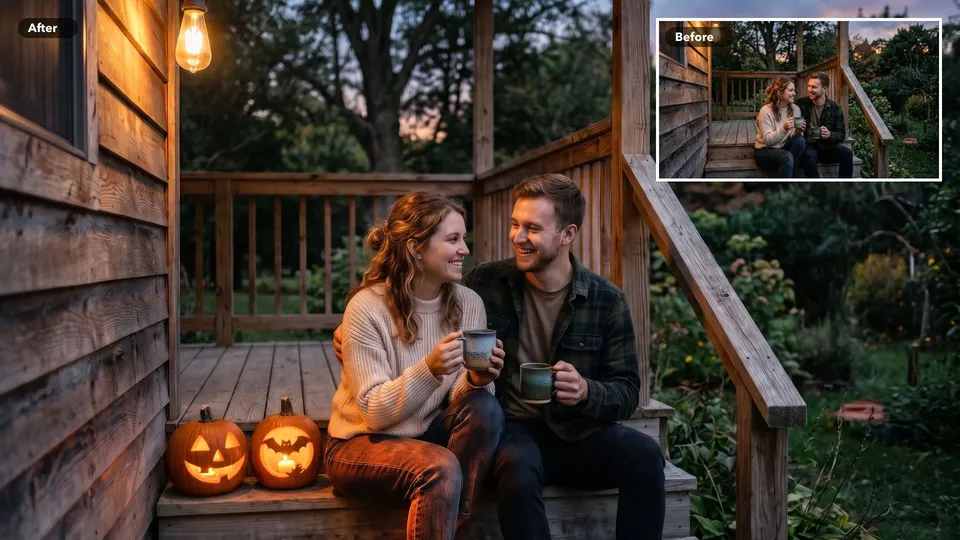
Ask for carved jack-o'-lanterns with a candle inside. In evening and indoor shots, their warm light falls on the steps, the table or the people next to them, the way a real lantern would.
Add Pumpkins to My Photo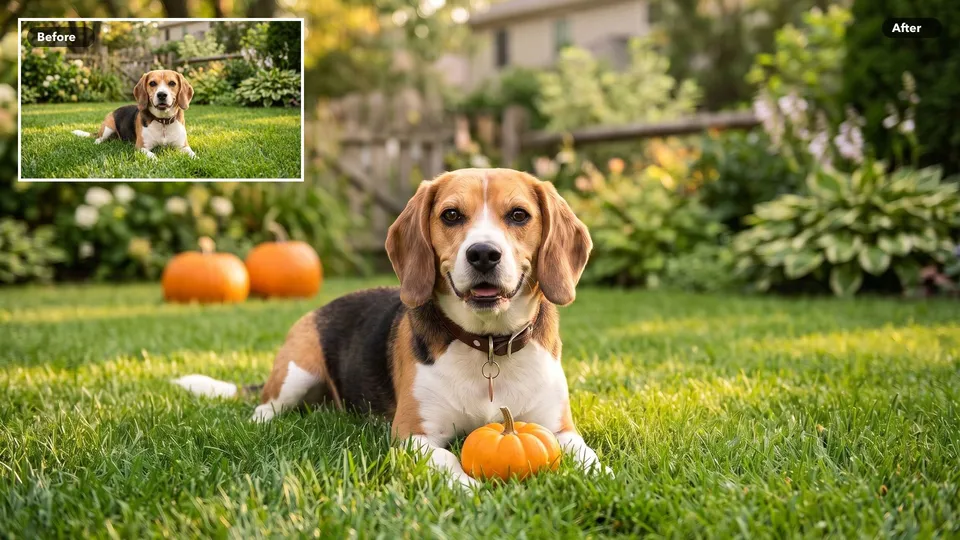
Put a small pumpkin between your dog's paws or a few around your cat's basket. Your pet does not have to sit still for a prop: its fur, markings and expression stay untouched.
Add Pumpkins to My Photo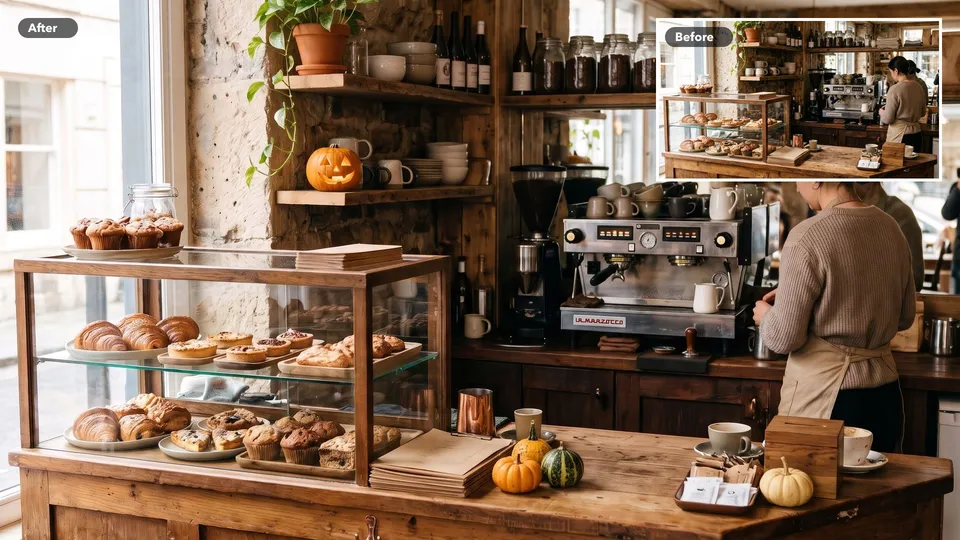
Add pumpkins to a living room, a café counter or a product shot to give it a seasonal look. It is a quick way to preview decorations or refresh last year's photos for this October.
Add Pumpkins to My Photo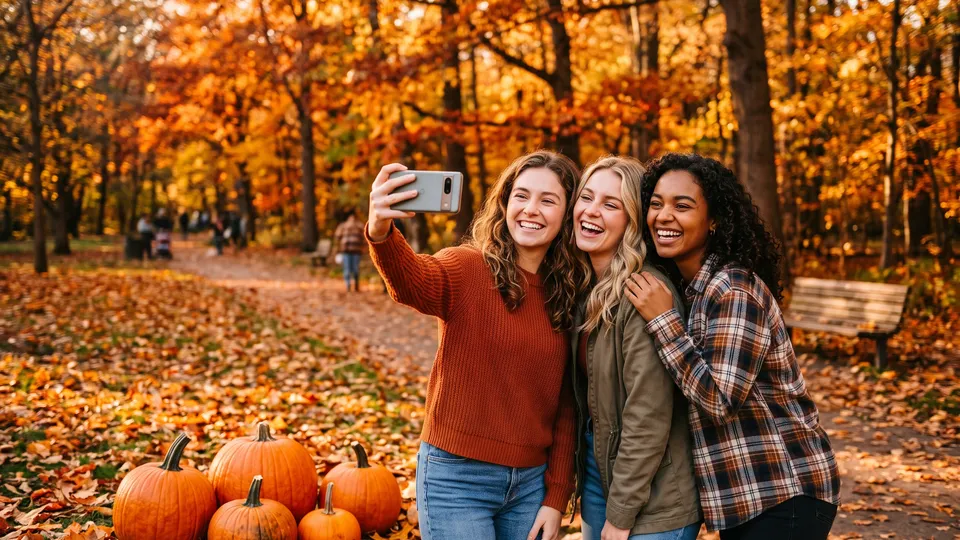
Turn an everyday selfie or group photo into a Halloween post for Instagram, TikTok or Facebook, with pumpkins placed exactly where they look best.
Skip the pumpkin patch trip: add a pile of pumpkins around the kids on the front steps and send it as a Halloween card.
Place pumpkins next to your products or on your café counter for October promotions, without restaging the shoot.
Give a front porch, a rental or a holiday listing a welcoming fall look with pumpkins by the door and on the steps.
Choose a clear photo with some open space where the pumpkins can go, such as the ground, steps, a table or a lap.
Describe the pumpkins: how many, where, how big, carved or plain, glowing or not. For example: two glowing jack-o'-lanterns on the steps beside the dog.
Check the result at full size. If you want a different arrangement, change one detail in your directions and generate again, then download your favorite.
Upload your photo, describe how many pumpkins you want and where they should go, and generate. The tool adds the pumpkins and keeps the rest of the photo as it was.
Yes. Ask for a carved jack-o'-lantern with a candle inside. In darker photos it gives off a soft warm glow on the surfaces around it.
The tool is instructed to keep faces, pet markings, bodies, clothing, pose and framing exactly as they are and to add only the pumpkins you asked for. Check the result at full size, and generate again if a detail changed.
If your directions leave out the number or the place, the tool adds a single realistic orange pumpkin on open ground next to the main subject.
No. This tool adds pumpkins to the scene and never replaces a head or turns a person or pet into a pumpkin. For a costume look, try the AI Halloween costume transformation tool.
Clear, well-lit photos with visible ground, steps, a table or a lap where a pumpkin can rest. The output keeps the shape of your original photo.
Adding pumpkins uses Seedance credits. The workspace shows the cost before you generate.