
Seedance 2.5 AI Video Generator
Create longer AI videos with Seedance 2.5. Turn text prompts, product images, character references, motion clips, and audio ideas into videos up to 30 seconds with synchronized sound, consistent subjects, and multi-shot storytelling control for ads, social content, ecommerce, education, and film concepts. Available modes, duration, resolution, and price are shown in the generator.
Text to Video
 Seedance
Seedance 2.5 Key Features and Capabilities
30-Second AI Videos for Complete Scenes
Create complete 30-second scenes for ads, explainers, product reveals, and cinematic concepts. Keep the hook, action, benefit, and CTA in one continuous clip, with fewer cuts and more consistent motion from start to finish.
High-Quality AI Video with Rich Detail
Generate detailed video with sharp textures, natural faces, smooth gradients, and cinematic depth. The available resolution is shown in the generator before you start, so you can match the output to your platform and use case.
Up to 50 References for Character and Brand Consistency
Control each scene with references for products, characters, style, motion, audio, or storyboards — Seedance 2.5 supports up to 30 images, 10 video clips, and 10 audio files in one request. Keep faces, outfits, brand colors, camera language, and visual logic consistent across complex shots and multi-scene campaigns.
AI Video with Native Audio, Rhythm, and Lip-Sync Direction
Generate movement, dialogue, music, ambient sound, and effects as one coordinated result. Direct rhythm, pacing, emotional tone, and accurate lip sync in the prompt for video that feels polished and ready to edit.
How to Use Seedance 2.5 AI Video Generator
A strong Seedance 2.5 prompt works best when it explains the subject, scene, movement, camera, style, audio, and final use case. Follow this workflow to create AI videos that are easier to publish, edit, or test in campaigns.
Choose Text, Image, or Reference Input
Choose text-to-video, image-to-video, or add references to guide the subject, motion, style, and audio.
Write a Production-Ready Prompt
Describe the subject, scene, camera movement, style, audio, and output format.
Generate, Review, and Improve
Before you generate, check the model, duration, resolution, and credit cost shown in the generator. Then review the result and refine the prompt or references if needed.
Best Use Cases for Seedance 2.5 AI Video Generator
Seedance 2.5 works best when you need longer, more controlled AI video output with consistent subjects, smooth motion, strong visual detail, and clear production intent.
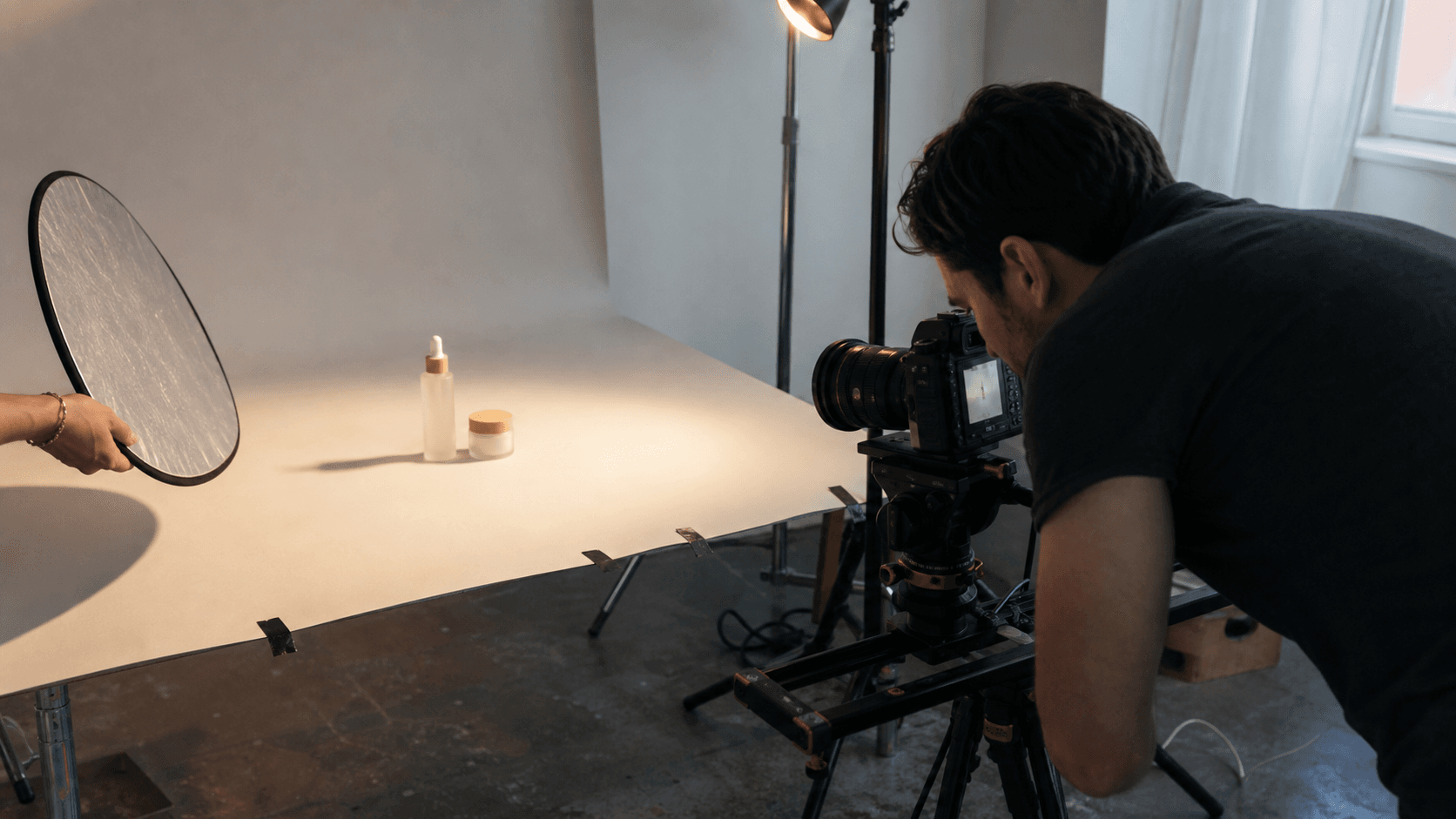
Ecommerce Product Videos
Turn product photos into 30-second ads for Shopify, Amazon, and TikTok Shop — no shoot needed.
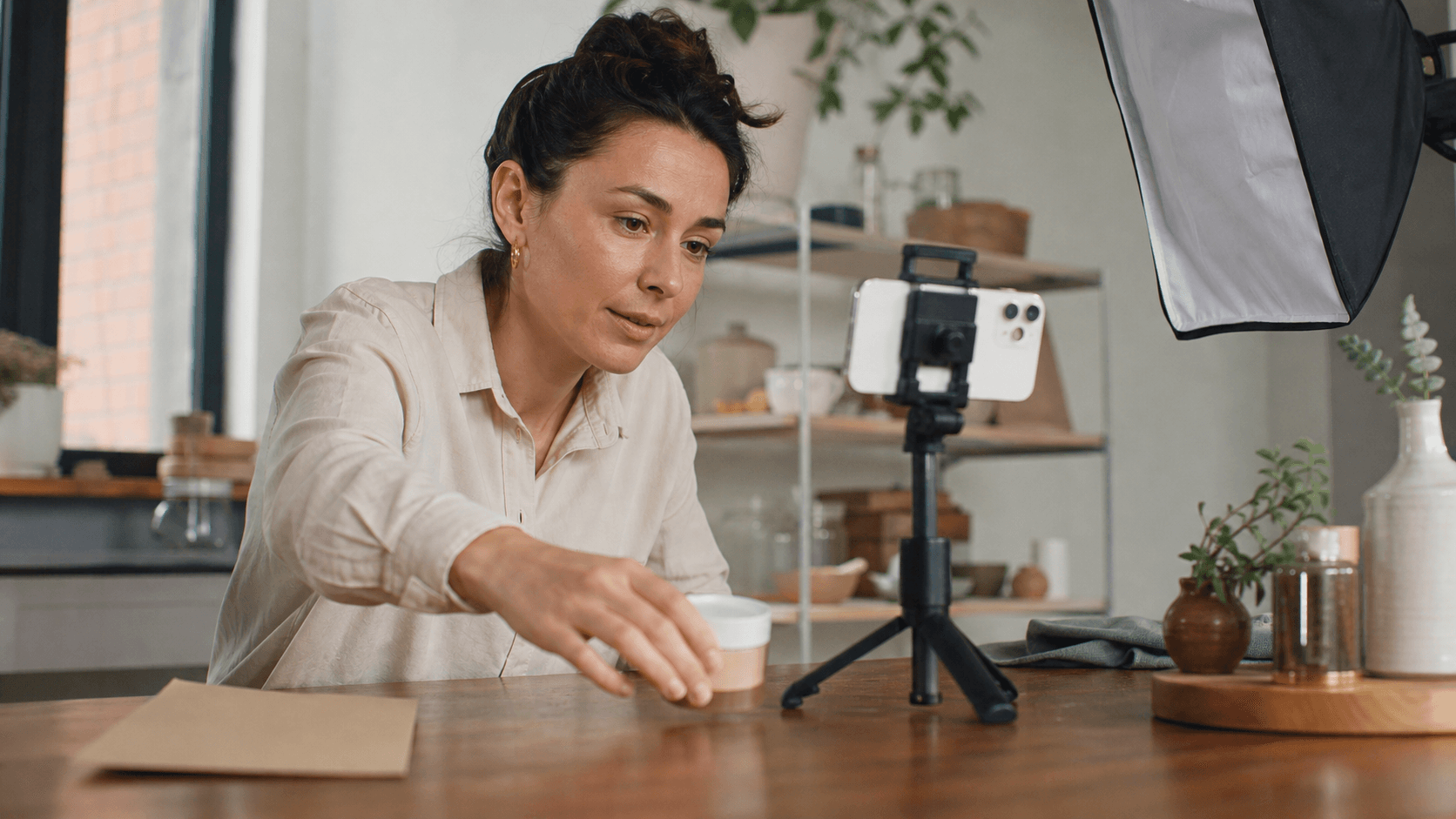
AI Video Ads and Promo Videos
Generate TikTok, Reels, and YouTube Shorts ad variations from one brief. Test hooks and CTAs before buying media.
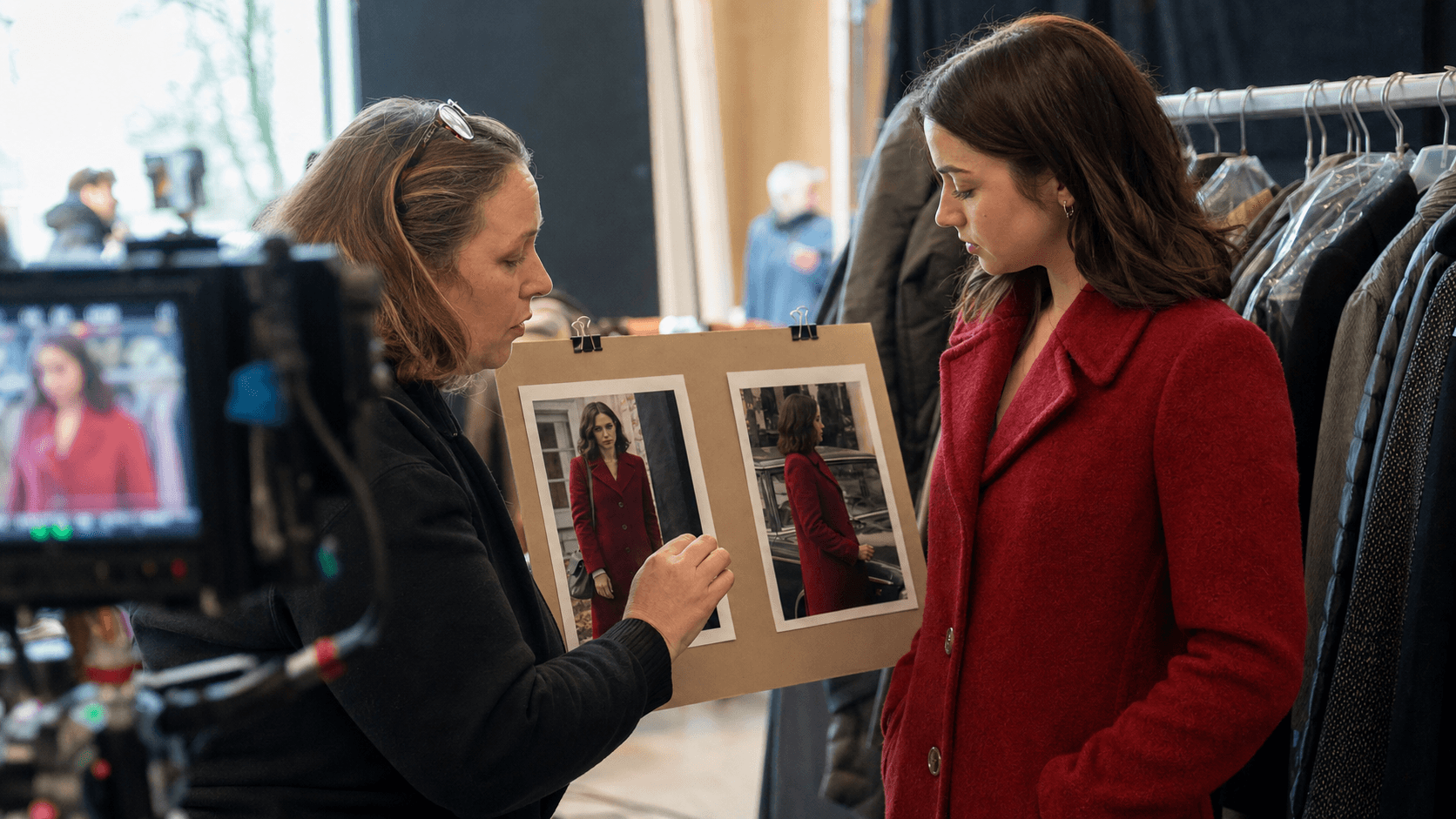
Consistent Character Videos
Keep faces, outfits, and lighting consistent across scenes using character and style references.
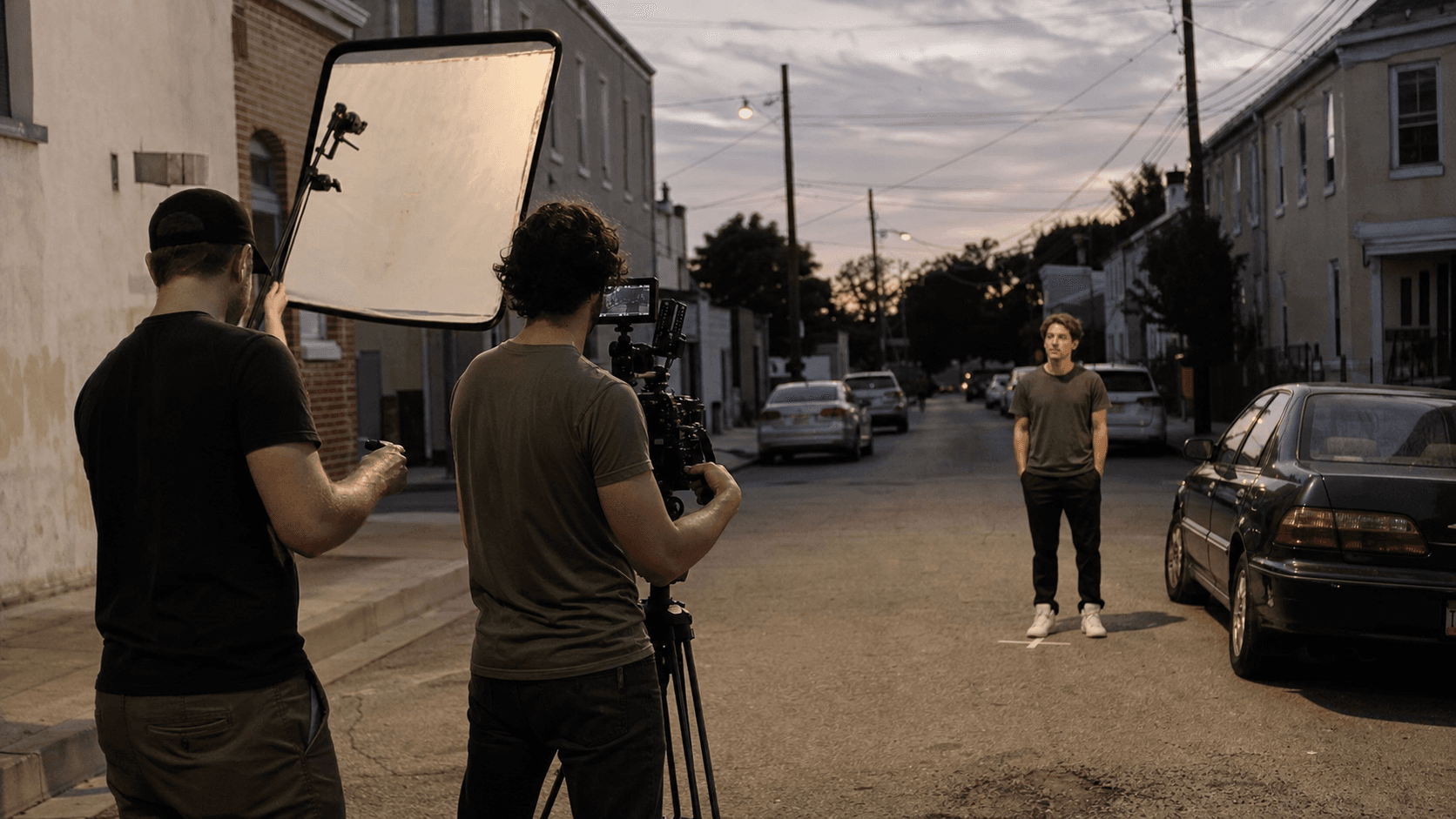
AI Short Films and Story Concepts
Draft cinematic scenes and storyboards with longer single-clip continuity — ideal for testing camera blocking and pacing.

Education and Training Videos
Turn scripts and diagrams into step-by-step video segments with voiceover direction and clear scene structure.
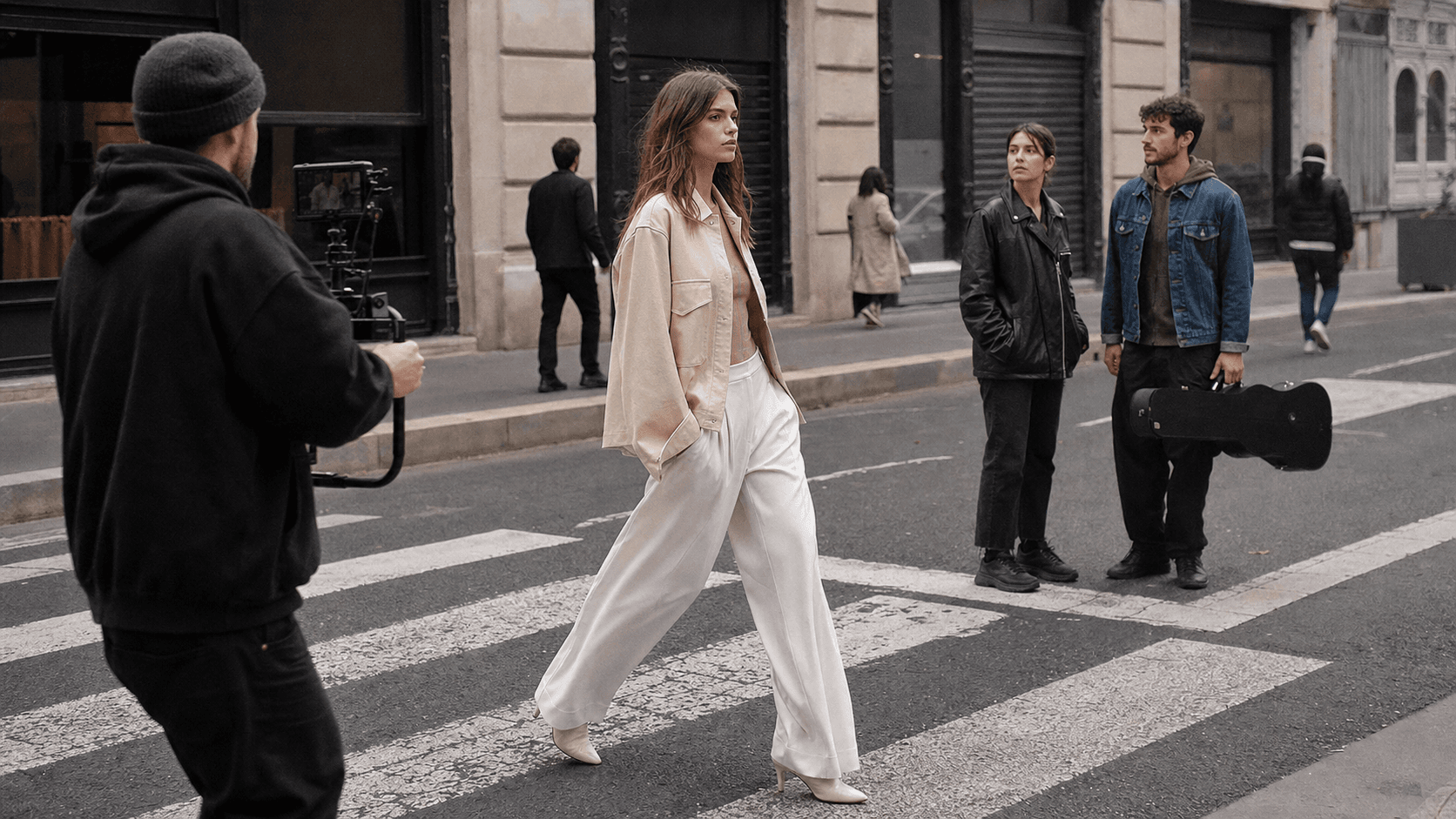
Music, Fashion, and Lifestyle Content
Generate stylized clips with rhythm, movement, and visual identity for music visuals, lookbooks, and creator content.
Seedance 2.5 Videos & Reviews on YouTube
Seedance 2.5 vs Seedance 2.0
| Feature | Seedance 2.5 | Seedance 2.0 |
|---|---|---|
| Best For | Longer scenes, ads, storytelling | Fast standard AI video creation |
| Max Duration | Up to 30s; available limit shown in the generator | Depends on the selected mode |
| Max Resolution | Shown in the generator | Shown in the generator |
| References | Up to 30 images, 10 videos, and 10 audio files | Limit depends on the mode |
| Audio | Joint generation of video and synchronized audio | Audio-video joint generation |
| Prompt Control | Precise control of complex scenes | Suitable for simpler tasks |
| Text to Video | ||
| Image to Video | ||
| Use When | You need longer scenes and more control | You need faster drafts |
Seedance 2.5 Pricing and Access
Start with Seedance credits, test your prompts, and scale when you know which video formats work. This credit-based workflow is practical for creators who need several versions before choosing a final ad, product clip, or story scene.
Welcome Credits Trial
New users may receive limited welcome credits to test text-to-video and image-to-video prompts. Availability depends on the current offer, and the number of free generations is limited.
Credit-Based Video Creation
Credits let you generate multiple variations without a fixed monthly production commitment. This is useful for marketers and creators who need to compare hooks, visuals, voiceover directions, and CTAs.
Commercial Workflow Ready
Before publishing, review the generated video for brand accuracy, product claims, likeness rights, platform ad policies, and licensing. Use the strongest version for editing, campaign tests, or client approval.
Related Seedance AI Video Tools

Seedance 2.0
A strong multimodal AI video generator for text, image, video, and audio reference workflows.
Seedance 2 Mini
A faster, lower-cost option for AI video drafts, campaign variants, and high-volume prompt testing.
Seedance 1.5 Pro
A stable previous-generation model for reliable text-to-video and image-to-video creation.
Seedance 2.5 FAQ
When was Seedance 2.5 released?
When was Seedance 2.5 released?
ByteDance officially released Seedance 2.5 on July 31, 2026. It rolled out across supported services in stages, so the available features and options can vary.
Is Seedance 2.5 a good AI video generator for product videos?
Is Seedance 2.5 a good AI video generator for product videos?
Yes. Seedance 2.5 is useful for product videos because it supports image references, longer 30-second scenes, and controlled camera movement. Upload a product image, describe the selling point, background, motion, and CTA, then generate variations for ecommerce pages, social ads, and launch campaigns.
Can I use Seedance 2.5 for text to video AI generation?
Can I use Seedance 2.5 for text to video AI generation?
Yes. You can start from a text prompt that describes the subject, action, camera movement, style, audio, and final use case. Text-to-video works best when the prompt is specific, visual, and organized in scene order.
Can I turn an image into video with Seedance 2.5?
Can I turn an image into video with Seedance 2.5?
Yes. Image-to-video is one of the most practical workflows for product photos, character references, concept art, fashion shots, real estate images, and brand visuals. The image gives the model a visual anchor while your prompt controls motion, camera, sound, and style.
How do I keep characters consistent in Seedance 2.5?
How do I keep characters consistent in Seedance 2.5?
Use clear reference images and describe what must stay unchanged: face, outfit, body shape, hairstyle, lighting, and visual style. Avoid mixing conflicting references, and use one focused scene goal per generation for better consistency.
What prompts work best for Seedance 2.5?
What prompts work best for Seedance 2.5?
The best prompts include seven parts: subject, setting, action, camera movement, visual style, audio direction, and output goal. For example, specify whether the result is a TikTok ad, product demo, explainer, cinematic trailer, or training clip.
Is Seedance 2.5 useful for AI video ads?
Is Seedance 2.5 useful for AI video ads?
Yes. It can help create product ads, promo videos, UGC-style concepts, app demos, feature videos, and retargeting creatives. For better ad performance, show the product early, focus on one benefit, include a clear hook, and generate several versions for testing.
Does Seedance 2.5 support AI video with audio?
Does Seedance 2.5 support AI video with audio?
Seedance 2.5 is designed for audio-aware video generation. Describe the music, voiceover tone, sound effects, ambience, or lip-sync needs in the prompt so the output has clearer rhythm and production direction.
Can I download Seedance 2.5 video in 4K?
Can I download Seedance 2.5 video in 4K?
The available resolution depends on the selected model and generation mode. Check the options in the generator before you start — if 4K is not shown in the settings, the video will not be produced at native 4K resolution.
Is Seedance 2.5 free to use?
Is Seedance 2.5 free to use?
New users may receive a limited number of welcome credits. Each generation uses credits, and the exact cost is shown before you start. Trial terms can change.
Can I use Seedance 2.5 videos commercially?
Can I use Seedance 2.5 videos commercially?
Commercial use depends on your plan, uploaded references, generated assets, and local/platform rules. Always check product claims, brand assets, likeness rights, music/audio rights, and advertising policies before publishing or running paid campaigns.