
MiniMax H3 AI Video Generator
Create 4–15 second AI videos with MiniMax H3, also searched as Hailuo 3.0. Start with text, a first frame, first and last frames, or multimodal image, video, and audio references, then generate up to 2K video with native stereo sound.
Text to Video
 MiniMax H3
MiniMax H3 Key Features and Capabilities
Omni-Modal Context and V2V Motion Transfer
H3 accepts multimodal context in a single generation pass. You can reference a motion style from one video, a character from an image, and a vocal track from an audio file — all described in natural language. H3 resolves the relationships between modalities and produces a coherent output without separate preprocessing steps.
Native 2K Resolution at Industry-Leading Price
H3 delivers 2K resolution by default. Per MiniMax's official pricing, H3's per-second cost at 2K is less than one-third of mainstream models, and at 768p it is less than half the price. This makes high-resolution production accessible for volume workflows including ads, e-commerce content, and social campaigns.
Advertising and E-Commerce Production
Create polished fashion, product, and campaign visuals with controlled subjects, camera movement, readable brand details, and synchronized sound. This vertical showcase is MiniMax's official Advertising & E-commerce H3 example.
Accurate Text and Brand Rendering in Video
H3 is built for advertising and branding workflows that require legible on-screen text, logo placement, and product labeling. The model generates text overlays, captions, and branded elements with higher accuracy than previous Hailuo-series models, reducing the need for post-production correction.
Native Stereo Audio Generation
H3 generates stereo audio natively alongside video — covering dialogue, music, ambient sound, and effects in one pass. Audio is synchronized to the generated motion and timing rather than added as a separate layer, producing more coherent results for narrative content, music videos, and ad spots.
Up to 15 Seconds Per Generation
H3 supports single-shot generation up to 15 seconds, enabling complete narrative segments, product demos, and ad spots within a single output. This reduces the need for complex multi-clip stitching for short-form content.
Open-Weights Model for Custom Deployment
MiniMax released H3's model weights on August 3, 2026. This makes H3 suitable for teams evaluating custom fine-tuning, on-premise deployment, and hardware-optimized inference, subject to the H3 Community License and applicable territory and commercial-use terms.
How to Use MiniMax H3 on Seedance
Choose the workflow first, then write a prompt that assigns one clear role to every input and describes the shot in playback order.
Choose Your Input Type
Select text-to-video for prompt-only generation or image-to-video for first and last frames. Use the Reference to Video workspace when you need additional images, motion clips, or audio references.
Write a Production-Ready Prompt
Describe the subject, scene, camera movement, style, audio character, and intended use case. For multimodal inputs, describe how each reference should influence the output — H3 resolves the relationships from natural language.
Generate, Review, and Refine
Generate your video and review for motion quality, text accuracy, audio sync, and brand alignment. Adjust your prompt or references and regenerate as needed before exporting.
Best Use Cases for MiniMax H3 AI Video Generator
MiniMax H3 works best when a short-form video needs multimodal references, controlled motion, clear brand details, high-resolution output, and synchronized stereo sound.
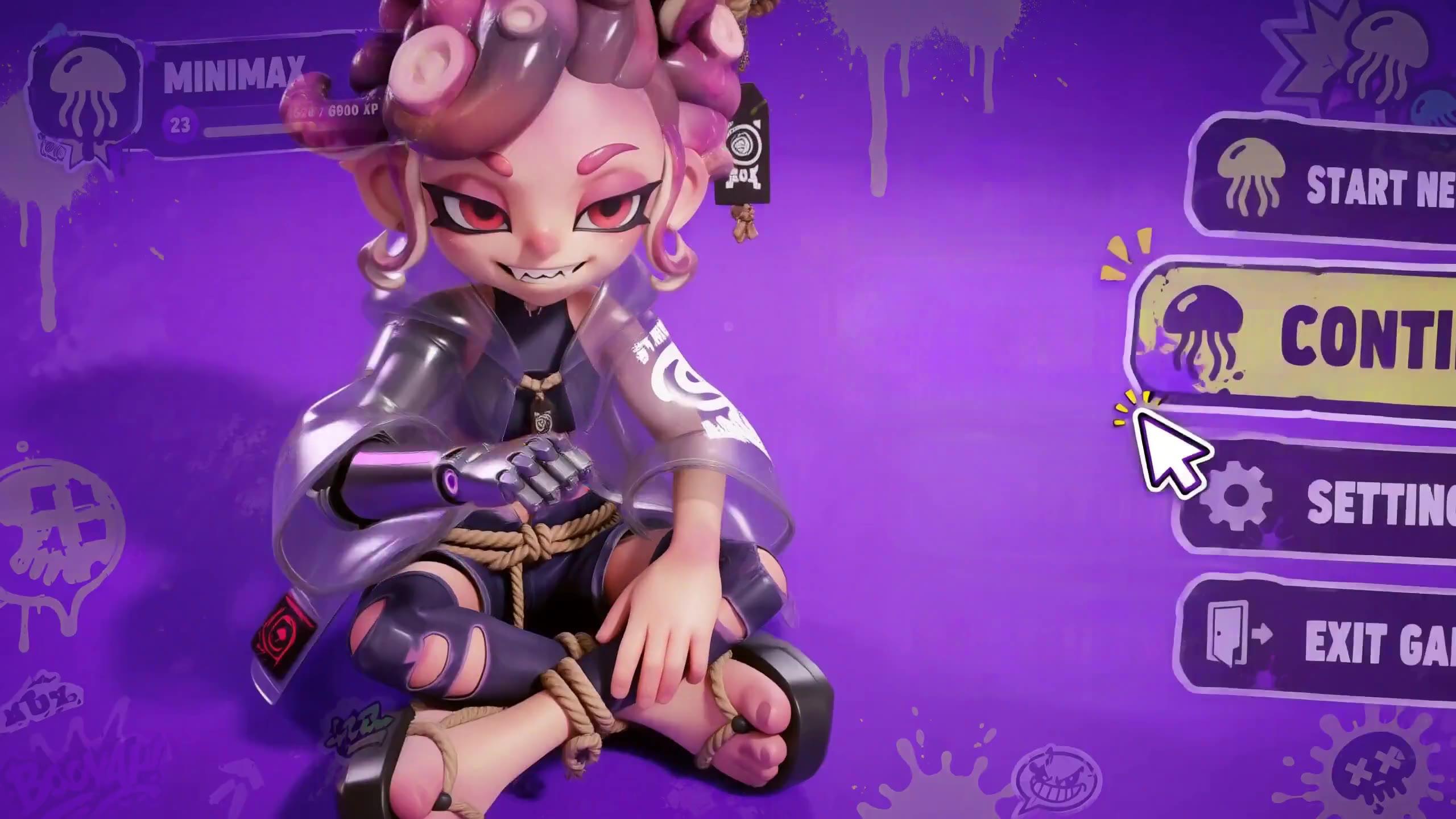
E-commerce Product Videos
Turn product images into polished listing videos, launch teasers, and catalog motion with stable objects, readable labels, and output up to 2K.

AI Video Ads and Brand Campaigns
Create campaign concepts, product ads, and spokesperson clips while using reference assets to preserve brand colors, products, and visual direction.

Consistent Character and Reference Videos
Combine character images with motion, camera, or audio references to keep identity, wardrobe, performance, and shot language connected.

Film Opening Titles and Story Concepts
Draft cinematic openings, title sequences, and short narrative beats with controlled camera movement, legible text, and native sound.

Product Websites and UI/UX Visualizations
Prototype animated product pages, interface motion, game menus, and design presentations with detailed 2K-ready visual output.
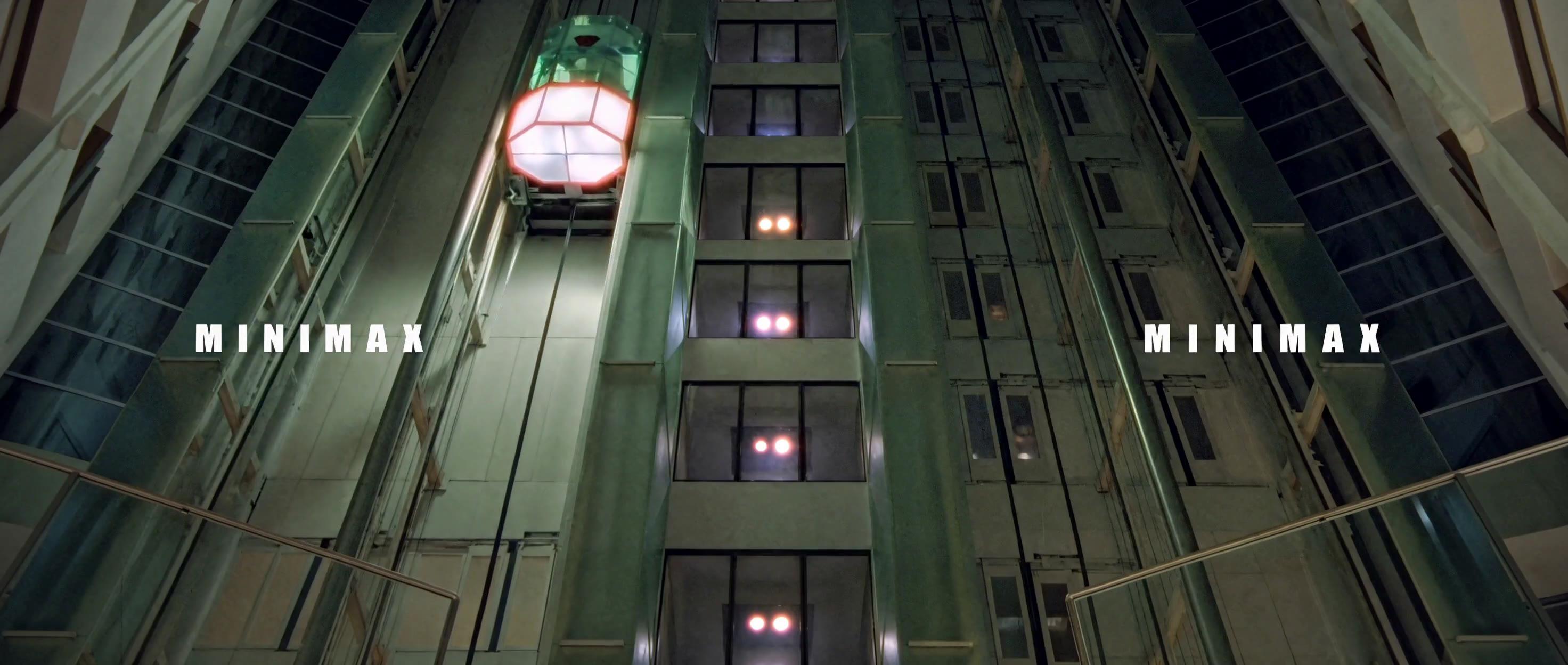
Music, Fashion, and Audio-Synced Content
Use vocals, music, and visual references to direct performance, rhythm, ambience, and fashion-film movement in one generation.
MiniMax H3 Videos & Reviews on YouTube
MiniMax H3 vs Seedance 2.0 vs Kling 3.0
| Capability | MiniMax H3 | Seedance 2.0 | Kling 3.0 |
|---|---|---|---|
| Best for | Omni references and native stereo audio | General multimodal creation and editing | Controlled cinematic motion |
| Maximum duration | 15 seconds | 15 seconds | Varies by workflow |
| Maximum resolution | 2K | Up to 2K | Varies by workflow |
| Native audio | |||
| Open weights | |||
| Choose when | You need image, video, and audio references in one shot | You need an all-purpose Seedance workflow | You prioritize motion and camera control |
MiniMax H3 Pricing on Seedance
The live estimate updates before generation. Current base rates depend on output duration and resolution.
768P generation
6 credits per output second. A 6-second generation uses 36 credits.
2K generation
10 credits per output second. A 6-second generation uses 60 credits.
Reference video input
Reference-to-video jobs also account for reference-video duration. Review the live credit estimate before submitting.
Compare More AI Video Models

Hailuo 2.3
Explore the previous Hailuo generation for expressive short-form motion and lower-cost iteration.

Seedance 2.0
Create multimodal AI video with strong structure, references, and editing workflows.

Kling 3.0
Compare H3 with Kling's cinematic motion and camera-control workflows.
MiniMax H3 FAQ
What is MiniMax H3?
What is MiniMax H3?
MiniMax H3 is an open-weights omni-modal video generation model released on July 31, 2026. It generates 4–15 second video at up to 2K resolution with native stereo audio and accepts text, image, video, and audio as combined inputs.
What makes H3 different from Hailuo 2.3?
What makes H3 different from Hailuo 2.3?
H3 introduces omni-modal input across text, image, video, and audio, supports up to 2K output and 15-second clips, and adds stronger V2V motion transfer. MiniMax also released the H3 model weights, unlike previous hosted-only Hailuo generations.
What is V2V Motion Transfer in H3?
What is V2V Motion Transfer in H3?
V2V Motion Transfer lets you upload a reference video to extract its camera movement, timing, and motion rhythm, then apply that motion logic to a different subject or scene. MiniMax highlights this as one of H3's strongest capabilities for ad production and creative iteration.
Is MiniMax H3 free to use?
Is MiniMax H3 free to use?
You can use MiniMax H3 on Seedance with starter credits. Check the live credit estimate before generating, as generation cost varies by resolution and duration settings.
What resolution and duration does H3 support?
What resolution and duration does H3 support?
H3 supports up to 2K resolution by default and up to 15 seconds per generation. 768p is also available at a lower cost per second.
Are MiniMax H3 model weights available?
Are MiniMax H3 model weights available?
Yes. MiniMax released the H3 model weights on August 3, 2026 under the H3 Community License. Review the current license and hardware requirements before local or commercial deployment.
Can I use H3 for commercial content?
Can I use H3 for commercial content?
Review MiniMax's terms of service and Seedance's commercial use policy before publishing generated content. Only use source images, videos, and audio that you have the rights to use.
What industries is H3 designed for?
What industries is H3 designed for?
MiniMax targets advertising, branding, e-commerce, product design, UI/UX, and gaming as primary verticals for H3, based on its strengths in text rendering, multimodal input, and high-resolution output.