

Original AI Shorts
Generate a complete idea from a prompt
Type a prompt or upload an image, choose 9:16, and generate a YouTube Short ready to upload. No camera. No editing timeline. Download without a watermark.
Generate a complete idea from a prompt
Animate one product photo
Move fast on visual formats
Explain one idea visually
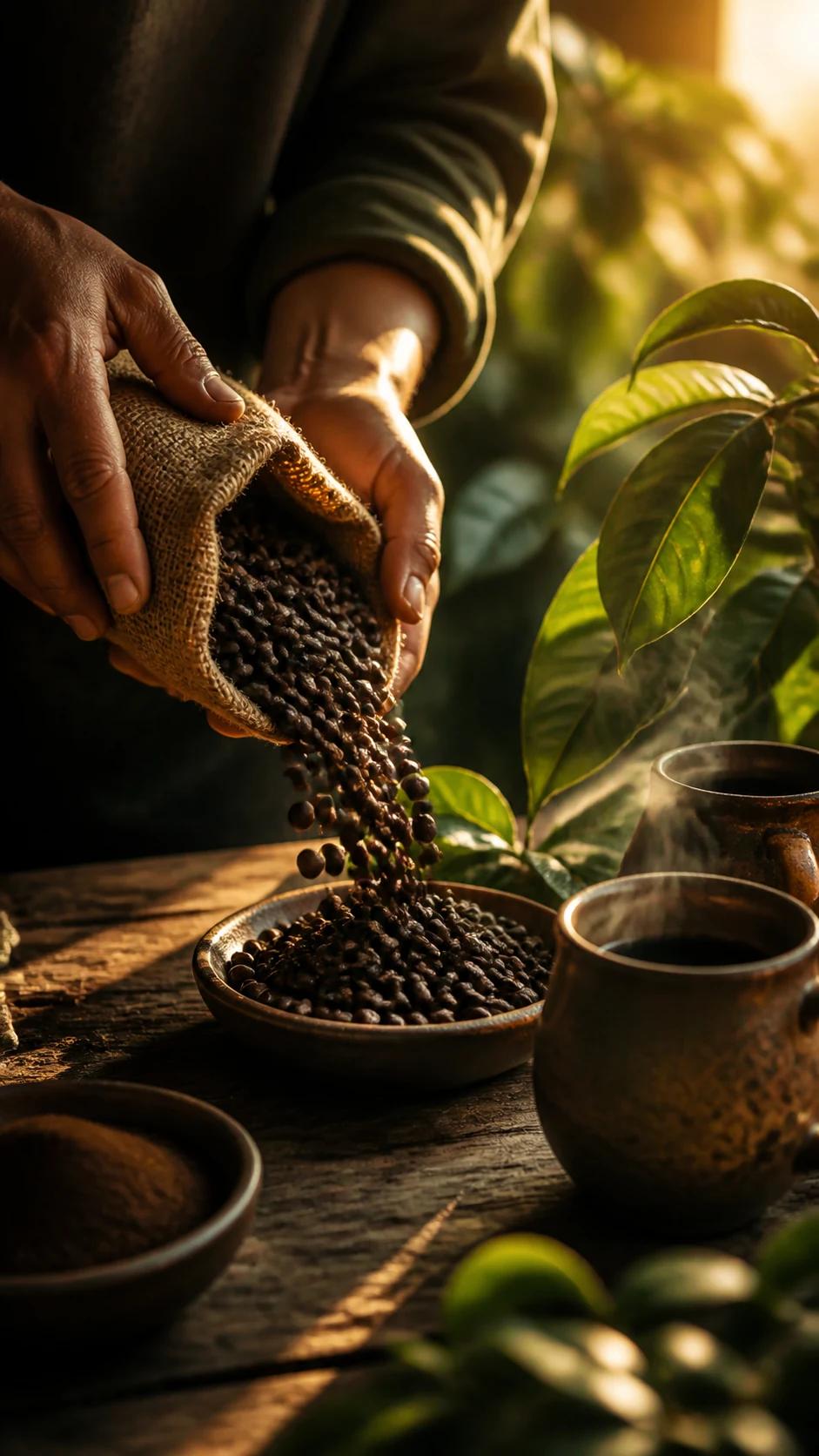
Keep every upload on brand
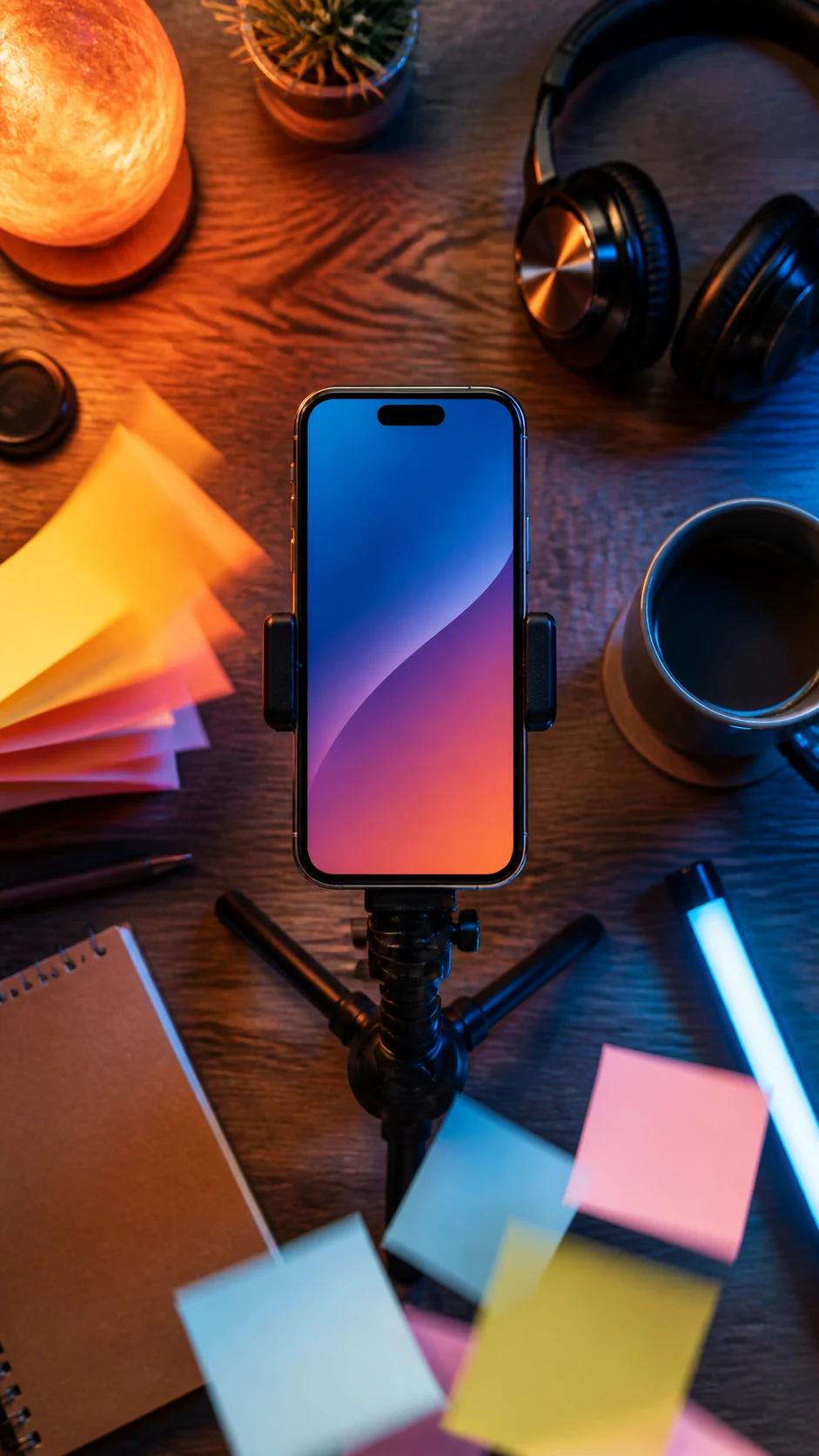
Publish without appearing on camera
Type what you want to show, upload a reference image, or describe a scene. Seedance generates original vertical video for YouTube Shorts in minutes, with no timeline editing, camera setup, or voiceover recording required. Choose 9:16, review the result, download a clean MP4, and upload it to your channel.
Generate in a vertical frame from the start instead of cropping a horizontal video
Describe the topic, style, and mood while AI handles visuals, motion, and pacing
Use visual references to carry a consistent look across a series of Shorts
Generate original vertical visuals from a prompt or image, frame them for mobile viewing, and test more creative directions without a camera crew or editing timeline.
Use text to video or image to video to generate an original scene for your Short—not a slideshow and not a cropped excerpt from a longer upload. Start with starter credits, check the live credit estimate before generating, and download your finished result without a watermark.
Choose 9:16 before generating so composition, framing, and motion are designed for a vertical screen. Keep the subject inside the mobile safe area, then download a clean MP4 that is ready for YouTube Shorts or your publishing schedule.
Generate multiple Shorts from different prompts in the same creative session. Test opening hooks, subjects, motion, and visual styles quickly; keep the direction that works and regenerate what does not, without a production crew or post-production queue.
Create original vertical videos for products, trends, education, brand storytelling, and faceless channels from a prompt or reference image.
Generate a fully original 9:16 Short from text alone. Describe the scene, visual style, mood, camera movement, and pacing, then compare variations before you publish.
Move from an idea or image to a reviewable vertical Short in three steps.
Start with one clear idea. Add the topic, opening hook, subject, action, visual style, mood, camera direction, and any reference image you are authorized to use.
Select a vertical 9:16 format and the available duration that fits your idea. Check the live credit estimate, then generate one or more creative directions.
Check the opening frame, subject consistency, motion, mobile crop, factual details, and rights to every input. Download the clean MP4, add any final audio or captions you need, and upload to YouTube Shorts.
Use a simple formula: topic + opening hook + subject + action + visual style + camera + pacing + 9:16 format.
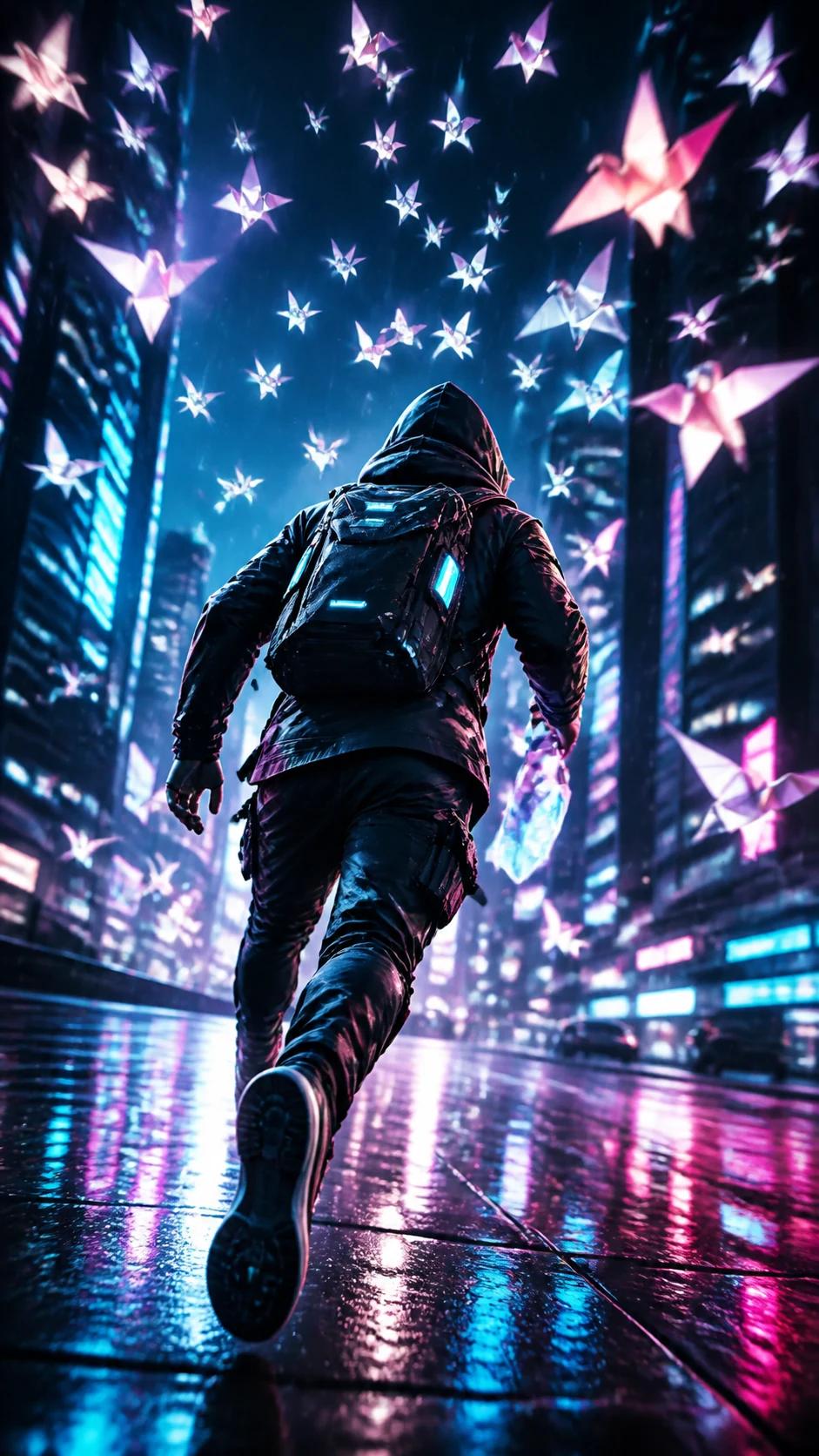
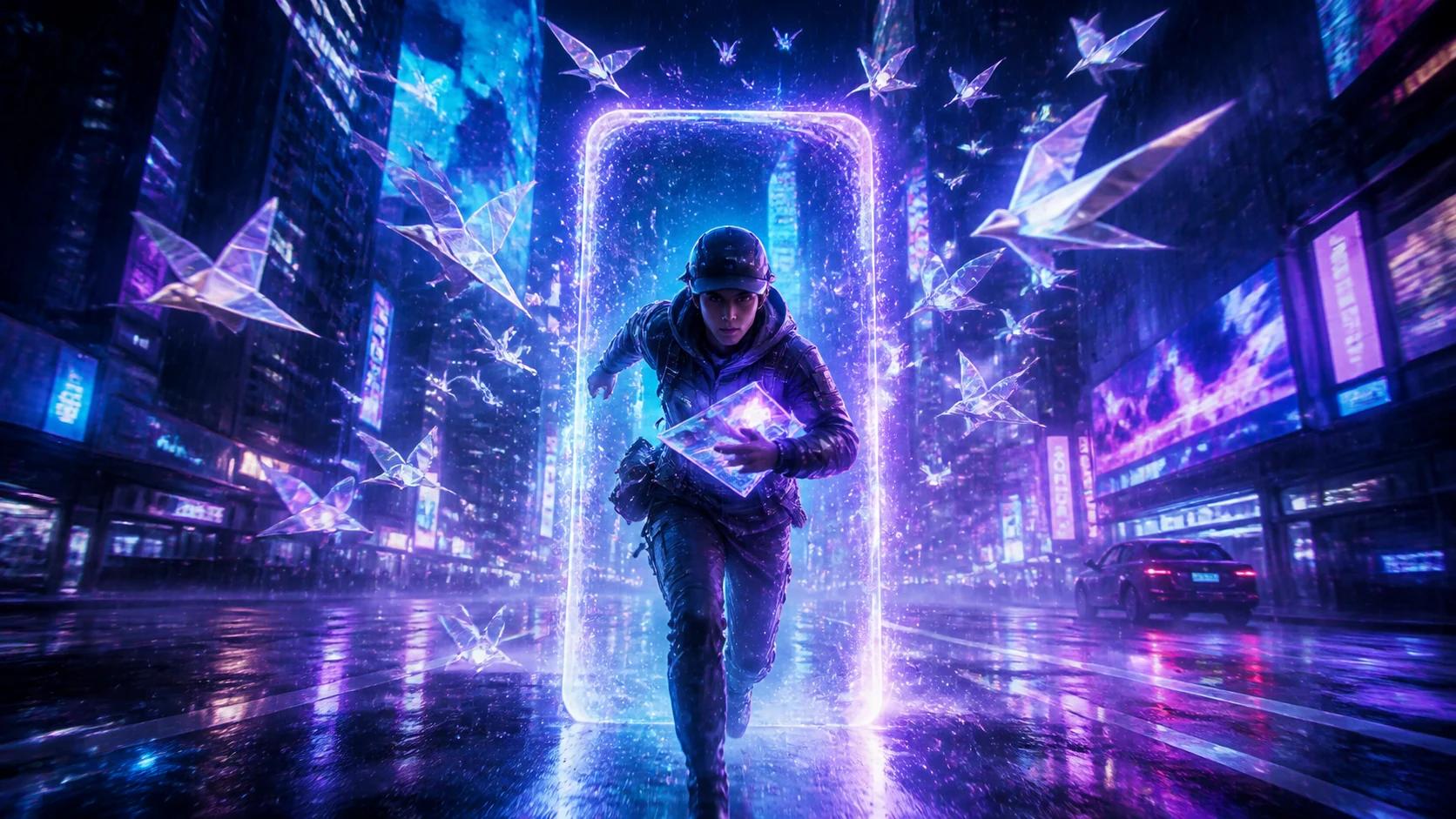
01Original Story Short
A courier races through a neon city as luminous paper birds reveal the route; fast push-in camera, rain reflections, escalating pace, cinematic 9:16 composition.
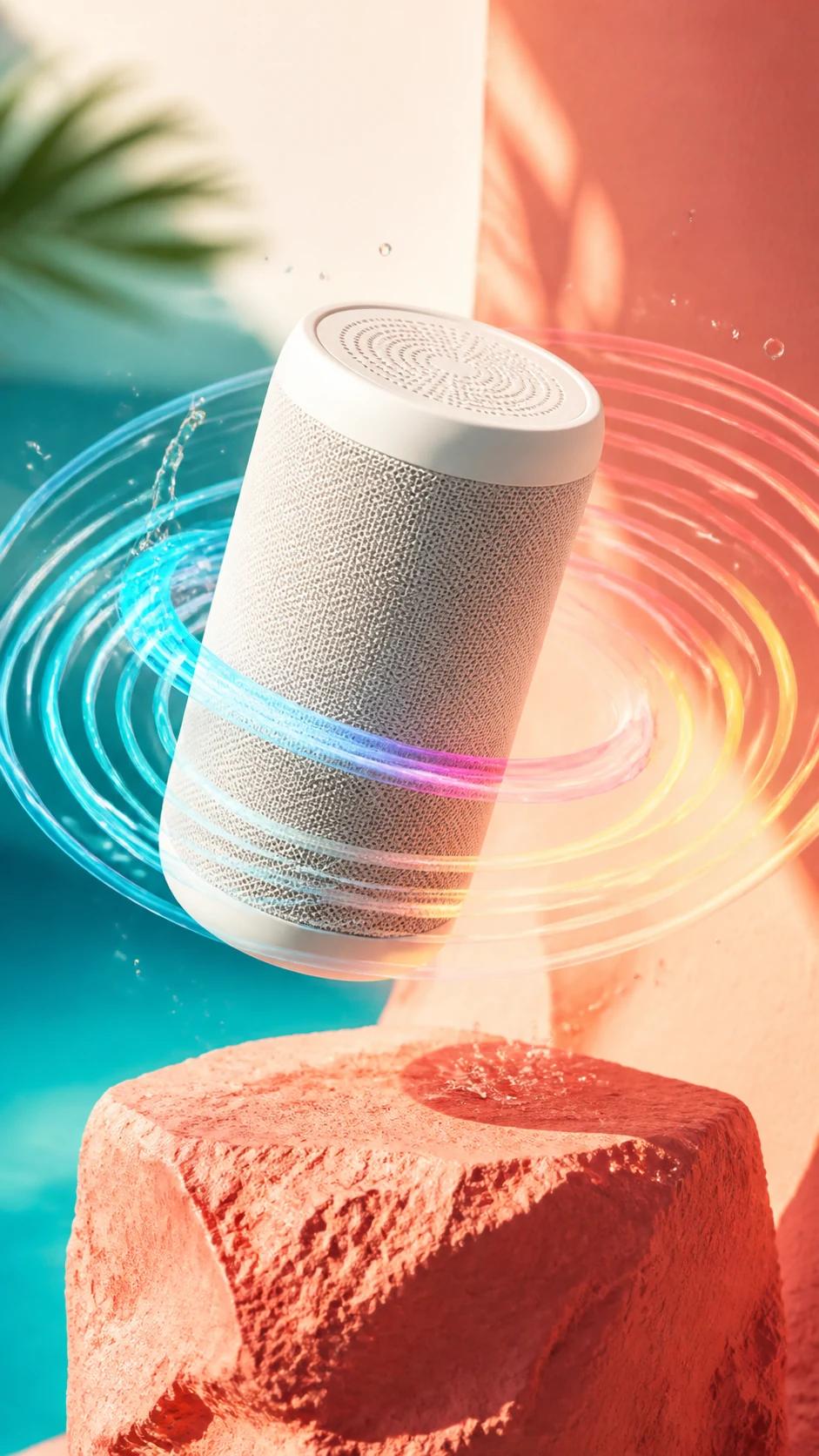
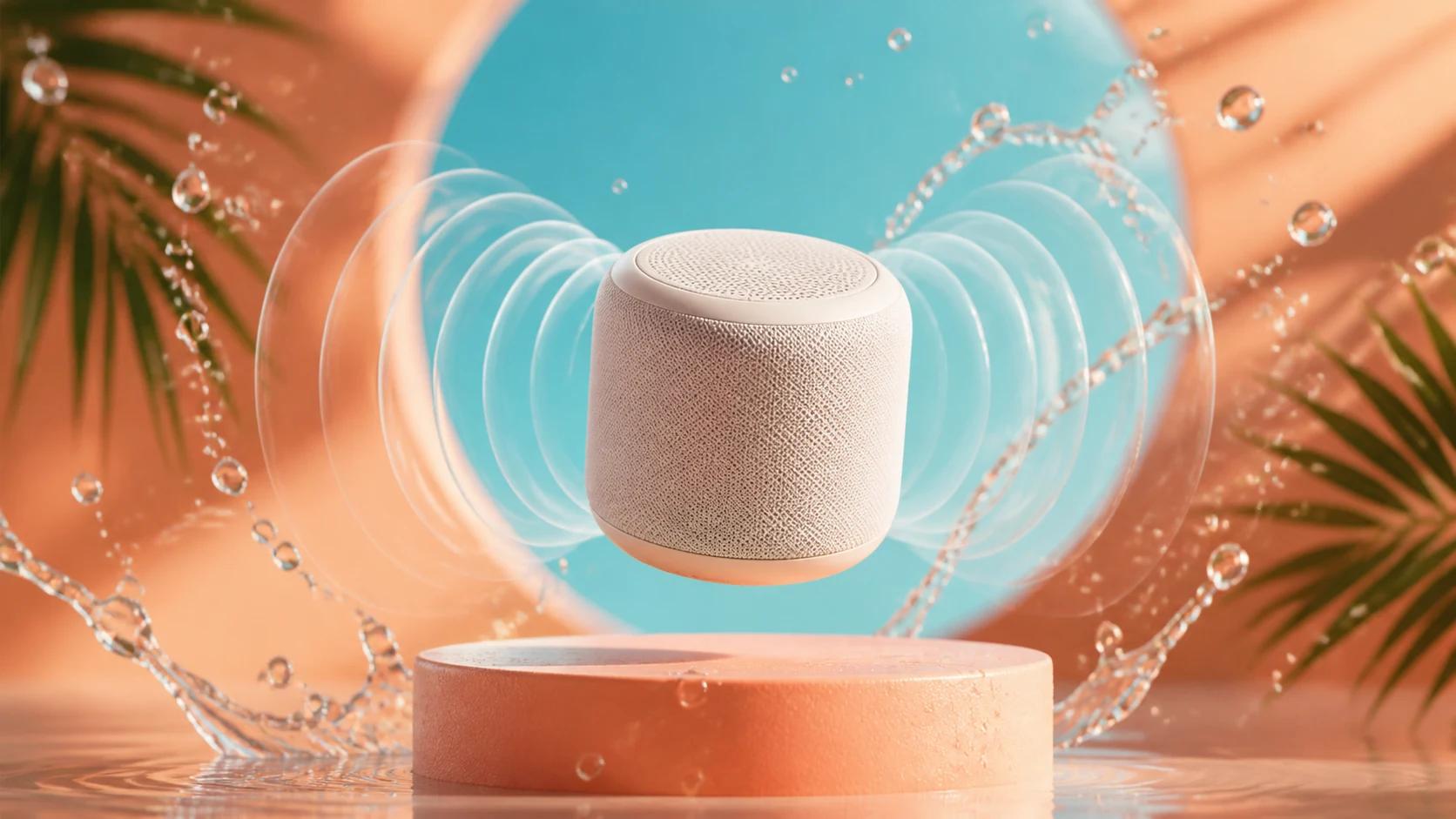
02Product Showcase
A wireless speaker rises above a coral pedestal while translucent sound waves ripple through suspended water droplets; clean product focus, bright studio light, 9:16.
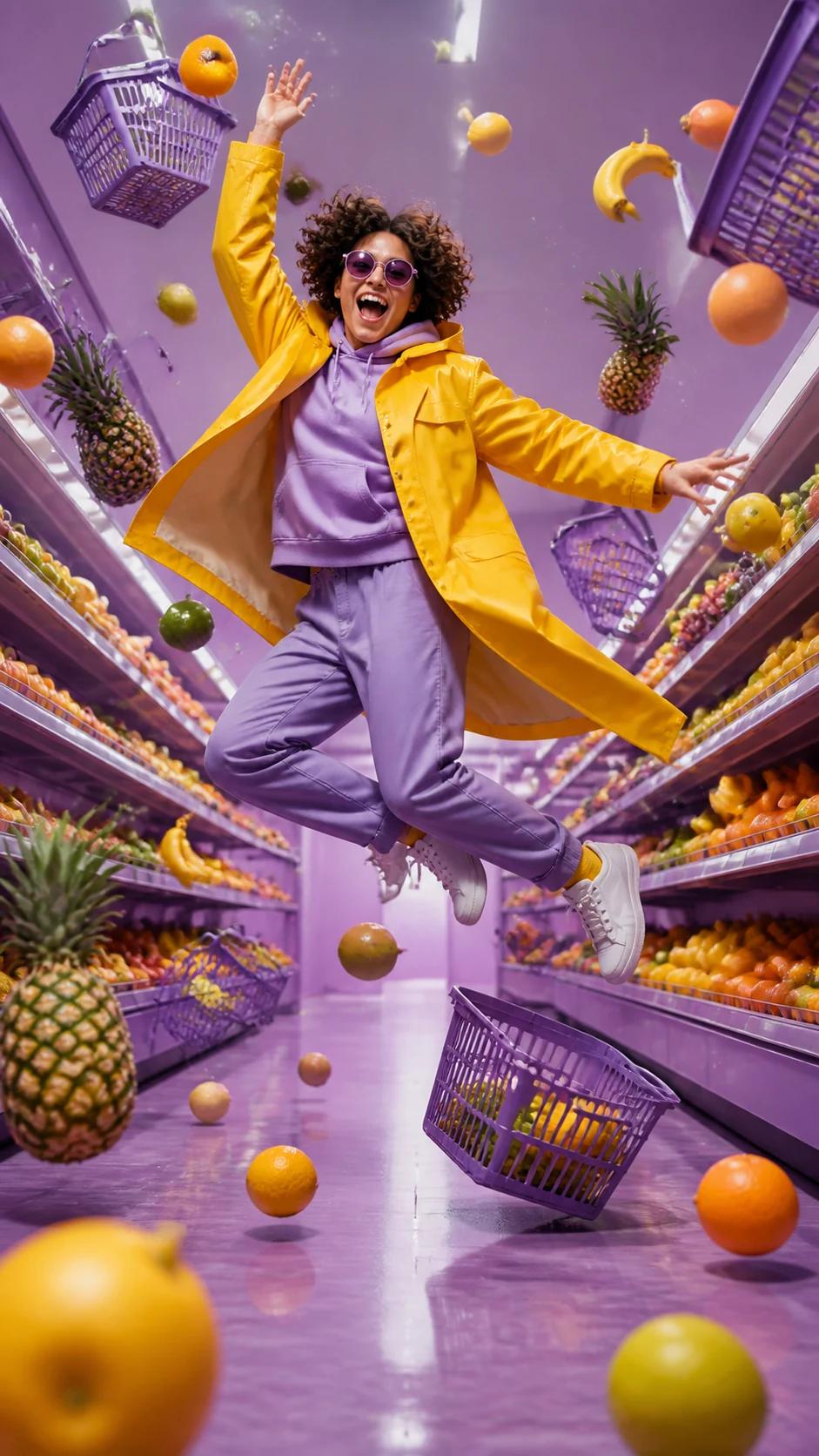
03Trend-Led Visual
A joyful mid-air jump in a lavender supermarket while fruit and baskets freeze around the subject; playful color, low-angle camera, energetic vertical pacing.
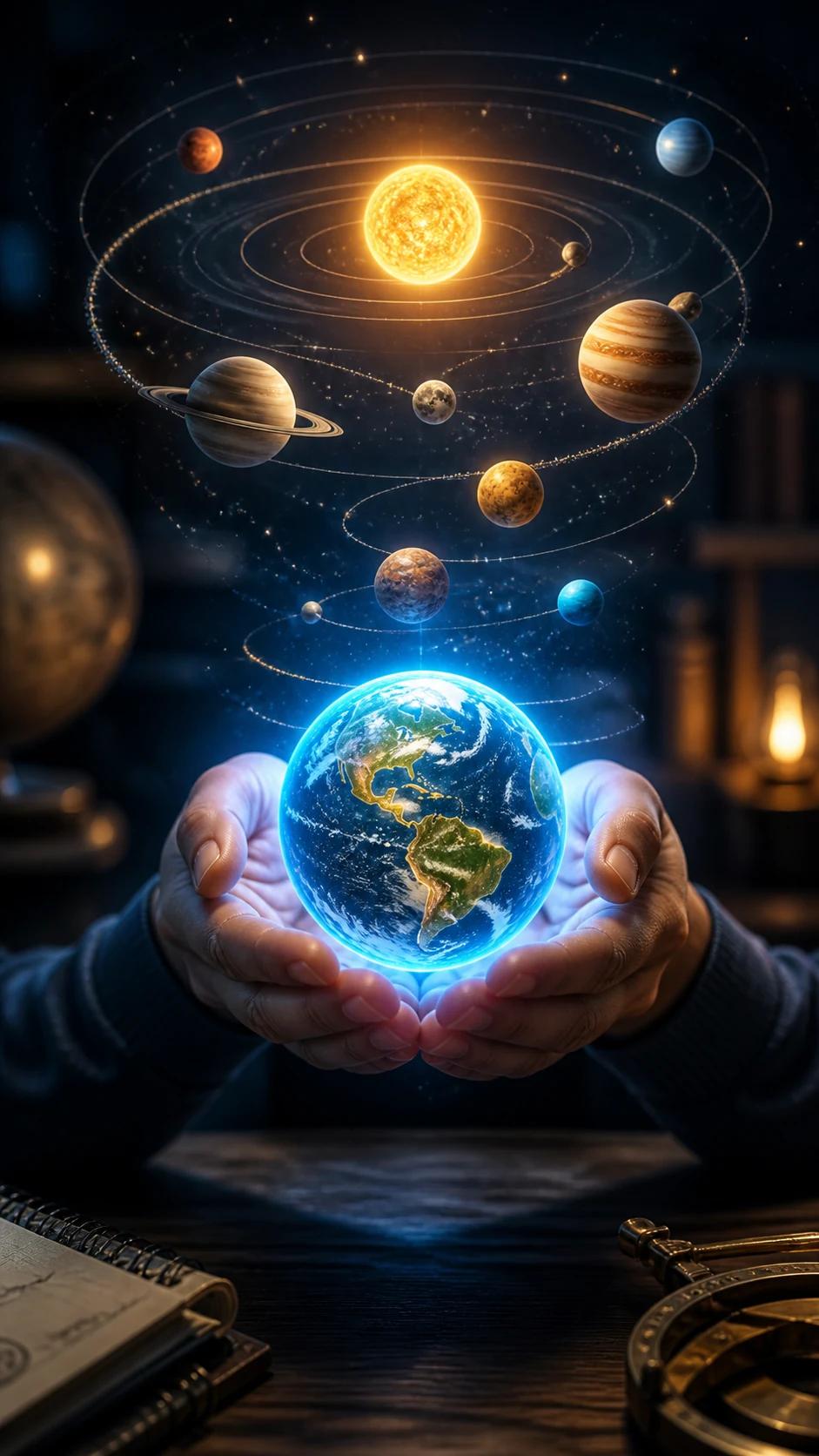
04Educational Short
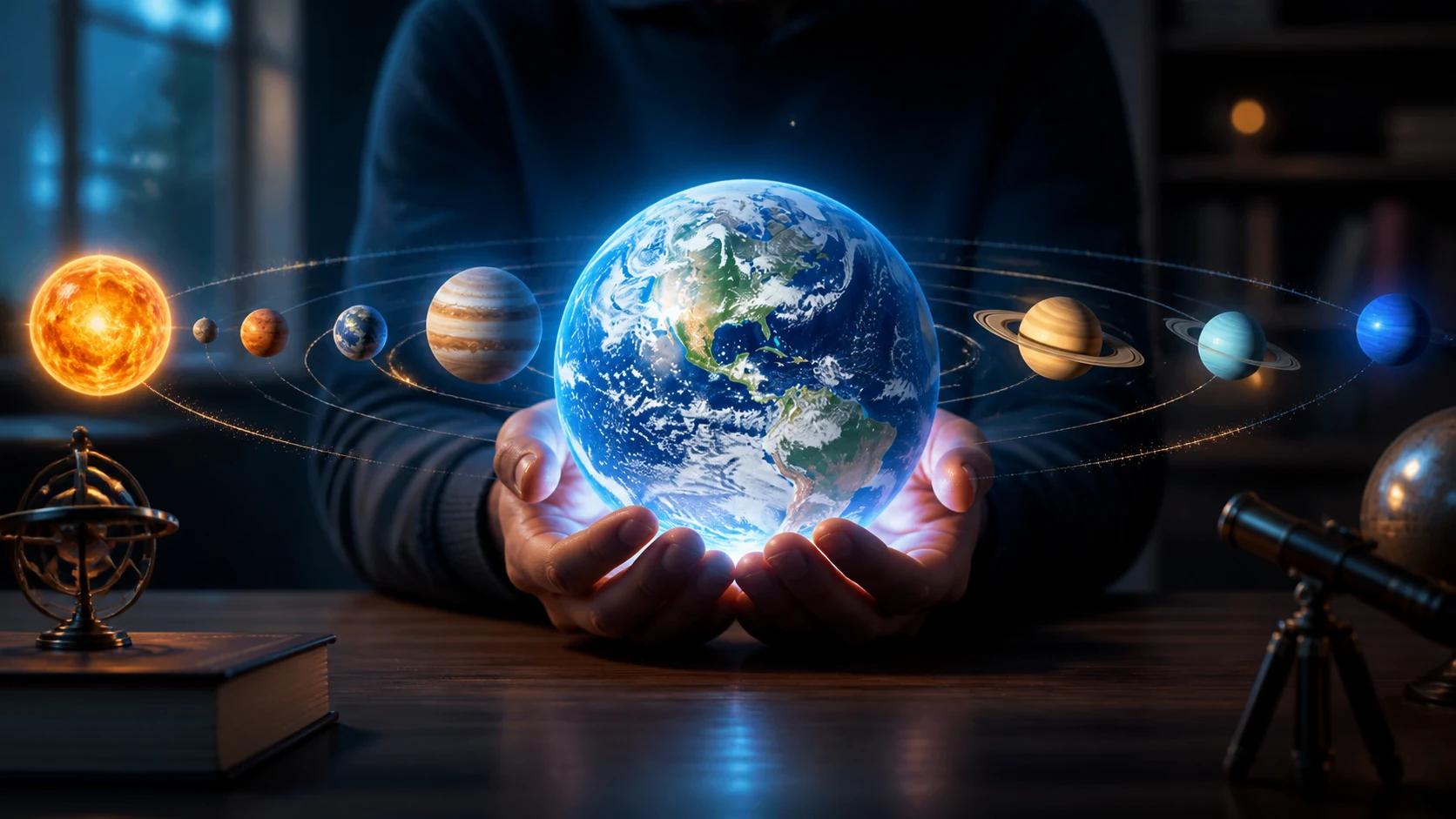
Hands hold a glowing Earth while a miniature solar system forms above a classroom desk; clear visual hierarchy, curious mood, slow reveal, native 9:16.
05Faceless Channel
Top-down creator desk where notes, lights, headphones, and a phone move into a clean publishing workflow; no person on camera, cozy light, precise motion.
Answers about generating original, vertical YouTube Shorts from text or images.
An AI YouTube Shorts maker turns a written prompt or reference image into a short vertical video. You describe the topic, hook, visual style, subject, motion, camera direction, and pacing, then generate and review the result before uploading it to YouTube Shorts.
Yes. Choose text to video and describe one clear visual idea, including the opening hook, subject, action, style, camera movement, pacing, and 9:16 format. Seedance generates original video rather than requiring a pre-recorded clip.
New accounts may receive starter credits. How many Shorts those credits cover depends on the current model, duration, resolution, audio options, and input mode. Check the live credit estimate before each generation.
Seedance lets you download generated videos without a watermark. Review the current plan and export terms at the time you generate, since model access and account terms can change.
Yes. Choose 9:16 before generating so the scene is composed for a vertical frame from the start. Keep important subjects and any captions you add later inside YouTube's mobile safe area.
AI cannot guarantee a viral result. Improve your odds by opening with a clear visual hook, focusing on one idea, changing the frame early, matching the topic to a real audience need, testing several directions, and learning from retention data after publishing.
Available generation lengths depend on the model and settings shown in the generator. You can use one generated clip as a complete visual beat or combine multiple clips into a longer Short, then keep the final upload within YouTube's current Shorts requirements.
Yes. Reuse visual references, palette, lighting, subject details, camera language, and prompt structure across the series. Review each result for drift and regenerate shots that do not match your channel style.
Start with a prompt or image, choose a native 9:16 format, and generate an original vertical video for your channel.
