

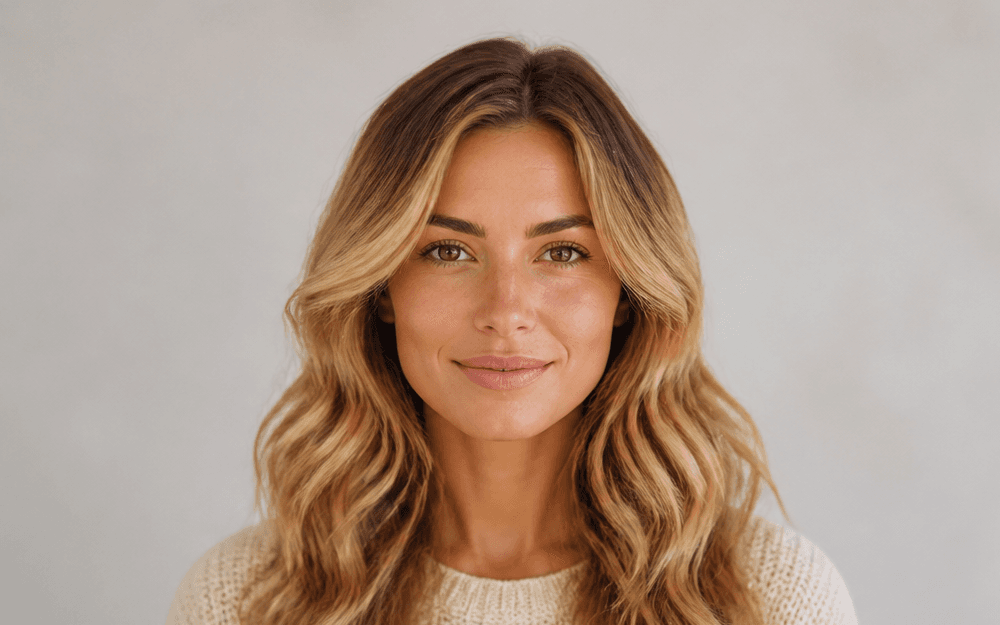
Honey Blonde
Warm highlights with natural roots
Upload your photo, pick a color, and see exactly how it looks on you—before you dye it. No app. No signup required.
Warm highlights with natural roots
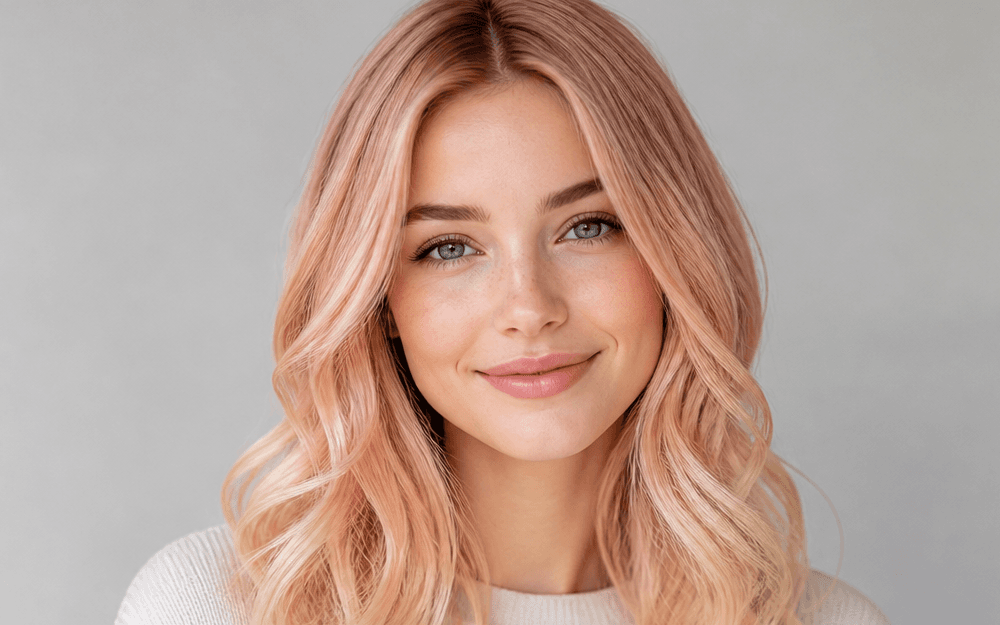
A soft, luminous fashion shade

Rich warmth and believable shine
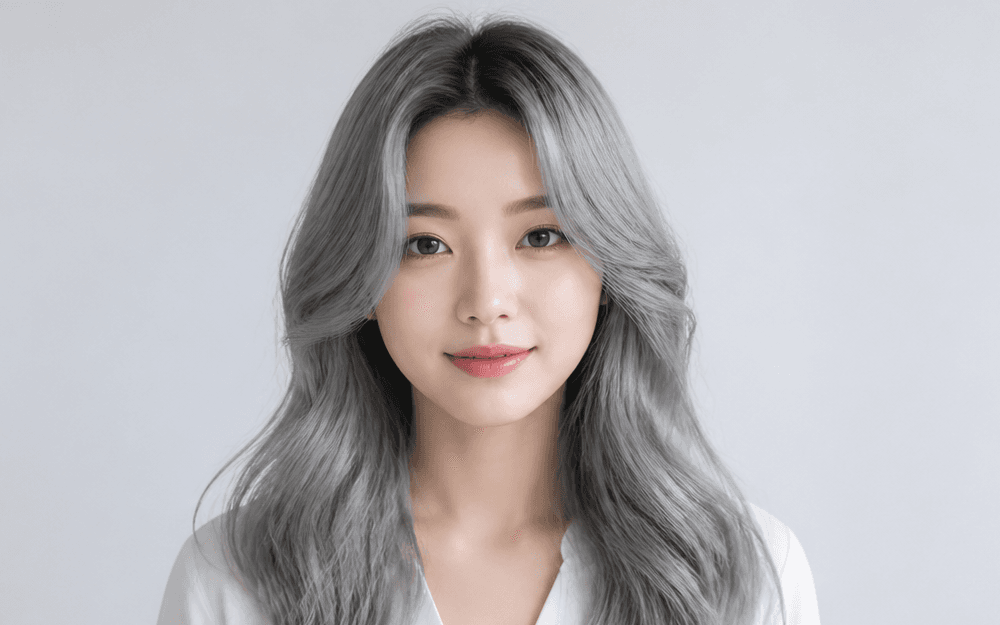
Cool tone with textured detail
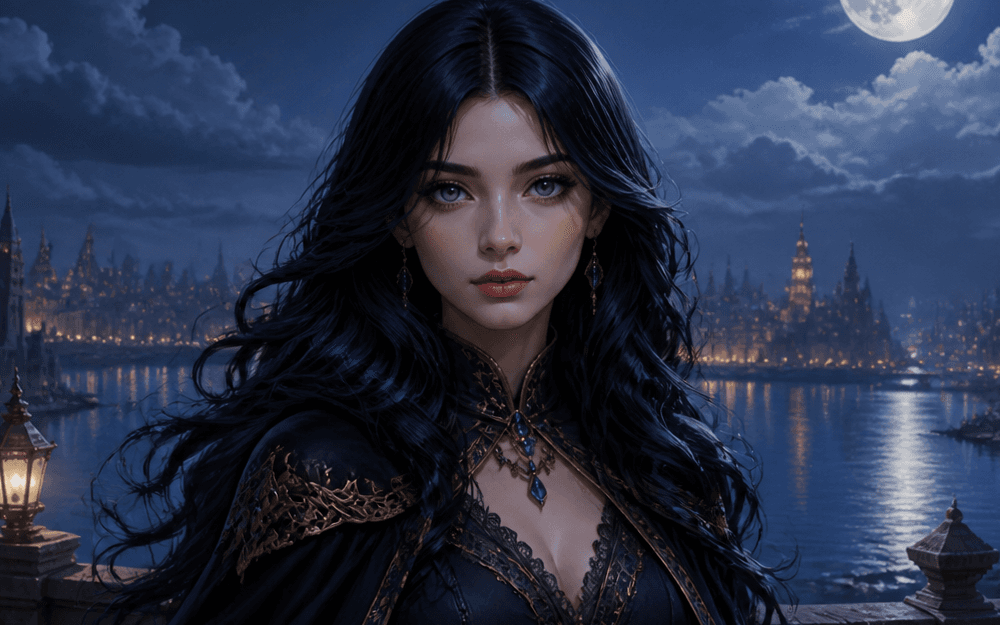
Subtle color that catches the light
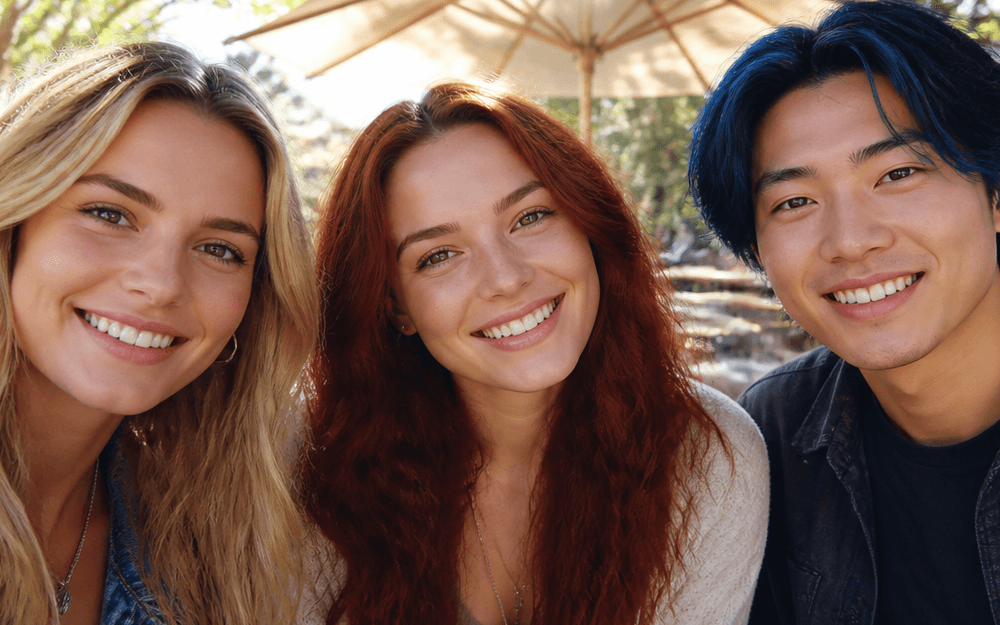
Compare looks in a group photo
Preview blonde, brunette, red, silver, or bold fashion colors on your own photo. Seedance creates a realistic visual so you can explore a new look before you book the appointment or open the dye box.
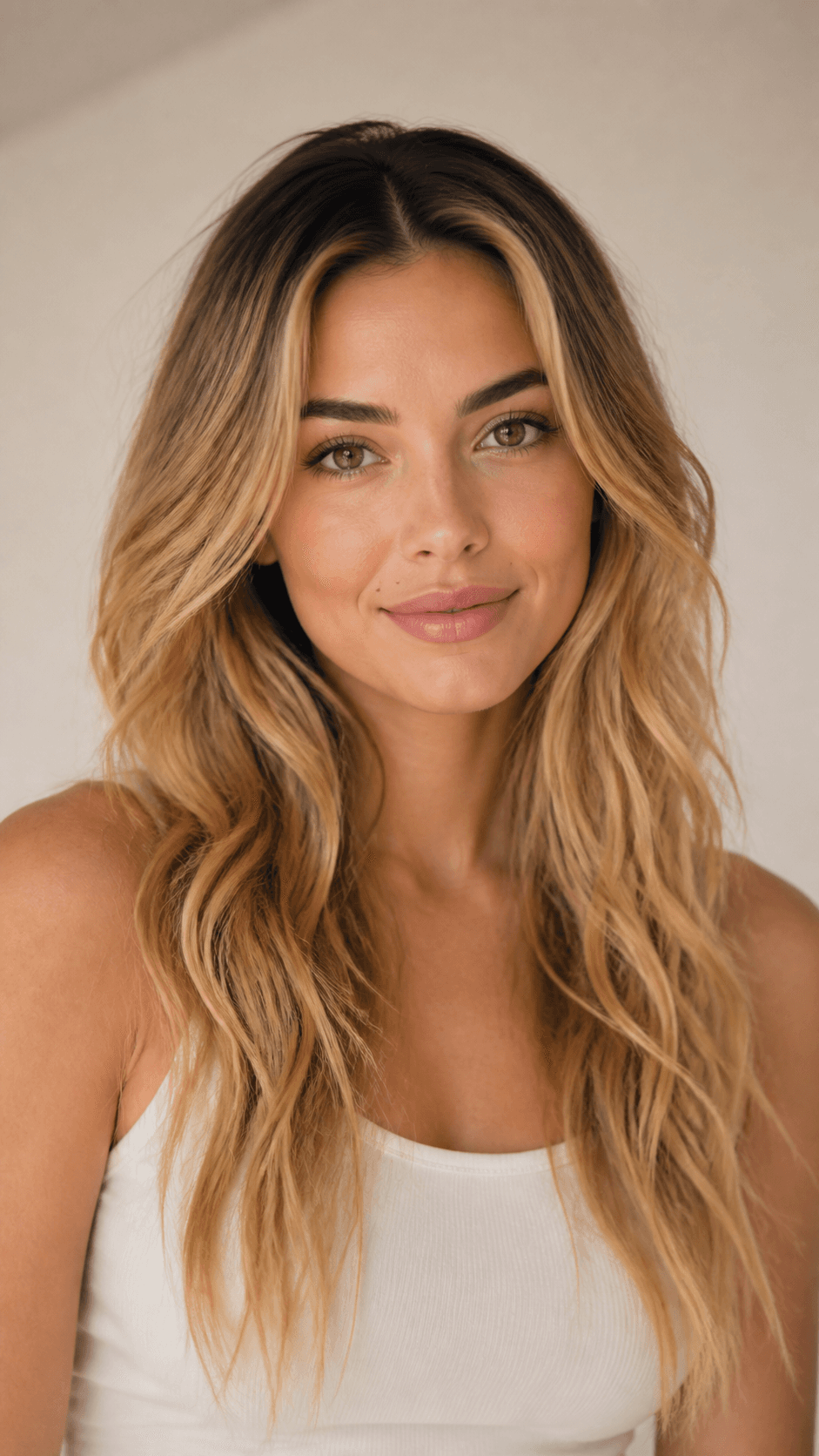
Preview a new color in seconds.
Keep your lighting, texture, and hairline.
Start with a photo—no salon commitment.
Upload a clear portrait and describe a shade in plain language. Seedance keeps the look grounded in your photo's existing light, texture, and hairline.
Seedance blends the new color into your photo's existing lighting, texture, and shadow—so the result looks like a real photo, not a flat filter.
From ash blonde and chestnut brown to silver, rose gold, and electric blue. Describe the shade you want in plain language and explore multiple directions quickly.
Use selfies, professional headshots, group photos, illustrated characters, and avatars. Clear front-facing photos with visible hair produce the most accurate results.
Explore a new color for yourself, a client, a character, or a creative campaign—without bleach, damage, or guesswork.
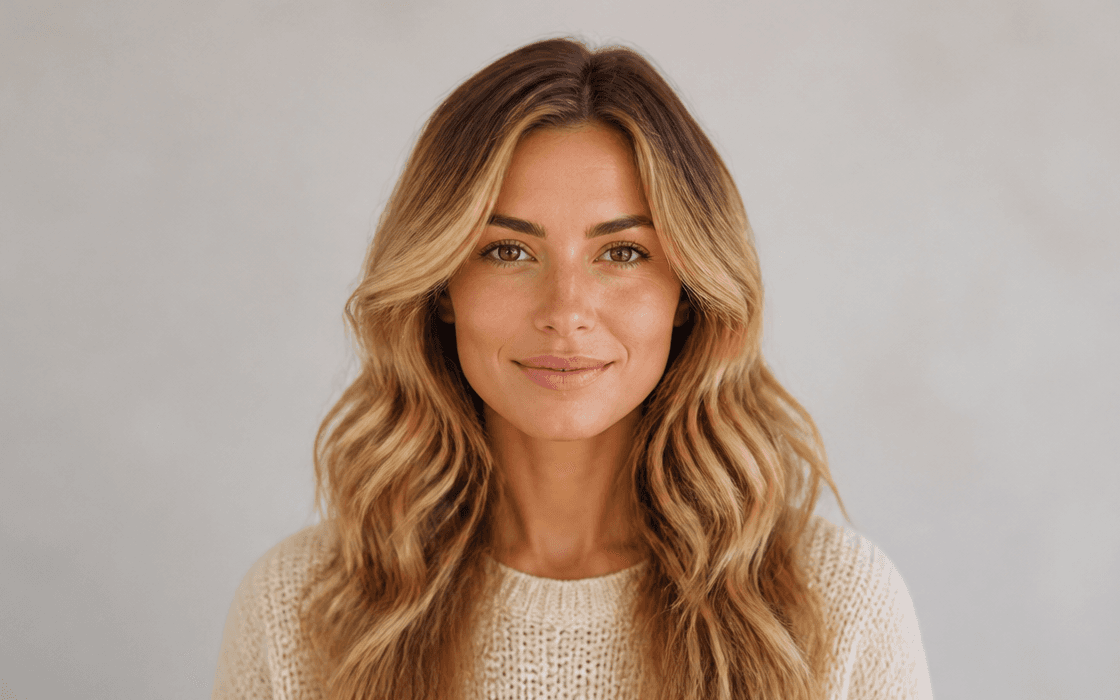
Preview blonde, brunette, red, or any shade on your own photo before making the commitment.
Create a realistic color preview in three straightforward steps.
Select a clear portrait or selfie with visible hair. JPG and PNG are supported; better lighting creates a more accurate preview.
Type a shade or style such as “warm honey blonde,” “jet black with blue highlights,” or “silver balayage.” More detail gives you closer results.
Review the result, try multiple shades in one session, and download the version you want.
Use these starting points to preview a look with realistic texture, roots, and lighting.
01Natural Blonde
Warm honey blonde with subtle highlights, natural root shadow, and soft texture matching the existing hair length and wave.
02Bold Fashion Color
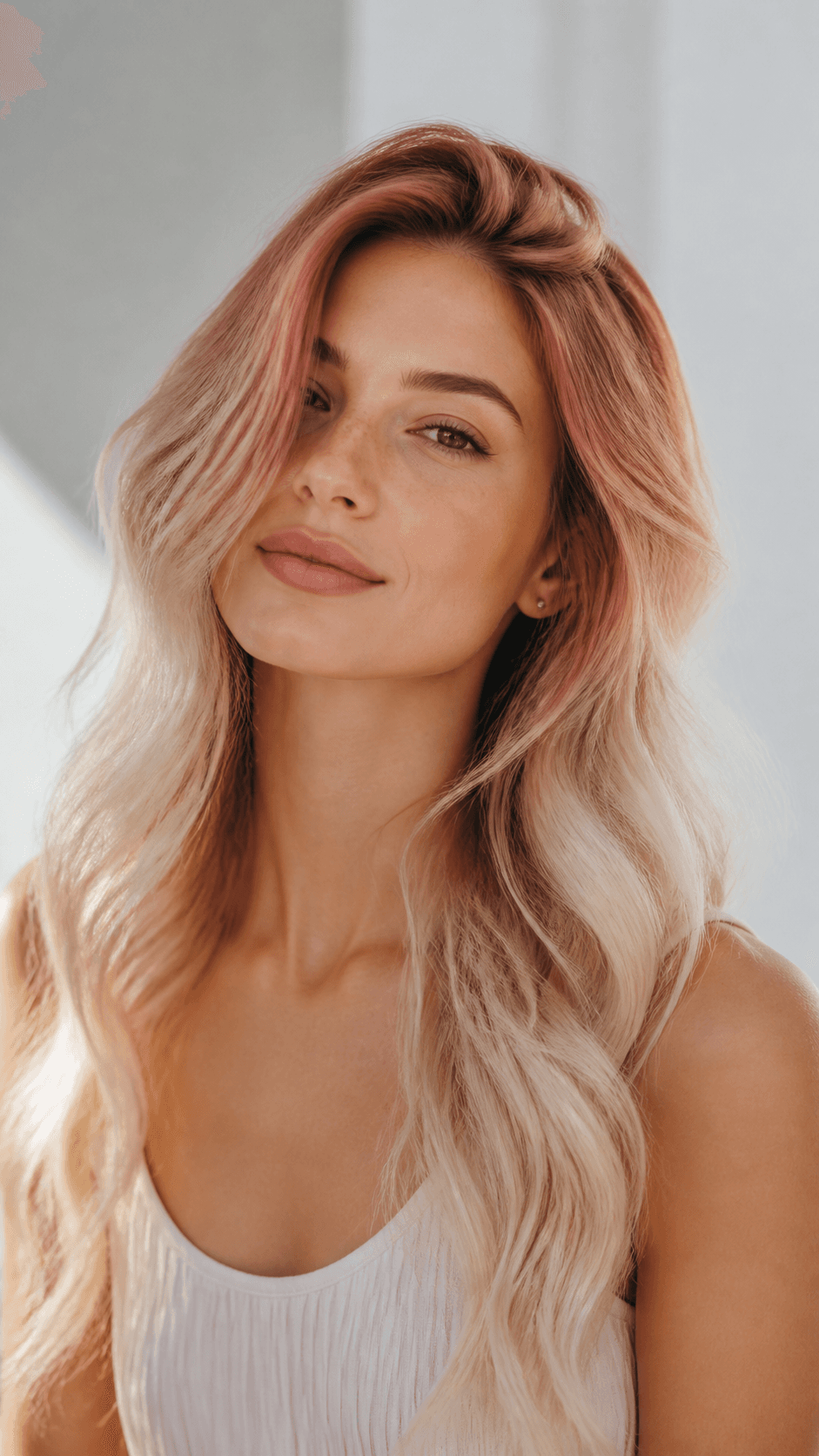
Vivid rose gold fading into platinum tips, glossy finish, and high contrast against the original dark base.
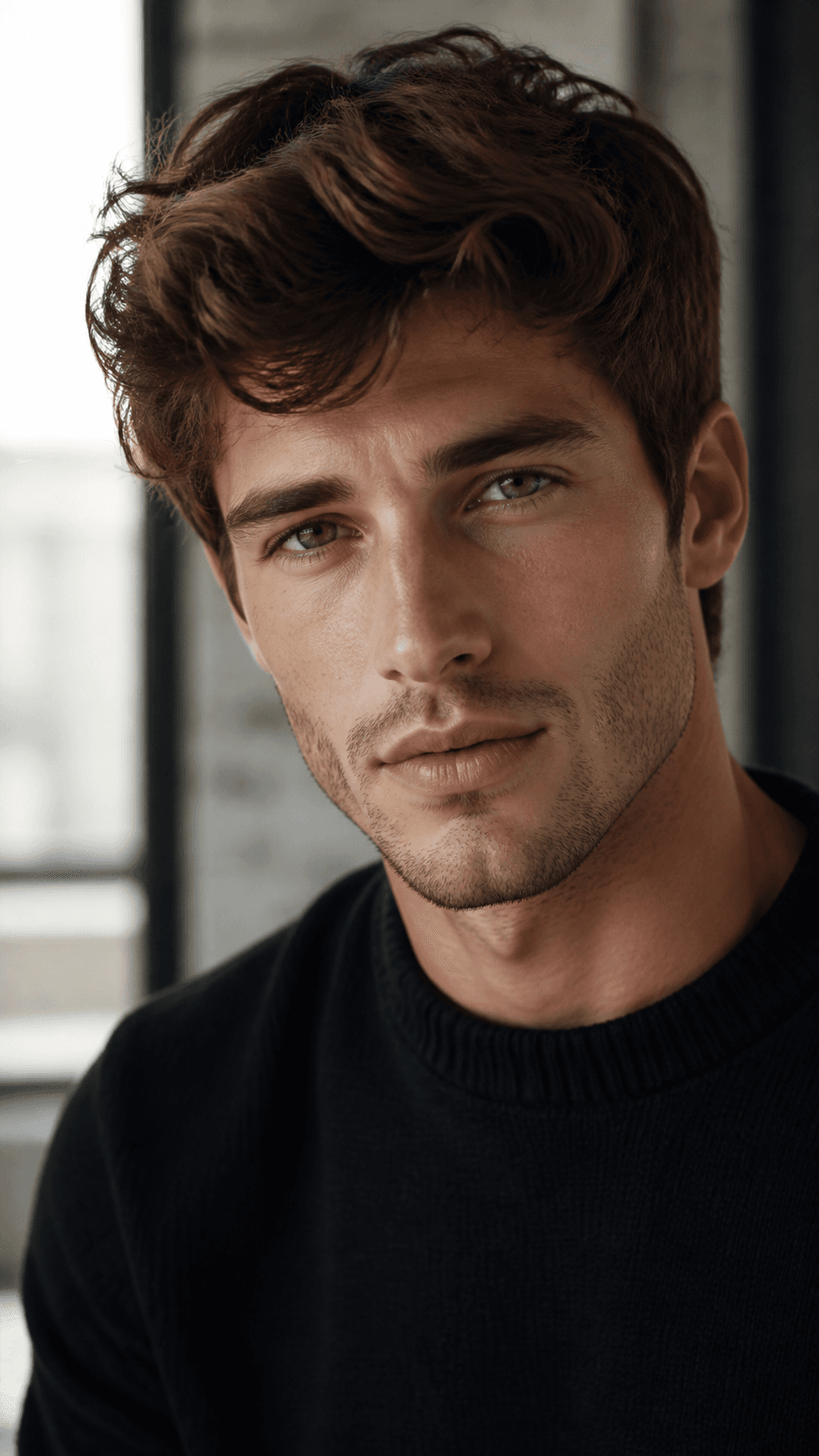 03
03Classic Brunette
Rich chestnut brown with warm undertones, natural shine, and seamless blending into the existing hairline and parting.
04Silver / Grey
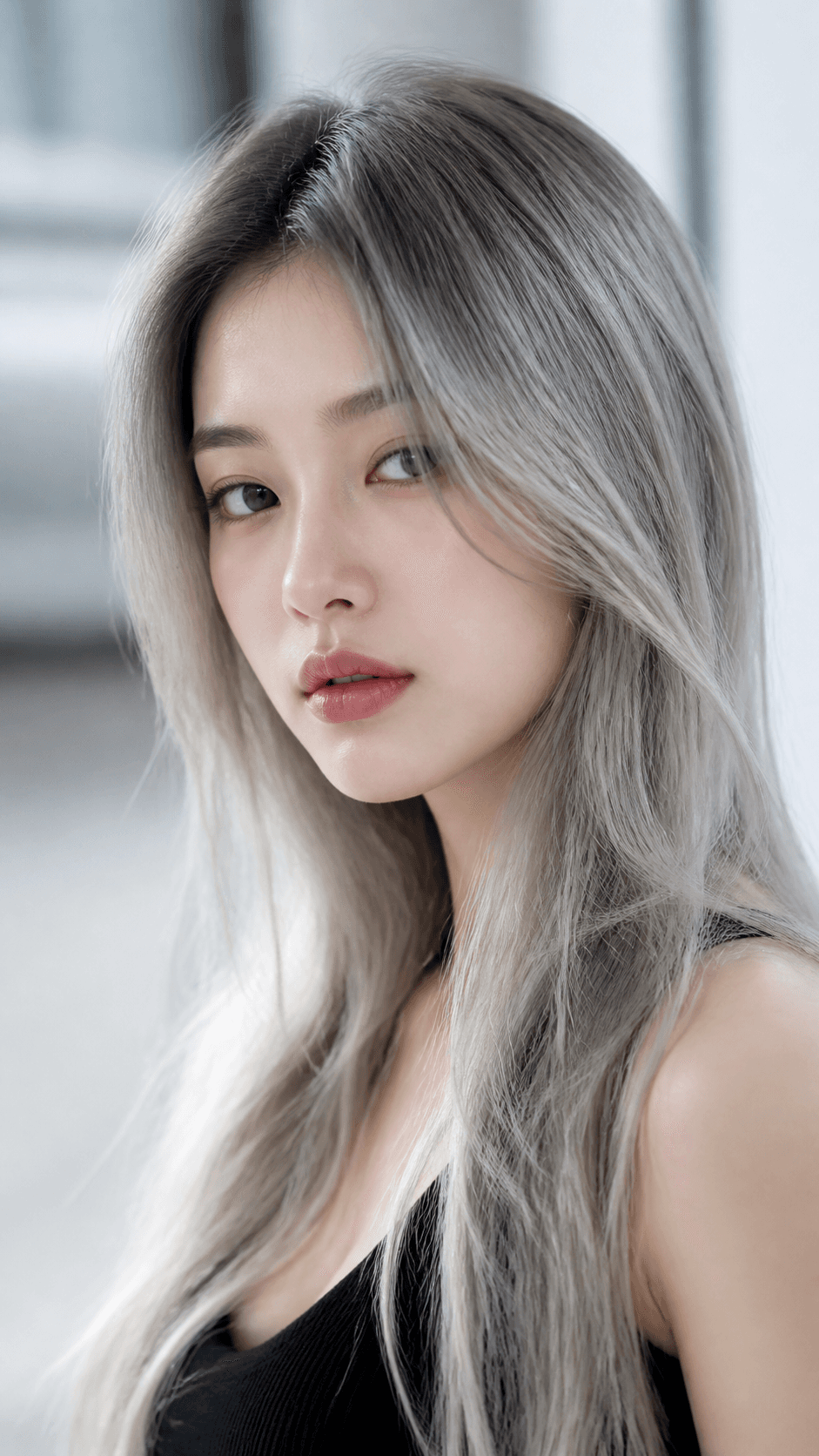
Cool ash silver with natural texture preserved, a soft gradient from roots, and realistic reflections for the indoor lighting.
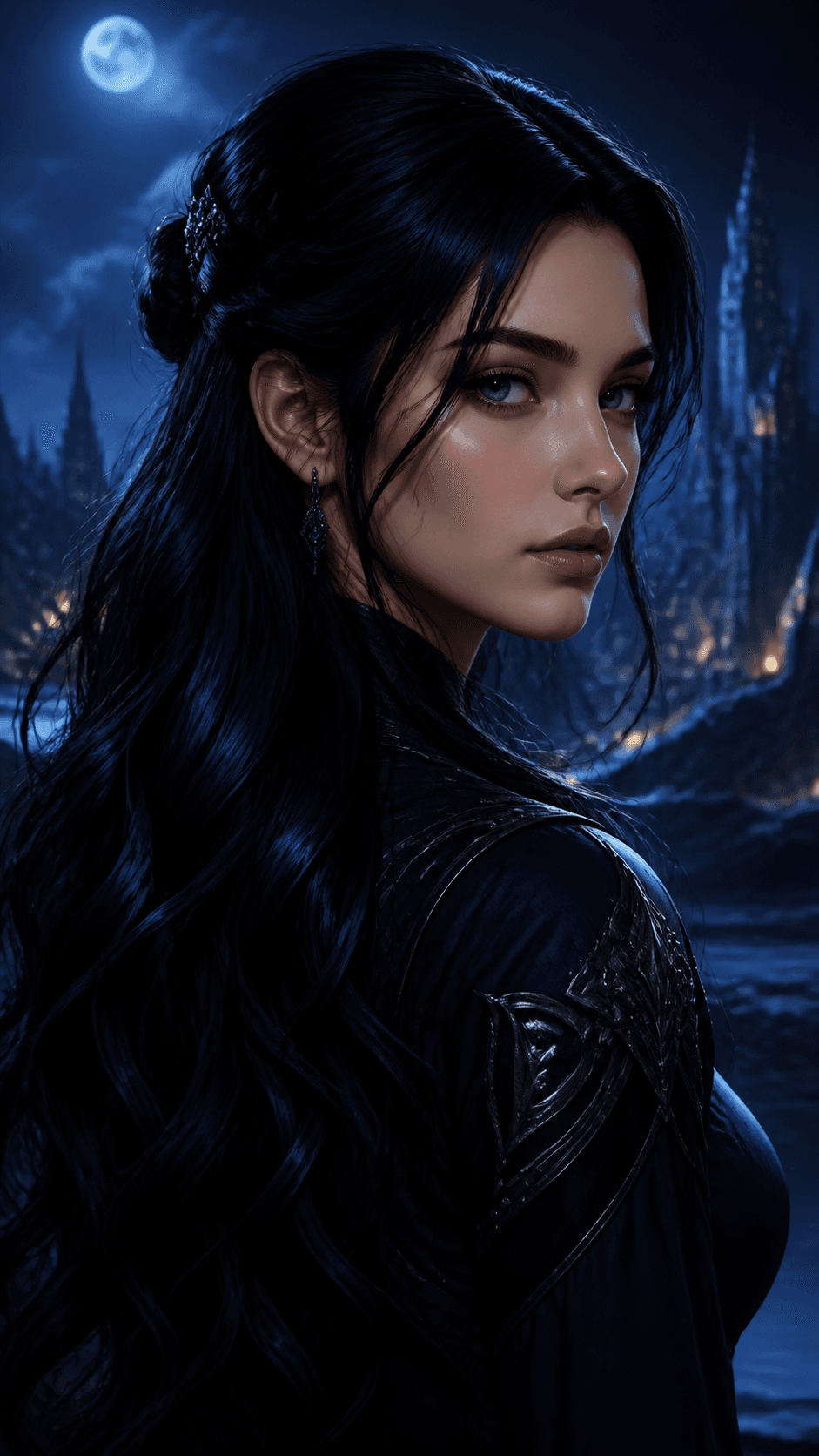 05
05Black with Highlights
Deep jet black base with subtle navy-blue highlights visible in light, while retaining realistic hair strand detail.
Helpful answers for making realistic virtual hair color previews.
It is a tool that applies a new hair color to a photo using your written direction, while aiming to retain natural lighting, texture, roots, and hairline.
Use a clear, well-lit portrait with the hair fully visible. Front-facing selfies and headshots usually provide the most accurate color preview.
Yes. Describe the shade, saturation, placement, and finish you want—such as a rose-gold ombré or black hair with subtle navy highlights.
The preview is a creative visualization, not a salon formula. Lighting, natural hair color, hair condition, and a stylist's process affect a real-world result.
Yes. It can help explore hair colors for original illustrated characters, avatars, mood boards, product concepts, and campaign imagery.
Upload a photo, describe the shade you want, and preview a new look before you make the change.
