

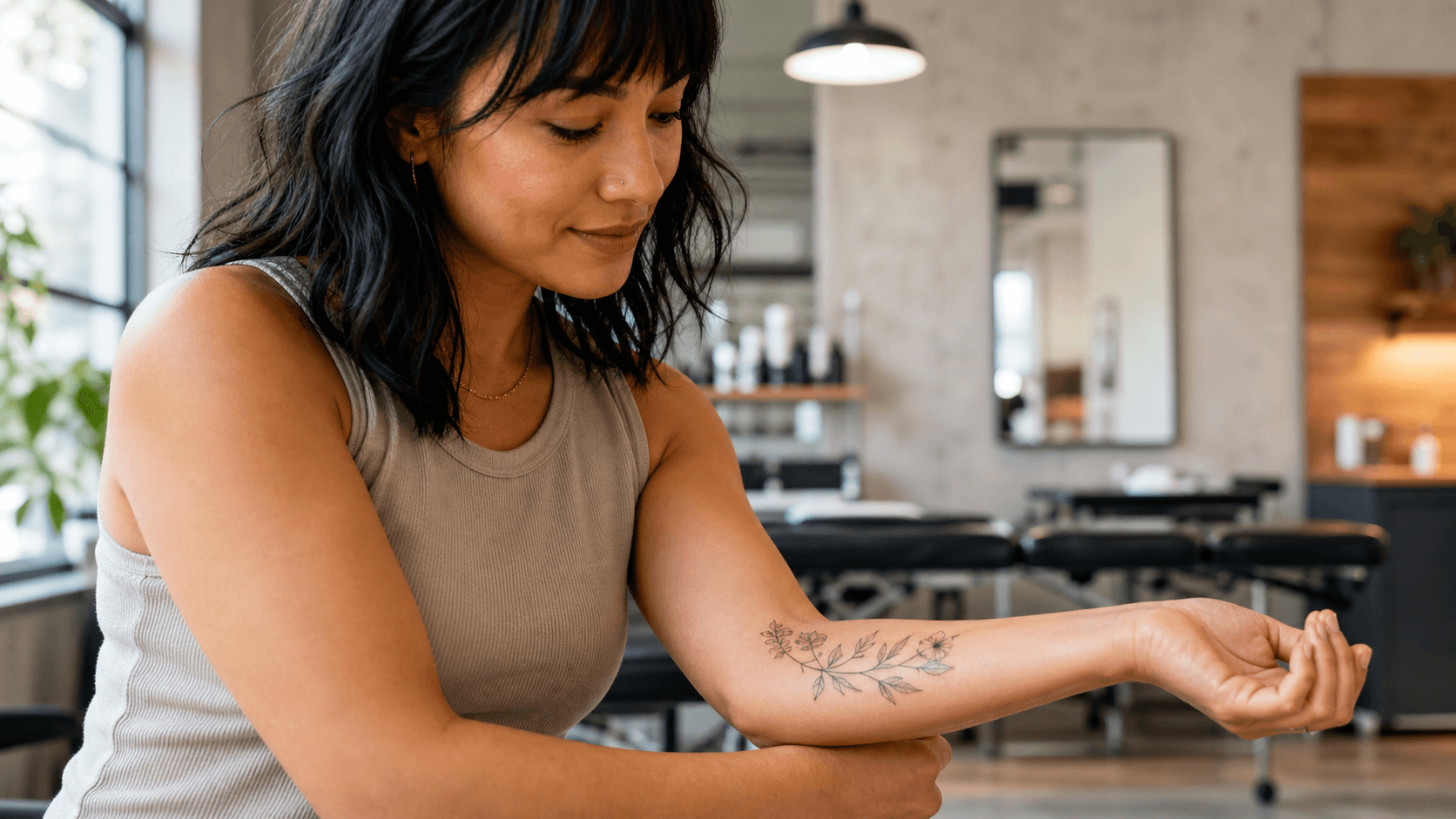
Tattoo Preview
See a design before your appointment
Upload a photo, describe your tattoo idea, and see how it looks on you in seconds. Free. No Photoshop. No commitment.
See a design before your appointment
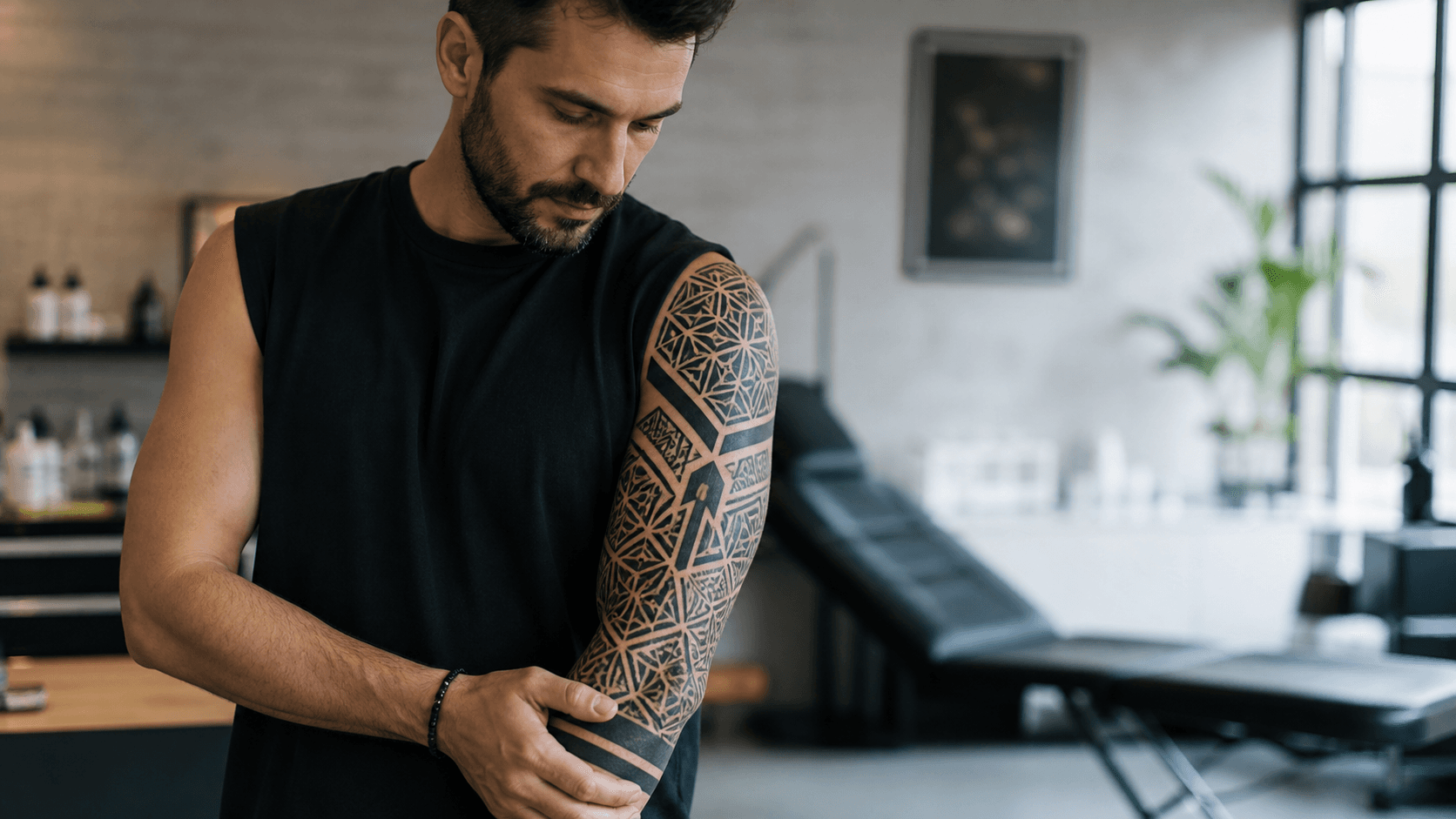
Plan a full sleeve across your arm or leg
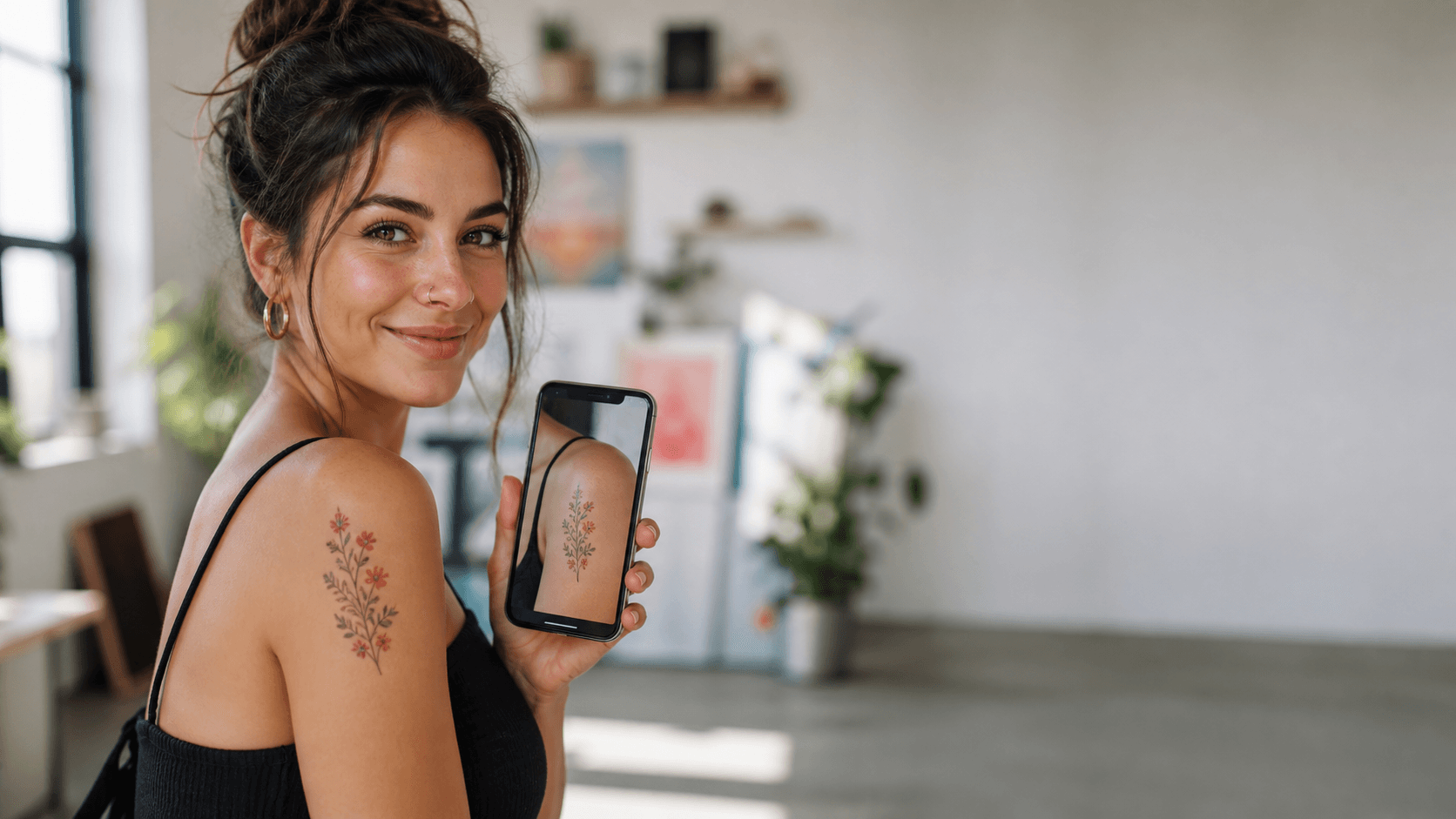
Create tattoo concept posts and reels
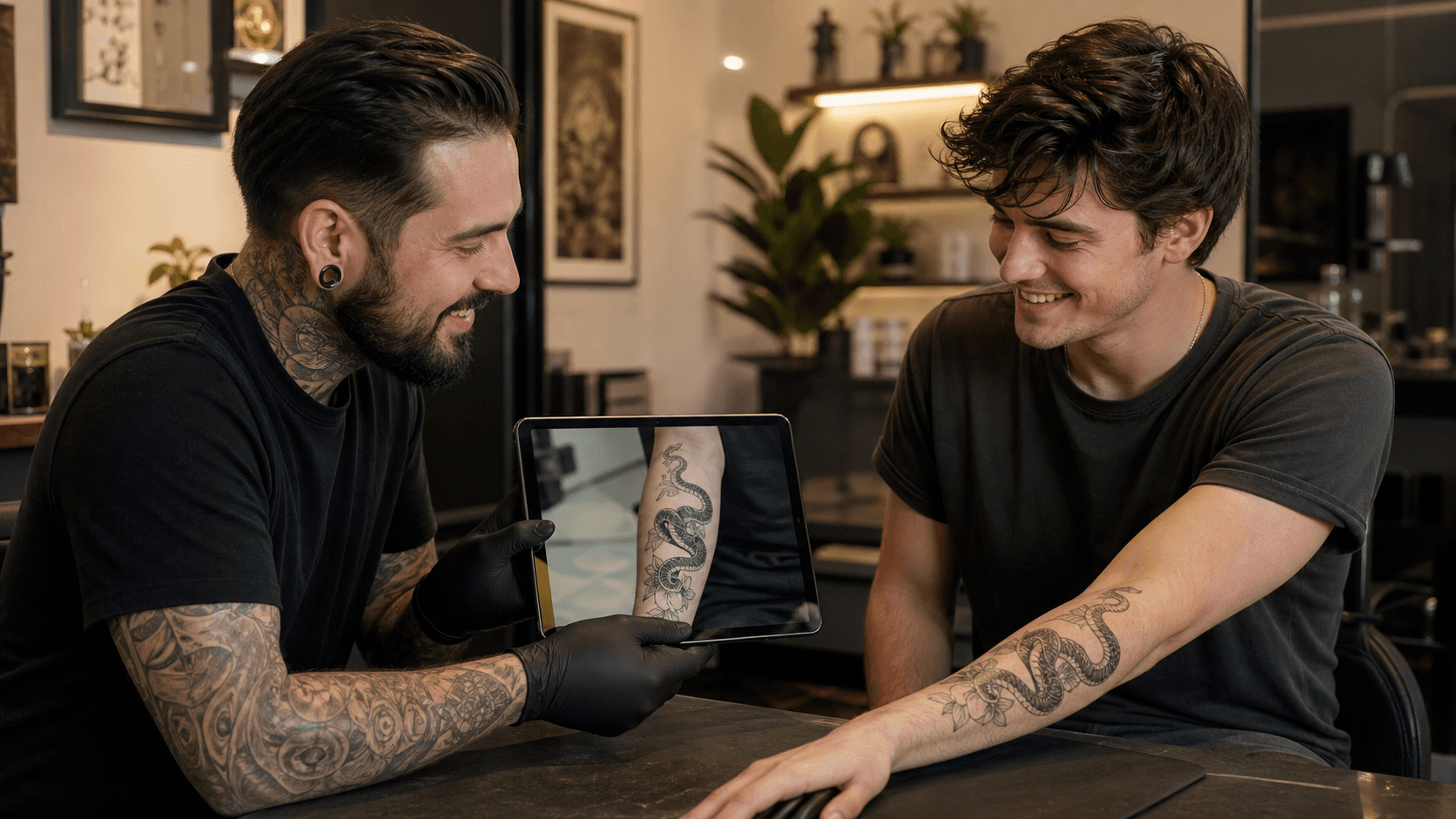
Show a realistic preview before inking
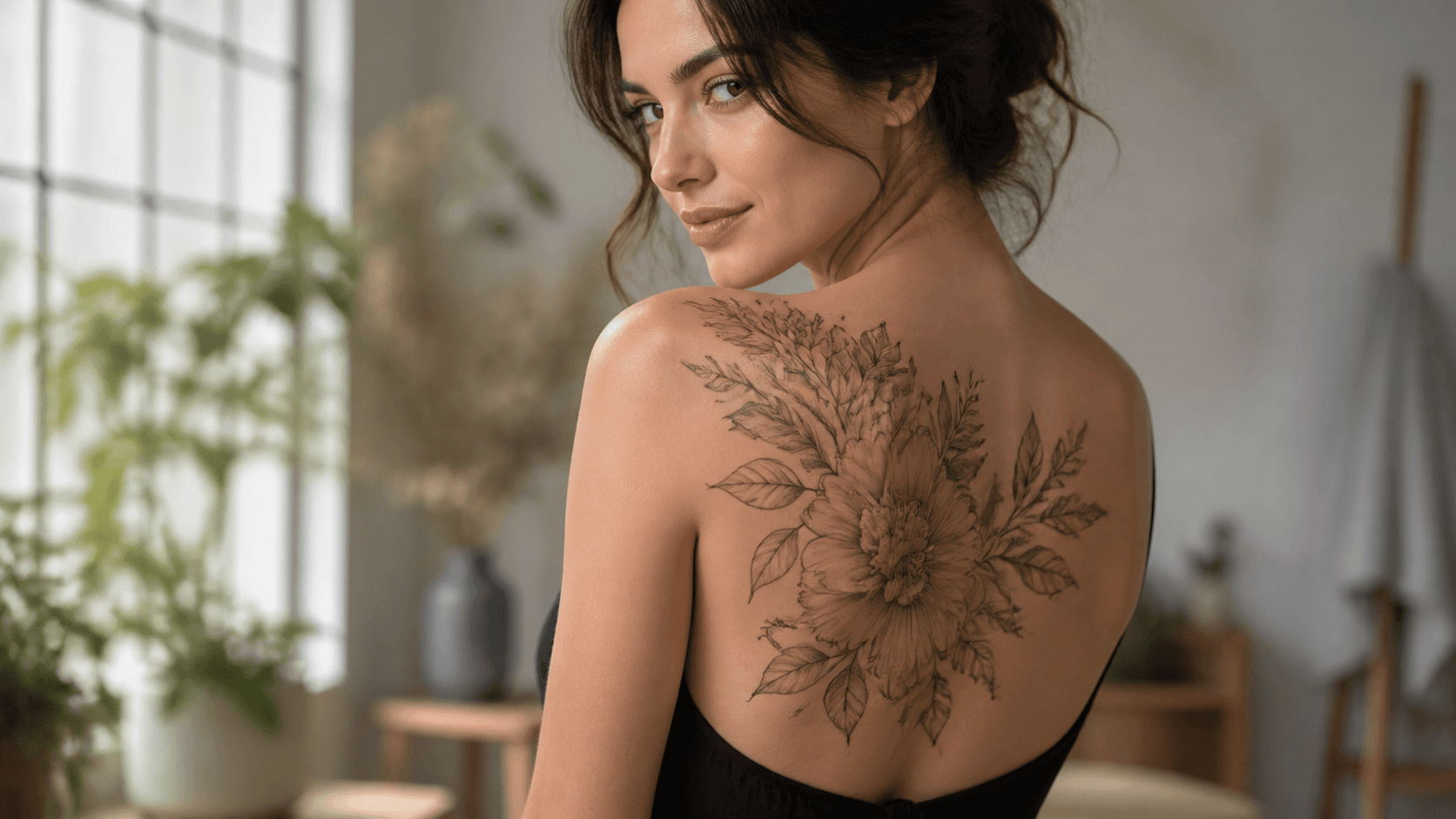
Generate references for your tattoo artist
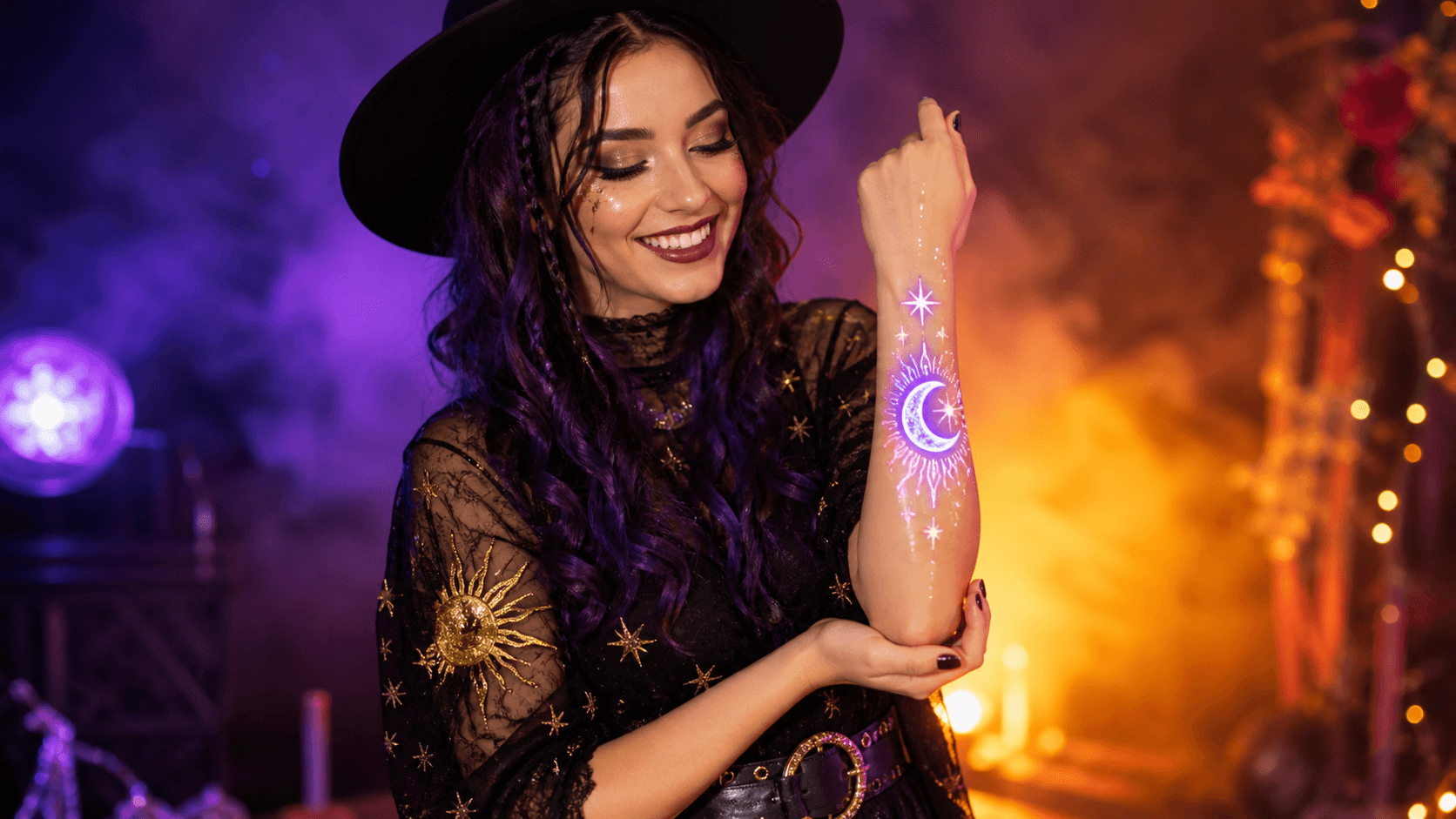
Add temporary tattoo effects to any look
Upload a portrait or full-body photo, describe the tattoo style and placement, and Seedance places a photorealistic tattoo design directly onto your skin. No editing skills, no software download, no watermark.
AI matches lighting, skin tone, and body contour so the tattoo looks naturally placed.
From fine-line and traditional to neo-trad and tribal, describe the idea in plain language.
Preview designs on an arm, neck, chest, back, hand, or another area in your photo.
Upload a portrait or full-body photo, describe the tattoo style and placement, and Seedance places a photorealistic design directly onto your skin. No editing skills, no software download, no watermark.
Upload any clear photo—portrait or full body. Seedance wraps the tattoo design naturally around your skin's curves, adapting to lighting and tone. Review the output before downloading and regenerate if the placement looks off.
No design file needed. Type “small black snake coiling around the forearm, fine-line style” and Seedance generates and places the design. Adjust your description to explore different ideas.
Upload a full-body or arm photo and describe a multi-element layout. Generate variations to find the composition that works before committing to a session with your artist.
Try the same design on different areas, scales, and angles in your own photo. Compare a subtle wrist detail with a larger shoulder or back composition, then save the direction you want to discuss with your artist.
Preview a personal tattoo idea, build a concept for an artist, or create a temporary body-art look without opening an image editor.
See how a design looks on your actual photo before you book an appointment. Compare styles, placements, and sizes without guessing.
Turn a clear photo and a tattoo idea into a photorealistic preview in three steps.
Add a well-lit portrait or full-body photo where the skin area you want to preview is visible. Only upload photos you have permission to use.
Specify the tattoo subject, style, color, size, and body area. Add a reference image if a particular motif or layout matters.
Review how the design follows skin tone, light, and body contour. Generate a few options, then save the strongest one to discuss with your artist.
Use the same practical formula for every prompt: design + style + placement + size + color + skin rendering + photo framing.
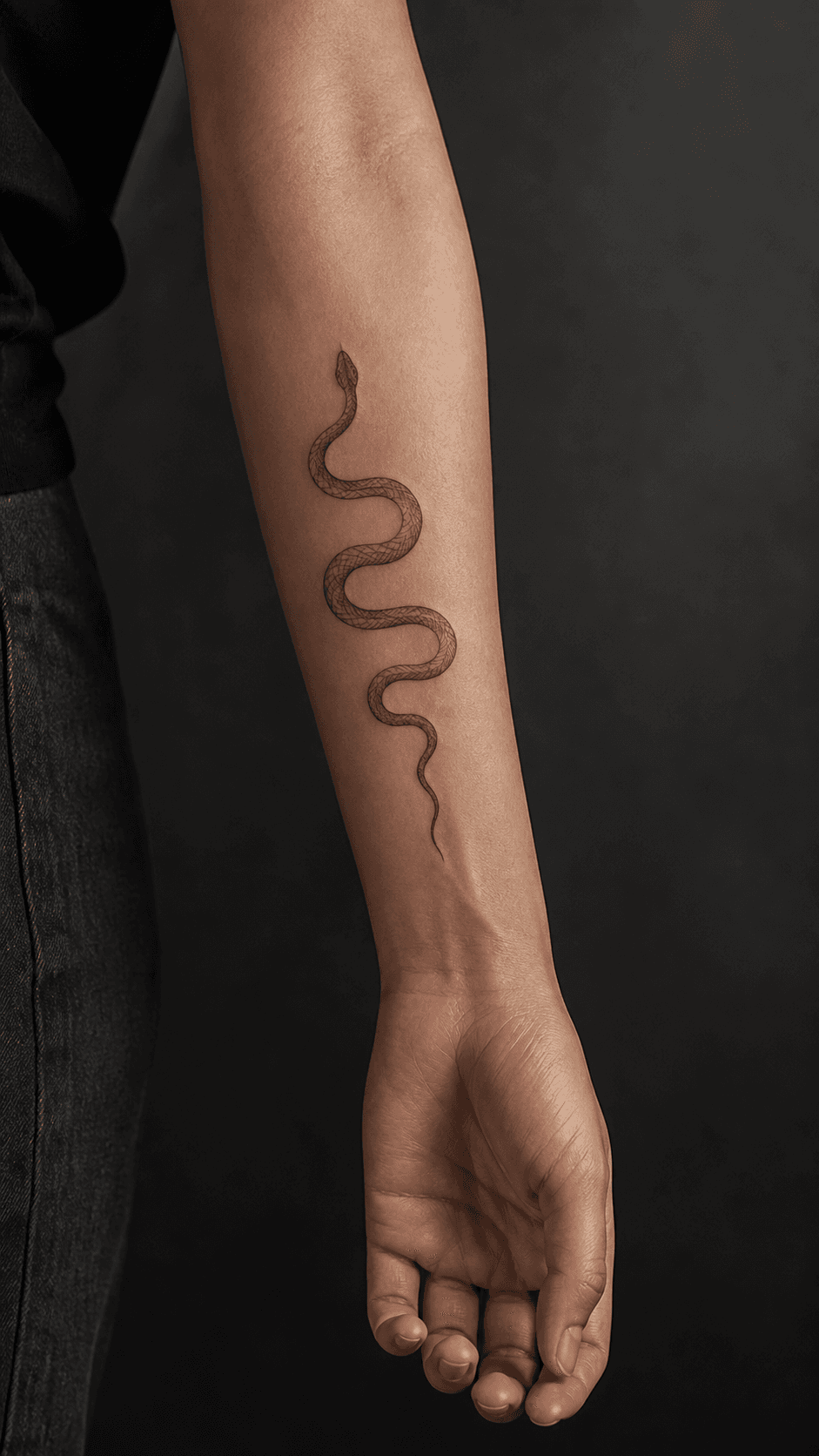 01
01Fine-Line Forearm Tattoo
A small black snake coiling around the forearm in delicate fine-line style, natural skin texture, soft daylight, and realistic placement following the arm contour.
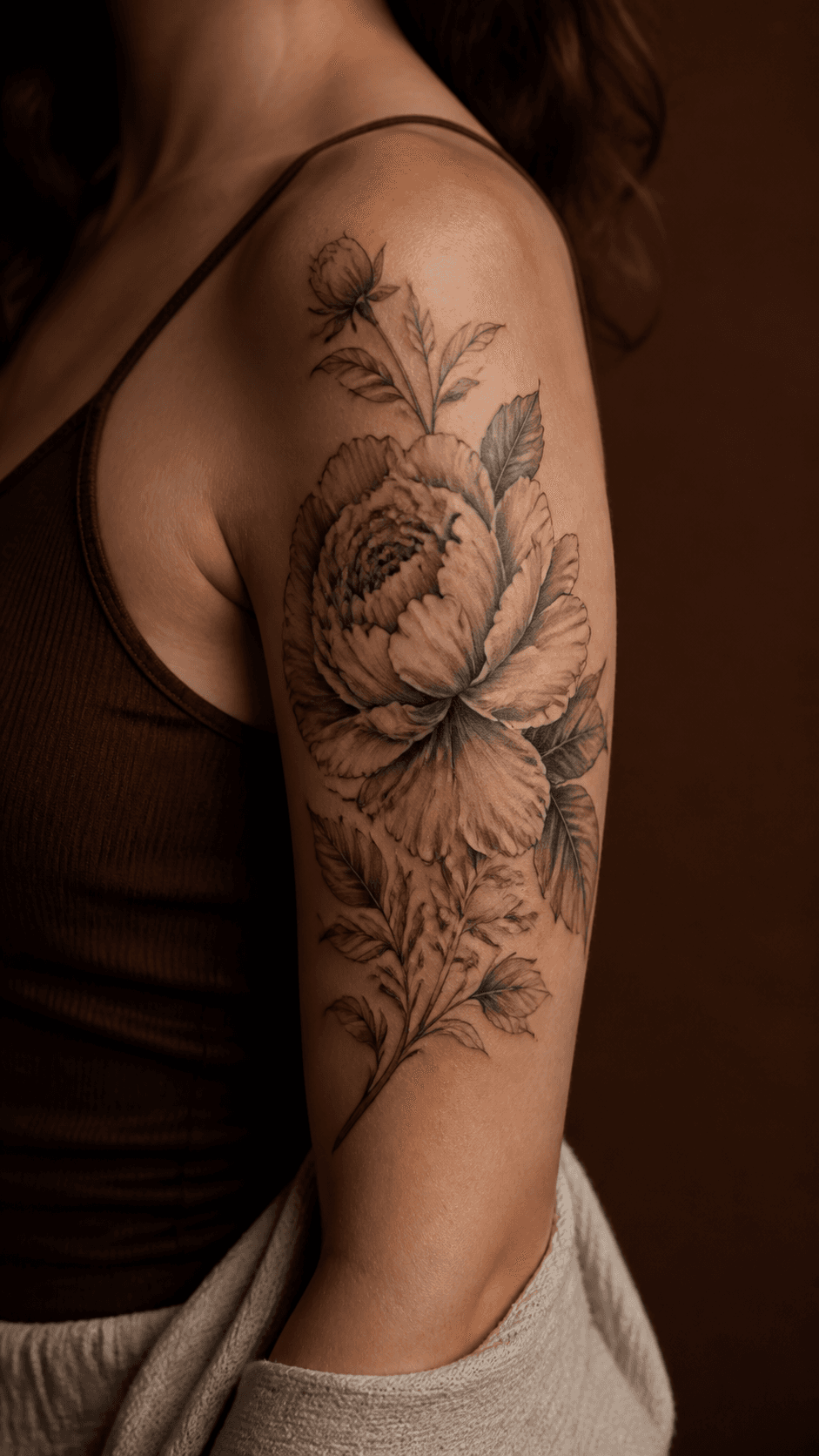 02
02Botanical Shoulder Piece
A black-and-grey peony and leaf composition across the upper shoulder blade, medium scale, elegant negative space, naturally wrapped to the shoulder curve.
 03
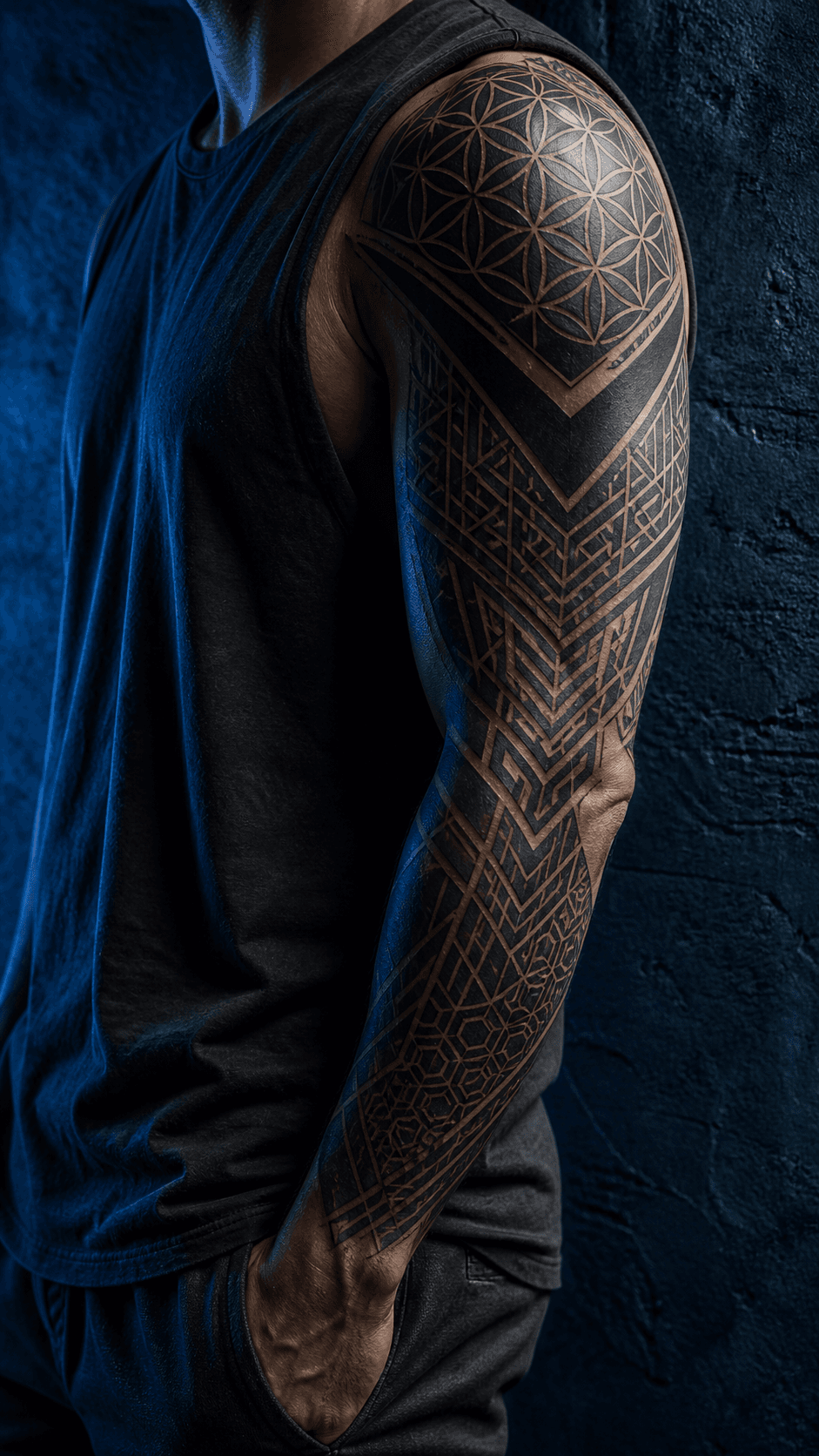
03Geometric Sleeve Concept
A connected geometric blackwork half-sleeve from shoulder to forearm, clean linework, balanced panels, and placement that follows the natural arm shape.
 04
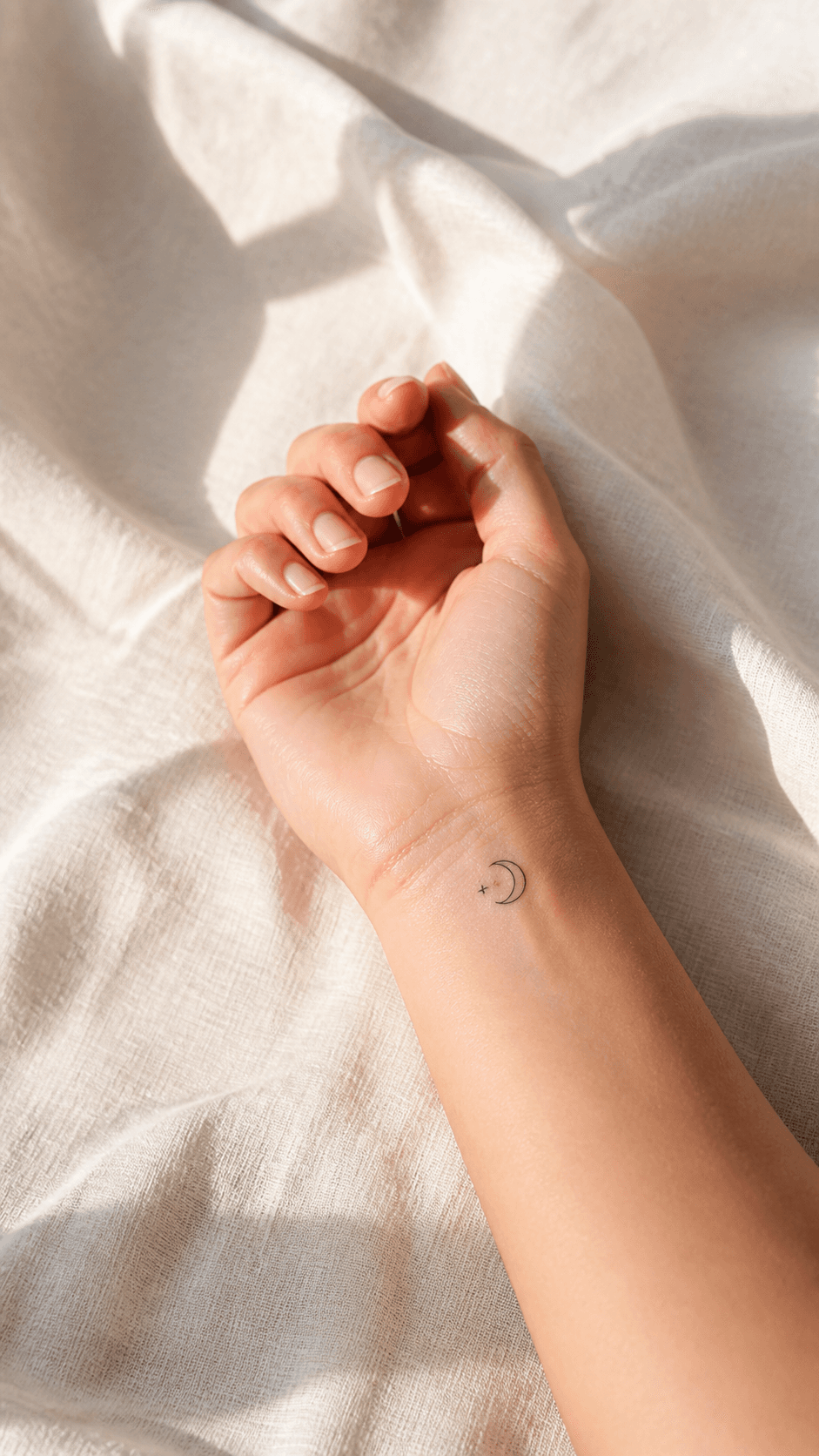
04Minimal Wrist Detail
A tiny single-needle crescent moon and three stars on the inner wrist, subtle black ink, refined minimal style, realistic skin texture.
 05
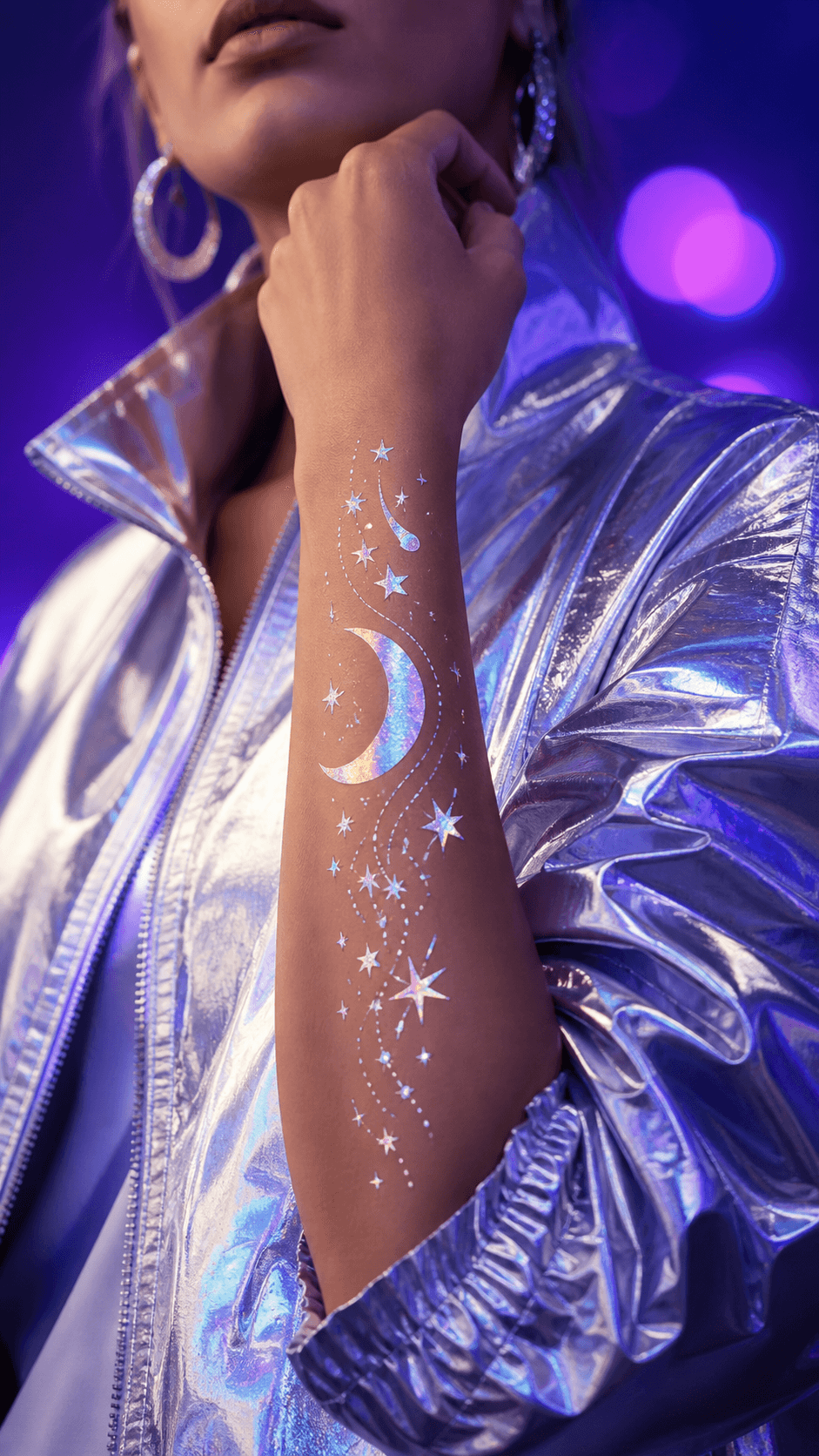
05Temporary Costume Tattoo
A luminous moon-and-stars temporary body-art design along the forearm for a fantasy costume, vivid but believable skin-safe makeup effect.

Transform an existing portrait or tattoo reference while keeping the starting composition in view.
Create original tattoo concept art from a written style, subject, and placement direction.
Generate polished concept images for reference boards, social posts, and creative directions.
Practical answers for creating a tattoo preview from your own photo.
New Seedance accounts may receive starter credits. The number of previews those credits cover depends on the selected model and settings; check the live estimate before generating.
Seedance aims to match the photo's lighting, skin tone, and body contour. Results depend on the clarity and angle of the source photo, so generate a few options and review placement carefully.
Yes. Upload a reference you created or have permission to use, then describe the placement and scale. Do not upload artwork you do not have the right to use.
You can describe an arm, wrist, hand, neck, chest, back, leg, or another visible skin area. Choose a clear image where the intended placement is not heavily obscured.
Yes. Start with a clear arm or full-body photo and describe the connected elements, style, and coverage. Treat the output as a concept reference and work with a tattoo artist on the final custom design.
No. AI previews are useful for exploring visual direction, not for replacing an artist's custom drawing, body-fit assessment, or safety guidance.
Upload a photo, describe your tattoo idea, and create a realistic preview in seconds. Free to try—no Photoshop experience needed.