
Seedance 2.5 vs Seedance 2 Mini: Which Model Should You Use? (2026)
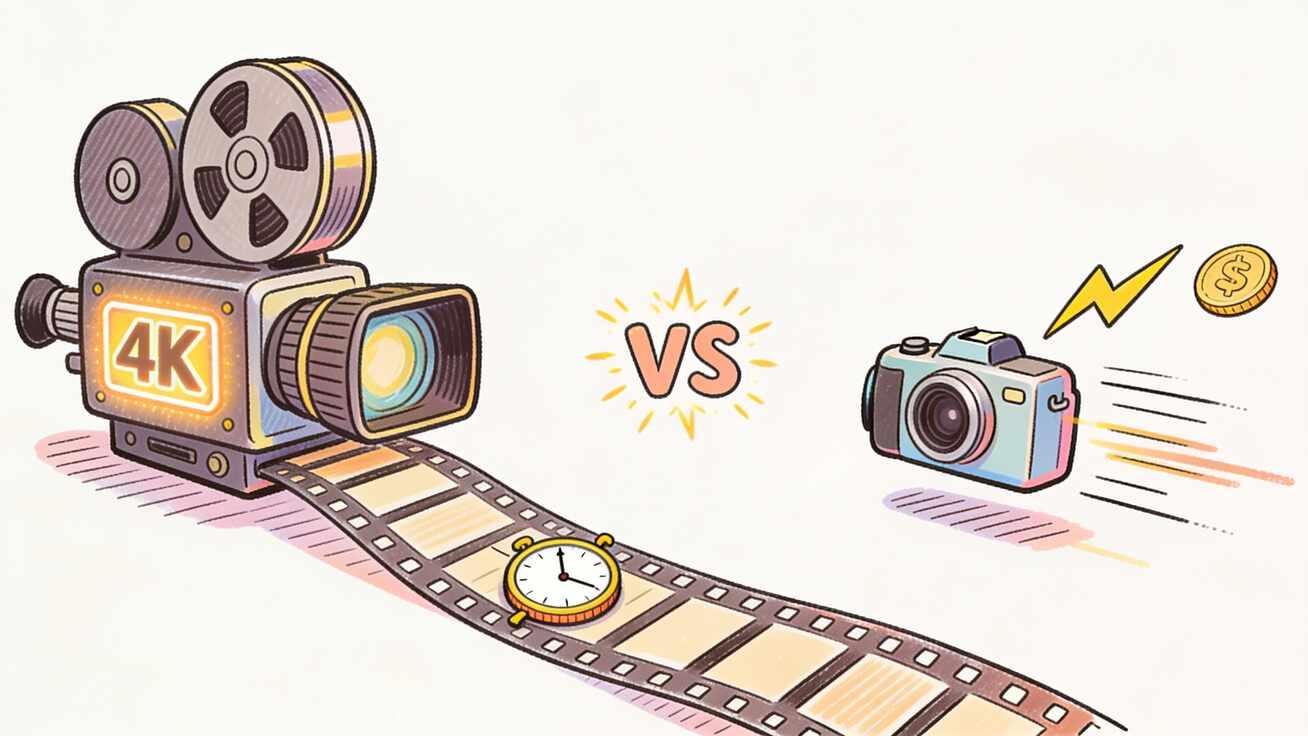
Choosing between Seedance 2.5 and Seedance 2 Mini comes down to one trade-off: maximum quality versus maximum speed and cost-efficiency. Both are part of ByteDance's Seedance 2 family, both generate video with synchronized audio, and both run inside the same Seedance workflow — but they are built for opposite jobs. This guide breaks down the Seedance 2.5 vs Seedance 2 Mini comparison in plain terms, with specs, real use cases, prompt examples, and a decision framework so you pick the right model the first time instead of burning credits finding out.
If you only have ten seconds: pick Seedance 2 Mini when you need fast, affordable drafts and high-volume social or ecommerce output, and pick Seedance 2.5 when you need a finished, cinematic, 4K hero clip with long continuous shots and tight prompt control.
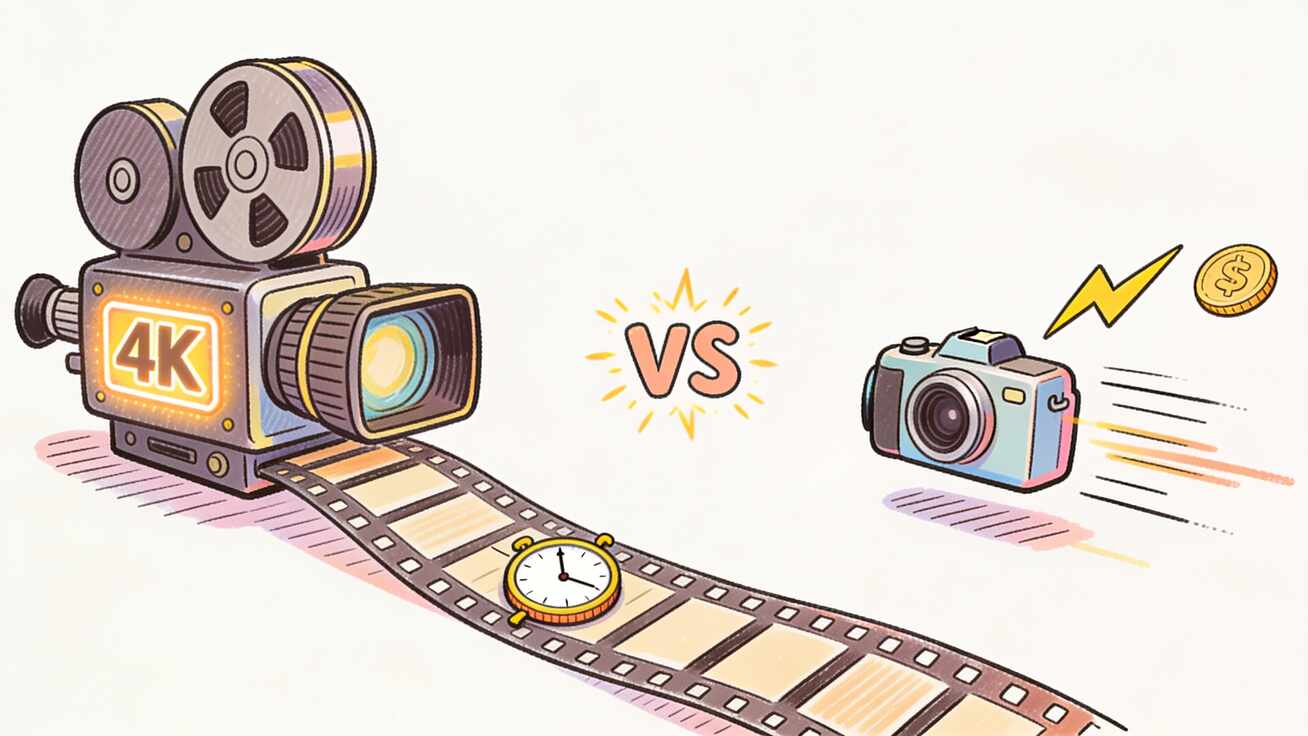
Quick Answer: Which Seedance Model Is Right for You?
| If you need… | Use this model |
|---|---|
| Fast iteration, many variants, low cost per clip | Seedance 2 Mini |
| High-volume social/ecommerce video on a budget | Seedance 2 Mini |
| Final 4K hero shot for a landing page or ad | Seedance 2.5 |
| One continuous 30-second take with no stitching | Seedance 2.5 |
| Precise character/style control across a scene | Seedance 2.5 |
| Quick concept testing before committing | Seedance 2 Mini |
The smartest workflow uses both: draft in Mini, finish in 2.5. Explore directions cheaply in Seedance 2 Mini, lock the prompt and composition that works, then move the same prompt up to Seedance 2.5 for the final, high-fidelity render. Because both models share the Seedance 2 prompt behavior, your prompts transfer across the family with little rewriting.
Seedance 2.5 vs Seedance 2 Mini at a Glance
| Capability | Seedance 2 Mini | Seedance 2.5 |
|---|---|---|
| Positioning | Fast, cost-efficient tier | Premium, top-fidelity tier |
| Generation speed | ~2 minutes per clip | Slower (quality-first) |
| Max resolution | 480p / 720p | Native 4K, 10-bit color |
| Max clip length | 4, 5, 8, 10, 15 seconds | Single continuous 30 seconds |
| Reference inputs | Image + media reference | Up to 50 multimodal references |
| Audio | Synchronized audio built in | Native audio-video sync (joint latent) |
| Generation modes | Text, image, reference | Text, image, motion-reference |
| Prompt adherence | Seedance 2 baseline | ~20% higher than predecessor |
| Credit cost | Lower per second | Higher per second |
| Availability | Live now | Enterprise beta; public early July 2026 |
Keep this table handy — the rest of the article explains what each row means for your actual project.
What Is Seedance 2.5?
Seedance 2.5 is ByteDance's next-generation video model and the quality flagship of the family. It is built to produce a single, finished, broadcast-grade clip in one pass rather than a rough draft you refine later. It was announced in June 2026, is currently in enterprise beta, and is rolling out to everyone in early July 2026 — so if you start on Seedance 2.5 today you are set up the moment it goes fully live.
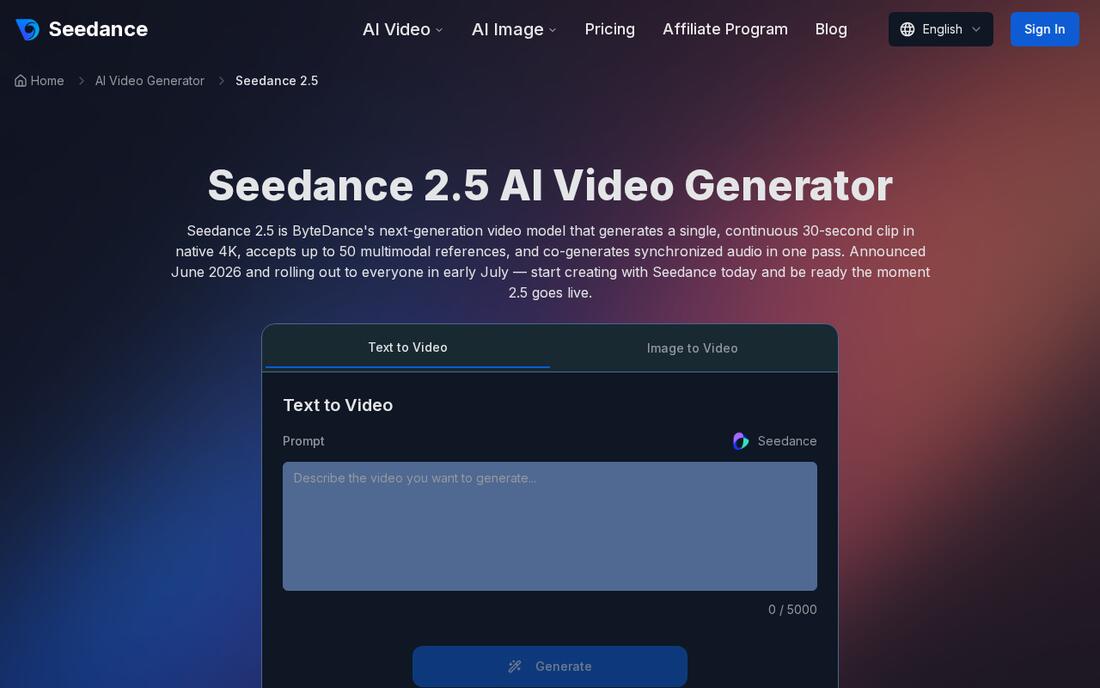 The Seedance 2.5 page on seedance.tv — ByteDance's quality-first tier.
Four capabilities define it:
- Native 30-second clips, no stitching. Seedance 2.5 generates one continuous 30-second shot from a single prompt — roughly double the 15–20 second ceiling of most competing models. Because the whole clip is produced in one pass, motion, lighting, and subject identity stay coherent from the first frame to the last, so you can land a full product reveal, camera move, or story beat without cuts.
- Native 4K with 10-bit color depth. Output is natively 4K with 10-bit color, a big jump over 720p/1080p ceilings. That preserves fine detail in close-ups, product textures, and effects, and gives you real headroom for color grading in post.
- Up to 50 multimodal references. A single generation can take up to 50 reference inputs — images, audio clips, 3D white models, and style references — up from 12 in the previous version. This is what makes precise control possible: lock a character's identity across shots, transfer a style, or guide motion.
- Higher prompt adherence + 3D pre-visualization. ByteDance reports roughly 20% better prompt adherence, meaning fewer regenerations to reach a usable result, plus a 3D white-model pre-visualization step for planning shots.
In short, Seedance 2.5 is the model you reach for when the output is the final deliverable.
What Is Seedance 2 Mini?
Seedance 2 Mini is the fast, cost-efficient tier of the same family — built for rapid iteration and volume. It is live now, so it is the model most people will actually use day to day. Where 2.5 optimizes for fidelity, Seedance 2 Mini optimizes for turnaround and budget.
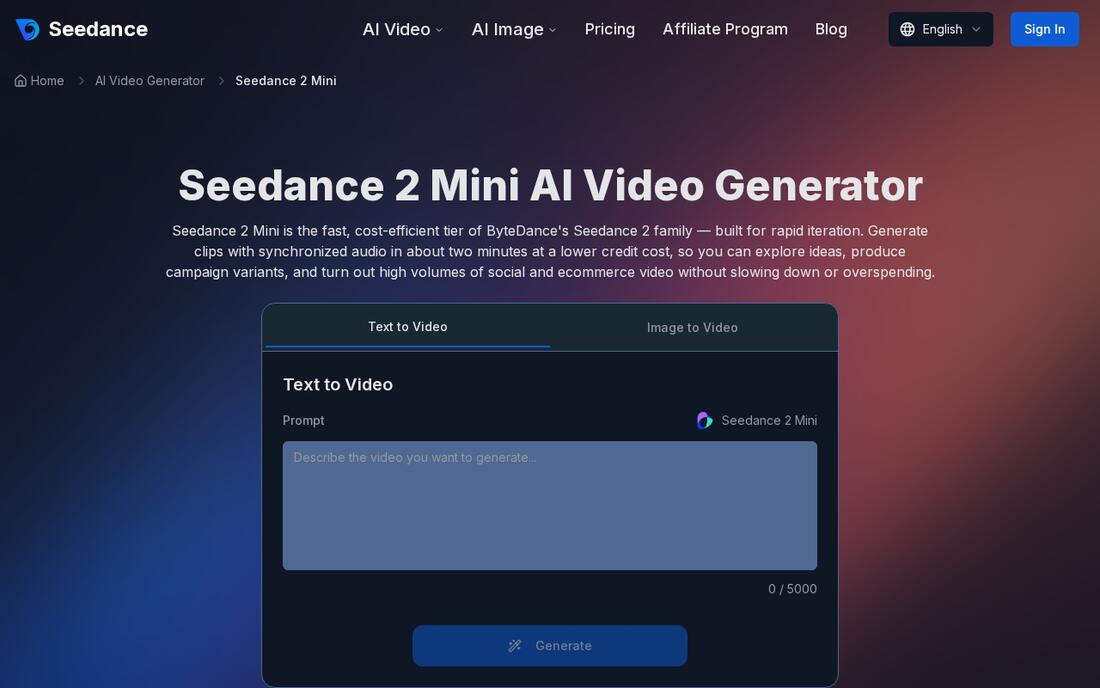 The Seedance 2 Mini page — tuned for fast, affordable, high-volume generation.
Its defining traits:
- Fast generation (~2 minutes). Mini returns finished clips in roughly two minutes, keeping you in a tight create-review-refine loop. When you are exploring concepts or testing prompts, fast turnaround matters more than maximum resolution.
- Lower credit cost. Mini uses fewer credits per second than the standard Seedance 2 tiers. For teams running A/B ad variants, ecommerce stores generating clips across a catalog, or creators posting daily, that means far more output from the same budget.
- Synchronized audio built in. Even as the lightweight tier, Mini generates matching audio alongside the video — ambient sound, effects, and cues produced together with the visuals — so clips don't arrive silent.
- Flexible durations and aspect ratios. Clip lengths of 4, 5, 8, 10, and 15 seconds, and ratios of 16:9, 9:16, 1:1, 4:3, 3:4, and 21:9, cover every placement from vertical feeds to widescreen and cinematic framing. Output runs at 480p and 720p.
- Three modes in one tool. Text-to-video, image-to-video (including first-frame and last-frame guidance), and reference mode — the same fast, low-cost engine across all three.
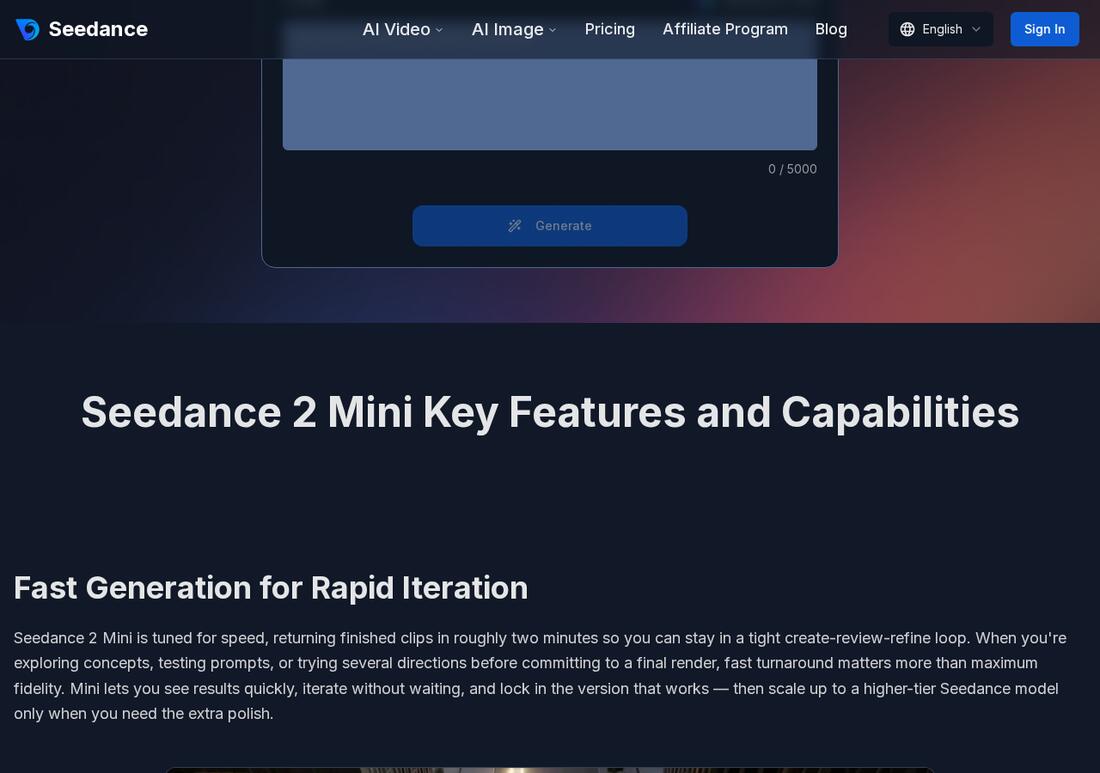 Seedance 2 Mini's feature set centers on speed and cost-efficiency for high-volume work.
Key Differences That Actually Matter
Specs only help if you know which ones change your output. Here are the differences that actually affect a real project.
Resolution and Polish
This is the widest gap. Seedance 2.5 outputs native 4K with 10-bit color; Seedance 2 Mini tops out at 720p. For social feeds viewed on phones, 720p from Mini is usually plenty — platform compression flattens the difference anyway. For a landing-page hero video, a paid ad, or anything shown on a large screen, the 4K detail and grading headroom of 2.5 are worth the extra cost.
Clip Length and Continuity
Mini handles up to 15 seconds; 2.5 produces a single continuous 30-second shot. If your story needs one unbroken take — a long product reveal, a continuous camera move, a complete action — 2.5 avoids the stitching and continuity errors you would otherwise fight. If you are cutting fast social content anyway, Mini's shorter clips are fine and you can chain them in editing. (For a deeper look at picking durations and ratios, see our Seedance video length & resolution guide.)
Control and Consistency
Seedance 2.5's up-to-50 multimodal references plus ~20% higher prompt adherence make it the clear pick when consistency is non-negotiable — keeping a character, product, or style identical across a scene. Mini supports image and media references too, but with less headroom. If a small drift between generations is acceptable, Mini is fine; if a brand asset has to look exactly right, use 2.5.
Speed and Cost
Mini's whole reason to exist: ~2-minute generations at a lower credit cost. 2.5 trades speed for fidelity. Iterating ten concepts? That is a Mini job. Producing one final asset where quality is the point? That is a 2.5 job.
In practice, the cost gap compounds. Say you need one strong 8-second product clip. With Mini you might generate six quick variants to explore framing, lighting, and motion, then pick the best — all at the lower per-second rate. If you tried that same exploration entirely in 2.5, you would pay the premium rate six times over for drafts you throw away. The disciplined move is to spend Mini credits on exploration and reserve 2.5 credits for the single version you have already validated. That is how the "draft in Mini, finish in 2.5" workflow saves money rather than just sounding tidy.
Audio and Sound Design
Both models generate synchronized audio, but they do it differently. Mini produces matching audio alongside the video as a capable lightweight pass — ambient sound, effects, and cues that arrive with the clip instead of leaving you with silent footage. Seedance 2.5 goes further: audio is co-processed in the same latent space as the picture, so sound and on-screen action are generated jointly rather than layered afterward. For social clips where you will often add your own trending track anyway, Mini's audio is more than enough. For a self-contained brand film or a clip meant to play with its native sound, 2.5's tighter audio-video sync is the better fit.
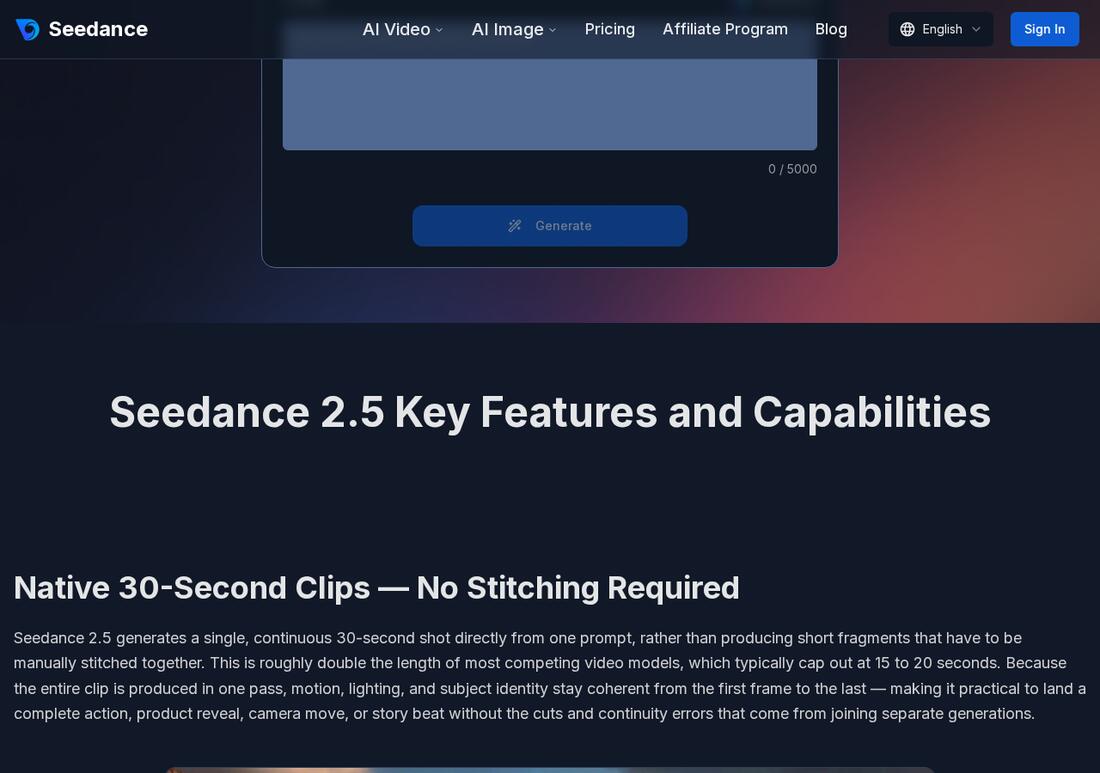 Seedance 2.5's feature set centers on length, resolution, and control.
How to Choose: A Decision Guide by Use Case
- TikTok / Reels / Shorts at volume → Seedance 2 Mini. Vertical 9:16, short clips, daily output, tight budget. Mini is built for exactly this.
- Ecommerce product clips across a catalog → Seedance 2 Mini for the bulk, Seedance 2.5 for hero SKUs that need 4K detail.
- Landing-page hero video → Seedance 2.5. It is the first thing visitors see; 4K and a continuous shot earn the cost.
- Paid ad creative → Mini to test, 2.5 to ship. Generate many Mini variants, run them, then re-render the winner in 2.5.
- Concept and pitch testing → Seedance 2 Mini. Fast, cheap, disposable.
- Cinematic / brand films → Seedance 2.5. Long takes, control, fidelity.
The pattern is consistent: Mini for breadth and speed, 2.5 for the final, high-stakes deliverable.
How to Use Seedance 2.5 or 2 Mini: Step by Step
Both models live in the same Seedance workflow, so the steps are nearly identical — you just choose a different model.
- Open the tool. Start from text-to-video for a prompt-only clip, or image-to-video to animate a still you already have.
- Choose your model. Select Seedance 2 Mini for fast/cheap drafts or Seedance 2.5 for the final, high-fidelity render.
- Add your input. Type a prompt, or upload an image (JPG/PNG/WEBP up to 10MB, minimum 300px per side). For Mini, you can also set first-frame and last-frame guidance.
- Set duration and aspect ratio. Mini: pick 4–15 seconds and a ratio that matches your placement (9:16 for vertical, 16:9 for widescreen). 2.5: use the continuous 30-second option when you need one unbroken take.
- Generate variants. In Mini, generate 2–3 versions cheaply and compare. In 2.5, lock your prompt first, then render.
- QA the result. Check subject consistency, physical motion, camera movement, audio sync, and any on-screen text before you publish.
- Export and reuse. Download and drop it into your TikTok, Reels, landing page, product demo, or ad — then iterate.
The cross-family trick: do steps 1–6 in Mini, then repeat step 5 in 2.5 with the prompt that won. You only pay premium credits once, on the version you already know works.
Prompt Examples for Both Models
Because both models share Seedance 2 prompt behavior, these are copy-ready for either — just expect more fidelity and length from 2.5.
Ecommerce product clip (Mini, fast variants):
"A matte-black skincare bottle rotating slowly on a clean marble surface, soft diffused studio lighting, shallow depth of field, gentle camera push-in, 9:16, subtle ambient hum. 8 seconds."
Landing-page hero (2.5, 4K continuous):
"Continuous 30-second shot: sunrise over a misty mountain valley, camera slowly cranes up and forward over a flowing river, golden light catching the water, birds crossing frame, cinematic 4K, natural ambient audio of wind and water. One unbroken take."
Character consistency (2.5, references):
"A friendly female barista in a red apron making latte art, warm cafe lighting, medium shot, slight handheld feel. Maintain exact face, hair, and apron from reference images across the full clip."
Social ad test (Mini, multiple directions):
"Energetic 5-second clip: a running shoe splashing through a neon-lit puddle at night, fast camera whip, dynamic motion blur, punchy sound effect, 9:16."
For camera-language techniques that work across the family, see our Seedance camera movement prompts guide.
Best Use Cases for Each Model
Seedance 2 Mini shines for:
- Daily TikTok, Reels, and Shorts content
- Ecommerce product clips at catalog scale
- A/B testing many ad creatives cheaply
- Rapid concept and storyboard exploration
- Any project where volume and budget beat maximum fidelity
Seedance 2.5 shines for:
- Landing-page hero videos in 4K
- Brand and cinematic films needing long continuous shots
- High-stakes ad creative as the final deliverable
- Work requiring strict character or style consistency
- Anything shown on large screens where detail is visible
Limitations and QA Checklist
Be realistic about both models:
- Mini's 720p ceiling is not for big-screen or print-adjacent work — keep it for mobile-first feeds.
- 2.5 availability: it is in enterprise beta with public access in early July 2026, so plan accordingly and start in Mini today if you need output now.
- AI video still needs review. No model is perfect on the first try. Always QA before publishing:
- Subject and brand consistency holds across the clip
- Physical motion looks natural (no warping limbs or sliding objects)
- Camera movement matches your intent
- Audio is in sync and on-brand
- Any on-screen text is correct and legible
- The clip meets your platform's spec (length, ratio, resolution)
Treat the first generation as a draft, not a final — that mindset is exactly why Mini's speed and low cost are so useful.
Frequently Asked Questions
Is Seedance 2 Mini free? You can start free with new-user credits, then pay only for what you generate. Mini uses fewer credits per second than the standard tiers, making it the most cost-efficient way to create at scale. See the Seedance pricing & plans guide for details.
Can I use Seedance 2.5 right now? Seedance 2.5 was announced in June 2026 and is in enterprise beta, with public rollout in early July 2026. You can begin on Seedance today with the same account and workflow and move to 2.5 the moment it launches.
Do my prompts work on both models? Yes. Both share the Seedance 2 family's prompt behavior, so prompts and habits transfer cleanly. Draft in Mini, then run the same prompt in 2.5 for the final render.
Which model is better for TikTok? Seedance 2 Mini — it is fast, affordable, supports 9:16 vertical, and is ideal for the high-volume posting cadence social platforms reward. 720p is fine for mobile feeds.
Which model is better for a product hero video? Seedance 2.5 — native 4K, a continuous 30-second shot, and stronger consistency make it the right call for a flagship asset.
Can I switch a project from Mini to 2.5 partway through? Yes, and it is the recommended workflow. Because both models live in the same account and share Seedance 2 prompt behavior, you can develop and approve a clip in Mini, then re-run the winning prompt in 2.5 for the final render without rebuilding anything. Keep your prompt, references, duration, and aspect ratio consistent so the upgraded version matches what you already signed off on.
Do both models support vertical and widescreen video? Seedance 2 Mini supports 16:9, 9:16, 1:1, 4:3, 3:4, and 21:9, so you can target vertical feeds, square posts, widescreen, and cinematic framing. Choose the ratio before generating to avoid cropping later, since re-framing after the fact can cut off important action.
Conclusion
The Seedance 2.5 vs Seedance 2 Mini choice is not about which model is "better" — it is about matching the model to the job. Seedance 2 Mini wins on speed, cost, and volume, making it the everyday workhorse for social and ecommerce video. Seedance 2.5 wins on resolution, clip length, and control, making it the model for final, high-stakes deliverables. The most efficient creators use both: draft and test in Mini, finish in 2.5, and let prompts carry across the family. Pick the model that fits your output, and try Seedance free to see the difference for yourself.
Ready to create your own AI video?
Turn ideas, text prompts, and images into polished videos with Seedance. If this article helped, the fastest next step is to try the product.
Free credits on signup. Plans from $28/month.
Related Articles
More posts in the same locale you may want to read next.

Seedance App Preview Video Generator 2026: Create App Store and Product Launch Clips
Use Seedance to turn app screenshots, feature copy, and launch goals into App Store previews, Google Play promo videos, and product launch clips.
Read article
Gemini AI Video Prompt Examples: Copy-Ready Veo Scenes and a Better Prompt Formula
Copy Gemini AI video prompt examples for cinematic motion, product ads, dialogue, and vertical clips, then adapt them with a practical Veo prompt formula.
Read article
How to Keep Product Shape Consistent in AI Video Ads
Lock product geometry, packaging, labels, references, camera angles, and approval checks so AI video ads preserve the real SKU across every shot.
Read article