
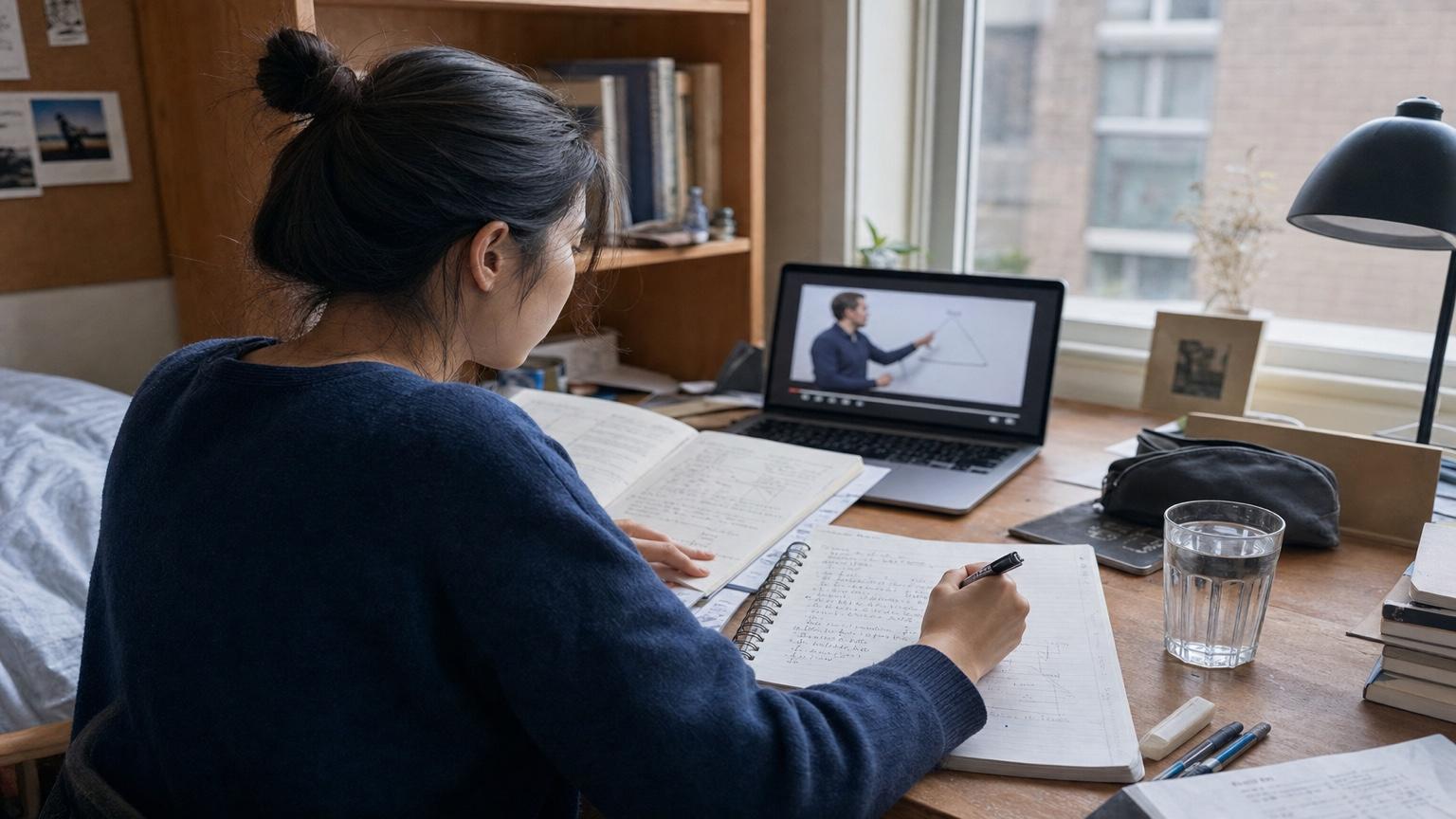
Lecture Videos
Turn class notes or slides into a narrated lesson
Paste your notes, slides, or lecture text—Seedance turns them into a narrated AI video in seconds. No recording. No editing skills needed.
Describe the video you want — e.g. “a 15s vertical ad for my coffee brand”
Turn class notes or slides into a narrated lesson

Convert revision notes into short explainer videos
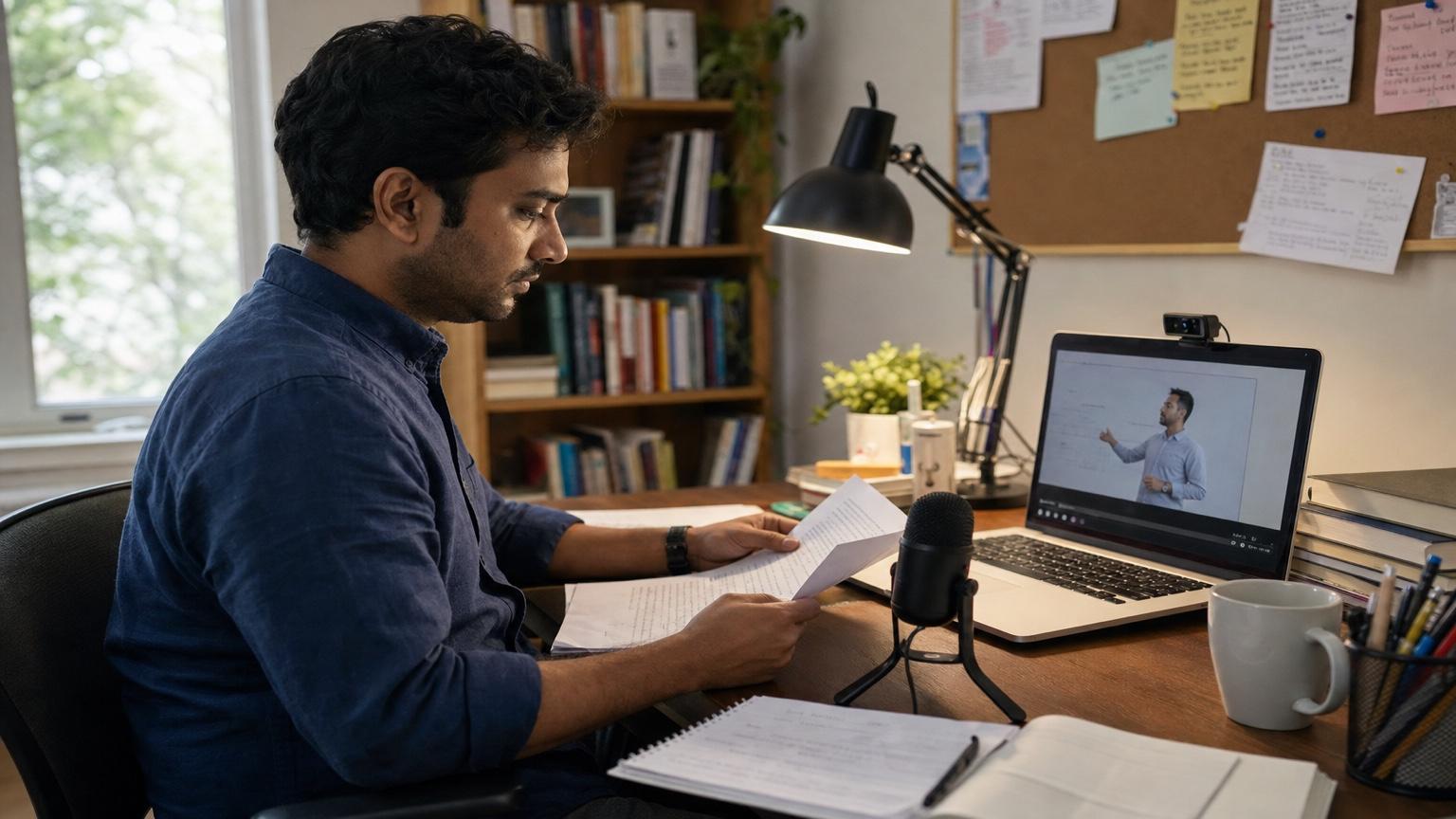
Package your knowledge into structured video modules

Share note-based insights as short-form video

Turn meeting notes or reports into video briefings

Generate bilingual narration from vocabulary notes
Paste your notes or upload your slides—Seedance generates natural narration, synced visuals, and a ready-to-share video in one pass. No microphone, no camera, no editing timeline.
Paste plain text, structured outlines, or bullet-point notes
Match the voice style and pacing to educational or social content
Use starter credits to generate your first notes-to-video
Skip the recording setup. Seedance converts the notes you already have into a complete narrated video—with voice, pacing, and visual flow matched to your content type.
Paste lecture notes, study summaries, or structured outlines. Seedance generates natural-sounding narration with measured pacing—clear enough for educational content, engaging enough for social video.
Upload slides or paste a lesson outline. Seedance structures your content into scenes with captions, narration, and visual flow—ready to share as a course module or study aid. No studio required.
New accounts receive free starter credits. Generate your first video from notes without a subscription. Check the live credit estimate before generating to plan your output.
Type your notes in any supported language and choose a voice style. Seedance generates matching narration and video in one pass—useful for bilingual content, international courses, or language learning materials.
Turn the notes you already have into focused videos for learning, teaching, social content, business communication, and language practice.

A student pastes chapter notes with key concepts and definitions. Seedance generates a 60-second explainer with structured narration, section captions, and measured pacing—ready to review before an exam.
Start with your source notes, then describe the audience, narration style, pacing, language, visual direction, and platform format.
 01
01Lecture Summary
Turn these chapter notes into a 60-second exam review. Lead with the core concept, explain three key points in simple language, add clear section captions, and use a calm academic voice.
 02
02Online Course Module
Convert this lesson outline into a structured course video. Introduce the learning objective, explain each section with matching visuals, add readable captions, and use a professional instructor voice.
 03
03Social Knowledge Clip
Turn these notes into a vertical short-form video. Open with a strong hook, share one useful insight in three beats, use energetic pacing and bold captions, and end with a concise takeaway.
 04
04Business Briefing
Create a concise video briefing from these meeting notes. Summarize the decision, group action items by owner, highlight deadlines on screen, and use confident professional narration.
 05
05Language Learning Lesson
Create a bilingual learning video from these vocabulary notes. Read each word naturally, explain its meaning, use the example sentence, show both languages in captions, and leave pauses for repetition.

Generate a fully AI-produced video from a written prompt when you do not need source notes.
Animate a portrait photo with a script when you want a human face narrating your content.
Animate diagrams, slides, or illustrations with motion when narration is not needed.
Practical answers for turning notes, outlines, and slide text into narrated videos.
New Seedance accounts receive starter credits that cover initial generations. Check the live credit estimate before generating to see how many videos your credits will produce.
Paste plain text, structured outlines, or bullet-point notes directly into the input field. For slides, copy the text content from your slides and paste it as structured input.
Yes. Break your course content into individual lessons, paste each lesson outline separately, and generate one video per module. Review each output before sharing with students.
Narration quality depends on how clearly your notes are structured. Well-organized notes with clear section breaks produce the most natural pacing and voice output. Regenerate any output that sounds rushed or unclear.
Watermark behavior depends on your current Seedance plan and the generation model selected. Check your plan details before generating if watermark-free output is required.
Yes. Type your notes in any supported language and select a matching voice style. Seedance generates narration and video output in that language in one pass.
Paste your notes, pick a voice, and generate a narrated AI video in seconds. No recording equipment. No editing skills needed.