
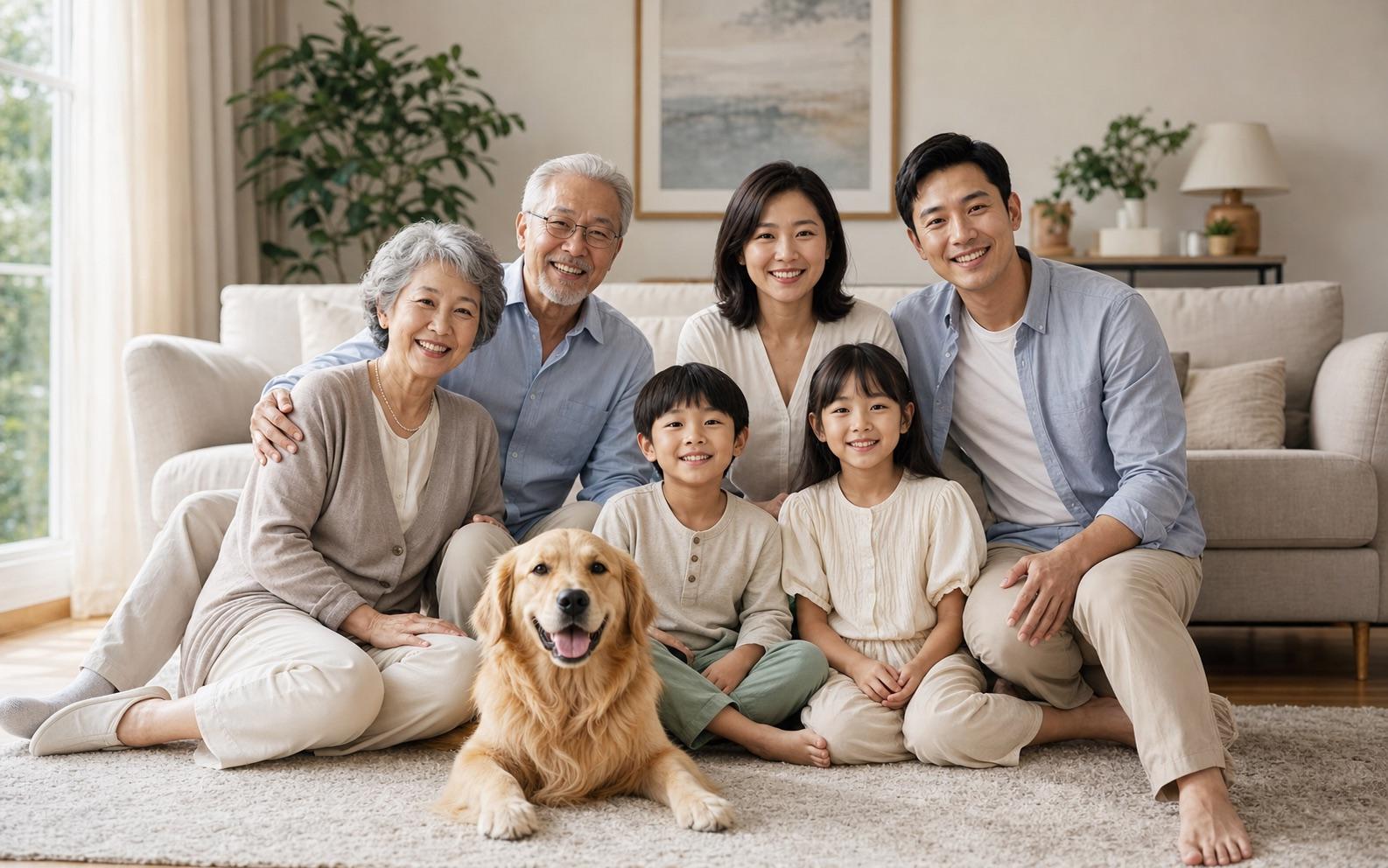
Family Reunion
Bring distant relatives together
Bring family members together in one portrait, even when they were photographed separately. Upload individual photos or describe the family scene you want, then create realistic or artistic AI-generated family photos on Seedance.
Describe the video you want — e.g. “a 15s vertical ad for my coffee brand”
Bring distant relatives together
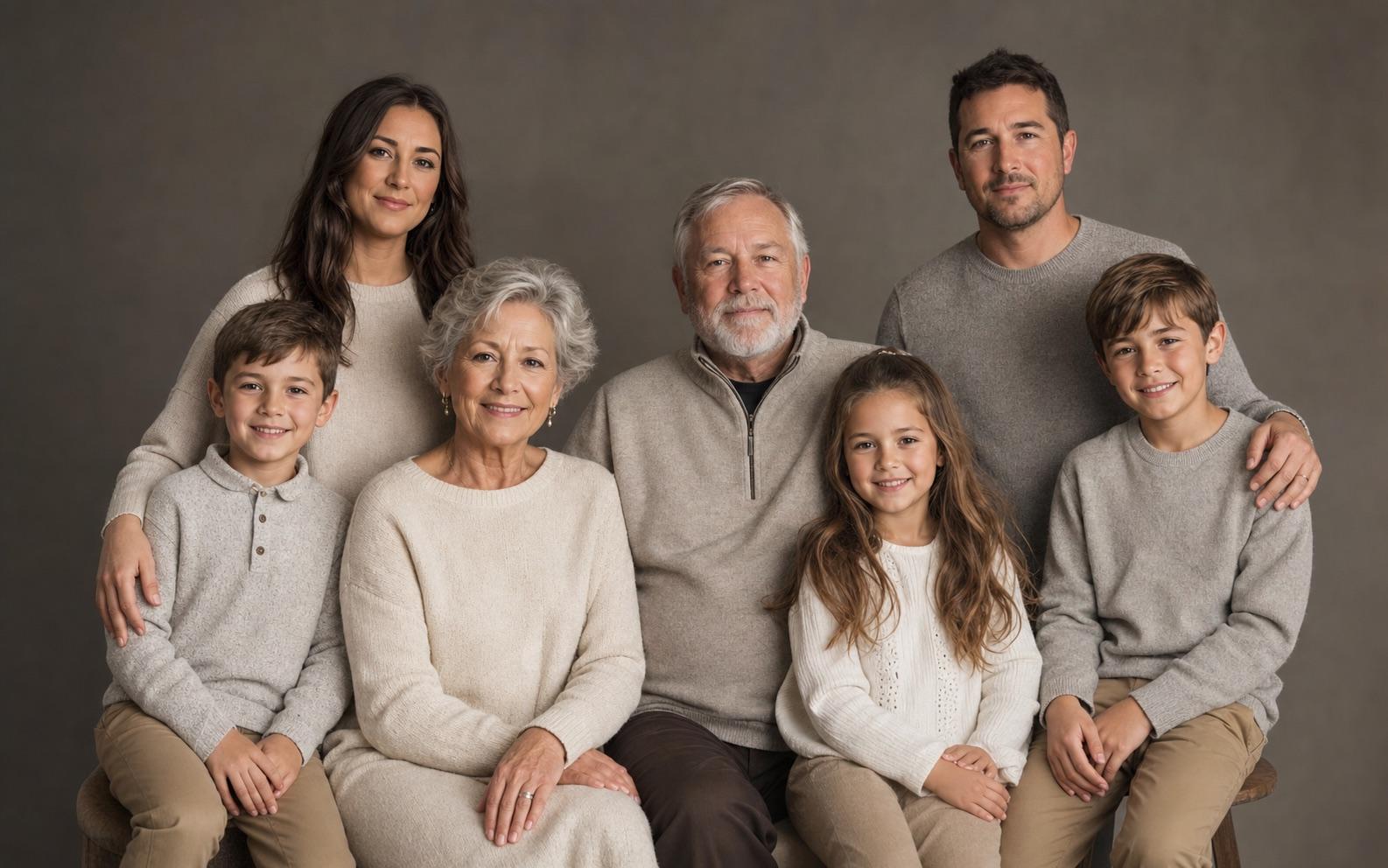
A polished formal arrangement
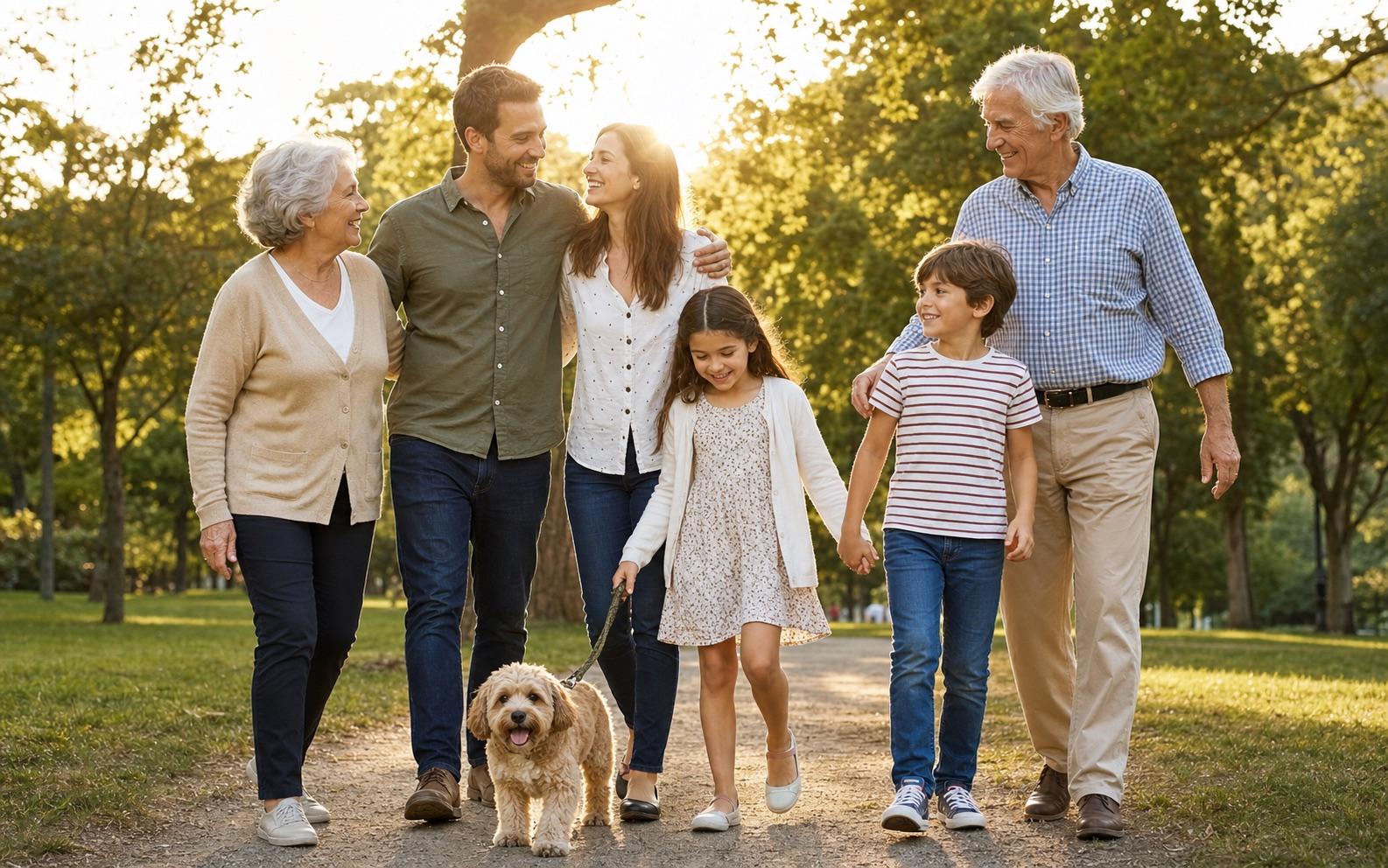
Frame every generation naturally
A celebration-ready keepsake
Include every family member
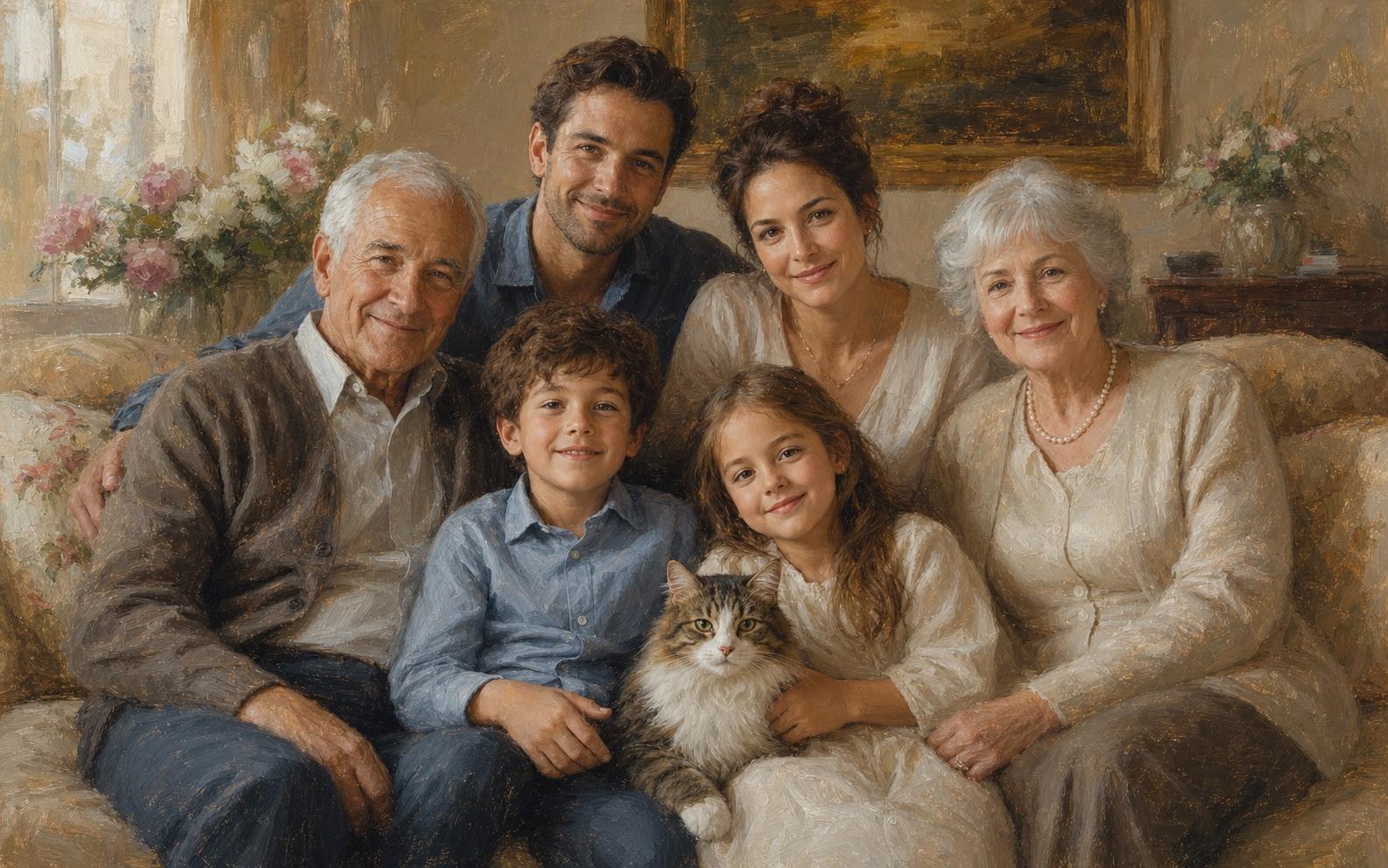
Turn a memory into lasting art
Upload individual photos, a family picture, or a written description—then specify who appears, their positions, outfits, and the desired style.Seedance brings every reference together in one natural, coordinated family portrait—not a simple collage.
Preserve age, identity, and relationships
Coordinate poses, scale, and eye direction
Choose studio, outdoor, holiday, or painted
Combine separate references into a coordinated portrait while guiding identity, age, pose, lighting, and artistic style.
Use individual reference photos for relatives who live in different places, add someone to an existing family picture, or build a multi-generation portrait. Describe each person’s position and relationship so the final image reads as one shared moment.
Keep children, adults, and older relatives recognizable by starting with clear references and describing each person separately. Seedance can retain important facial and age cues, although every generation should still be reviewed before use.
Coordinate height, body proportions, pose, eye direction, shadows, and light across photos taken at different times. The goal is a believable group composition that looks like everyone shared the same camera and setting.
Turn the same family references into a realistic studio portrait, outdoor lifestyle photo, holiday card, vintage photograph, oil painting, watercolor, or illustrated keepsake without arranging another photo session.
Create meaningful family portraits for reunions, celebrations, gifts, and memories—even when the original photos were taken at different times and places.
Bring relatives from different cities or countries into one realistic reunion portrait without needing everyone in the same room.
Move from separate references to a coordinated family portrait in three focused steps.
Upload an existing family picture or one clear reference per person. Use unobstructed faces, even lighting, minimal filters, and similar camera angles when possible.
State the number of people, ages, relationships, positions, clothing, expressions, background, lighting, portrait style, and aspect ratio.
Check identity, headcount, age, height, hands, shadows, and lighting. Refine one issue at a time, such as position first and clothing second.
Use the same family references to explore realistic, seasonal, vintage, and illustrated portraits. Each direction below includes a prompt idea you can adapt.
 01
01Realistic Studio Portrait
Formal but relaxed arrangement, neutral clothing, warm-gray backdrop, and soft studio light.
 02
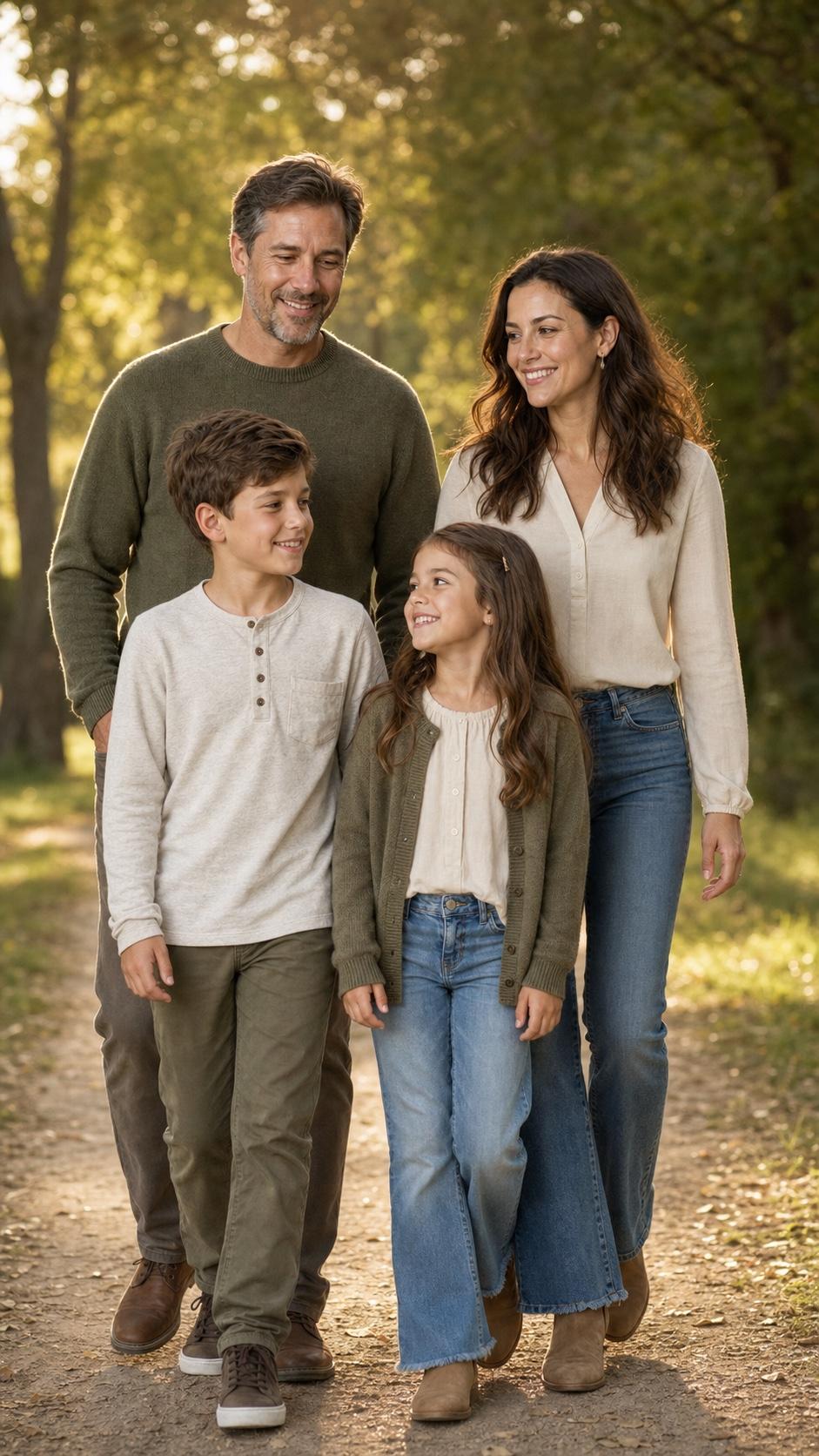
02Natural Outdoor Photo
A leafy park at golden hour with candid interaction, warm backlight, and natural expressions.
 03
03Holiday Family Portrait
Coordinated winter clothing, subtle festive décor, warm window light, and a polished card composition.
 04
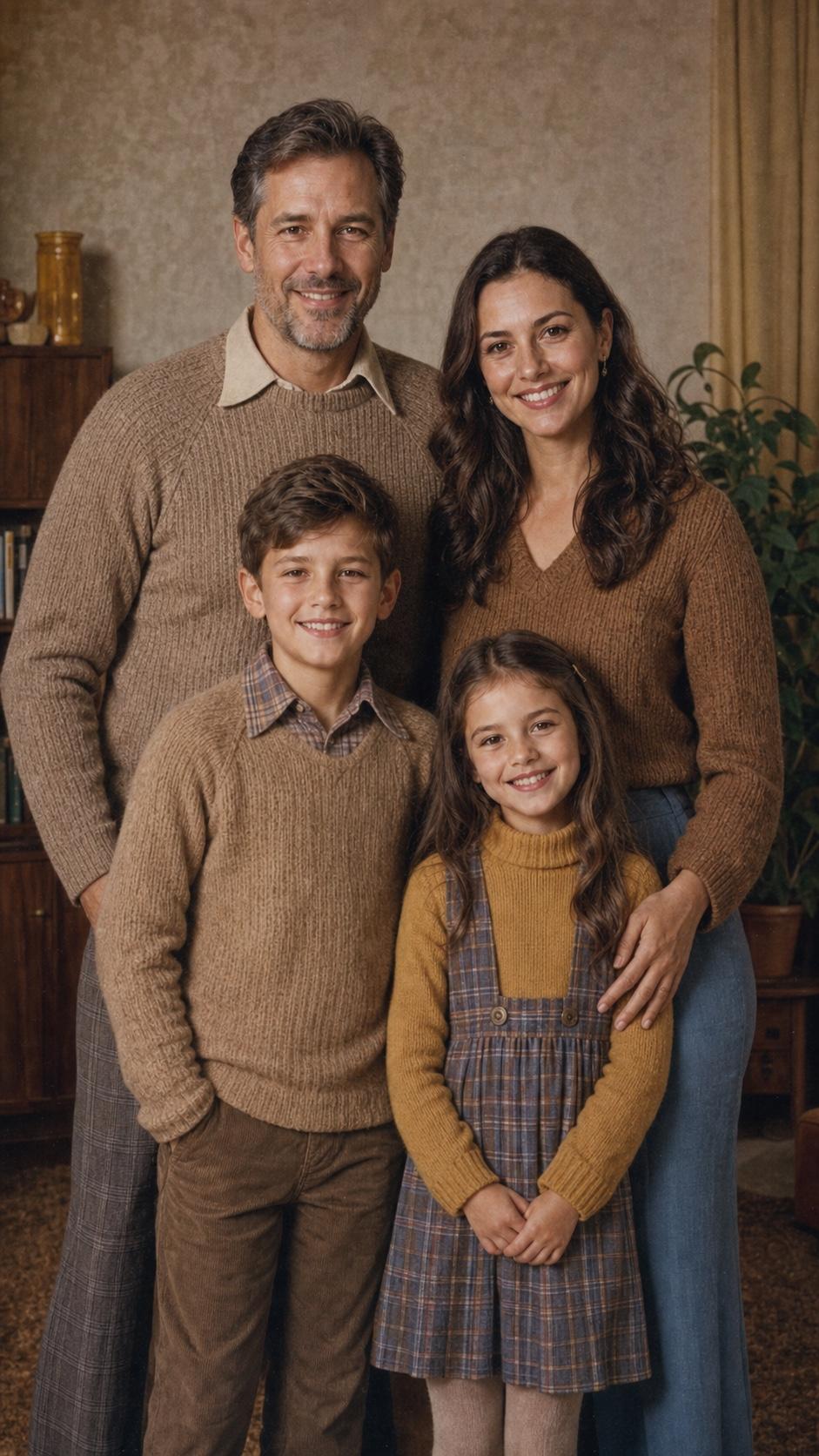
04Vintage Family Photo
Period-inspired clothing, gentle film grain, muted colors, soft contrast, and an authentic old-photo finish.
 05
05Painted Family Portrait
Visible brushwork, a warm home interior, balanced grouping, luminous light, and elegant keepsake quality.

Upload existing family photos, combine references, and guide how people, poses, clothing, backgrounds, and styles should change.
Create a fictional or general family scene from a detailed text description without uploading real people’s photos.
Use advanced image generation and editing controls for more complex multi-person compositions and detailed portrait direction.
Practical answers for creating family portraits from separate pictures or text.
Yes. Upload clear reference photos for each person and describe how they should appear together. Similar camera angles, resolution, and lighting usually make a coordinated result easier to generate.
Yes. Provide the existing family picture, a clear reference of the person to add, and specific placement instructions such as who they should stand beside and how they should interact.
Yes. Text prompts work for fictional or general family scenes. If you need the result to preserve the identity of real people, upload their reference photos.
Use one clear, unobstructed reference per person, avoid heavy filters, keep angles reasonably consistent, and describe each person separately. Review the output carefully because exact identity consistency is not guaranteed.
Look for strong multi-person identity handling, natural poses, practical editing controls, clear pricing, and responsible privacy practices. The best choice depends on your references, desired style, and how much refinement the portrait needs.
Only upload photos you have permission to use. Get consent from adult family members and authorization from a parent or guardian before uploading a child’s image. Avoid sensitive personal details and review Seedance’s current privacy terms before proceeding.
Upload separate family photos or describe the portrait you want. Create a realistic reunion photo, multi-generation portrait, holiday card, or artistic family keepsake on Seedance.