
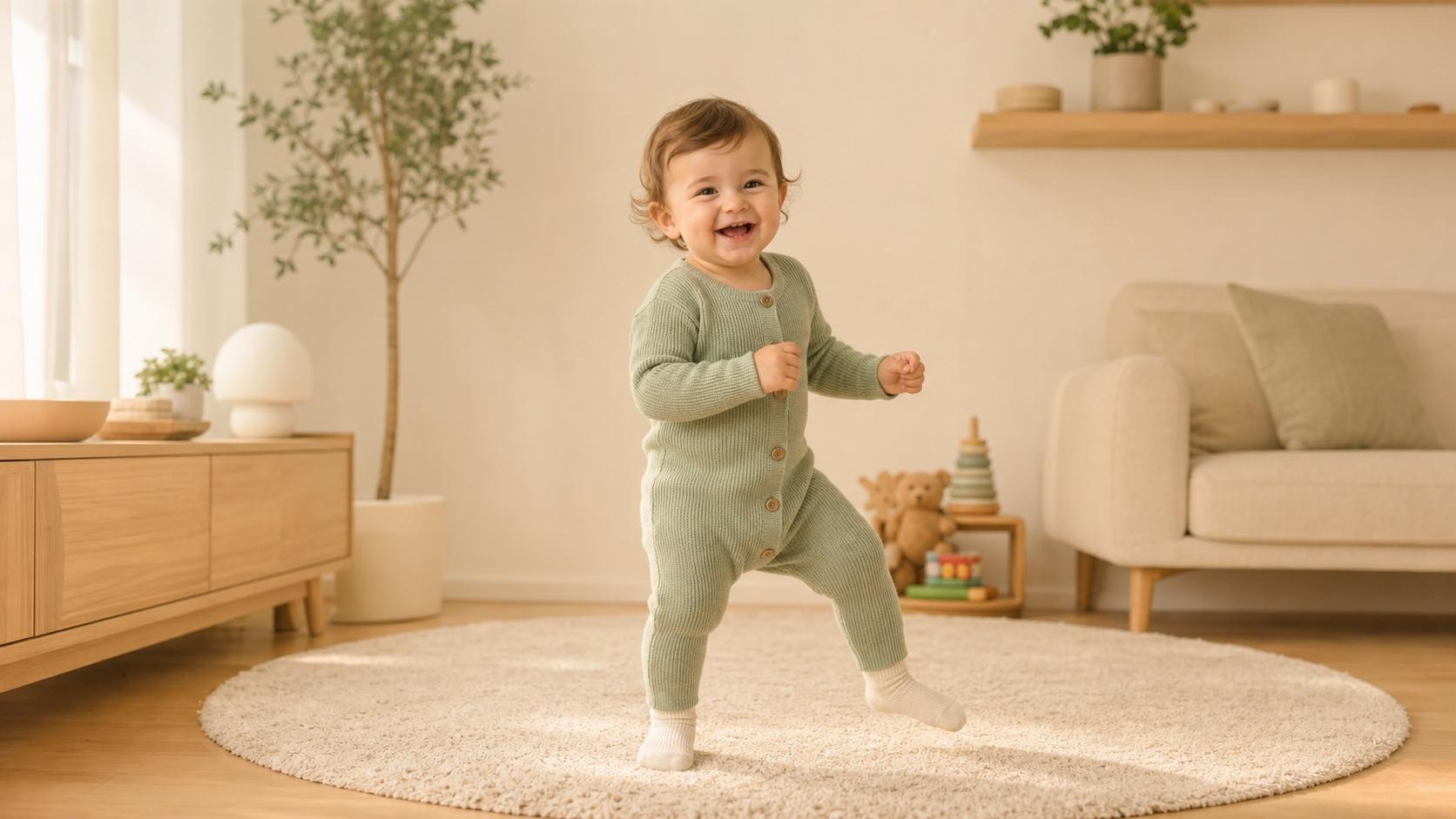
Baby Dance
A simple move for vertical video
Turn a baby photo into a short dance, reaction, podcast-style scene, or cute story video. Upload a clear photo or describe a fictional baby character, choose the action and format, then create shareable AI baby videos for TikTok, Instagram Reels, YouTube Shorts, and personal projects.
Describe the video you want — e.g. “a 15s vertical ad for my coffee brand”
A simple move for vertical video
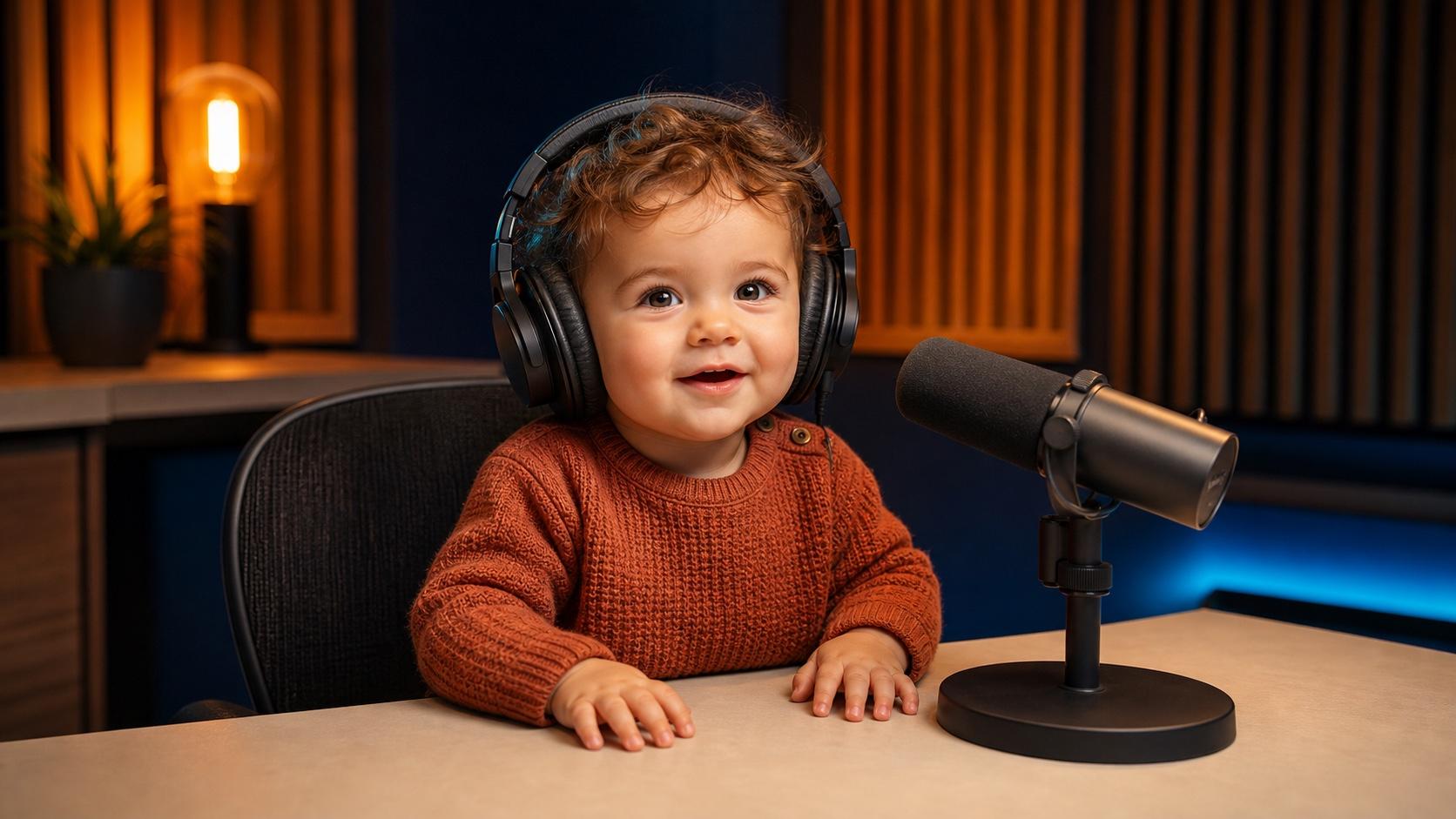
Build a playful studio scene
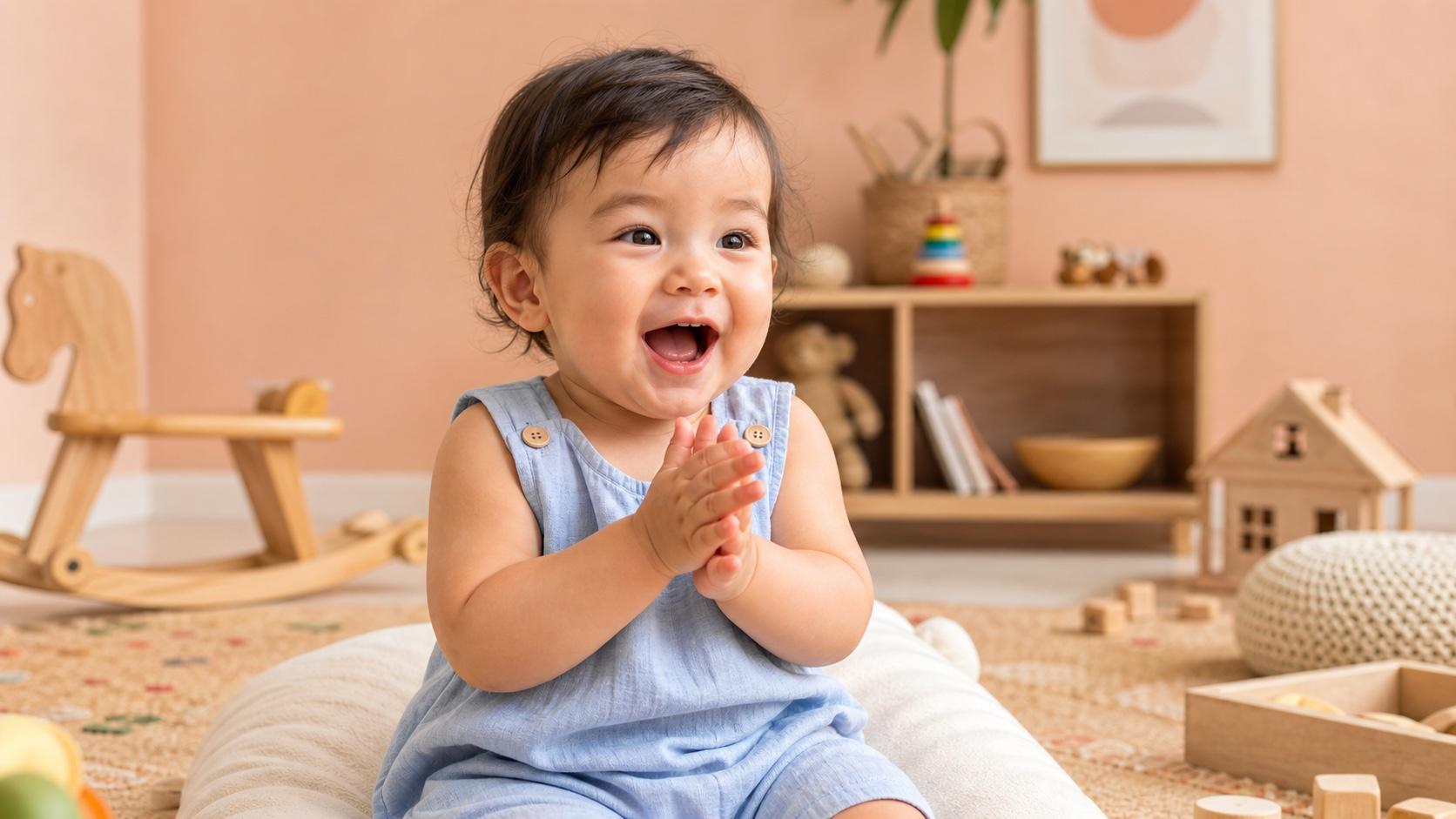
Turn one expression into a moment
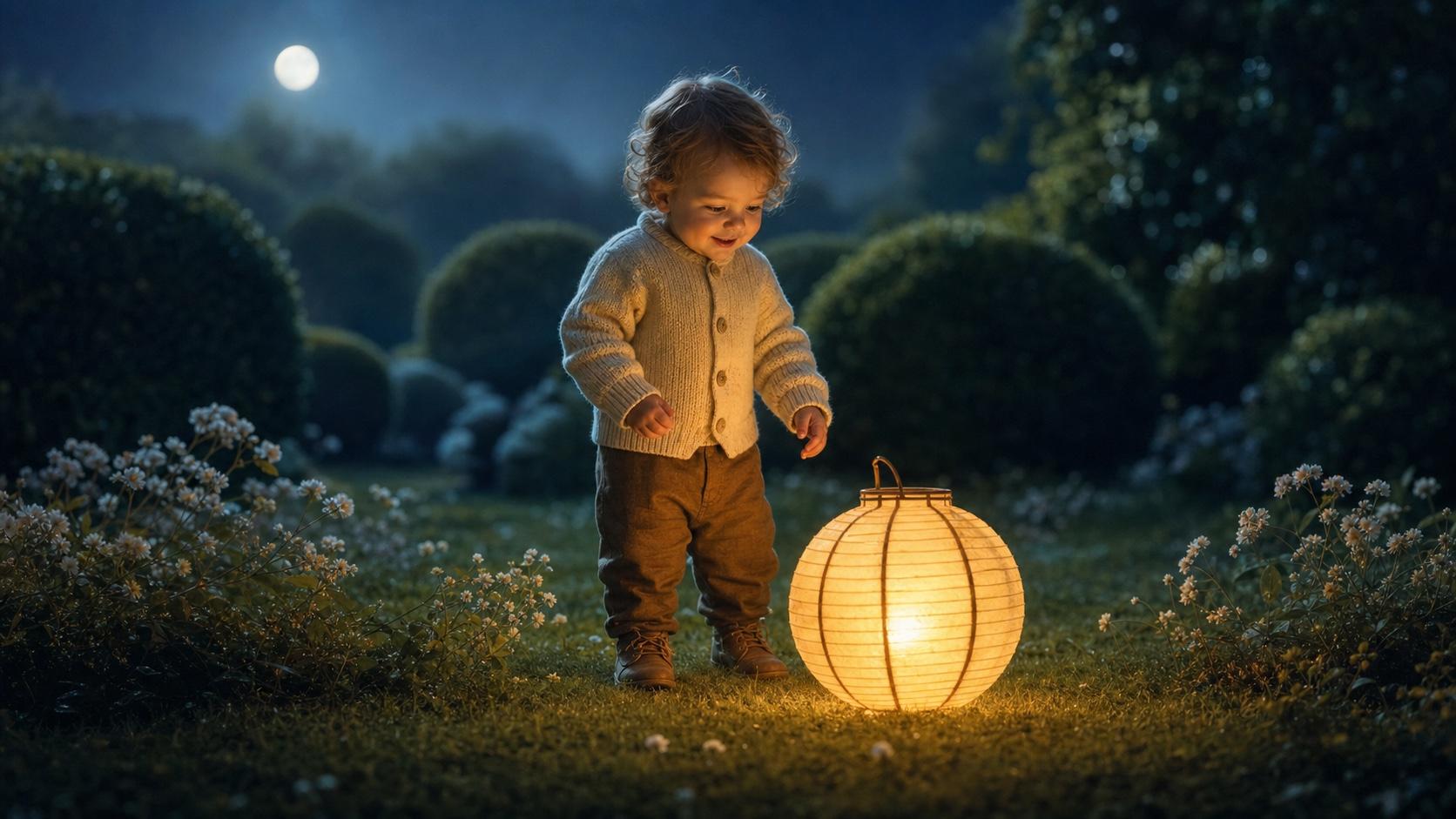
Create a warm short narrative
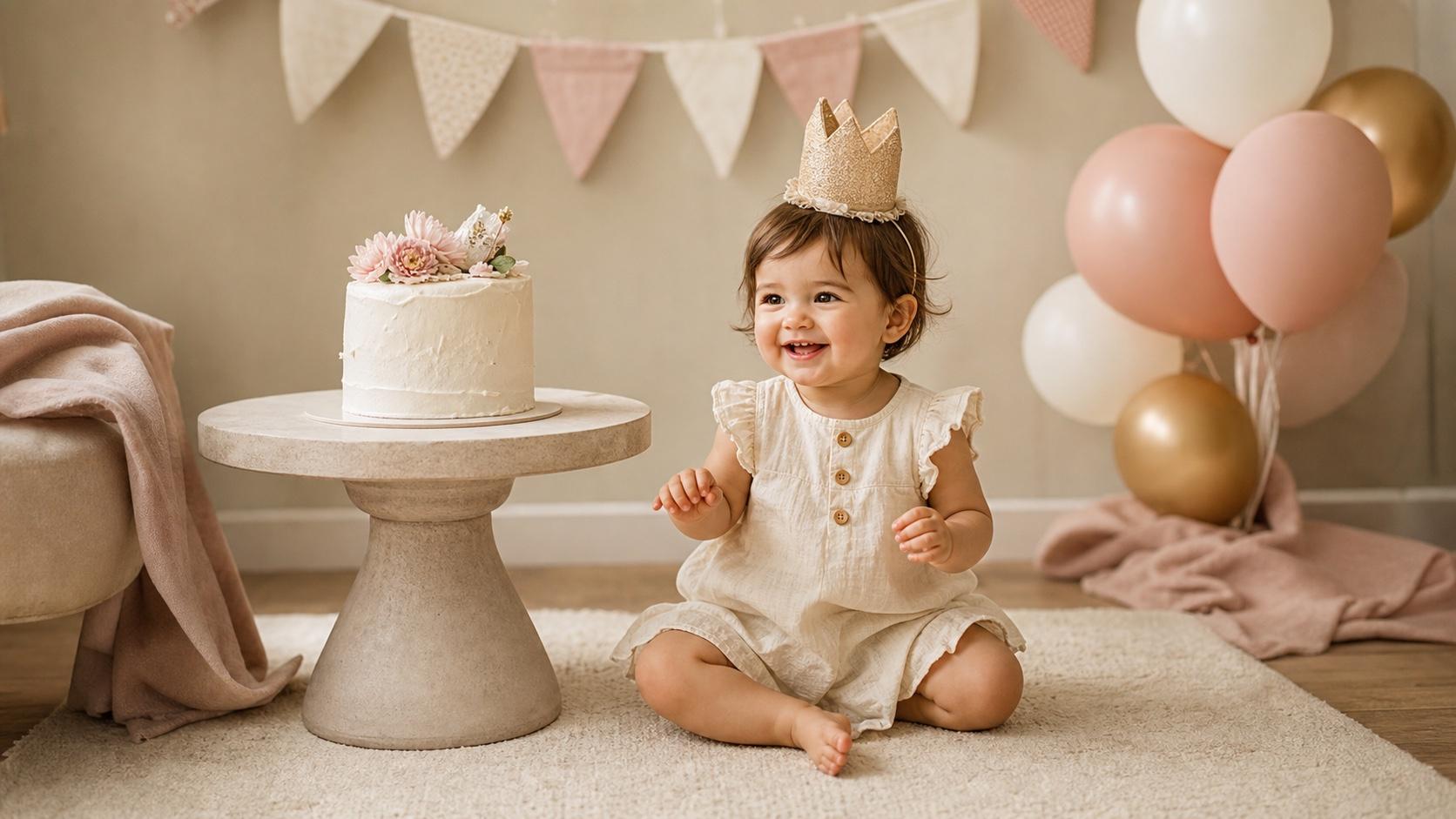
Animate a permitted family photo
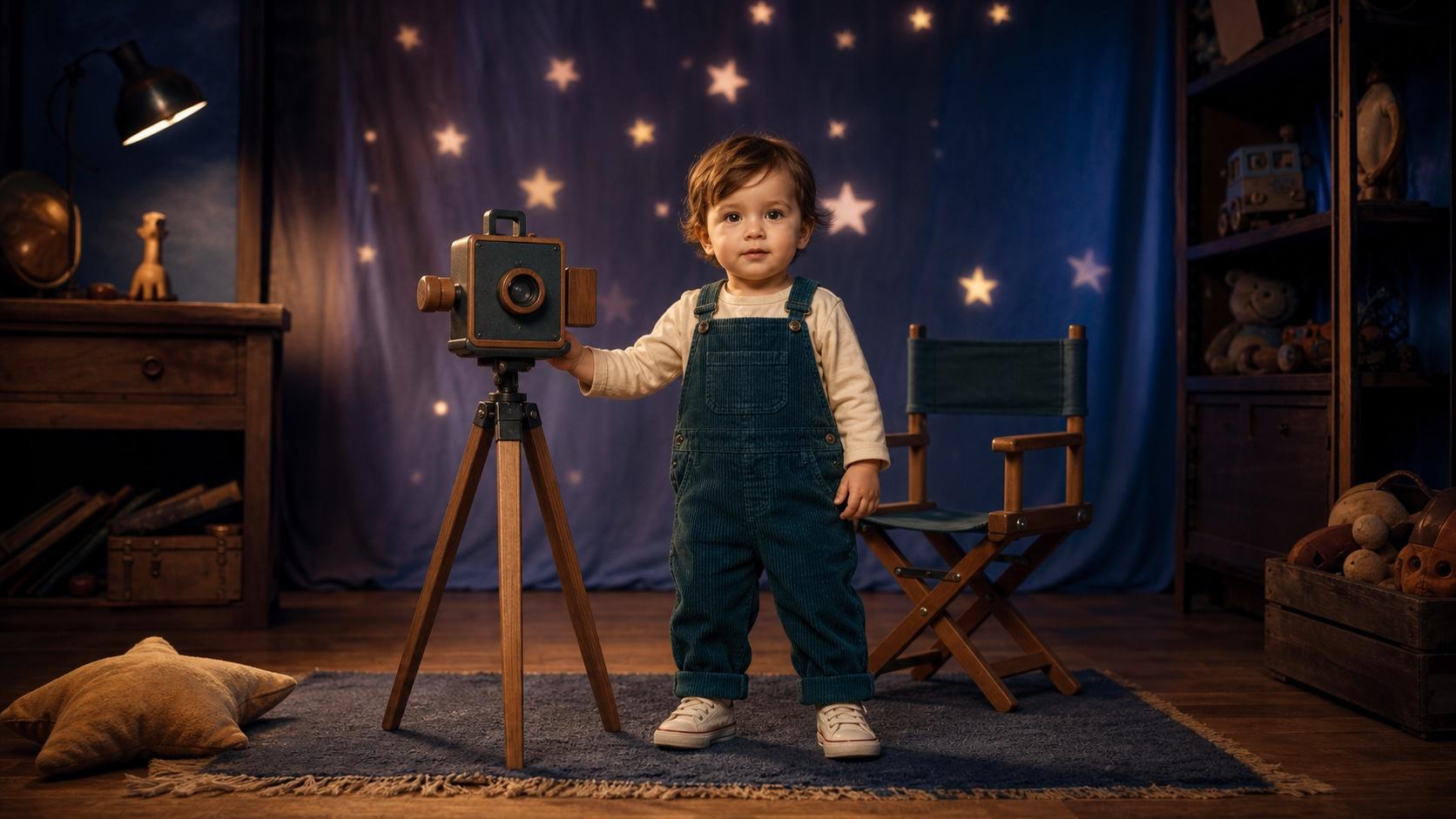
Invent a baby hero from text
Upload a clear baby photo to preserve the starting appearance, or describe a fictional baby character for more creative freedom. Then choose one action—a dance step, laugh, wave, podcast-style pose, or story moment—and guide the setting, camera, lighting, expression, audio mood, and aspect ratio.
Animate a permitted photo or invent a fictional character
Guide one action, expression, camera, and audio mood
Compose for 9:16, 1:1, or 16:9 sharing
Start with a clear photo or concise character prompt, then direct the action, expression, setting, camera, audio mood, and format while keeping every clip easy to review.
Upload a sharp, well-lit photo with one main subject, a visible face, and enough room around the body for movement. A front-facing or three-quarter view with limited obstruction gives the model clearer information for a dance, smile, wave, or reaction.
Create a fictional baby character by describing age range, clothing, expression, action, environment, camera framing, lighting, and visual style. Text-to-video is useful when you want an original character rather than the identity of a real child.
Ask for one clear dance action in a short clip instead of several complex moves. Use a 9:16 frame for TikTok, Reels, and Shorts, keep the subject inside the mobile safe area, and review the face, arms, legs, rhythm, clothing, and background before export.
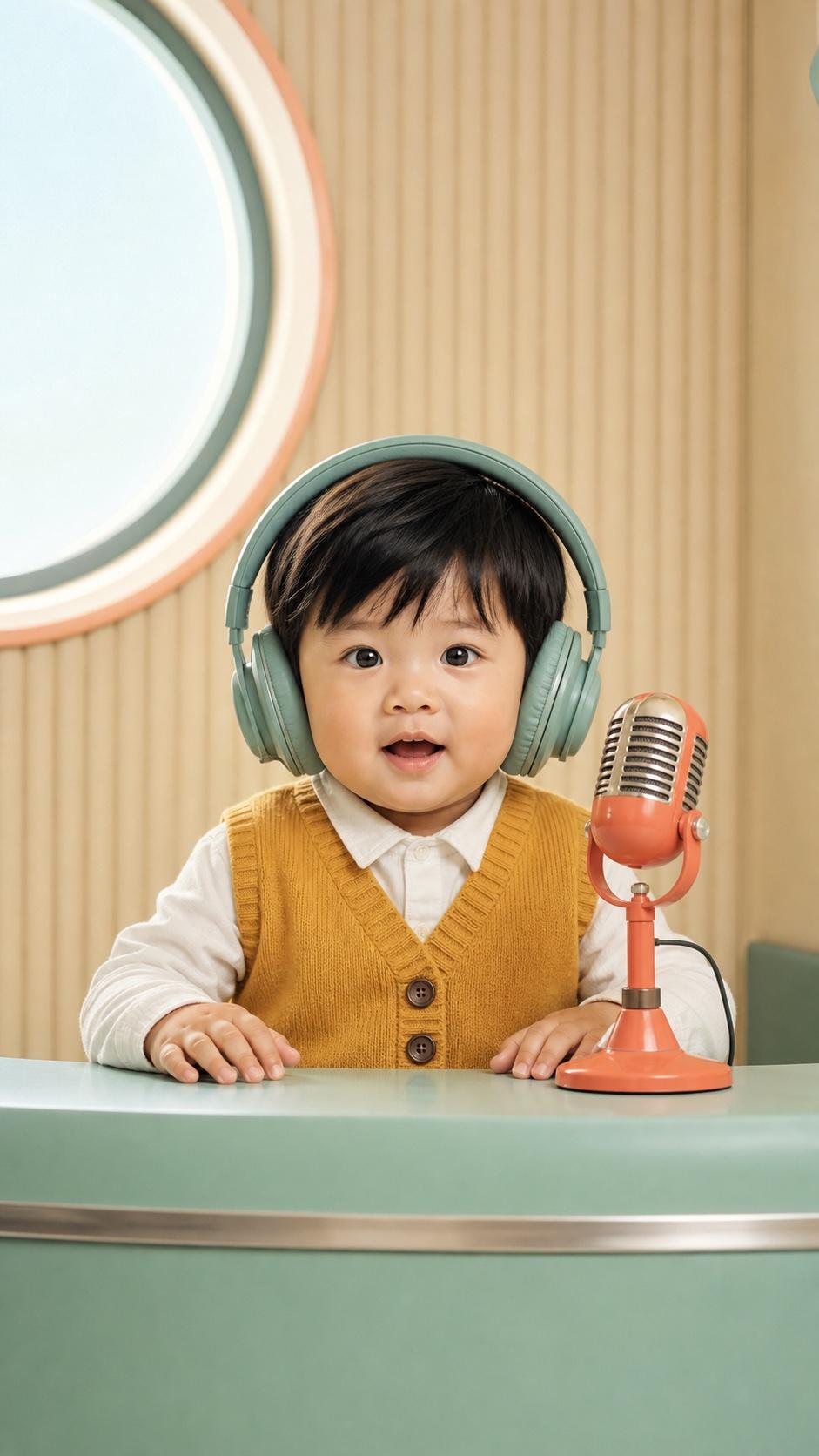
Describe a microphone, desk, studio background, seated pose, camera angle, facial expression, and audio mood to build a podcast-style visual. Seedance 2 Mini supports synchronized audio direction, but exact spoken dialogue and stable lip sync should be reviewed rather than assumed.
AI baby videos can support social content, personal keepsakes, meme formats, and fictional storytelling when the source material is used with permission.
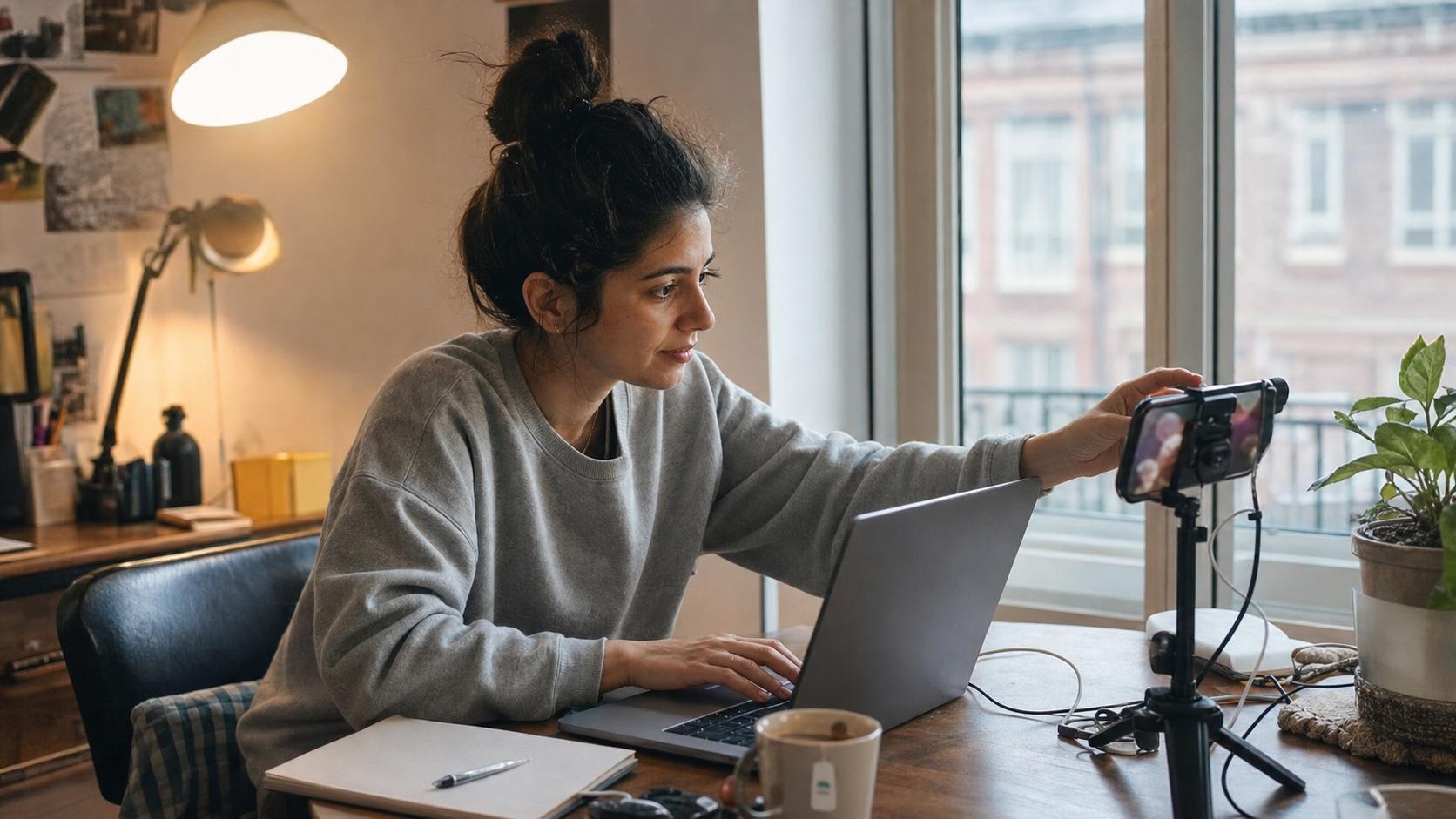
Create baby dance, reaction, and short story concepts for TikTok, Instagram Reels, and YouTube Shorts. Keep the hook immediate and design the frame for mobile viewing.
Move from a clear input to a short, reviewable baby video in three focused steps.
Choose image-to-video for a real photo or text-to-video for a fictional character. Use a clear image or describe the character’s age range, clothing, expression, and setting.
Set one main action, then add the expression, background, camera movement, lighting, duration, audio direction, and aspect ratio. Avoid conflicting actions in the same short clip.
Check the face, eyes, hands, limbs, motion continuity, sound, clothing, background, and crop. Regenerate or refine one issue at a time before downloading or sharing.
Build each prompt with the same simple formula: character + action + environment + camera + lighting + expression + aspect ratio.
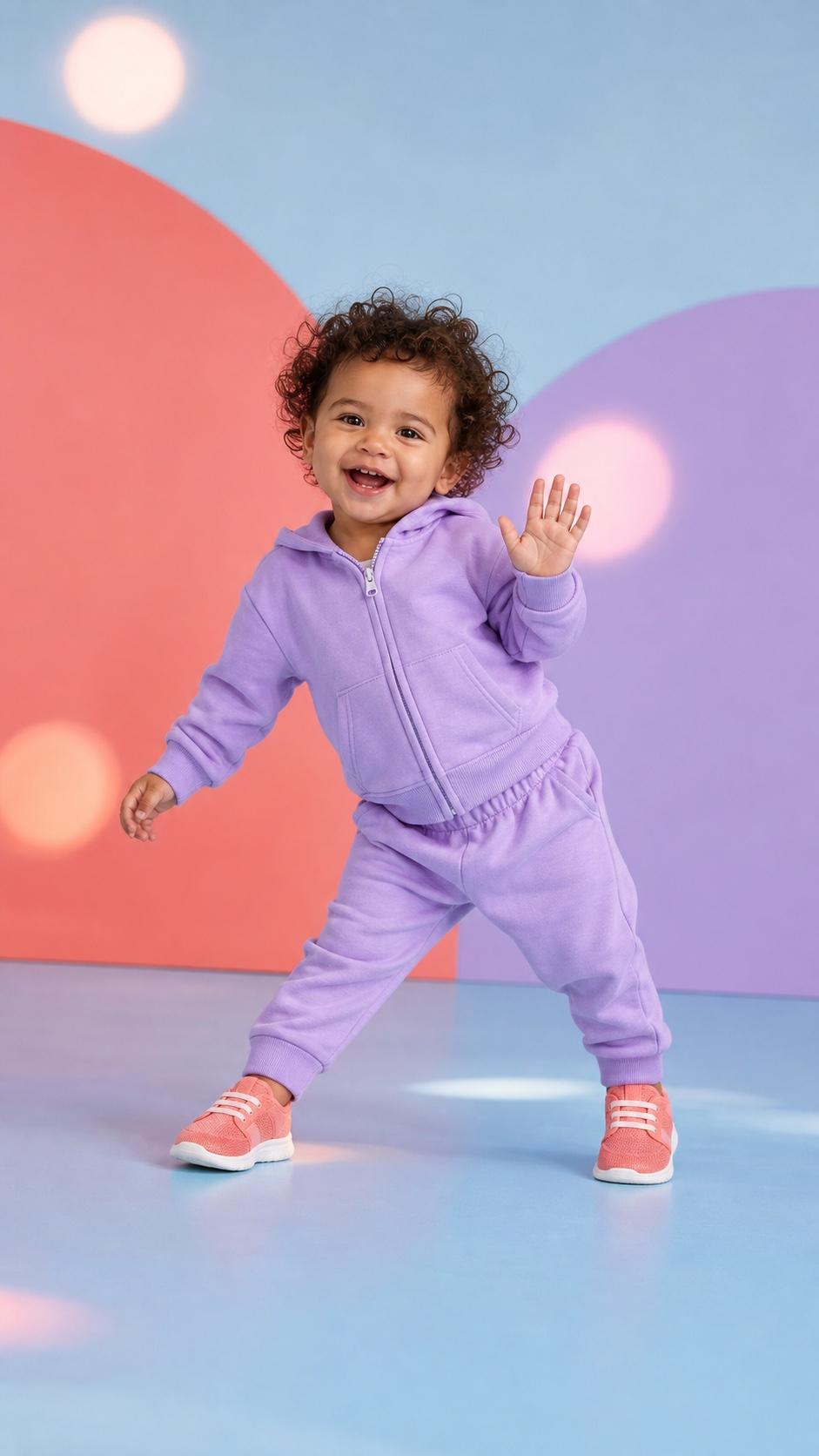 01
01AI Baby Dance
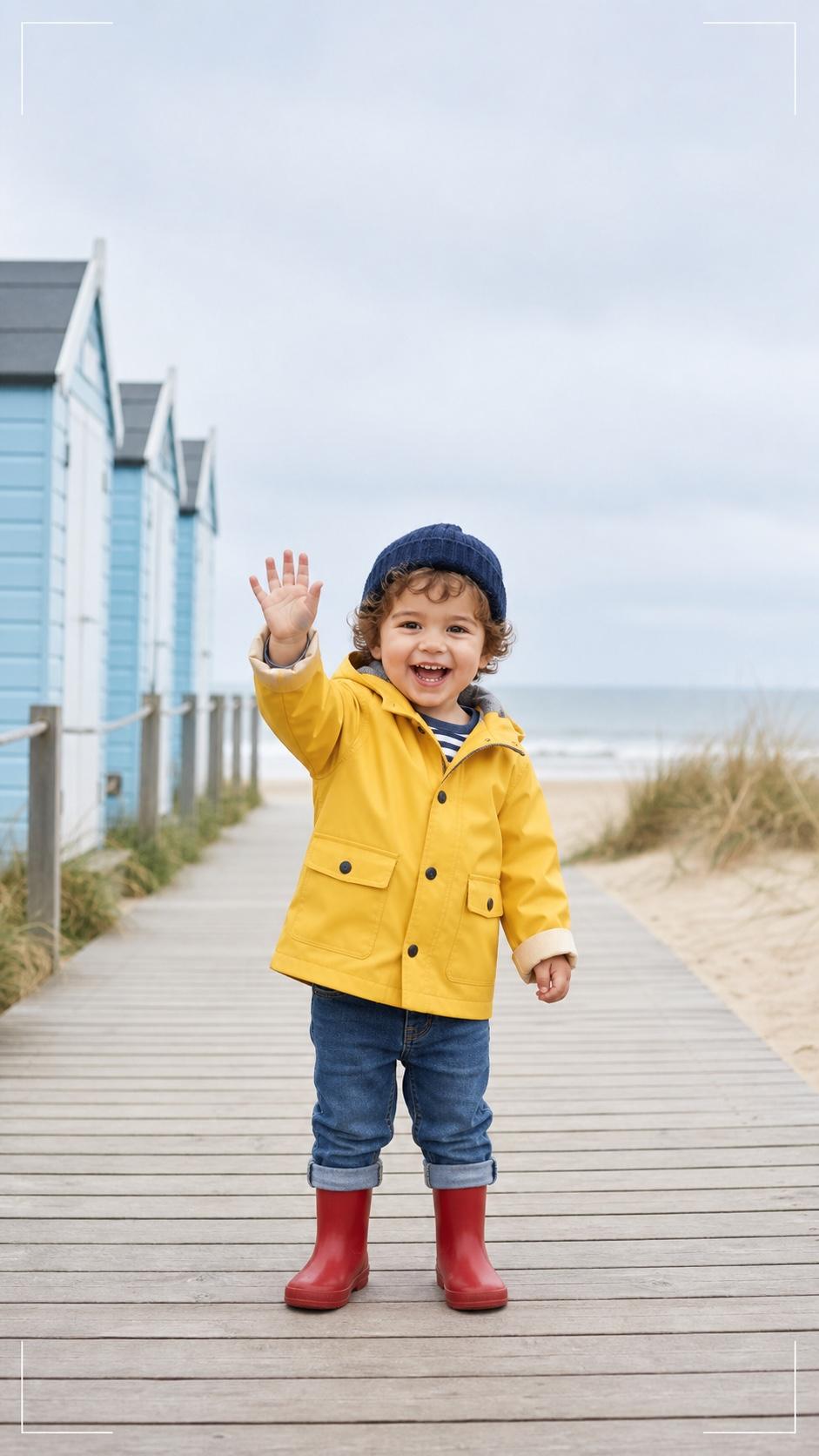
One playful side-to-side step, a small hand wave, full body visible, soft daylight, stable eye direction, gentle push-in camera, 9:16.
 02
02Podcast-Style Baby
A fictional baby behind a small studio desk, oversized headphones, one microphone, warm light, subtle head movement, centered medium close-up.
 03
03Laughing Reaction
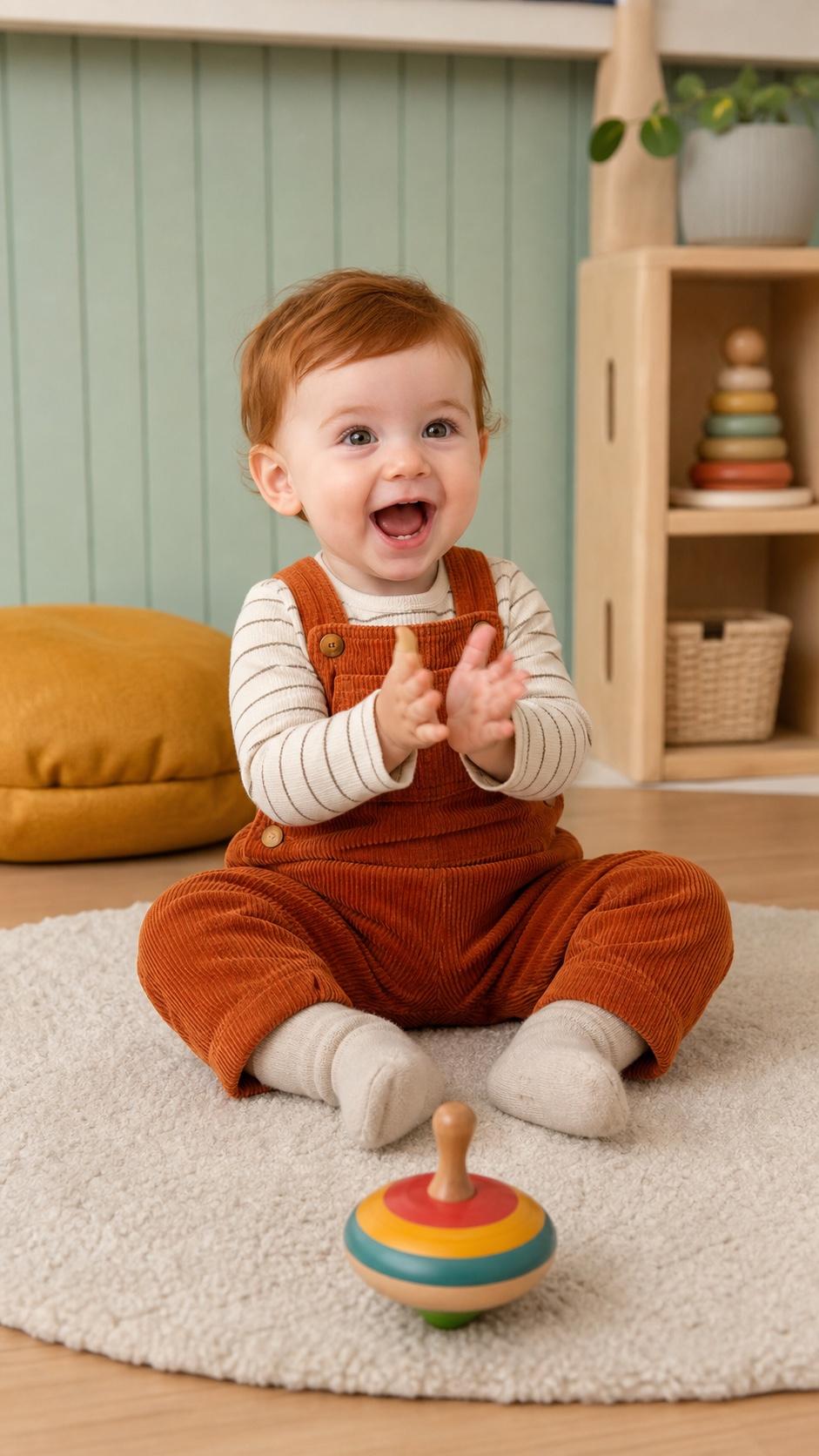
The baby notices a colorful toy, eyes widen, then gives a warm laugh and small clap in a cozy nursery with a fixed camera.
 04
04Cinematic Baby Story
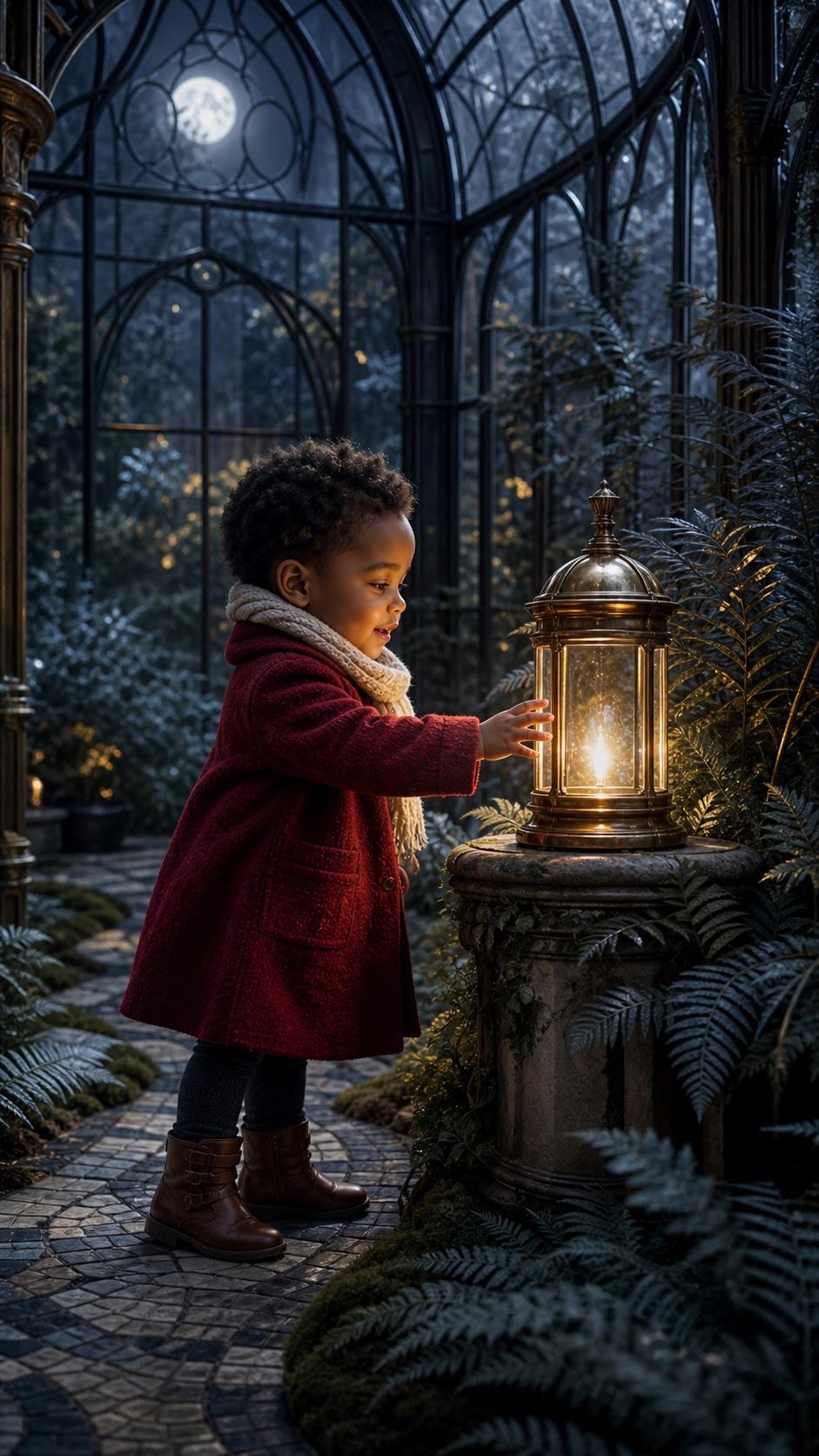
A fictional baby explorer discovers a glowing lantern in a moonlit garden, with a slow tracking shot and warm light on the face.
 05
05Social Crop Check
Keep the face and body inside the safe area, preview captions and interface overlays, and review the complete clip before publishing.

Animate a baby or family photo when the starting appearance and composition matter most.
Create a fictional baby character, action, environment, and camera direction from a written prompt.
Generate lower-cost short-form videos with text, image, audio direction, and social aspect ratios.
Practical answers for creating baby dance, reaction, podcast-style, and story videos.
An AI baby video generator turns a photo or written character description into a short video. You can describe the action, setting, camera, expression, lighting, audio direction, and aspect ratio.
Upload a clear, well-lit photo with one main subject, then describe one simple action such as a wave, smile, dance step, or reaction. Choose the aspect ratio, generate the clip, and review the face, hands, body, clothing, and background before export.
You can use available starter credits to test the generator, but whether those credits cover a complete video depends on the current model, duration, resolution, and audio settings. Check the live credit estimate before generating.
You can create a podcast-style baby scene and direct the model’s audio mood, studio setting, microphone, pose, and expression. Exact dialogue and stable lip sync are not guaranteed, so review mouth movement and audio synchronization carefully.
Use a sharp image with a visible, unobstructed face, even lighting, a simple background, and enough room around the body for movement. Avoid heavy filters, motion blur, cropped hands or feet, and crowded multi-person photos.
That depends on your plan, permission for the source photo, audio and music rights, and the policies of the platform where you publish. Review the output and the latest applicable terms before sharing or using it commercially.
Upload a clear photo or describe a fictional baby character, choose one simple action and the right aspect ratio, then generate and review a short baby dance, reaction, podcast-style, or story video.