
مزامنة الشفاه

Create Realistic AI Lip Sync Videos in Minutes
Use Seedance AI Lip Sync to match speech with natural mouth movement. Upload a video or photo, add recorded audio or dialogue, and create a polished talking video without reshooting.
Lip Sync a Video Free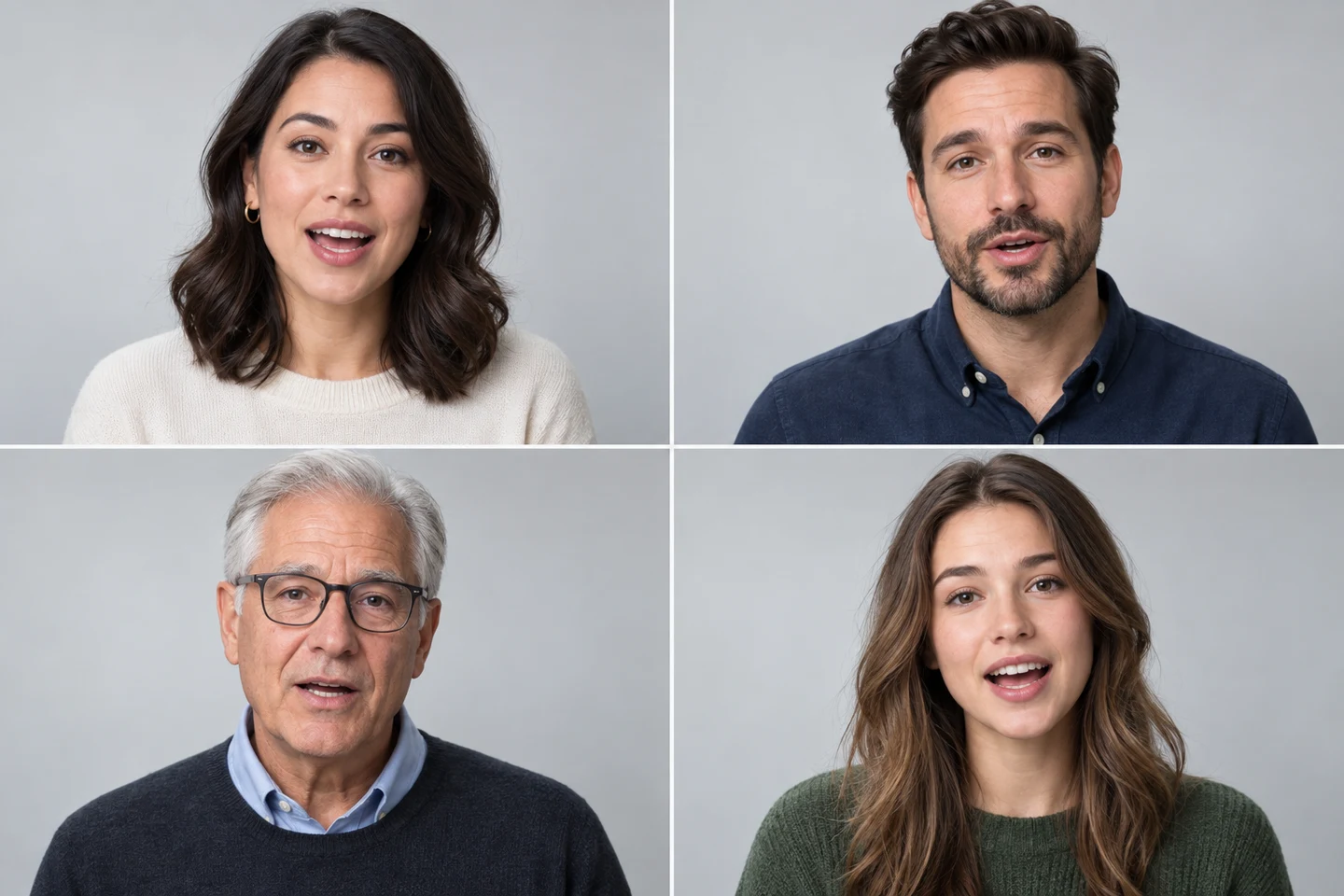
Choose the Right Voice for Every Lip Sync Video
Match each speaker with a voice that fits the character's tone, age, and personality. Use uploaded dialogue or generated speech to create branded presenters, fictional characters, and educational hosts with a more convincing performance.
Create a Talking Video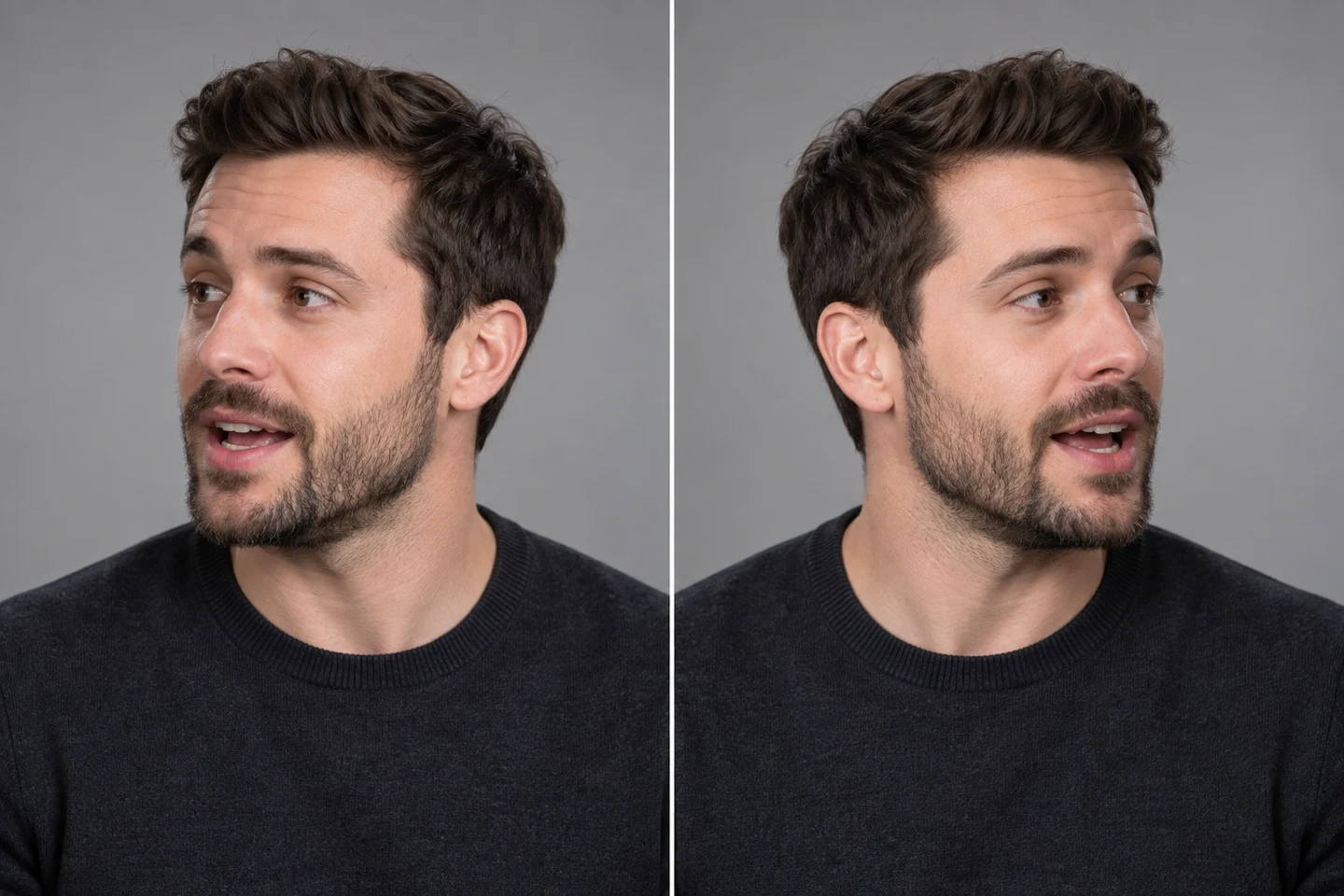
Keep Lip Sync Accurate Through Head Movement
Seedance follows facial position and expression as the speaker turns, tilts, or moves within the frame. It is designed to preserve believable speech motion across different face shapes, angles, beards, and other visual details.
Lip Sync Your Video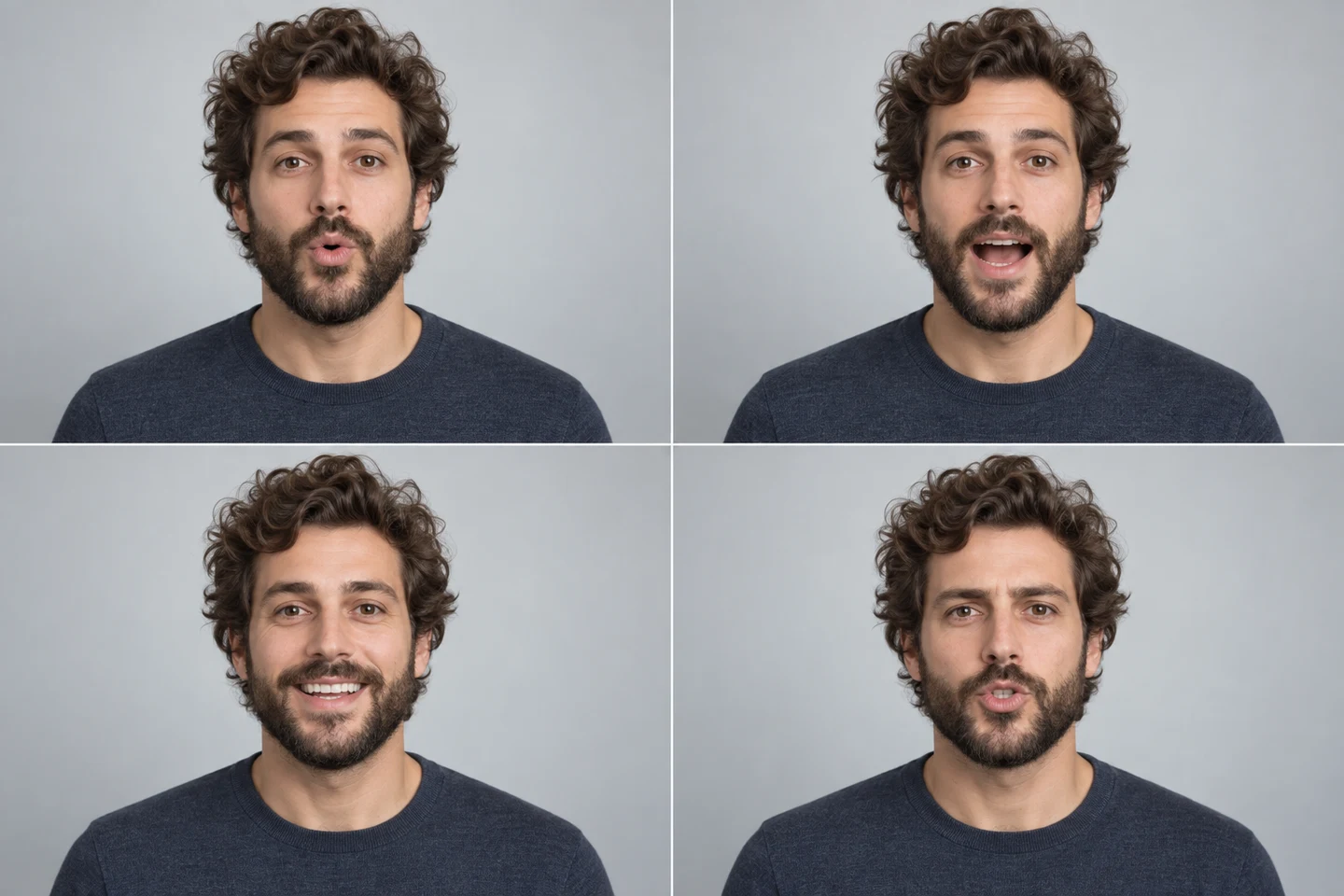
Create Smooth and Realistic Mouth Movements
Match dialogue with natural-looking mouth shapes, timing, and facial expression. Accurate speech motion helps AI presenters and characters look more believable throughout each sentence.
Try AI Lip Sync Free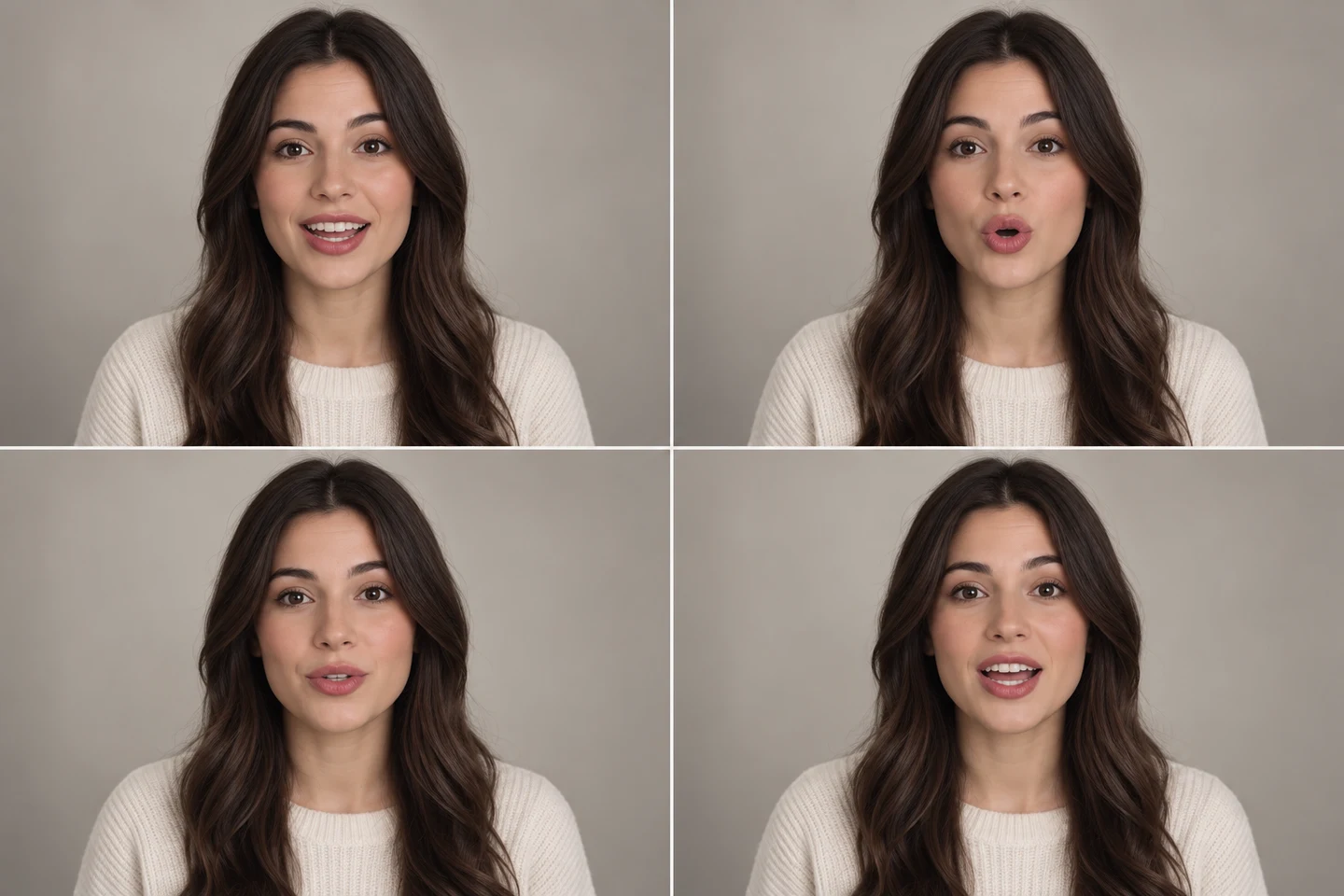
Create Multilingual Lip Sync Videos for Global Audiences
Adapt a single speaker video for different languages by uploading translated audio or generating new dialogue. Natural mouth timing makes localized marketing, training, and creator content easier to watch and understand.
Make a Multilingual VideoWho Can Use Seedance AI Lip Sync?
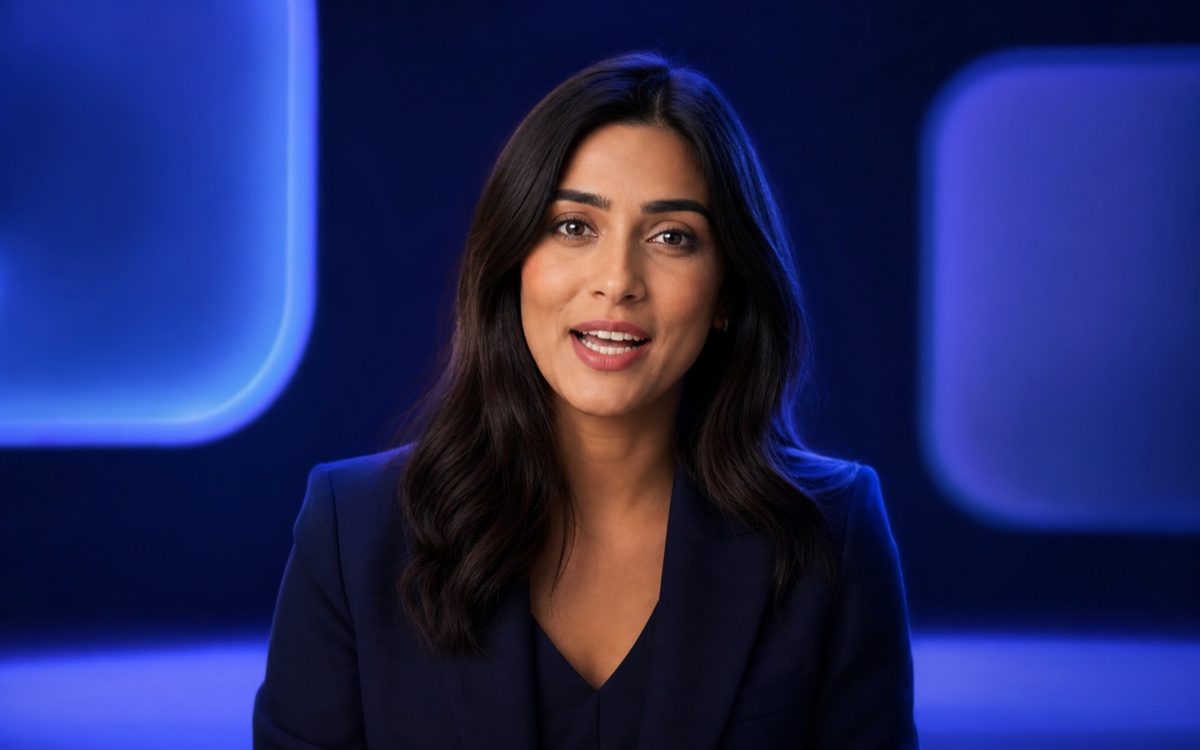
Give existing faces believable dialogue for marketing, education, entertainment, and multilingual communication.
Turn Product Messages Into Talking Videos
Create spokesperson demos, localized offers, and UGC-style ads with clear, synchronized speech.
Make Explanations Easier to Follow
Align narration with instructors or avatars for lessons, onboarding, and training content.
Produce Character-Led Social Content
Add believable dialogue to skits, reactions, animated personalities, shorts, and channel intros.
Adapt One Video for Multiple Languages
Create localized versions of a presentation or campaign without recording the speaker again.
How to Lip Sync a Video With Seedance
Create a synchronized talking video in three straightforward steps.
- 1
Upload a Video or Photo
Choose a clear face with visible lips and good lighting. A front-facing or gently angled subject usually gives the cleanest result.
- 2
Add the Speech Audio
Upload the voice recording you want the speaker to deliver, then confirm the available lip sync settings.
- 3
Generate and Download
Let Seedance synchronize the mouth movement, review the result, and download the version you want to publish.
Explore More AI Video Tools
Talking Photo
Turn a still portrait into an expressive talking character.
Use This Tool →

AI Avatar Video
Create presenter-led videos with reusable AI avatars.
Use This Tool →

Video Upscaler
Improve softness, resolution, and visible facial detail.
Use This Tool →

Image to Video
Animate a portrait or scene before adding synchronized speech.
Use This Tool →
AI Lip Sync FAQs
Common questions about creating synchronized talking videos with Seedance.
What is AI lip sync?
AI lip sync aligns a visible speaker's mouth movement with spoken audio. The source can be a recorded video, an animated character, or a still image supported by the selected model.
Why use an AI lip sync tool?
It helps creators change dialogue, localize videos, build talking avatars, and update presenter content without filming every version again.
Can I try Seedance AI Lip Sync for free?
You can open the tool and review the available models and credit cost before generation. Available credits and pricing depend on your current account plan.
How long does AI lip syncing take?
Processing time varies with the model, source length, resolution, and current demand. Short, clean clips generally finish faster than longer or more complex inputs.
What kind of source video works best?
Use a clear, well-lit face with visible lips, limited occlusion, and steady framing. Extremely small faces, fast cuts, or hands covering the mouth can reduce accuracy.
Can I create lip sync videos in different languages?
Yes. You can use recorded or generated speech in different languages, then create a synchronized version for each audience.
Can I upload my own audio for lip syncing?
Yes. The lip sync workflow accepts a driving audio file so you can use recorded dialogue, narration, or generated speech. Supported formats and limits are shown in the uploader.
Can I use AI lip sync for commercial content?
Lip sync is useful for ads, product demos, courses, and localized campaigns. Make sure you hold the necessary rights and consent for the face, video, voice, script, and intended distribution.
Create Your First AI Lip Sync Video
Upload a face video or photo, add speech, and generate natural-looking synchronized dialogue with Seedance.