
Seedance vs Midjourney Video: Which AI Video Tool Wins in 2026?
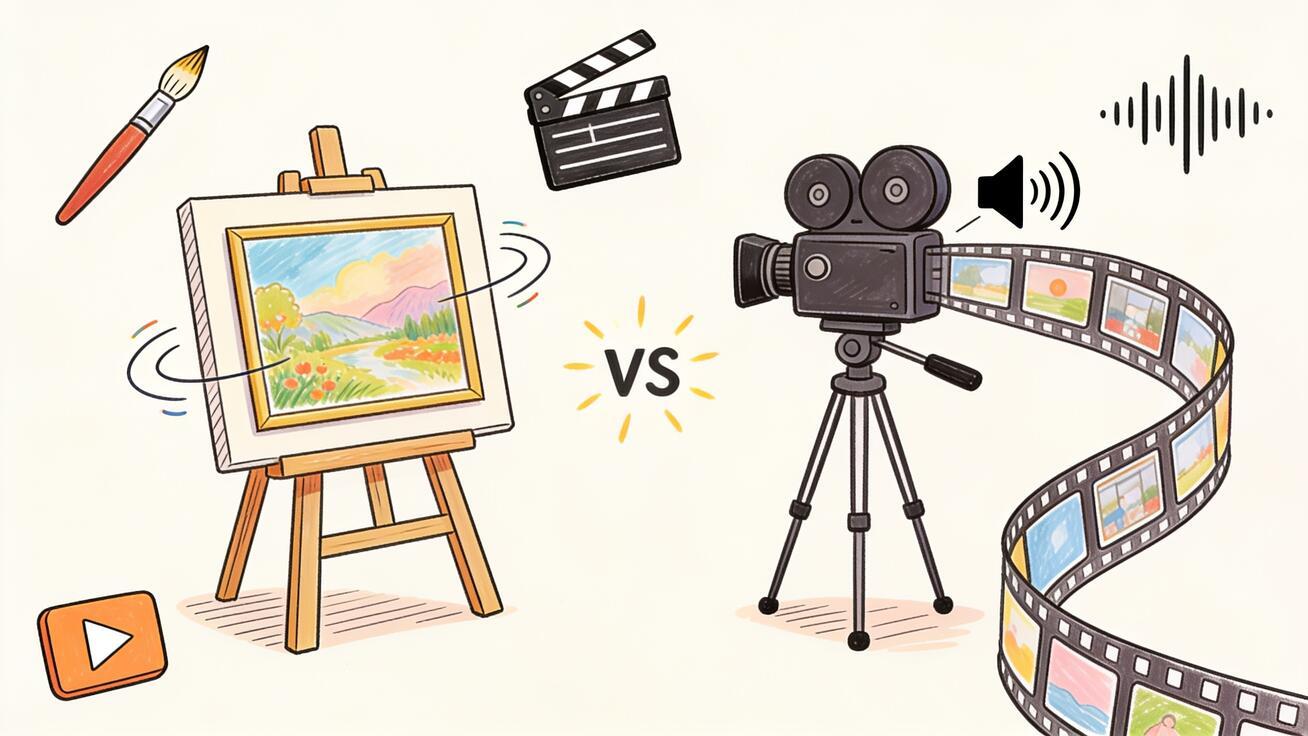
Midjourney just added a video model, and the first question creators ask is simple: should I animate my stills in Midjourney, or generate full clips in Seedance? This Seedance vs Midjourney Video comparison answers exactly that. Both tools turn an image into motion, but they sit at opposite ends of the AI video workflow, and picking the wrong one wastes credits and hours. Below you get a direct verdict, a feature-by-feature breakdown, copy-ready prompts for each tool, and a decision matrix so you can choose Seedance or Midjourney Video for your specific output in minutes.
Quick Answer: Which Should You Use?
Use Midjourney Video when you already create images in Midjourney and want to animate that exact frame into a short, highly stylized loop for mood boards, art drops, or atmospheric social posts. It is an image-animation feature first, so it shines when the still is the star.
Use Seedance when you need a finished video deliverable: text-to-video from a written idea, image-to-video with controlled camera moves, multi-shot sequences, native audio, and clips you can export straight to TikTok, Reels, product pages, or ads. Seedance is built around the full generation workflow, not just animating one picture.
In one line: Midjourney Video animates a beautiful frame; Seedance produces a usable video. Many creators use both — Midjourney for a stylized hero shot, Seedance to build the rest of the sequence around it.
What Each Tool Actually Is
This is the part most comparisons skip, and it matters more than any spec.
Midjourney Video is an extension of Midjourney's image model. As of 2026 it works by taking a Midjourney image (or an uploaded image) and animating it. You pick a motion setting, and the model adds movement to that frame. It produces a short clip — typically around five seconds — that you can extend in increments. There is no separate text-to-video mode that builds a scene from nothing; the image is always the starting point, and the output inherits Midjourney's signature painterly, stylized aesthetic.
Seedance is a dedicated AI video platform. You can start from a text prompt (text-to-video), from an image (image-to-video), or from a reference, and you can choose between models such as Seedance 2.0 and Seedance 2.5, with access to other models like Sora 2, Veo 3, and Kling inside the same workflow. Seedance is designed to output a complete shot or sequence — with camera direction, motion control, multi-shot continuity, and native audio — that you can publish without a separate editor.
The practical takeaway: Midjourney Video is a feature that adds motion to art. Seedance is a production tool that creates video.
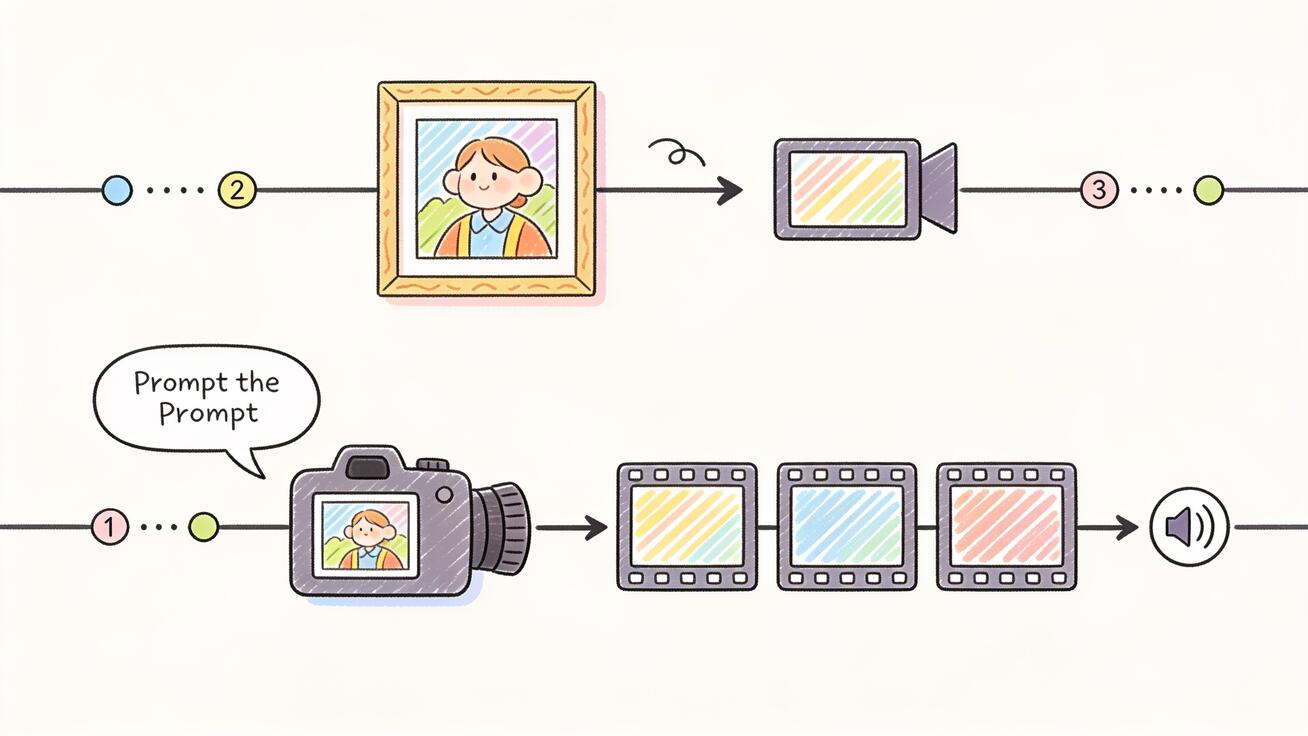
Feature Comparison
| Capability | Seedance | Midjourney Video |
|---|---|---|
| Text-to-video from scratch | Yes | No (image-first) |
| Image-to-video | Yes | Yes (core mode) |
| Native audio / sound | Yes | No |
| Camera movement control | Yes, via prompt | Limited (motion presets) |
| Multi-shot sequences | Yes | One clip at a time |
| Clip length | Longer, extendable | ~5s, extendable in steps |
| Visual style | Photoreal to cinematic | Stylized, painterly |
| Multiple models in one place | Yes | No (single model) |
| Best for | Finished video deliverables | Animating art stills |
Treat exact numbers as a moving target — both tools update fast, so confirm current limits inside each product before you commit a deadline to them. The structural differences above, however, are stable: one is image-first and silent, the other is workflow-first with audio.
Visual Style: Painterly vs Production
Midjourney's entire reputation is built on aesthetics, and the video model inherits that. If your image is a moody, illustrative, or surreal Midjourney render, the animated version keeps that exact look. For art-led content — album visuals, concept pieces, dreamy loops — this is genuinely hard to beat.
Seedance leans toward production realism and cinematic control. You can push it stylized, but its strength is believable physical motion, consistent subjects across shots, and camera language that reads like real footage. For a product demo, an ad, an explainer, or a talking scene, that controllability matters more than painterly texture.
So the style question is really an intent question: are you making art that moves, or video that sells, explains, or demonstrates?
How to Animate an Image in Midjourney Video
The Midjourney flow is short because it is image-first:
- Generate or open an image in Midjourney.
- Select the animate/video option on that image.
- Choose a motion setting (low motion for subtle drift, high motion for dramatic movement).
- Generate, review the ~5-second clip, and extend it if you want more length.
- Download and take it into an editor for any audio, text, or cuts.
You are steering the amount of motion more than the content of the motion. It is fast and forgiving, but you do not get fine camera direction or sound.
How to Make a Video with Seedance
Seedance is built around an explicit, repeatable workflow. Here is the core loop:
- Open Seedance and choose your input: text prompt, image, or reference.
- Choose a model — for example Seedance 2.5 for the latest quality, or another model that fits your shot.
- Write a prompt that describes subject, action, camera movement, and mood.
- Generate two or three versions from the same prompt to compare.
- Check subject consistency, physical motion, and — if you enabled it — native audio.
- For a sequence, build the next shot with multi-shot continuity so characters and setting stay consistent.
- Export in the aspect ratio you need (vertical for Reels/TikTok, horizontal for YouTube/landing pages).
Because Seedance reads camera and motion instructions directly from the prompt, you control what moves and how the camera behaves — not just an intensity slider.
If you want the deeper version of this, see our Seedance 2.5 prompt guide and the image to video guide.
Copy-Ready Prompts for Each Tool
Midjourney Video (animate an existing still)
Because the image carries the scene, Midjourney prompts focus on motion intent:
subtle camera push-in, gentle drifting fog, slow ambient movement, cinematic atmospherehair and fabric moving in a light breeze, soft parallax, dreamy slow motionflowing water and rippling reflections, calm continuous loop, painterly motion
Keep these short. You are nudging motion onto an already-finished frame.
Seedance (text-to-video and image-to-video)
Seedance rewards detailed, structured prompts that name subject, action, camera, and mood:
A barista pours latte art into a ceramic cup on a marble counter, steam rising, slow dolly-in on the cup, warm morning light, shallow depth of field, photorealProduct hero shot: a sleek wireless earbud case rotates slowly on a reflective surface, soft studio lighting, macro detail, clean white background, smooth orbit camera moveA hiker reaches a ridgeline at sunrise, wind in the jacket, camera cranes up to reveal the valley below, golden hour, cinematic wide shot, natural ambient sound
Notice the difference: Midjourney prompts describe motion on a frame; Seedance prompts describe a shot being filmed. For more, see our best Seedance 2.0 prompts.
Audio: The Quietest, Biggest Difference
Midjourney Video has no native audio. Every clip you make is silent, so you will always need a second step — an editor, a stock track, or a sound library — before it feels finished.
Seedance can generate native audio with its 2.x models, which means a single generation can come back with motion and matching sound. For talking scenes, ambient atmosphere, or social clips where silence kills retention, this removes an entire stage of the pipeline. If sound matters to your deliverable, this difference alone often decides the tool. See Seedance with audio for how that works.
Length, Sequences, and Continuity
Midjourney Video gives you a short base clip you can extend in steps, but each generation is a single shot animated from one image. Stitching a real sequence means exporting multiple clips and assembling them in an editor, where keeping characters consistent across cuts is on you.
Seedance is built for sequences. Multi-shot generation keeps your subject and setting consistent from one shot to the next, so a three-shot product story or a short narrative holds together without manual matching. For story-driven work, that continuity is the difference between a polished piece and a collection of disconnected clips. Our multi-shot guide covers the workflow.
Pricing and Access
Both tools are subscription-based and update their plans often, so always confirm current pricing inside each product rather than trusting any third-party number — including this one.
The structural difference: Midjourney Video is bundled into a Midjourney subscription, so you are paying for an image tool that also animates. Seedance is a dedicated video platform, often with a free entry point to test generations and watermark options to check before you commit, and it gives access to several models under one workflow. If video is your main output, paying for a video-first tool usually returns more usable footage per dollar than paying for an image tool's animation add-on. You can try Seedance free to compare on your own footage.
Best Use Cases for Each
Choose Midjourney Video when:
- You already work in Midjourney and love a specific render.
- You want a stylized, artistic loop for a mood board, album art, or atmospheric post.
- The still image is the hero and motion is a finishing touch.
- You do not need sound or precise camera direction.
Choose Seedance when:
- You are starting from a written idea, not an existing image.
- You need product demos, ads, explainers, app previews, or talking scenes.
- You want camera control, multi-shot continuity, and native audio.
- You need to export ready-to-publish clips for TikTok, Reels, YouTube, or a landing page.
- You want to compare models (Seedance 2.5, Sora 2, Veo 3, Kling) in one place. See our Seedance vs Sora breakdown for that angle.
Can You Use Both Together?
Yes, and it is a smart workflow. A common pipeline:
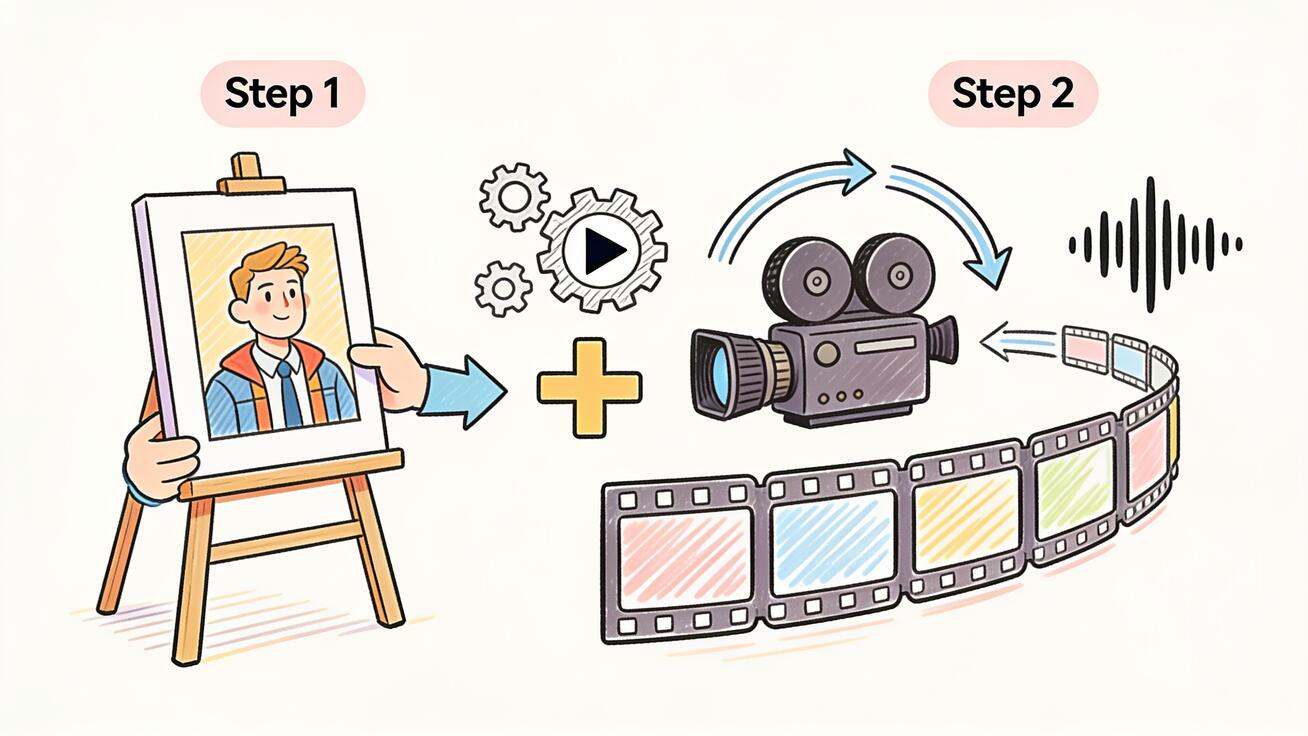
- Craft a striking hero frame in Midjourney for its unmatched art style.
- Bring that image into Seedance as an image-to-video input.
- Use Seedance to add controlled camera motion, extend the moment into a real shot, and generate native audio.
- Build the surrounding shots in Seedance with multi-shot continuity.
- Export the finished sequence.
This way you get Midjourney's aesthetic on the key frame and Seedance's production control across the whole video — the best of both rather than forcing one tool to do a job it was not built for.
Speed and Iteration: How Each Tool Feels to Use
Midjourney Video feels effortless for one reason: there is almost nothing to decide. You already have the image, you pick a motion intensity, and you generate. For someone who lives in Midjourney, the animate button is a two-click habit. The trade-off is that when the motion is wrong — a face warps, the camera drifts the wrong way, the background melts — you have limited levers to fix it. You re-roll and hope, or accept the result and patch it in an editor.
Seedance trades that simplicity for control. Writing a good shot prompt takes a few extra seconds, but those seconds buy you direction: you can specify a slow dolly-in instead of a random push, ask for shallow depth of field, request golden-hour light, or call out ambient sound. When a generation misses, you adjust the prompt rather than gambling on a re-roll. Generating two or three versions from the same prompt and comparing them is part of the normal loop, and it consistently lands a usable take faster than blind re-rolling. For deadline work — an ad due tomorrow, a product page going live — that steerability is the difference between "good enough" and "ship it."
A Real Workflow: Product Launch Teaser
Say you need a 15-second teaser for a new gadget. Here is how each tool handles it, end to end.
With Midjourney Video alone, you would render a hero image of the product, animate it into a short stylized clip, extend it once or twice, then move everything to an editor to add a second shot, a logo, captions, and music. The art looks gorgeous, but you are doing real assembly work outside the tool, and matching a second angle of the same product across clips is fiddly.
With Seedance, you write three connected prompts — an opening orbit around the product, a close macro detail of a key feature, and a final pull-back with the logo in frame — and generate them as a multi-shot sequence so the product stays consistent across all three. You enable native audio for a subtle ambient bed, export vertical for Reels and horizontal for YouTube, and you are essentially done. The whole teaser lives in one workflow. This is exactly the kind of high-conversion deliverable Seedance is built for, and it is covered in depth in our product demo video guide.
Common Mistakes to Avoid
- Expecting text-to-video from Midjourney. It animates images. If you do not have a still you love yet, you are in the wrong tool — start in Seedance or generate the frame first.
- Forgetting that Midjourney clips are silent. Budget time for a separate audio step, or use Seedance's native audio and skip it.
- Over-stuffing Seedance prompts. Name subject, action, camera, and mood — but do not pile on ten conflicting instructions. Clear and specific beats long and contradictory.
- Skipping the compare step in Seedance. Generating one version and shipping it wastes the tool's biggest advantage. Always generate two or three and pick the strongest.
- Forcing one tool to do both jobs. If you want art, use Midjourney; if you want a finished video, use Seedance; if you want both, hand the frame off between them.
Decision Matrix at a Glance
| Your goal | Best pick |
|---|---|
| Animate a Midjourney art still | Midjourney Video |
| Text-to-video from an idea | Seedance |
| Product demo or ad | Seedance |
| Stylized loop for social mood post | Midjourney Video |
| Talking scene with sound | Seedance |
| Multi-shot story with continuity | Seedance |
| Quick atmospheric motion on one frame | Midjourney Video |
| Ready-to-publish vertical video | Seedance |
FAQ
Does Midjourney Video do text-to-video? Not in the traditional sense. It animates an image, so you start from a still — generated in Midjourney or uploaded — rather than building a scene from a text description alone. Seedance offers true text-to-video from a written prompt.
Does Seedance have audio and Midjourney does not? Yes. Seedance's 2.x models can generate native audio with the video, while Midjourney Video outputs silent clips that need sound added separately.
Which has better visual quality? They optimize for different things. Midjourney wins on stylized, painterly art. Seedance wins on controllable, production-ready footage with realistic motion and camera direction. "Better" depends on whether you want art or a finished video.
Can I get longer videos? Midjourney clips are short and extend in steps. Seedance supports longer shots and multi-shot sequences with continuity, which is better for anything beyond a single animated frame.
Is Seedance free to try? Seedance typically offers a free entry point to test generations, with watermark and plan options to check before upgrading. Confirm current terms inside the product.
Should beginners start with Seedance or Midjourney Video? If you have never made AI video before and you want a finished clip — something with a clear subject, camera move, and sound — Seedance is the gentler on-ramp because the prompt-to-video workflow is self-contained and you do not need an external editor. Midjourney Video is easiest only if you already make Midjourney images and just want to add motion to them. For most people whose goal is an actual video to post or send, starting in Seedance gets you to a usable result with fewer extra steps and tools.
Conclusion
The honest verdict in this Seedance vs Midjourney Video comparison: they are not really competitors so much as tools for different jobs. Midjourney Video is the fastest way to add beautiful, stylized motion to an image you already love — an art feature, not a video studio. Seedance is the workflow-first choice when you need a real deliverable: text-to-video, camera control, multi-shot continuity, native audio, and ready-to-publish exports for social, product, and ads. If your output is finished video, start in Seedance; if your output is animated art, start in Midjourney; and if you want the best of both, frame it in Midjourney and produce it in Seedance. The smartest creators in 2026 are not picking sides — they are matching the tool to the shot. Open Seedance, drop in a prompt or an image, and see how far a single generation gets you.
Ready to create your own AI video?
Turn ideas, text prompts, and images into polished videos with Seedance. If this article helped, the fastest next step is to try the product.
Free credits on signup. Plans from $28/month.
Related Articles
More posts in the same locale you may want to read next.

Seedance App Preview Video Generator 2026: Create App Store and Product Launch Clips
Use Seedance to turn app screenshots, feature copy, and launch goals into App Store previews, Google Play promo videos, and product launch clips.
Read article
Gemini AI Video Prompt Examples: Copy-Ready Veo Scenes and a Better Prompt Formula
Copy Gemini AI video prompt examples for cinematic motion, product ads, dialogue, and vertical clips, then adapt them with a practical Veo prompt formula.
Read article
How to Keep Product Shape Consistent in AI Video Ads
Lock product geometry, packaging, labels, references, camera angles, and approval checks so AI video ads preserve the real SKU across every shot.
Read article