
AI Video Generator for Education: Create Engaging Learning Videos with AI (2026)
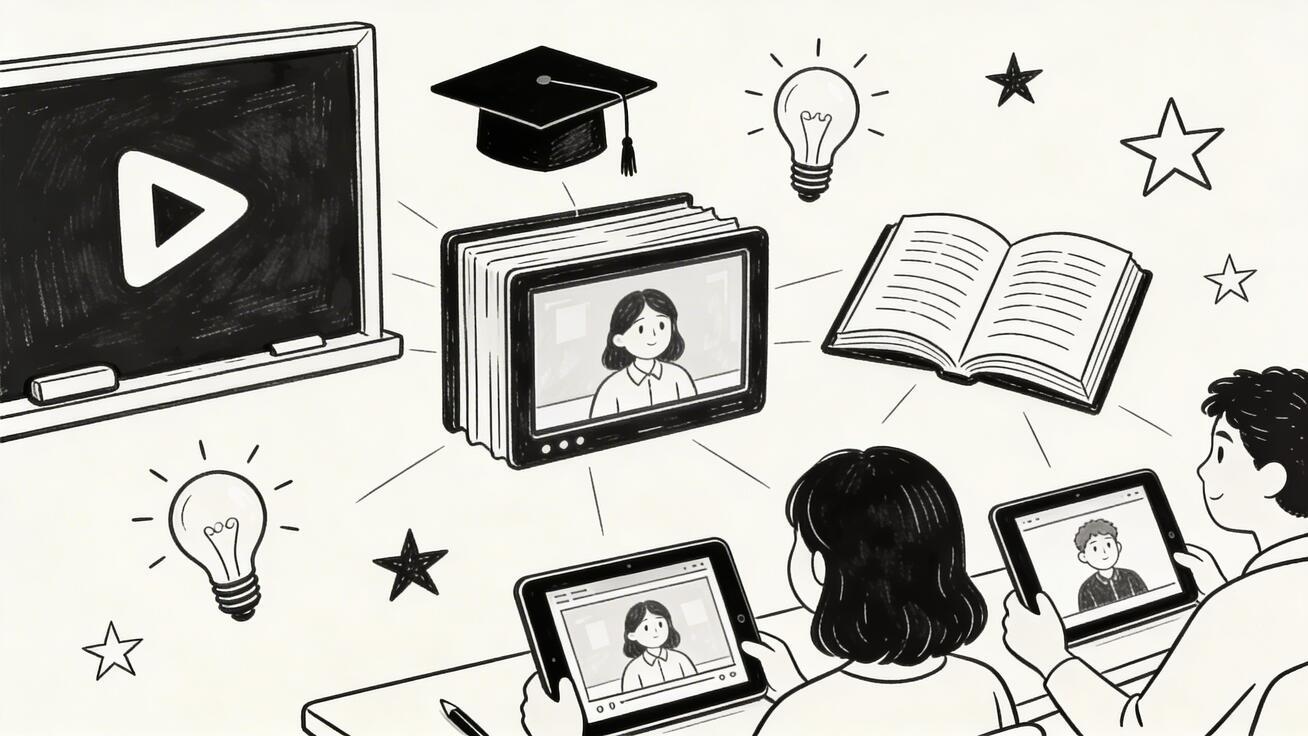
The education sector is undergoing a quiet revolution. Teachers, instructional designers, and e-learning creators are discovering that AI video generators can produce high-quality educational content in a fraction of the time and cost of traditional video production.
Quick Answer: AI video generation with Seedance lets you create stunning, professional-quality videos from text prompts or images in just minutes — no editing experience required.
Whether you're a teacher creating classroom content, an online course creator building a curriculum, or a corporate trainer developing learning materials, AI video tools are transforming how educational video gets made.
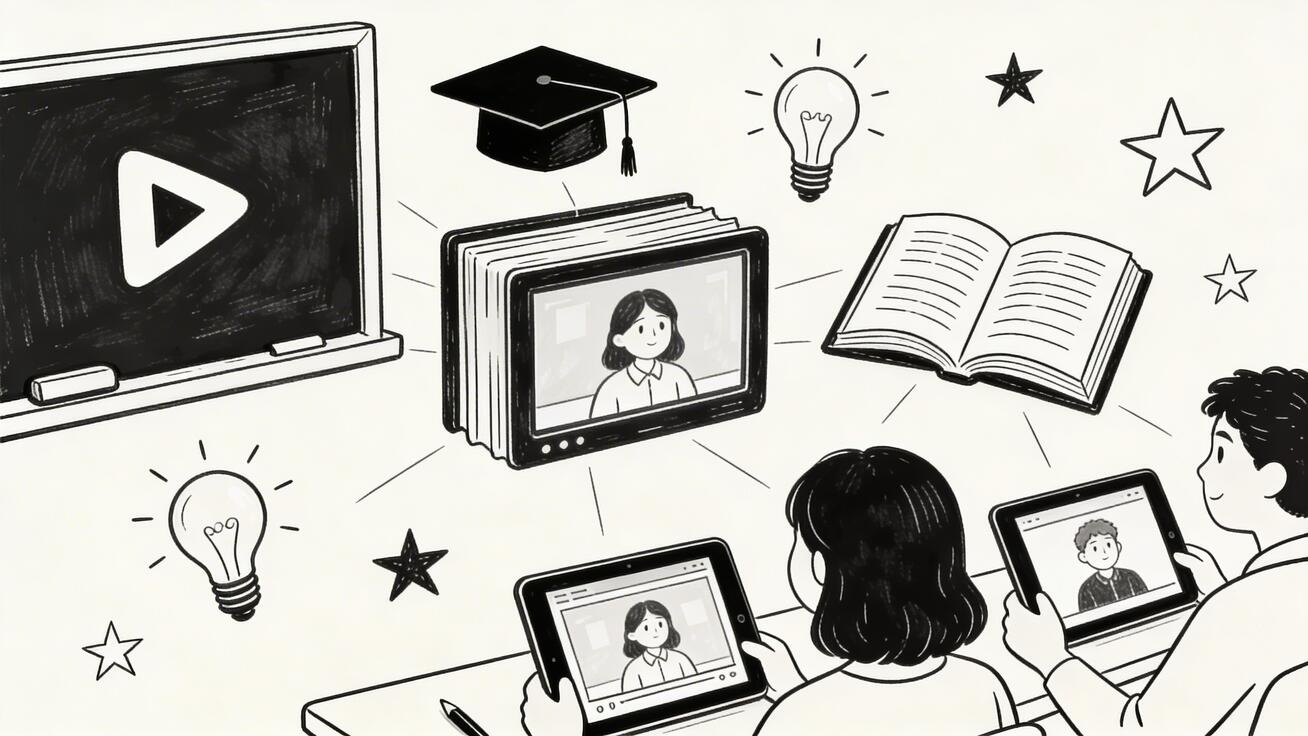
Why AI Video Works for Education
Educational video has unique requirements compared to entertainment or marketing content:
- Clarity over style: Concepts must be communicated clearly, not just look good
- Consistency: Multiple modules need visual and tonal coherence
- Accessibility: Content should work for diverse learners and learning styles
- Scalability: Instructors need to produce more content than traditional video allows
- Updates: Educational content needs regular refreshing as information changes
AI video generators address all five of these needs simultaneously.
Best AI Video Generators for Educational Content
1. Seedance 2.0 — Best for Visual Concept Demonstration
Seedance 2.0 excels at creating vivid visual demonstrations of concepts — exactly what effective educational video requires. Its text-to-video capability can turn a written explanation into an animated visual demonstration in minutes.
Educational use cases:
- Animated explanations of abstract concepts (physics, chemistry, math)
- Historical scene recreations for social studies
- Biological process visualizations (cell division, photosynthesis)
- Step-by-step procedure demonstrations
- Geography and environment explorations
Key advantage: Seedance's image-to-video feature lets educators animate their own diagrams and illustrations, making it ideal for STEM subjects where custom visuals are essential.
Try free: seedance.tv
2. Synthesia — Best for AI Presenter-Style Lectures
Synthesia specializes in "talking head" videos where a realistic AI avatar delivers a script. This format mirrors the traditional lecture video format that learners are familiar with.
Educational use cases:
- Course introduction videos
- Module overview lectures
- Assessment instructions
- Corporate compliance training
- Multilingual course delivery (same avatar, 130+ languages)
Key advantage: Synthesia's multilingual support is exceptional — upload one script and get the same presenter delivering it in 130+ languages, making it ideal for global training programs.
3. Invideo AI — Best for Long-Form Course Content
While most AI video generators produce 5-30 second clips, Invideo AI creates full-length videos (up to 15 minutes) with AI narration. This makes it uniquely suited for educational content that needs depth.
Educational use cases:
- Full lecture videos (10-15 minutes)
- Documentary-style explainers
- Case study presentations
- Product/software tutorials with screen recording integration
Key advantage: Invideo's AI can take a topic or URL and automatically generate a complete script + narrated video, dramatically reducing content creation time.
4. Pika 2.0 — Best for Engaging Micro-Learning
Micro-learning — short, focused video segments under 3 minutes — is one of the most effective formats for knowledge retention. Pika 2.0's speed and social-media-native aesthetics make it perfect for creating micro-learning modules.
Educational use cases:
- Daily learning "snacks" (quick concept reviews)
- Social media educational content
- Pre-class preparation videos
- Knowledge reinforcement clips
Types of Educational Videos You Can Create
Concept Explanation Videos
Use text-to-video to visualize abstract concepts. A prompt like "Show water molecules forming hydrogen bonds, close-up at molecular scale, animated, educational diagram style" produces a clearer visual than most stock footage.
Process Demonstration Videos
Step-by-step procedures — from chemistry experiments to cooking techniques to software workflows — are transformed by AI video into clear, repeatable demonstrations.
Historical Recreations
"A Roman marketplace in 100 AD, citizens in traditional clothing buying bread and pottery, streets with stone buildings" creates historical context that textbooks can't match.
Science Visualization
"Mitochondria producing ATP through cellular respiration, animated cross-section view, educational illustration style, labeled components" brings biology textbooks to life.
Language Learning Content
AI video can create context-rich scenes for language practice — showing the vocabulary and phrases being used in realistic situations rather than just listing words.
Practical Workflow: Creating a 5-Module Course
Here's a realistic workflow for creating a 5-module online course using AI video:
Module 1: Introduction (2-3 min)
- Tool: Synthesia (AI presenter for professional lecture feel)
- Process: Write script → paste into Synthesia → select avatar → generate
- Time: 30 minutes
Modules 2-4: Core Content (8-12 min each)
- Tool: Invideo AI + Seedance 2.0
- Process: Invideo generates narrated explainer → Seedance creates visual demonstrations for key concepts
- Time: 2-3 hours per module
Module 5: Summary/Application (3-5 min)
- Tool: Pika 2.0 for engaging recap format
- Process: Create punchy visual summary with key takeaways
- Time: 45 minutes
Total production time for 5-module course: 1-2 days (vs. 2-4 weeks traditionally)
Prompt Templates for Educational Video
Concept Visualization Prompt:
[Scientific/academic concept] shown in clear animated visualization.
[Specific process or mechanism in detail]. Educational illustration style,
labeled components, clean and clear. Suitable for [grade level/audience].
[Specific visual metaphor if helpful]. Professional educational video aesthetic.
Historical Recreation Prompt:
[Historical period/event/location] recreated authentically.
[Specific scene details: people, clothing, architecture, activities].
[Time of day, atmosphere]. Documentary cinematic style,
historically accurate details. [Tone: informative, immersive].
Process Demonstration Prompt:
Step-by-step demonstration of [process]. Start with [initial state],
show [key steps in sequence], end with [final result].
Clear, educational pacing. [Close-up on critical details].
[Annotation/labeling style if needed]. Clean instructional video style.
Accessibility Considerations
When creating educational AI video:
- Always add captions — AI video tools generally don't include auto-captions; add them in post-production using tools like CapCut or Adobe Premiere
- Avoid pure visual information — never convey critical information only through visuals; pair with audio or text
- Color contrast — verify generated visuals have sufficient contrast for learners with visual impairments
- Pacing — educational video should be slower and clearer than marketing content; 120-150 words per minute is ideal for complex concepts
ROI for Educational Content Creators
| Content Type | Traditional Cost | AI-Assisted Cost | Time Saved |
|---|---|---|---|
| 5-min explainer video | $1,500-$5,000 | $50-$200 | 80-90% |
| 10-module online course | $20,000-$80,000 | $500-$2,000 | 85-95% |
| Corporate training module | $5,000-$20,000 | $200-$800 | 80-90% |
| Social media edu-content (weekly) | $2,000-$5,000/mo | $100-$300/mo | 90-95% |
Platform-by-Platform Guide: Best AI Video Tools for Educators
Different educational contexts call for different tools. Here's how to match the right AI video generator to your specific teaching scenario.
Seedance: Best for Dynamic Educational Animations
Seedance excels at transforming static educational concepts into fluid visual narratives. Its image-to-video feature is particularly powerful for educators: upload a diagram, chart, or infographic, and Seedance animates it with smooth transitions that guide student attention.
Key educational use cases:
- Animate biology diagrams (cell division, DNA replication)
- Transform historical maps into visual timelines
- Convert physics diagrams into motion demonstrations
- Create language learning scenarios from text prompts
Workflow for educators:
- Prepare your source image (diagram, illustration, or photograph)
- Write a descriptive prompt: "Animate this diagram showing the water cycle, with arrows indicating water evaporation, cloud formation, and rainfall"
- Select a 5-10 second duration for classroom clips
- Export at 1080p for projection or LMS upload
Text-to-Video Tools for Lecture Supplements
When you don't have existing visuals, text-to-video AI generates fresh footage from written descriptions. This is ideal for:
- Abstract concepts: Generate visual metaphors for philosophical or mathematical ideas
- Historical scenes: Create period-appropriate footage for history lessons
- Scientific processes: Visualize chemical reactions, geological events, or astronomical phenomena
- Language immersion: Produce target-language scenarios for ESL/EFL courses
Prompt formula for educational text-to-video: [Setting] + [Subject] + [Action] + [Educational focus] + [Visual style]
Example: "A high school chemistry classroom, two liquids mixing in a beaker, producing a color change reaction, showing molecular-level animation insert, clean educational illustration style"
Measuring the Impact of AI Video in Your Curriculum
Educational technology investment only makes sense when it demonstrably improves learning outcomes. Here's how to track whether your AI-generated videos are actually working.
Engagement Metrics to Monitor
LMS engagement data:
- Video completion rates (target: 70%+ for videos under 5 minutes)
- Rewatch rates (high rewatch = difficult concept, consider adding supplementary content)
- Drop-off points (where students stop watching reveals unclear explanations)
- Time-to-next-activity (students who finish video and immediately proceed = higher engagement)
Qualitative indicators:
- Quiz scores before and after introducing video content
- Student-generated questions during or after video (more specific questions = better comprehension)
- Peer discussion quality in discussion boards referencing video content
A Simple A/B Testing Framework
You don't need a formal research study to validate your AI video investment. Try this simple approach:
- Split your course sections — teach the same concept with video in one section, without in another
- Use the same assessment — identical quiz questions for both groups
- Track over 4 weeks — look for sustained comprehension differences, not just immediate recall
- Survey both groups — student satisfaction often predicts long-term retention
Many instructors report 15-25% improvement in assessment scores for complex procedural or visual concepts when supplemented with AI video.
Advanced Prompt Engineering for Educational Videos
The difference between a mediocre educational video and an excellent one often comes down to prompt specificity. Generic prompts produce generic content.
The PACES Framework for Educational Prompts
P — Purpose: What should the student understand or be able to do? A — Audience: What is the student's prior knowledge level? C — Context: What learning environment will this video appear in? E — Evidence: What visual proof should the video provide? S — Style: What visual tone matches your course brand?
Example application:
Without PACES: "Make a video about photosynthesis"
With PACES: "Create a short animation explaining light-dependent reactions in photosynthesis for 10th grade biology students with basic chemistry knowledge, designed for flipped classroom pre-reading, showing electron transport chain with labeled molecules, clean scientific illustration style with color-coded energy flows"
Subject-Specific Prompt Libraries
Mathematics:
- "Visualize a geometric proof of the Pythagorean theorem using animated squares on each side of a right triangle, with area labels that sum to demonstrate equality"
- "Animate a function transformation: start with f(x) = x², then show the graph shifting, stretching, and reflecting as parameters change"
Science:
- "Show the phases of mitosis from prophase to cytokinesis with labeled chromosomes, spindle fibers visible, and smooth transitions between stages"
- "Animate plate tectonic movement over 250 million years, showing Pangaea separating into current continents"
History and Social Studies:
- "Create a visual timeline of the Industrial Revolution from 1760-1840, showing key inventions appearing with their dates and locations marked on a map of Britain"
Language Arts:
- "Generate a scene depicting the setting from the opening chapter of a novel: [describe setting from text], matching the author's described atmosphere"
Building a Sustainable AI Video Workflow
One-off video projects rarely deliver sustained educational value. Building a repeatable workflow ensures your investment in AI video continues paying dividends across semesters.
The 3-Tier Content Architecture
Tier 1: Evergreen Explainers (produce once, reuse indefinitely) These cover foundational concepts that don't change: mathematical proofs, scientific principles, historical events. Invest 30-45 minutes creating these well, and they'll serve students for years.
Tier 2: Contextual Supplements (update annually) Case studies, current examples, statistics-driven content. These require annual review to stay relevant but maintain their core structure.
Tier 3: Current Events and Timely Content (create fresh each semester) Trend analysis, recent research, contemporary applications. Use AI video to produce these quickly when relevance matters more than polish.
Batch Production Schedule
Rather than creating videos reactively (right before you need them), batch production saves significant time:
- Once per semester: Identify all Tier 1 concepts needing video treatment for your courses
- Weekend sprint: Produce 5-10 videos in 3-4 hours using templates you've already refined
- Buffer stock: Maintain a library of 15-20 ready-to-deploy videos so you're never scrambling before a class
Storage and Organization Best Practices
- Name files systematically:
[Course]-[Unit]-[Concept]-[Version].mp4 - Tag by learning objective, not just topic
- Maintain a shared folder for department-wide reusable content
- Version control: when you update a video, keep the old version with a deprecation date
Legal and Ethical Considerations for Educational AI Video
Using AI-generated content in educational settings raises questions worth addressing proactively.
Copyright and Fair Use
AI-generated video content is generally considered the intellectual property of the person who created it (you, using the AI tool). However:
- Do not use AI to recreate copyrighted characters or materials from films, TV, or books
- Disclose AI generation to students as a matter of academic integrity practice
- Check your institution's AI policy — some have specific guidelines about AI-generated instructional content
Student Privacy
If you're using student-submitted content (drawings, photos) to generate AI videos:
- Obtain explicit consent from students (and parents for minors)
- Check your LMS and institution's data privacy policies
- Avoid using identifiable student likenesses in AI-generated content
Authenticity in Assessment
When students see AI-generated content in their coursework, clarify:
- AI video is a teaching tool, not a model for uncritical acceptance
- Students should evaluate AI content with the same critical lens as any other source
- Consider assignments that ask students to identify limitations or inaccuracies in AI-generated educational content
Frequently Asked Questions
Can AI video generators create accurate educational content?
AI video generators create visuals based on prompts — accuracy depends on what you specify. For factual content, always verify that the visuals align with the correct information. AI is better at creating engaging visual context than at ensuring factual accuracy independently.
Are AI-generated educational videos allowed on YouTube?
Yes, AI-generated educational content is allowed on YouTube as long as it provides genuine educational value and doesn't violate content policies. Many successful educational channels already use AI tools for production.
Can I use AI video in my Udemy or Coursera course?
Both Udemy and Coursera allow AI-assisted video content. Always disclose AI usage per each platform's current policies, which are evolving rapidly.
What's the best AI video tool for K-12 teachers?
For K-12 teachers on limited budgets, Seedance 2.0 offers the best balance of quality and accessibility with a generous free tier. For schools with budget, Synthesia's educational plans offer curriculum-specific features.
How long should educational AI videos be?
Research suggests optimal educational video length is 6-9 minutes for maximum retention. Break longer content into shorter segments. For micro-learning, 1-3 minutes per segment is ideal.
Start creating educational videos with Seedance 2.0 — free to start, no technical skills required.
Related: AI Video Generator for Business | How to Make AI Music Videos | Best AI Video Generator 2026
Integrating AI Video with Your Existing LMS
Whether you use Canvas, Blackboard, Moodle, or Google Classroom, AI-generated videos integrate seamlessly into your existing workflow.
Embedding Options
Direct upload: Most LMS platforms accept MP4 files up to 500MB. Upload directly for the most reliable playback experience without external dependencies.
YouTube embedding: Upload to a course-specific YouTube channel (set to unlisted) and embed via the LMS video tool. Benefits: automatic captioning, quality controls, bandwidth optimization.
Streaming services: Tools like Panopto or Kaltura (common in universities) offer advanced analytics on student viewing behavior — invaluable for understanding engagement patterns.
Captioning and Accessibility
AI video generators produce visual content only. Adding captions is not optional for accessible instruction — it is a legal requirement under ADA and Section 508 in the United States, and equivalent legislation in other countries.
Auto-captioning workflow:
- Export your AI video as MP4
- Upload to YouTube (even as unlisted)
- Use YouTube's automatic captions as a starting draft
- Edit for accuracy (auto-captions typically have 80-95% accuracy)
- Download as SRT file
- Reupload with embedded captions to your LMS
This adds approximately 10-15 minutes per video but ensures your content serves all learners.
Interactive Video Elements
Platforms like H5P (available in Moodle and Canvas) let you add interactive elements to any video:
- Knowledge checks: Pause the video to ask comprehension questions before continuing
- Clickable hotspots: Students click on specific parts of the video to access additional information
- Branching scenarios: Different video paths based on student responses
For AI-generated educational content, interactive overlays significantly increase engagement and retention compared to passive viewing.
The Future of AI Video in Education
The capabilities available in 2026 represent an early phase of what AI video will eventually deliver for education. Several developments are worth watching.
Personalized Video Generation
Current AI video tools produce the same content for every student. The near-term future involves personalization: generating slightly different explanations based on a student's demonstrated knowledge gaps, learning style preferences, or prior quiz performance.
Early implementations already exist in adaptive learning platforms, but expect standalone AI video tools to incorporate these features by 2027.
Real-Time Generation During Class
Latency on current AI video generation is 10-60 seconds. As inference speeds improve, expect classroom scenarios where an instructor can request a visual explanation mid-discussion and receive it within seconds — fundamentally changing how visual teaching aids are deployed.
Multimodal Learning Packages
Future AI systems will generate coordinated packages: a video explanation, an accompanying diagram, a set of practice problems, and a rubric for student-generated content — all from a single prompt specifying the learning objective.
For now, educators willing to invest the time to learn current AI video tools will be better positioned to leverage these capabilities as they arrive.
Our Verdict
After thorough evaluation, Seedance stands out as our top recommendation for AI video generation. Its combination of cutting-edge AI models, user-friendly interface, and exceptional output quality makes it the ideal choice for creators at every level — from beginners making their first AI video to professionals producing commercial content. Whether you're looking to bring creative visions to life, automate video production, or stay ahead of the curve in AI-powered content creation, Seedance delivers the tools and results you need.
Ready to try it yourself?
Put the steps from this guide into practice with Seedance and turn prompts or images into polished videos in minutes.
Free credits on signup. Plans from $28/month.
Related Articles
More posts in the same locale you may want to read next.

Seedance App Preview Video Generator 2026: Create App Store and Product Launch Clips
Use Seedance to turn app screenshots, feature copy, and launch goals into App Store previews, Google Play promo videos, and product launch clips.
Read article
Gemini AI Video Prompt Examples: Copy-Ready Veo Scenes and a Better Prompt Formula
Copy Gemini AI video prompt examples for cinematic motion, product ads, dialogue, and vertical clips, then adapt them with a practical Veo prompt formula.
Read article
How to Keep Product Shape Consistent in AI Video Ads
Lock product geometry, packaging, labels, references, camera angles, and approval checks so AI video ads preserve the real SKU across every shot.
Read article